
RP2040 temperature sensor slim enclosure
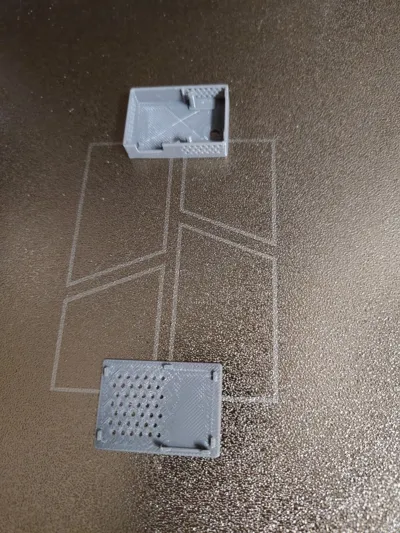
Print Profile(1)
Description
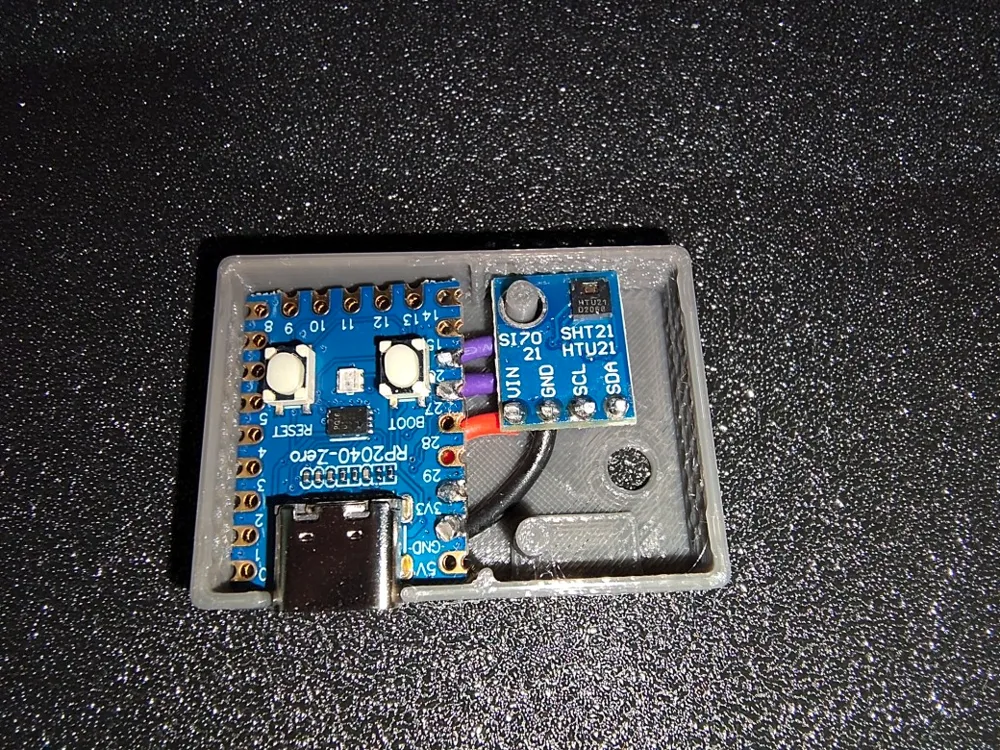
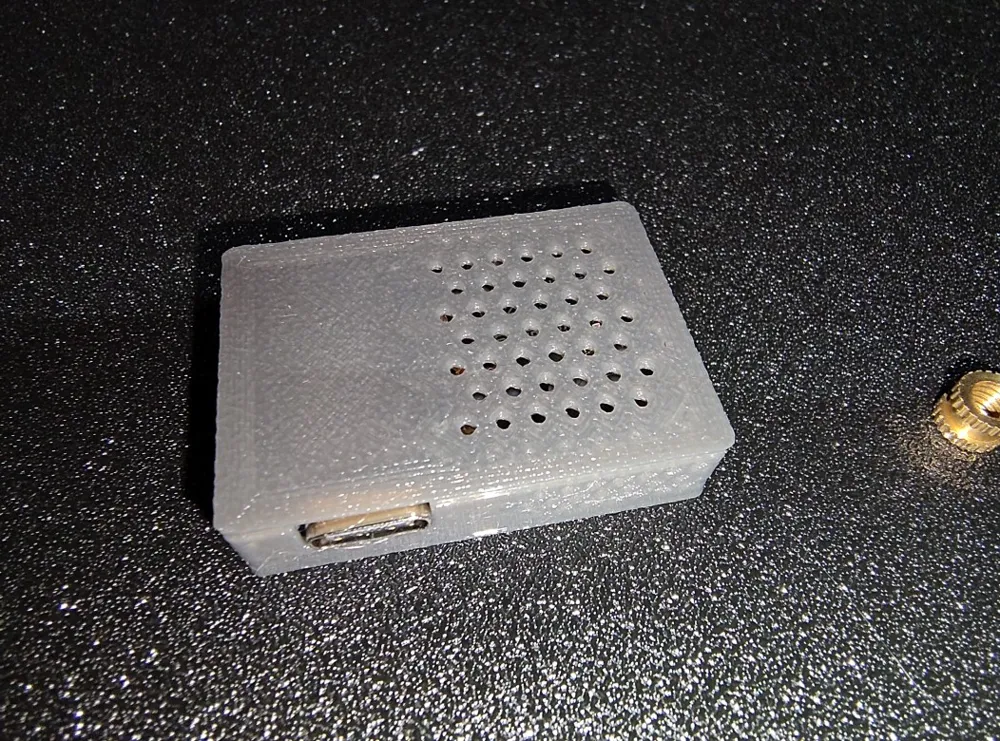
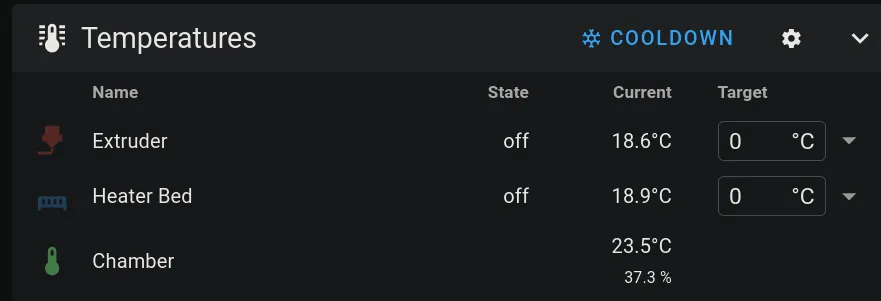
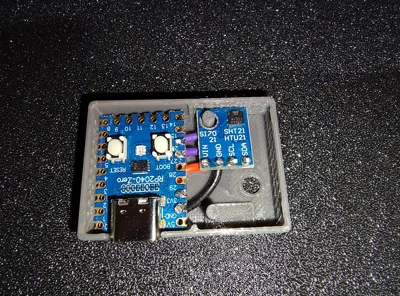
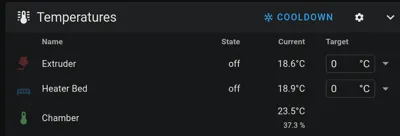
This is for connecting a temperature/humidity sensor to Klipper. With this you can keep track of the temperature inside an enclosed 3D printer for example.
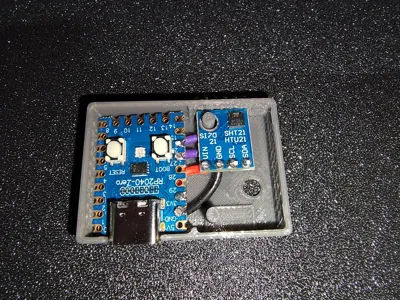
Or put some other electronics in there. An ESP32-C3 SuperMini may also fit because the size is nearly identical.
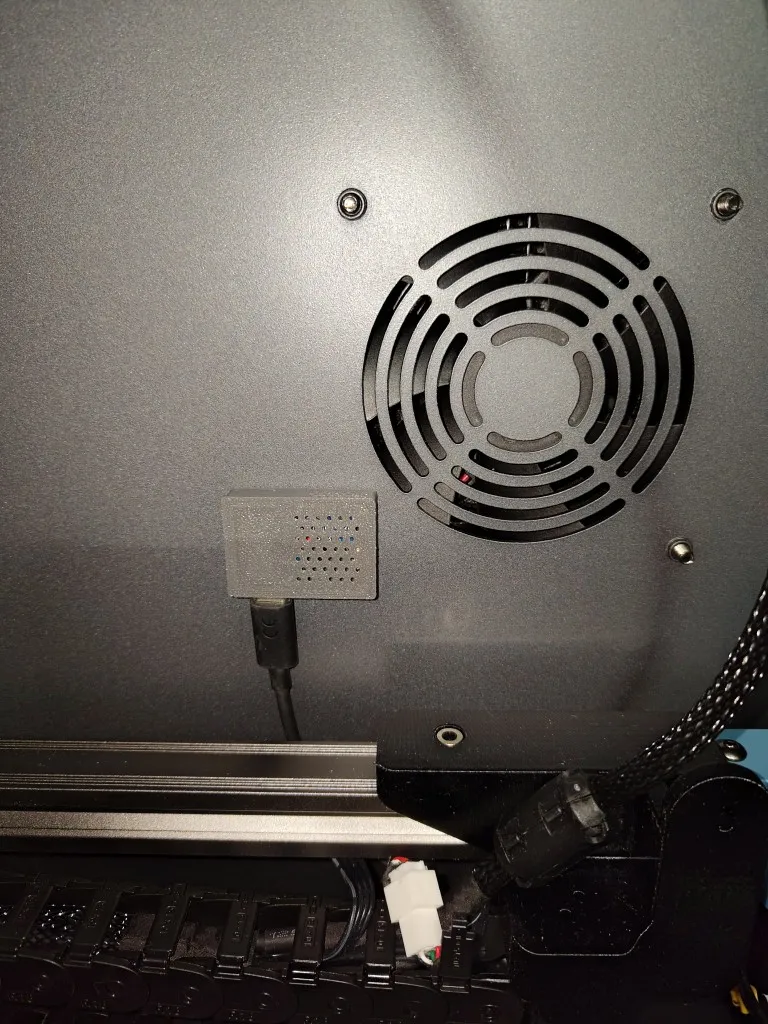
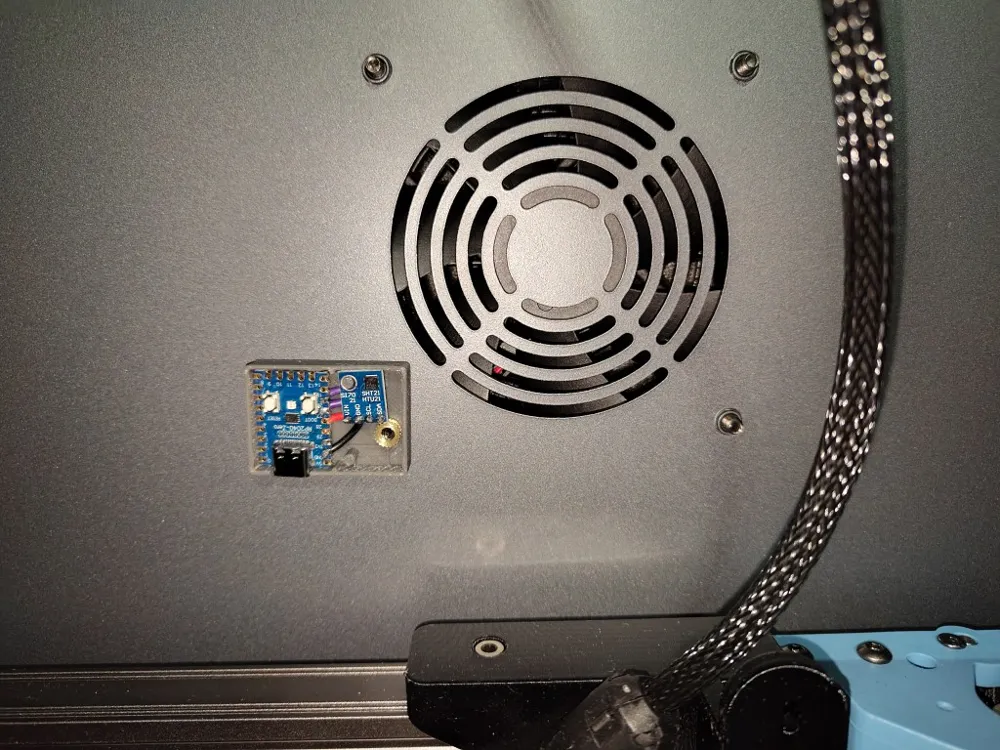
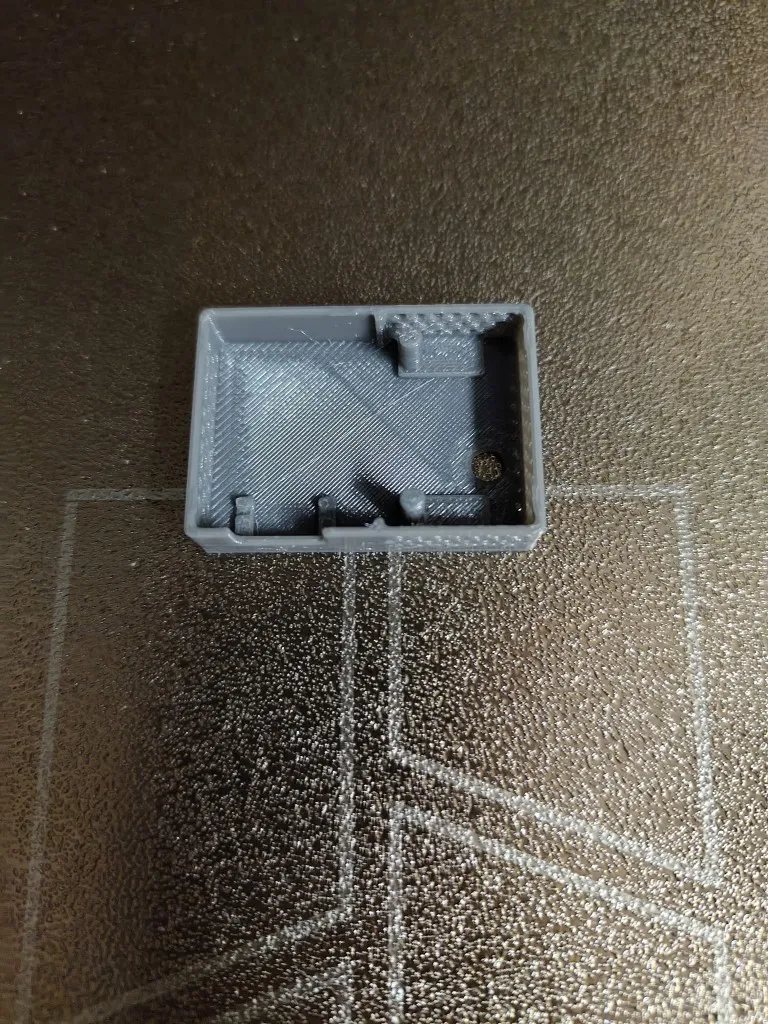
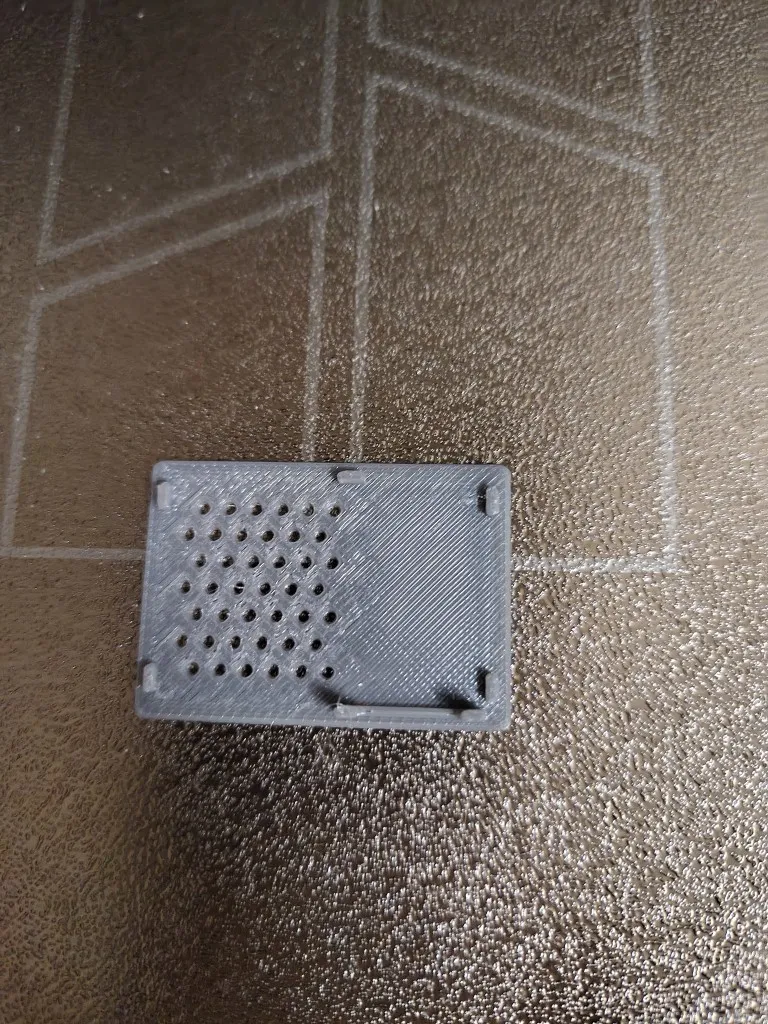
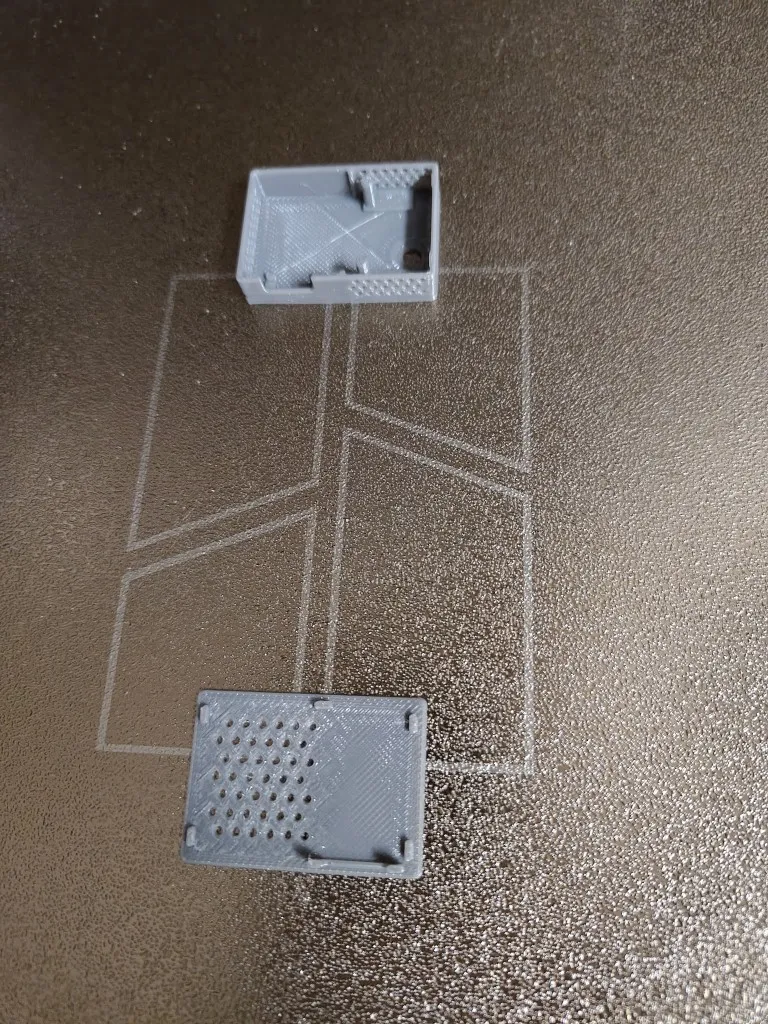
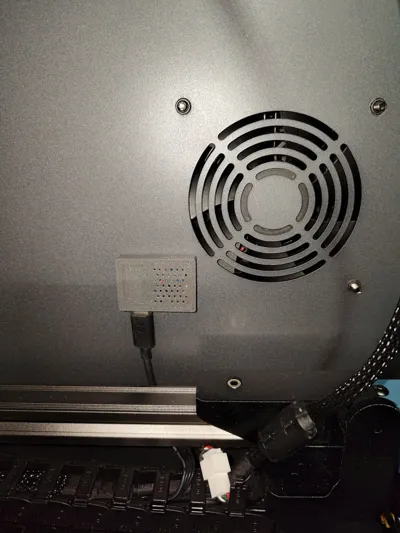
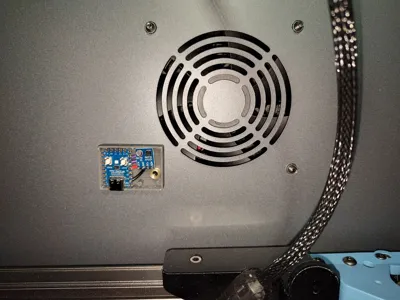
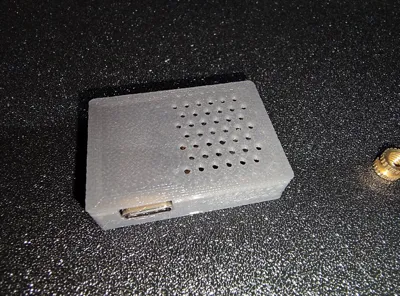
The height is quite low so it does not block the printing when mounted at the back as seen in the photos.
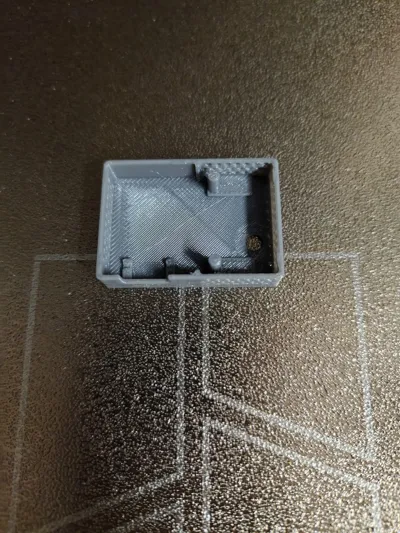
There is a hole that should be a tight fit for an M4 screw. It can be used to mount it in an enclosed Sovol SV08 on the screw of the case fan. Best to add an M4 nut or threaded insert to secure it.
Components used:
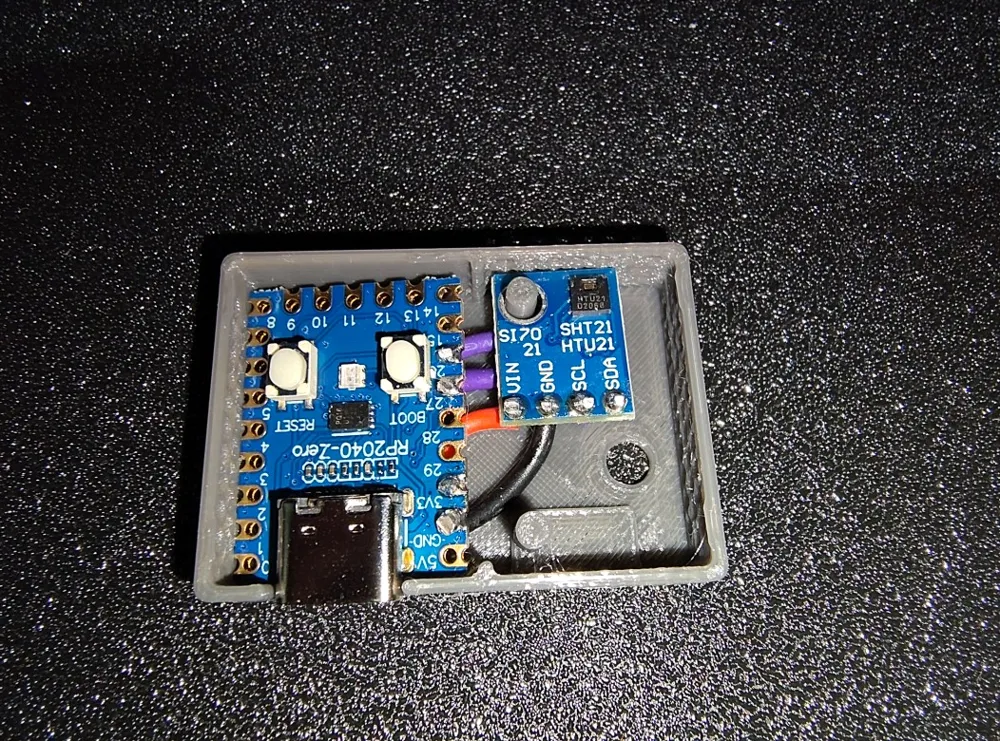
- RP2040-Zero
- HTU21D sensor breakout board
- some wires
Connect the PCBs with some wires. You will need to solder them because there is not enough room for the traditional dupont plugs:
| RP2040 | HTU21D |
| +3.3V | VIN |
| GND | GND |
| GPIO27 | SCL |
| GPIO26 | SDA |
I attached the USB port from the RP2040 to the second USB-A port of the main board.
Here is the klipper config I used. Be sure to flash the RP2040 with Klipper firmware. Preferably first Katapult bootloader, then Klipper firmware because that is easier to update later. Replace the `RRRRRRRRRRRRR` with the actual ID from your RP2040 board.
[mcu chamber_mcu]
serial: /dev/serial/by-id/usb-Klipper_rp2040_RRRRRRRRRRRRR-if00
restart_method: command
[temperature_sensor chamber]
sensor_type: HTU21D
min_temp: 0
max_temp: 100
i2c_address: 64
# Default is 118 (0x76). The BMP180, #BMP388 and some BME280 sensors
# have an address of 119 (0x77).
i2c_mcu: chamber_mcu
# The name of the micro-controller that the chip is connected to.
# The default is "mcu".
i2c_bus: i2c1g
### See https://github.com/Klipper3d/klipper/blob/master/src/rp2040/i2c.c
# If the micro-controller supports multiple I2C busses then one may
# specify the micro-controller bus name here. The default depends on
# the type of micro-controller.
#i2c_software_scl_pin:
#i2c_software_sda_pin:
# Specify these parameters to use micro-controller software based
# I2C "bit-banging" support. The two parameters should the two pins
# on the micro-controller to use for the scl and sda wires. The
# default is to use hardware based I2C support as specified by the
# i2c_bus parameter.
#i2c_speed:
# The I2C speed (in Hz) to use when communicating with the device.
# The Klipper implementation on most micro-controllers is hard-coded
# to 100000 and changing this value has no effect. The default is
# 100000. Linux, RP2040 and ATmega support 400000.
gcode_id:
[gcode_macro _QUERY_CHAMBER]
gcode:
{% set sensor = printer["htu21d chamber"] %}
{action_respond_info(
"Temperature: %.1f C\n"
"Humidity: %.1f%%" % (
sensor.temperature,
sensor.humidity))}
Boost Me (for free)
Boost this if you like it!
License



Comment & Rating (0)