
Parametric Custom Phone Screen Protector Align JIG
Print Profile(1)


Description
Boost Me (for free)
If this jig helps you install your screen protector, a boost or sharing a pic of it means a lot ☺️
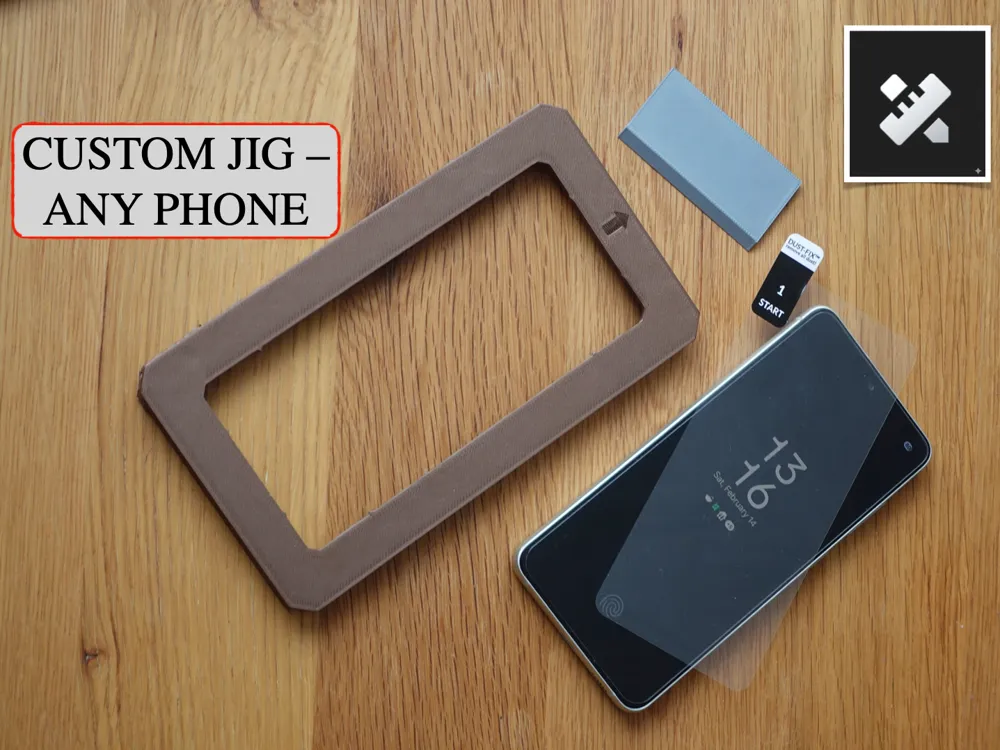
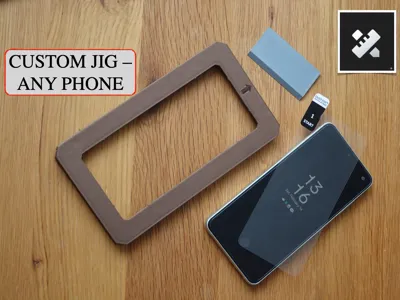
Perfectly centering a screen protector is harder than it should be—especially when the protector doesn’t come with an alignment frame. This parametric phone screen protector alignment jig solves that.
Fully customizable, this jig lets you generate a precise, phone-specific installation frame by entering a few measurements before printing. No guessing, no wasted glass.
You simply measure your phone and screen protector, adjust the parameters in MakerWorld, print under an hour, and install the protector.
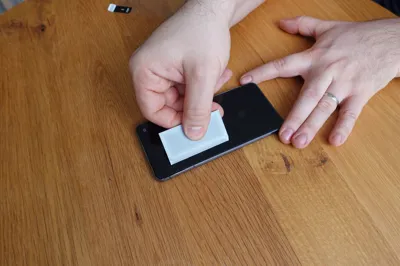
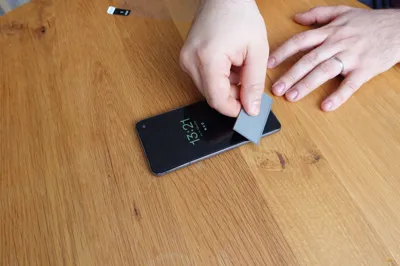
A step-by-step video guide is included to show real installation:
Key Features
- Fully parametric – fits virtually any phone + screen protector combo
- Designed for accurate centering and repeatable results
- Handles phones with asymmetric bezels (bottom chin compensation)
- Supports phones with left-side or right-side button layouts
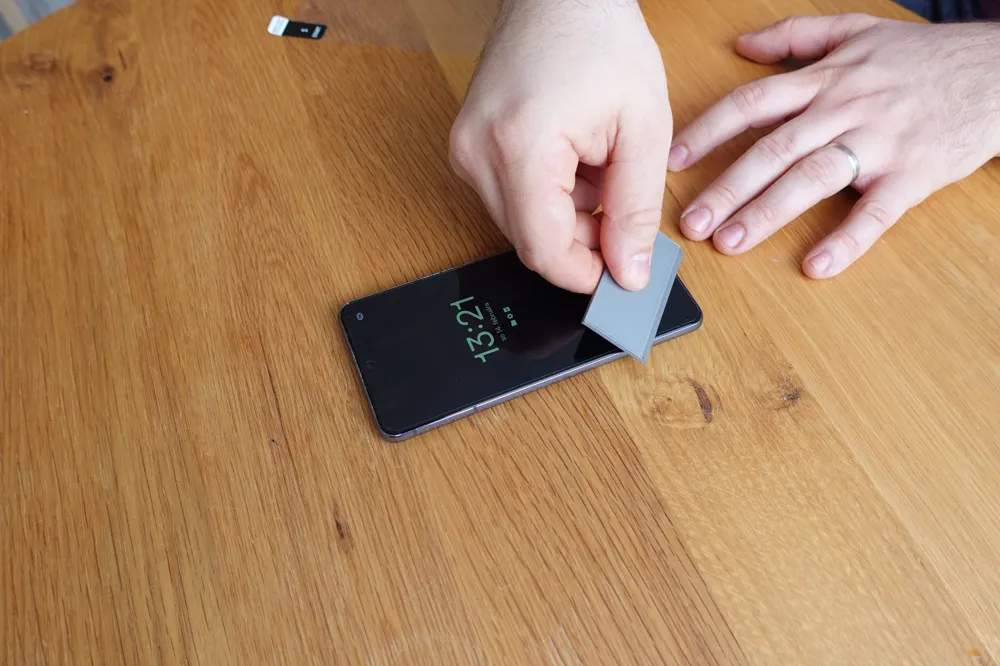
- Includes a built-in bubble remover card
- Tested and works in real use
Adjustable Parameters
- Phone height
- Phone width
- Phone thickness
- Screen protector height
- Screen protector width
- Screen offset – used for phones with uneven top/bottom bezels.
Measure the gap from the top edge of the phone to the top edge of the glass (top_gap) and the gap from the bottom edge of the phone to the bottom edge of the glass (bottom_gap).
Screen offset = (bottom_gap − top_gap) ÷ 2
Default value is 0 (most phones are symmetric). - Button placement – tells the jig which side the volume / power buttons are on.
Buttons on the right side → keep the default value 1
Buttons on the left side → manually enter -1
Phone dimensions can usually be found on sites like GSMArena; glass dimensions are typically provided by the manufacturer or easily measured.
How to Use (After Printing)
See the video guide for a full walkthrough.
- Remove the phone case
- Clean the screen as instructed by your screen protector manufacturer
- Place the phone face-up on a flat surface
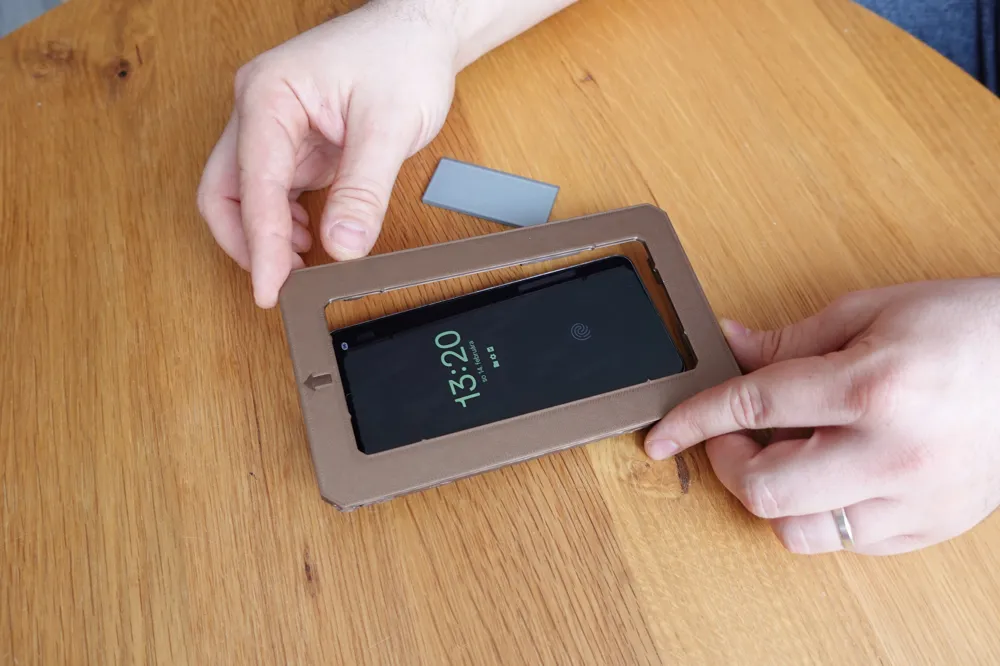
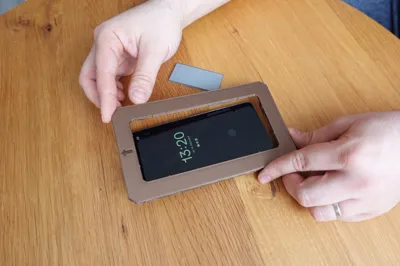
- Slide the jig onto the phone (arrow pointing to the top)
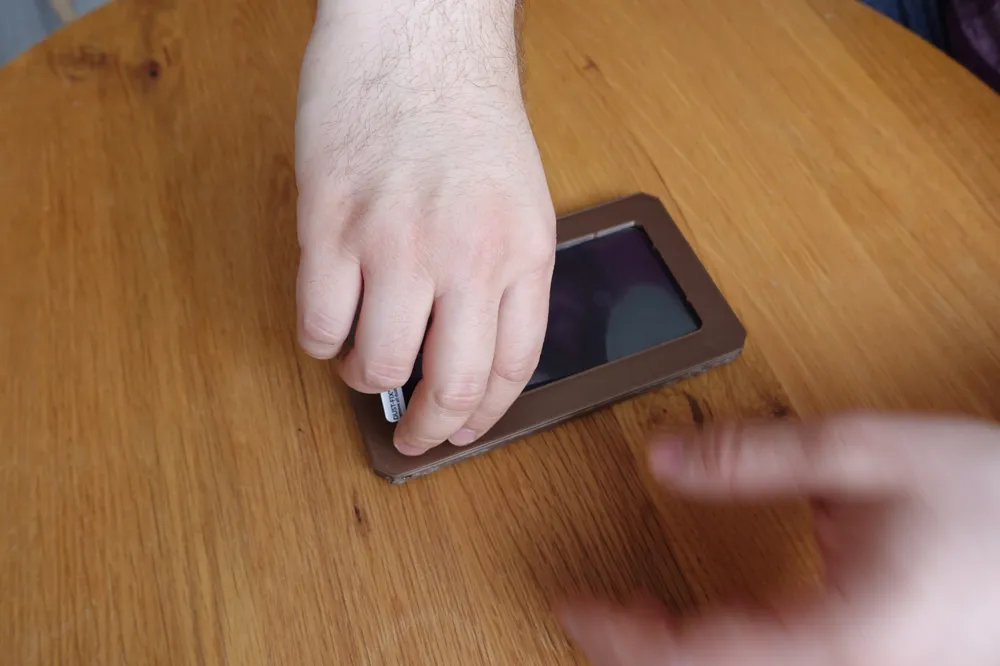
- Peel the protector backing and insert the glass into the jig at ~45°
- Align the bottom edge with the two small triangular contact points
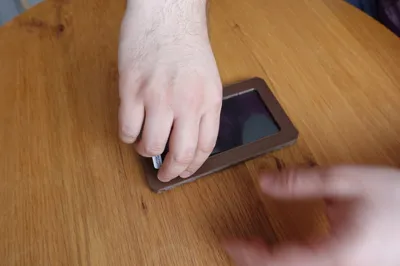
- Slowly release the glass onto the screen
- Press gently from the top center downward
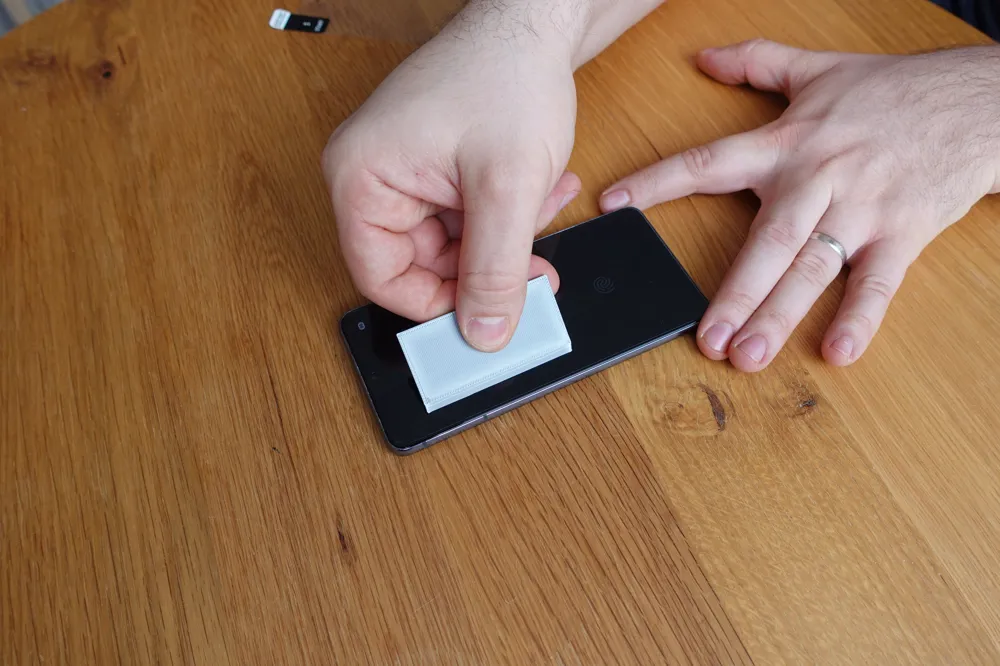
- Remove the jig and use the bubble remover to push air to the edges
- Done
Notes
This started as a Fusion 360 training project, but turned into a genuinely useful tool. Many screen protectors ship without a jig—this lets you make one that actually fits your phone.
License

You shall not share, sub-license, sell, rent, host, transfer, or distribute in any way the digital or 3D printed versions of this object, nor any other derivative work of this object in its digital or physical format (including - but not limited to - remixes of this object, and hosting on other digital platforms). The objects may not be used without permission in any way whatsoever in which you charge money, or collect fees.


Comment & Rating (4)