
Sodastream Syrup Holder Vertical
Print Profile(2)

Bill of Materials

Description
Summary:
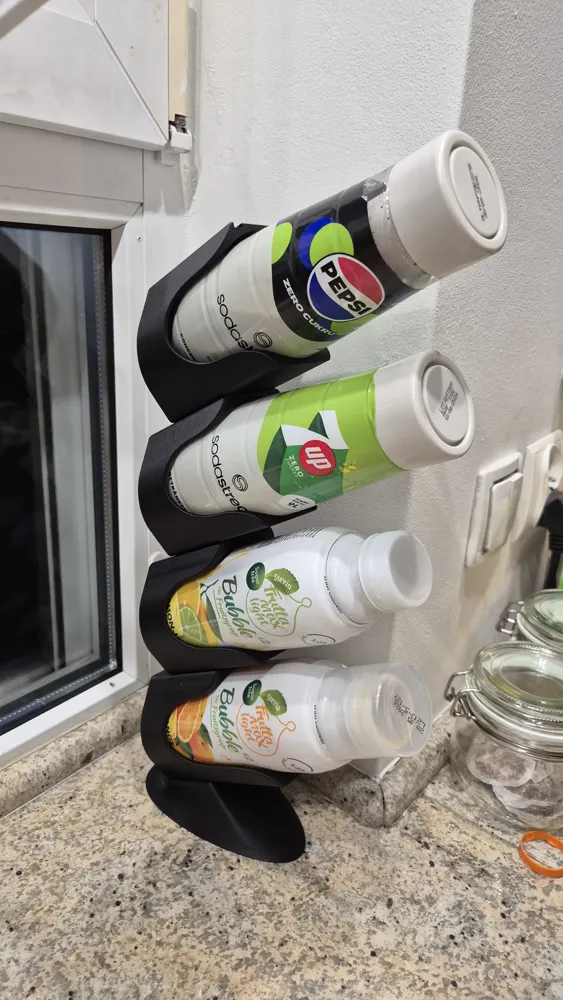
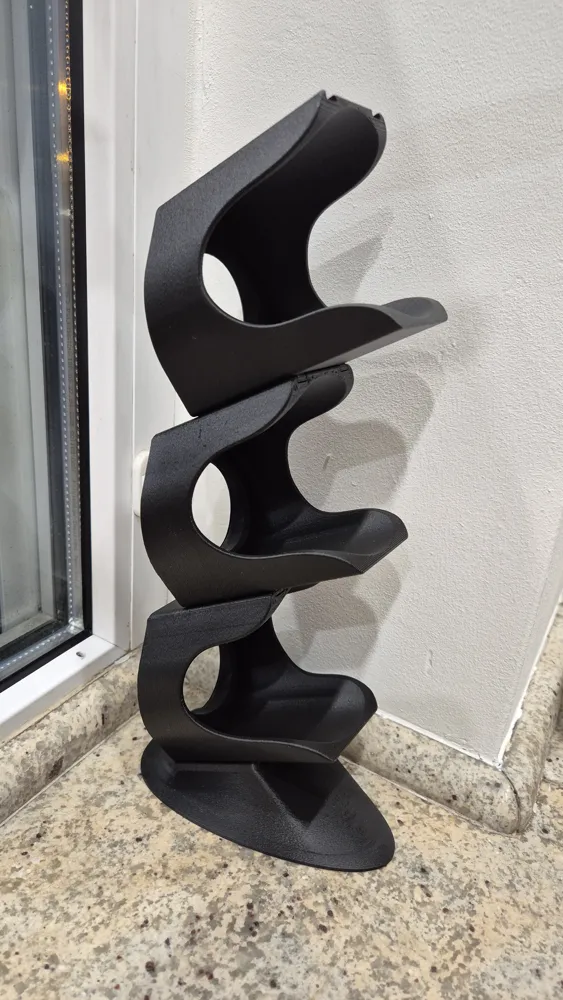

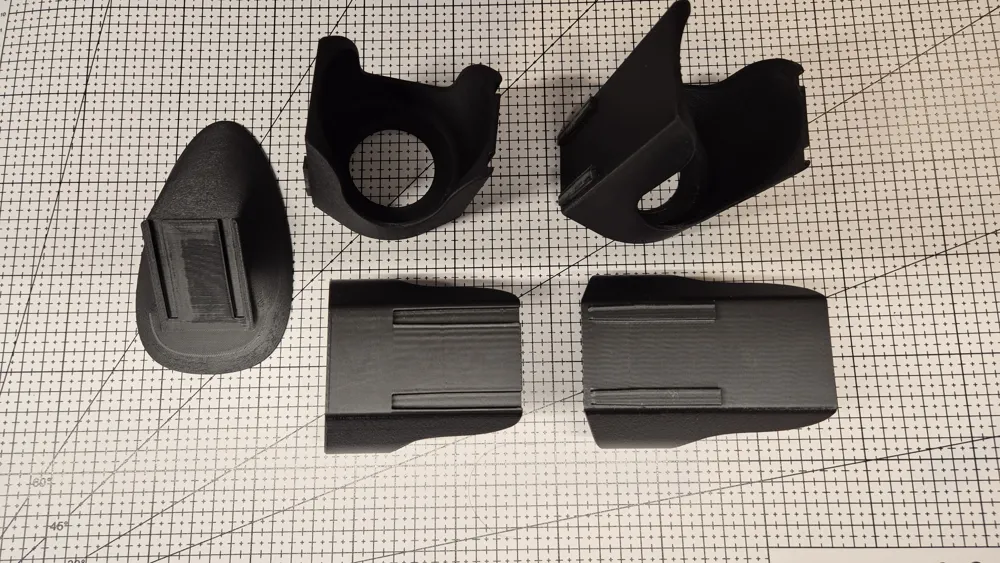
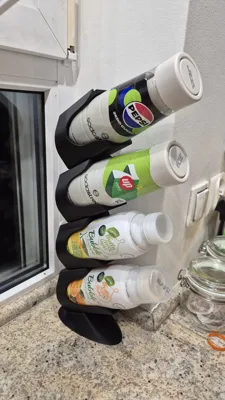
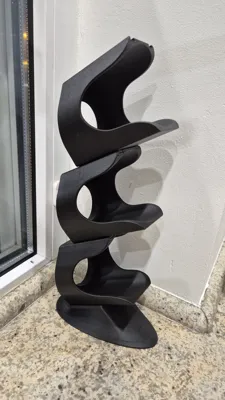
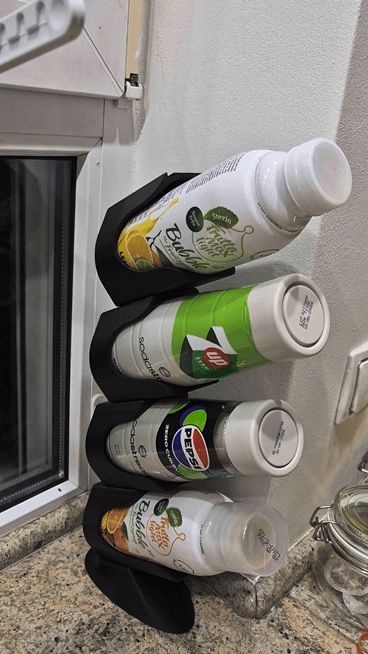
Vertical Soda Stream Syrups Holder, should fit most bottles with diameter < 70mm. Each segment can be printed separately to build holder of required height.
Note: that joints clearances are tight (0.05mm) to ensure that stand doesn't flex, you might not be able to easily separate parts once they are connected.
Two versions are available:
- short bottom lip - recommended
- long bottom lip
Both should work with even with quite long bottles, select based on preferred appearance or take longer one if you use exclusively long bottles, or to make it easier to place bottles down (it is easy even with short ones, but if one has dexterity problems little things like this might help).
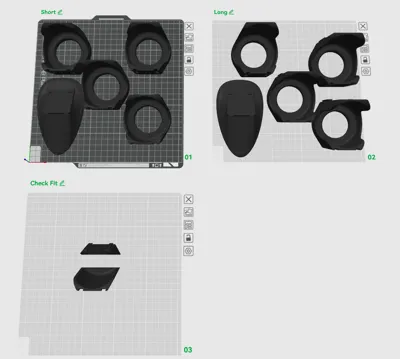
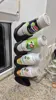
Short and long are cross compatible and can be mixed (see first photo).
Content/files:
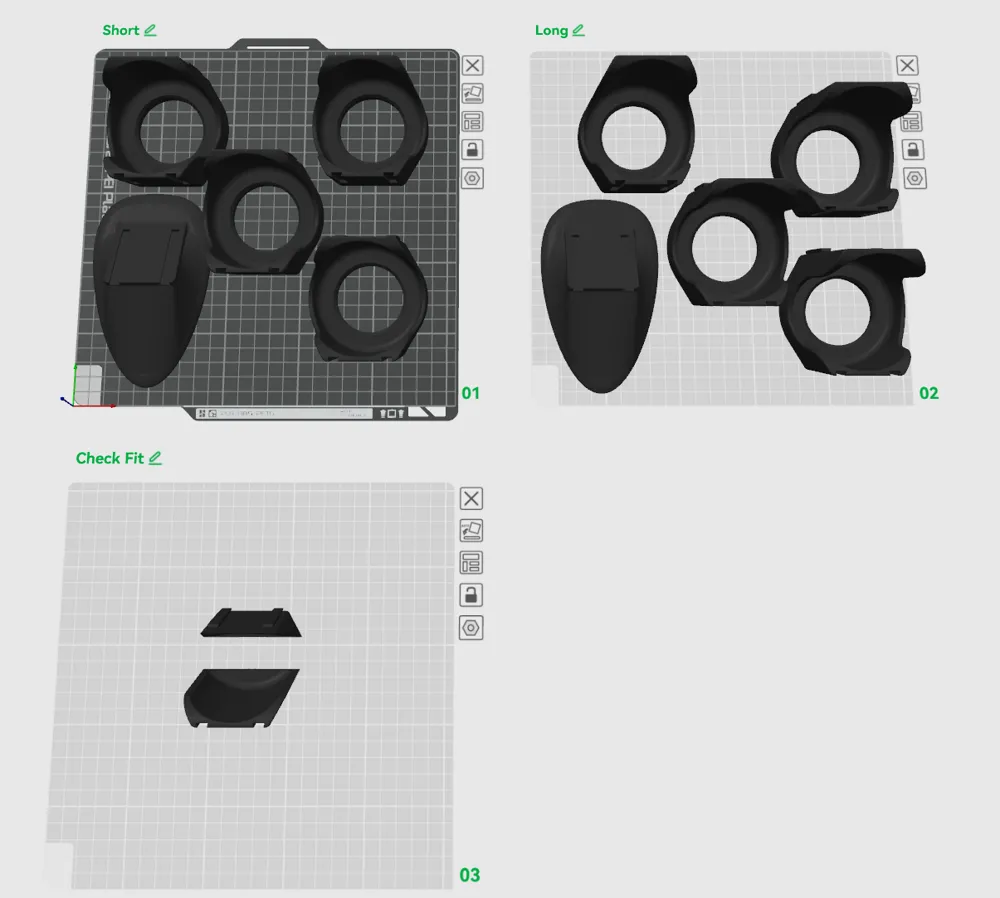
- Sodastream Vertical Holder Bambu.3mf - configured with recommended settings, seams blocking/enforcing painted at correct places, fuzzy skin disabled (but it is painted on)
- Plate 1: Stand and 4x bottle holder, short lower lip (~390g of PLA)
- Plate 2: stand and 4x bottle holder, long lower lip (~430g of PLA)
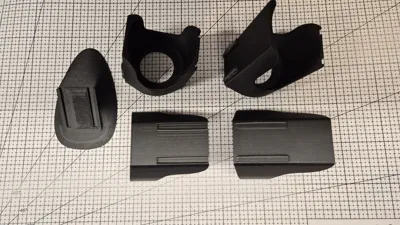
- Plate 3: Fit check (~46g of PLA)
- Sodastream Vertical Holder Bambu Fuzzy Skin.3mf - same as above, but with fuzzy skin enabled -
- STLs (same as above, except of fit check parts, but in STLs).
3mf files were saved with Bambu Studio 2.5.0.66, but works correctly also in Orca Slicer 2.3.2-beta. I didn't check other slicers.
If you are unsure of your filament calibration (or mine and selected clearance :D ) - print fit check parts, it is just 46g of filament and should take about 90mins.
Recommended material:
Use stiffer materials like PLA, ABS, PC, etc. PETG is too elastic, and probably will creep quite fast.
Any carbon fiber/glass fiber reinforced (non-TPU) material would work as well (but personally I avoid -CF/-GF materials in kitchen especially if they will be constantly rubbed, like this one).
On photos printed with Bambu Lab PLA Matte and Sunlu PLA Classic (Matte HS)..
Recommended slicing settings:
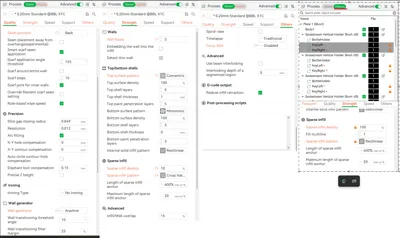
If you use Bambu Studio/Orca Slicer, use attached 3mf files.
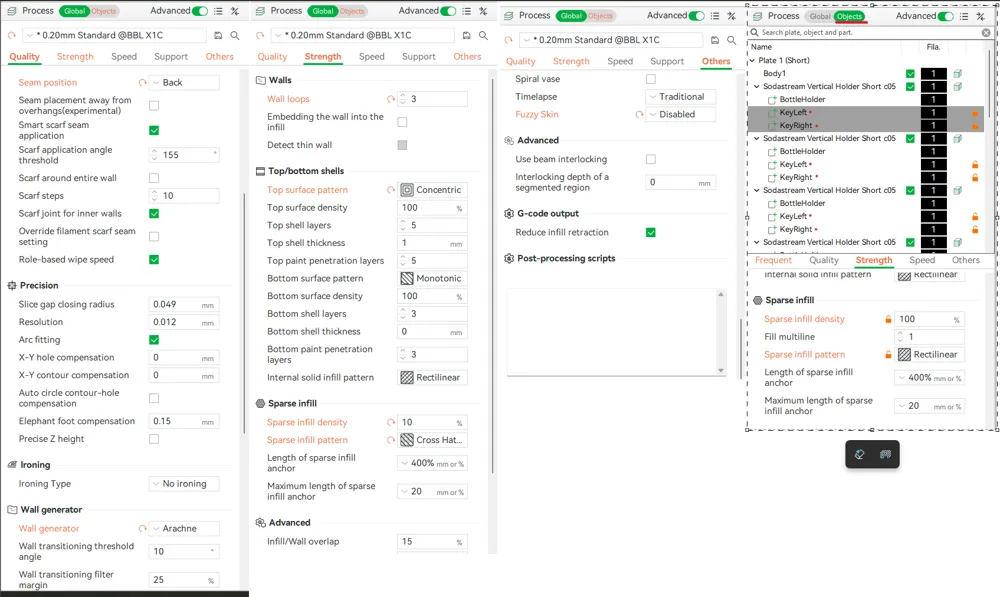
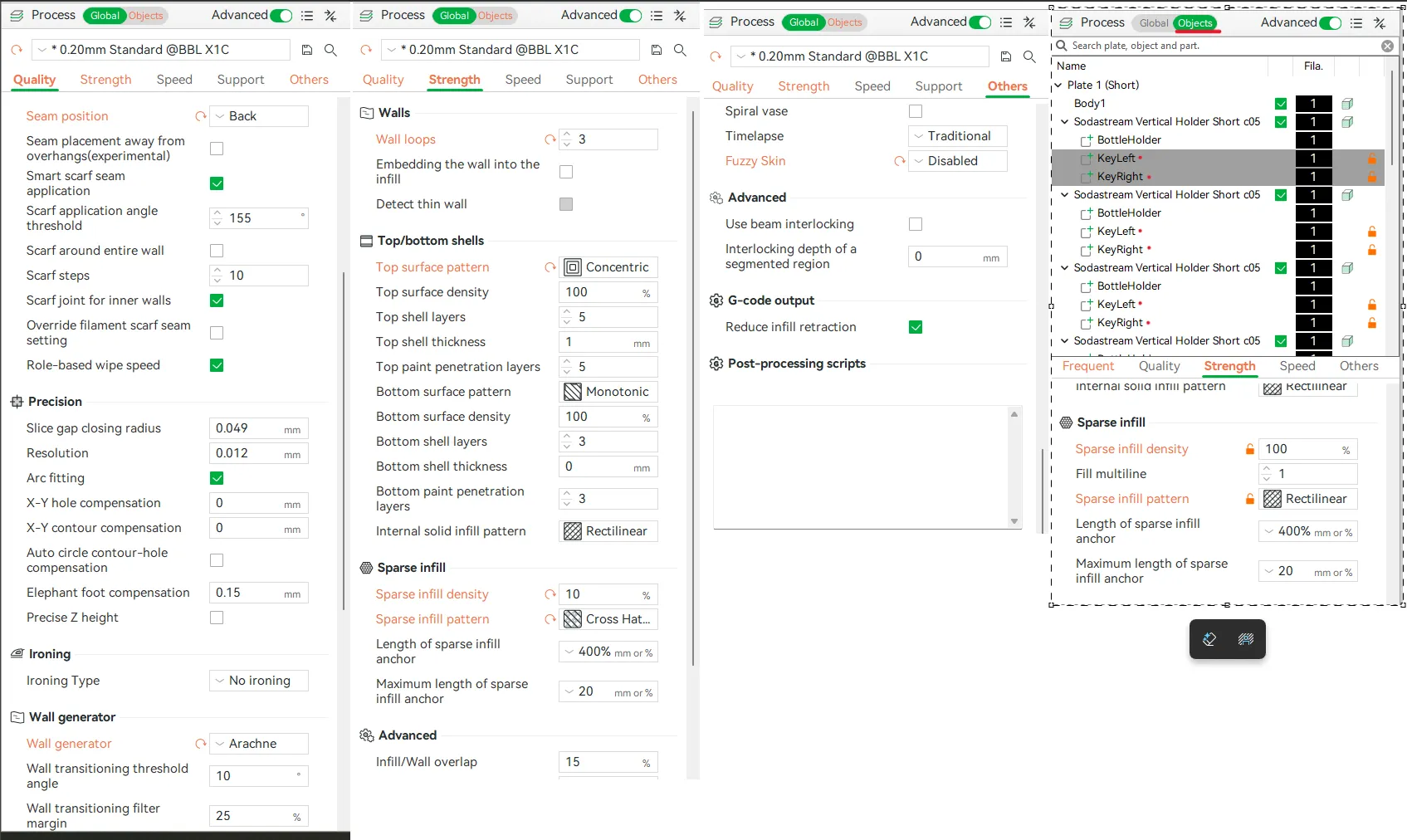
For others - if 3mf doesn't load correctly check screenshots with setting and recommended seams blockers/enforces painting - you don't won't fuzzy skin or seams to get into connector parts as they might effectively decrease clearance.
Also let me know in comments which slicer you used and if it didn't work/worked.
Settings:
Seam painting:
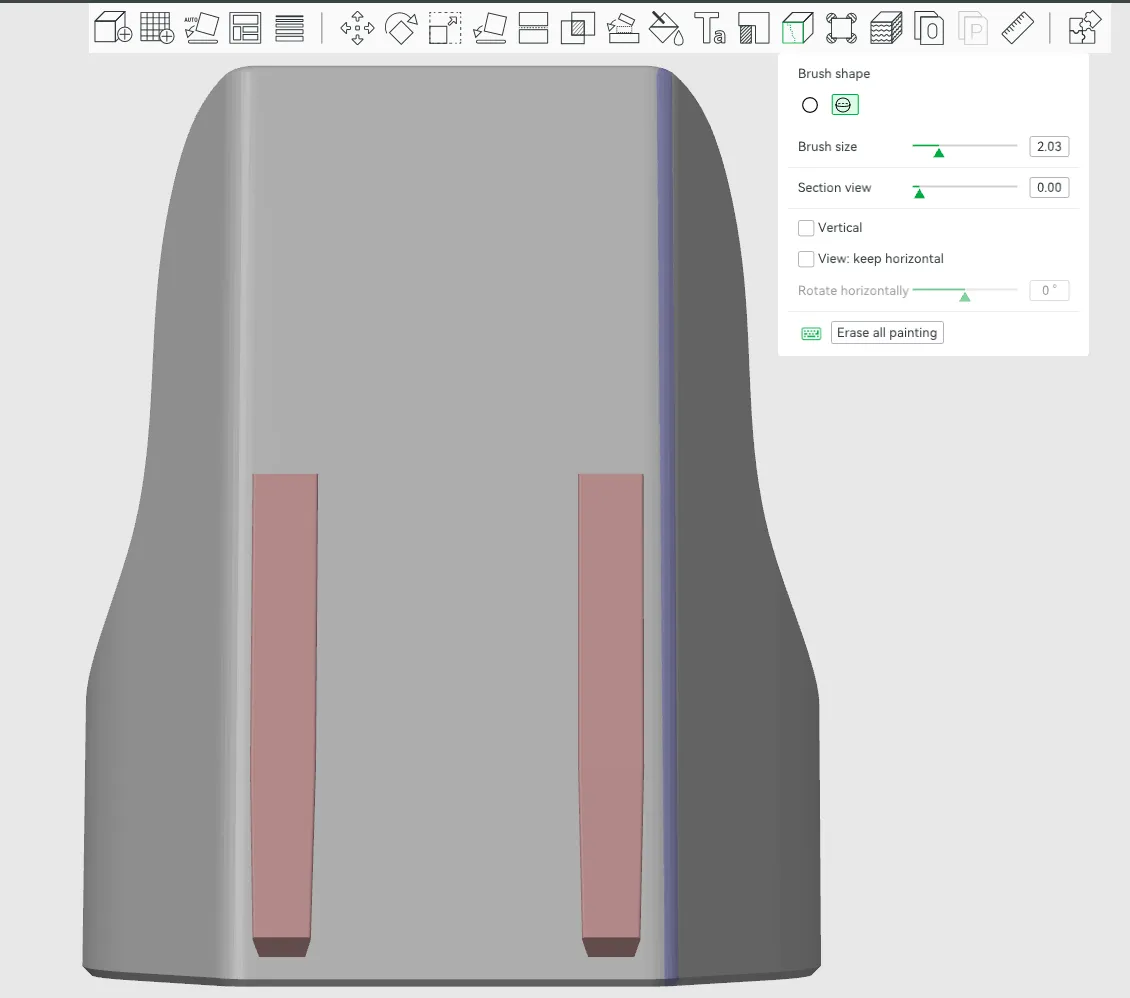
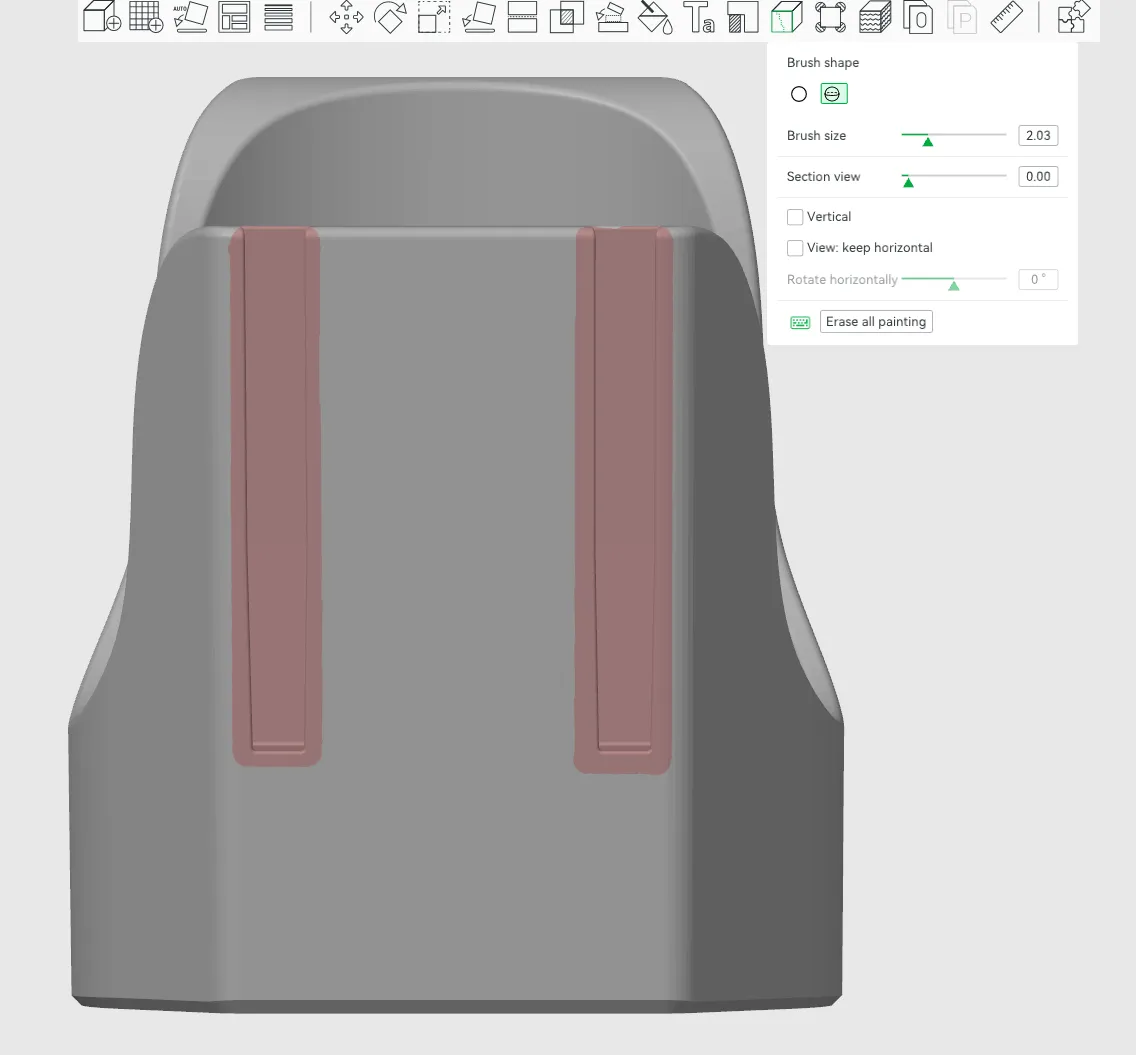
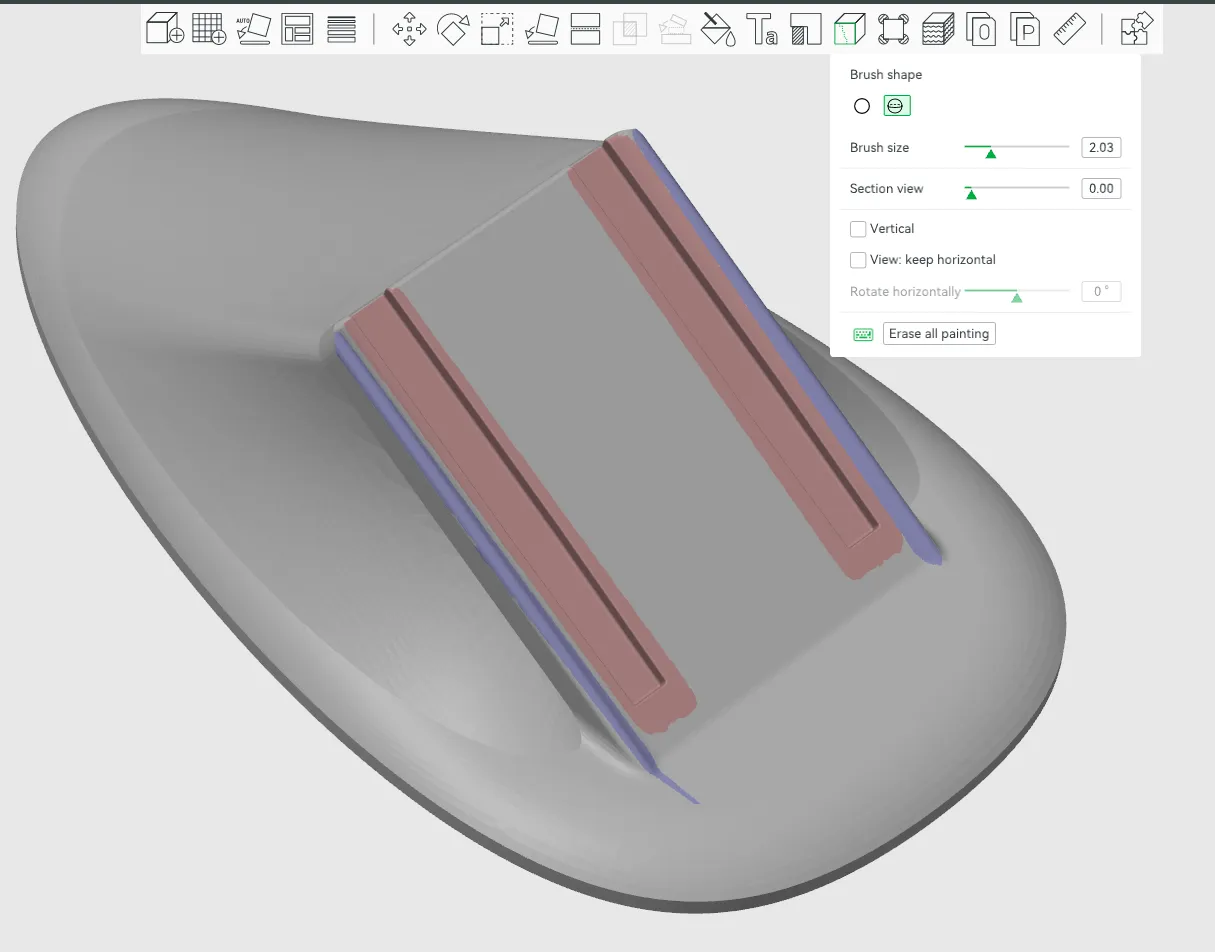
Fuzzy skin painting:
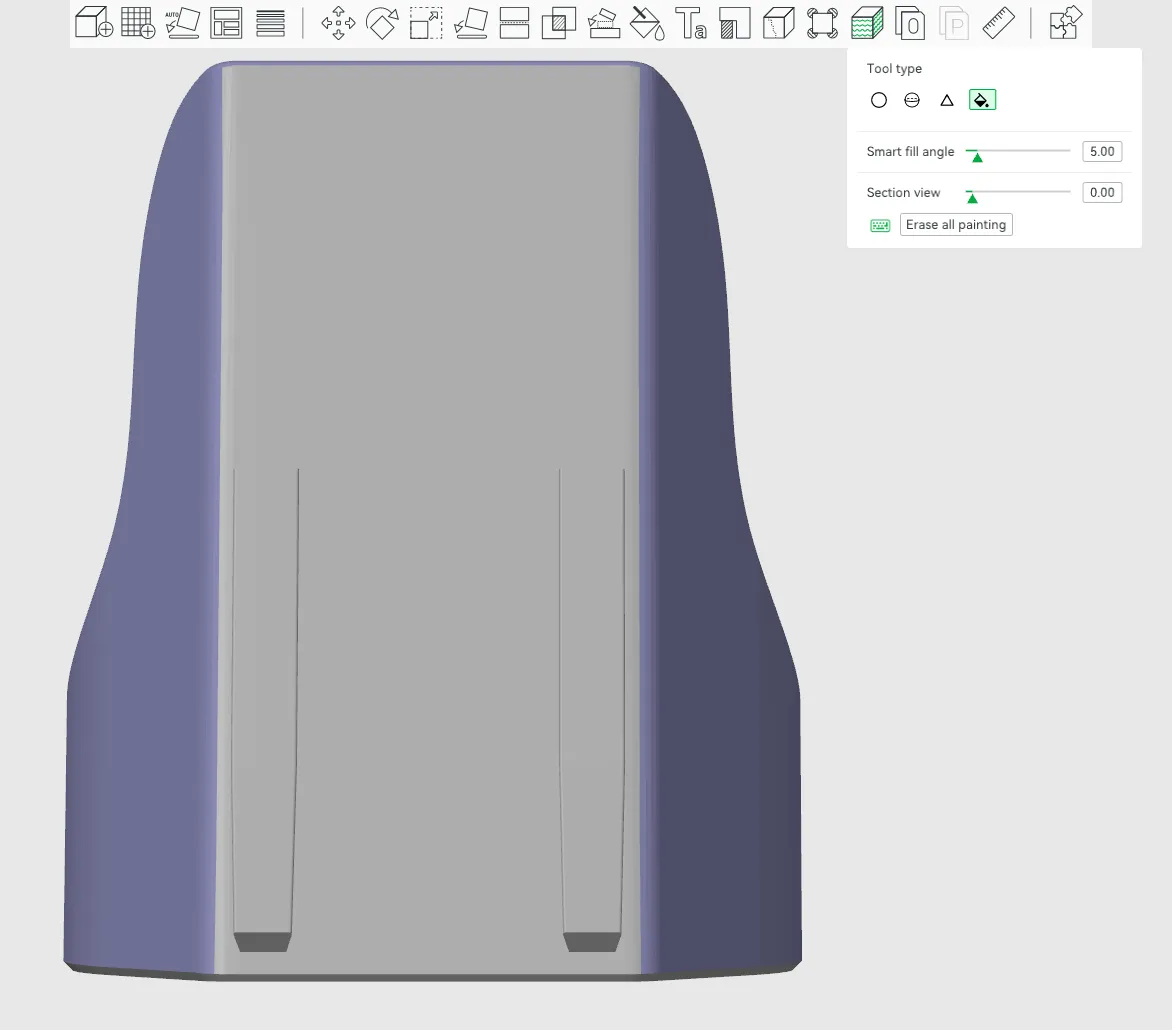
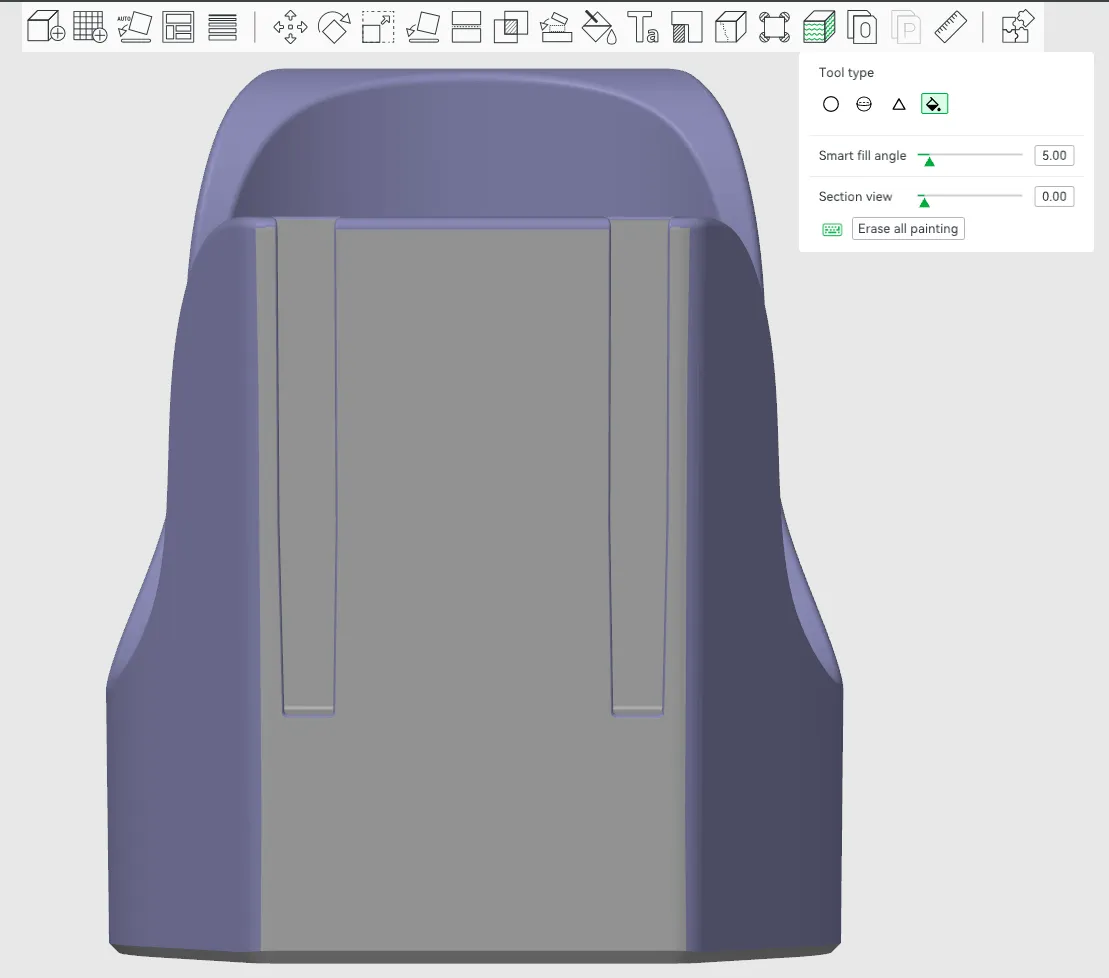
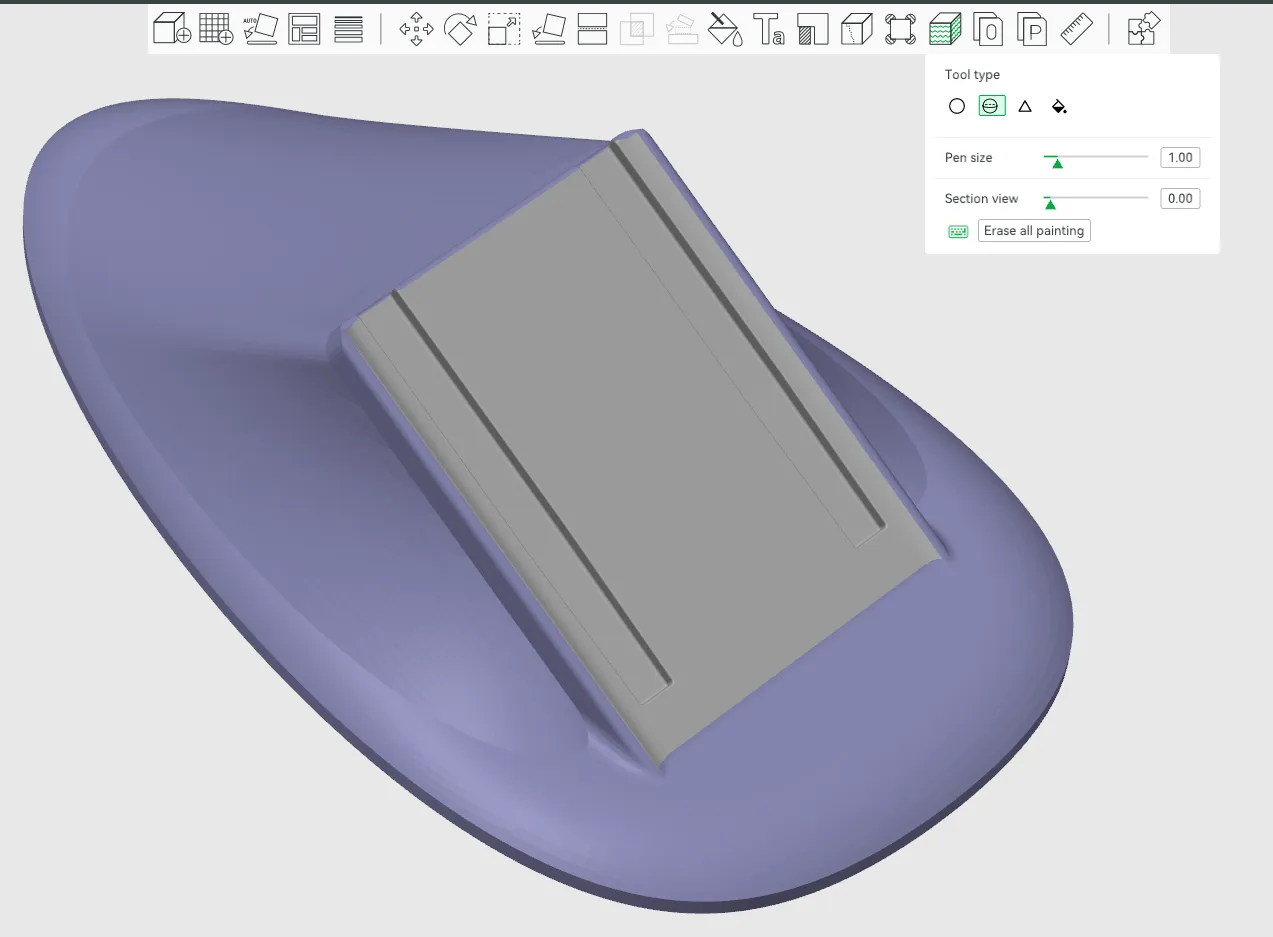
Note that dovetail joints are designed to be tight with just 0.05mm clearance. If you experience over-extrusion you might not be even able to join them, and if you have under-extrusion you might need to use glue, as parts will be lose.
Photos of prints show version with 0.28mm layer height and fuzzy skin. Profiles are set to 0.2mm (as this is good compromise between looks and print duration), but changing layer height to 0.28mm (for holders, keep stand at 0.2mm) will cut printing time by 15%-20% (~2h).
Printing and assembly steps:
- Optional, but strongly recommended:
- Print fit check plate (or if using STLs - cut one of holders into half so you get both key and slot separately)
- Check if they get together tightly,
- it should be either tight (but possible to disconnect with some force) or very tight but still getting all the way in.
- If it is lose - your flow is probably way too low. Calibrate your filament.
- If it is too tight - well your flow might be too high, but it might be also inaccuracy or wet filament. Check for defects or seams on key/slots, those surfaces need to be almost perfect.
- If after re-calibration and other troubleshooting steps it is still to tight (or too loose), write a comment with details and I will add tighter/looser parts.
- Select short/long bottom lip version and print.
- There is no order to parts and you can stack as many as you want, but I wouldn't go over 5-6 (and for anything over 4 you might want to check stability).
License



Comment & Rating (7)