
9600 John Deere Combine- CyberBrick Model
Print Profile(2)
Bill of Materials
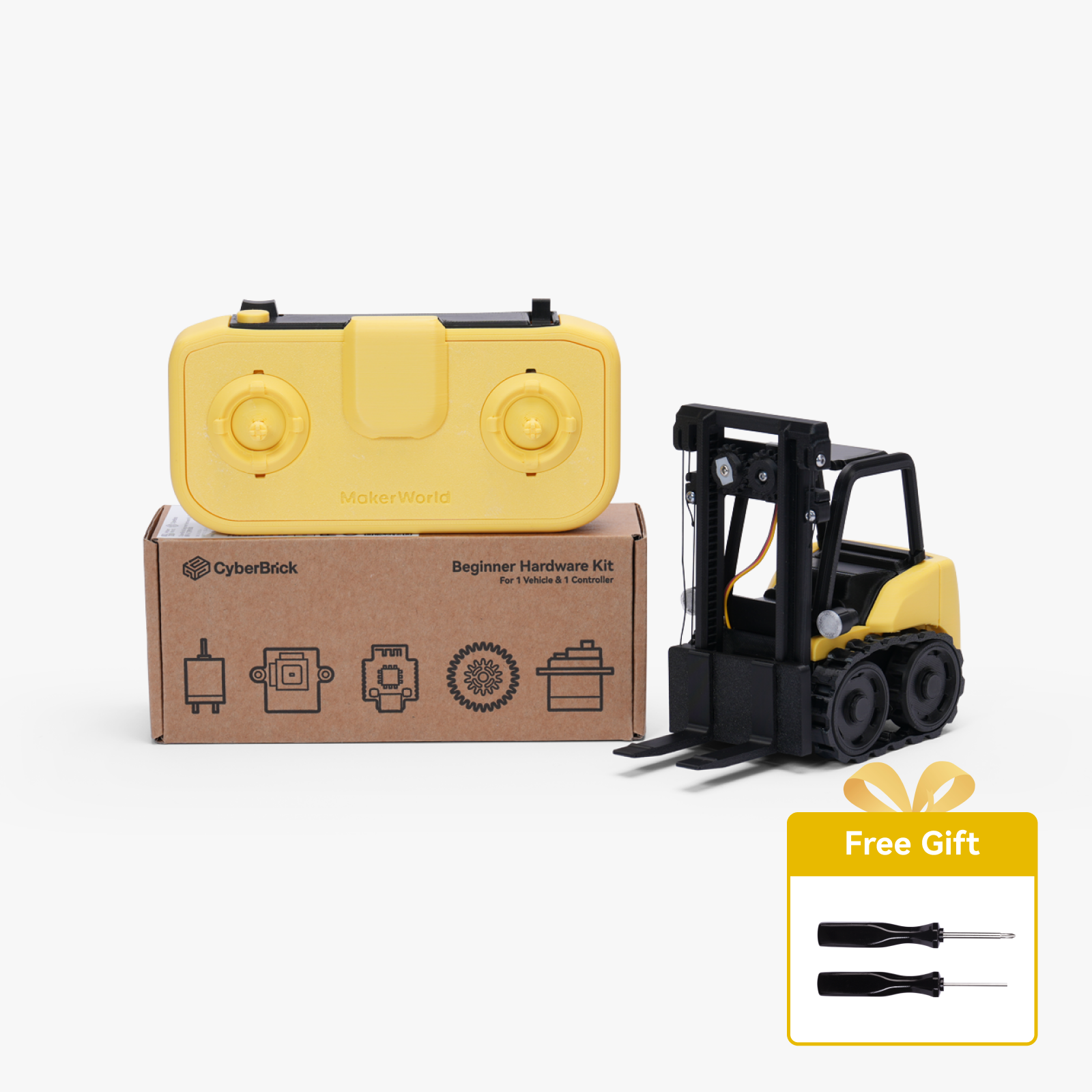
- Loctite 401 Glue x 1: Buy off of Amazon
Description
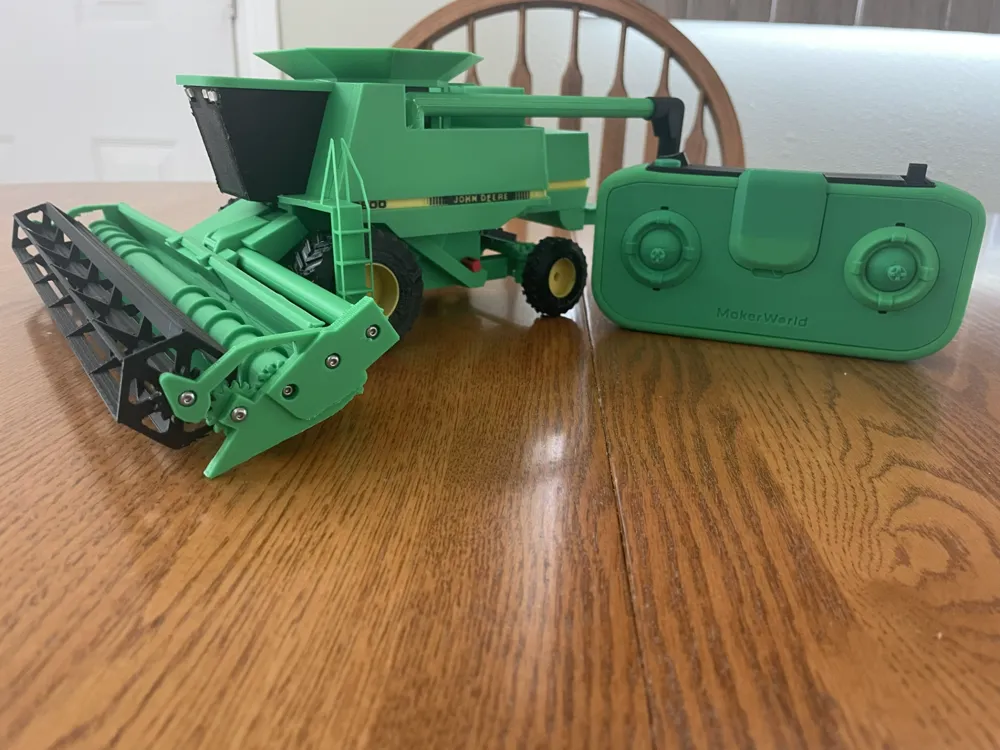
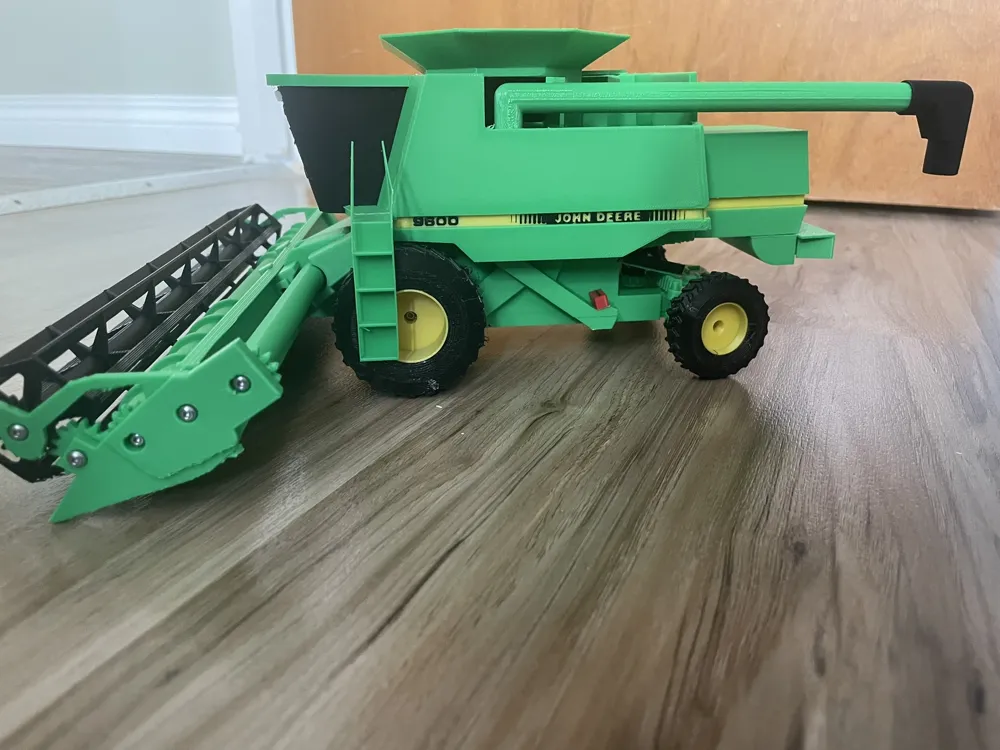
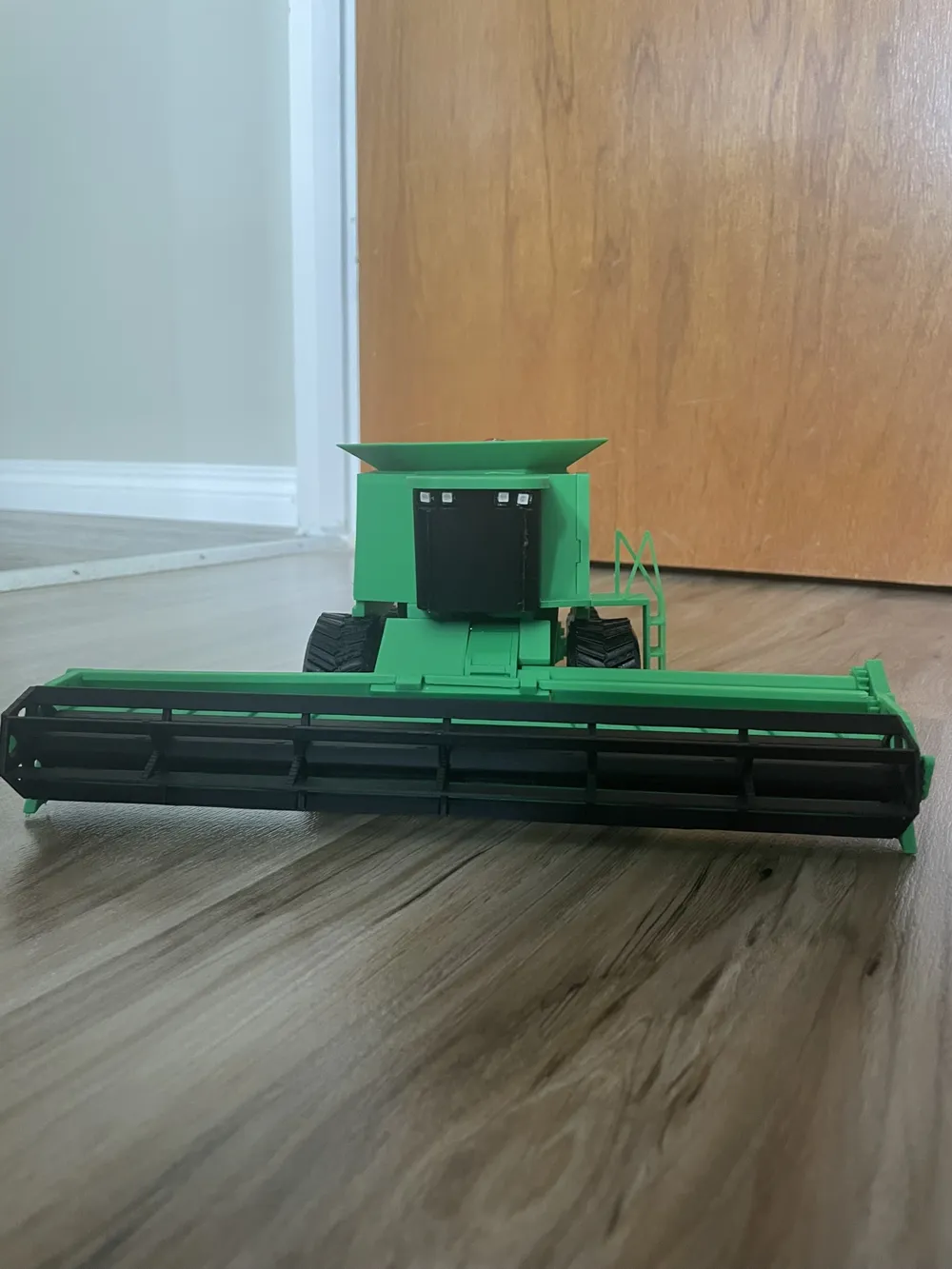
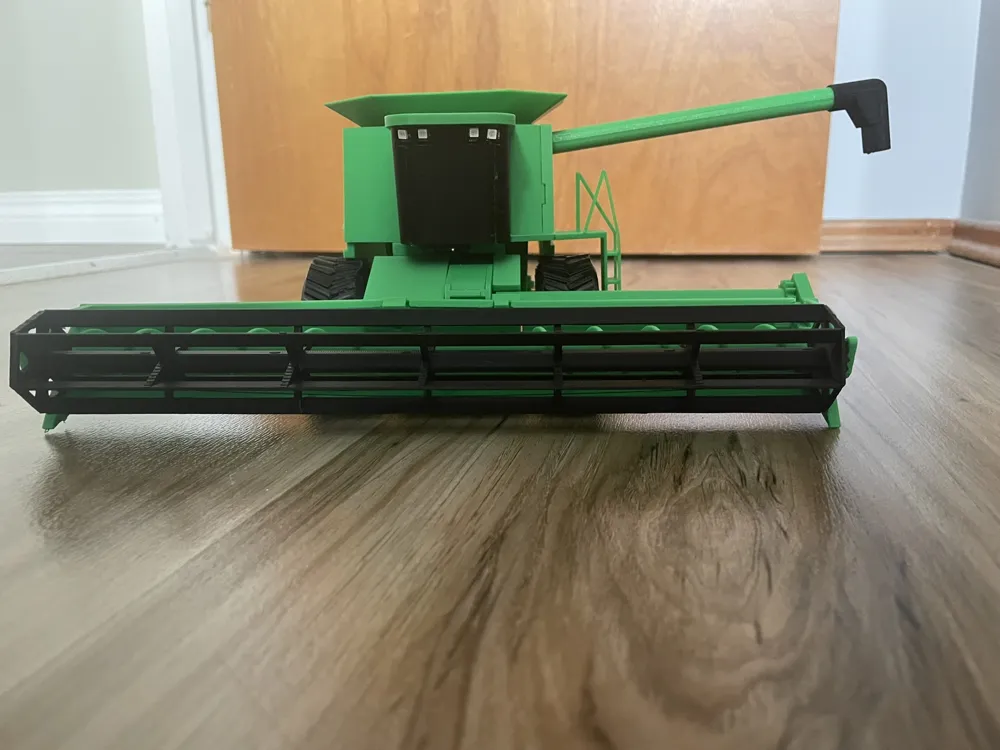
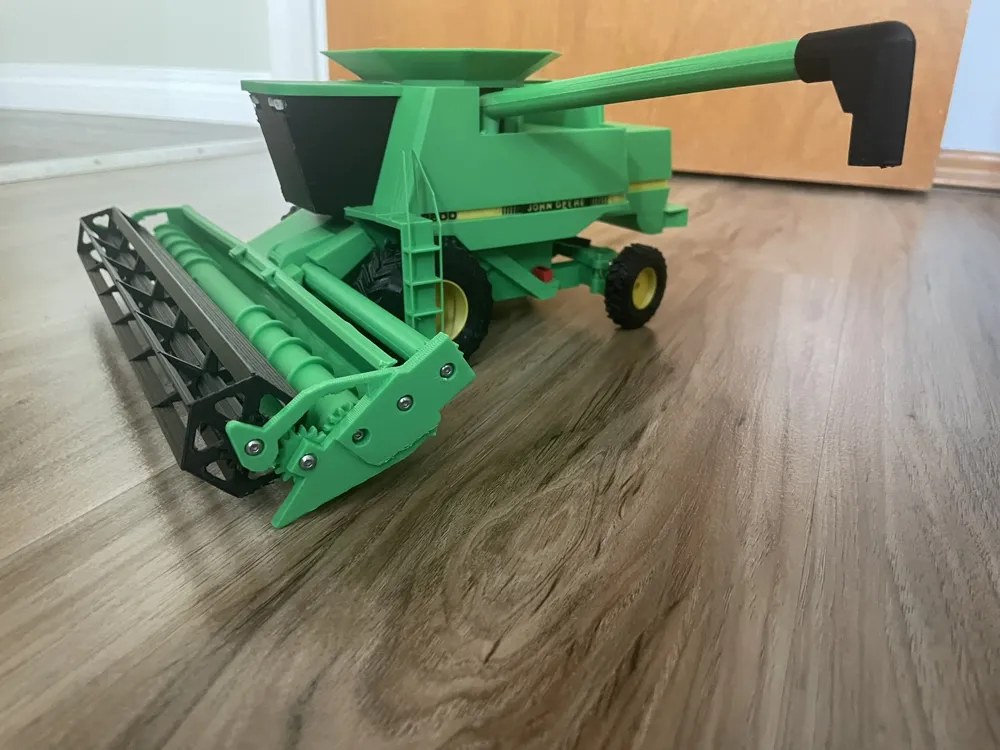
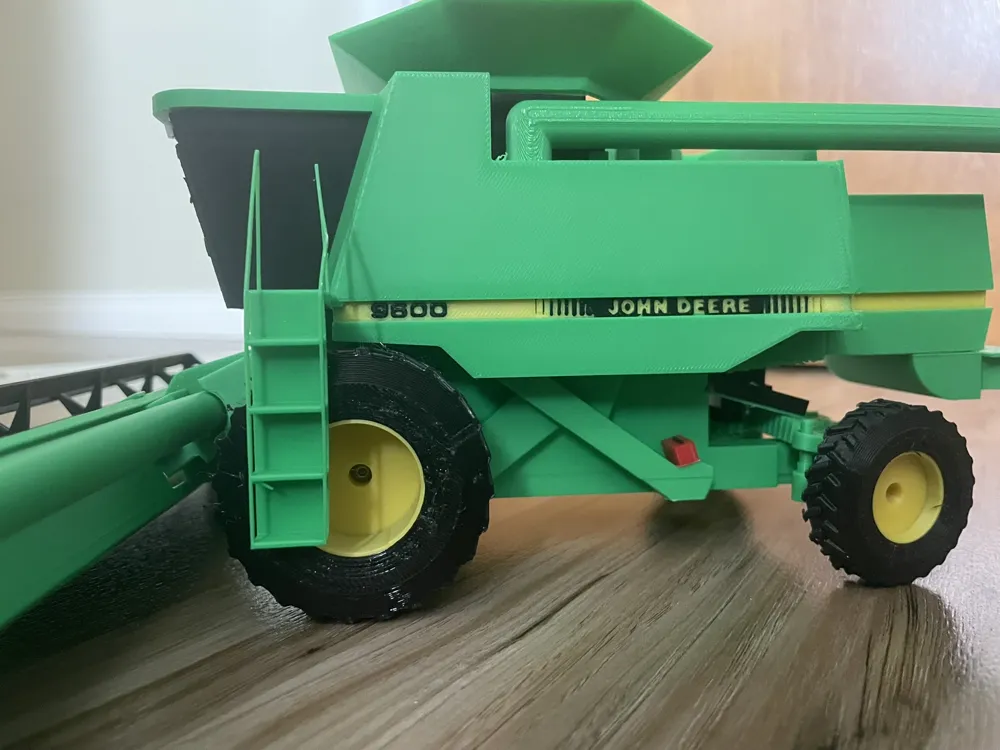
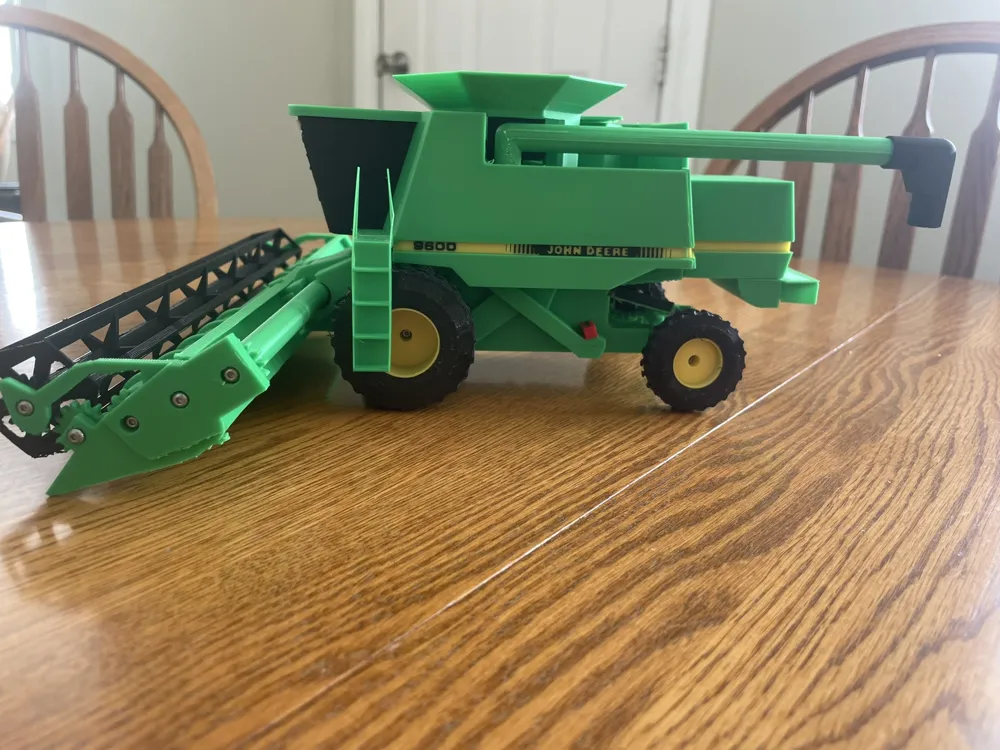
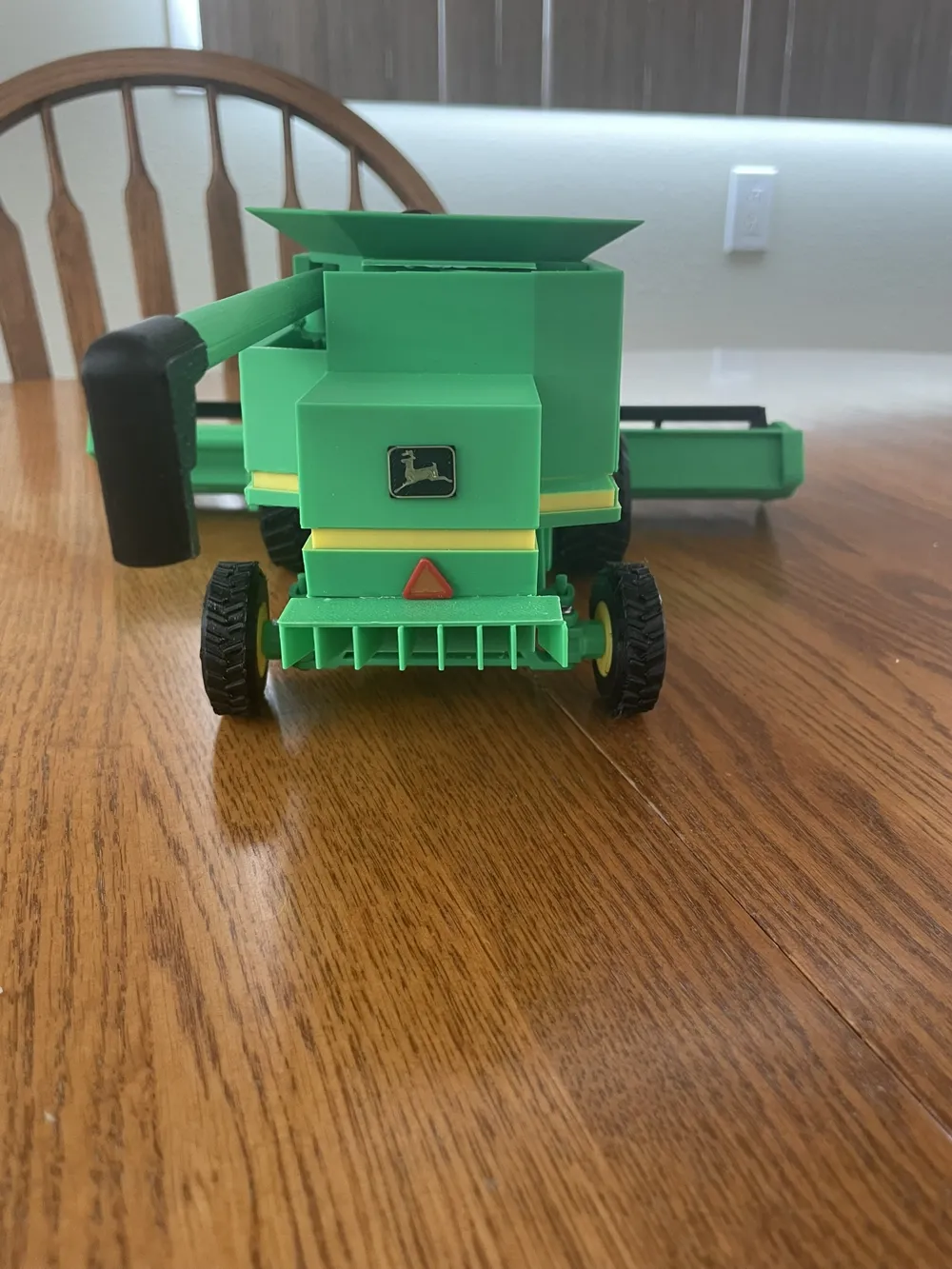
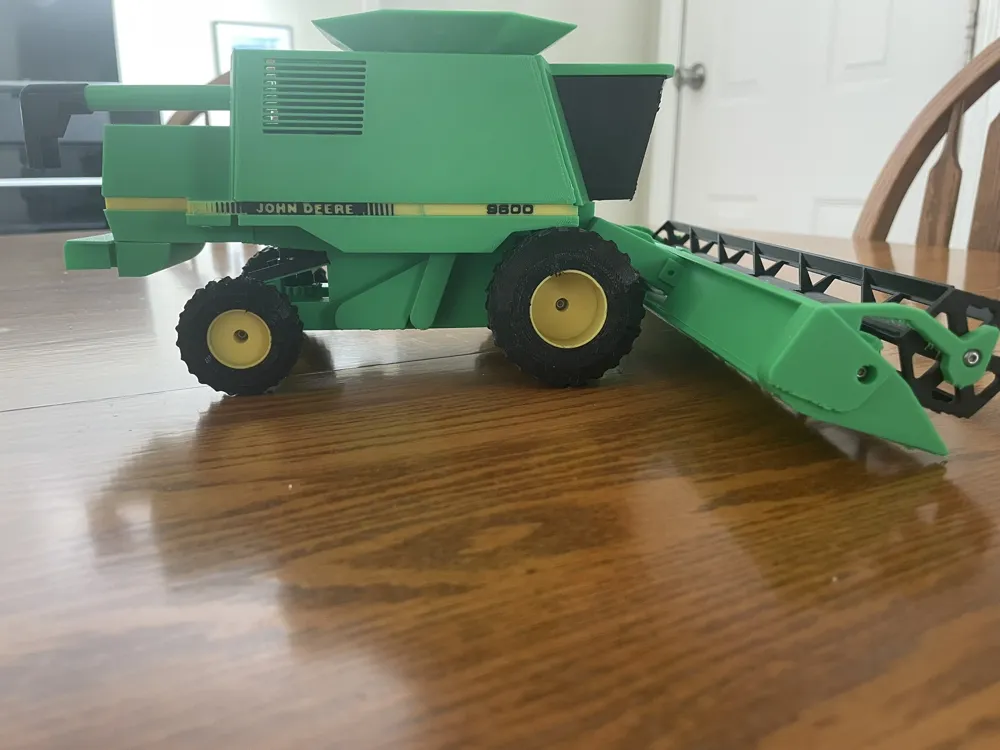
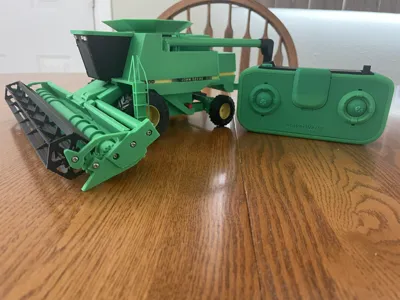
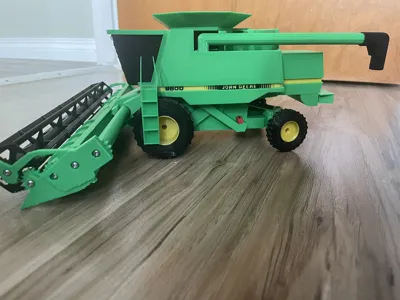
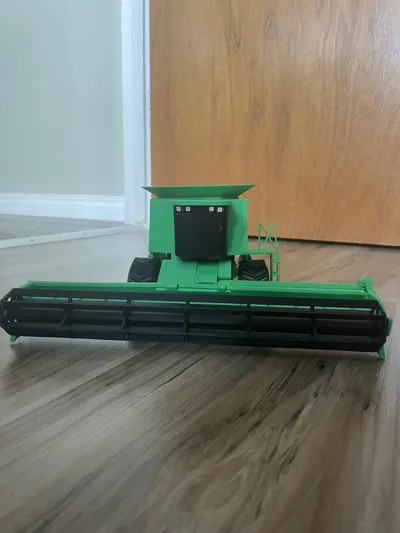
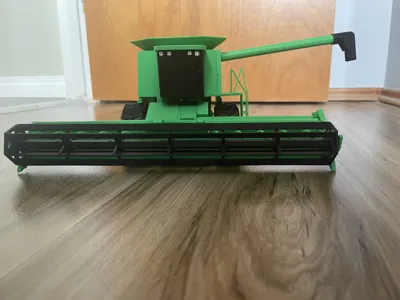
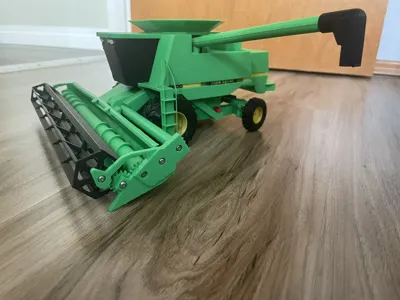
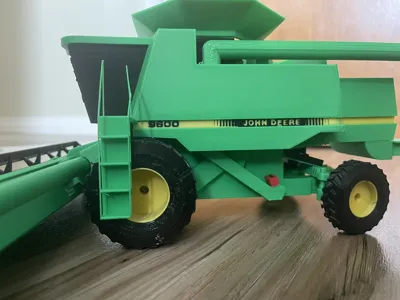
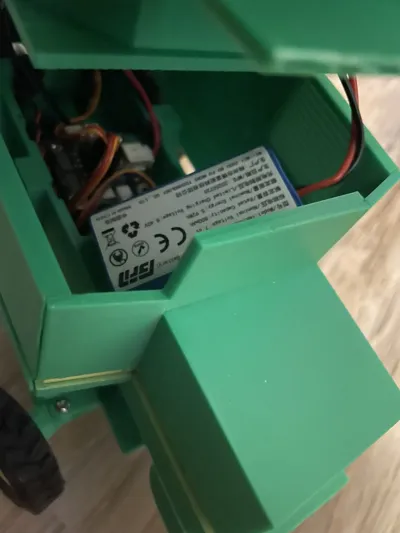
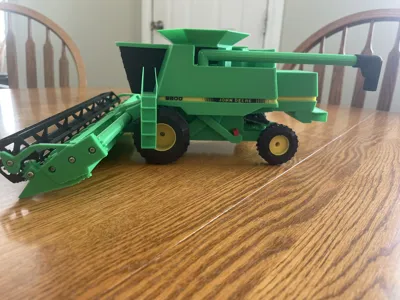
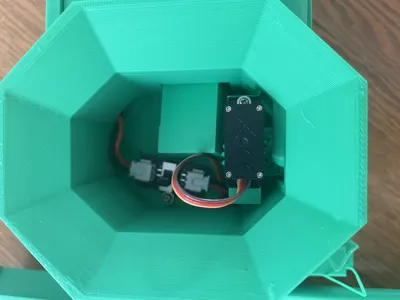
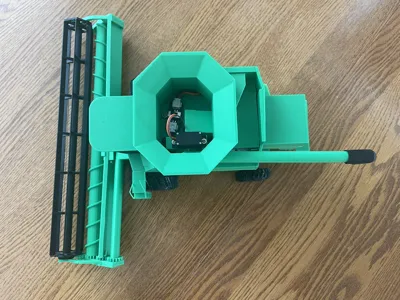
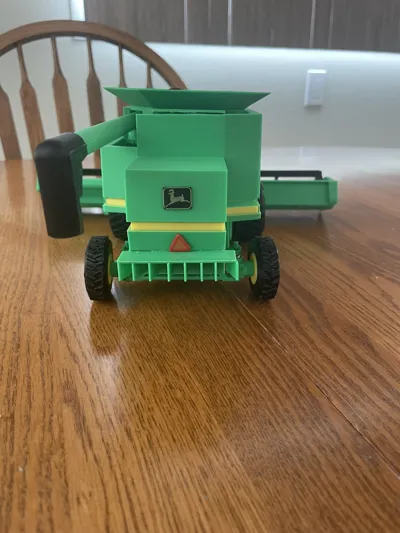
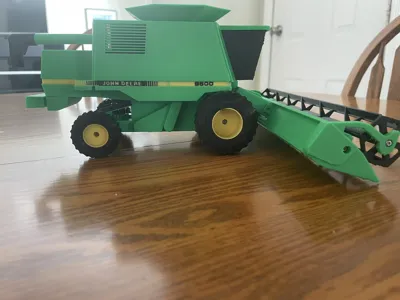
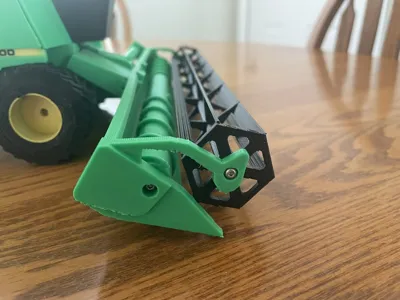
Now presenting, a 1/34 scale model of a 1994 John Deere 9600 Combine! Compatible with the Cyberbrick kits and ecosystem, it brings a whole new side to farm toys. Complete with many features that a real combine has, it's almost like driving the real thing!
Also if you're not a John Deere person, I have included another print profile for generic panels without the John Deere writing on the side. Still follow the same instructions but use those panels instead if you want to colour customize the combine without John Deere stuff.
*Note: This is the CyberBrick model. If you don't have all the Cyberbrick supplies, I have edited it and created a non Cyberbrick model- https://makerworld.com/en/models/2489270-9600-john-deere-combine-1-34-scale-model#profileId-2735158
Please note that these 2 aren't interchangeable, so if you print the non Cyberbrick model then you can't change that specific model over to this one, the Cyberbrick model.
Features in Video
What are the features of this combine?
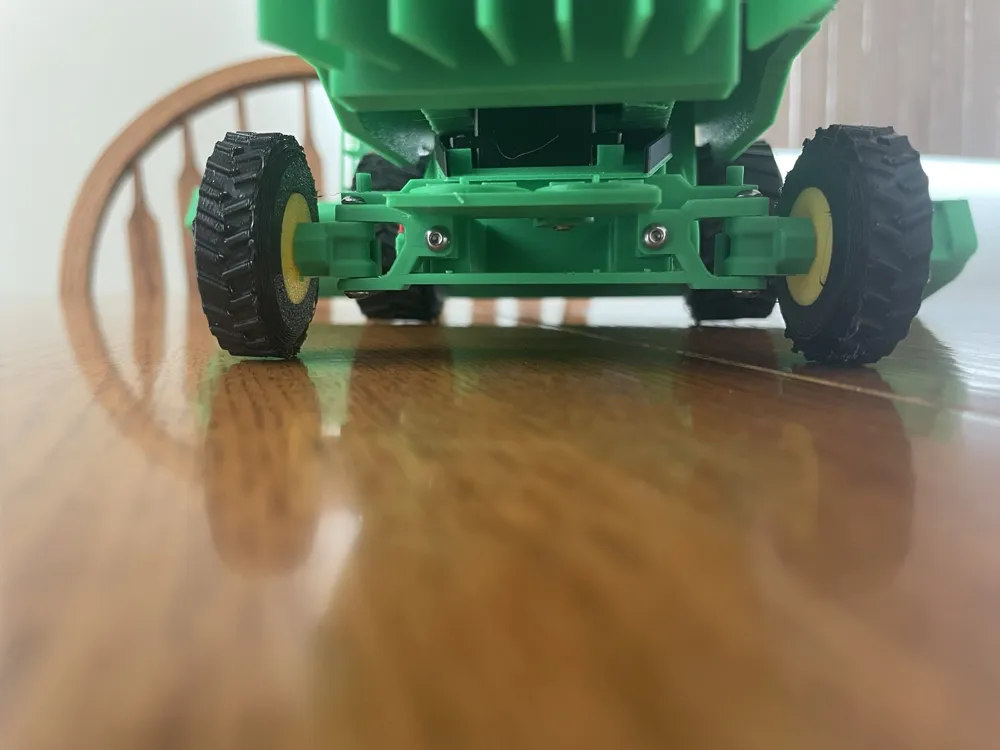
-Drives forwards and backwards
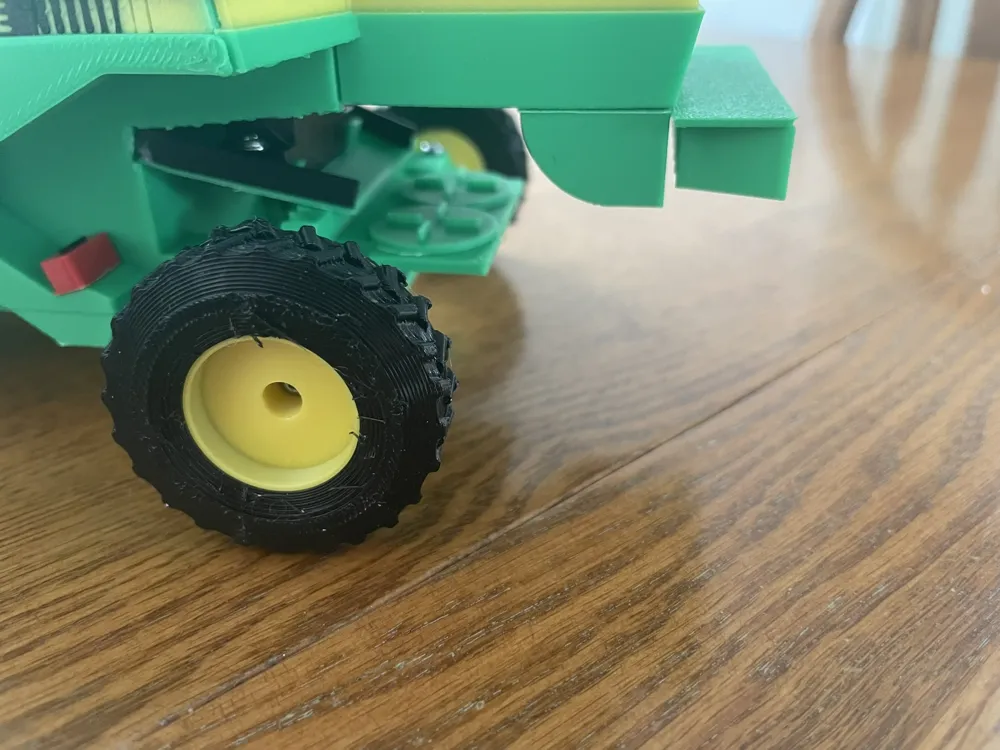
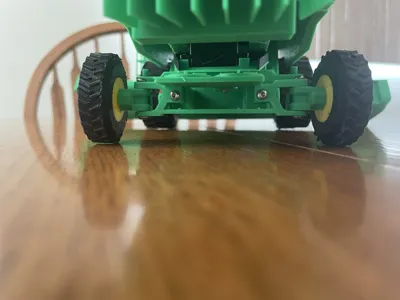
-Back wheels turn to steer it
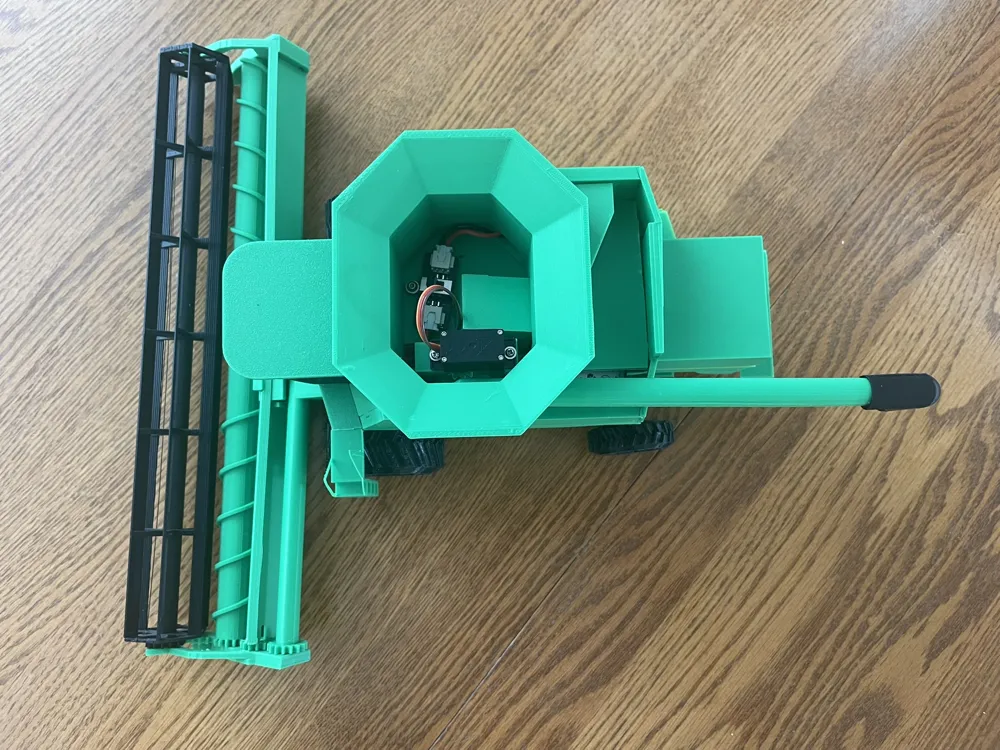
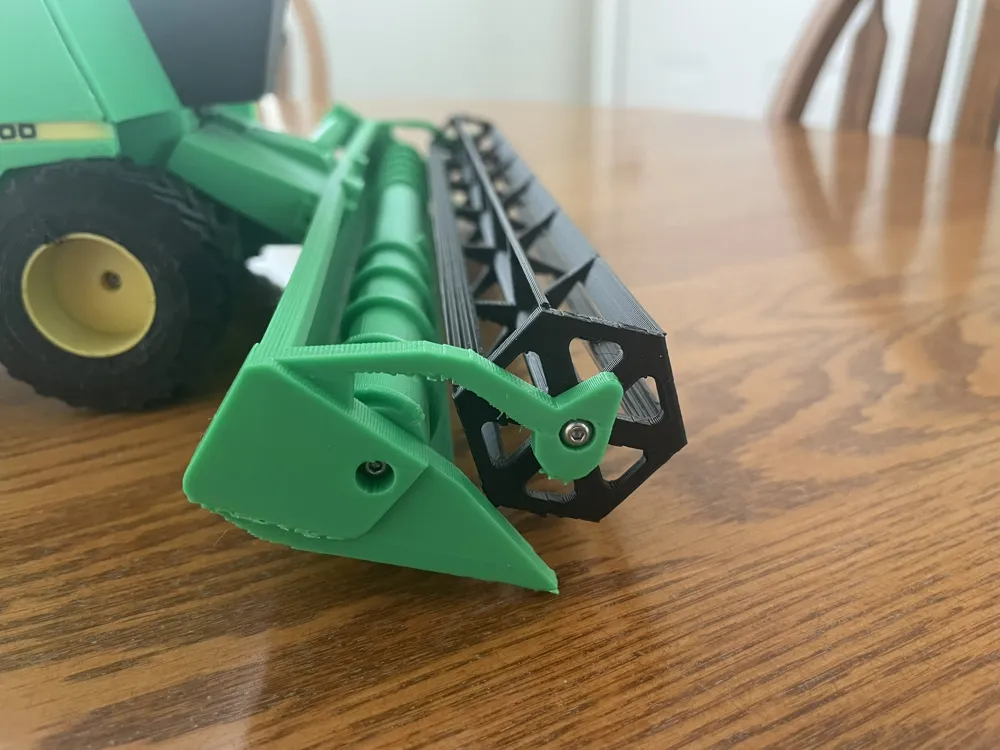
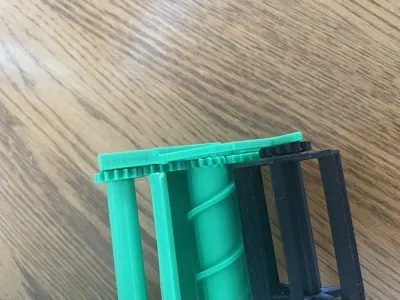
-A working header with turning reels and auger
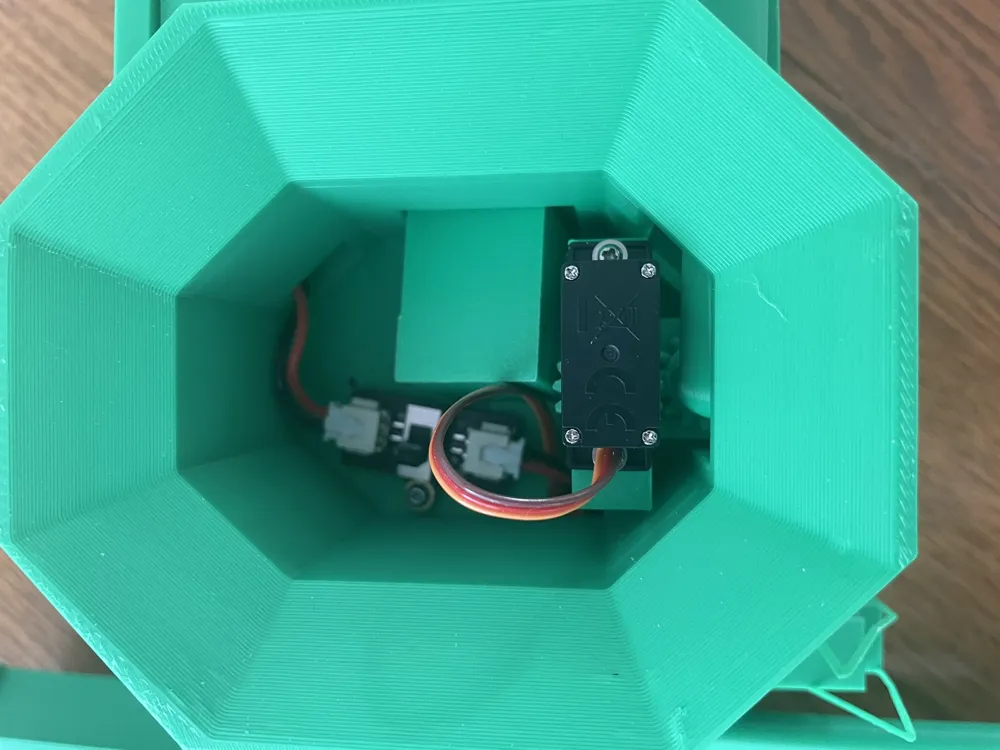
-Working lights on top of the cab
-An auger that goes in and out
Dimensions?
A 1/34 to scale model of the real thing!
-12 inches long (including header0
-5 inches tall
-11 inches wide (with header), just over 5 inches wide without
Controller
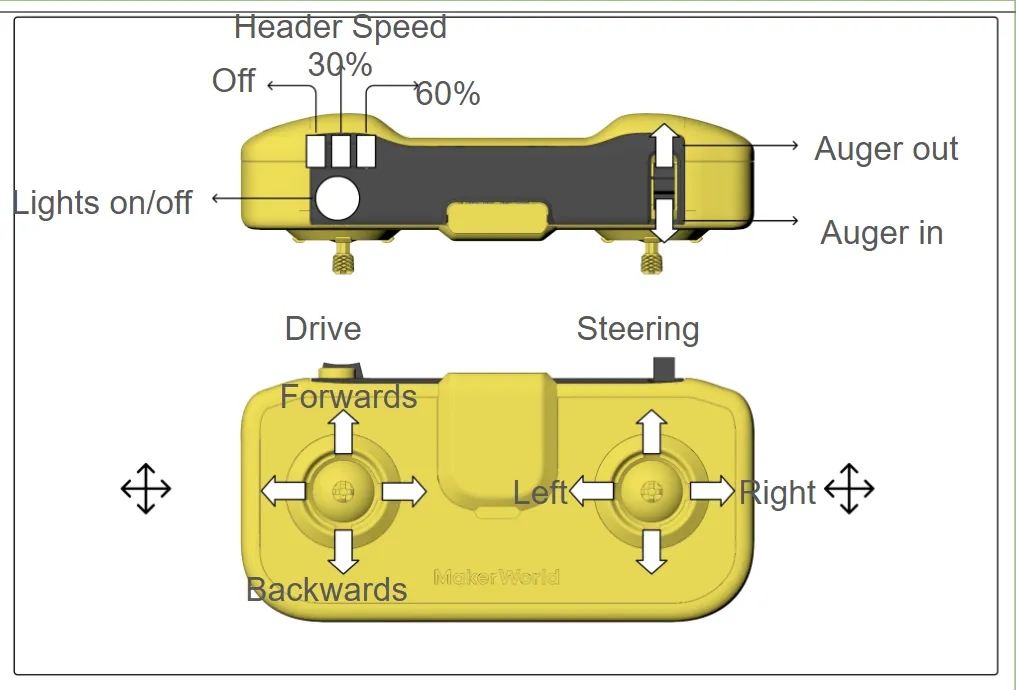
Use the Cyberbrick Offical Standard Remote control. I printed mine in green and black, but you can do whatever you want. https://makerworld.com/en/models/1395991-cyberbrick-official-standard-remote?from=search#profileId-1446992
Troubleshooting
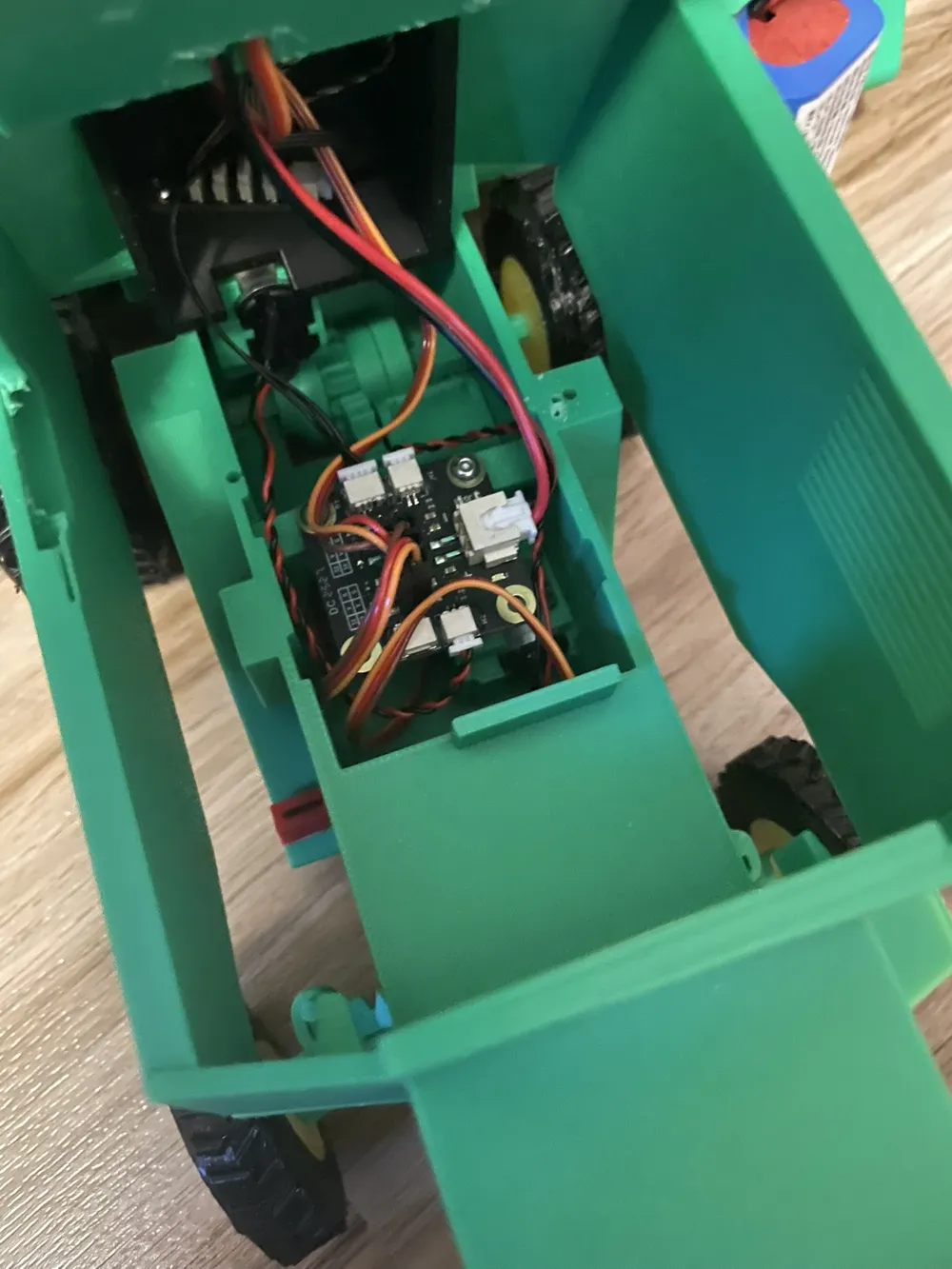
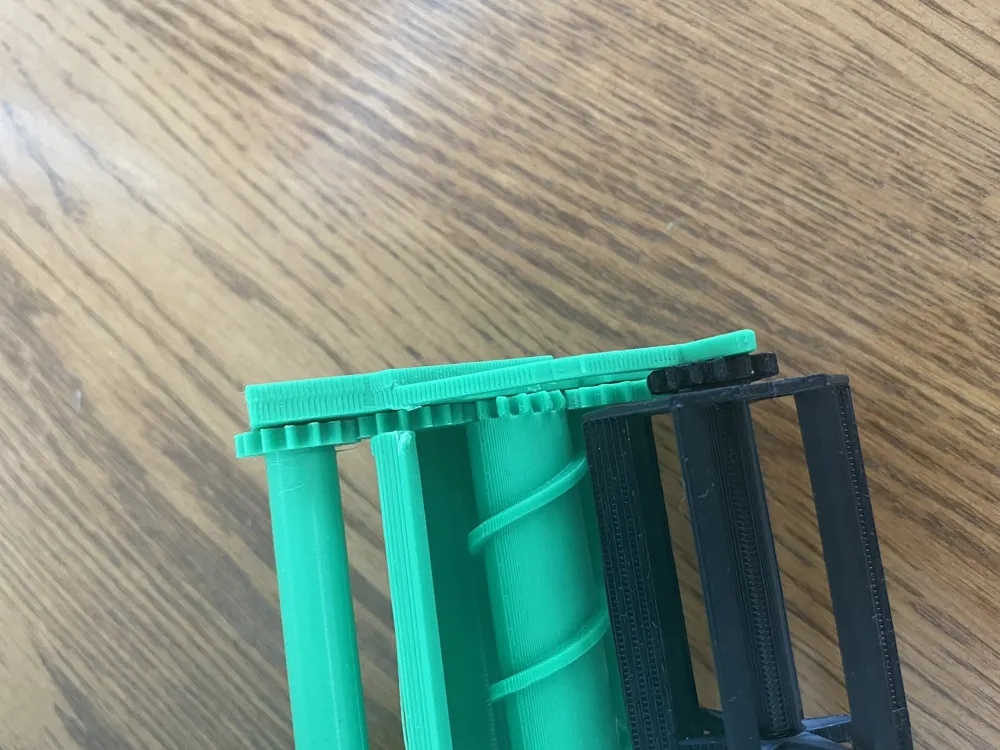
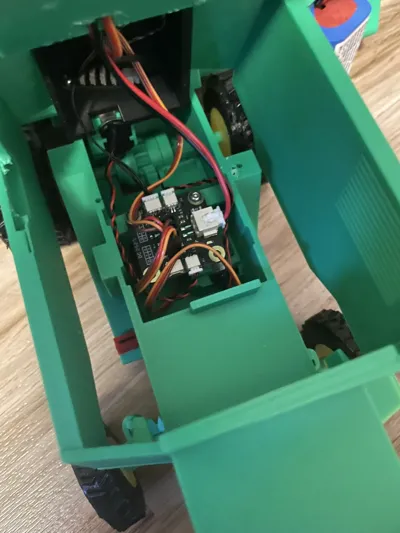
-Make sure you follow the assembly instructions closely. Some parts of this are difficult to assemble, so it is important to not miss a step or put something in backwards.
-Detailed reduction gearbox assembly instructions can be found here https://store.bblcdn.com/s5/default/2d92dc1866ad449d803eaea6e57f9005/Assembly_Guide_of_Single_Axis_030_Reduction_Motor.pdf
-For the differential gear kit, you can find the instructions by going to https://ca.store.bambulab.com/products/plastic-differential-gear-kit-1pcs , then scrolling down, find the application instructions, download it, click on the folder, then find the assembly instructions. Make sure when assembling this you follow my instructions closely as there are a few modifications.
-I highly recommend printing all parts with a brim, just to be safe for bed adhesion.
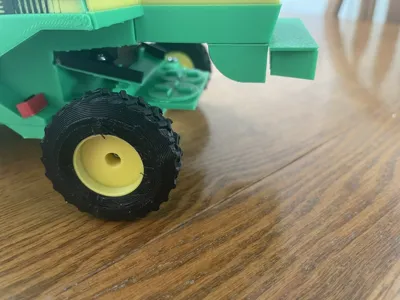
-All parts are printed in PLA except for the tires, which are TPU. It isn't mandatory to print these in TPU, but it provides better traction and easier to slide over the rims. You might be able to get away with PLA though.
-If you experience any other issues don't be afraid to ask in the comments or message me on makerworld, and also check the comments first, as someone may have already had the same issue.
Extra
-This was my first time making instructions, so I apologize if they are confusing or hard to follow. Again don't be afraid to ask questions.
-Some parts fit tight, you may need to wiggle or force some parts a little.
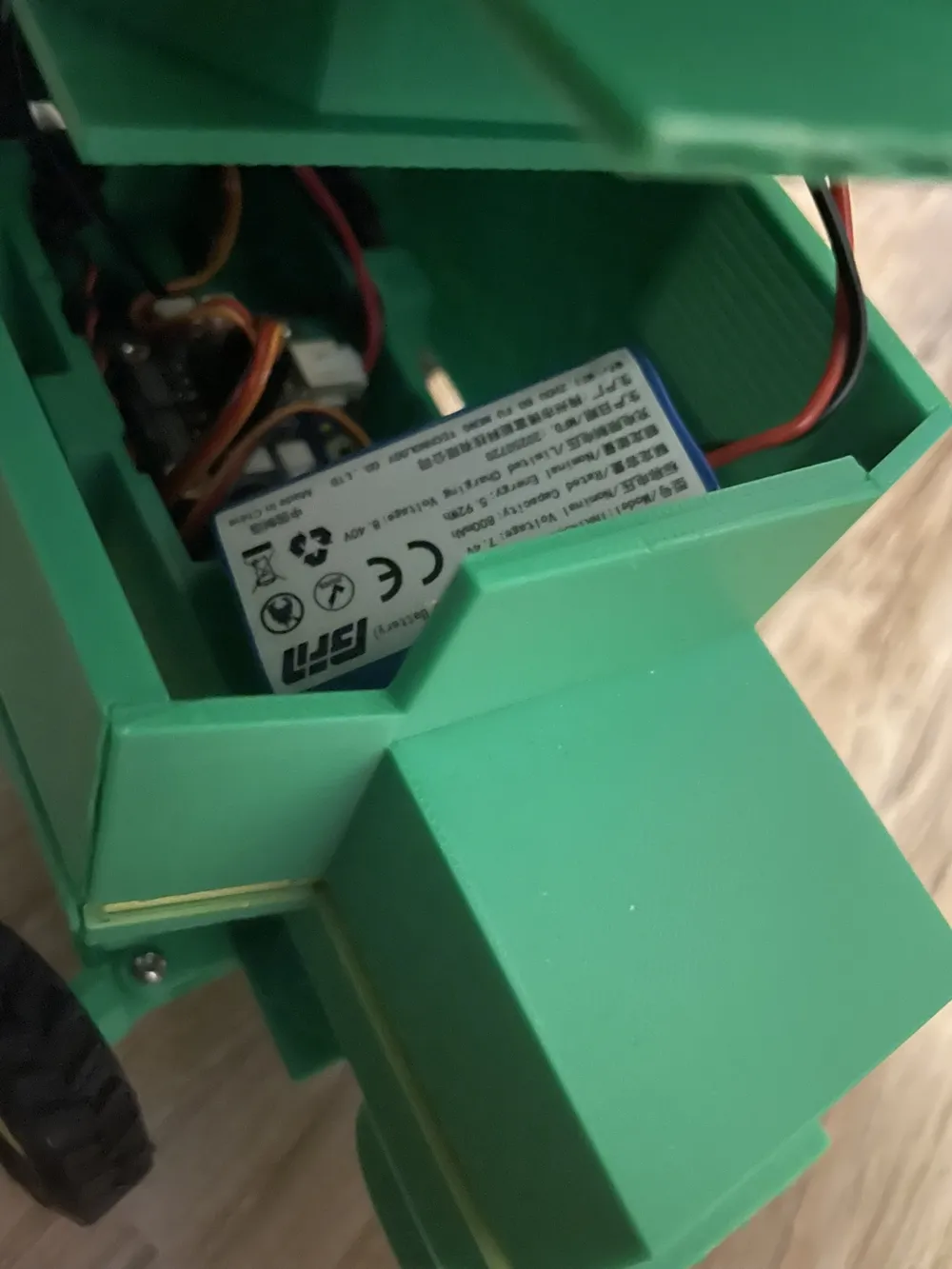
-I had the Cyberbrick Ultimate kit, but everything including in the basic kit should also do.
-I highly recommend using Loctite 401 adhesive, it is a next level super glue. There were some parts where super glue just didnt work
-Have fun building and playing with it!
Boost Me (for free)
Boost to see more farm toys in the future! (Grain truck and tractor coming soon!)
Documentation (1)

License

You shall not share, sub-license, sell, rent, host, transfer, or distribute in any way the digital or 3D printed versions of this object, nor any other derivative work of this object in its digital or physical format (including - but not limited to - remixes of this object, and hosting on other digital platforms). The objects may not be used without permission in any way whatsoever in which you charge money, or collect fees.


Comment & Rating (18)