
Haibasi E-ink Digital Display M.2 SSD Enclosure Protective Case
Print Profile(2)
Description
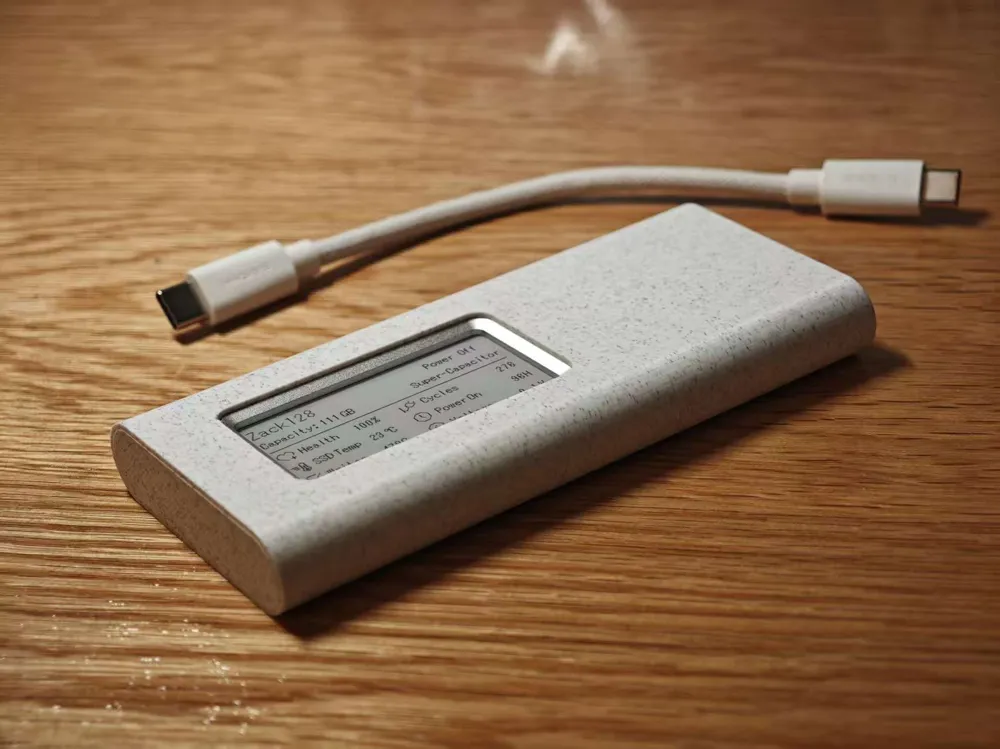
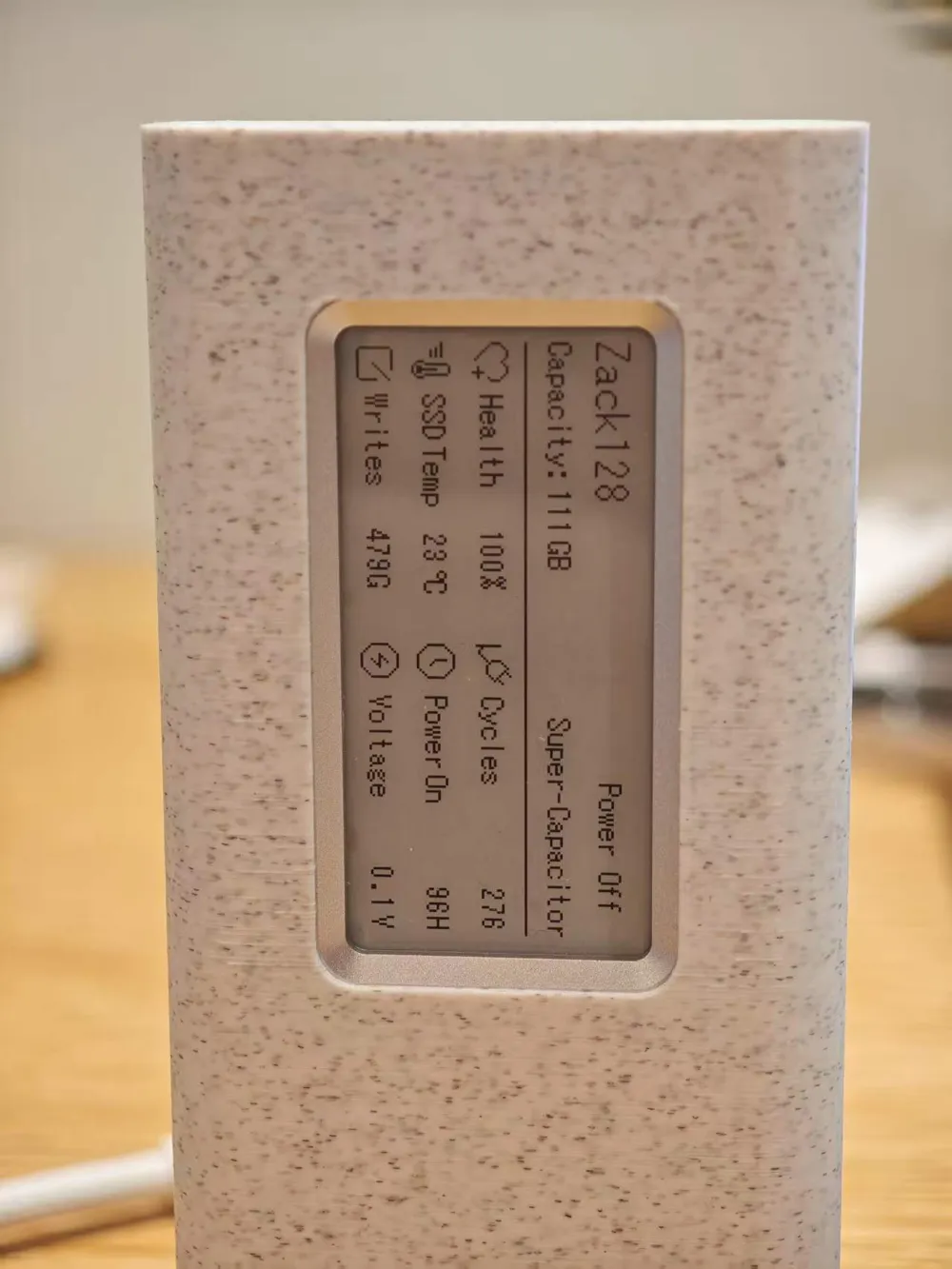
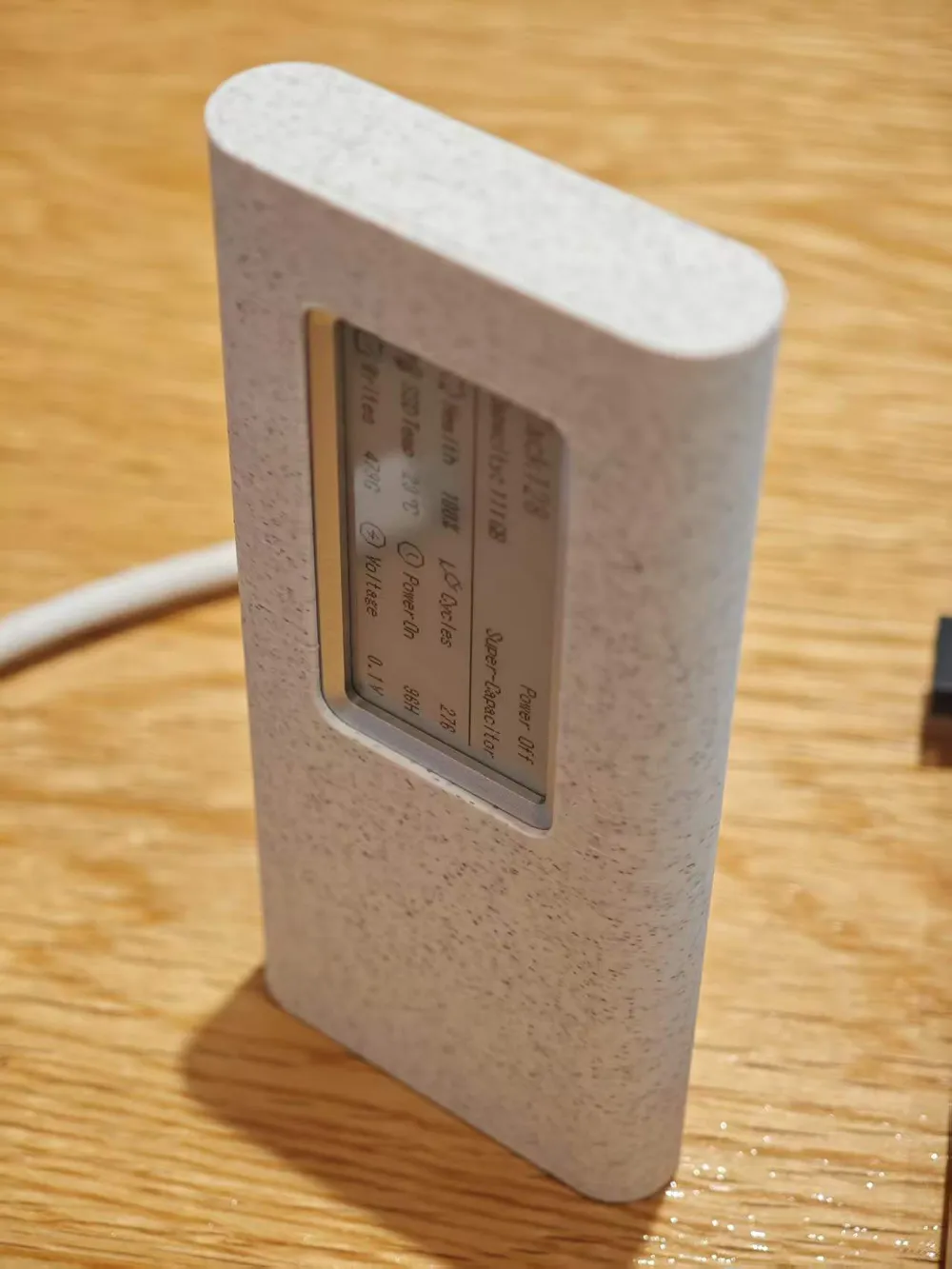
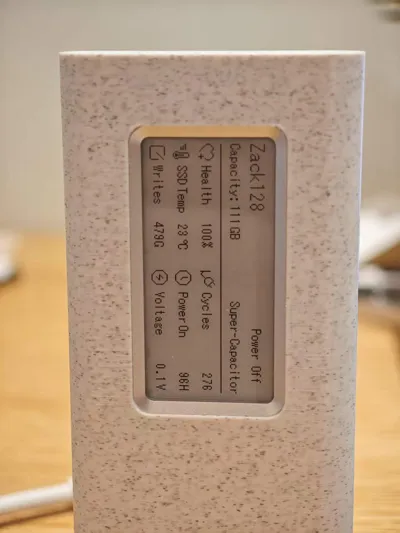
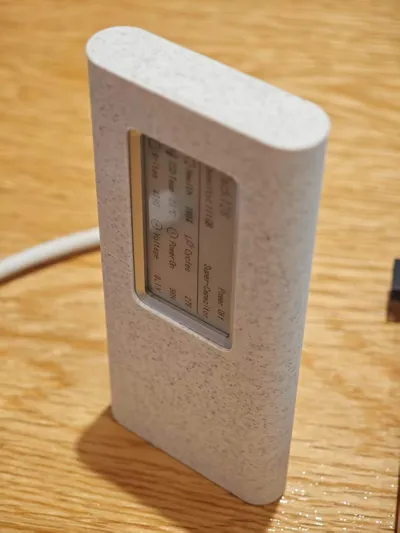
Haibasi E-ink Digital Display M.2 SSD Enclosure Protective Case
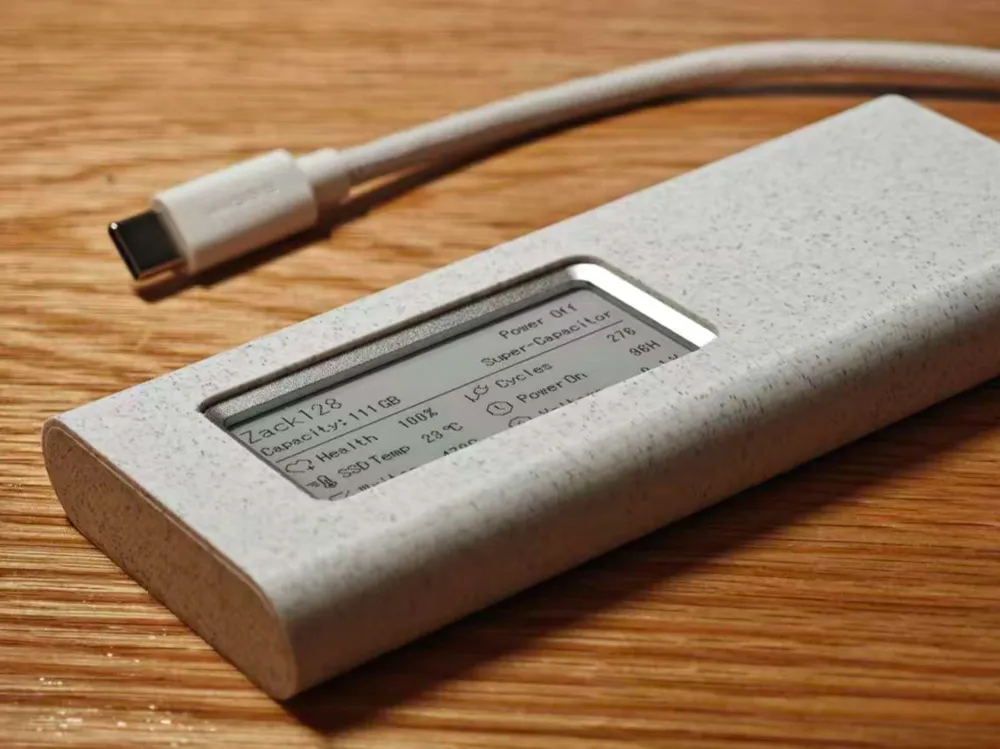
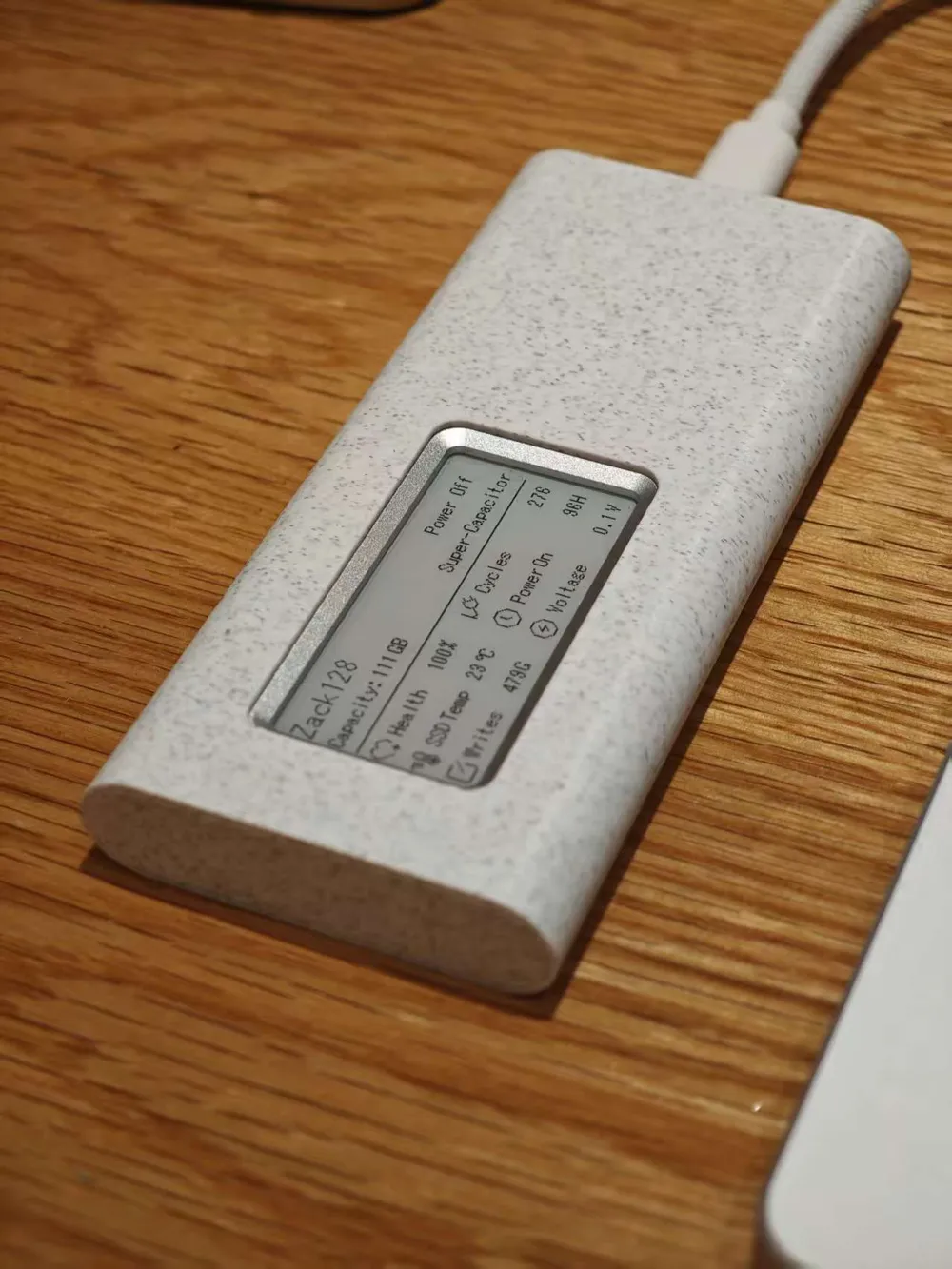
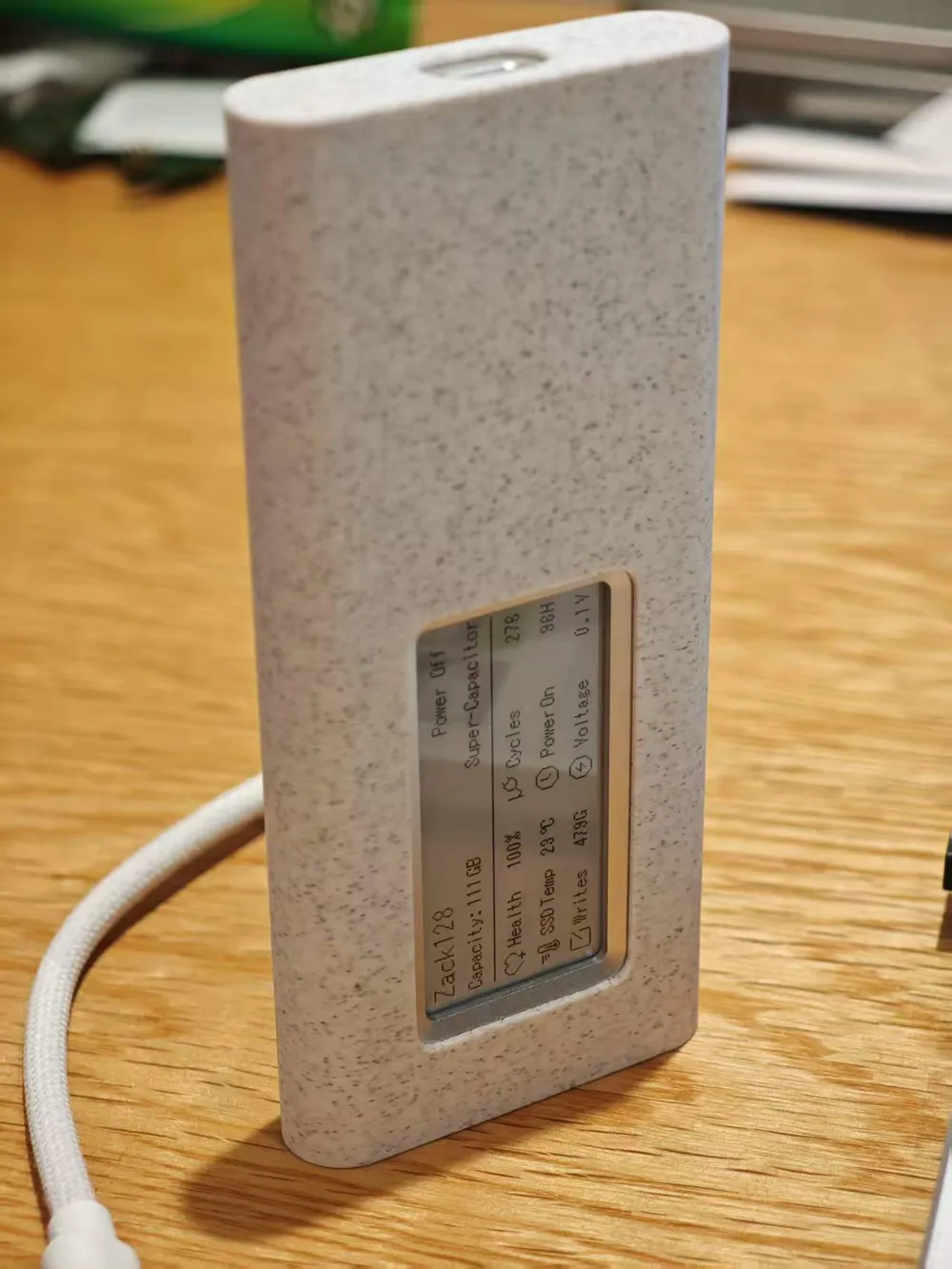
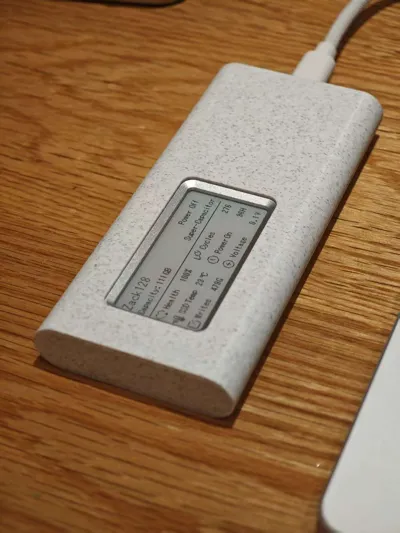
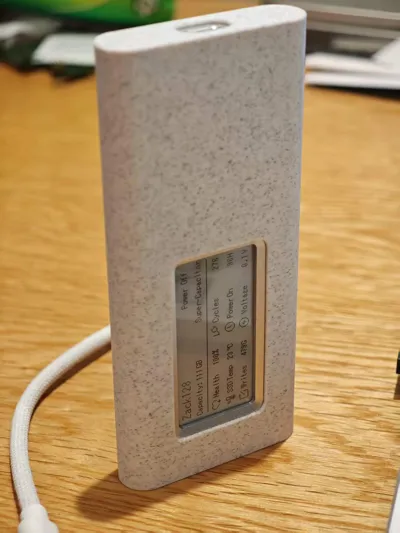
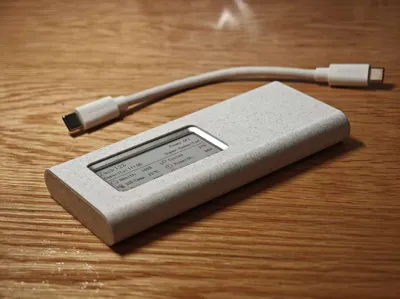
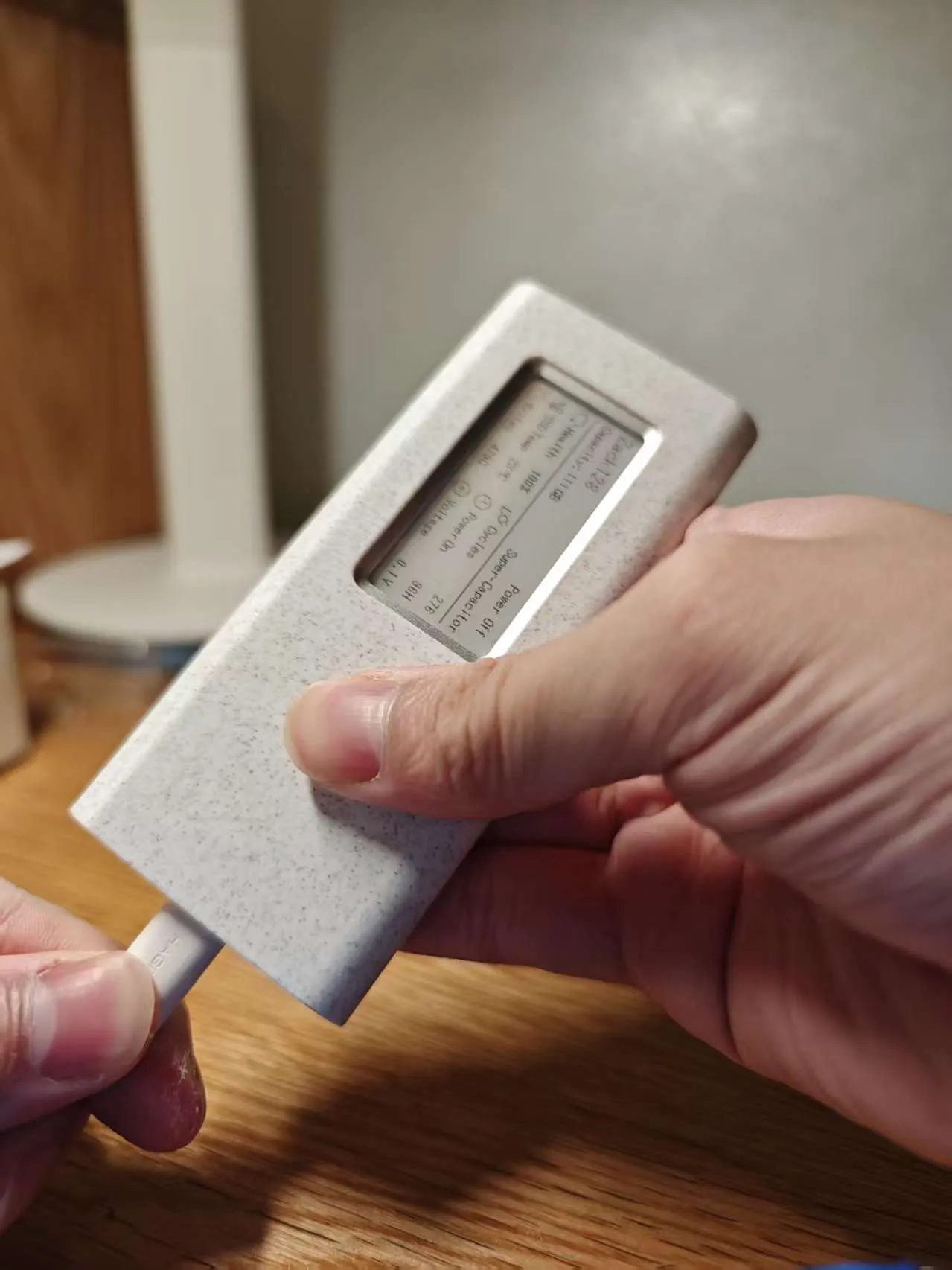
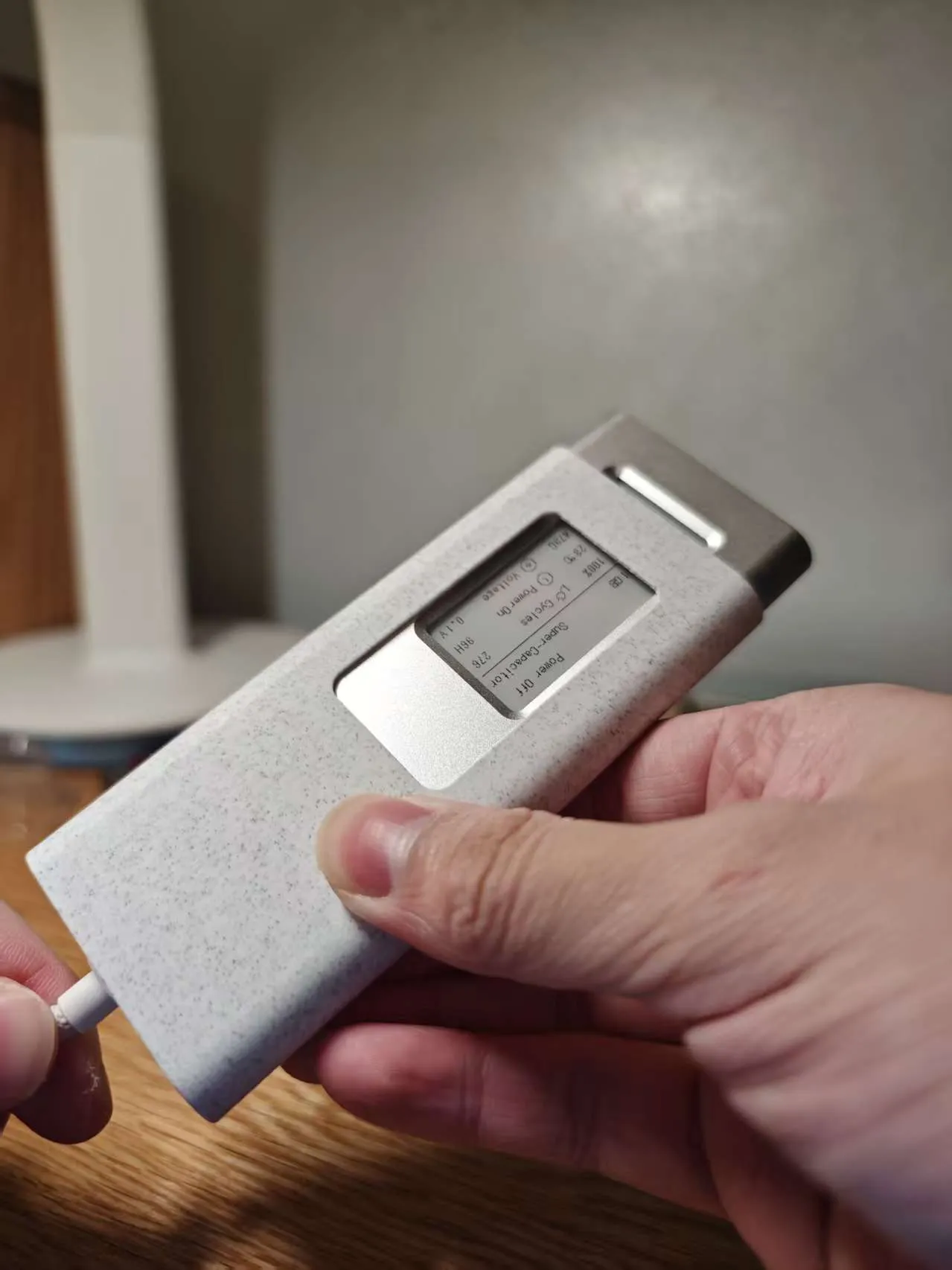
Original design with precise cutouts and seamless fit, creating a comfortable and integrated look.
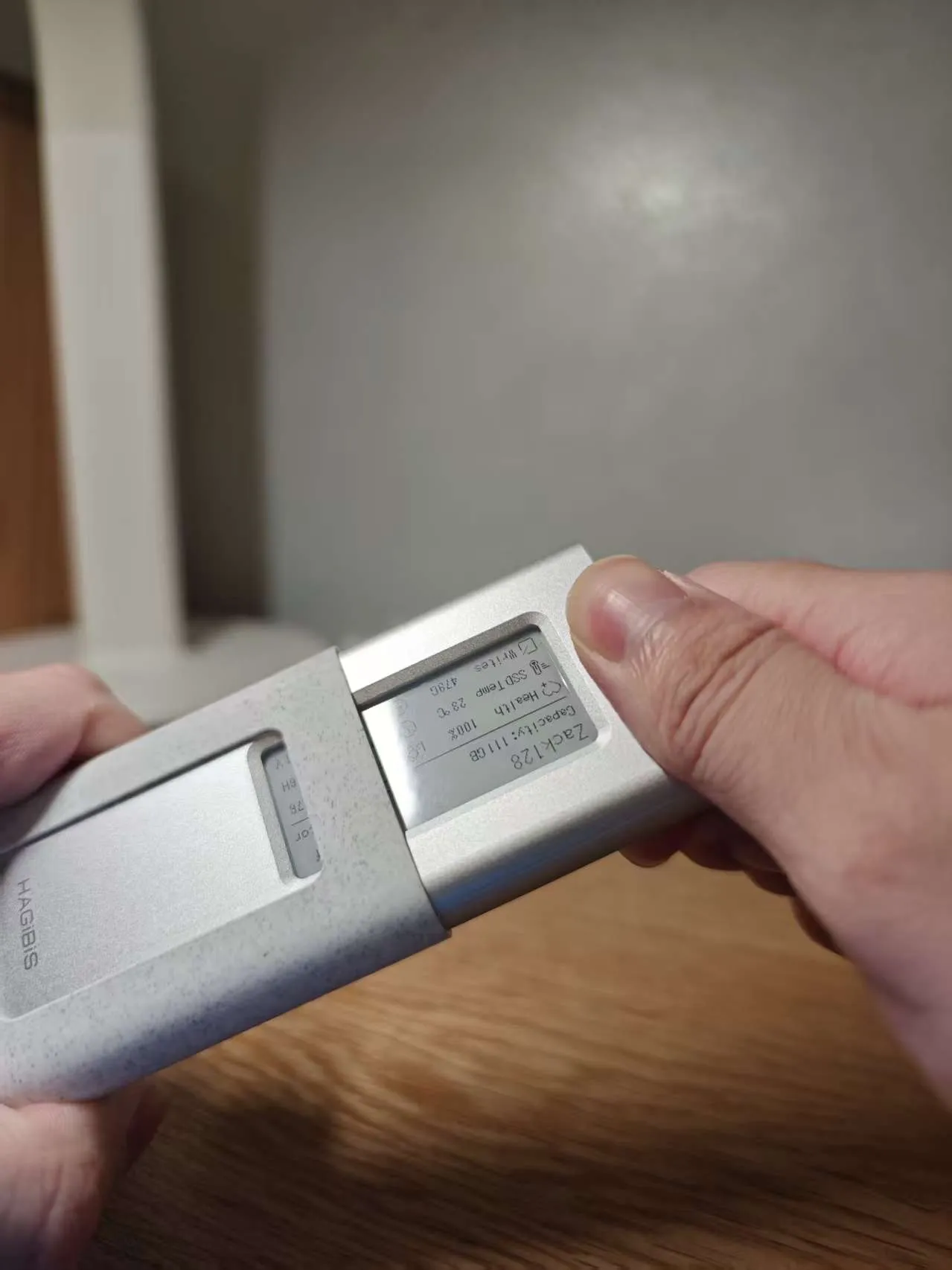
Through repeated parameter adjustments, a balance has been achieved between a secure, yet removable, fit. Using a purely geometric construction, it has been finally verified that with the same SSD enclosure and Bambu Lab PLA Marble filament, the fit should theoretically be perfect. It might be a bit tight on the first insertion, but repeated use will make it fit well. The SSD enclosure is made of aluminum alloy and will not be scratched or damaged by the plastic protective case. I have prepared four types of covers, with slight size differences. You can try them yourself and choose the most suitable one. The final result has a unified Unibody aesthetic; I recommend appreciating the beautiful images.
The print parameter settings include "random Z seam placement", which may result in some surface roughness. This is to ensure that the protrusions on the inner surface of the protective case are evenly distributed, otherwise, a continuous Z seam might push up the outer shell. If appearance is a concern, you can choose the same PLA Marble texture filament or a PLA Matte series. For other materials, you can try or adjust parameters yourself. Directly printing with PETG is not recommended because the shrinkage coefficients differ significantly.
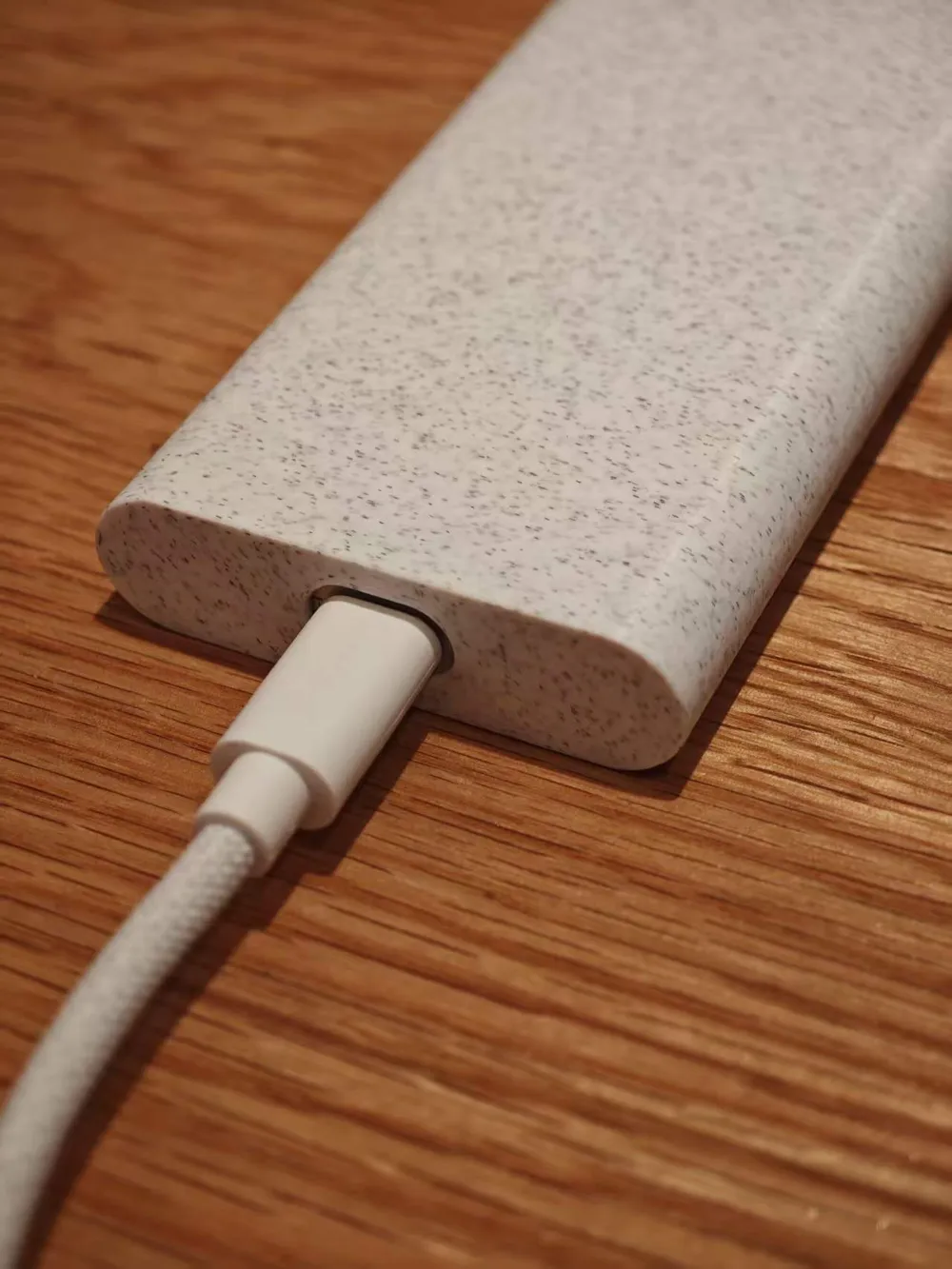
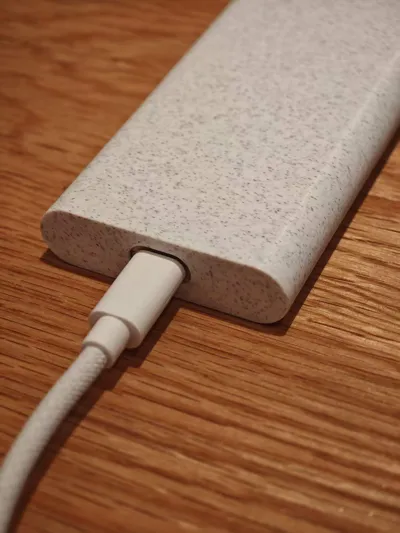
Because a Type-C opening is reserved at the bottom, a data cable can be inserted to push it out, making the risk of it being completely unremovable very low.
However, I hereby solemnly declare that even with the opening for pushing out the SSD, please still assess whether it can be removed before fully inserting it into the protective case. I am not responsible for any losses caused by the protective case being unremovable under any circumstances (including printing with the original parameters and same material).
Removal process: Insert a Type-C data cable, push out the SSD a small section, then pull it out by hand.
Boost Me (for free)
Designing is not easy; please offer some support
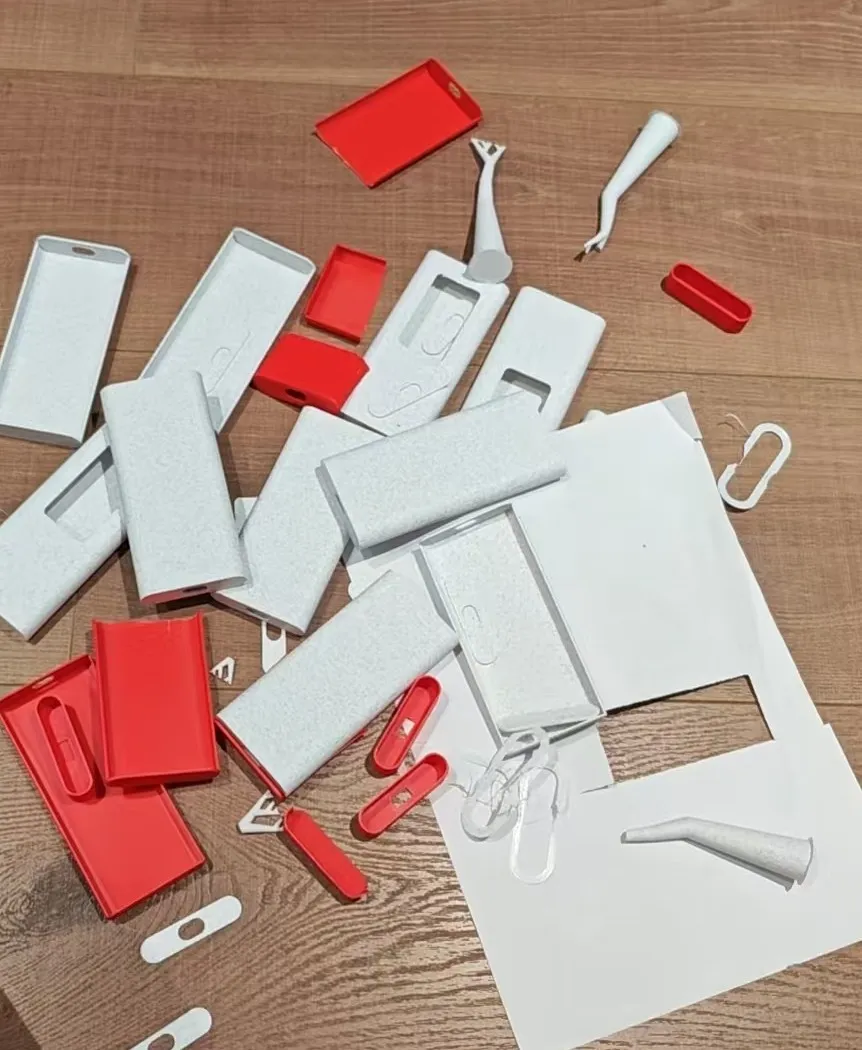
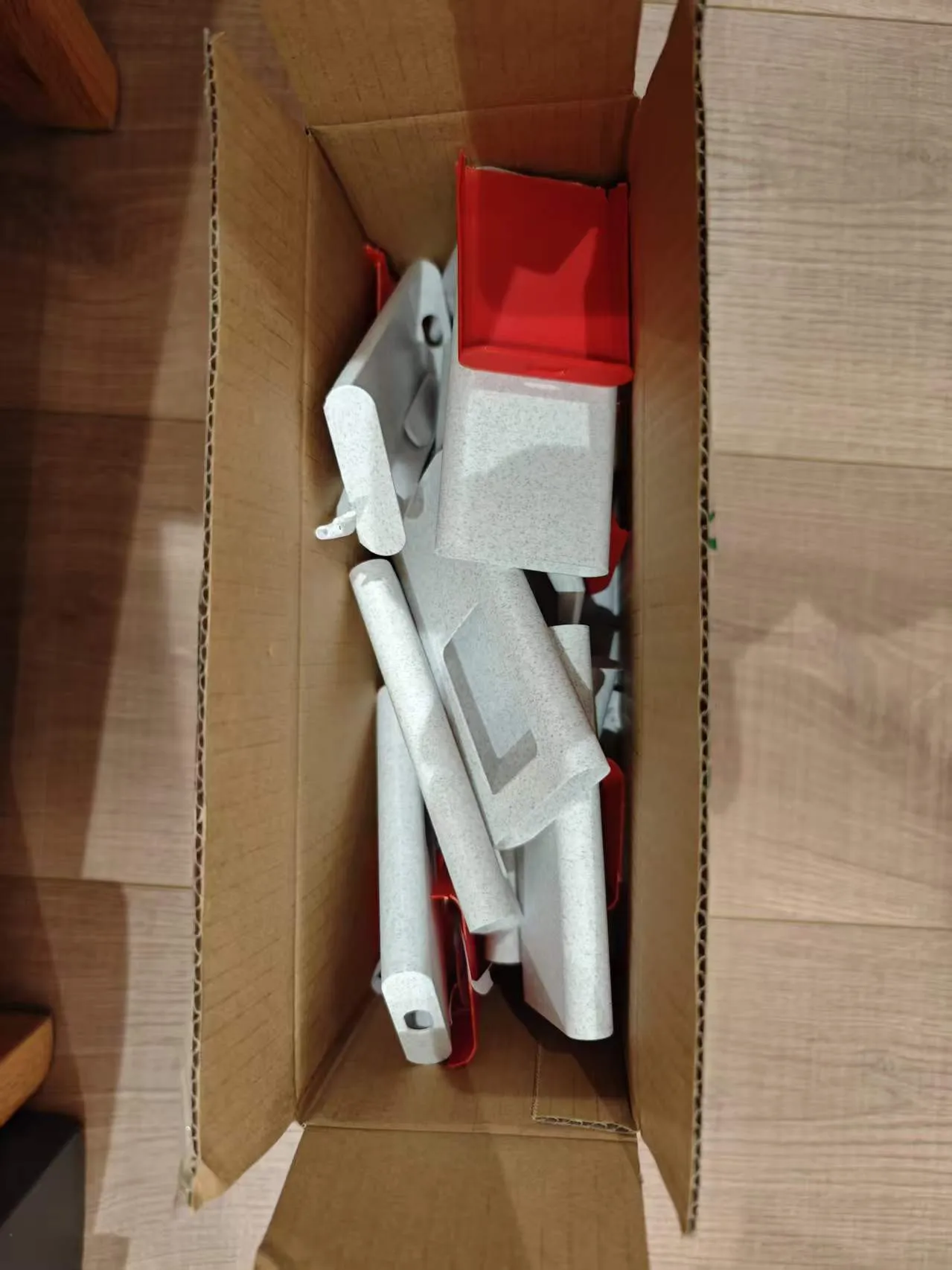
The image below shows discarded parameter adjustment samples. Initially, it was a half-sided protection similar to a phone case, and later it gradually iterated into a fully wrapped Unibody integrated protective case.
License

You shall not share, sub-license, sell, rent, host, transfer, or distribute in any way the digital or 3D printed versions of this object, nor any other derivative work of this object in its digital or physical format (including - but not limited to - remixes of this object, and hosting on other digital platforms). The objects may not be used without permission in any way whatsoever in which you charge money, or collect fees.


Comment & Rating (0)