
Print Profile(2)
Description
Boost Me (for free)
for support
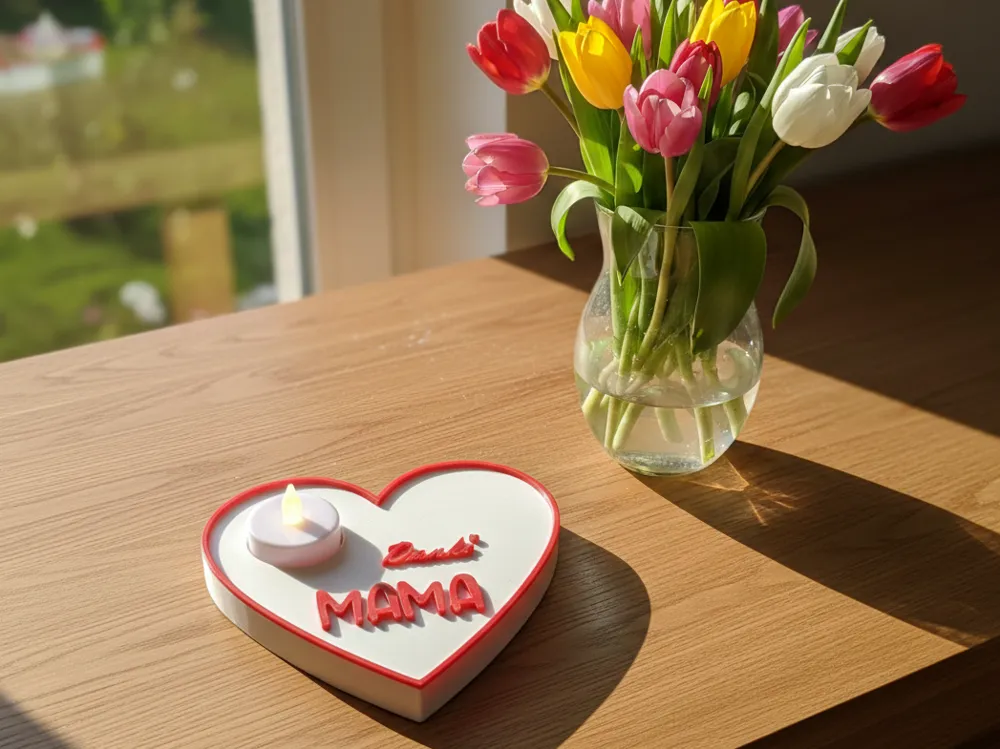
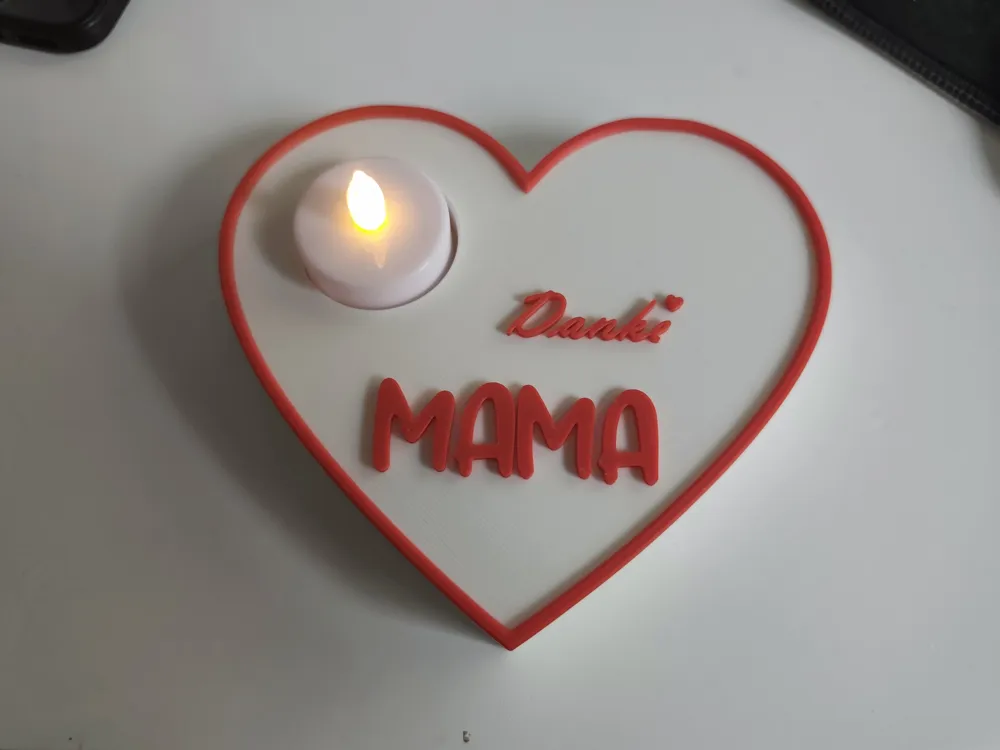
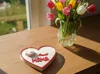
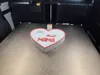
A beautiful, two-color decorative heart with the inscription "Thank You Mom", ideal as a gift. The model is 143mm x 128mm x 20mm and offers space for a standard LED tealight.
🖨️ Print Profiles & Options:
To achieve the best possible result for every printer, I have created two profiles:
Profile for Bambu Lab AMS: Fully automatic two-color print. The colors are already stored in the slicer. Simply click "Print" and enjoy the result.
Profile WITHOUT AMS (Manual Change):
For everyone who does not use an AMS, a pause at layer 101 (Layer height 0.2mm) is inserted in this profile.
The printer stops automatically at the correct height.
You can then simply swap the white filament for the red one.
Then continue printing to finish the lettering and the border in color.
Important safety instructions:
Only for LED tealights! Since the heart is made of plastic (PLA/PETG), no real candle with an open flame may be used (fire hazard).
The model does not require support.
🛠️ Instructions: Manual filament change during layer pause
If you use the profile without AMS, your Bambu Lab printer automatically stops at layer 101.
Here's how to proceed:
Waiting for the stop:
The print head moves to a park position and the heater remains on. A message appears on the display (or in Bambu Handy/Studio) that printing has been paused.
Unload old filament: *
On the printer display, go to the "Feeder"-menu (house icon or Filament tab).
Tap "Unload". The printer cuts the filament and pushes it back a bit.
Carefully pull the white filament out of the PTFE cable.
Load new filament:
Insert the red filament into the tube until you feel a slight resistance.
Tap "Load" on the display. The printer pulls in the new filament and purges the nozzle until the color is pure red.
Continue printing:
Remove the "purge line" from the nozzle.
Simply press the "Play" button (Resume) on the display to continue printing.
License

You shall not share, sub-license, sell, rent, host, transfer, or distribute in any way the digital or 3D printed versions of this object, nor any other derivative work of this object in its digital or physical format (including - but not limited to - remixes of this object, and hosting on other digital platforms). The objects may not be used without permission in any way whatsoever in which you charge money, or collect fees.


Comment & Rating (1)