
Google Cloud - Cloud Digital Leader

Print Profile(2)

Description
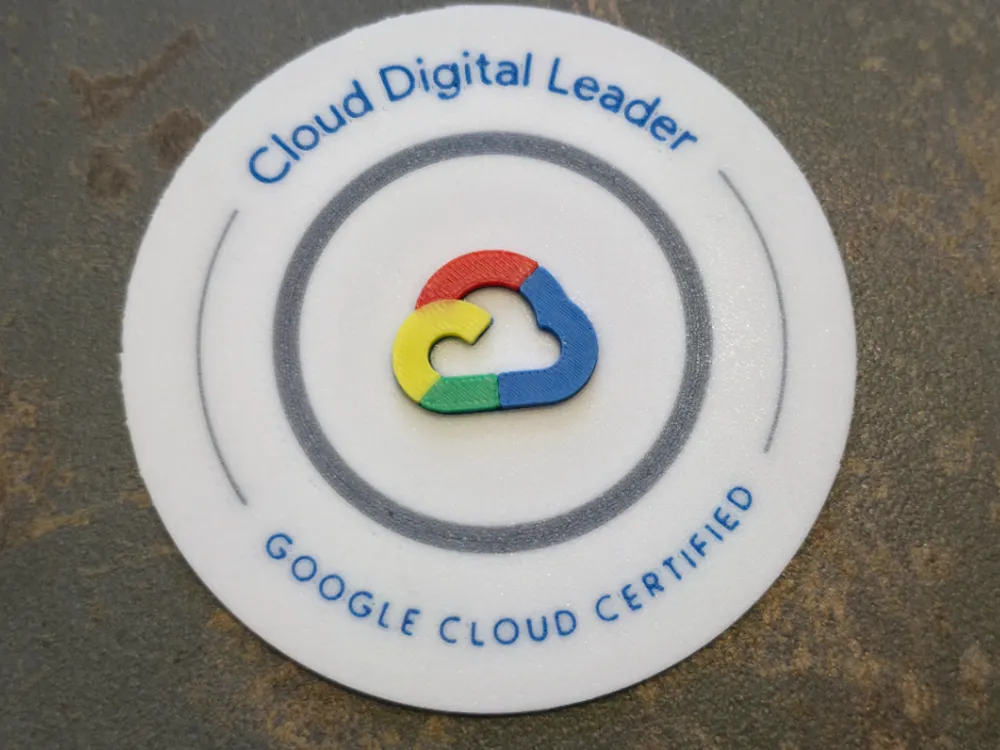
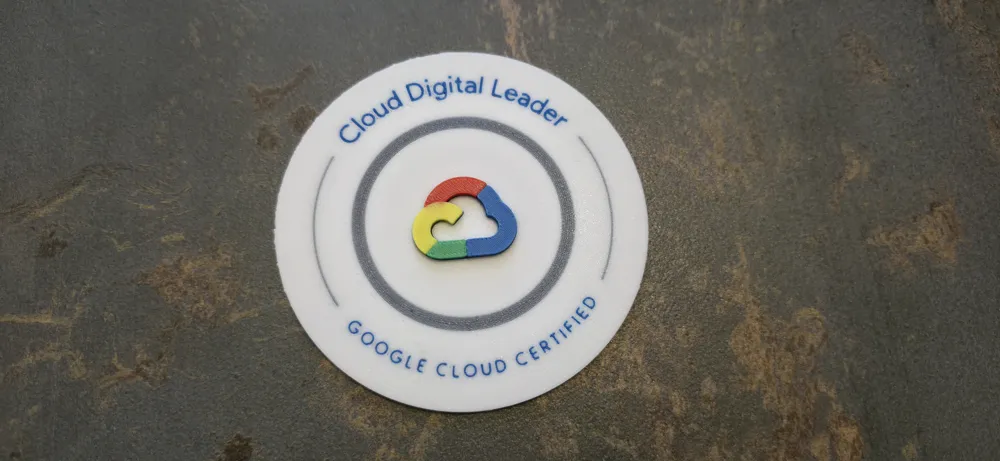
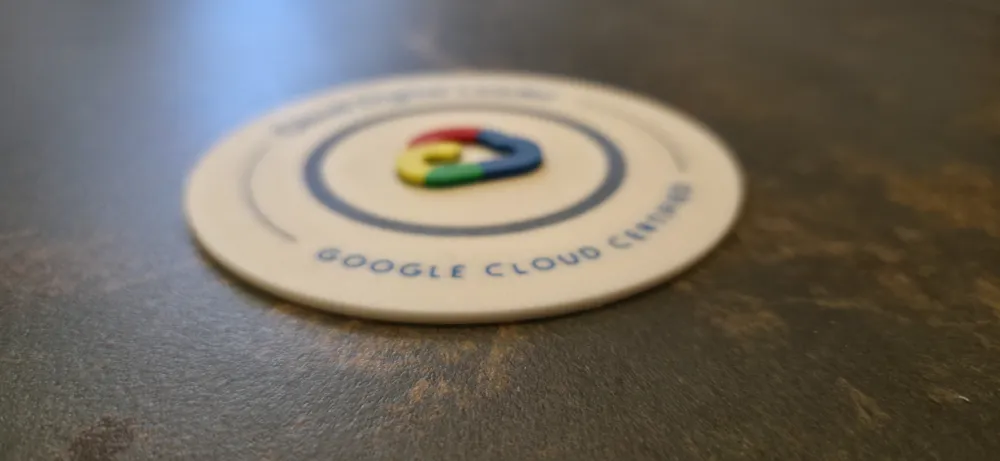
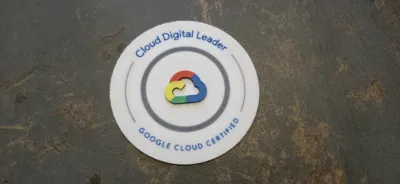
This project allows you to print a complete “Cloud Digital Leader” badge with a separate multicolor Google Cloud logo for the best visual result.
To simplify printing and respect the 4-color AMS limit, the design is divided into two separate parts.
📦 Included Files
This project contains two separate models:
- gcloud_logo.3mf + gcloud_logo.stl
Multicolor Google Cloud logo. - gcloud_badge-CloudDigitalLeader.3mf + gcloud_badge-CloudDigitalLeader.stl
Badge base with text.
Each part includes its own optimized print profile.
🎨 Required Colors
For the correct final result, you will need at least 5 filament colors:
- White
- Blue
- Red
- Yellow
- Green
The logo uses 4 colors simultaneously (maximum supported by AMS).
For this reason, the badge and the logo are provided as two separate plates and print profiles.
🖨️ Printing Order
The two parts can be printed in any order.
Recommended workflow:
- Print the badge base
- Print the GCloud logo
- Assemble both parts
Both print profiles are already optimized for:
- Face-down logo printing for best surface quality
- Clean multicolor transitions
- AMS usage
- High aesthetic finish
⚠️ Important:
Especially for the badge, do not modify the print settings.
The provided profile has been tested and fine-tuned to achieve the correct opacity, surface quality, and color consistency. Changing parameters may affect the final appearance.
🔧 Assembly
After printing both parts:
- Apply a small amount of cyanoacrylate adhesive (standard CA glue)
- Carefully position the logo onto the badge
- Apply light pressure for a few seconds
Cyanoacrylate glue works very well with PLA and ensures a clean and strong bond.
⚙️ Notes
- The .3mf files include fully optimized print settings.
- The .stl files are provided for users who want to customize.
- AMS is recommended for the intended multicolor result.
This design is optimized for clean, professional-looking FDM multicolor printing.
License



Comment & Rating (0)