
Plug, Dowel, Snap - Bambu Studio Cut Connectors
Print Profile(6)




Bill of Materials

Description
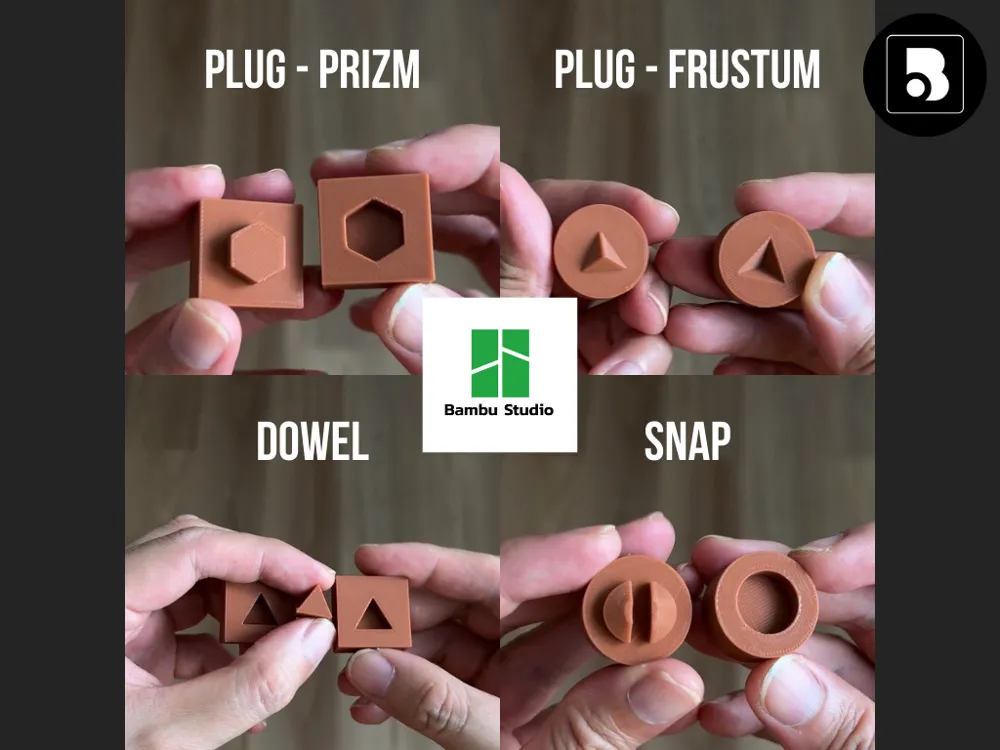
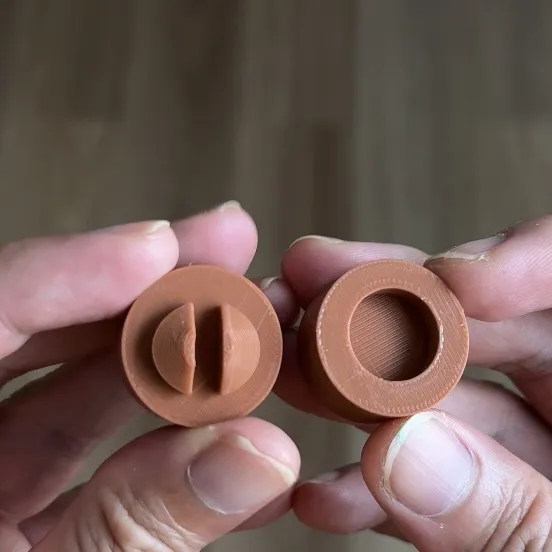
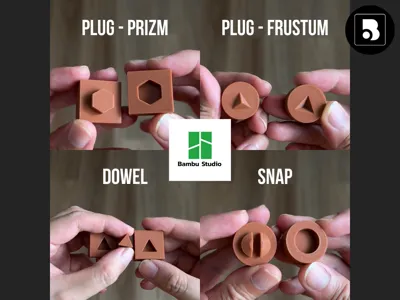
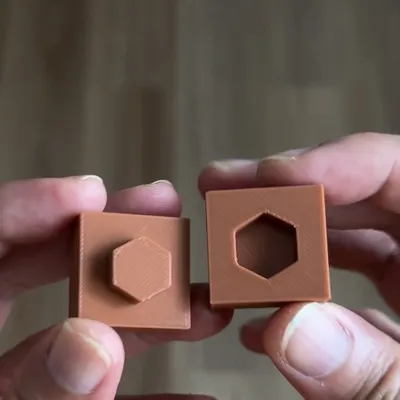
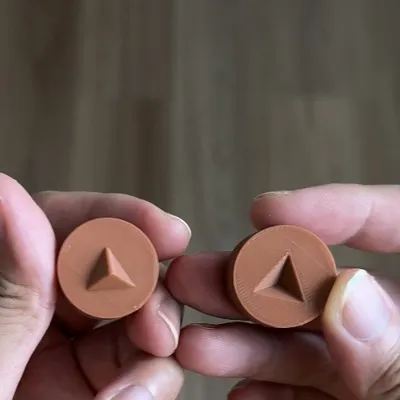
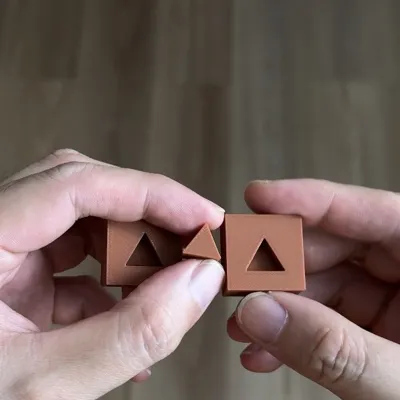
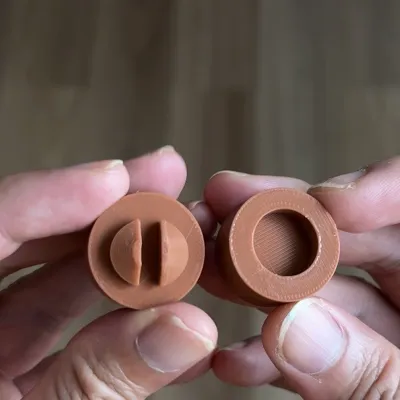
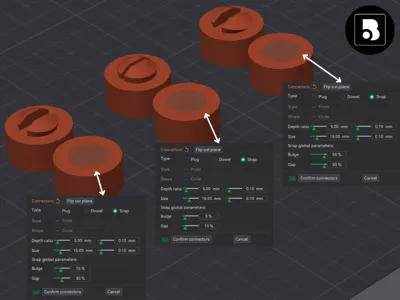
Learning how connectors work inside Bambu Studio can be confusing for new makers. This printable kit demonstrates plug, dowel, and snap connectors in a hands-on way so users can understand fit behavior before applying them to real projects.
🧠 What You Will Learn From This Kit
After printing this model, you will be able to:
- Understand how Snap, Plug, and Dowel connectors behave in real prints
- Compare fit strength and tolerance differences
- Choose the correct connector type for future designs
- Predict assembly behavior before designing multi-part models
🔰 Recommended First Test
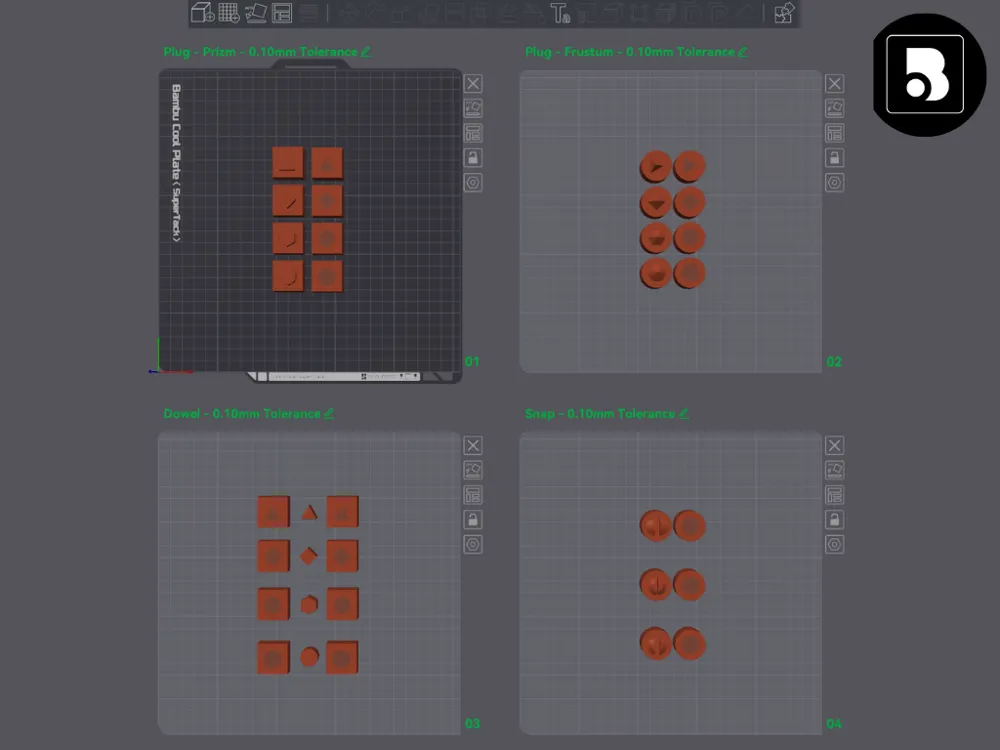
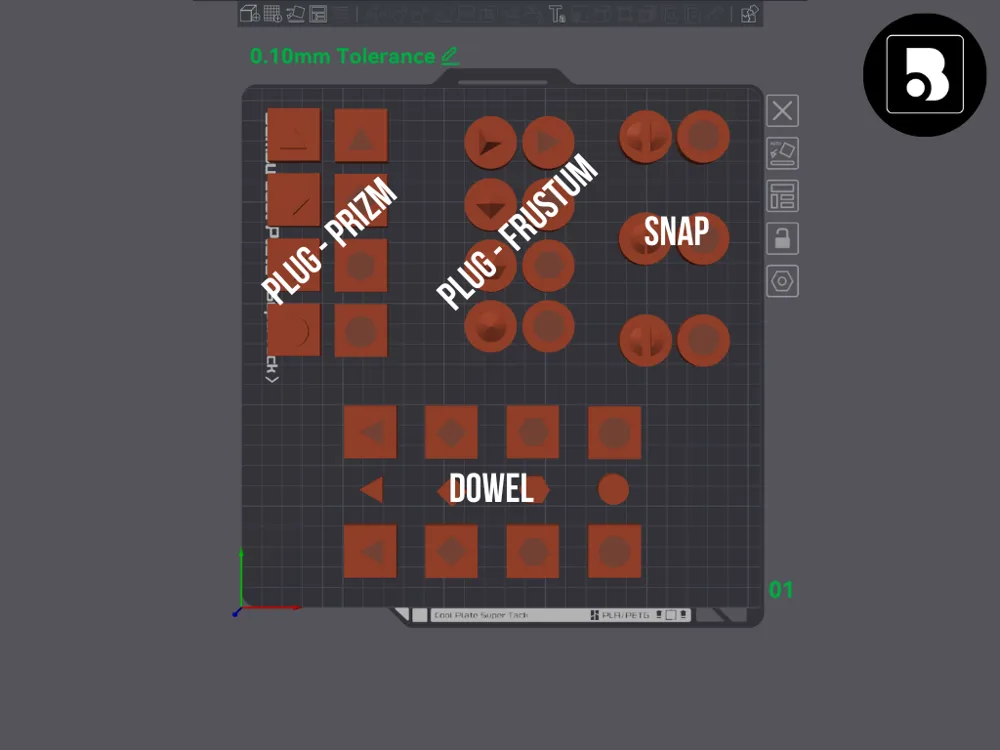
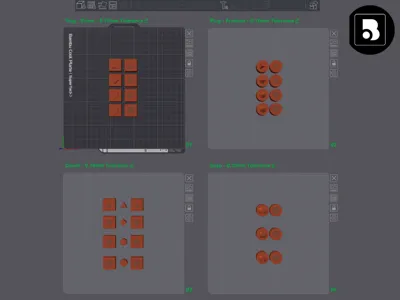
Start by printing and assembling the Plug connector first (Plate 1).
This provides a baseline feel before comparing Loose and Tight variations.
Other variations with adjusted X-Y Hole Compensation (increasing tolerances) are available as separate print profiles.
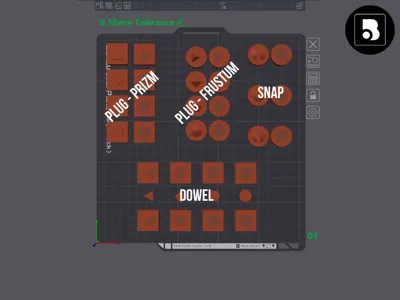
| Connector | Best Used For |
| Snap | Repeated assembly and fidget builds |
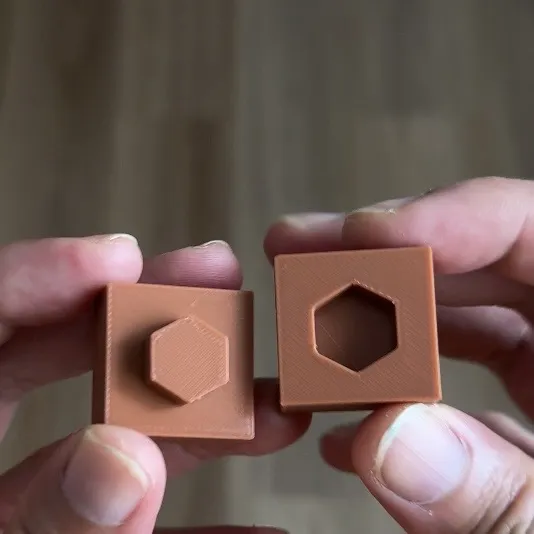
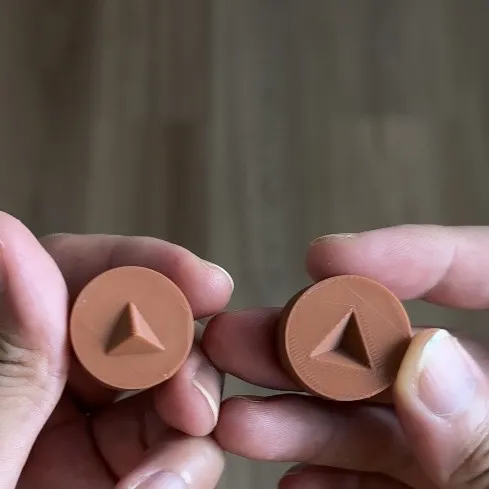
| Plug (Prizm/Frustum) | Strong friction-fit parts |
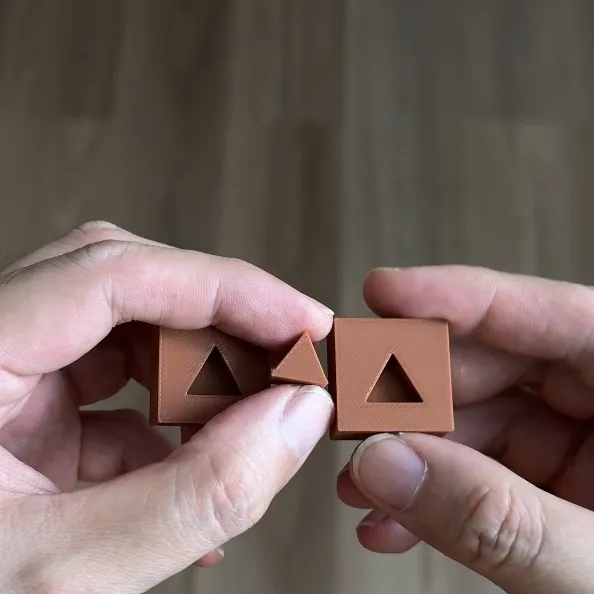
| Dowel | Alignment and positioning before gluing |
Boost Me (for free)
⭐⭐⭐⭐⭐ Designed specifically to help new makers understand Bambu Studio’s Cut + Connector workflow through hands-on printing.
👤 Who This Model Is For
- New Bambu Lab users learning advanced slicer features
- Designers creating multi-part prints
- Makers experimenting with snap-fit assemblies
- Anyone wanting to understand connector behavior before modeling
Version 1.0 — Initial release
Future updates may include additional connector types and tolerance variations.
━━━━━━━━━━━━━━━━━
🔍 My Findings - Which Type Worked And Failed
0.4mm Nozzle 0.2 Layer Height Standard Preset - PLA Basic
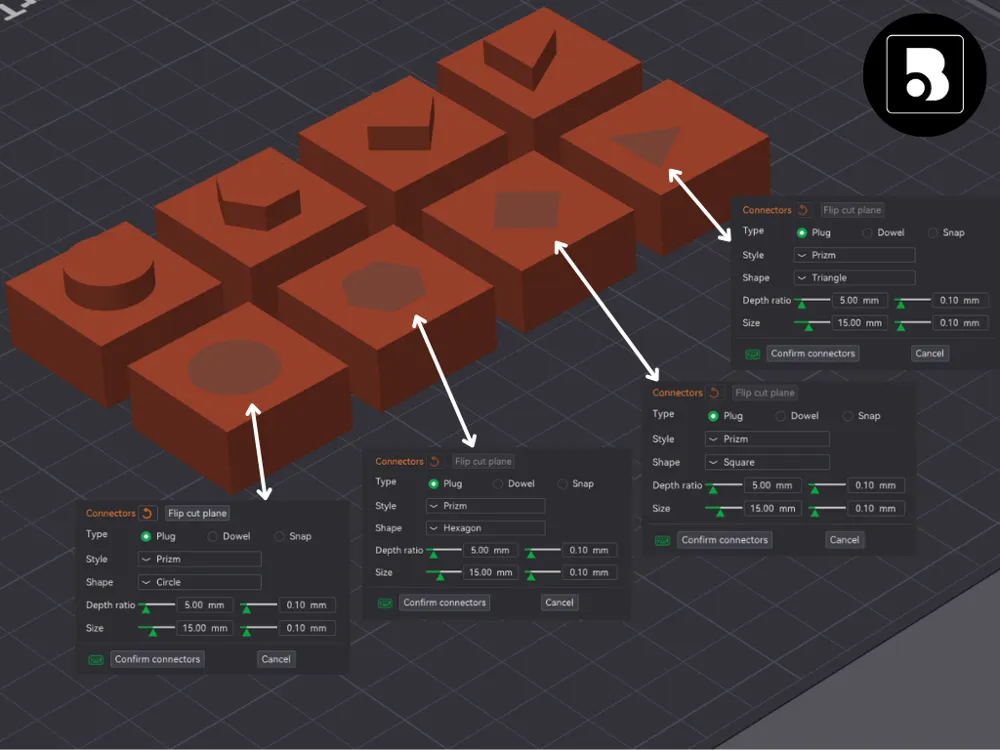
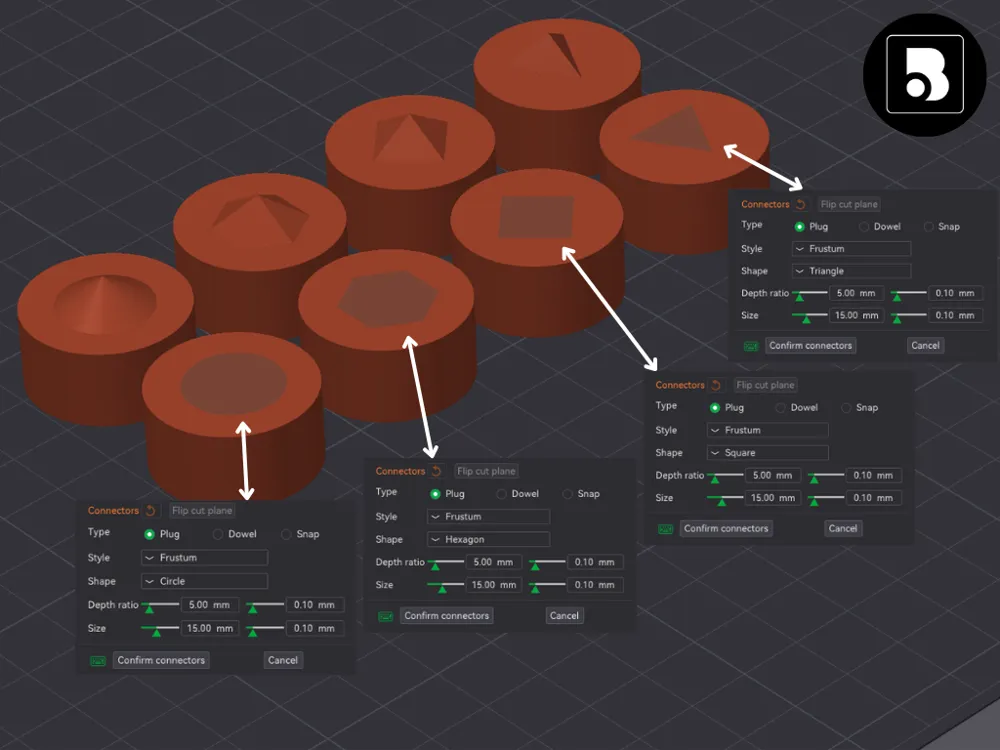
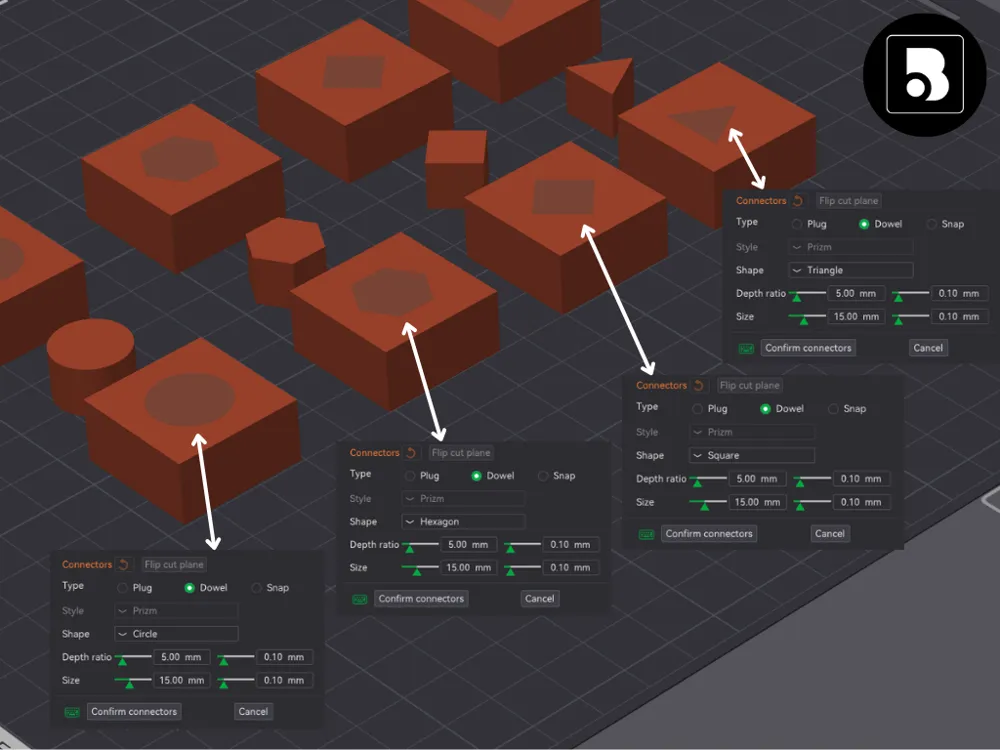
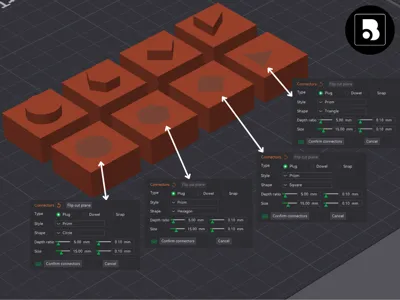
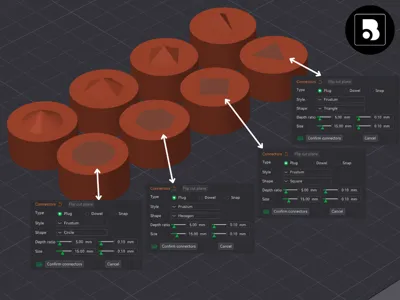
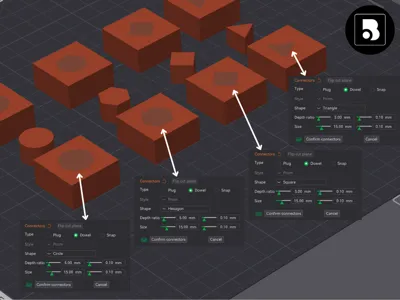
All Depth Ratio: 5mm, All Size: 15mm, All Tolerance: 0.10mm
- Plug (Prizm) Triangle - Tight Fit
- Plug (Prizm) Square - Tight Fit
- Plug (Prizm) Hexagon - Tight Fit
- Plug (Prizm) Circle - Loose Fit (Need to decrease X-Y Hole Compensation of the negative part)
- Plug (Frustum) Triangle - Loose Fit (effective for alignment)
- Plug (Frustum) Square - Loose Fit (effective for alignment)
- Plug (Frustum) Hexagon - Loose Fit (effective for alignment)
- Plug (Frustum) Circle - Loose Fit (effective for alignment)
- Dowel Triangle - Tight Fit
- Dowel Square - Tight Fit
- Dowel Hexagon - Tight Fit
- Dowel Circle - Loose Fit (Need to decrease X-Y Hole Compensation of the negative part)
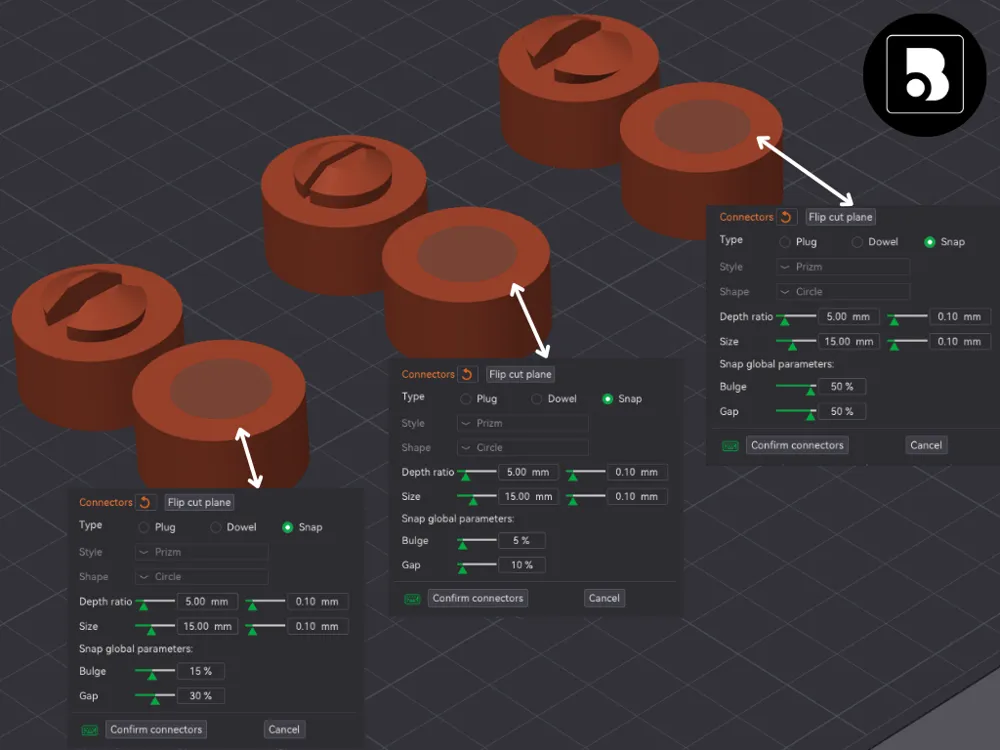
- Snap Default (15% Bulge, 30% Gap) - Did Not Fit (Adjust Bulge & Gap %)
- Snap (5% Bulge, 10% Gap) - Did Not Fit (Adjust Bulge & Gap %)
- Snap (50% Bulge, 50% Gap) - Did Not Fit (Adjust Bulge & Gap %)
━━━━━━━━━━━━━━━━━
✅ Enjoyed this print?
If this model worked well for you, please consider:
⭐ Leaving a like
📸 Sharing your Make
🔔 Following for future releases
Your feedback helps improve future designs and supports continued development.
Happy printing! 🚀
━━━━━━━━━━━━━━━━━
License



Comment & Rating (9)