
Mugong Creations Snapmaker U1 Little Dragon Standing Pose
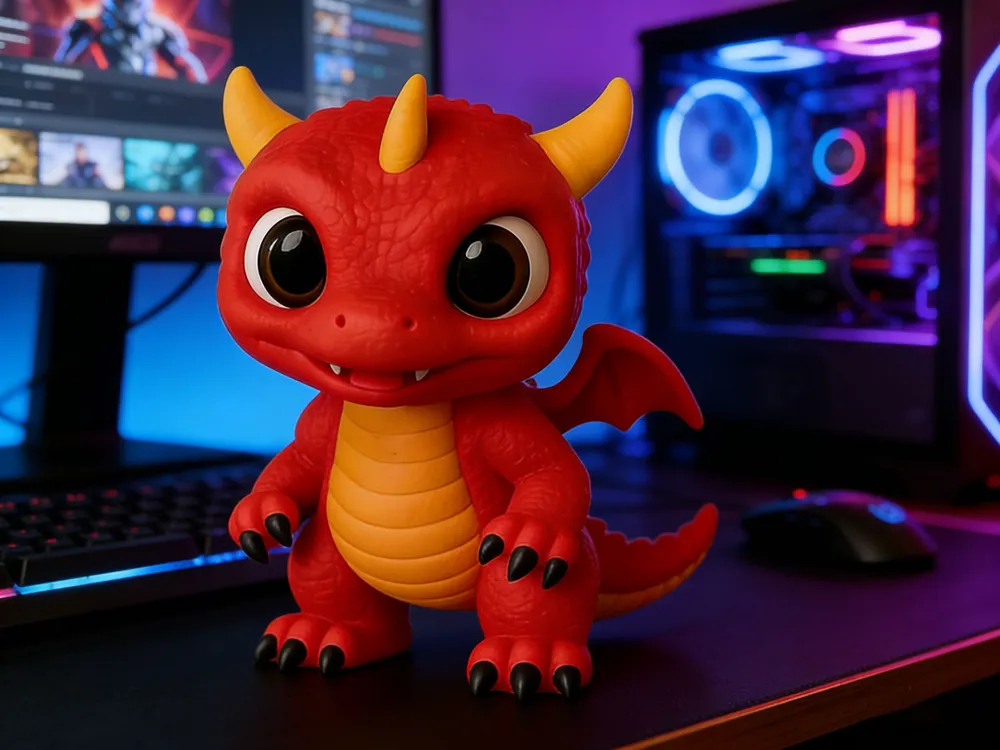
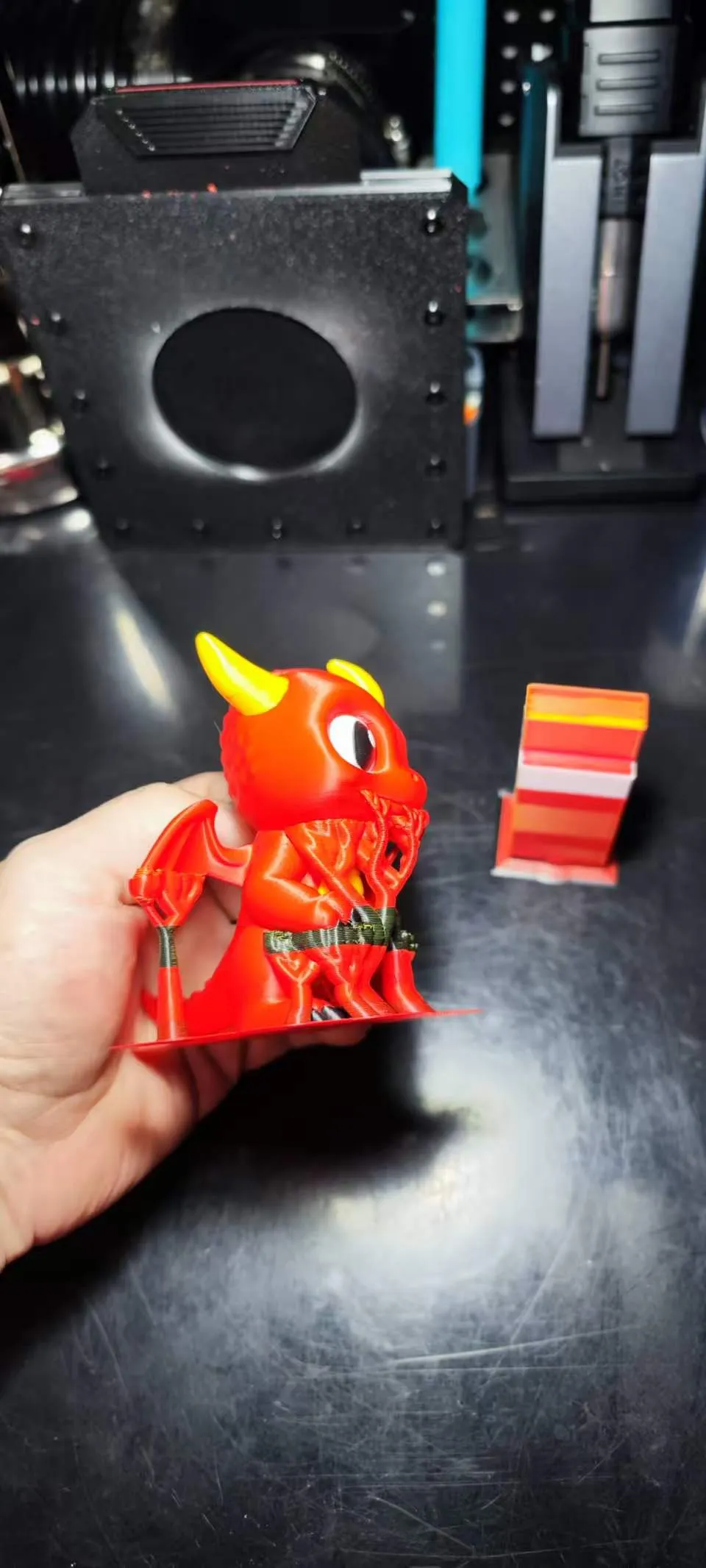
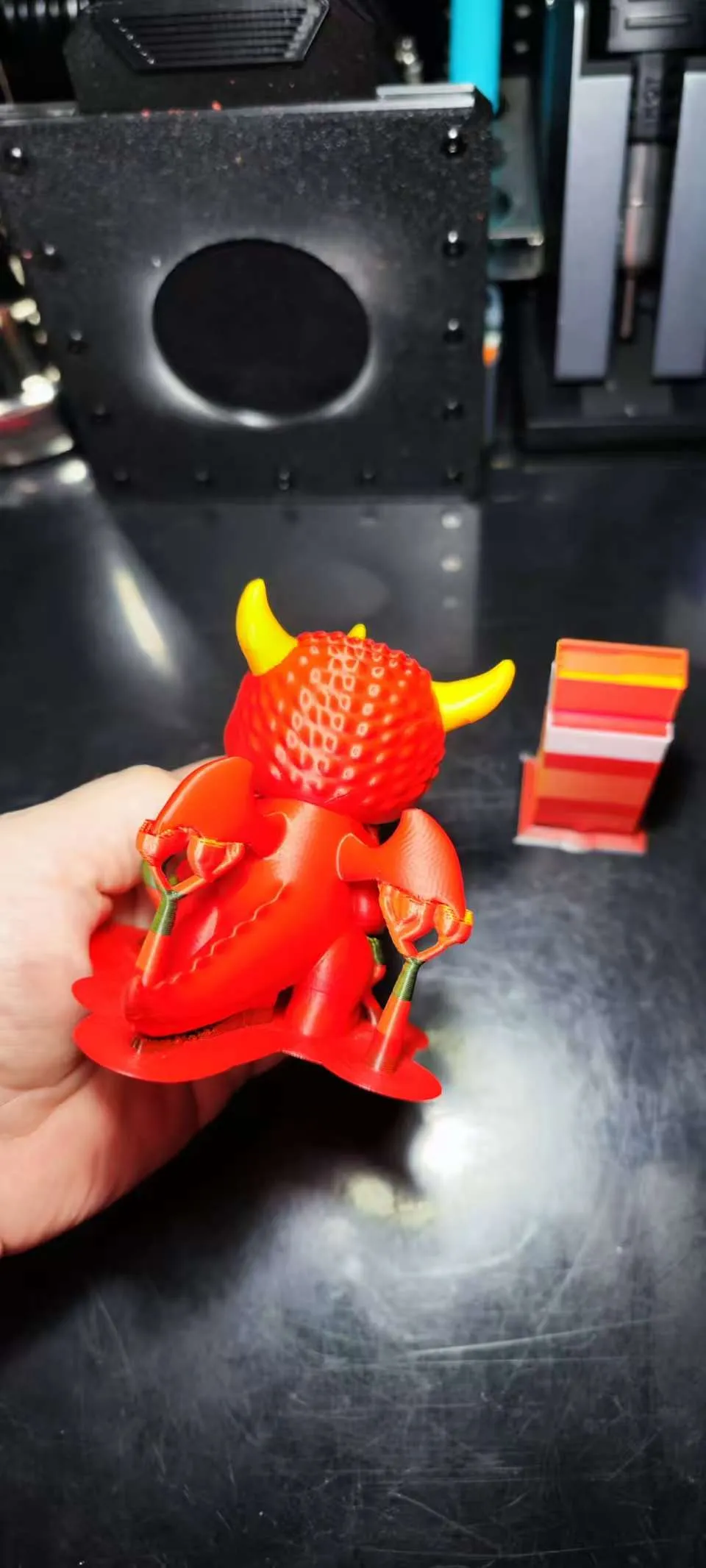
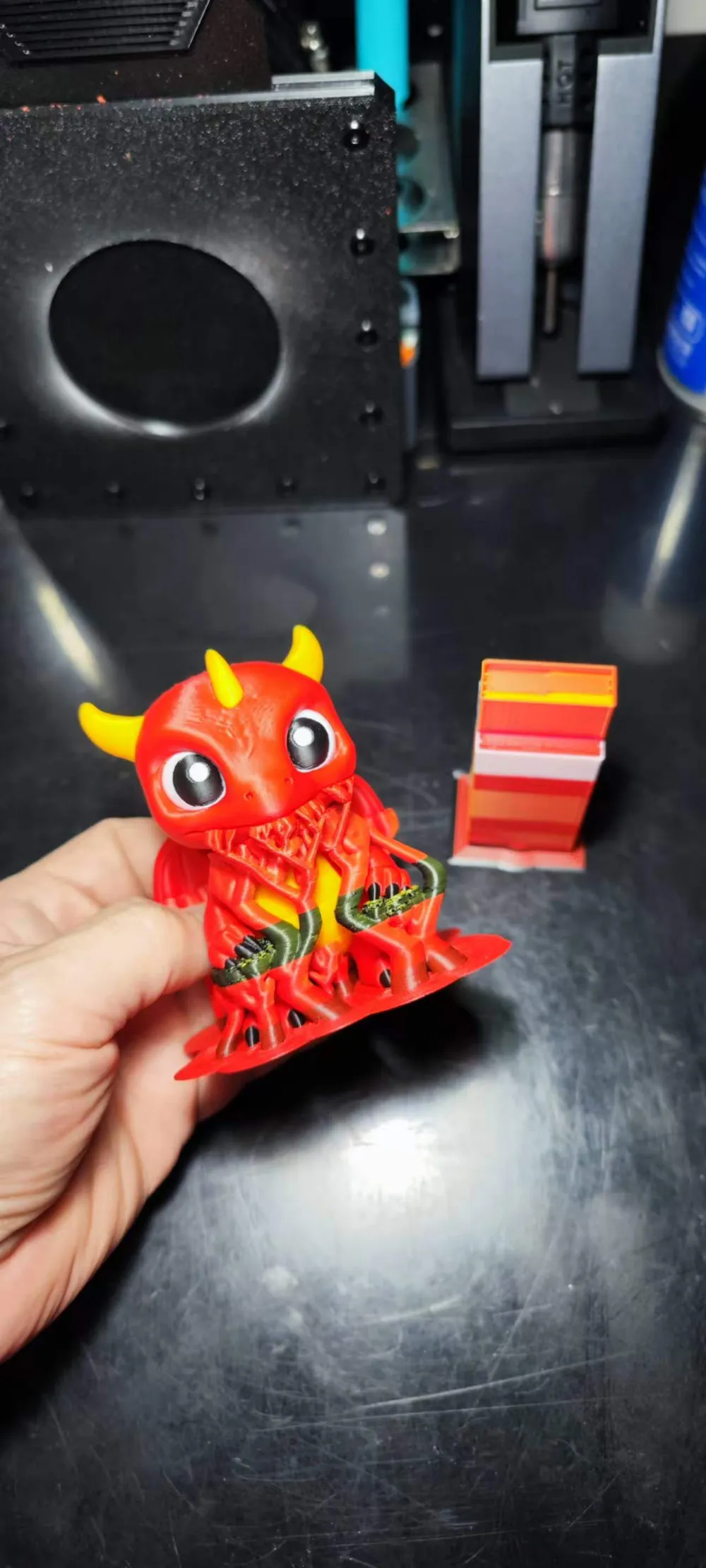
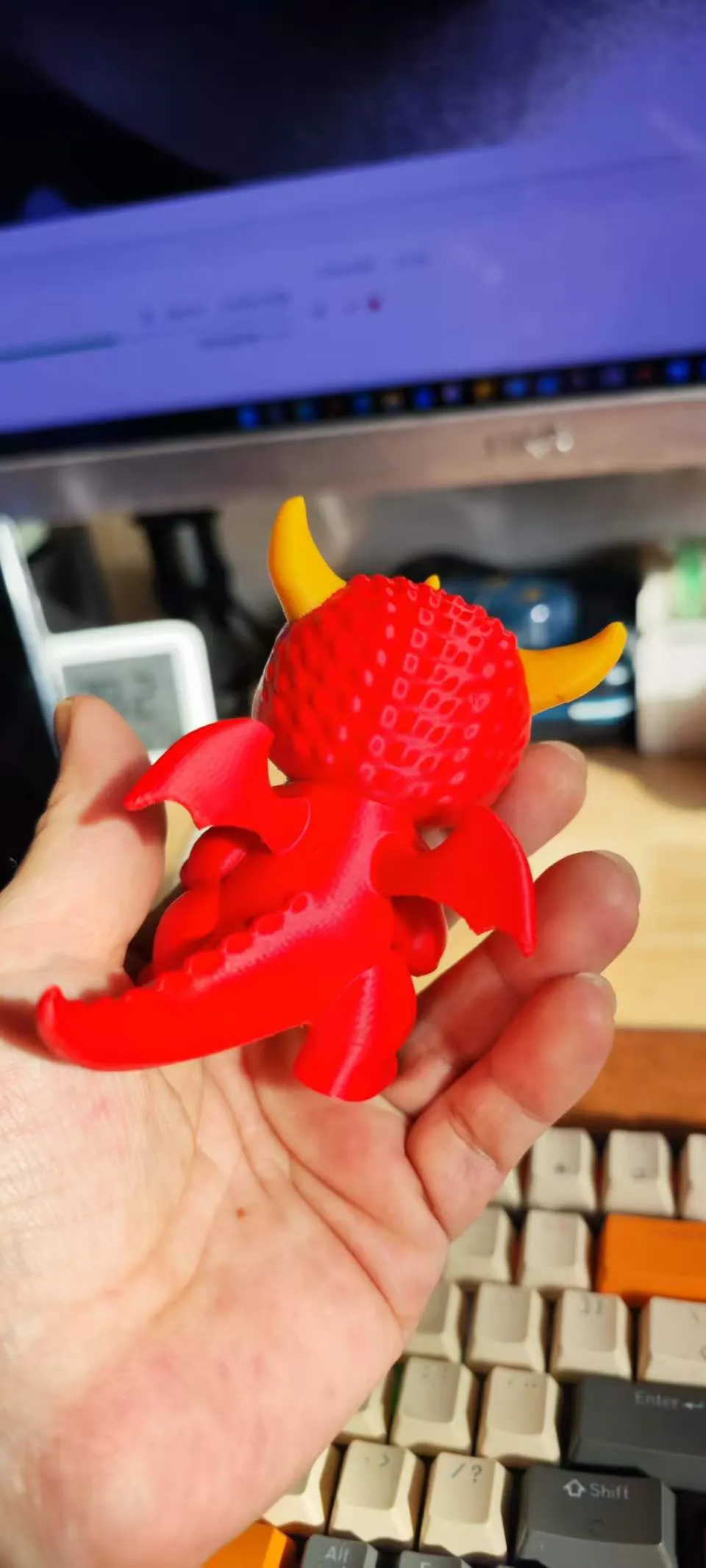
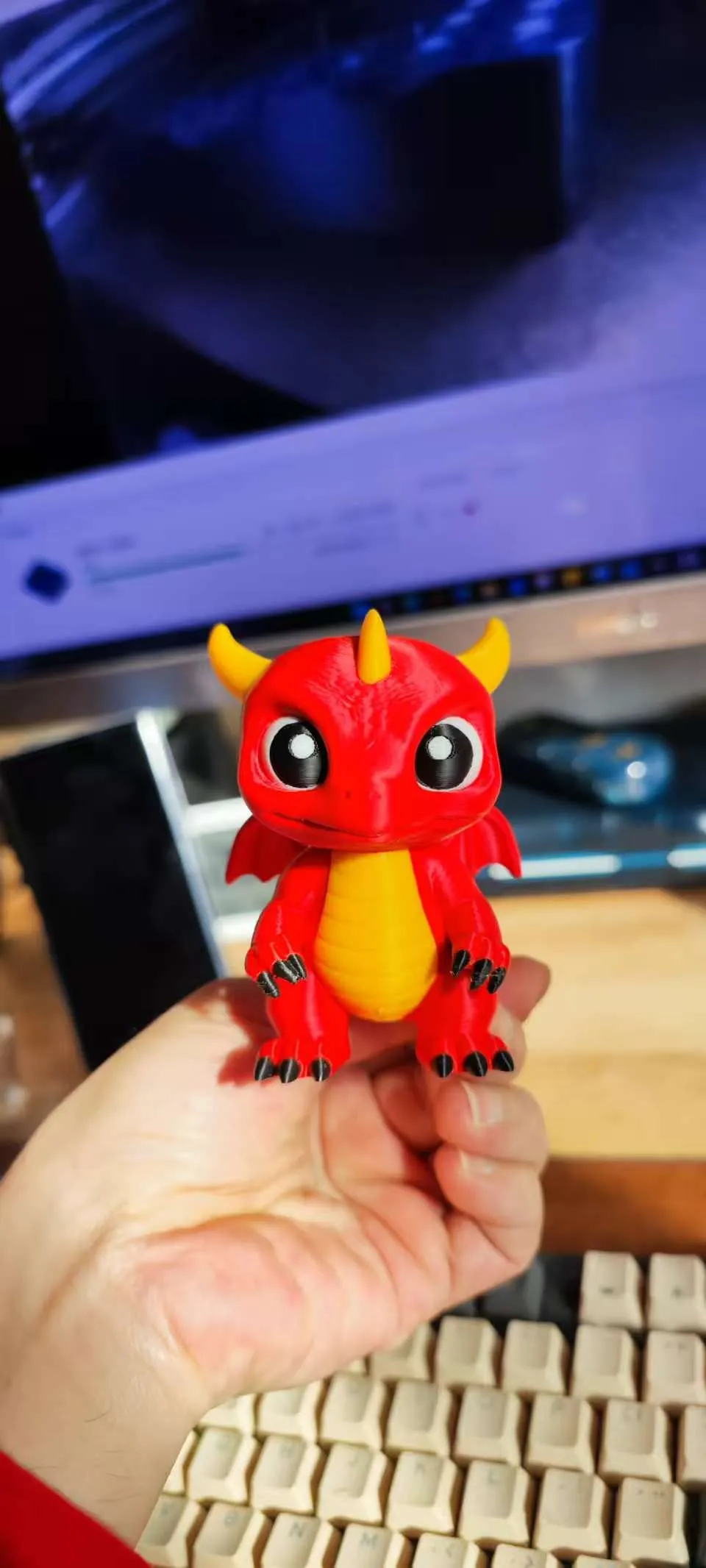
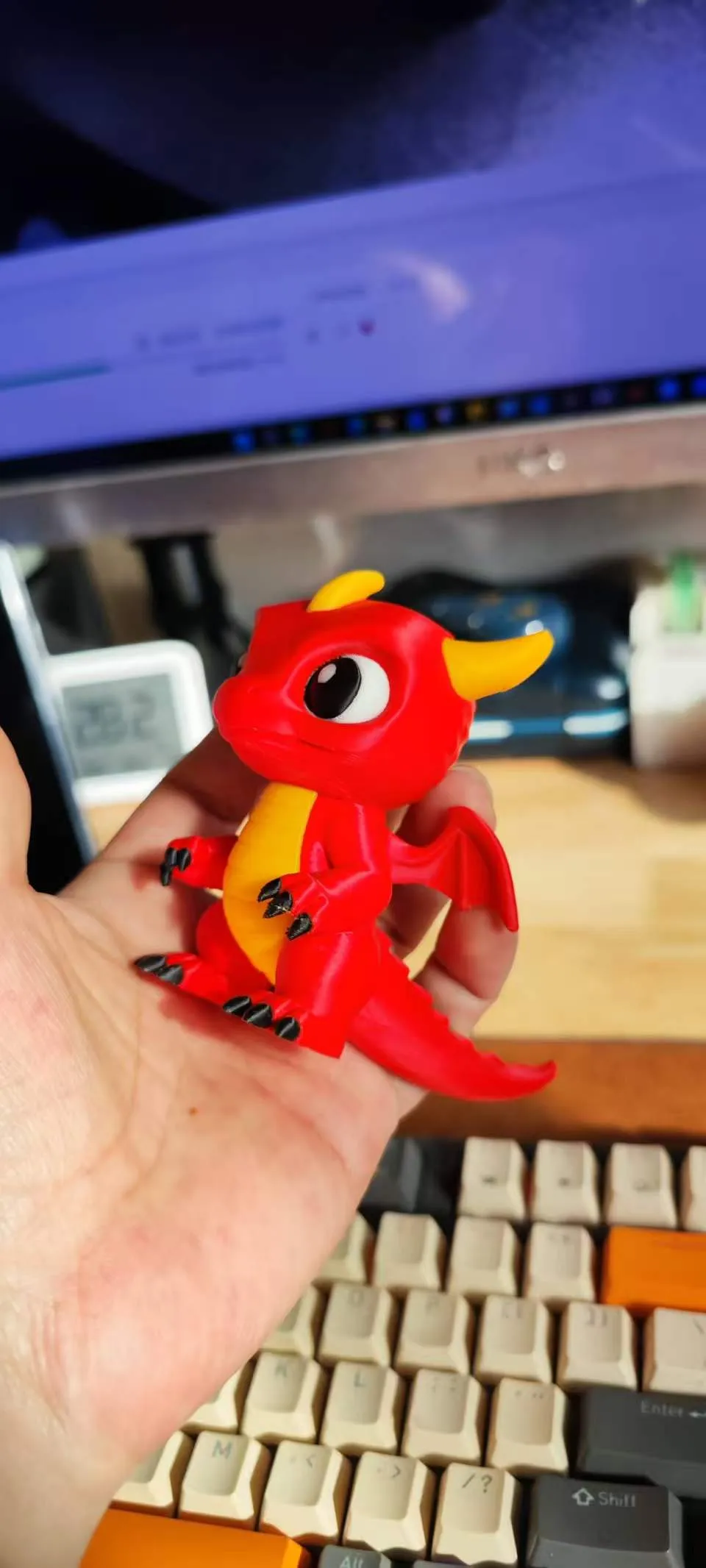
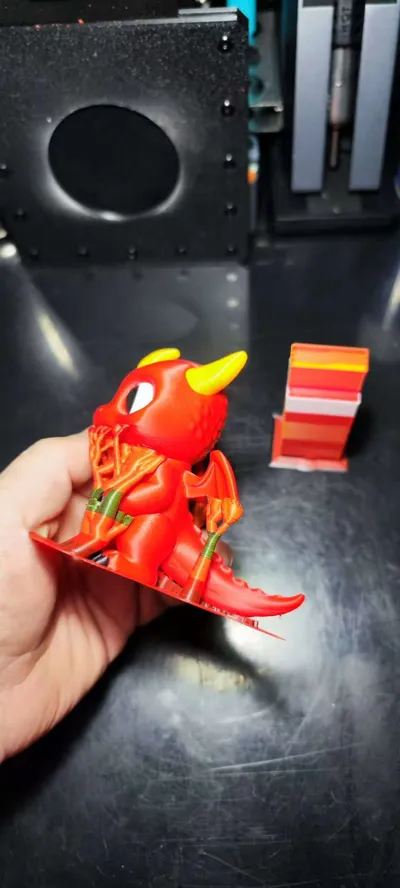
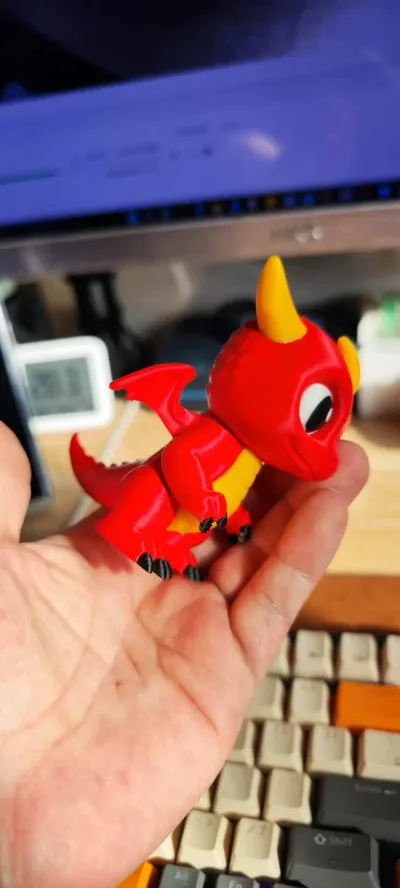
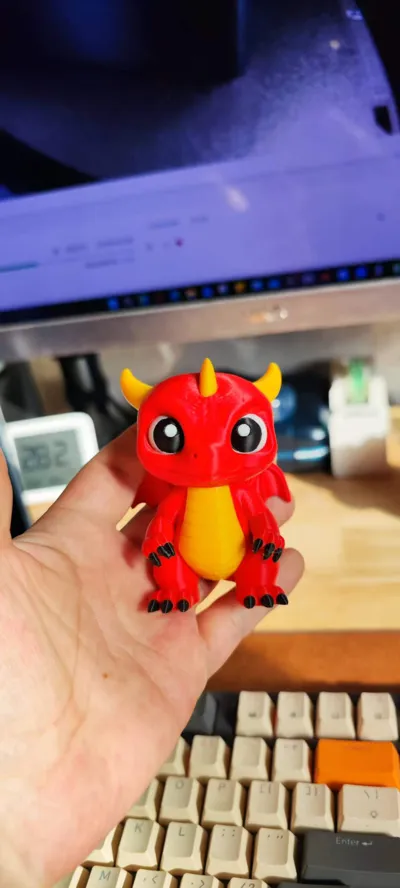
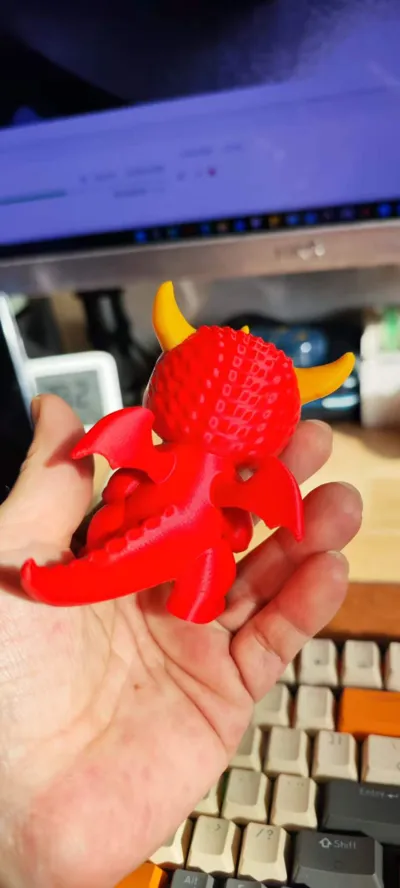
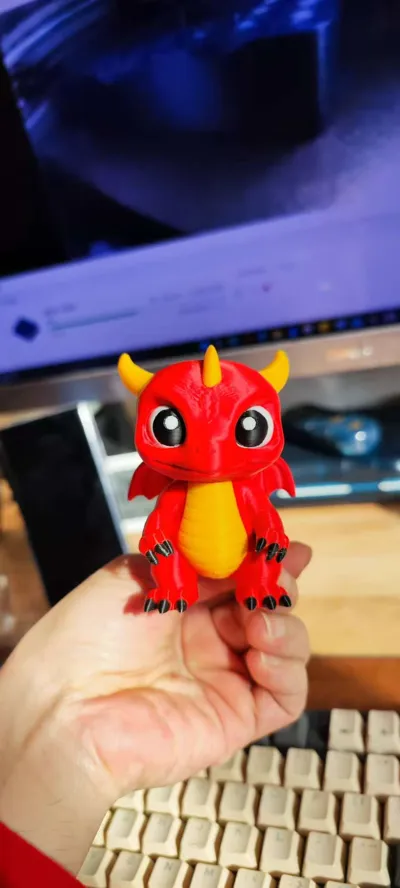
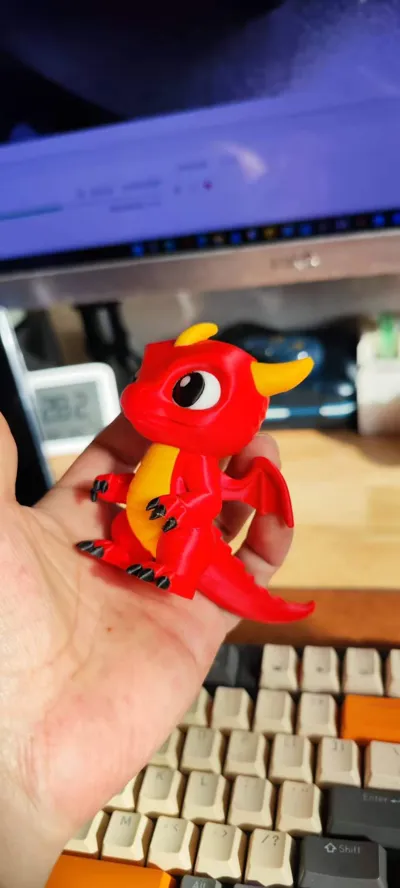
Print Profile(2)
Description
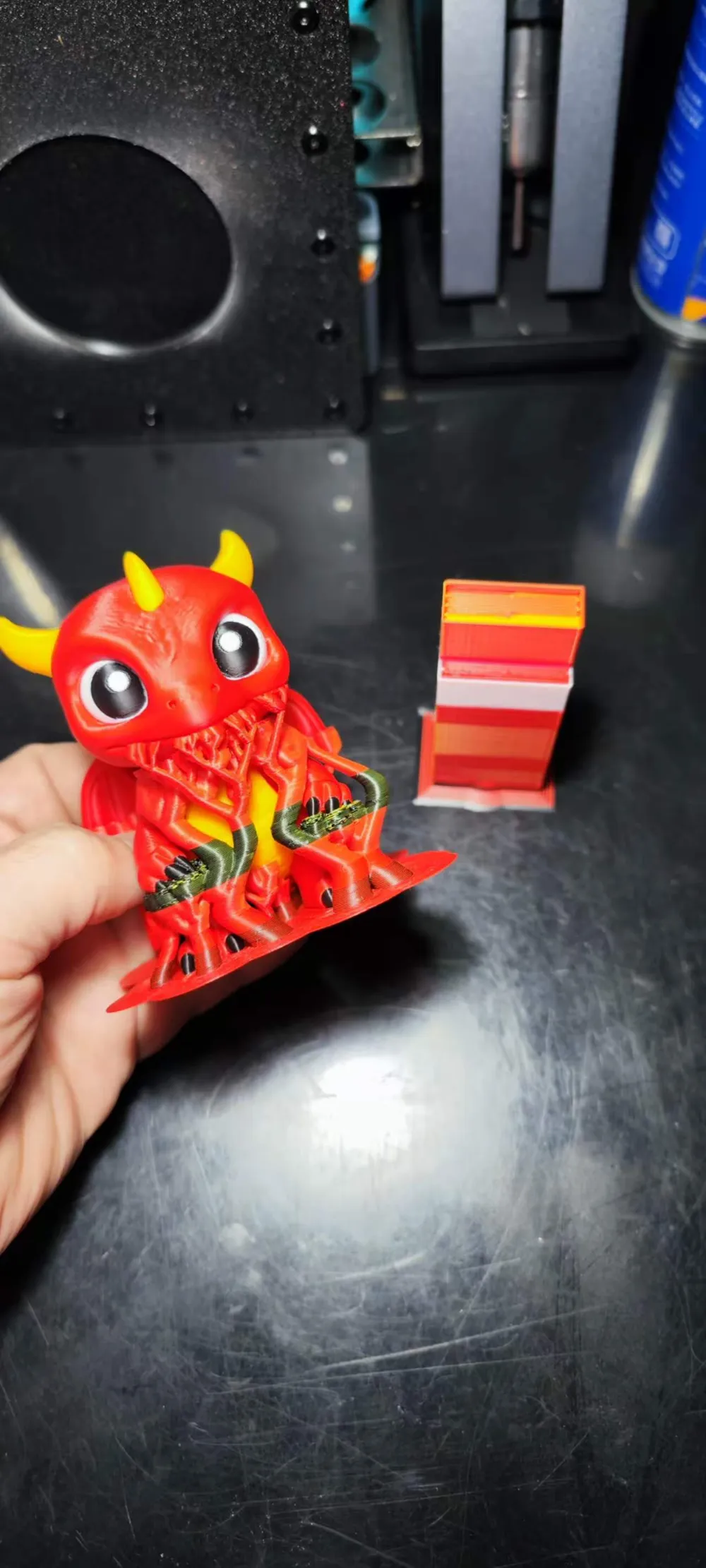
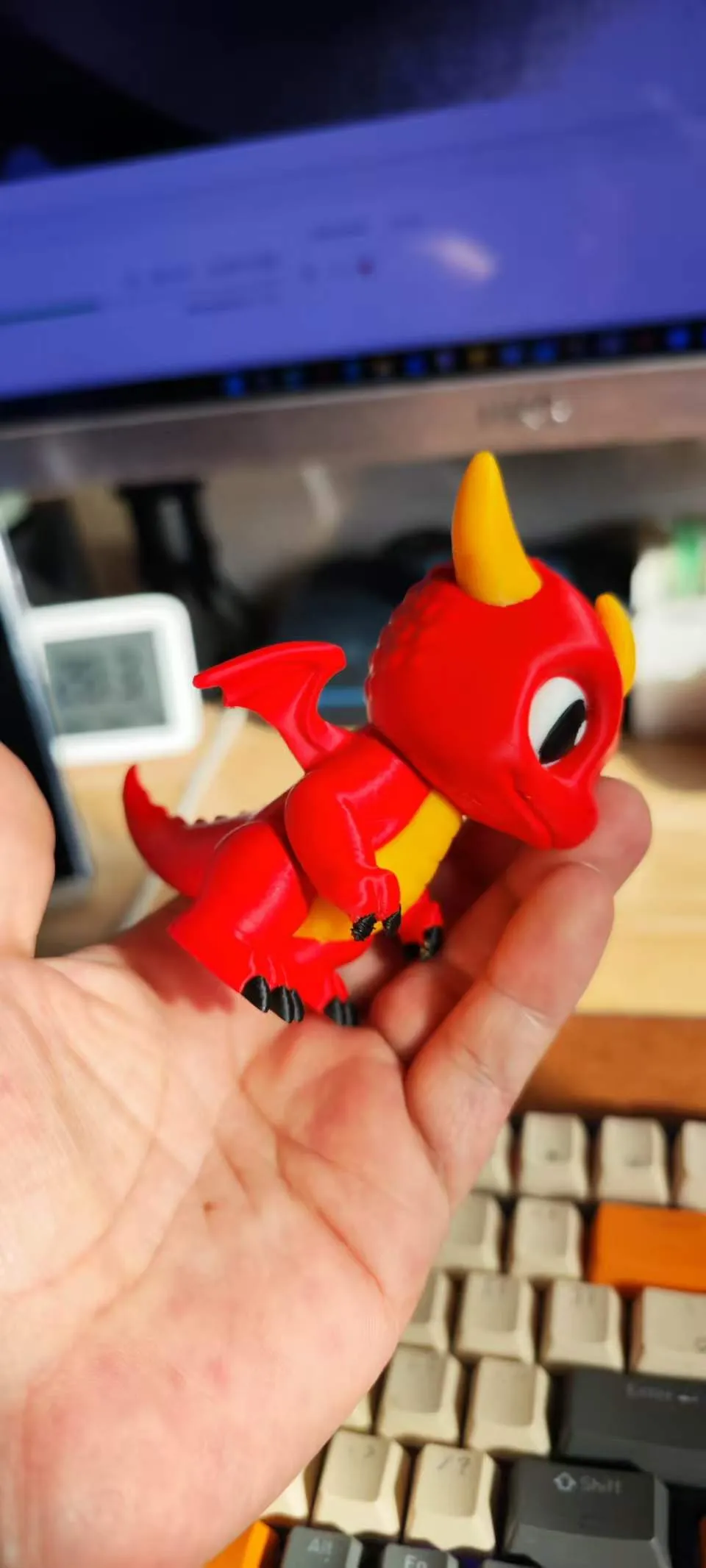
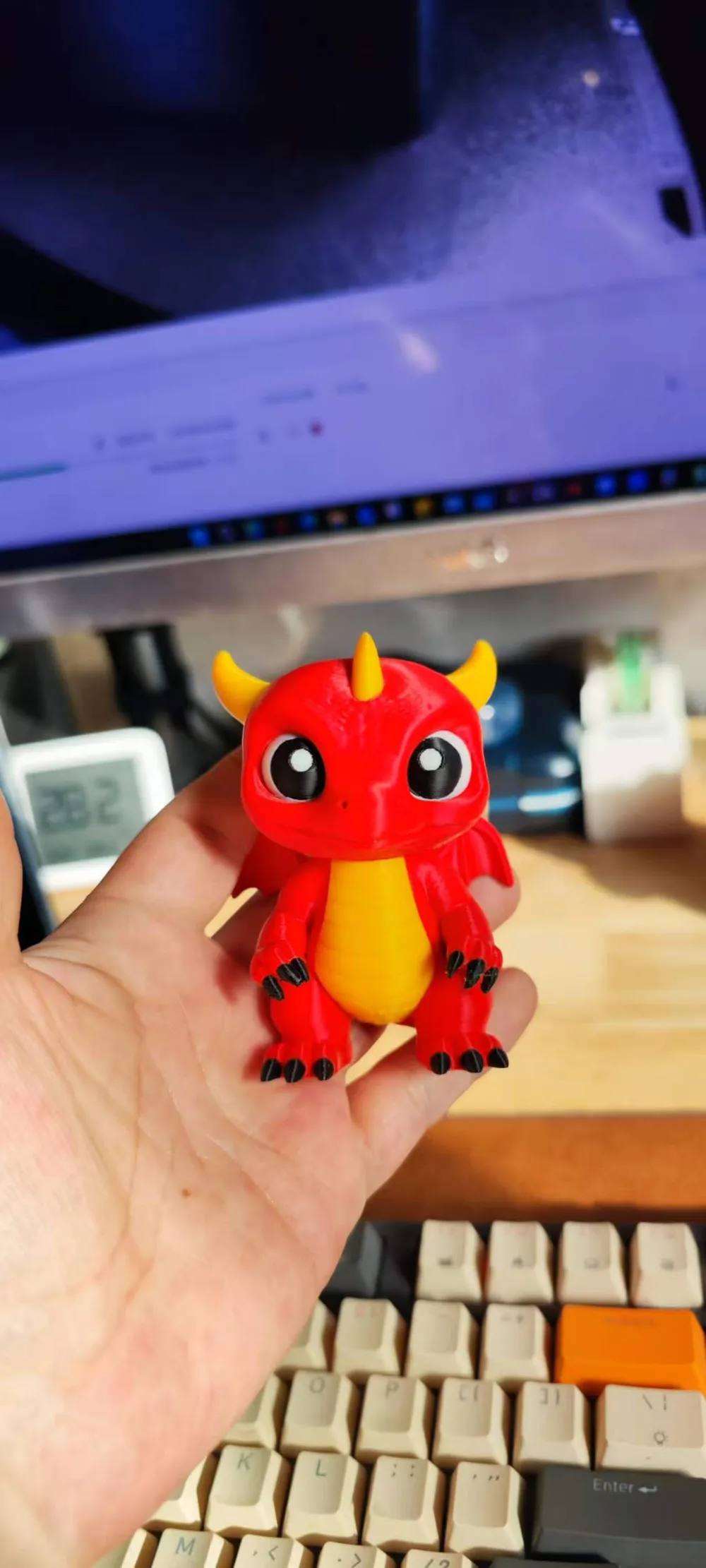
Note: Since .3mf files edited by Snapmaker Orca are rejected by Maker World for upload, the printable profiles directly downloadable are the Bambu Lab version monochrome and multicolor models. Friends who like to manually paint can print the monochrome version. Multicolor can be printed with P1S/P2S, but it's not recommended due to time consumption and waste.
I have placed the multicolor models suitable for direct printing on the U1 version in the original model files. You can click the small arrow to the right of 'Download 3MF'
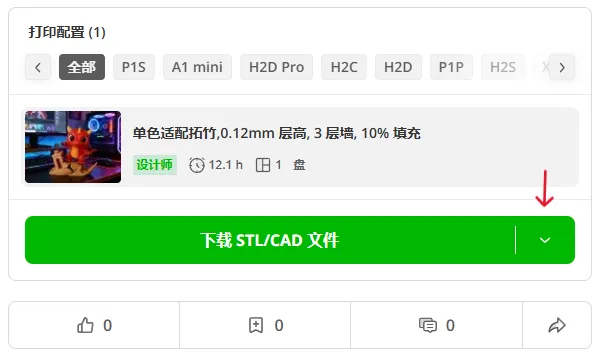
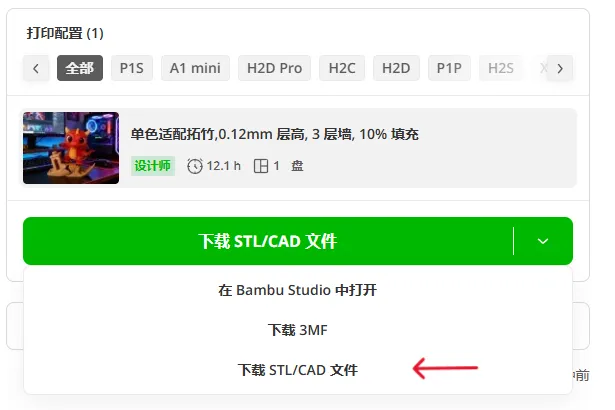
Select 'Download STL/CAD Files'
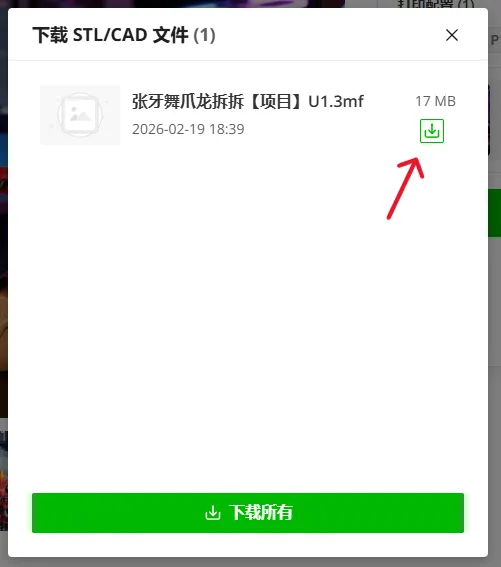
Click the green download arrow
Since downloading this file will not bring me 'printing' rewards, I hope everyone can come back and share photos after printing, providing some reference for other users. (Note: For better print quality, the U1 version multicolor model was manually painted using Snapmaker Orca, however, for unknown reasons, .3mf files edited by Snapmaker Orca cannot be opened with Bambu Studio, the software crashes, so it is not compatible with Bambu Lab printers.)
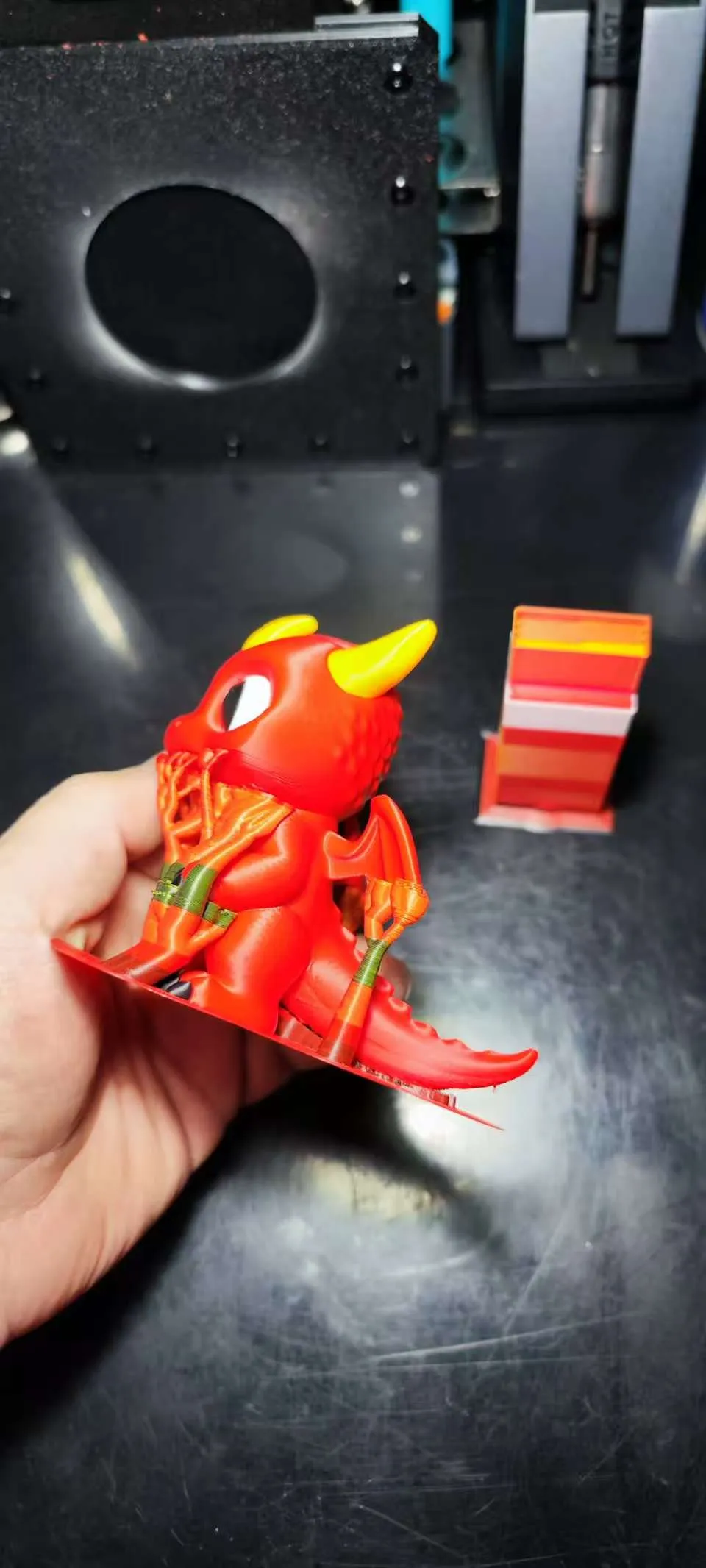
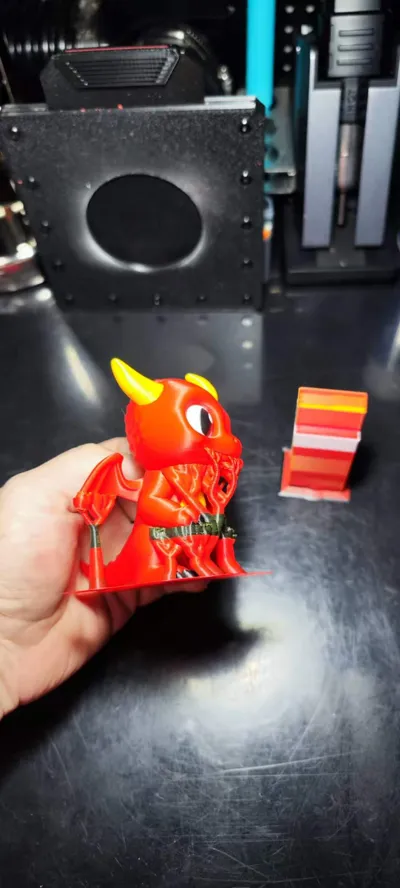
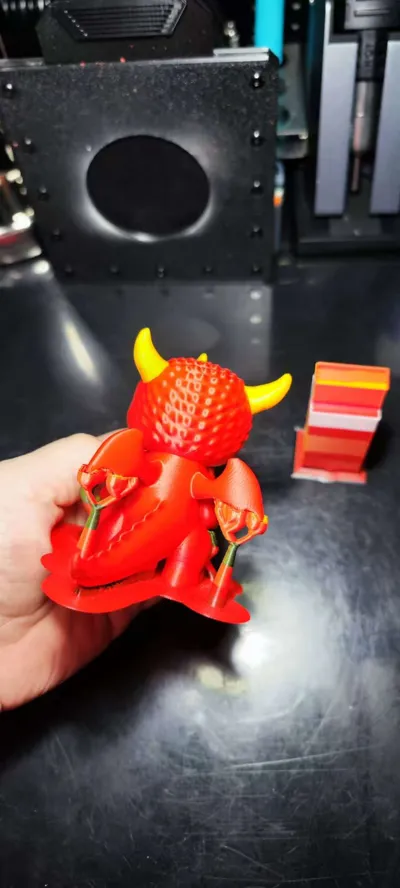
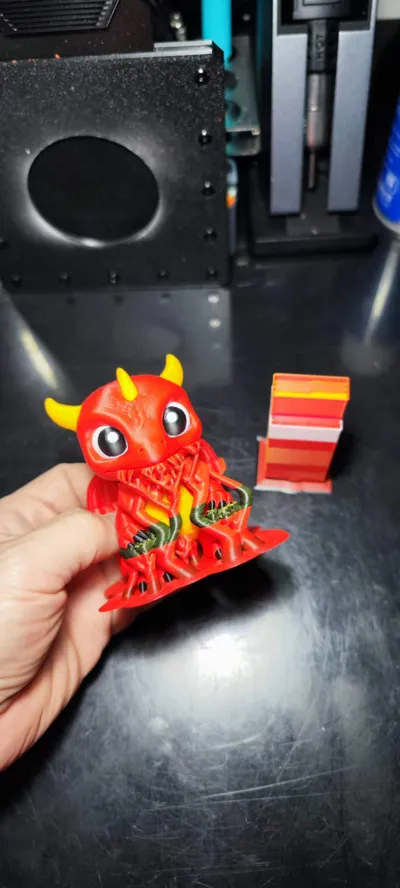
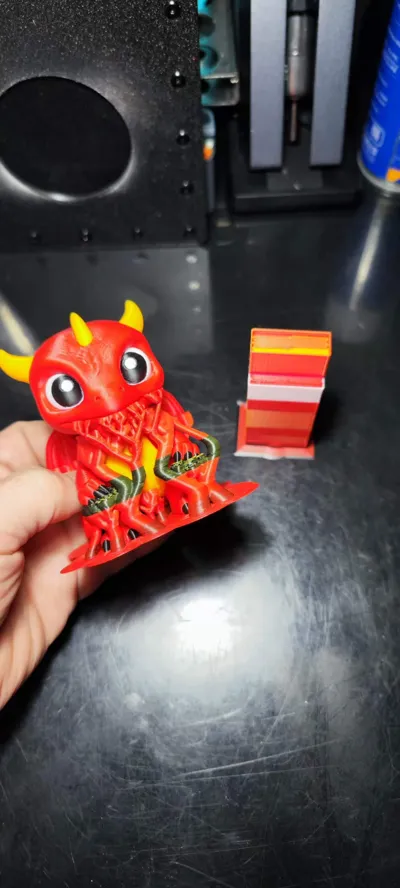
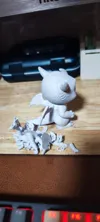
To ensure print success rate, I have comprehensively strengthened the supports, not only increasing the wall thickness but also adding sparse infill. Based on my own tests, the model printed successfully in one go, with no support tilting or breakage issues during the process. If you are reluctant to use material for supports, you can change these settings, but please note that you must clearly understand what you are doing and have enough experience to resolve any unforeseen issues that may arise.
Try to apply some super glue on the build plate. After all, multicolor models take a long time to print, and unexpected issues can easily occur midway. Applying glue can play a crucial role in strengthening supports. If convenient, it's best to also apply some super glue under the wipe tower.
License

You shall not share, sub-license, sell, rent, host, transfer, or distribute in any way the digital or 3D printed versions of this object, nor any other derivative work of this object in its digital or physical format (including - but not limited to - remixes of this object, and hosting on other digital platforms). The objects may not be used without permission in any way whatsoever in which you charge money, or collect fees.


Comment & Rating (5)