
Sim Racing Flag/Spotter
Print Profile(1)
Bill of Materials
Description
Sim Flag – Compact Build Guide
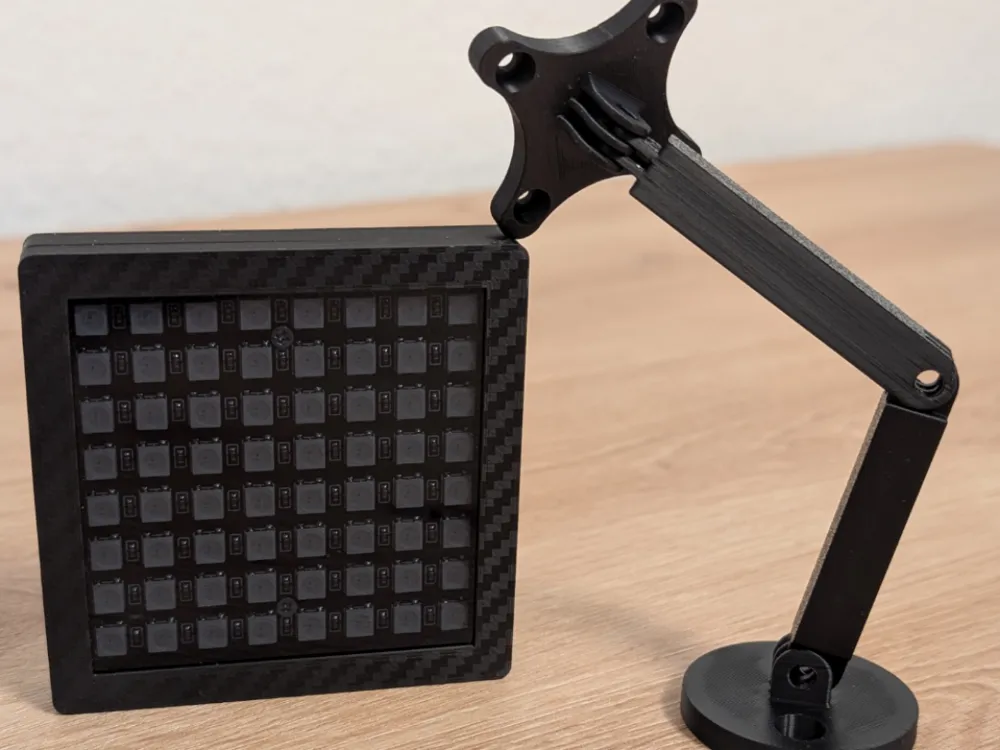
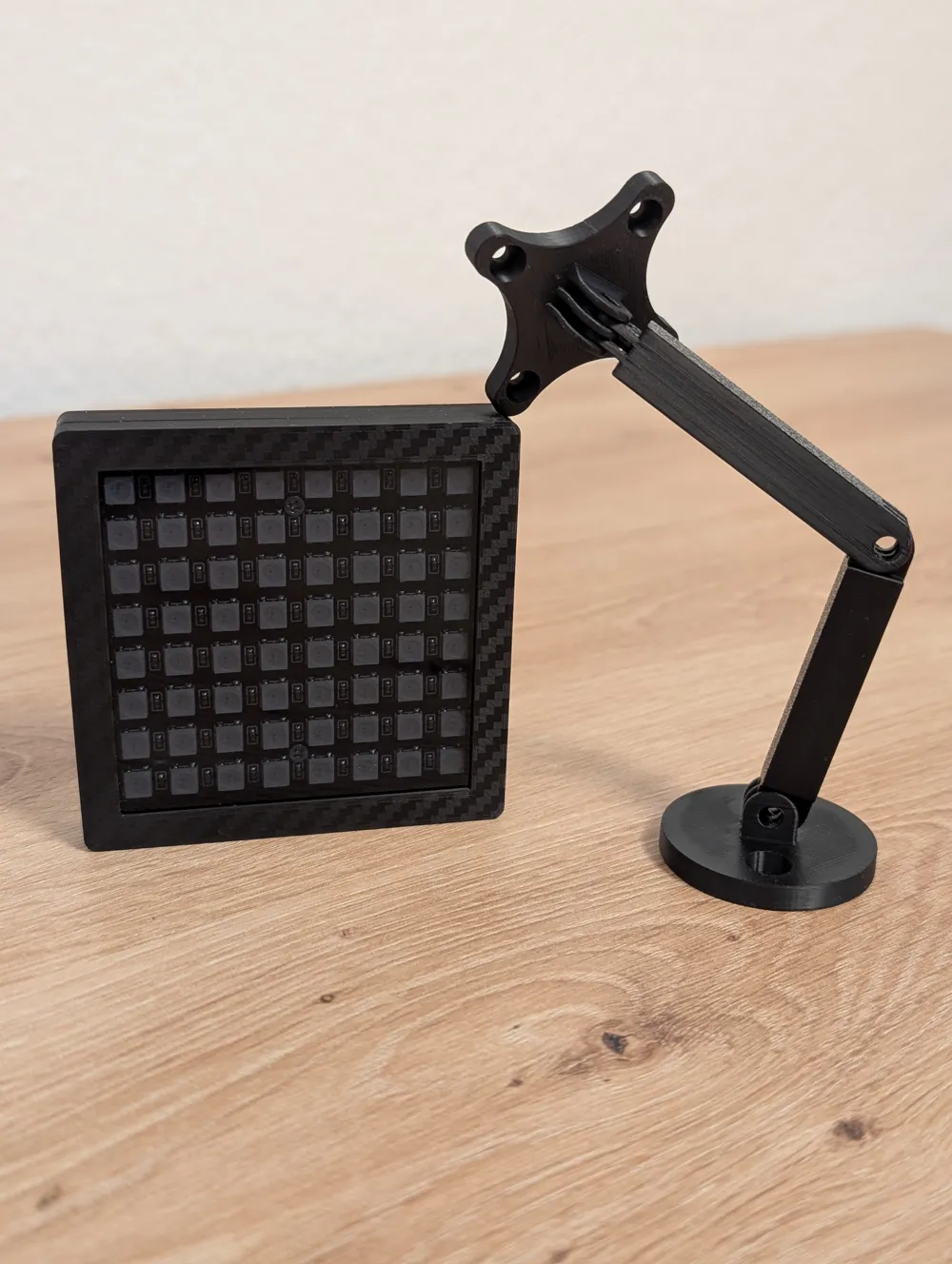
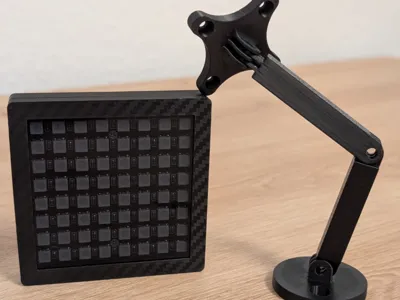
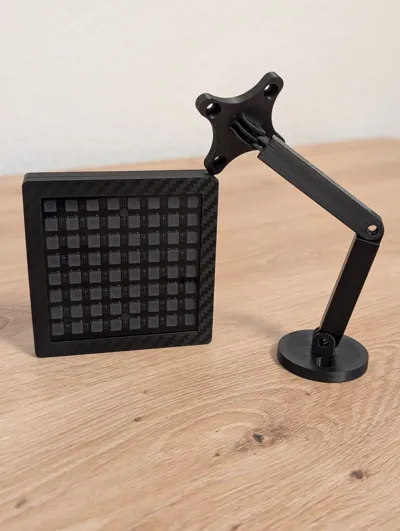
This is my small Sim Flag, which is controlled with SimHub
Boost Me (for free)
Parts List
Printed Parts
Flag
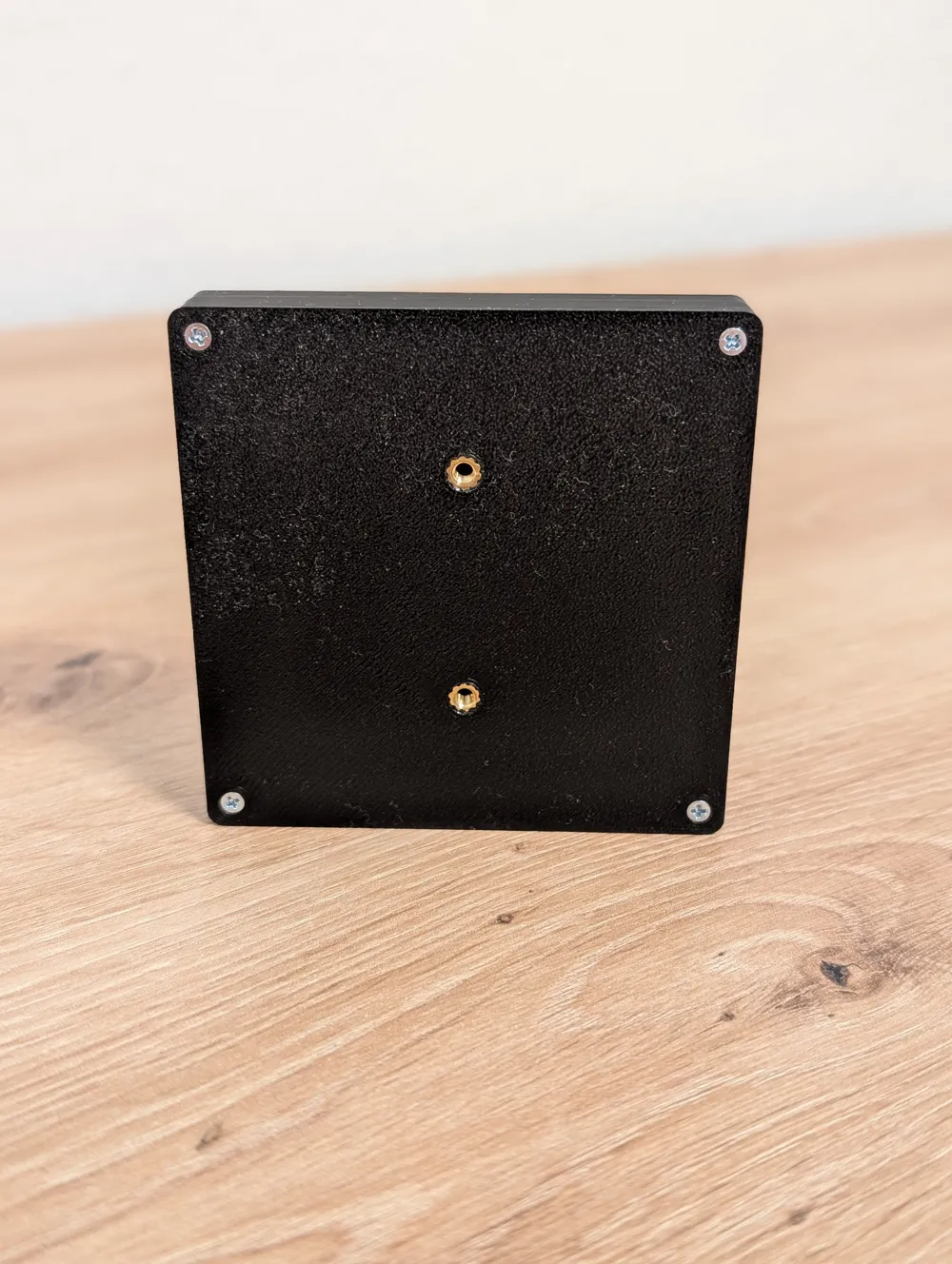
- Bottom Casing
- Front
- "Glass" Template (for cutting the acrylic; optional)
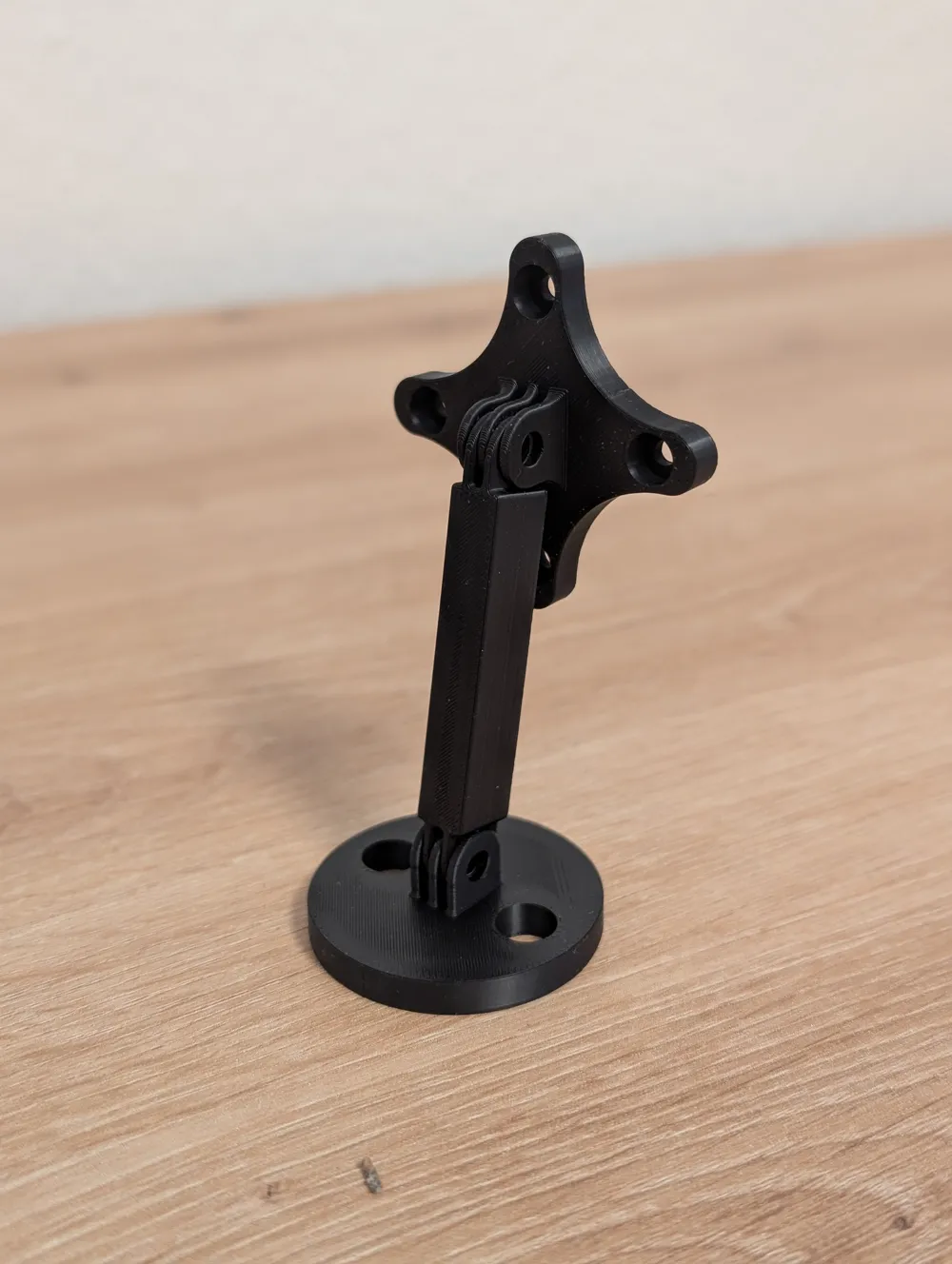
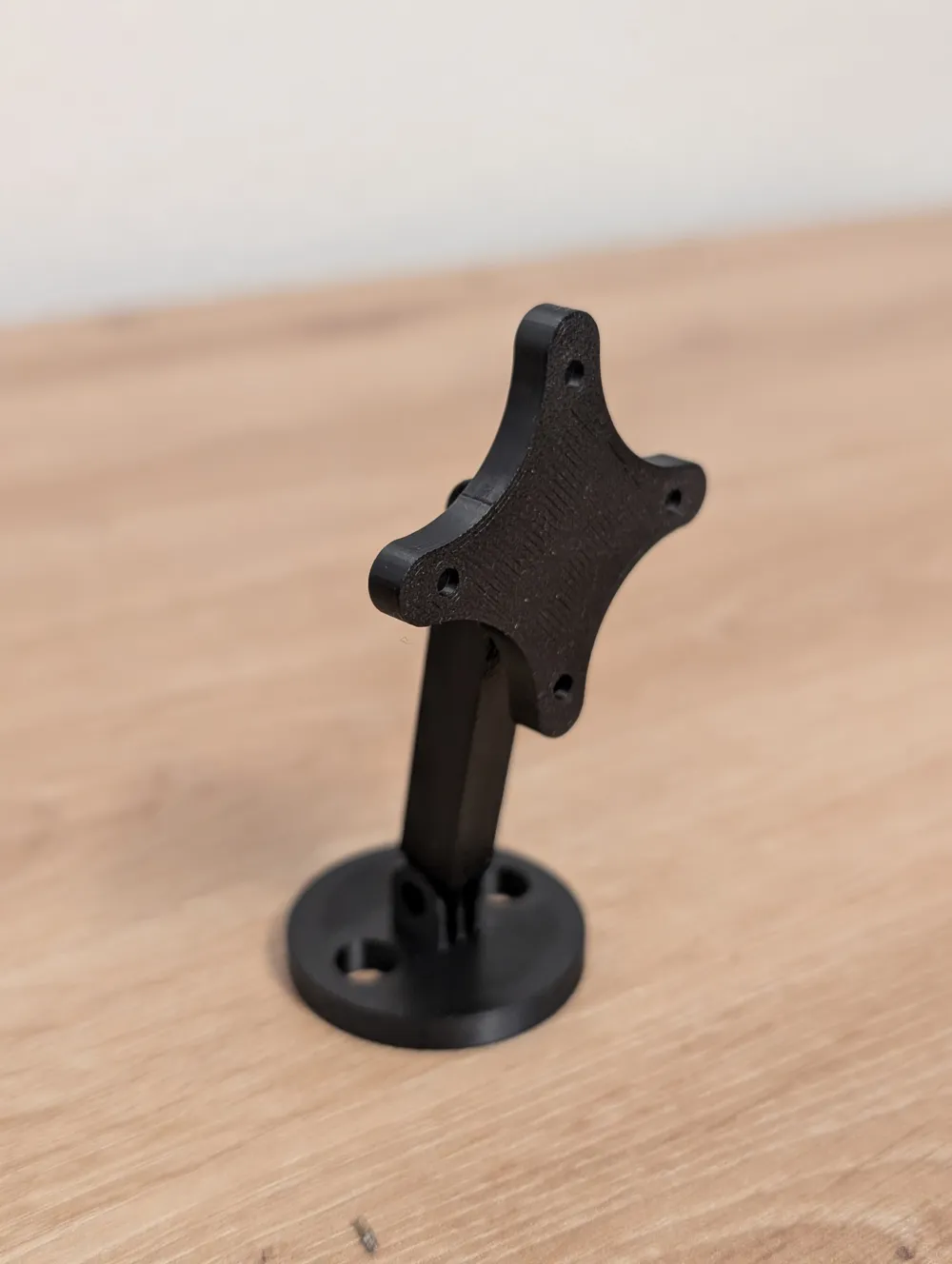
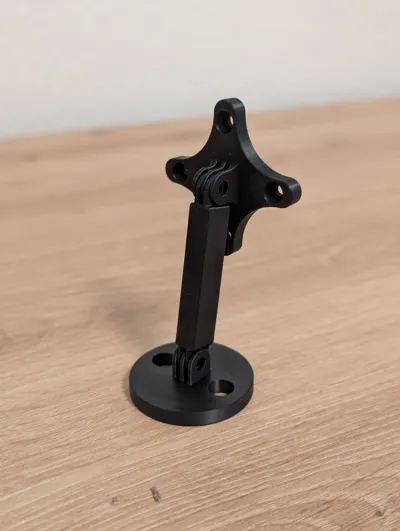
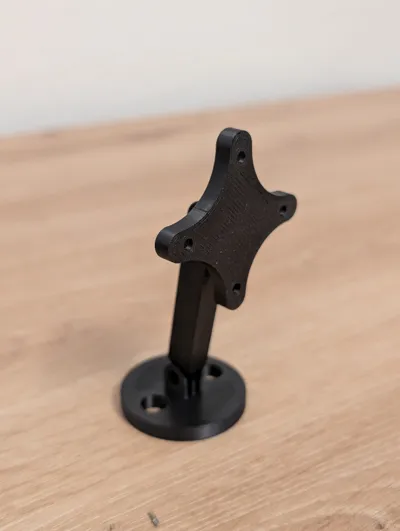
Mount
- Arm
- Arm with Side Tilt
- Stand Base
- Adapter Plate between Arm and Flag (90-degree adjustable)
Other Components
- 1× Arduino Pro Micro (USB‑C) (18.2x37.2xapprox. 3 mm)
- 1× 8×8 WS2812 LED‑Matrix (5050)
- Wires (e.g., 22 AWG)
- 1× Acrylic glass 72×72×3 mm, corners have a 5mm chamfer
USB-C Cable
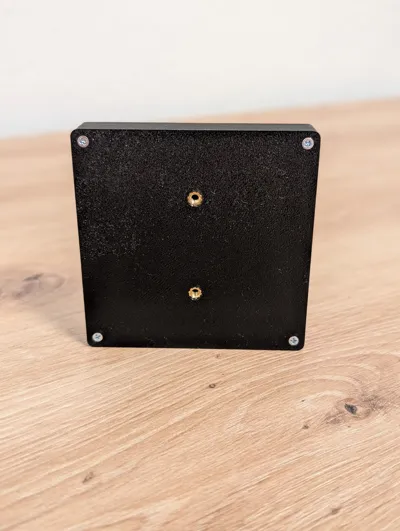
- Heat-set Inserts:
- 2× M3×4×5 mm
- 6× M2×3×3.2 mm
- Screws:
- 4× M2×12 mm countersunk head
- 2× M2×6 mm pan head
- 2× M3 (for mounting)
- 3× M3×10mm socket head for the arm + nuts
Installation
Connect the Arduino to the LED‑Matrix
The matrix has connections on two corners — use the "IN" connection, not "OUT"
Recommended cable length: approx. 8cm
Connections:
- V+ → VCC
- V− → GND
- IN → Pin 6 on Arduino
- Press in heat-set inserts with a soldering iron (at approx. 200°C)
- If a smaller Arduino was used, simply glue it to the bottom with a small dot of superglue and insert screws
- In SimHub, click on Arduino, add a new one, select COM port, upload, and finally go to the RGB Matrix section and choose how you want to use this display
License

You may create derivative works based on this object, provided that all such derivative works are published exclusively on the MakerWorld platform and include proper attribution to the original creator. You may not share, upload, host, distribute, or publish this object—or any derivative work of this object—on any other digital platform, marketplace, or distribution channel. Commercial use of this object and any derivative works is strictly prohibited. This includes, but is not limited to, selling, renting, sublicensing, or using the object in any context in which you receive monetary compensation or other financial benefits.


Comment & Rating (12)