
OpenGrid Snap Install Support Tool (Prevents Flex)
Print Profile(2)
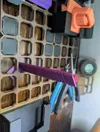
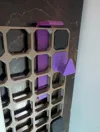
Description
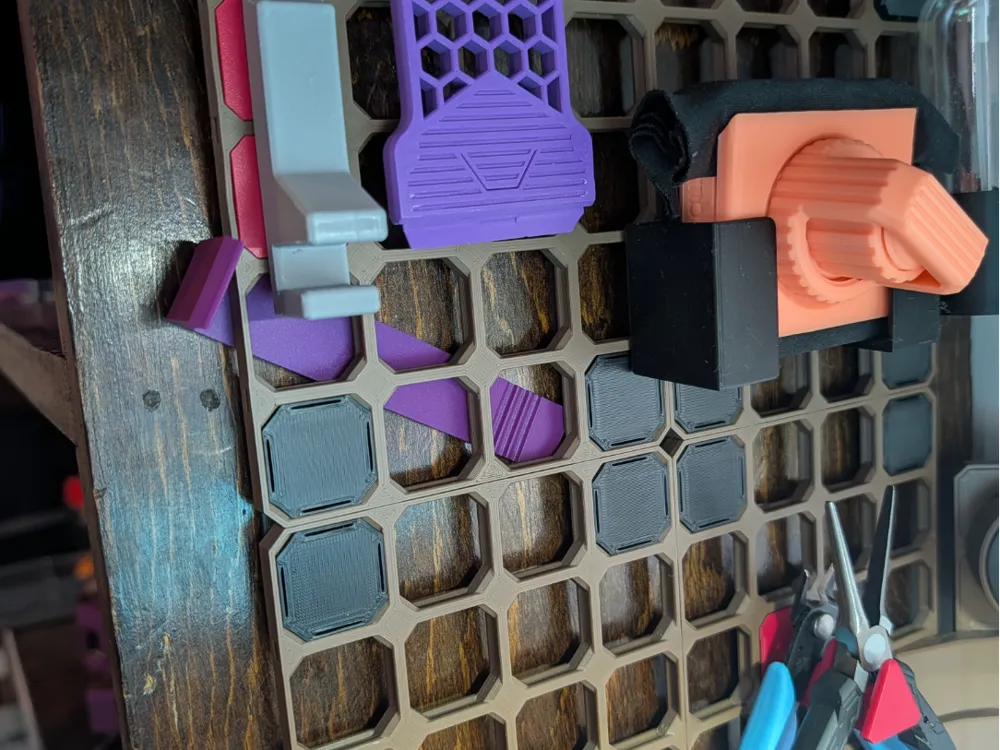
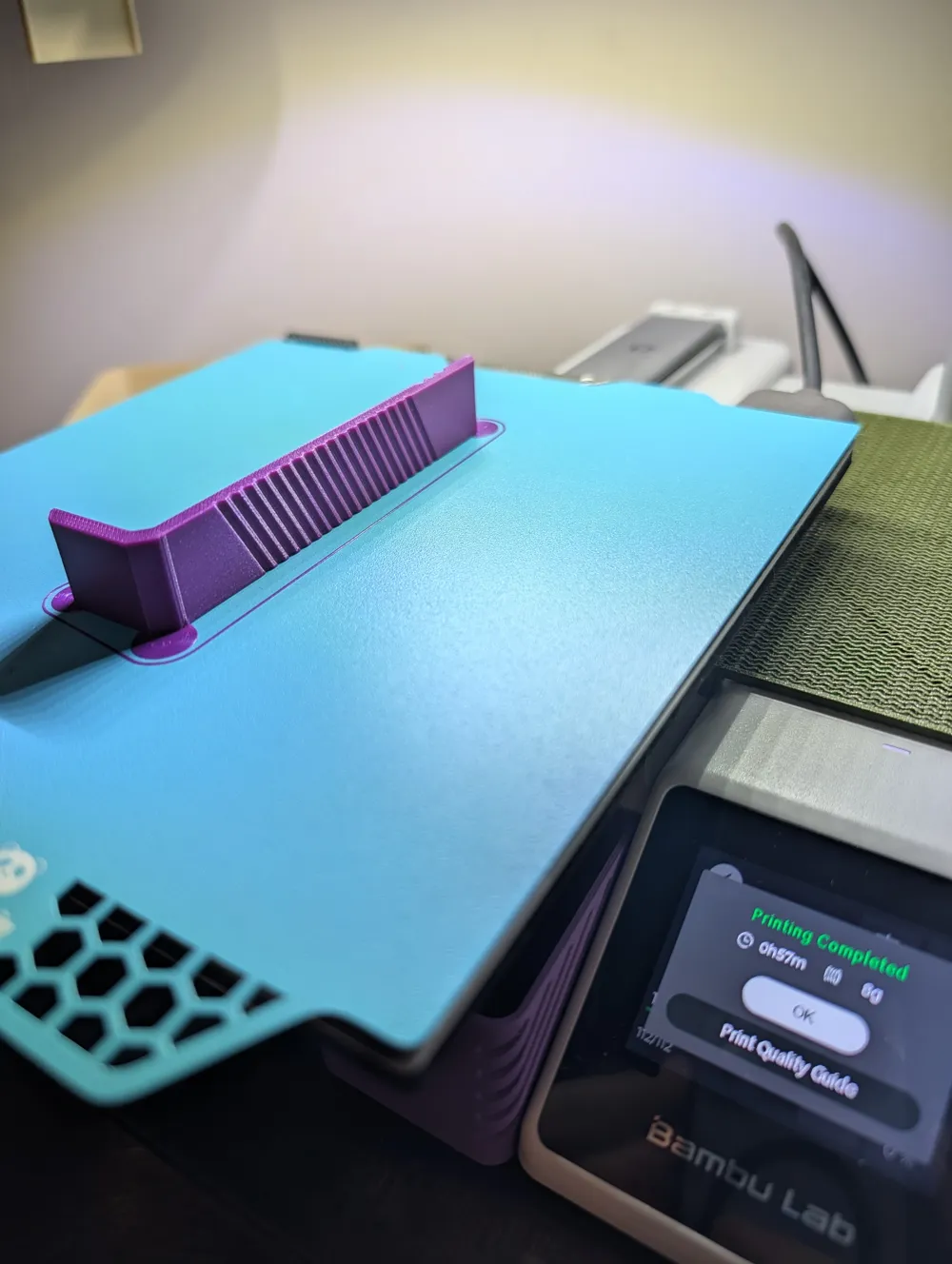
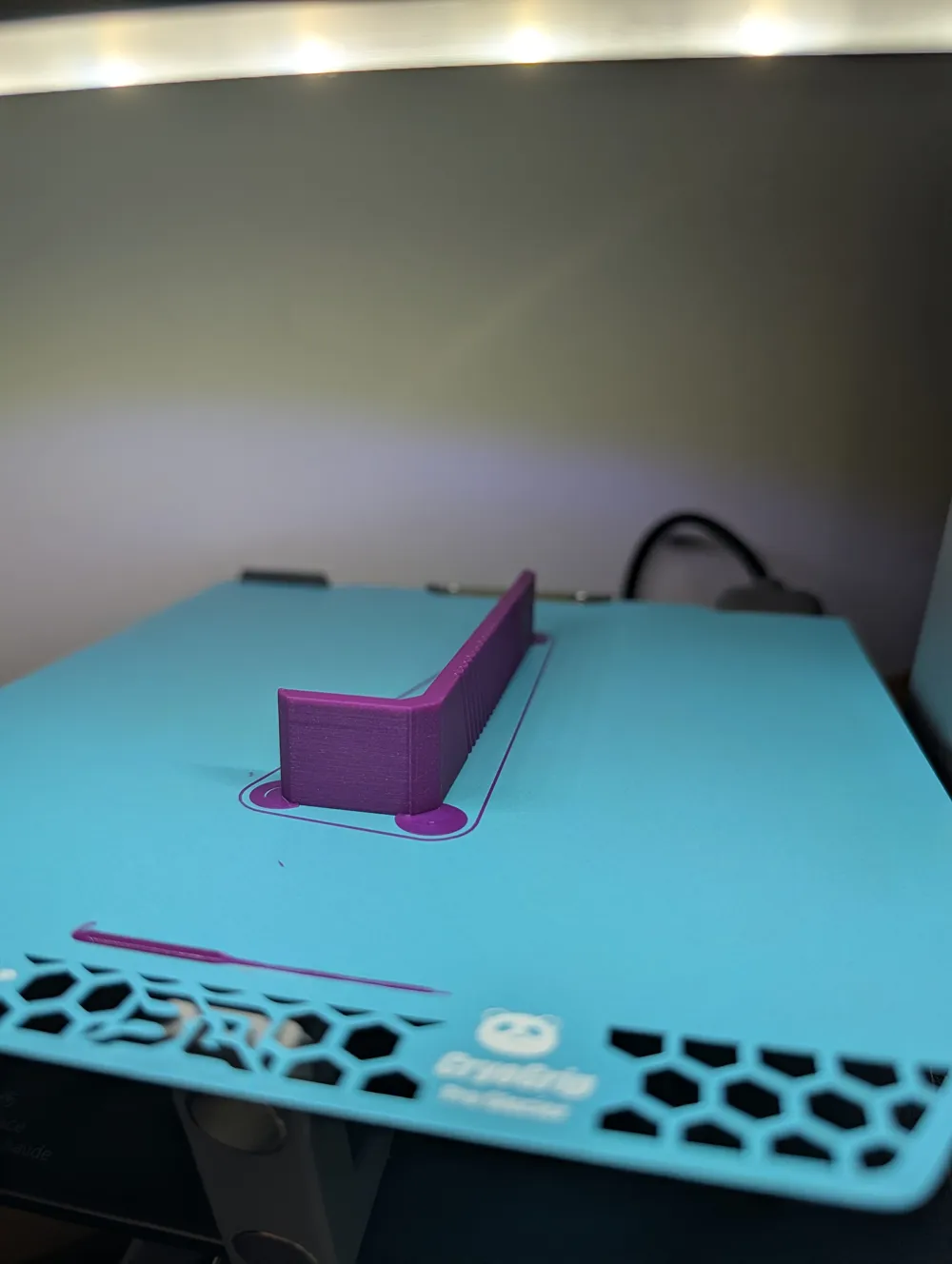
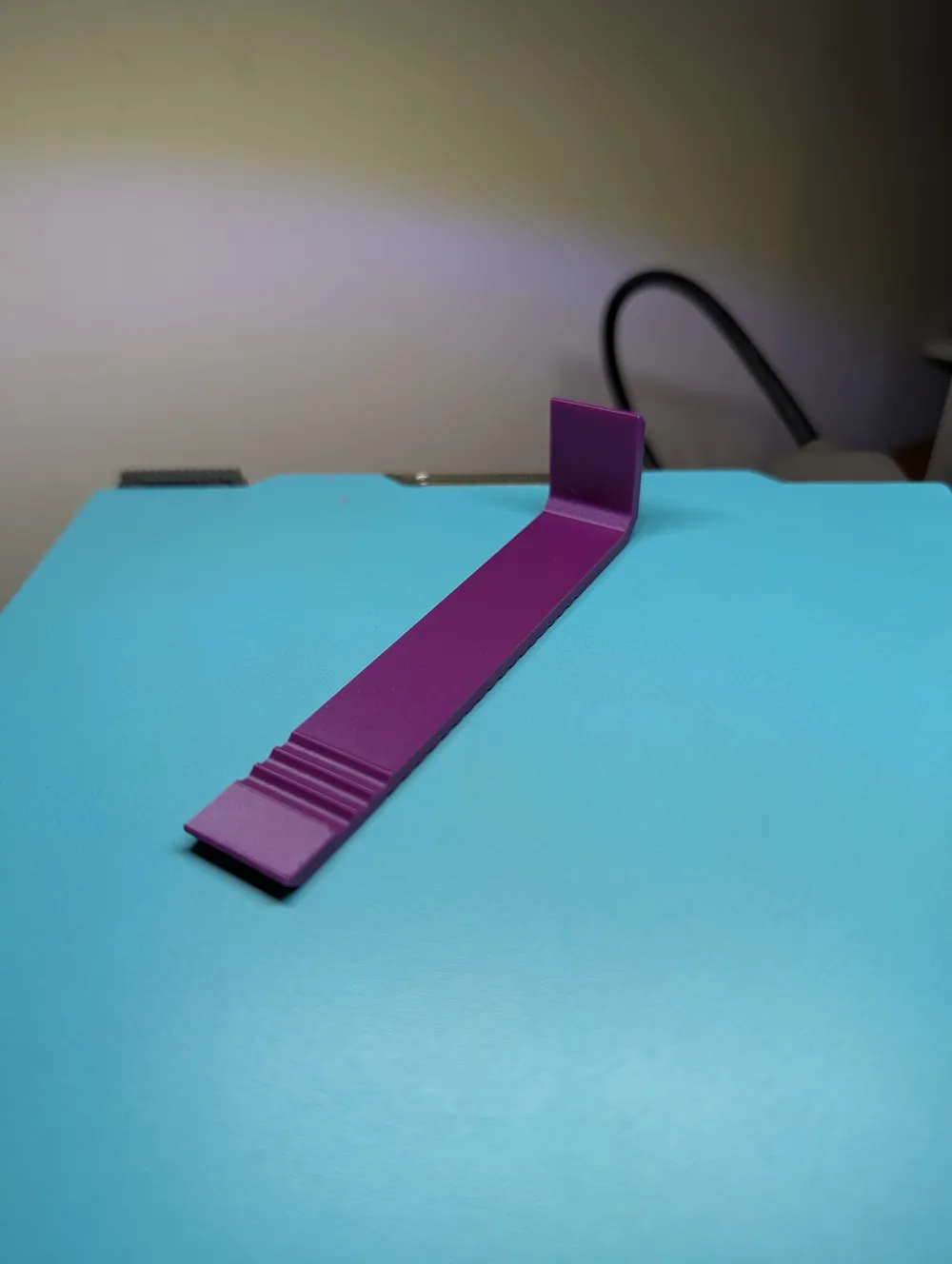
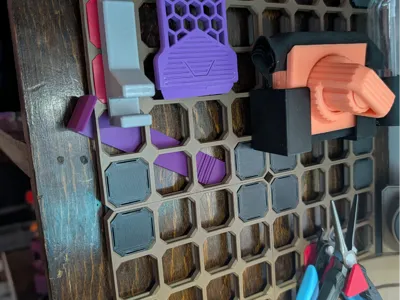
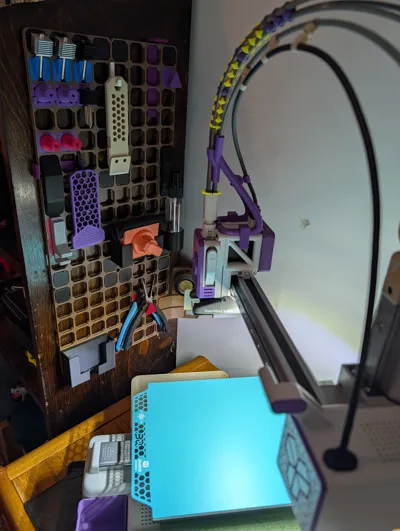
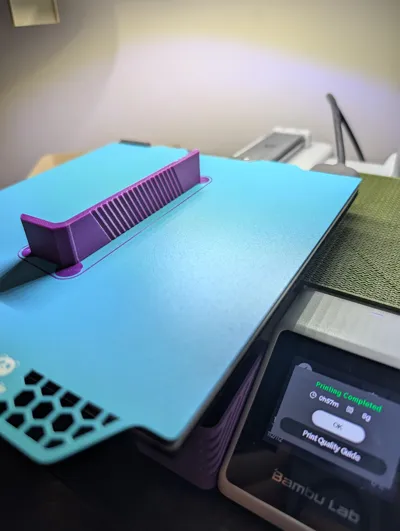
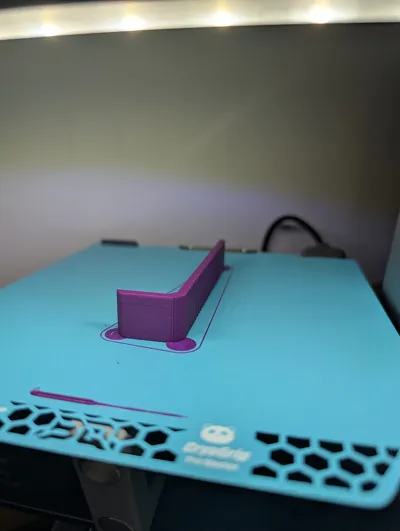
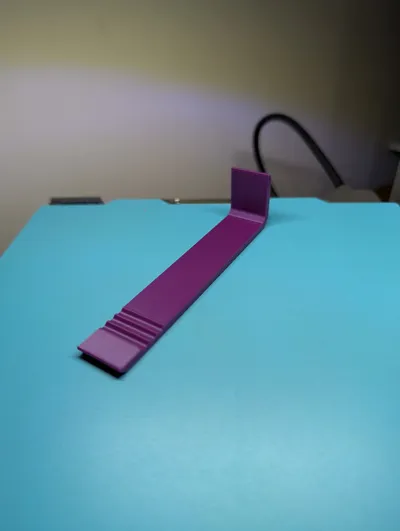
OpenGrid Snap Installation Support Tool
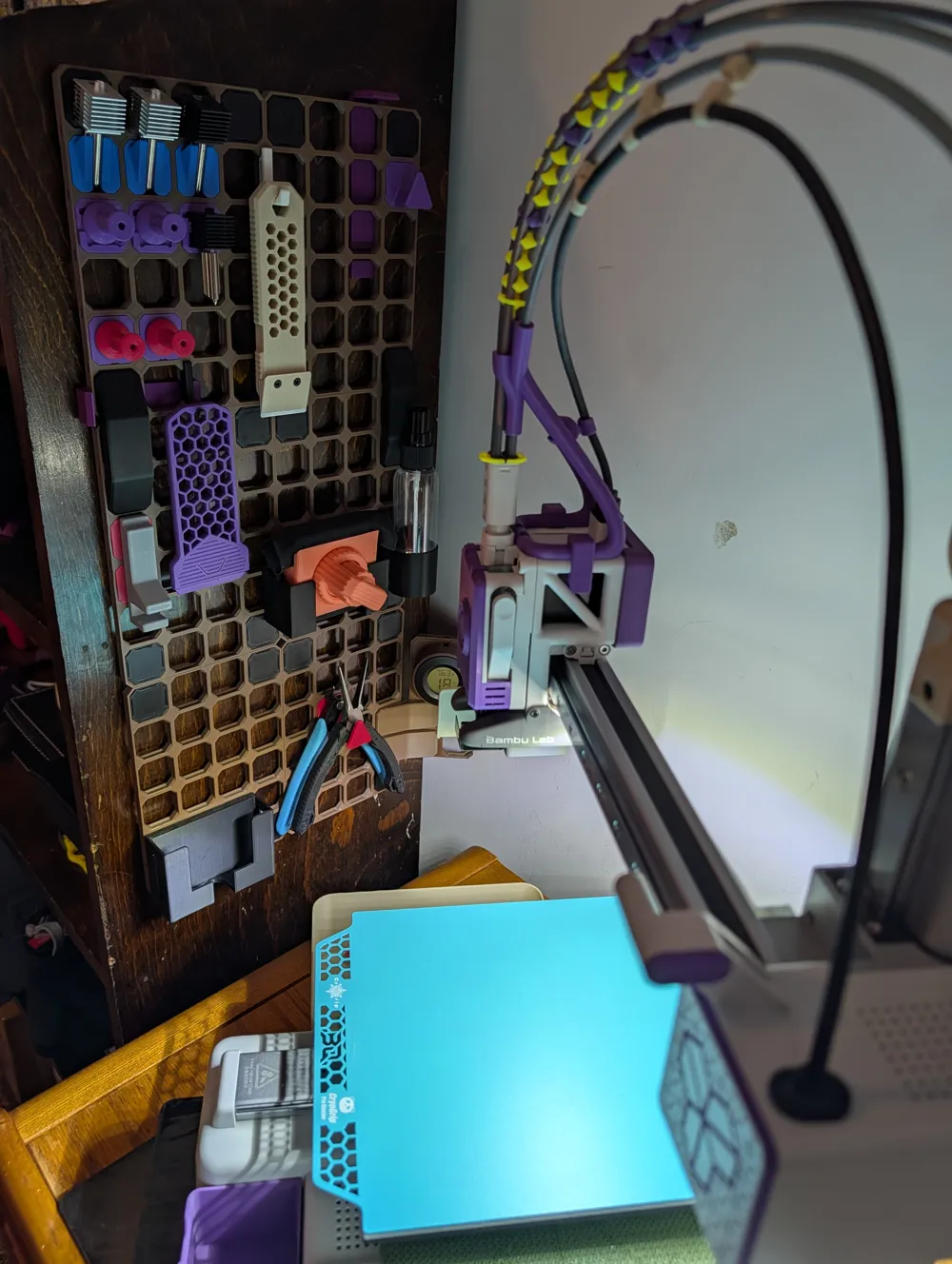
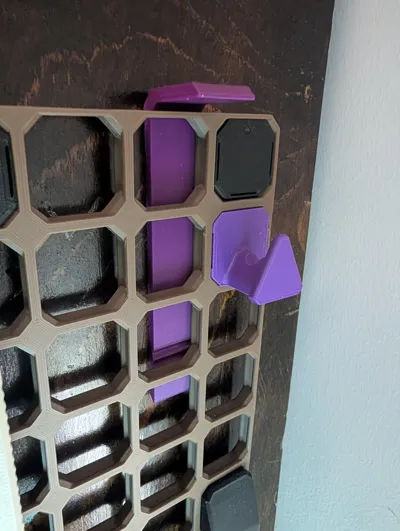
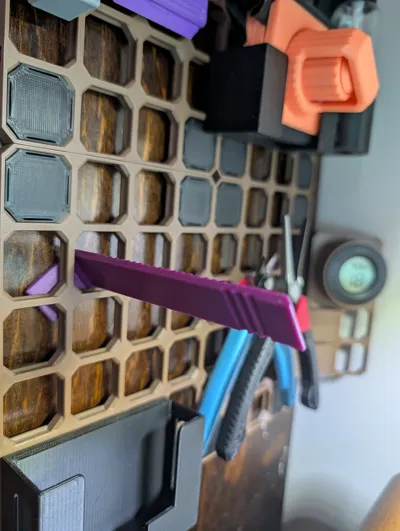
If your OpenGrid board sits 3mm-4mm off the wall, the panel can flex while installing snaps, especially with tighter snaps.
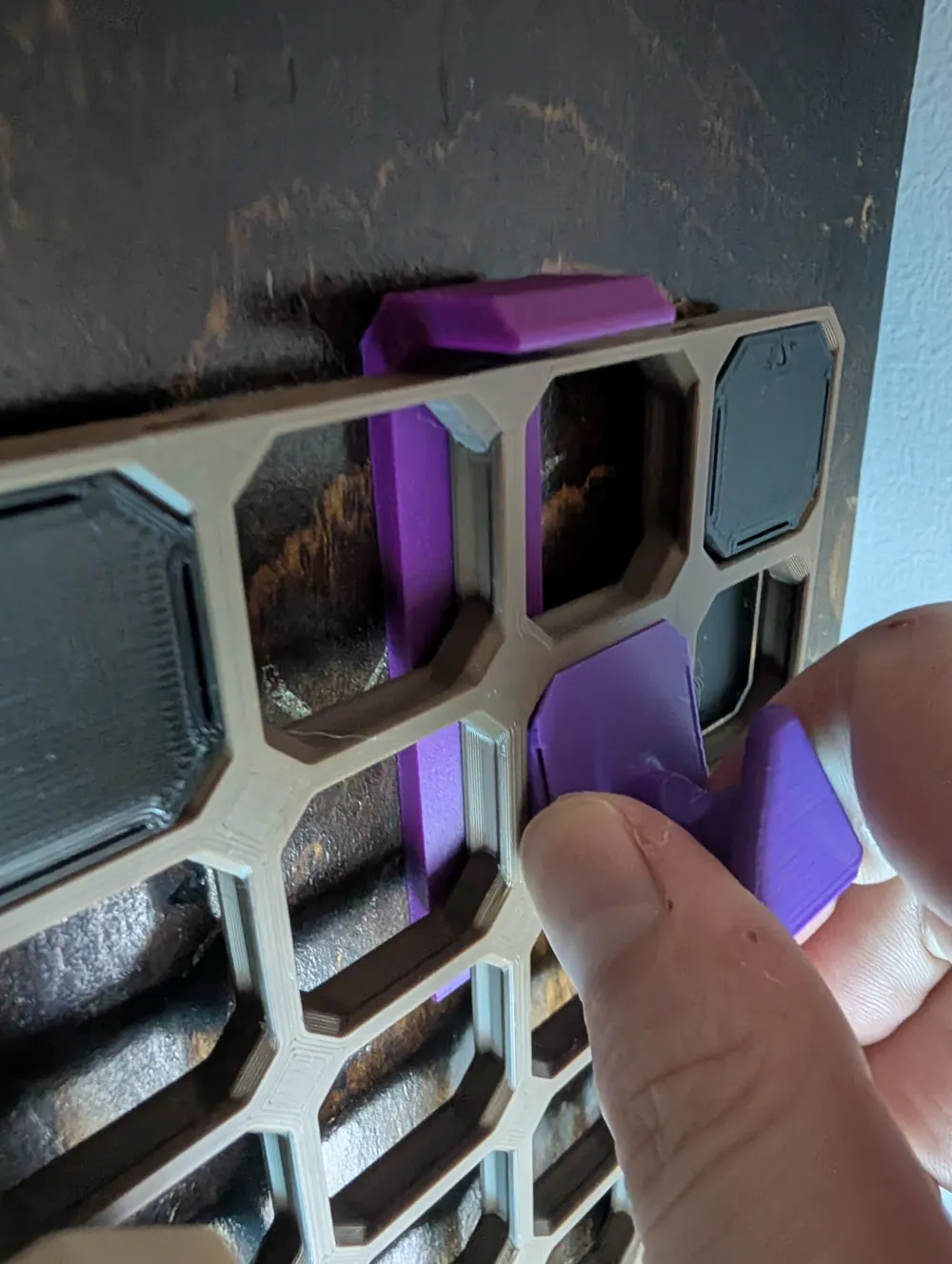
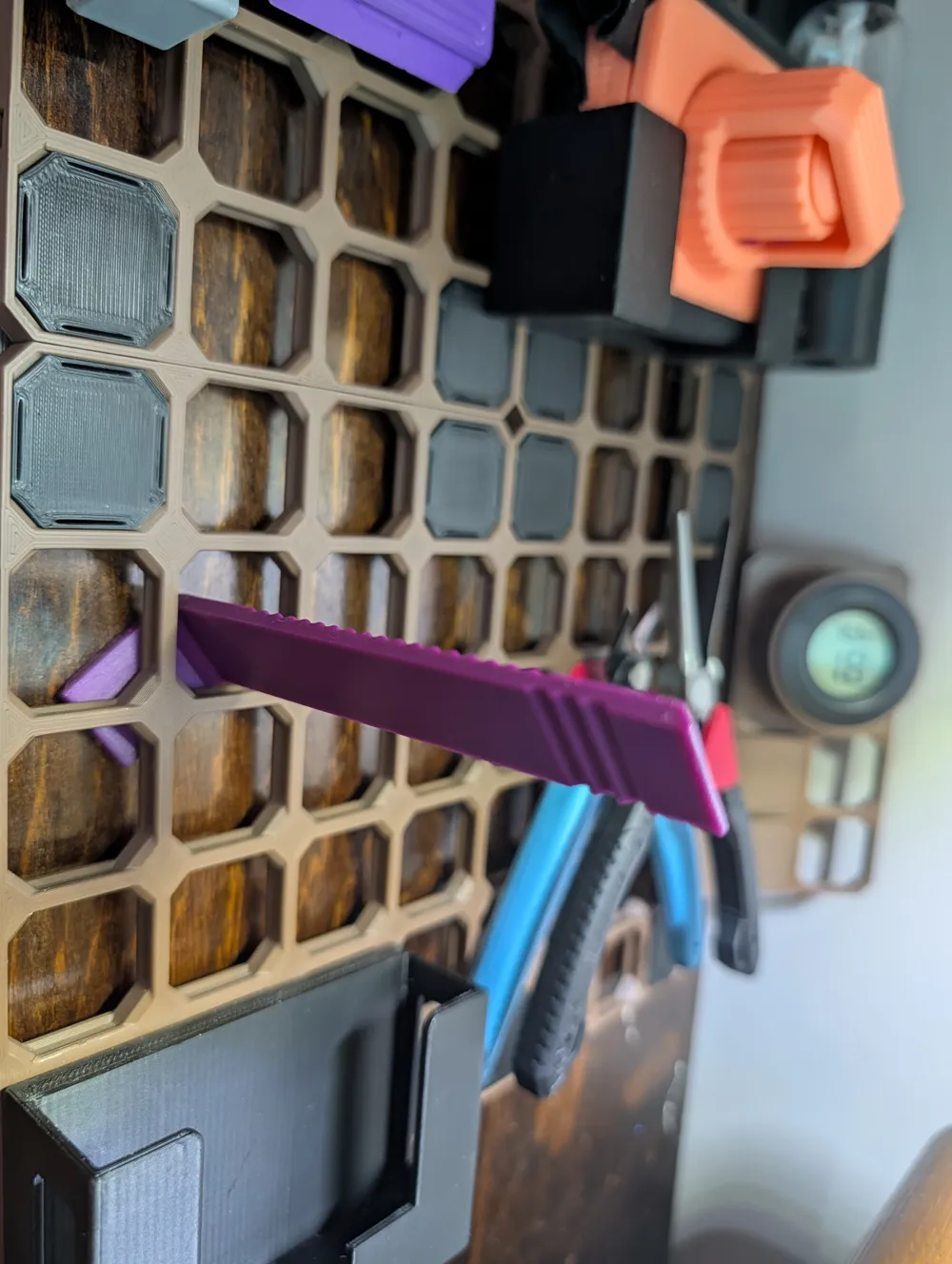
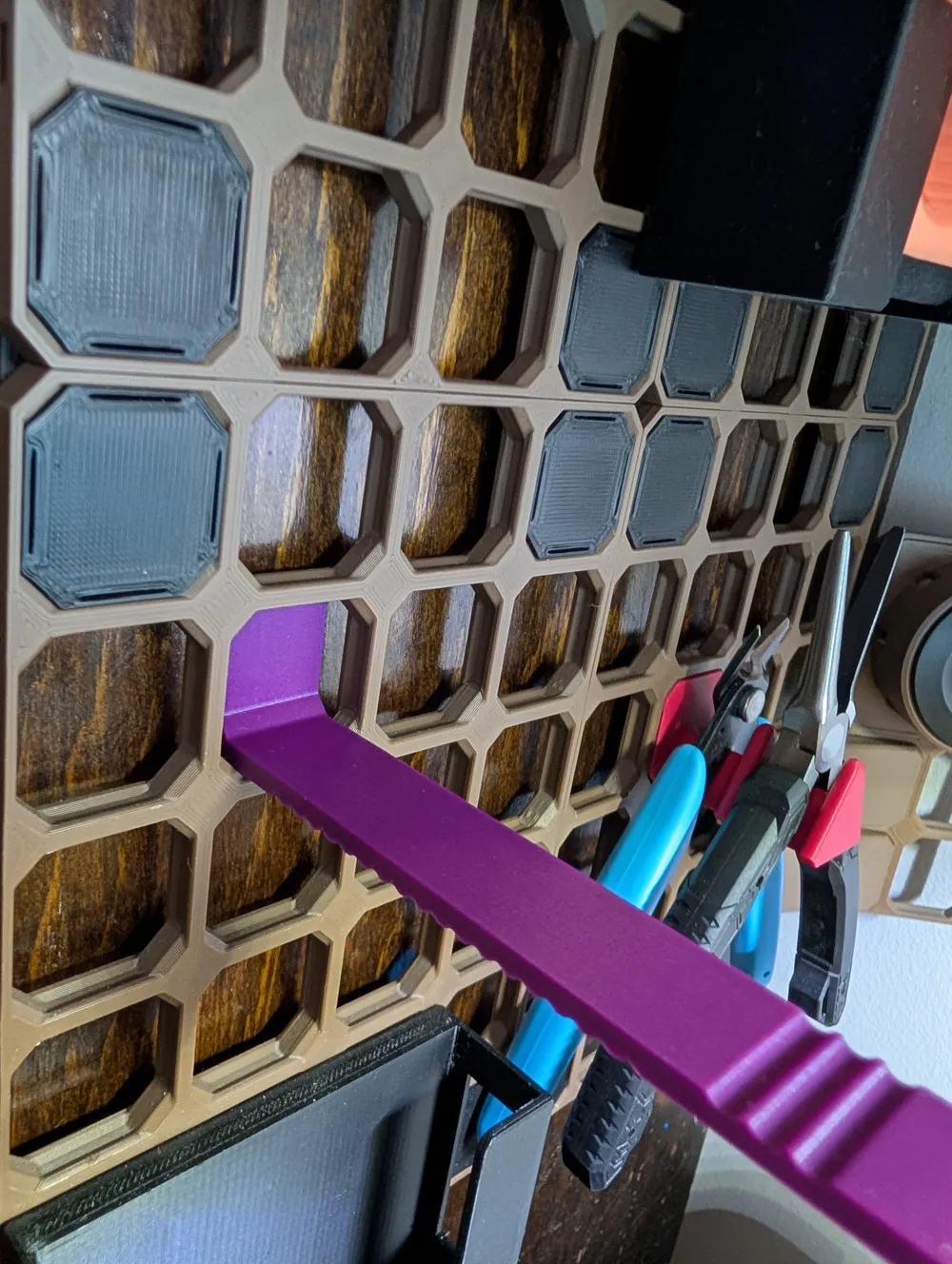
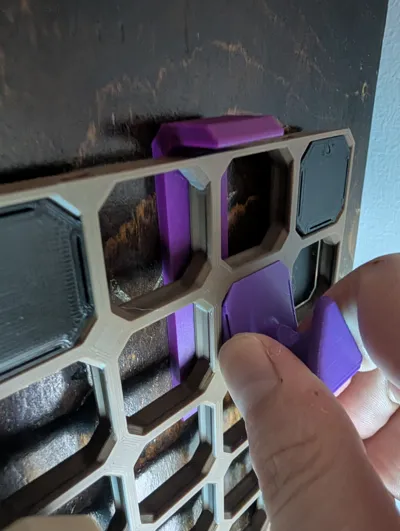
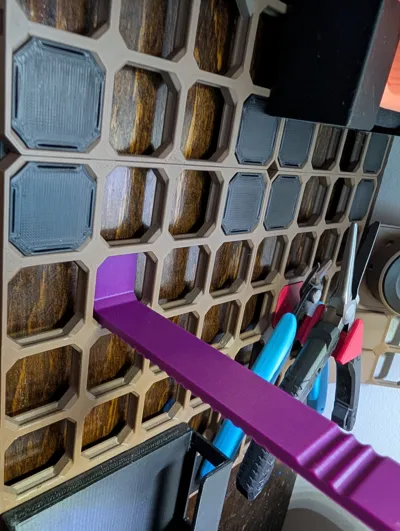
This tool braces the board from behind so snaps press in cleanly without bending or stressing the grid.
Features
- Side and inner reach: short side for reaching inside the board, long side for reaching into the edges
- Anti-flex support: braces the grid exactly where you’re pressing
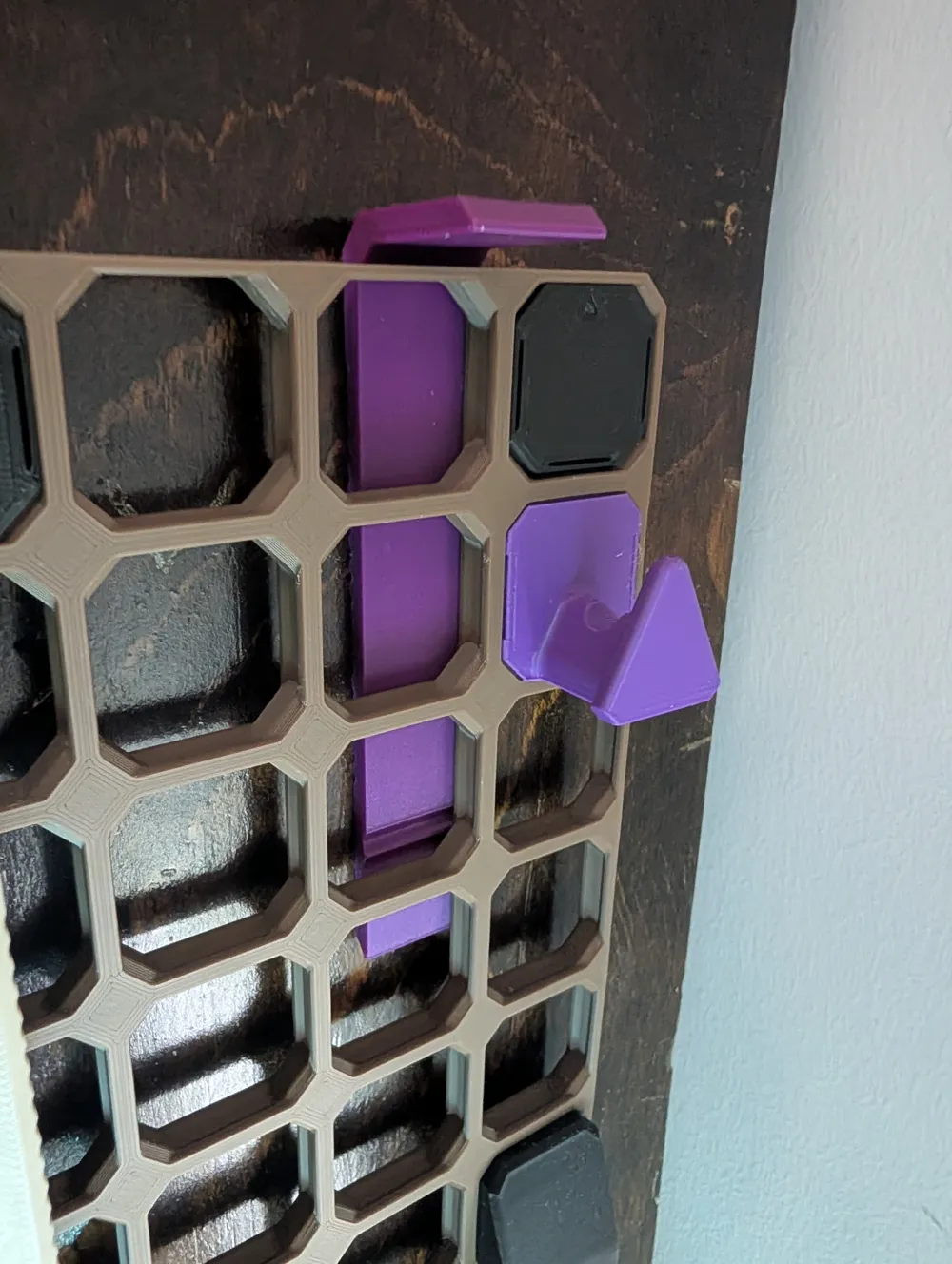
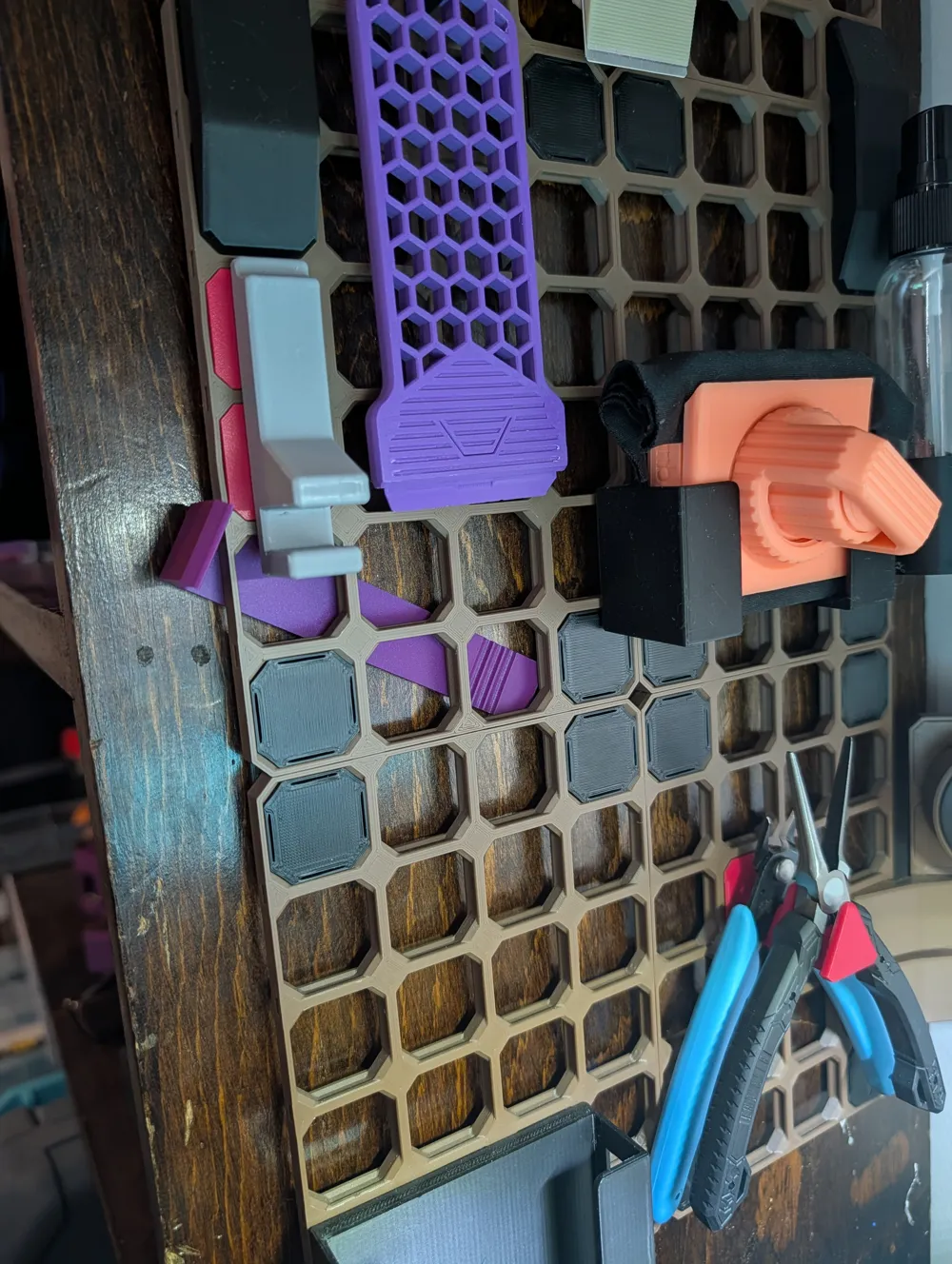
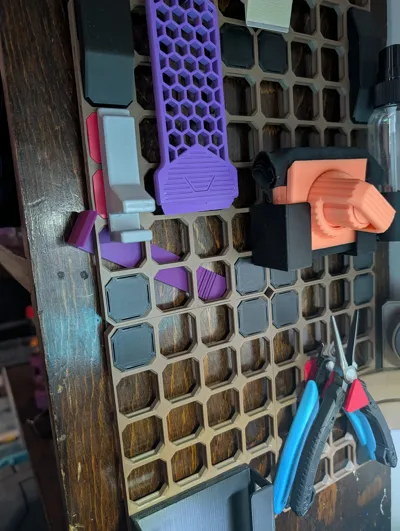
- Top or side storage mount: slides behind the OpenGrid frame so it’s always accessible
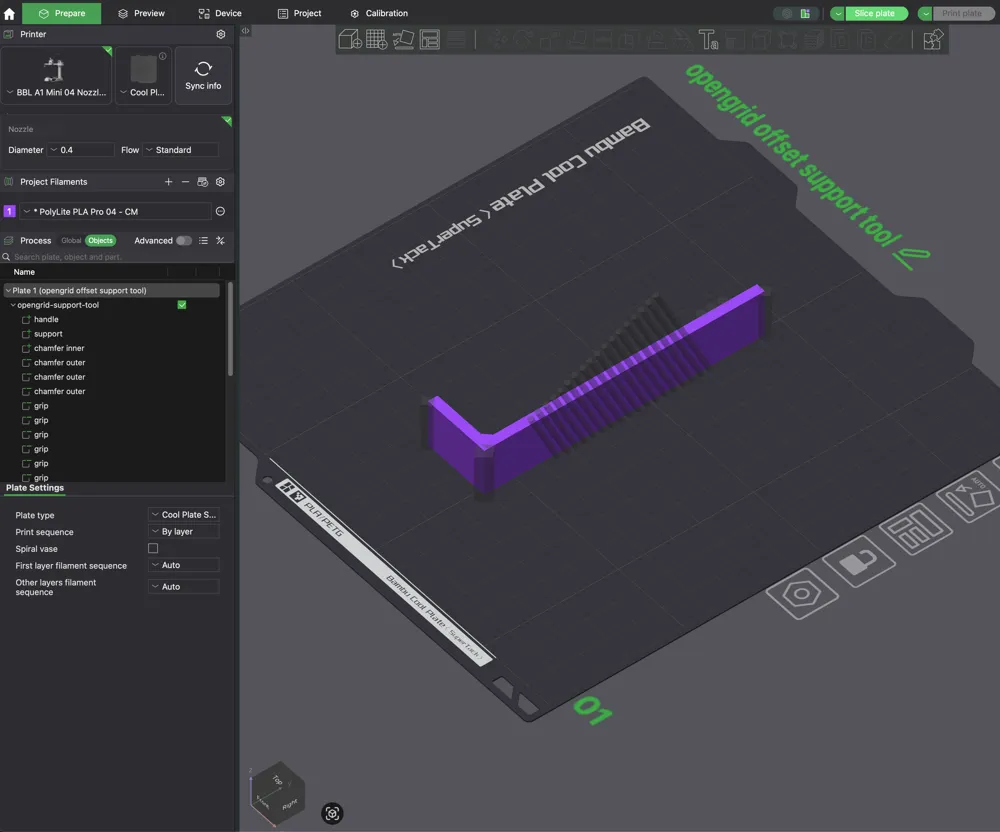
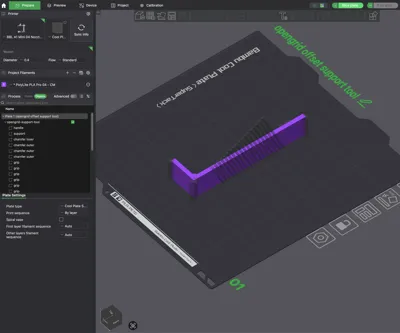
- Bambu Studio native: modeled 100% in Bambu Studio, easy to remix and customize
How to Use
- Slide the tool behind the grid where you plan to press the snap
- Press the snap from the front as usual
- Reposition as needed, then store it at the top or side of the board when finished
Print Notes
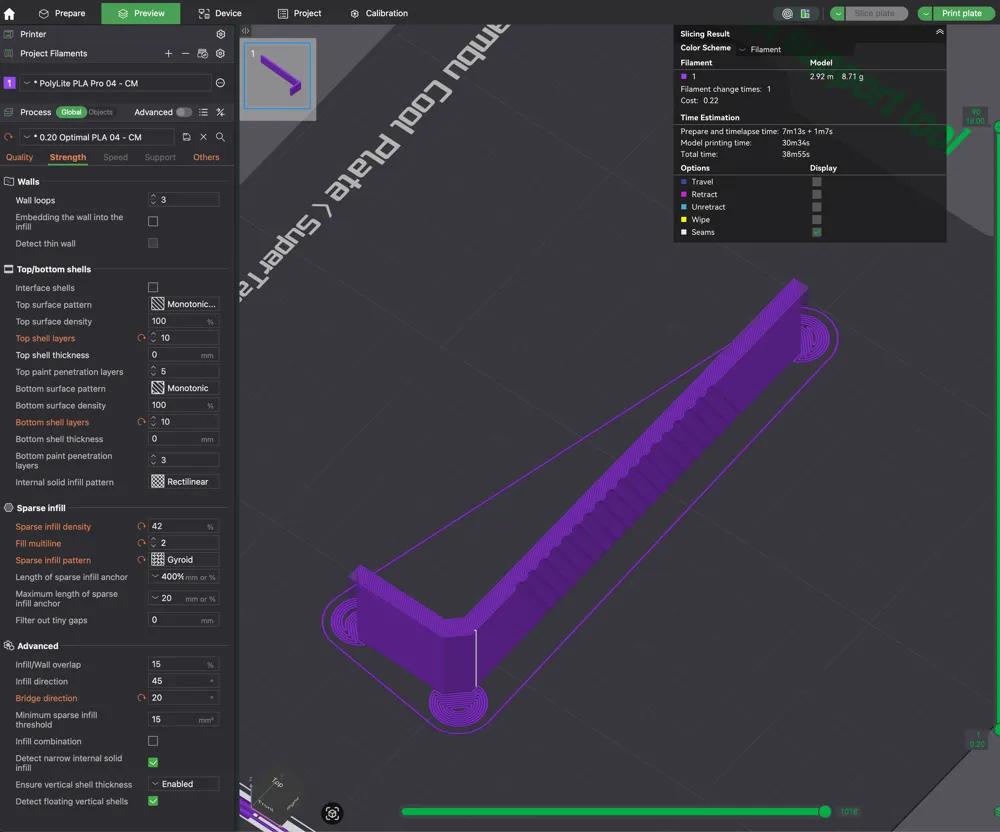
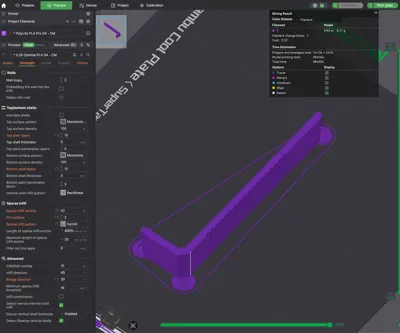
- Included profile: Bambu Basic PLA @ 0.20mm layer height
- No supports required
- PLA works great (Inland, Bambu, Polymaker)
- Print profiles included for 3mm and 4mm gaps
Customization Ideas
- Add text (like, "OpenGrid Support")
- Add additional grip ribs and designs
- Shorten or extend the reach
If you build with OpenGrid and deal with board flex during snap installs, this tool makes installation feel solid and controlled, like pressing against a fixed surface.
License

You may create derivative works based on this object, provided that all such derivative works are published exclusively on the MakerWorld platform and include proper attribution to the original creator. You may not share, upload, host, distribute, or publish this object—or any derivative work of this object—on any other digital platform, marketplace, or distribution channel. Commercial use of this object and any derivative works is strictly prohibited. This includes, but is not limited to, selling, renting, sublicensing, or using the object in any context in which you receive monetary compensation or other financial benefits.


Comment & Rating (0)