
QMH Parametric Storage Bins for SKADIS
Print Profile(1)
Bill of Materials

Description
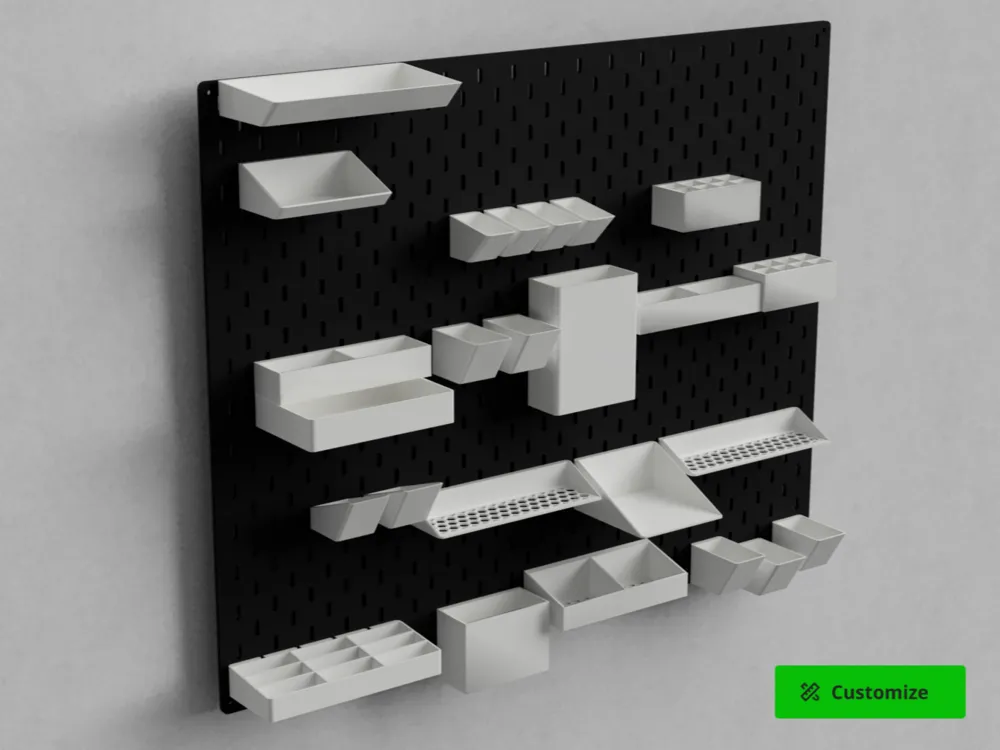
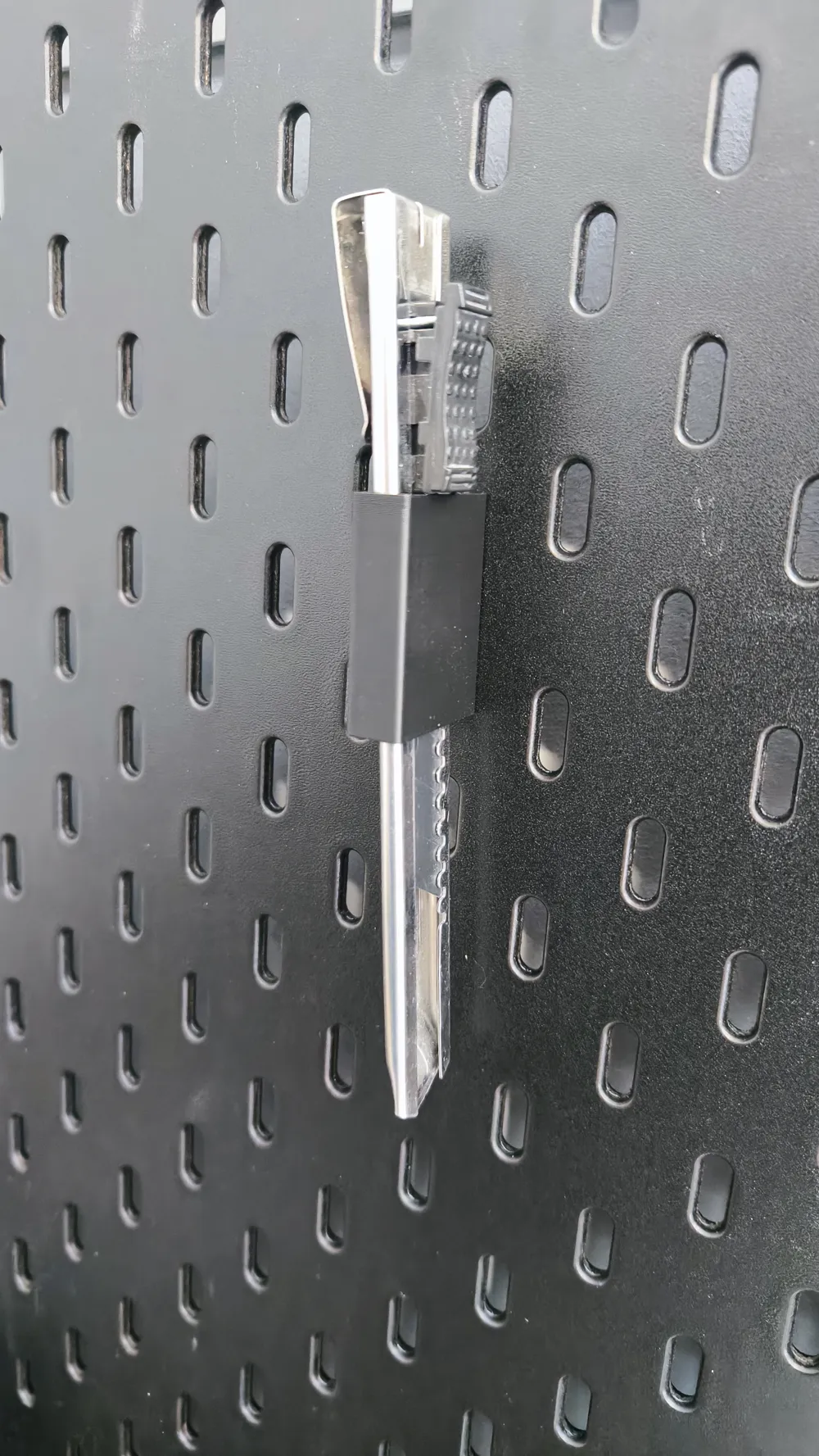
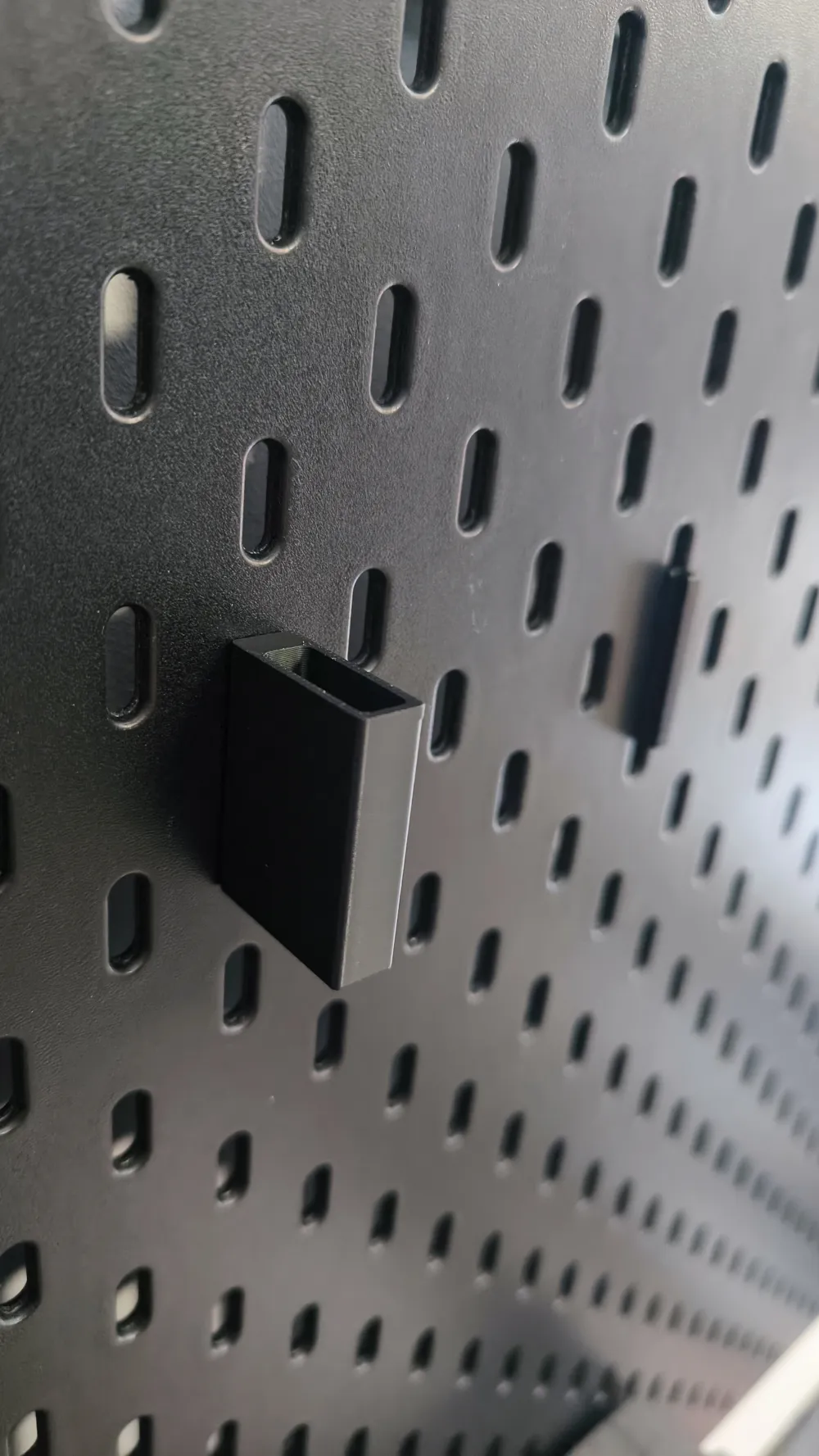
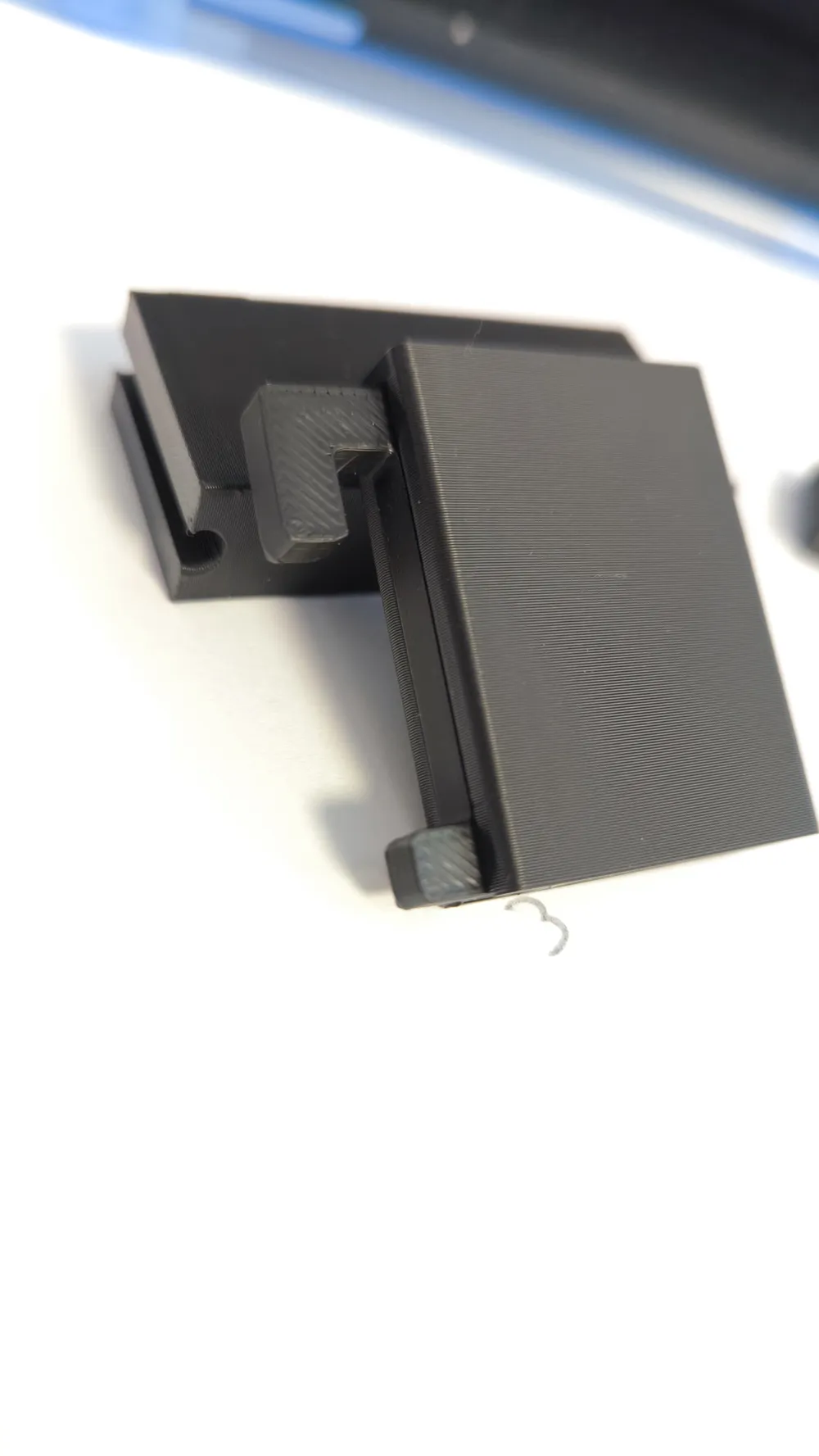
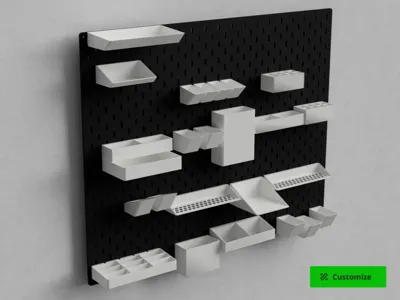
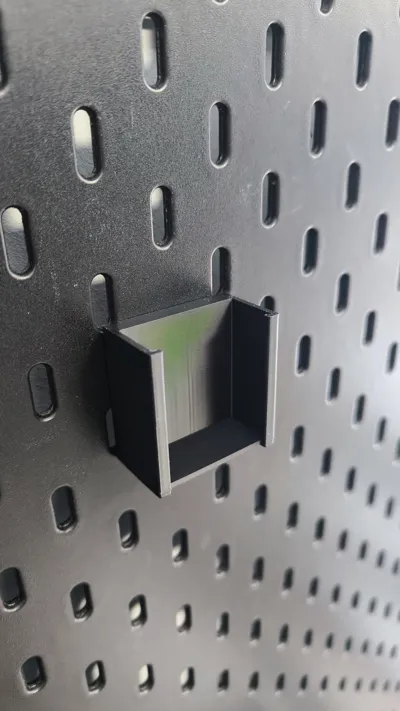
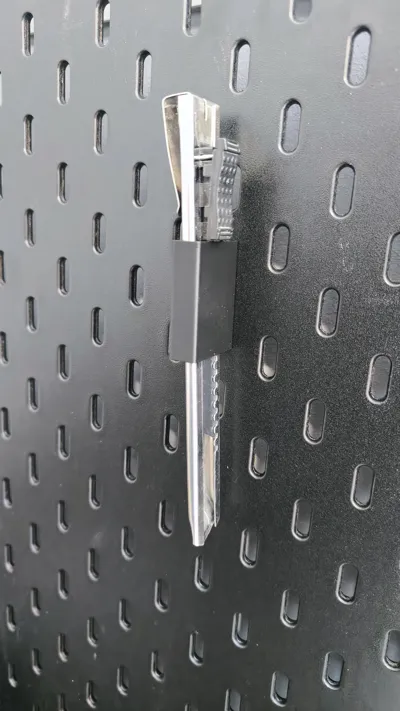
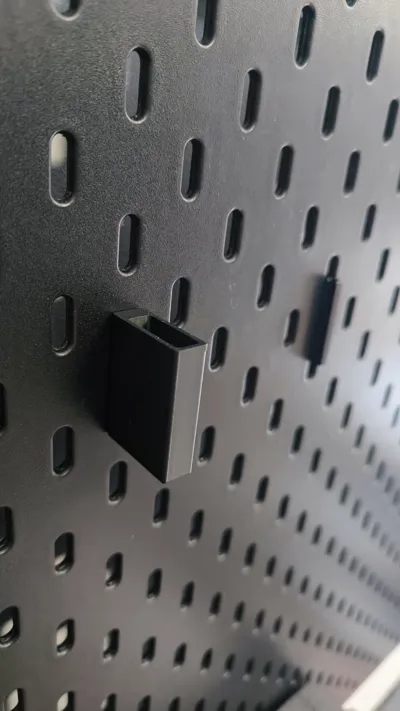
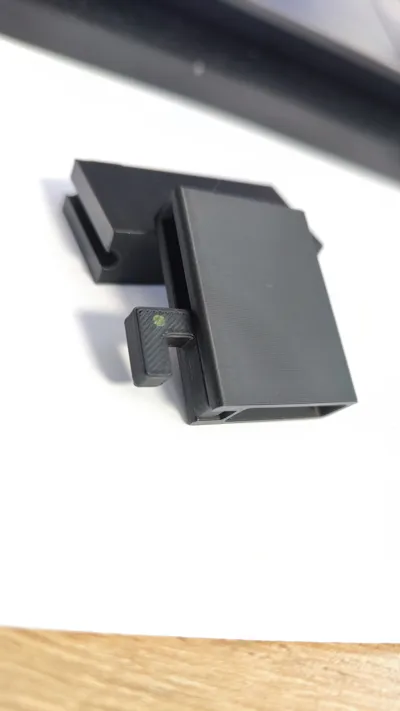
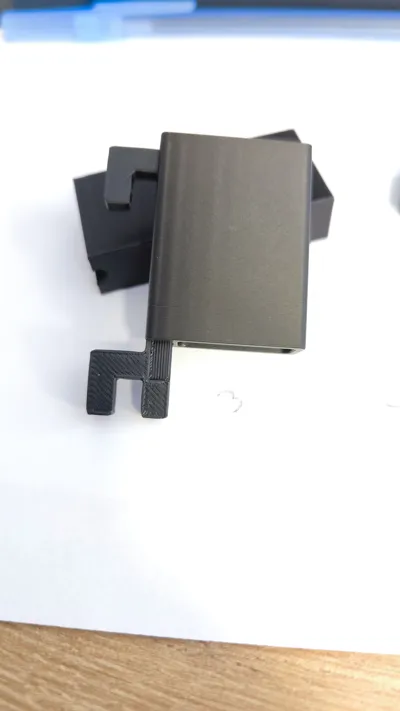
QMH Parametric Storage Bins (Quick Mount Hook Adapter)
Looking for round edges? Be sure to check out my QMH Parametric Round Bins here!
Looking for shelf? Be sure to check out my QMH Parametric Shelf here!
I built this OpenSCAD script so you can easily generate custom containers specifically designed for the Quick Mount Hook (QMH) system, without needing to know any CAD software.
Just tweak a few sliders in the customizer to set your exact dimensions, wall thickness, front tilt, dividers, and even a honeycomb floor.
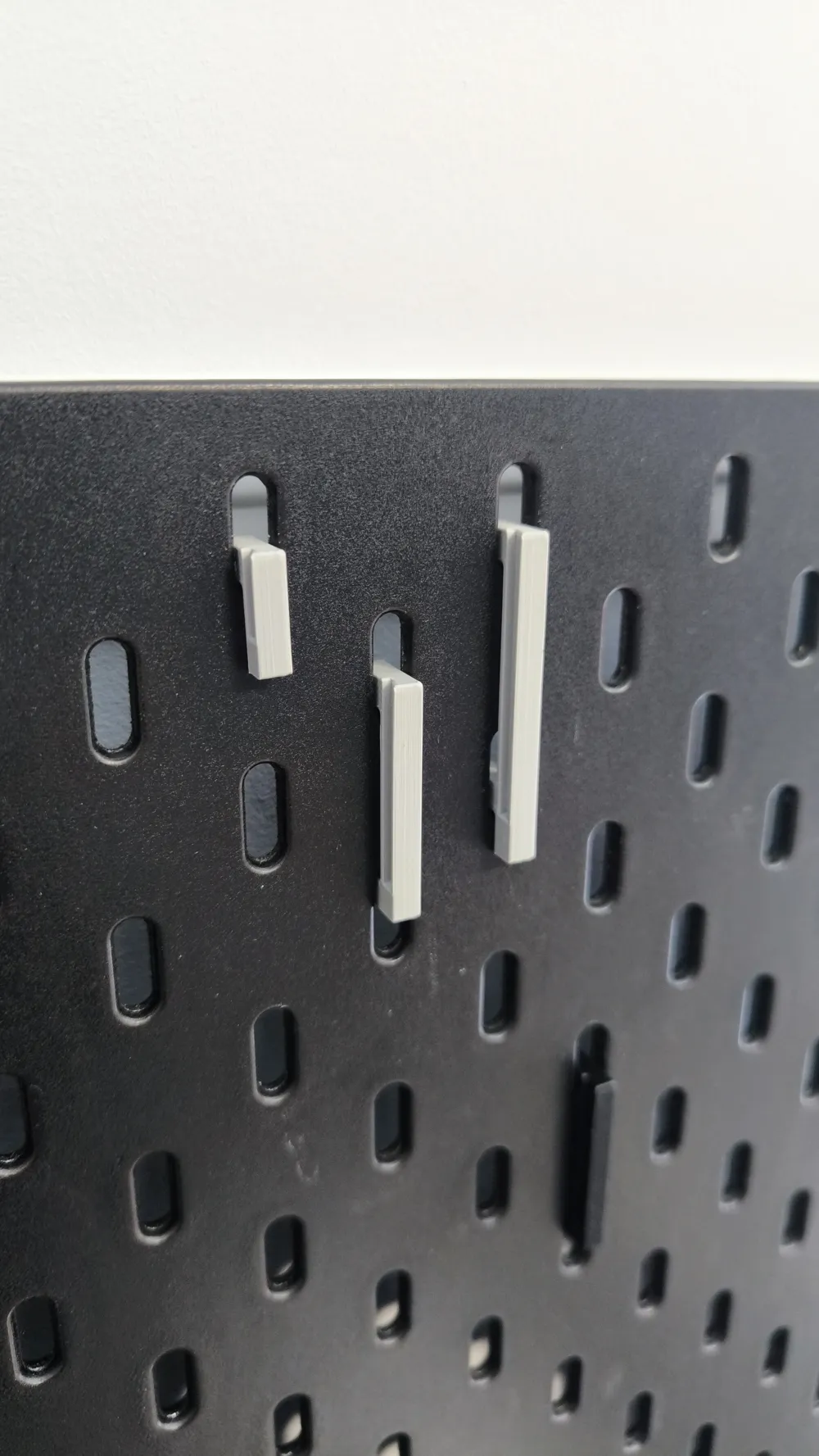
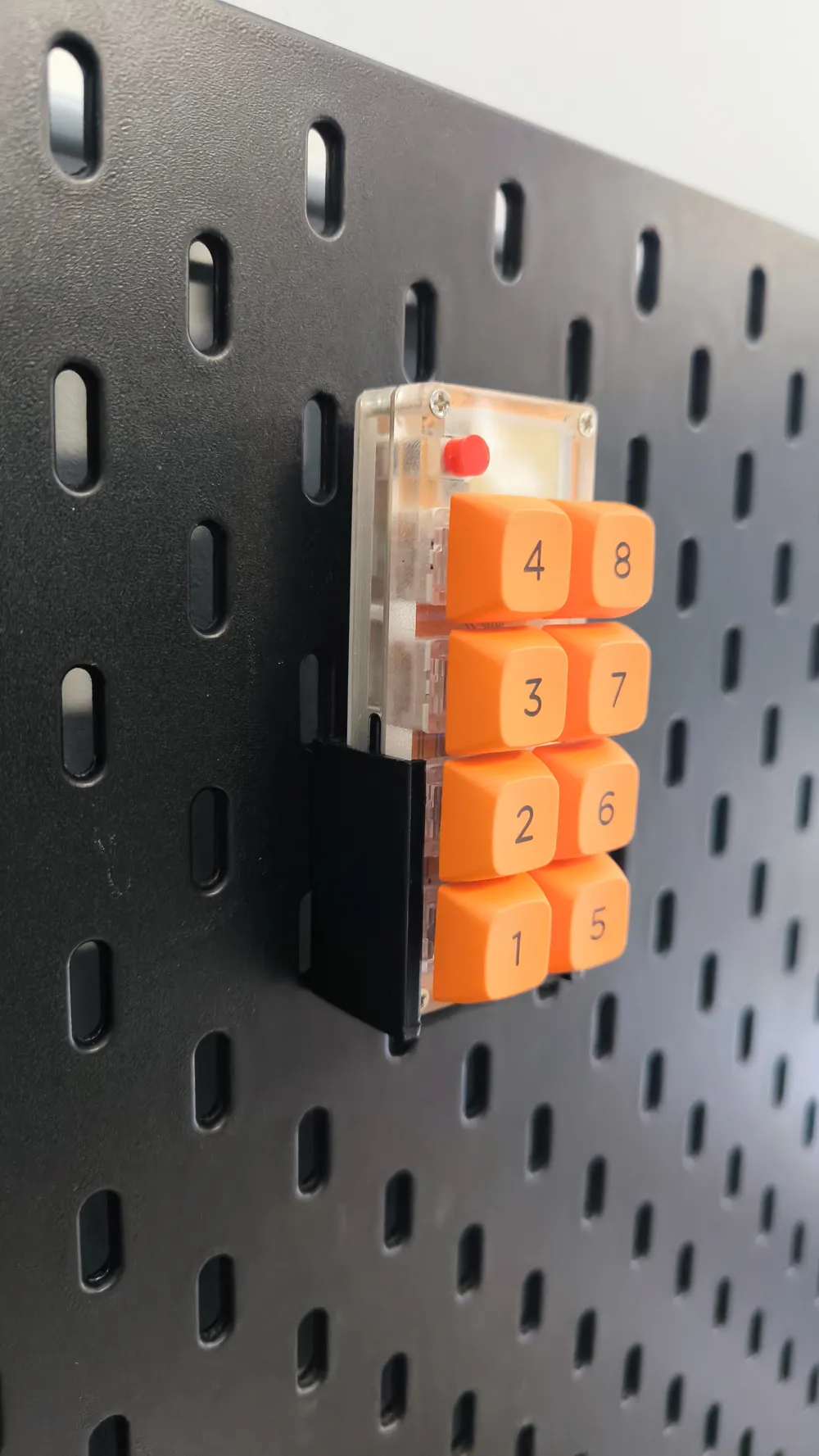
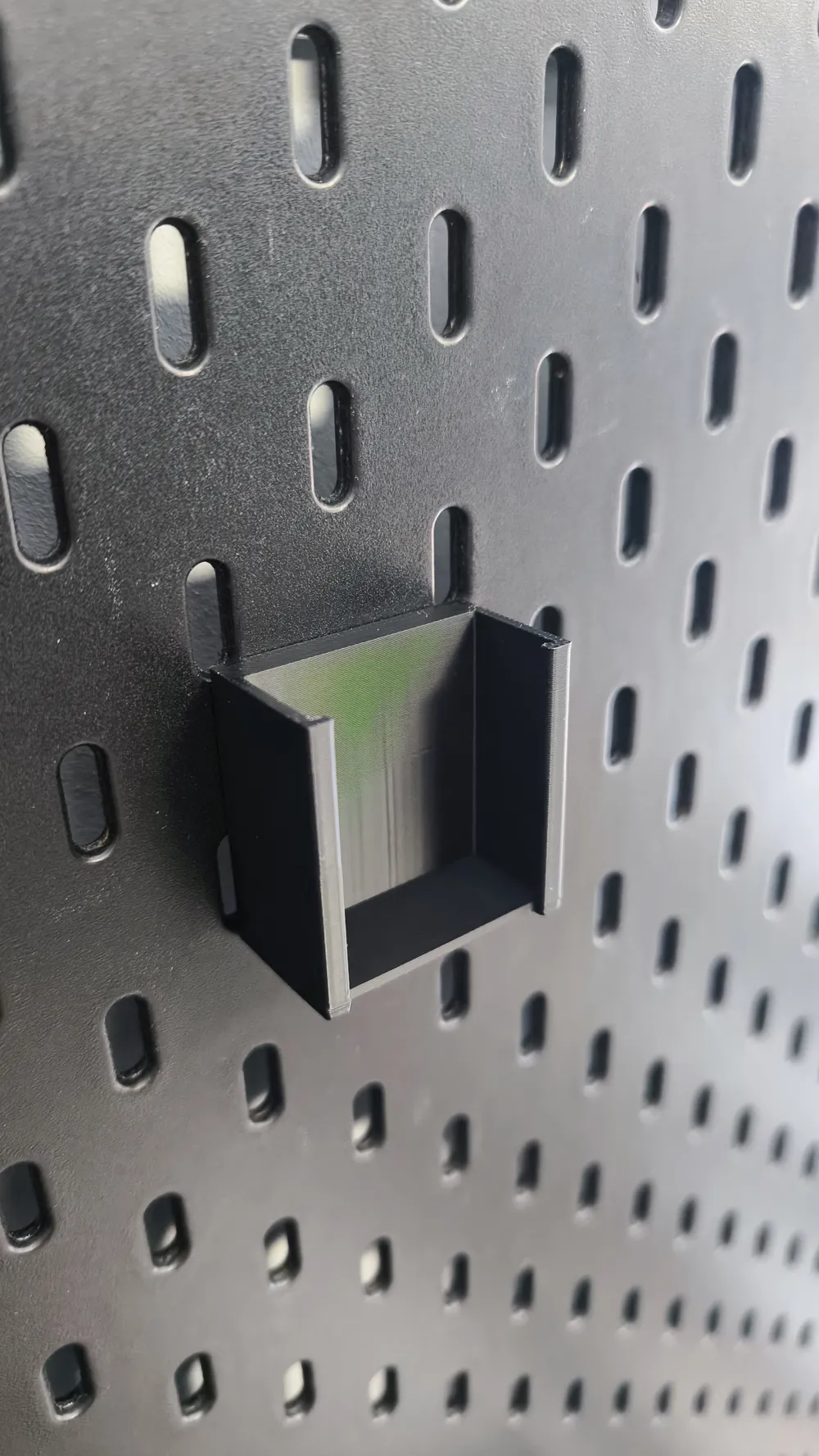
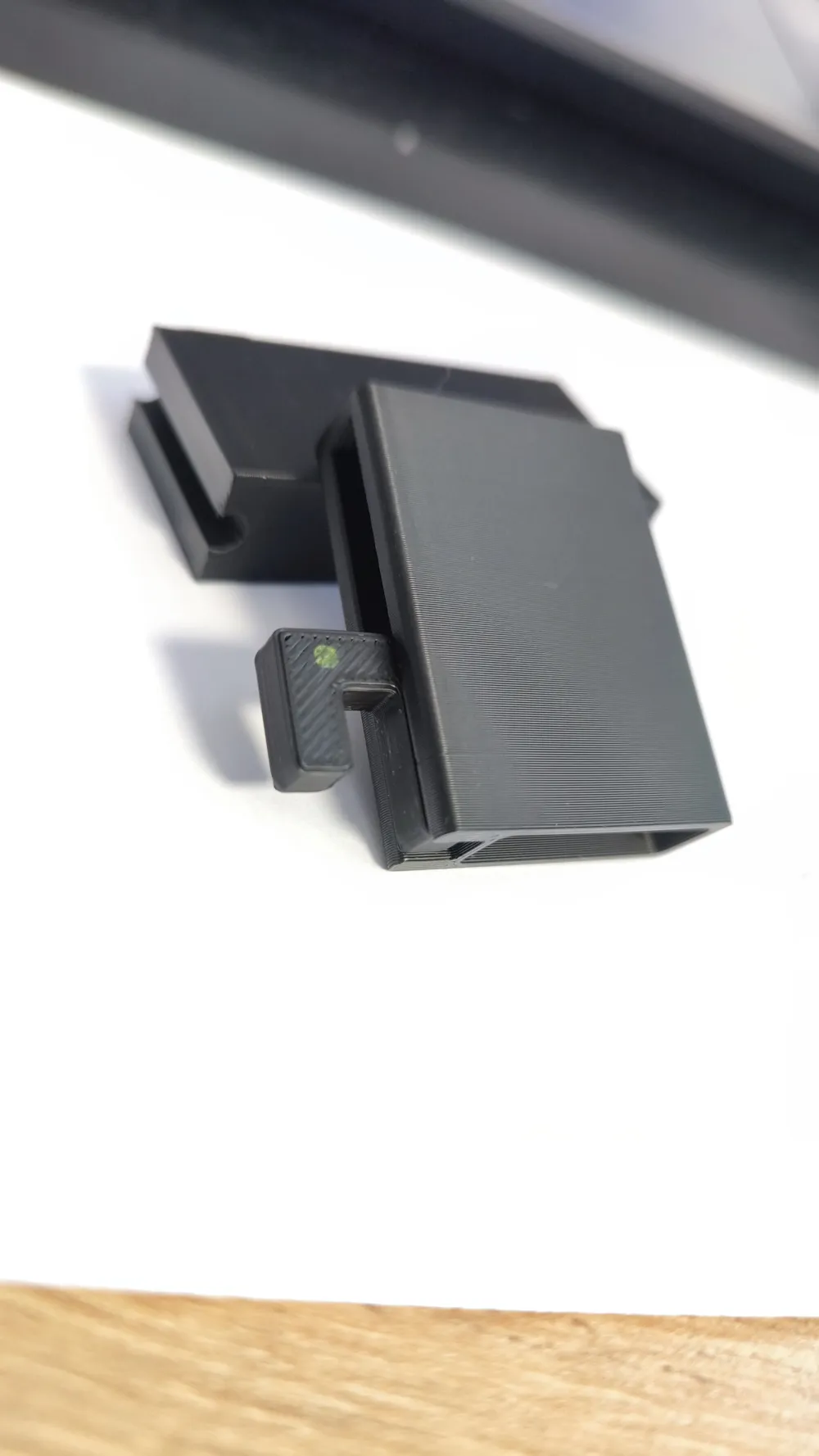
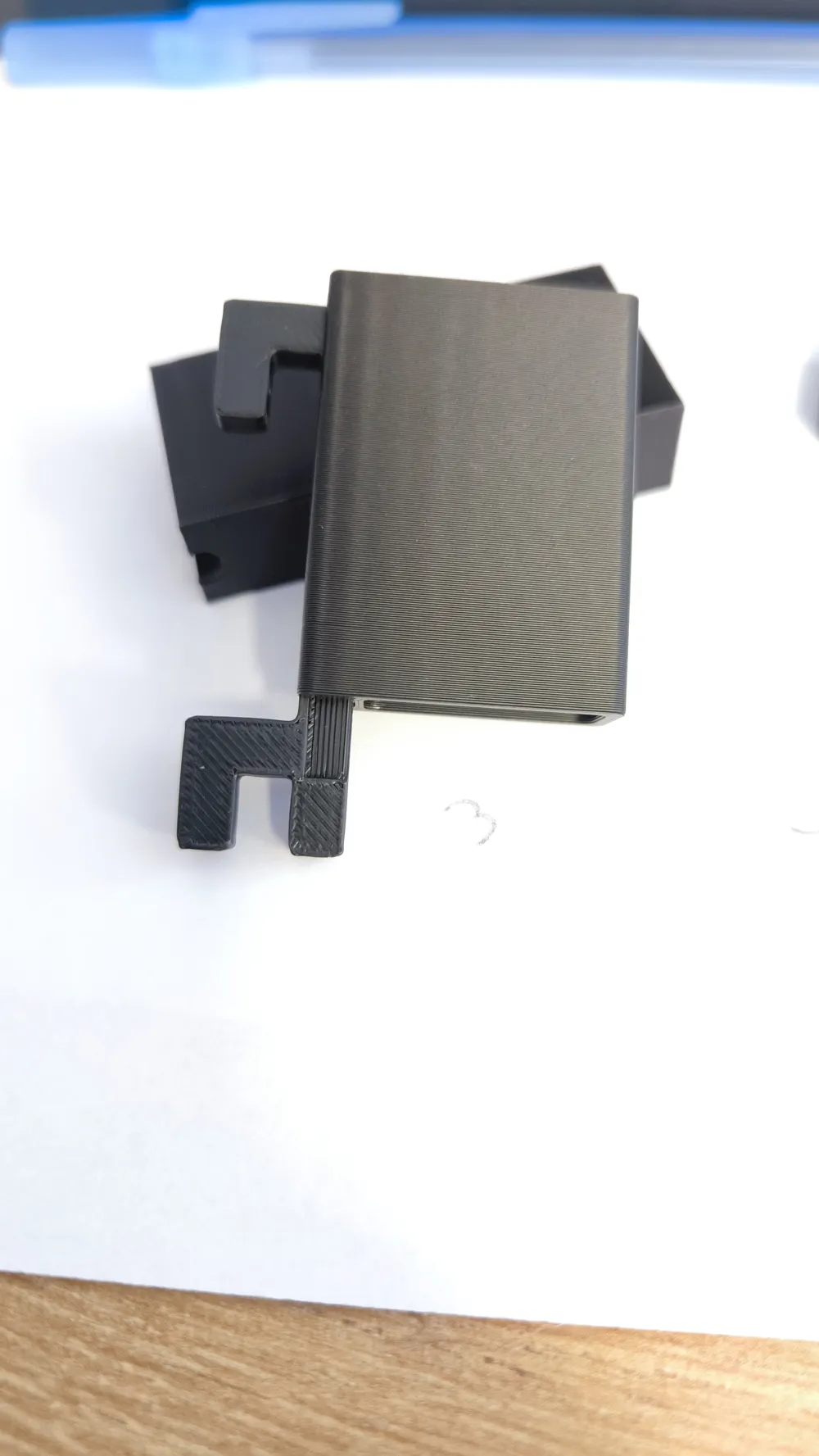
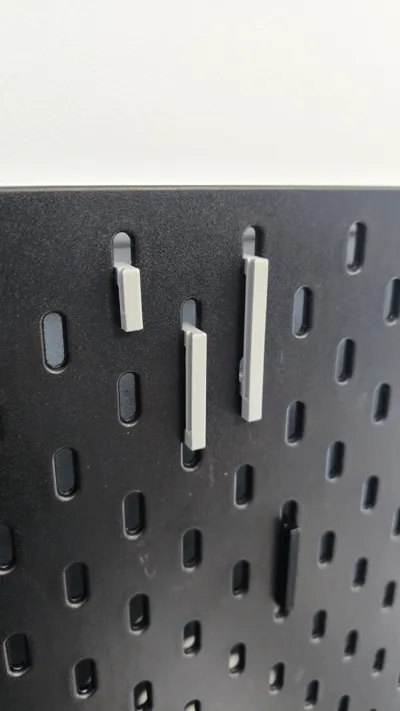
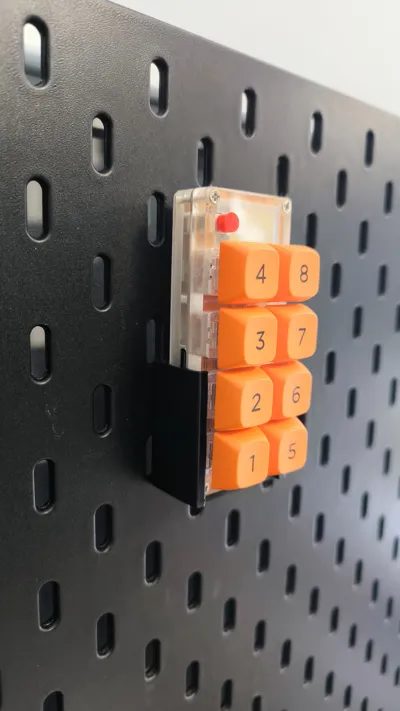
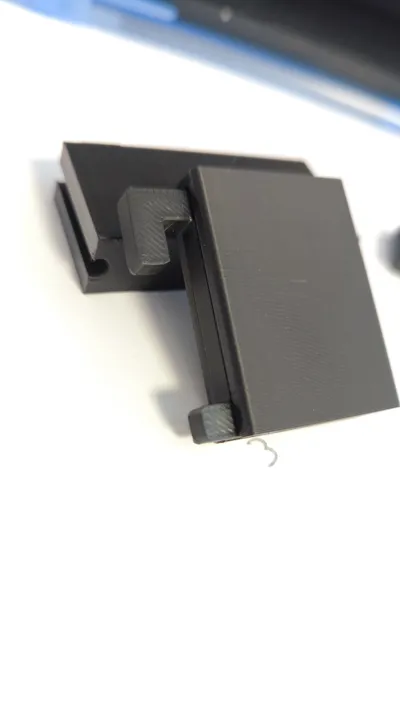
The script handles the hard part for you: it automatically calculates and cuts out the exact mounting holes for the QMH adapters right into the back wall. No manual measuring or messing around with negative volumes in your slicer. Just generate the bin, print it, and slide it directly onto the QMH adapters on your IKEA Skadis.
These boxes are designed to balance structural strength with a clean look.
Everything prints in one single piece—no screws, no glue, and no assembly required. Just print the bin, slide it onto your previously printed QMH adapter, and you're good to go.
How to Customize Your Bin:
- External Dimensions: Set the exact outer width, depth, and height of your box.
Variable Wall Thickness: Control the thickness of the outer walls and the back wall separately. I highly recommend leaving the back wall at 6mm so the
QMH cutouts fit perfectly and the mount stays rigid.
- Ergonomic Tilt & Slope: Angle the front wall outward or slope the top edge so you can actually reach your parts easily.
- Corner & Floor Rounding: Add smooth fillets to the edges. If you turn on the floor fillet, it rounds out the inside bottom like a dustpan, which makes scooping out tiny screws a lot easier.
- Dynamic Dividers: Split the bin into as many rows and columns as you need with custom wall thickness.
- Honeycomb Floor: Swap the solid bottom for a hex grid. It saves filament, speeds up the print, and lets dust fall through.
Recommended Print Settings:
For the best fit and strength, here is what I usually use:
- Layer Height: 0.20mm (The QMH locking mechanism is specifically optimized for 0.2mm layers).
- Infill: 15% - 20% Gyroid works great.
- Walls/Perimeters: 3 wall loops. This is important to give the latch area enough spring tension and durability.
- Supports: NONE. The model is completely support-free. Using supports might actually jam the QMH lock mechanism, so leave them off.
How to Generate Your Bin:
- Click the green "Customize" button.
- Plug in your dimensions and settings.
- Click "Generate" and download your custom STL or 3MF.
- Slice and print!
If you come up with a really useful layout—whether it's a tackle box, an electronics sorter, or a sewing kit—please upload a print profile and drop a photo in the comments. Seeing what you guys make helps me improve future version!
Update:
V1.1. Changed the color of the entire box to one, added a note about the minimum height to the selected hook
License

You may create derivative works based on this object, provided that all such derivative works are published exclusively on the MakerWorld platform and include proper attribution to the original creator. You may not share, upload, host, distribute, or publish this object—or any derivative work of this object—on any other digital platform, marketplace, or distribution channel. Commercial use of this object and any derivative works is strictly prohibited. This includes, but is not limited to, selling, renting, sublicensing, or using the object in any context in which you receive monetary compensation or other financial benefits.


Comment & Rating (9)