Search models, users, collections, and posts

Fully Customizable 3D Nameplate + Data

IP Report
GIF
GIF
GIF

Print Profile(1)

All
P2S
H2S
H2D Pro
H2D
A1
H2C
X2D
A2L

0.2mm layer, 2 walls, 8% infill
Designer
8.4 h
3 plates
5.0(6)

Open in Bambu Studio
Boost
153
520
23
8
311
86
Released 

Bill of Materials

Bambu Filaments
Select all
Jade White (10100) / Filament with spool / 1kg
Pumpkin Orange (10301) / Filament with spool / 1kg

Description

Content has been automatically translated.
Show original

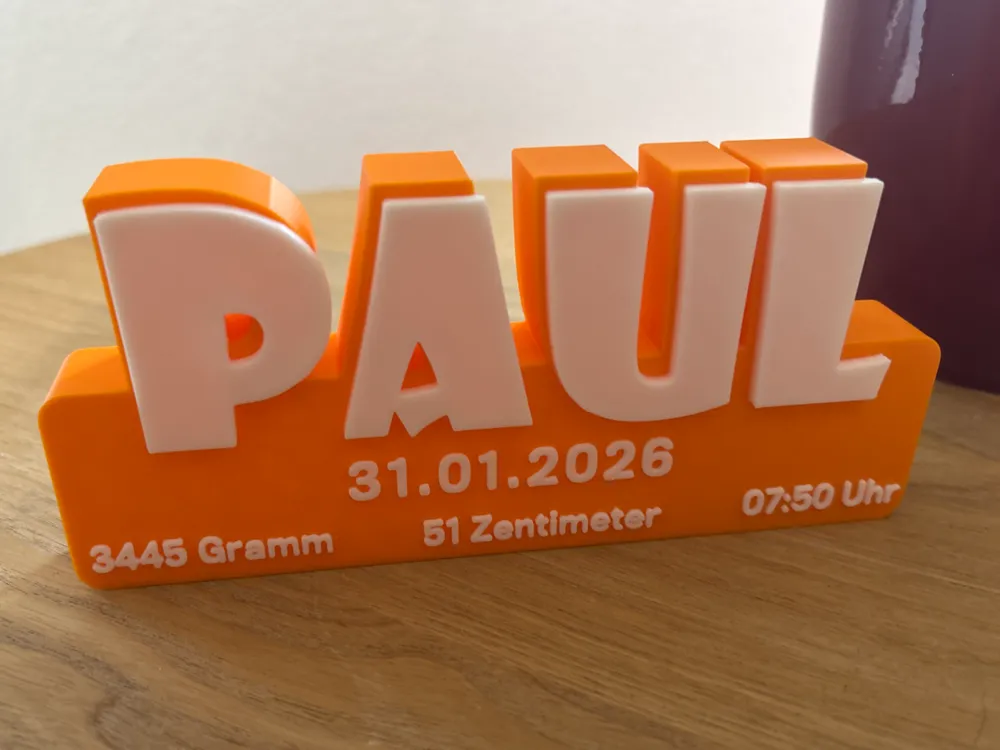
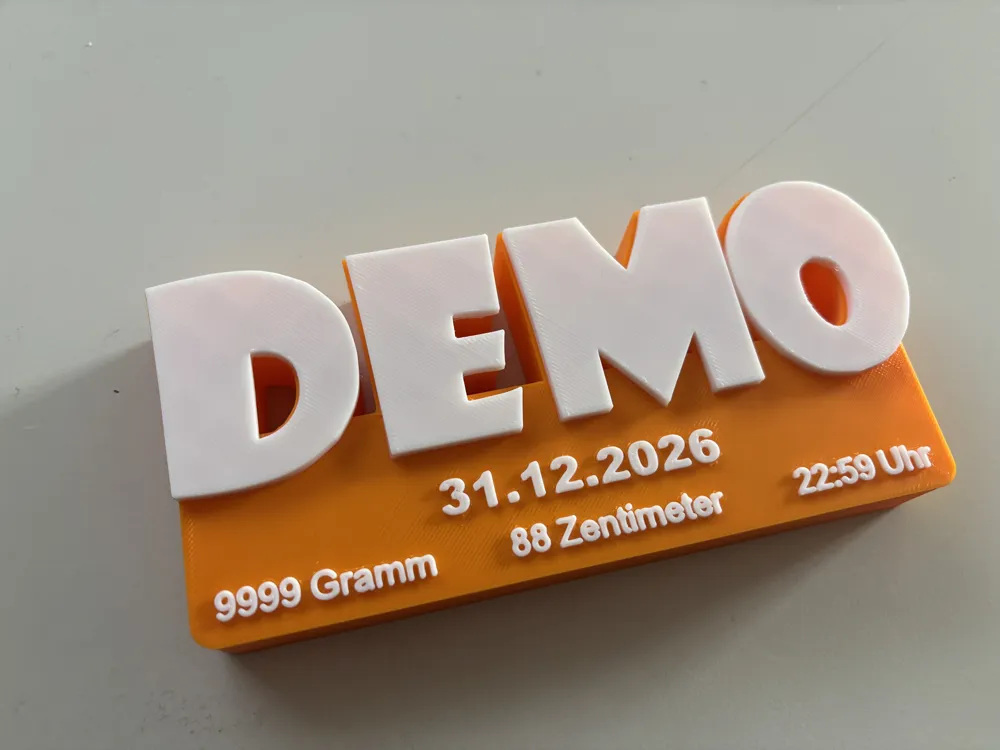
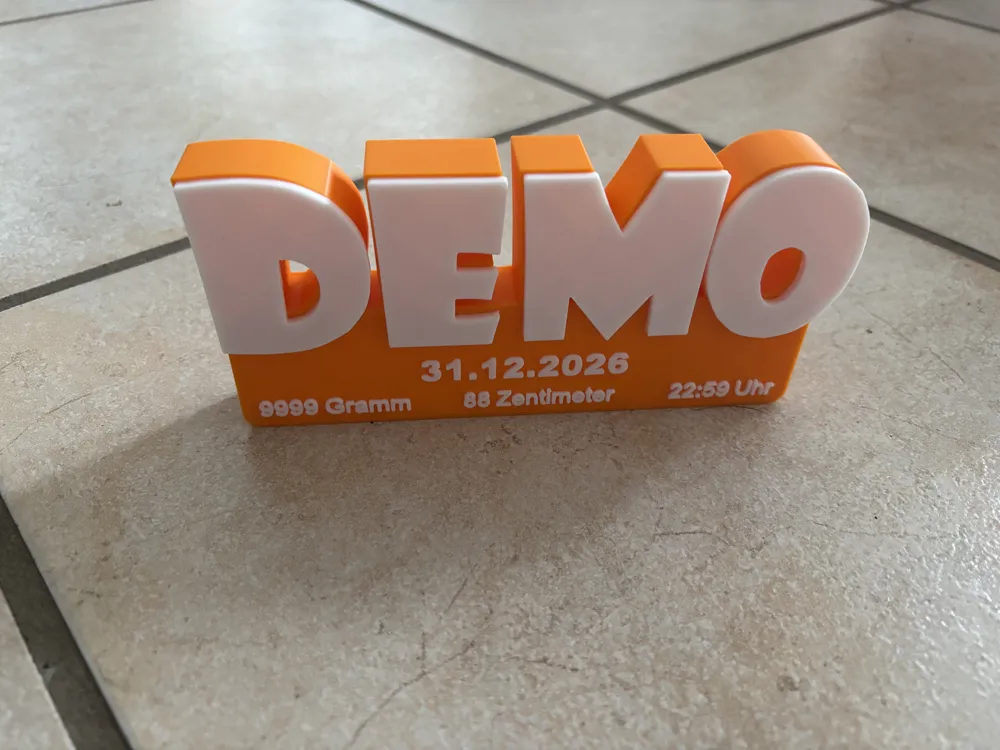
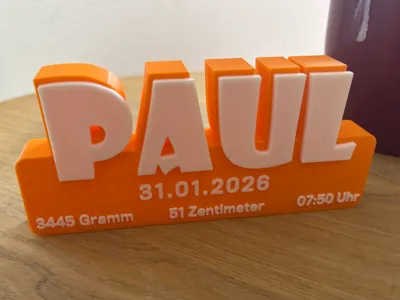
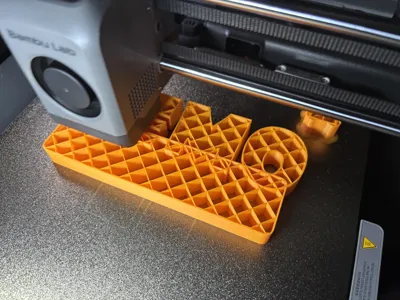
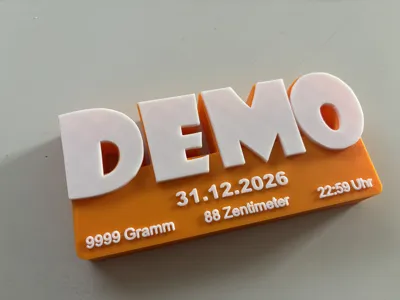
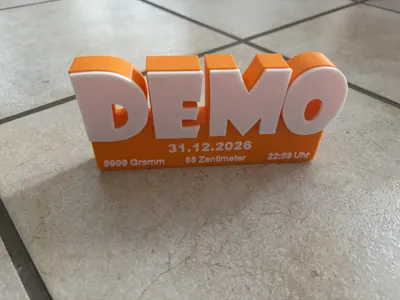
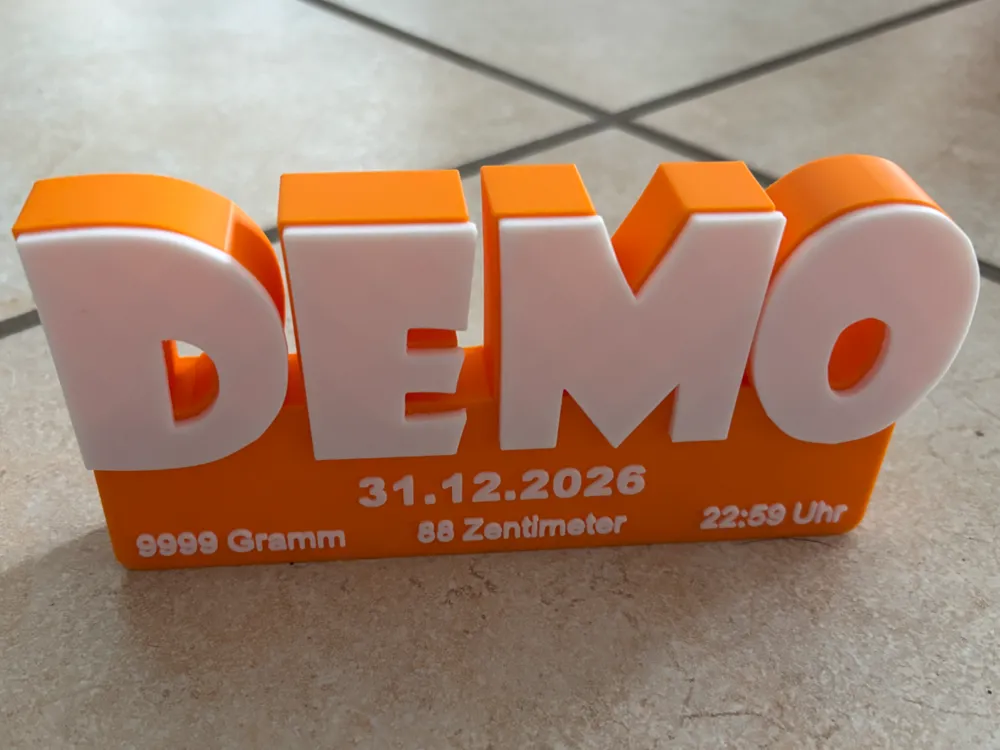
A modern 3D name sign with birth stats — perfect as a gift for a newborn, a baptism/christening, or as nursery decor.

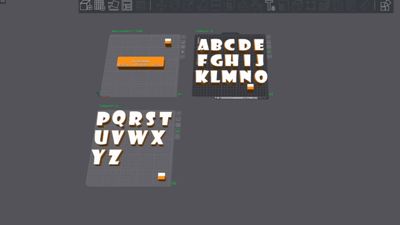
The design is built so you can easily customize it in Bambu Studio: name, colors, date, weight, height/length, and time can be edited manually (pick and place letters, edit text → slice → done).


Boost Me (for free)

Do you like this and want more models like it? Boost the model! :-)
It’s free for you — and a great way to show your appreciation!


Highlights

  • Fully customizable: name + colors + all birth stats are editable
  • AMS / multicolor friendly: very few color changes → faster printing, less material waste, smooth workflow
  • Clean look: big 3D letters + subtle stats line on the base
  • Perfect as a gift: a personal eye-catcher for shelves, dressers, or the wall

Customizing in Bambu Studio (quick guide)

  1. Open the model

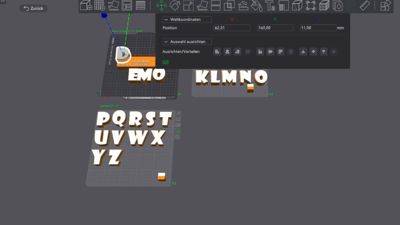
  2. Move the letters from plates 2 and 3 onto plate 1

  3. Set the letters’ Y position to 160 (!)
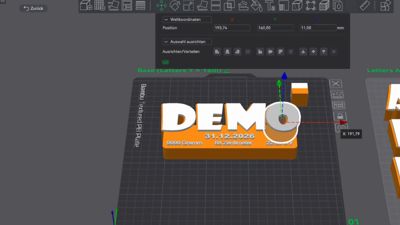
  4. Select the text/objects
  5. Edit the values (date, grams, centimeters, time, etc.)
  6. Optional: change colors → slice → print

Tip: Looks best with high-contrast colors (e.g., bright text + a bold base color).


Documentation (1)

Other Files (1)
Instructions.pdf

Comment & Rating (23)

(0/1000)

What is the printing order? During printing, it switches to the color of the letter, the date and returns to the color of the box without doing anything, just wasting filament
The designer has replied
Show original
0
Reply
I'm sorry, but I don't understand the connection between the images and the text
Show original
0
Reply
how did you manage to add text below centimeters date time
Show original
0
Reply
Just doing a little poop and wasting white filament
The designer has replied
Show original
0
Reply
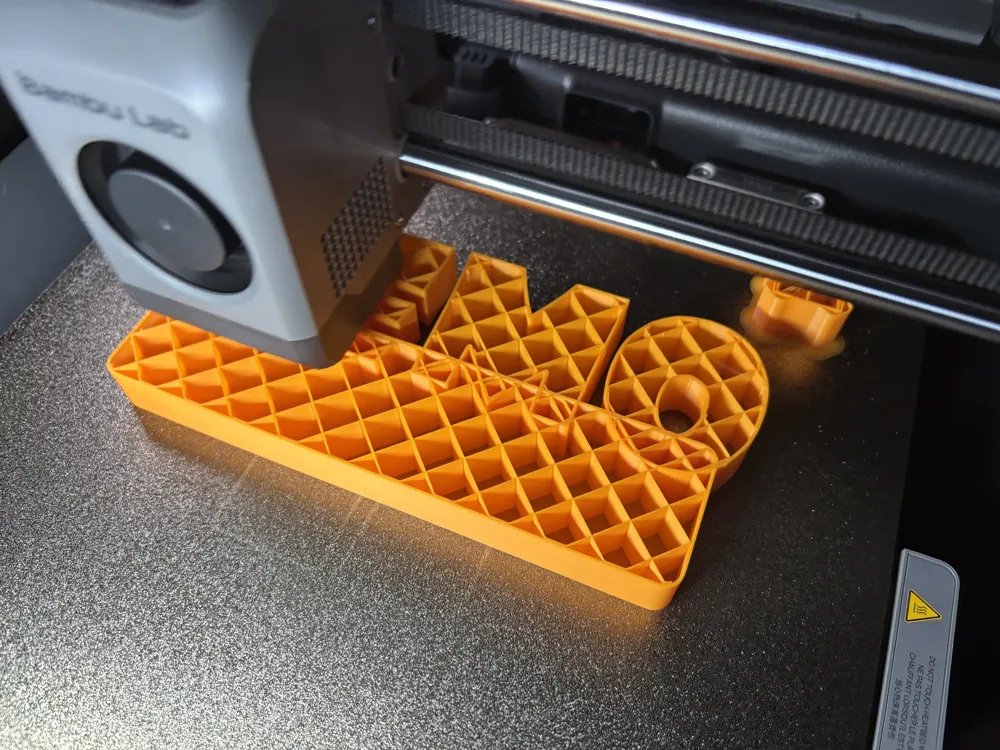
Thanks for the pictures! The behavior comes from multi-color printing: The slicer prints all areas of one color per layer and then switches to the next – that's why it looks like it's "switching to the letter color and back again", although that's normal within the layer. Each color change creates purge remnants ("poop").
Show original
0
Reply
Great project, congratulations! Just one question, when changing colors, we print in the air for some of the letters that are 1mm offset. Is that a problem?
The designer has replied
0
Reply
That's no problem 😃 You might have to reduce the print speed though
Show original
0
Reply
How do I get longer names without resizing the base? I keep getting conflicts. The name is Sierra and it is too long for the base as is.
The designer has replied
0
Reply
You can scale the letters down, but ONLY in X and Y. Never in Z! The conflicts displayed in the slicer are normal and can simply be ignored. The print will still work without any problems
Show original
0
Reply
Follow the instructions: DO NOT use the slicer's "Merge" function – this can break the geometry and cause messy slicing. I used exactly this function. I hope I can print the Apollo without needing to merge.
The designer has replied
Show original
0
Reply
Important: Please do not use the merge function – this can alter the geometry/part structure in such a way that the slicer recognizes many small areas, resulting in even more color changes. This is also clearly stated in the assembly instructions in German, English, and French
Show original
0
Reply
Print Profile
0.2mm layer, 2 walls, 8% infill
The profile uploader has replied
0
Reply
Thanks for the rating :-D
Show original
0
Reply
Print Profile
0.2mm layer, 2 walls, 8% infill
The profile uploader has replied
0
Reply
Thank you for the rating and have fun with the model :-)
Show original
0
Reply
Print Profile
0.2mm layer, 2 walls, 8% infill
The profile uploader has replied
0
Reply
Thank you very much for the review :-) This motivates me to do more!
Show original
0
Reply
Print Profile
0.2mm layer, 2 walls, 8% infill
The profile uploader has replied
0
Reply
Thank you for the 5 stars and the boost 😍
Show original
0
Reply
Print Profile
0.2mm layer, 2 walls, 8% infill
The profile uploader has replied
0
Reply
😍 Thank you very much for 5 stars
Show original
0
Reply