
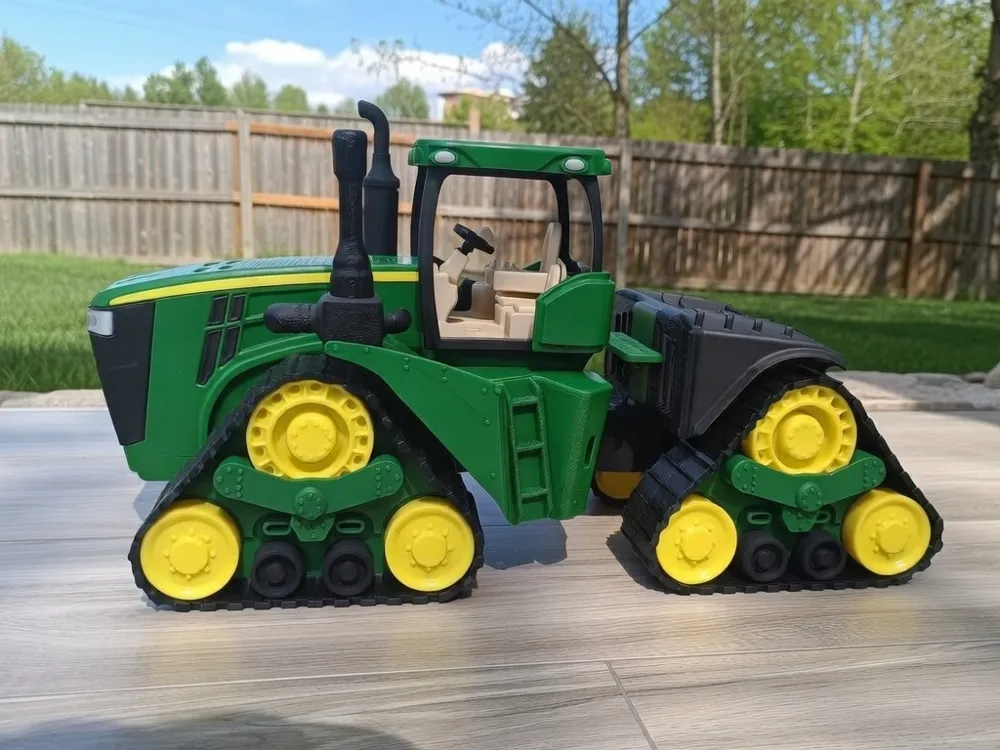
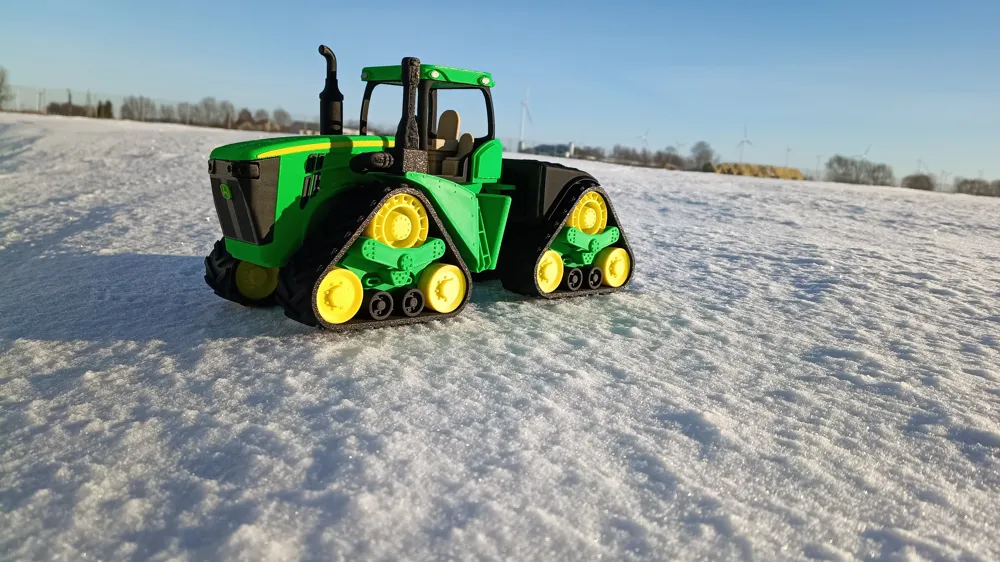
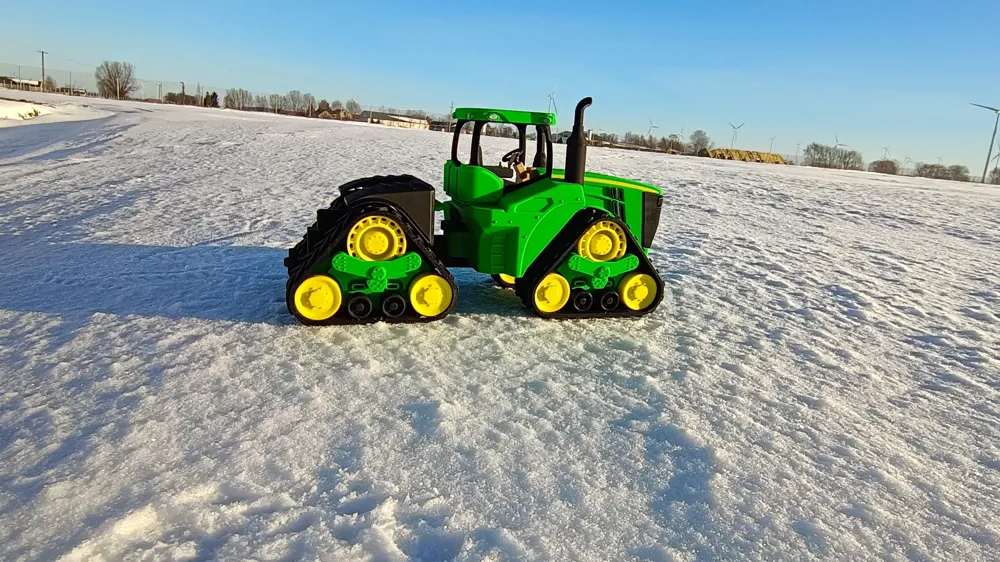
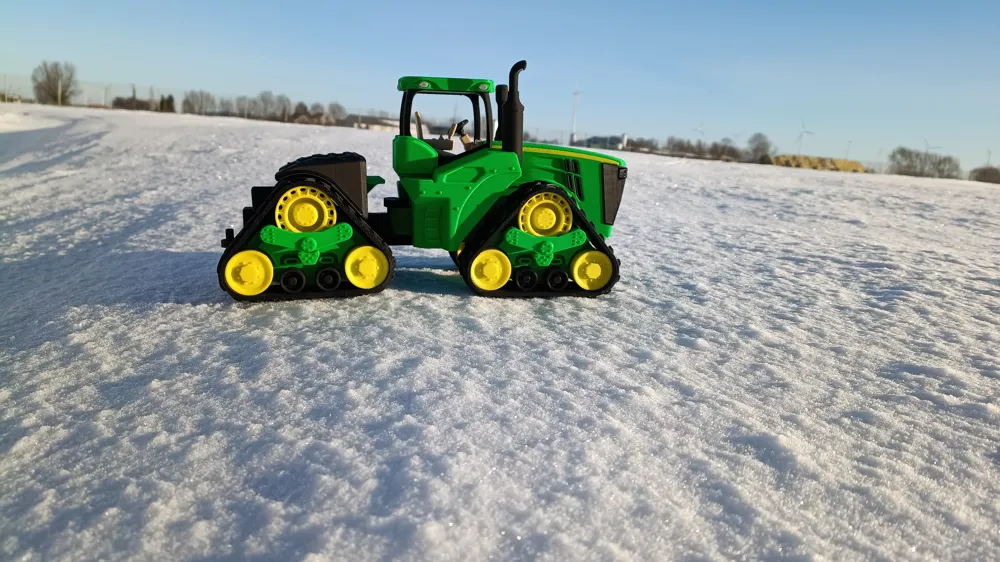
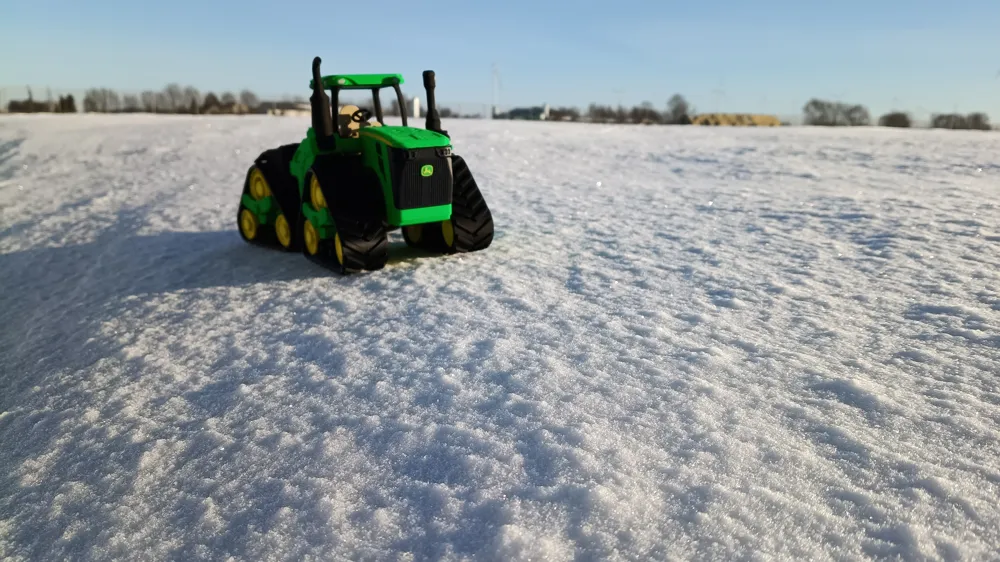
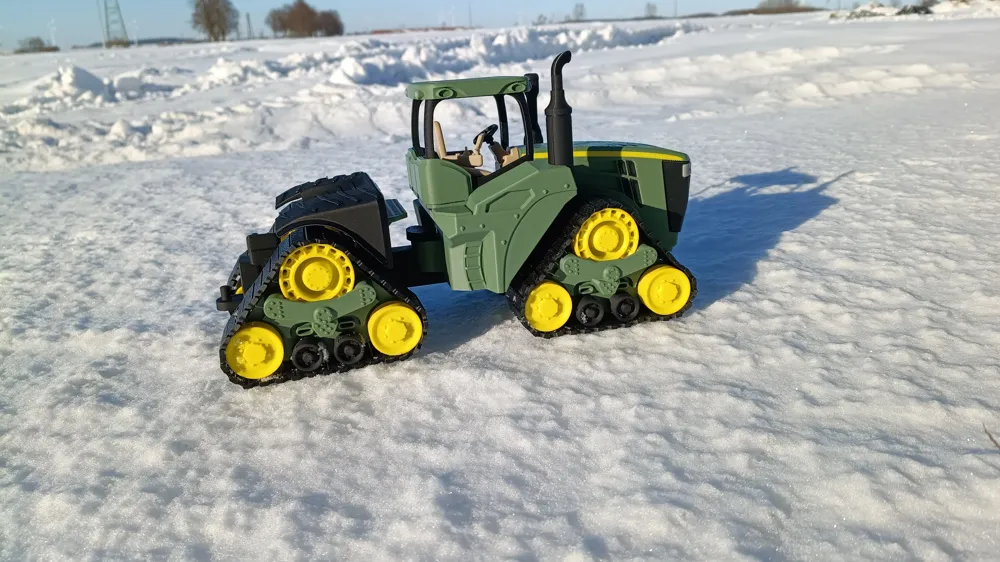
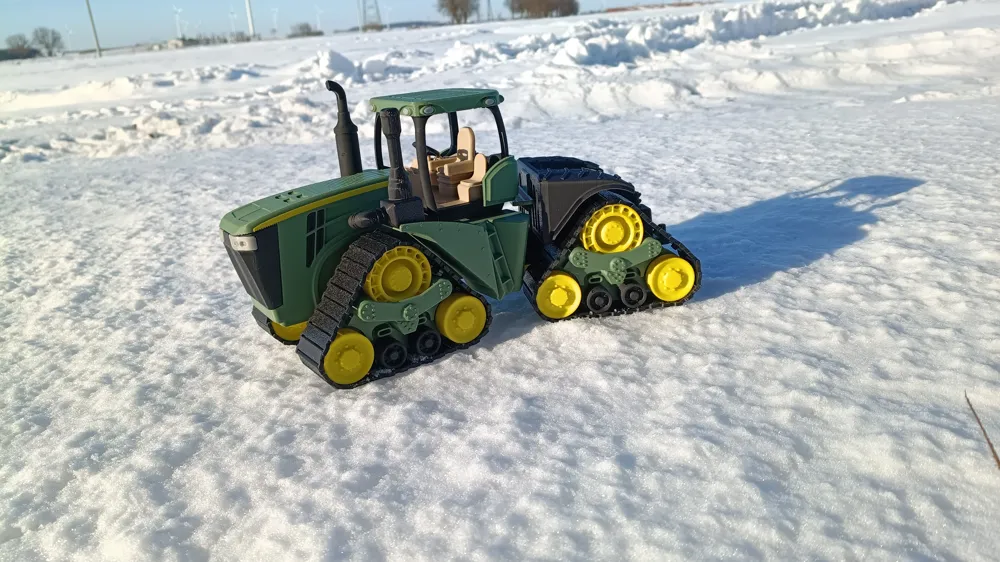
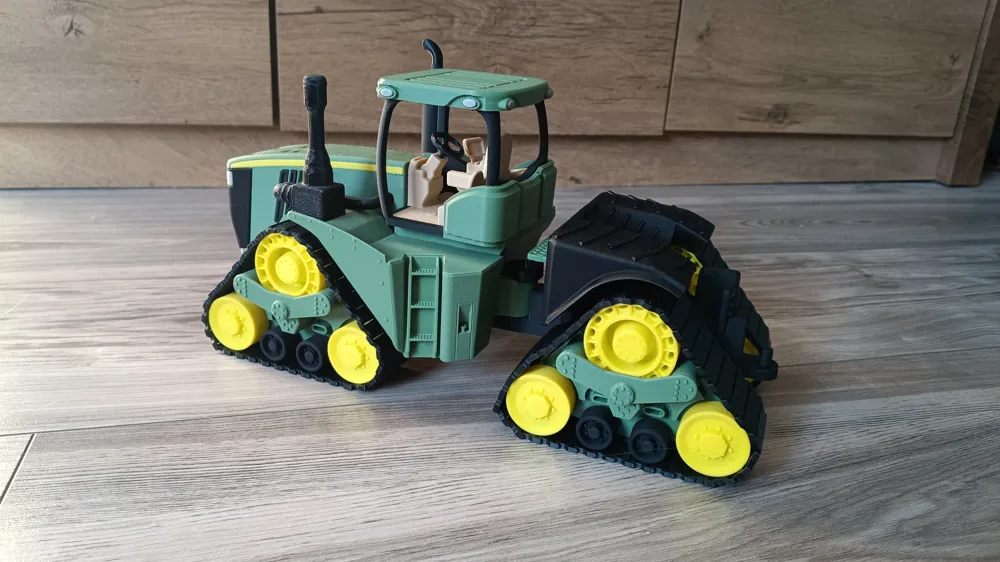
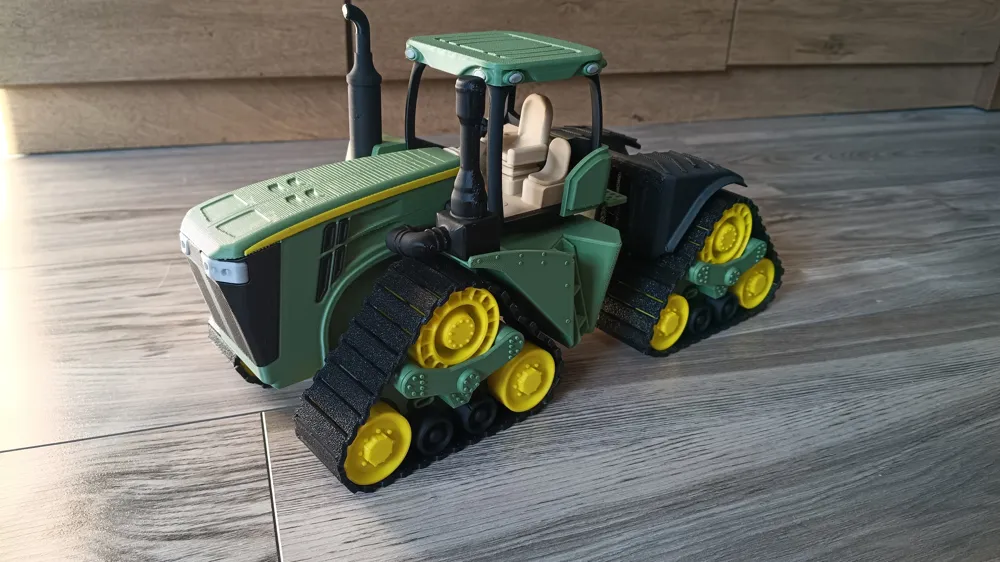
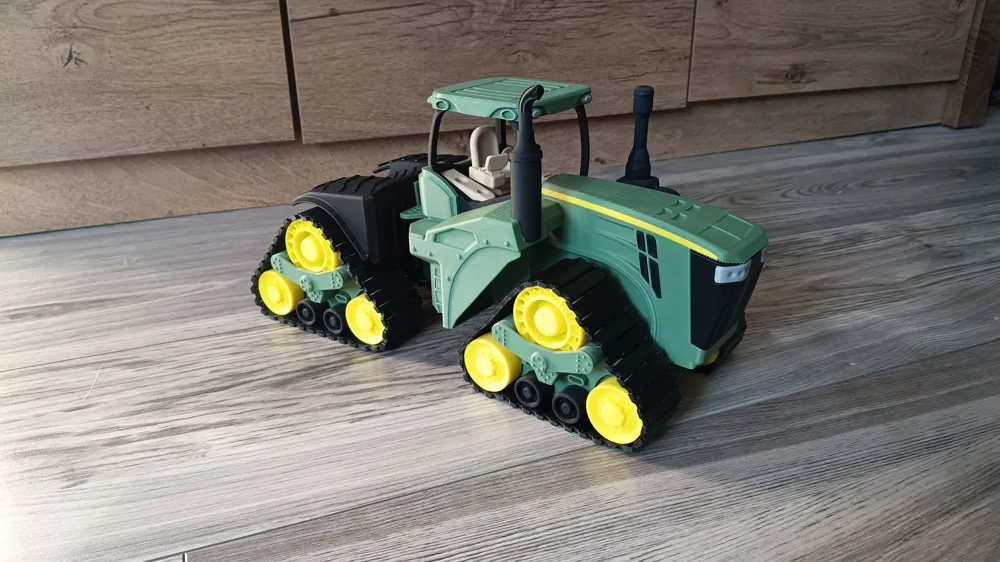
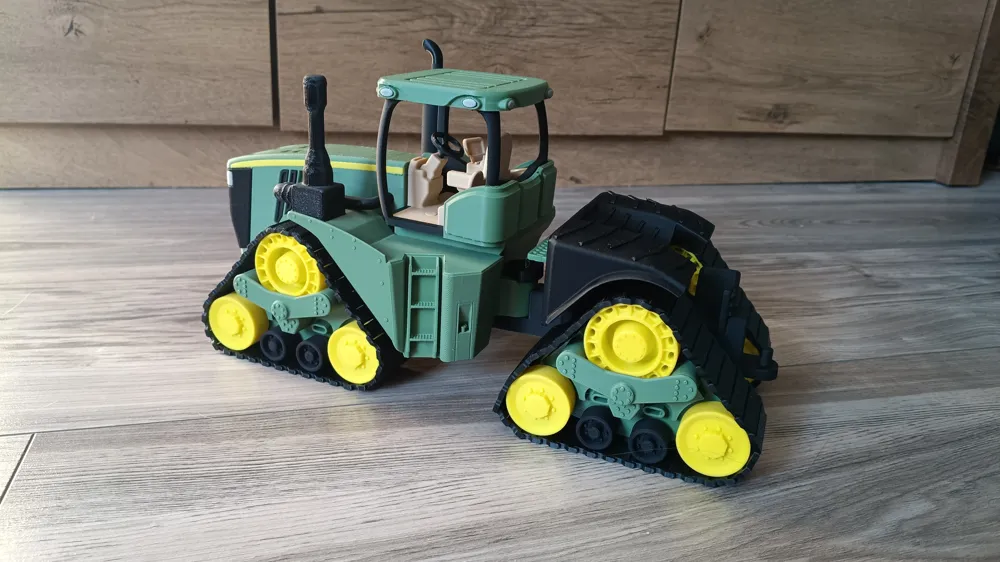
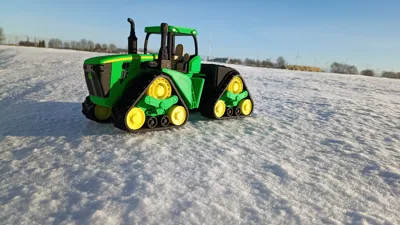
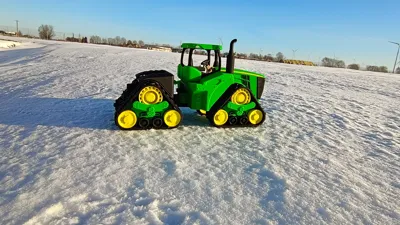
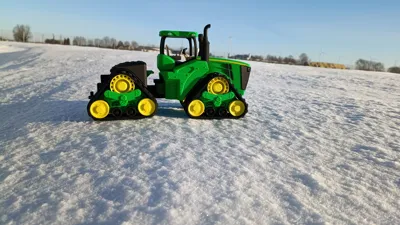
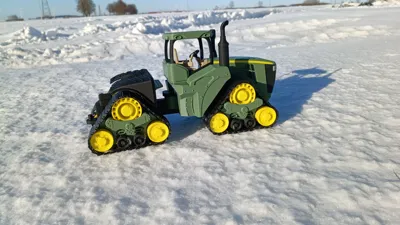
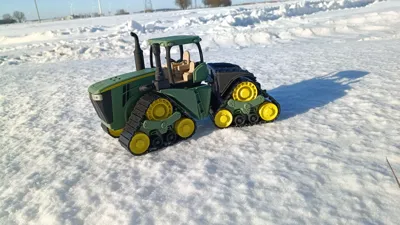
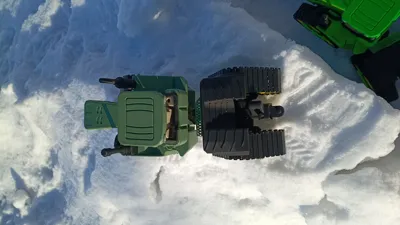
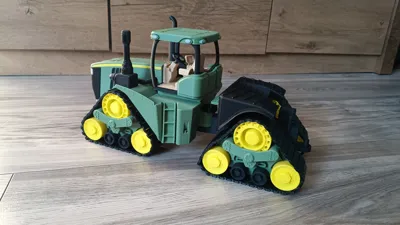
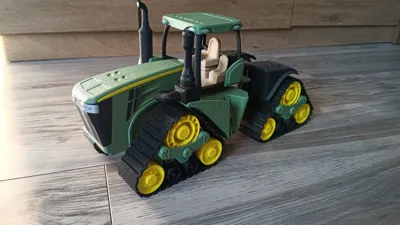
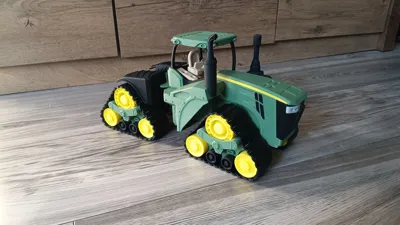
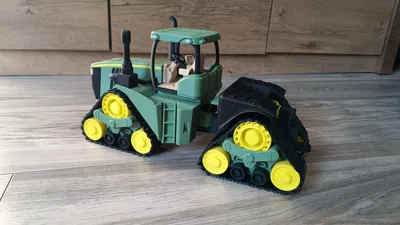
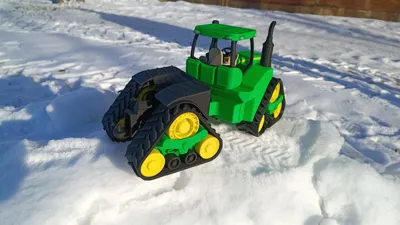
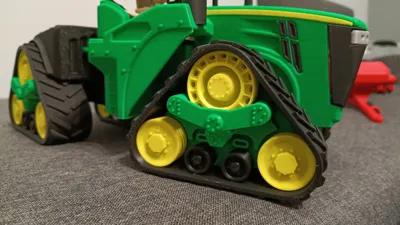
John Deere 9RX 620 Tractor

Print Profile(8)



Description
Hello!!!
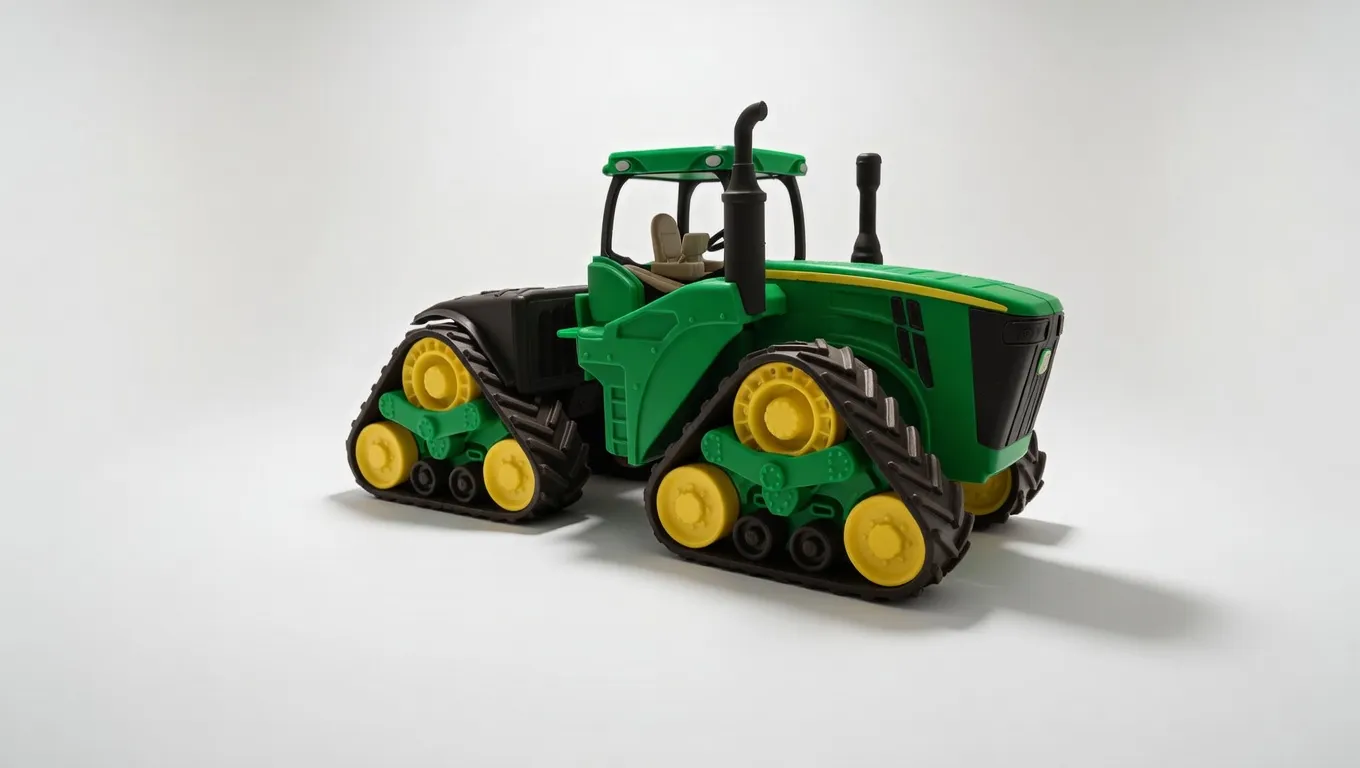
The JD 9RX 620 model was originally intended to be prepared for 1,000 followers on my profile — unfortunately, I didn’t manage to do it in time, but I’m really happy that there are already so many of you 🙂 Thank you for your support!
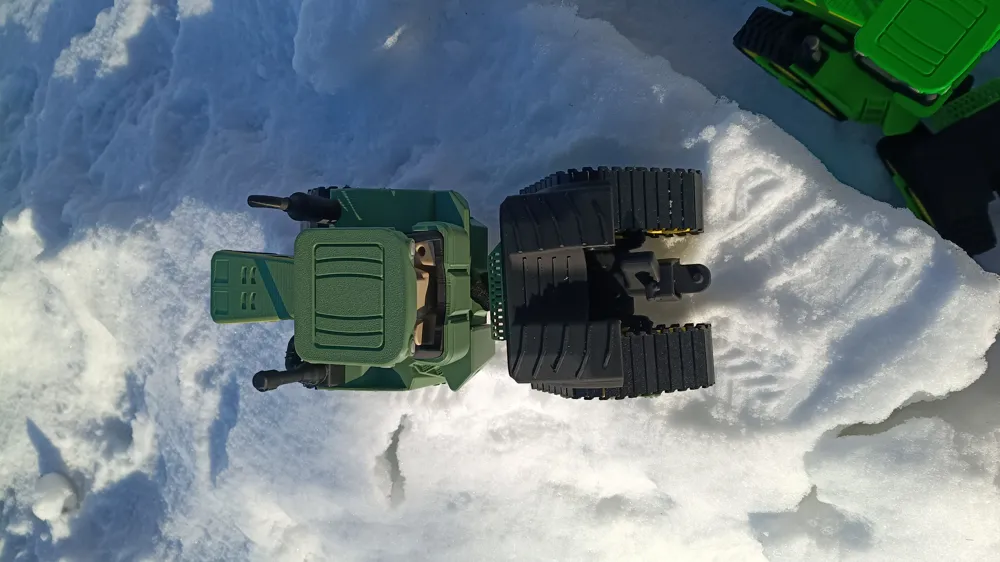
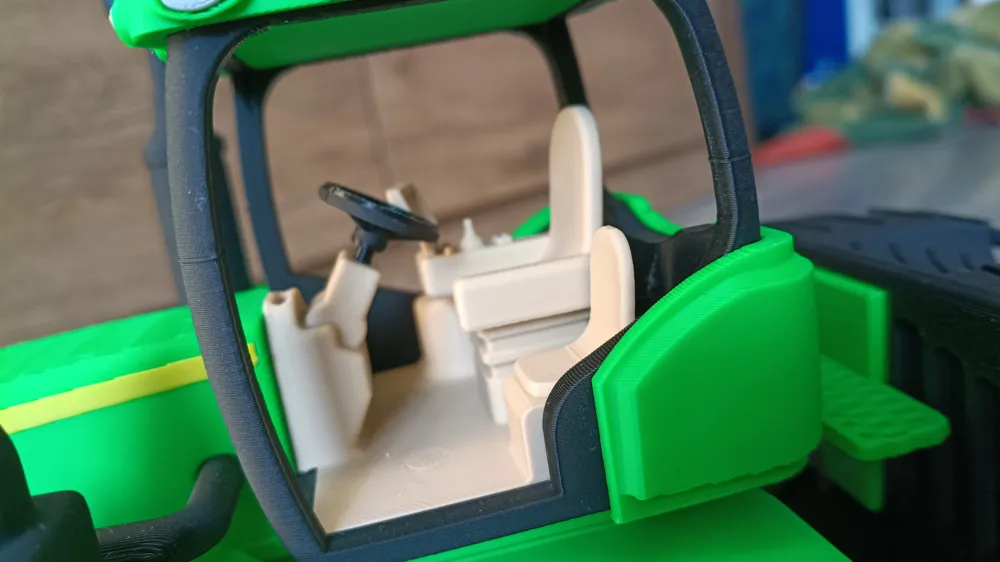
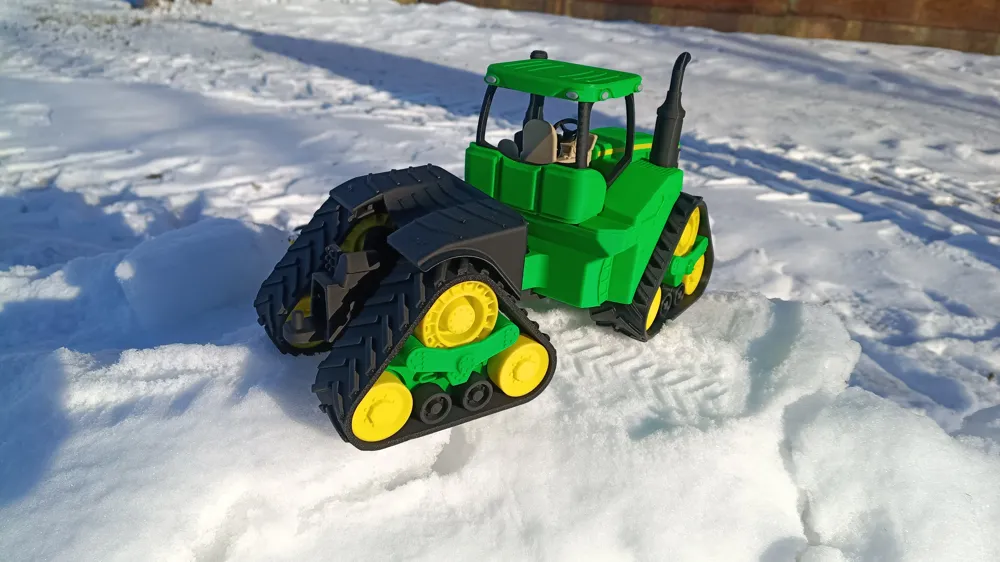
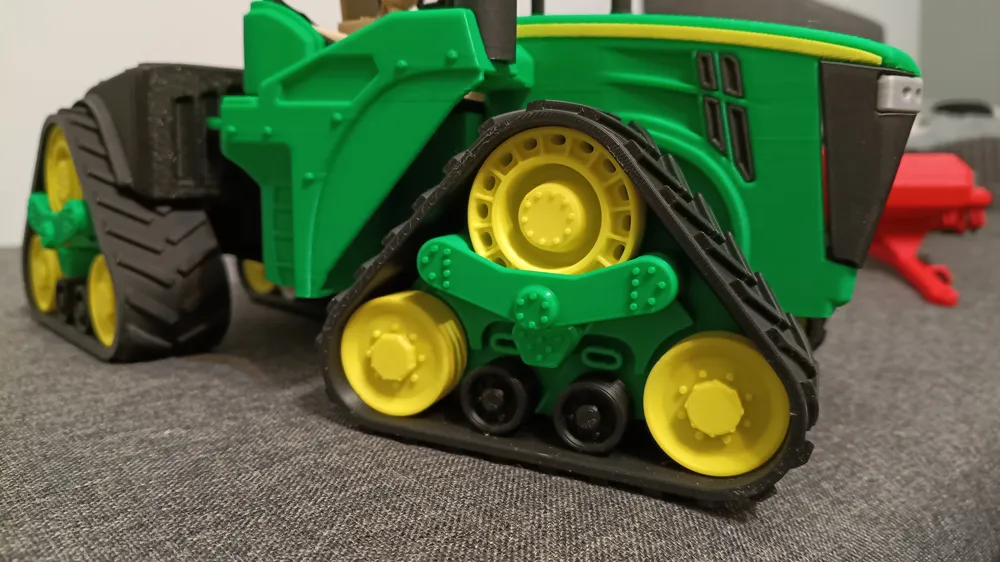
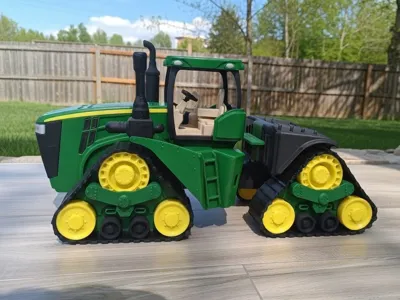
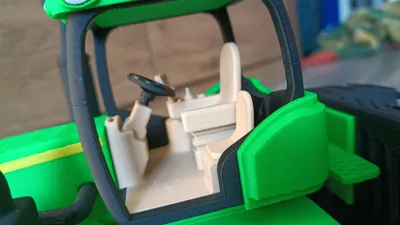
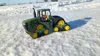
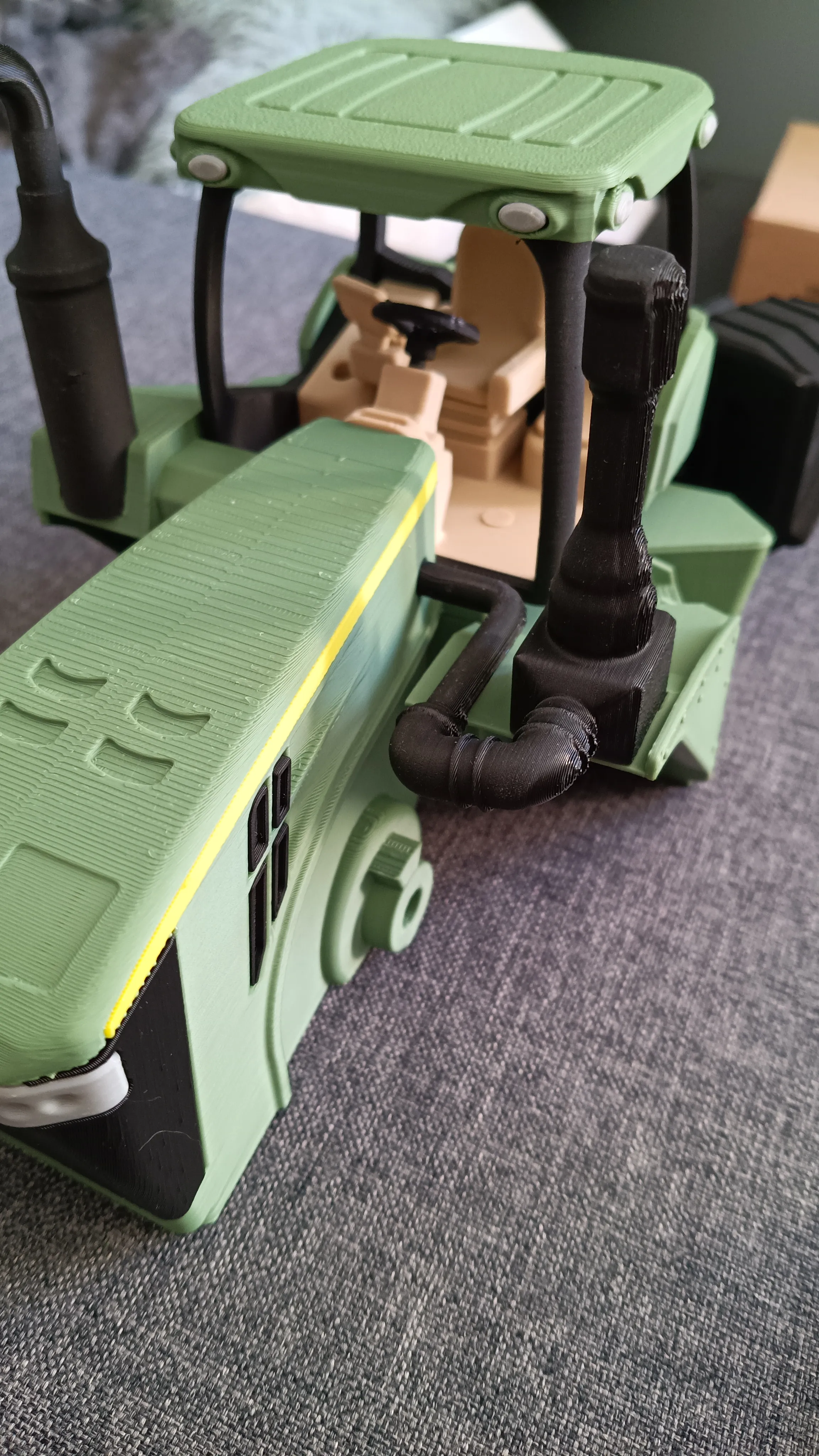
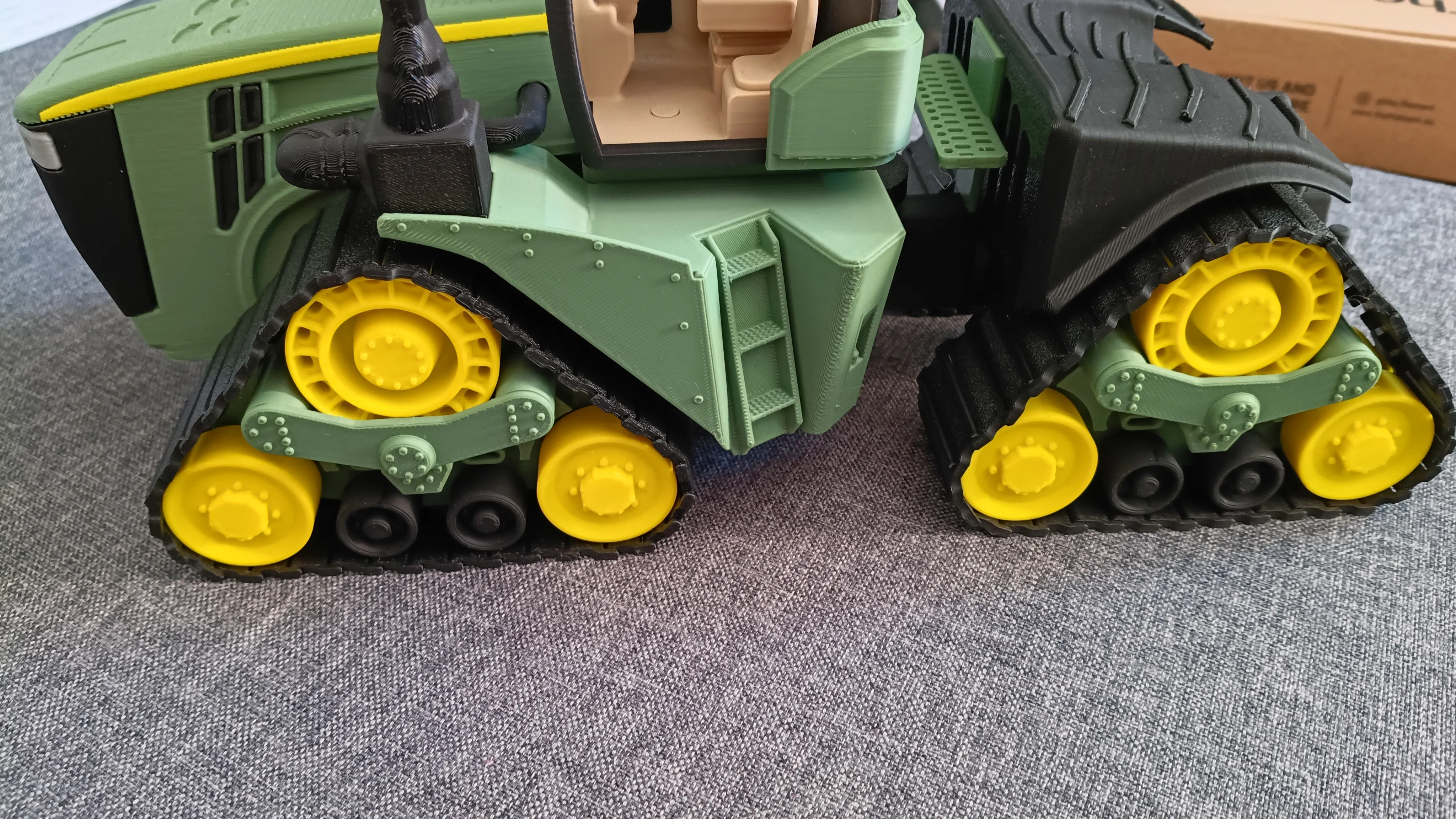
I tried to faithfully reproduce the proportions and character of this tractor, while dividing the model in a way that makes printing as simple and trouble-free as possible.
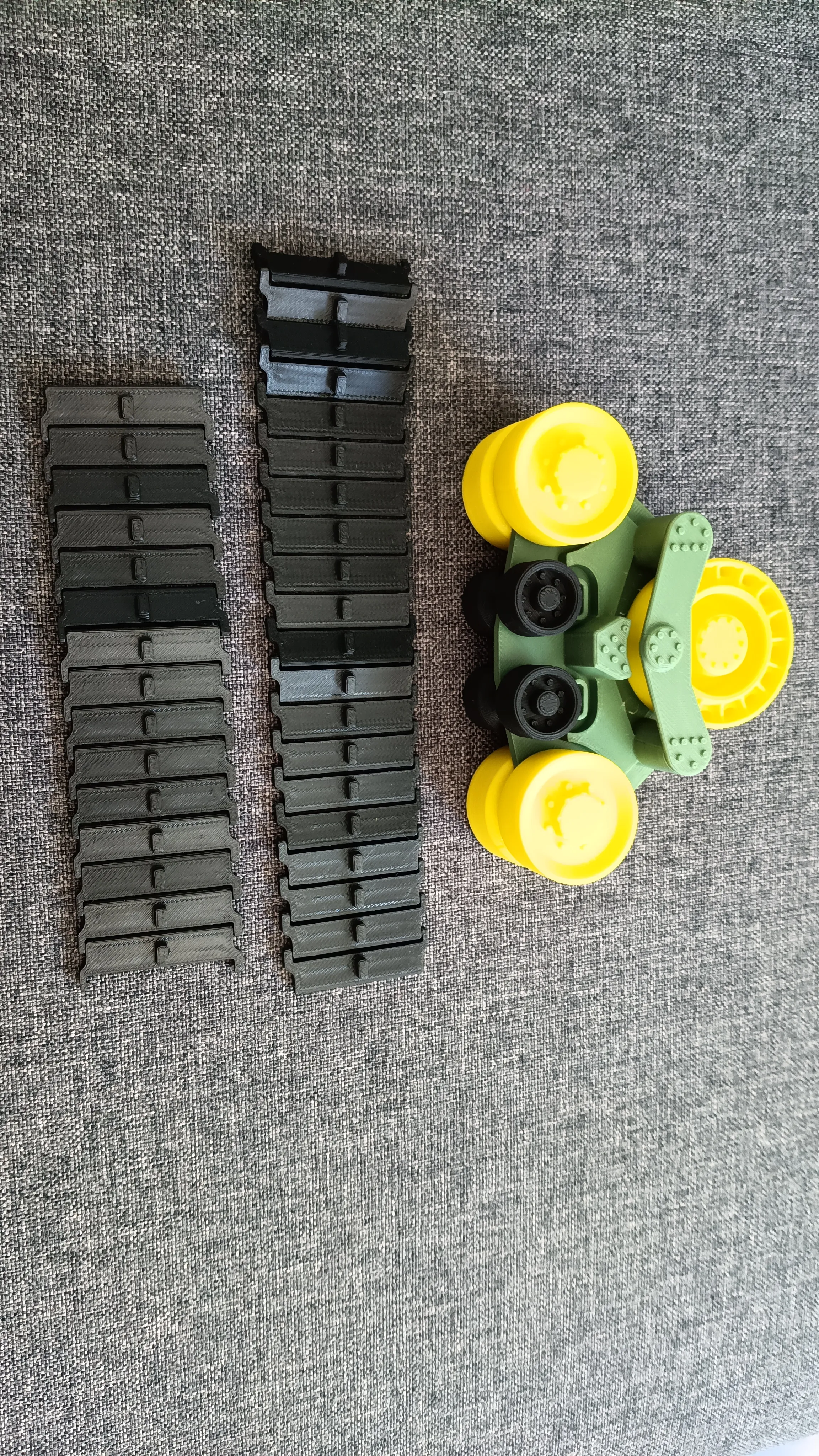
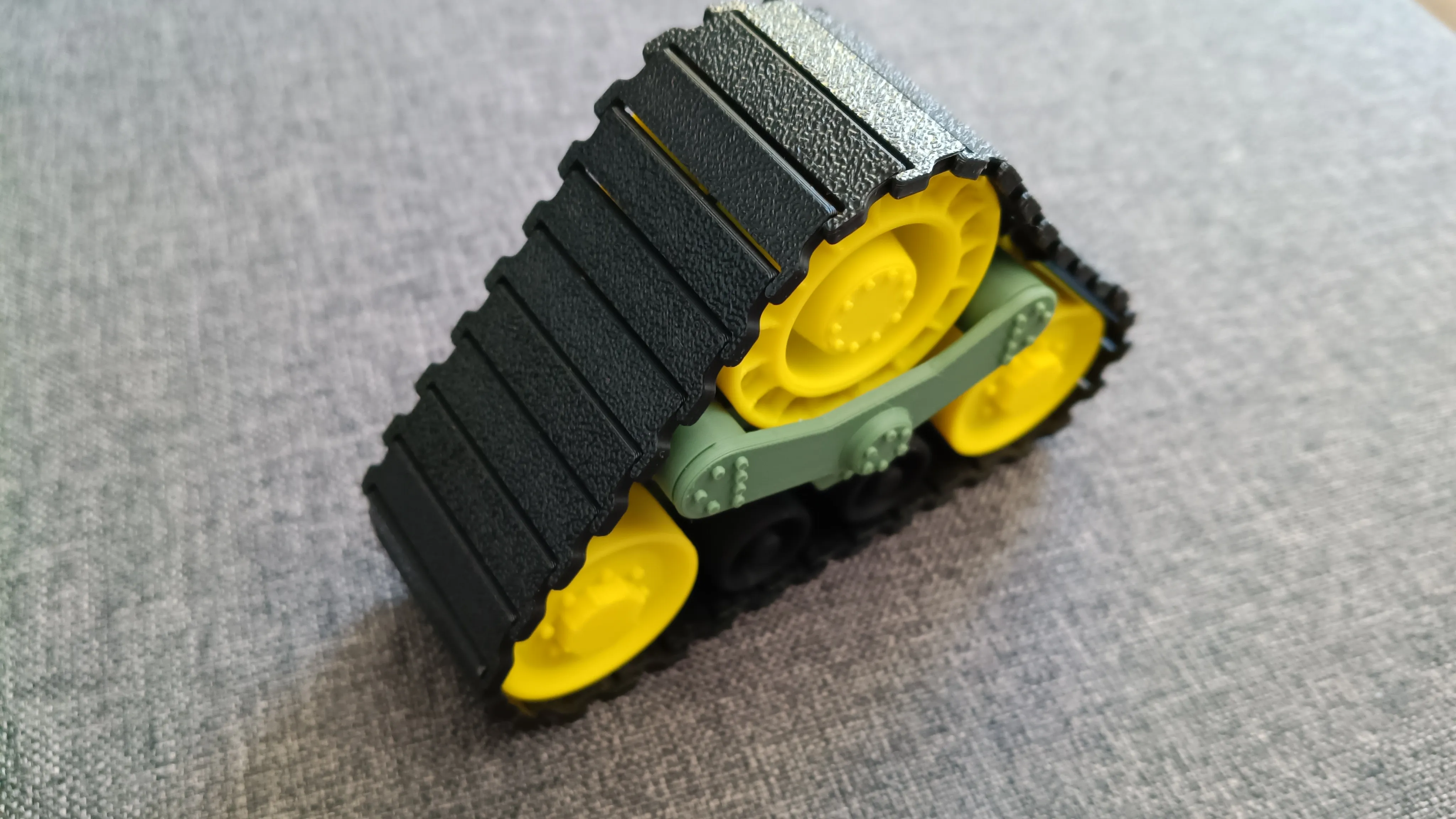
The model is available in 1:24, 1:32, and 1:64 scales. In the 1:24 scale, it is really huge and heavy, which means long print times, but it is definitely worth it. In this scale, there are two track versions: fixed and movable. It fits perfectly with the planter, which is available on my MakerWorld profile.
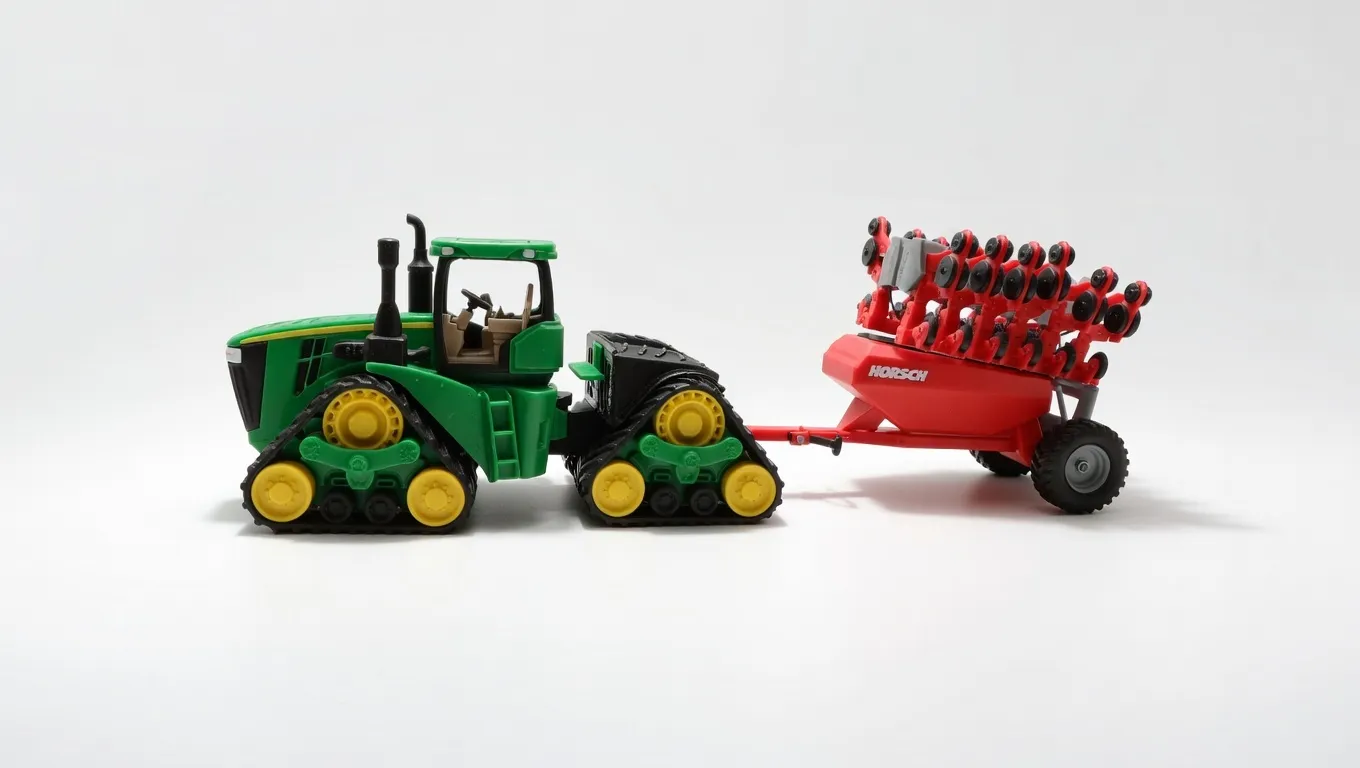
Before downloading, make sure to check which print profile you are choosing.
Available print profiles:
- 1:24 – fixed tracks with JD logo
- 1:24 – movable tracks with JD logo
- 1:32 – fixed tracks
- 1:32 – movable tracks
1:64 – fixed tracks
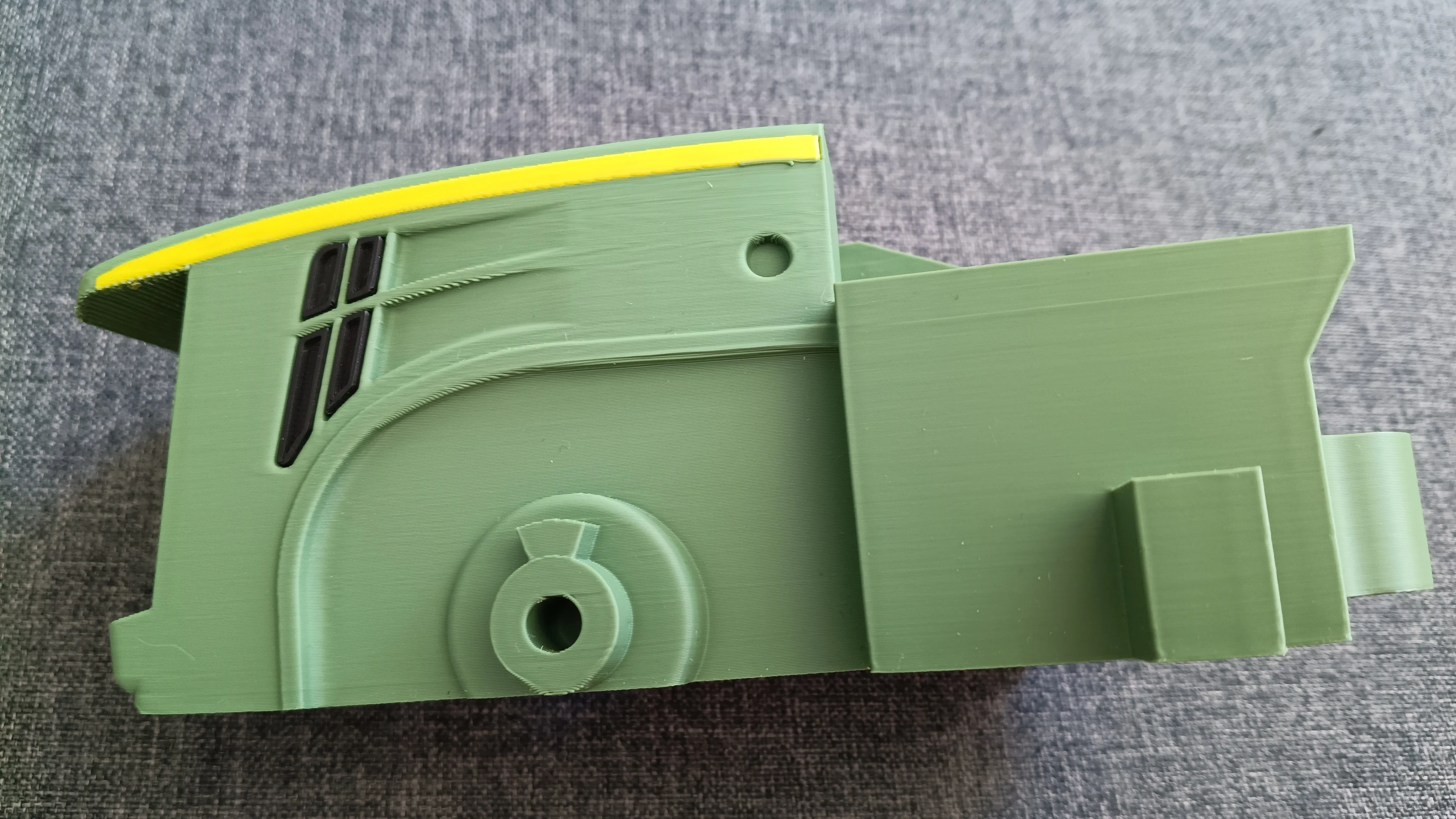
Edit: I added a print profile for the hood with a yellow stripe using AMS.
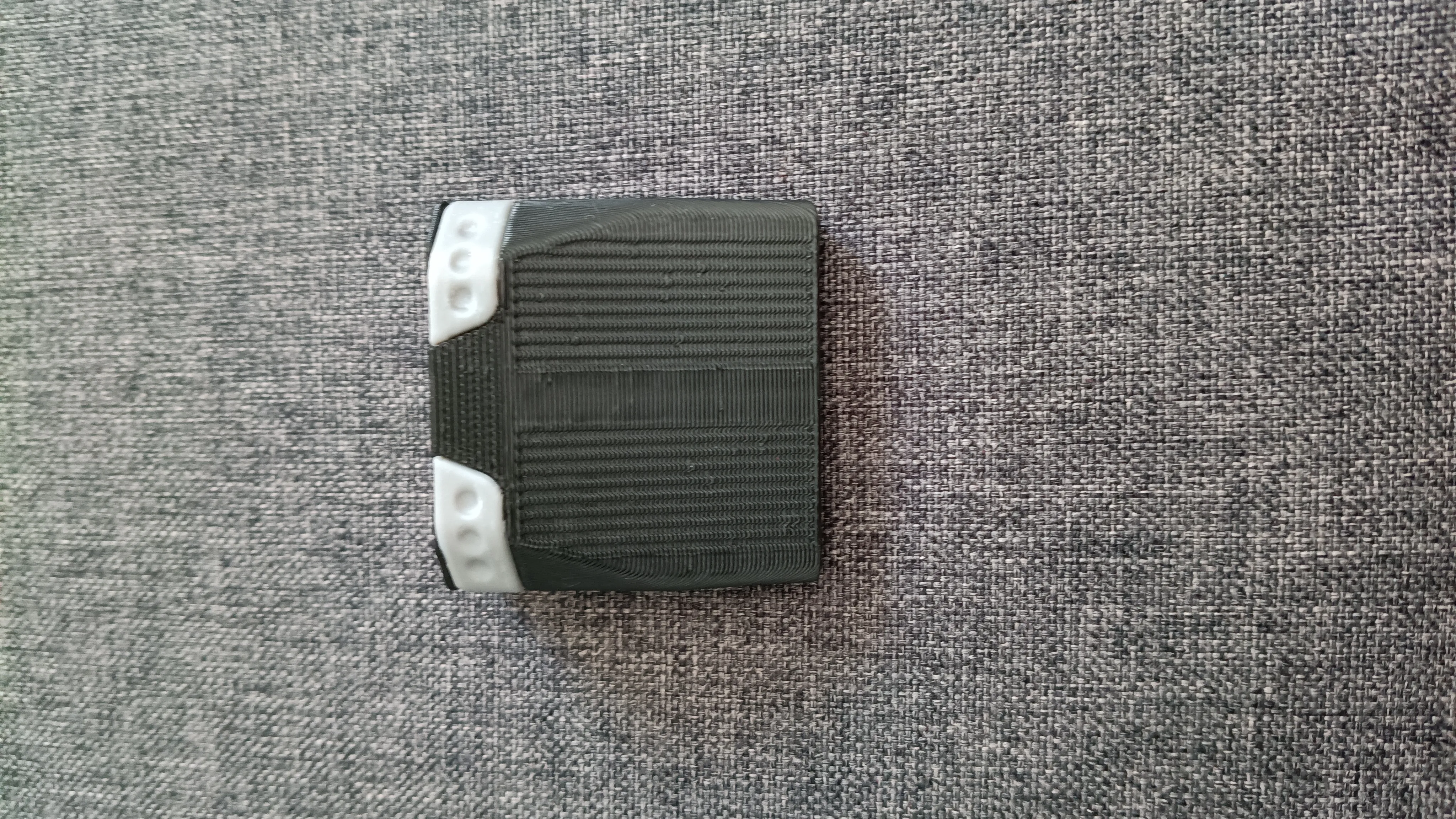
I have added the TPU tracks.
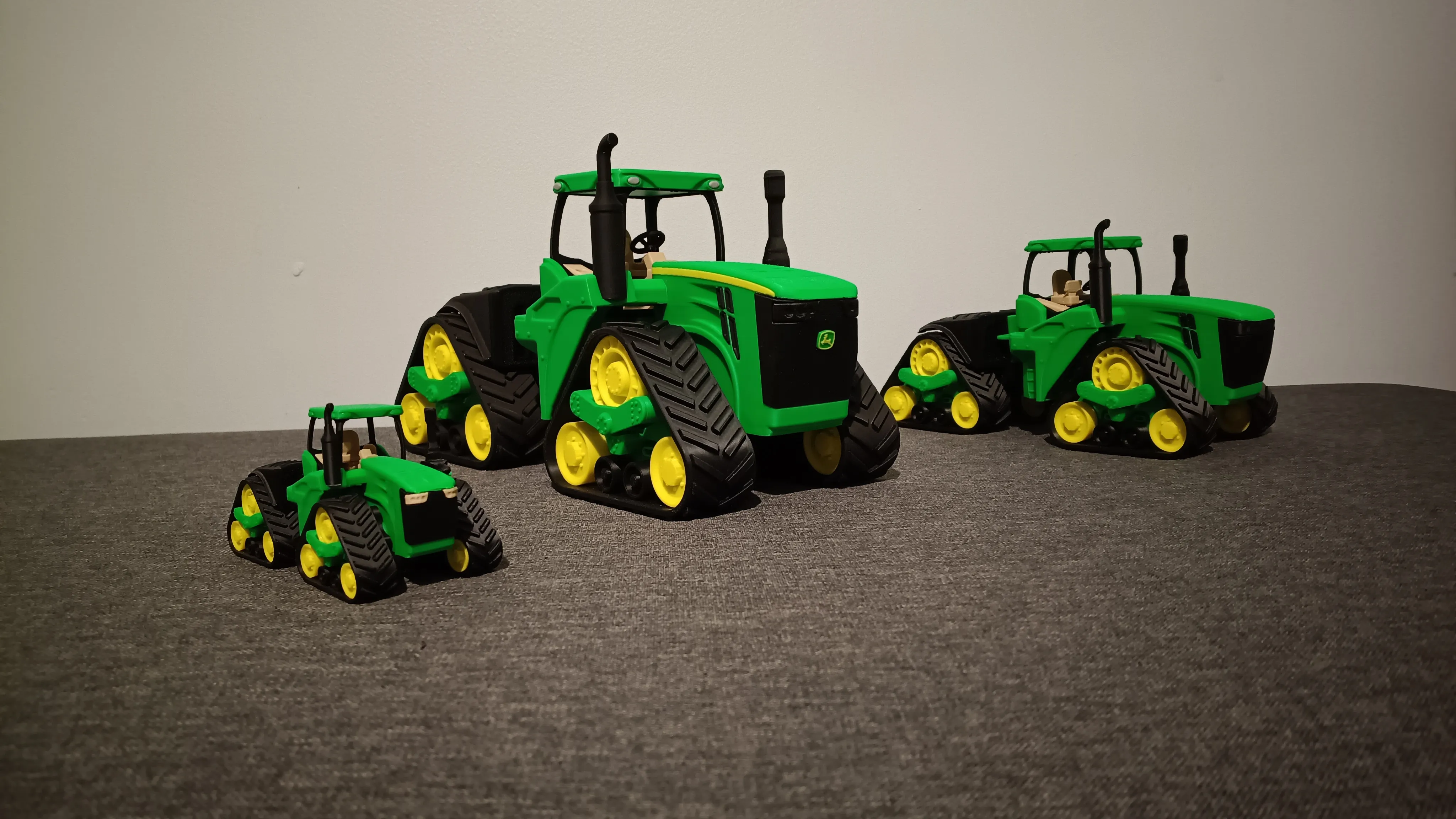
The model is designed for PLA only. I recommend using the prepared print profiles and not changing the slicer settings unless you are sure of what you are doing — they have been optimized so that all parts fit together correctly.
In the 1:64 scale, there are very small parts, so the printer should be well calibrated and the filament dry to avoid printing issues. The JD logo is only available in the 1:24 scale version. For better quality, I recommend using a 0.2 mm nozzle; however, I was able to print it successfully with a 0.4 mm nozzle by reducing the line width and print speed. When printing the tracks, the filament must also be of good quality, and the seam should be set to random.
Assembly Instructions:
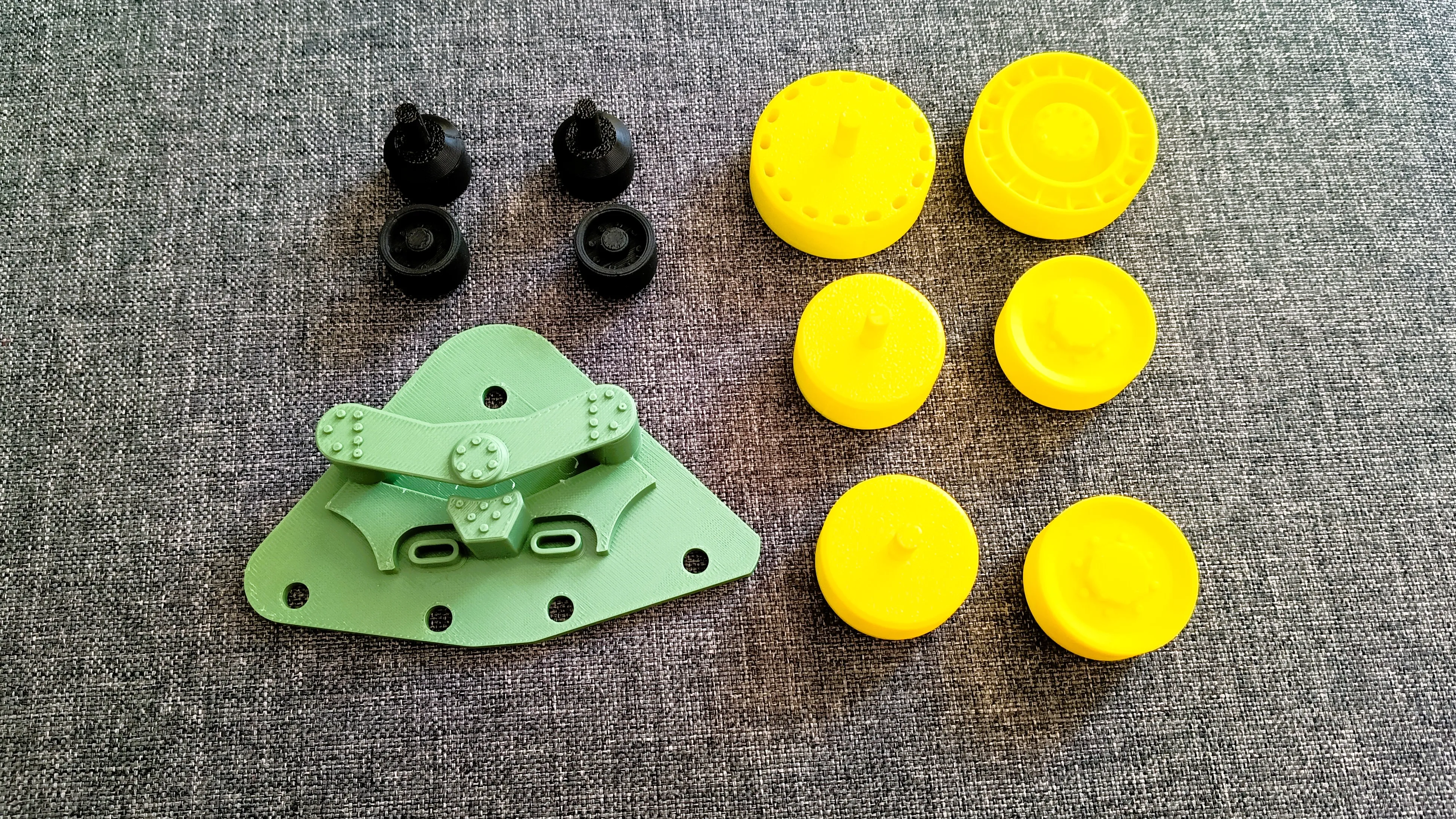
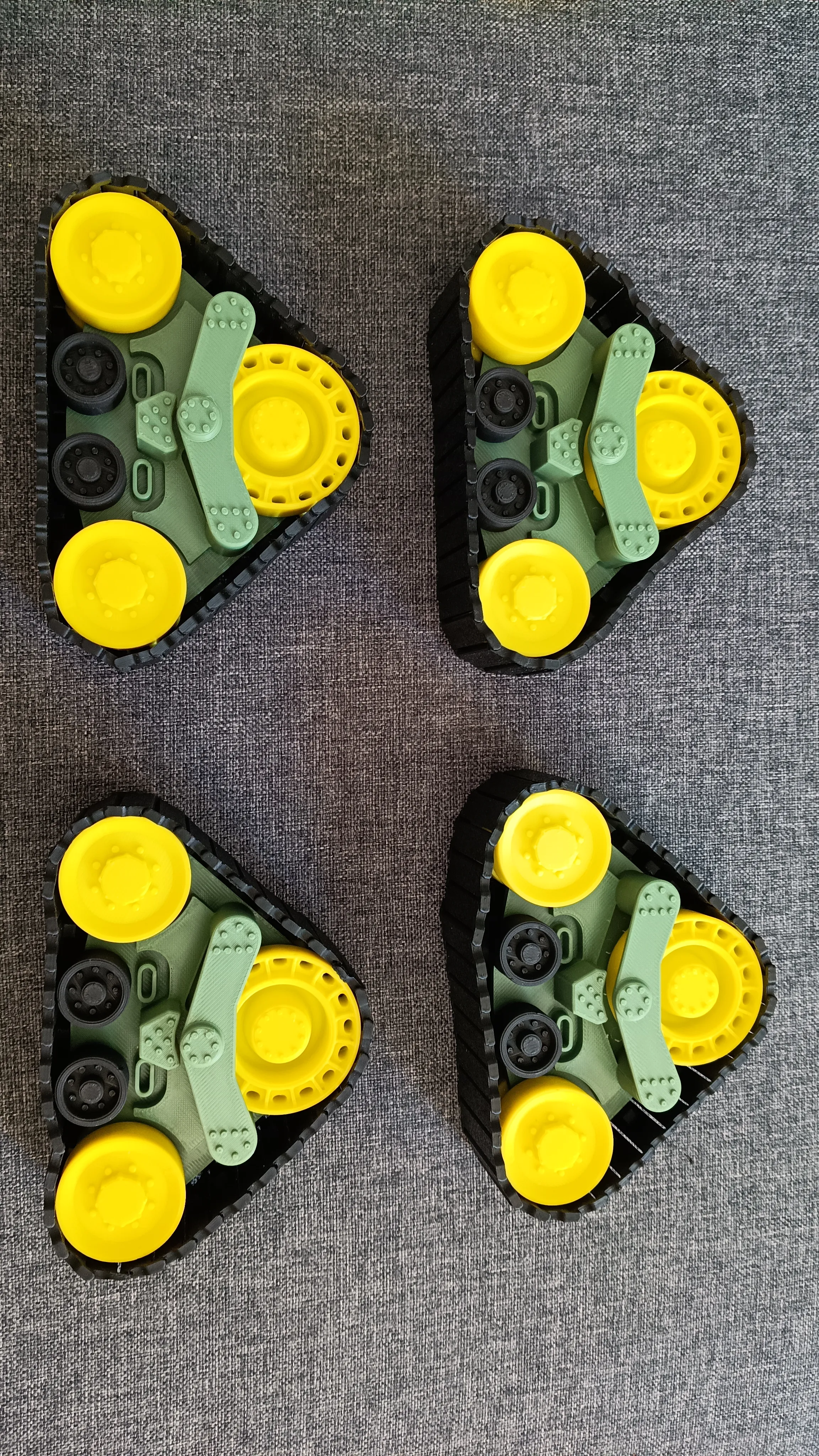
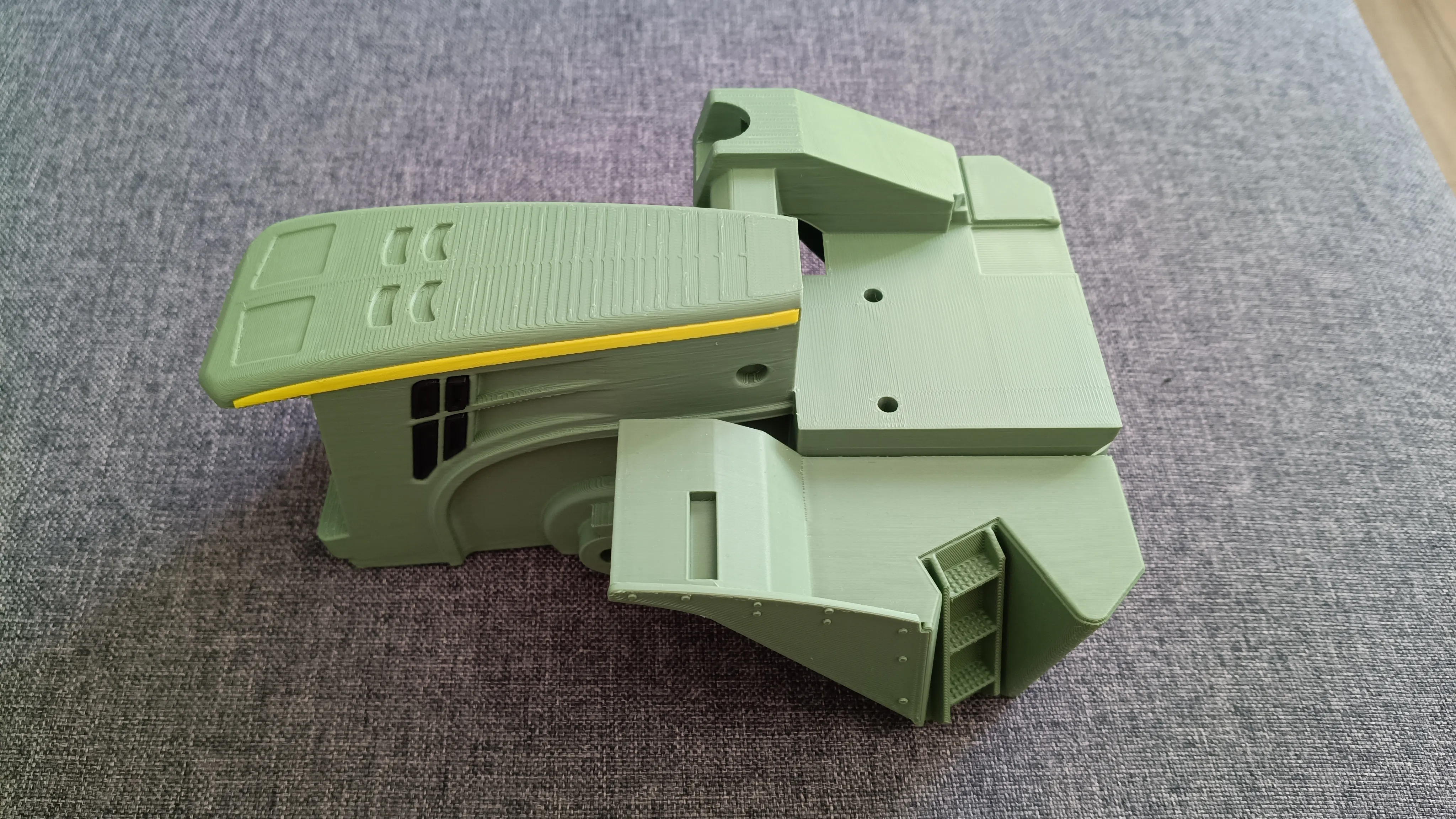
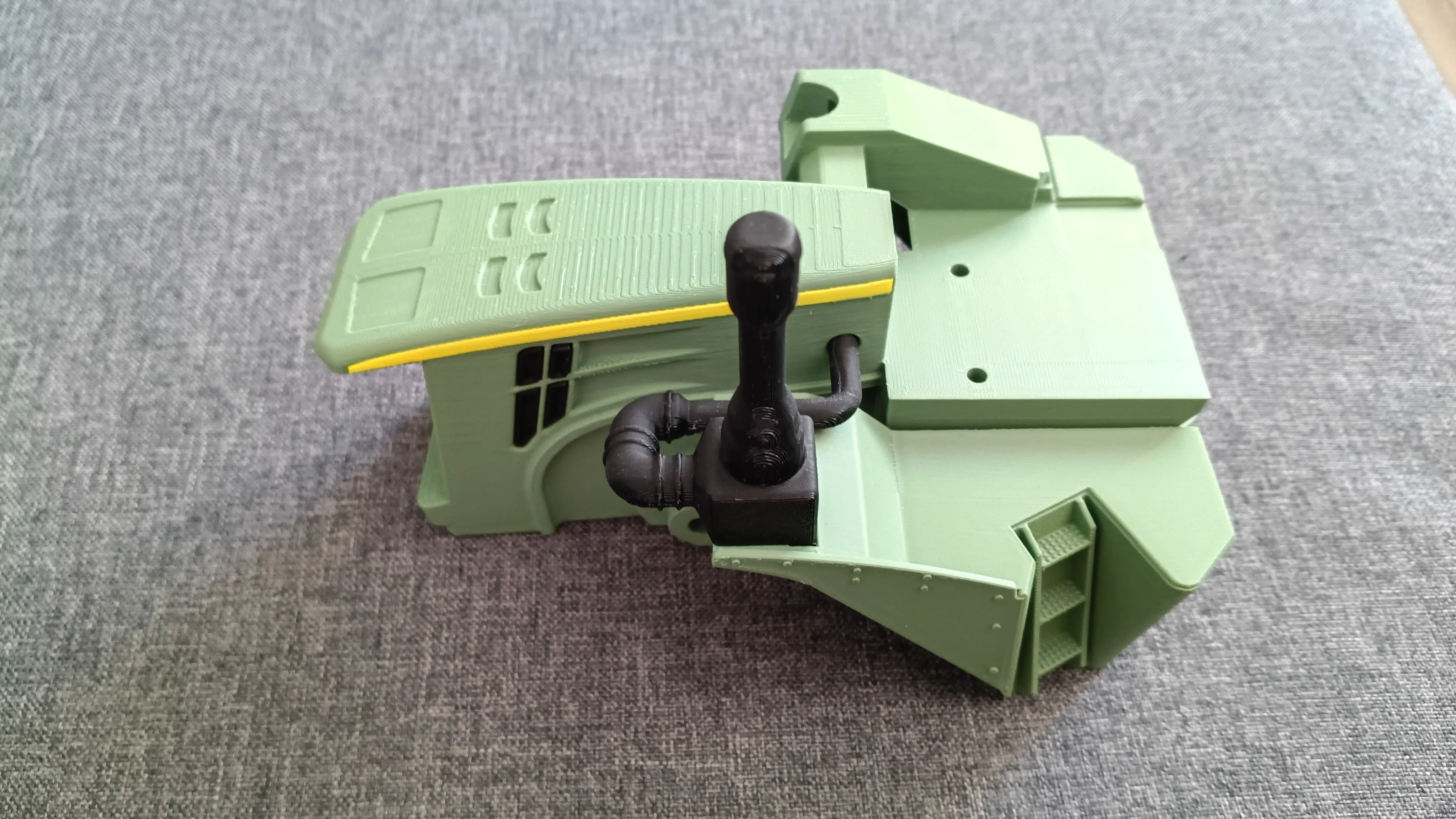
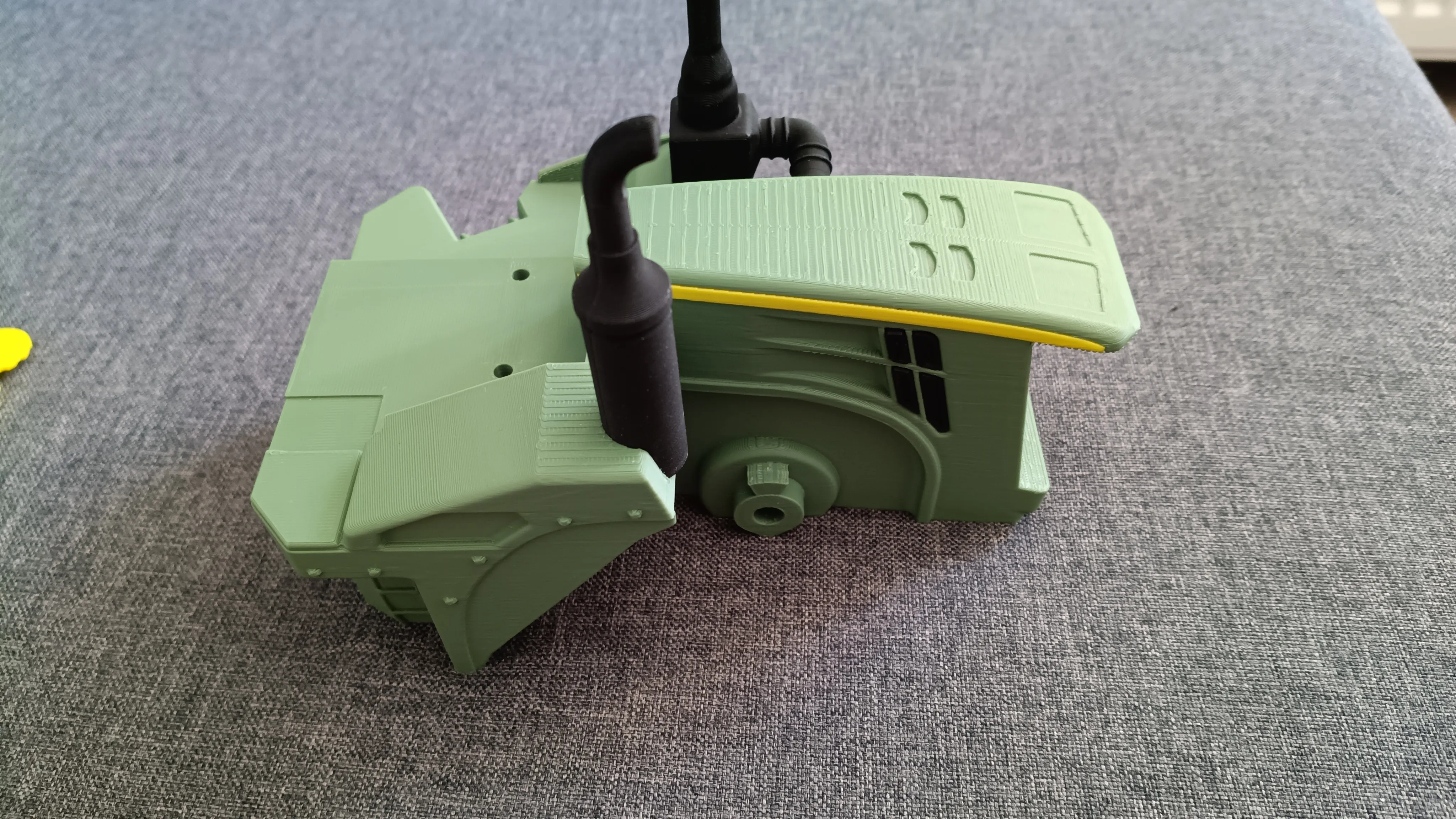
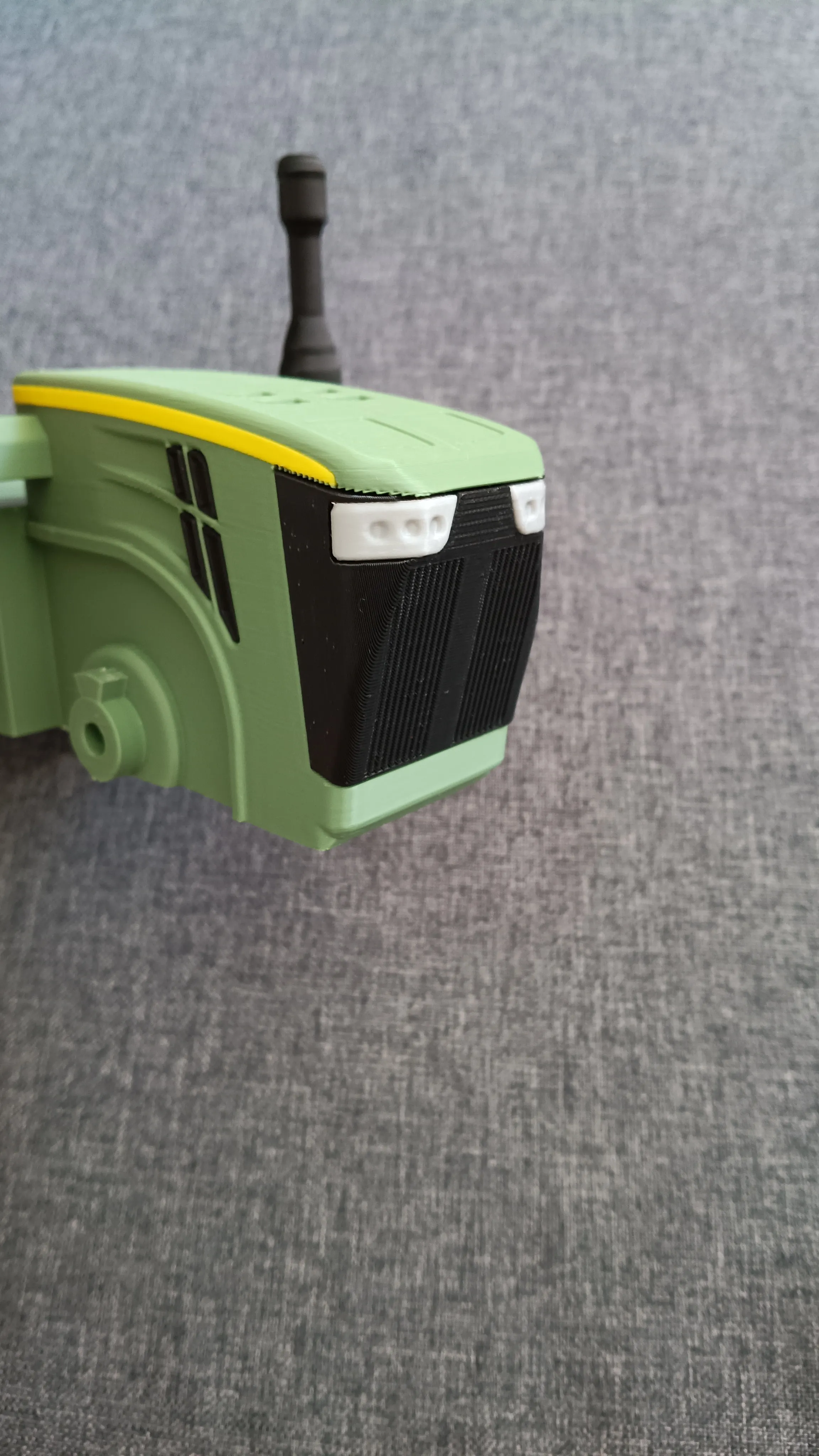
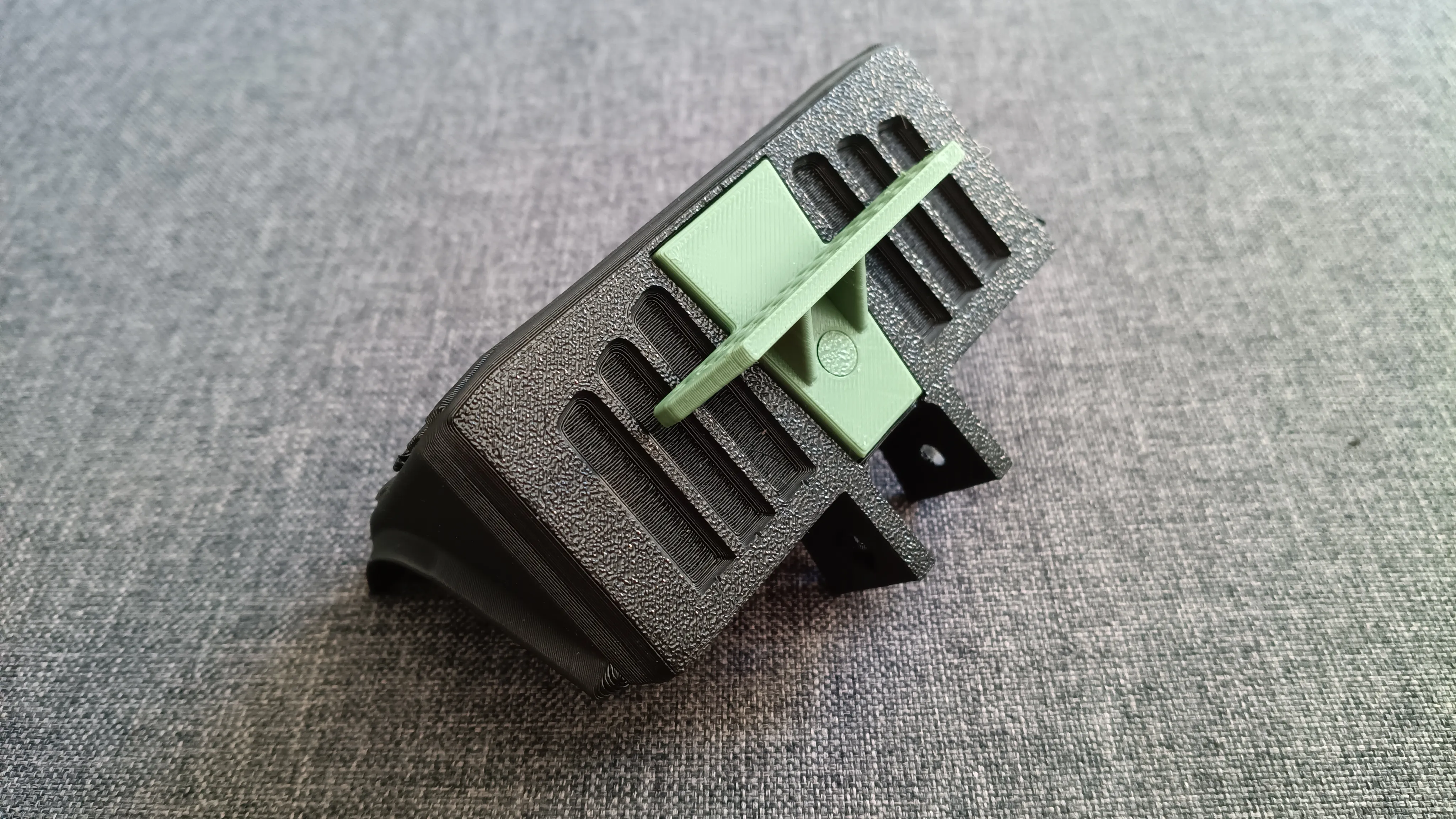
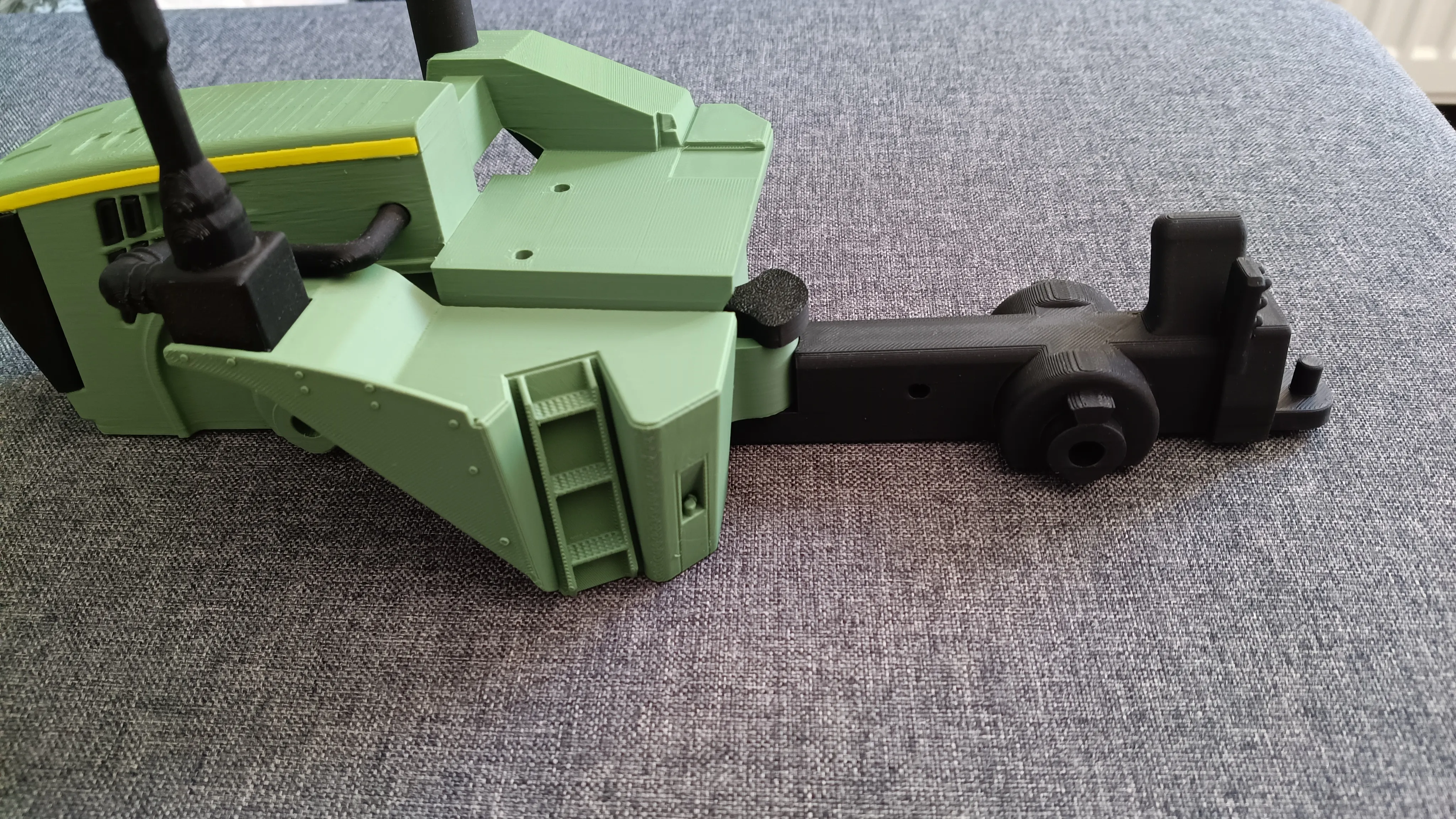
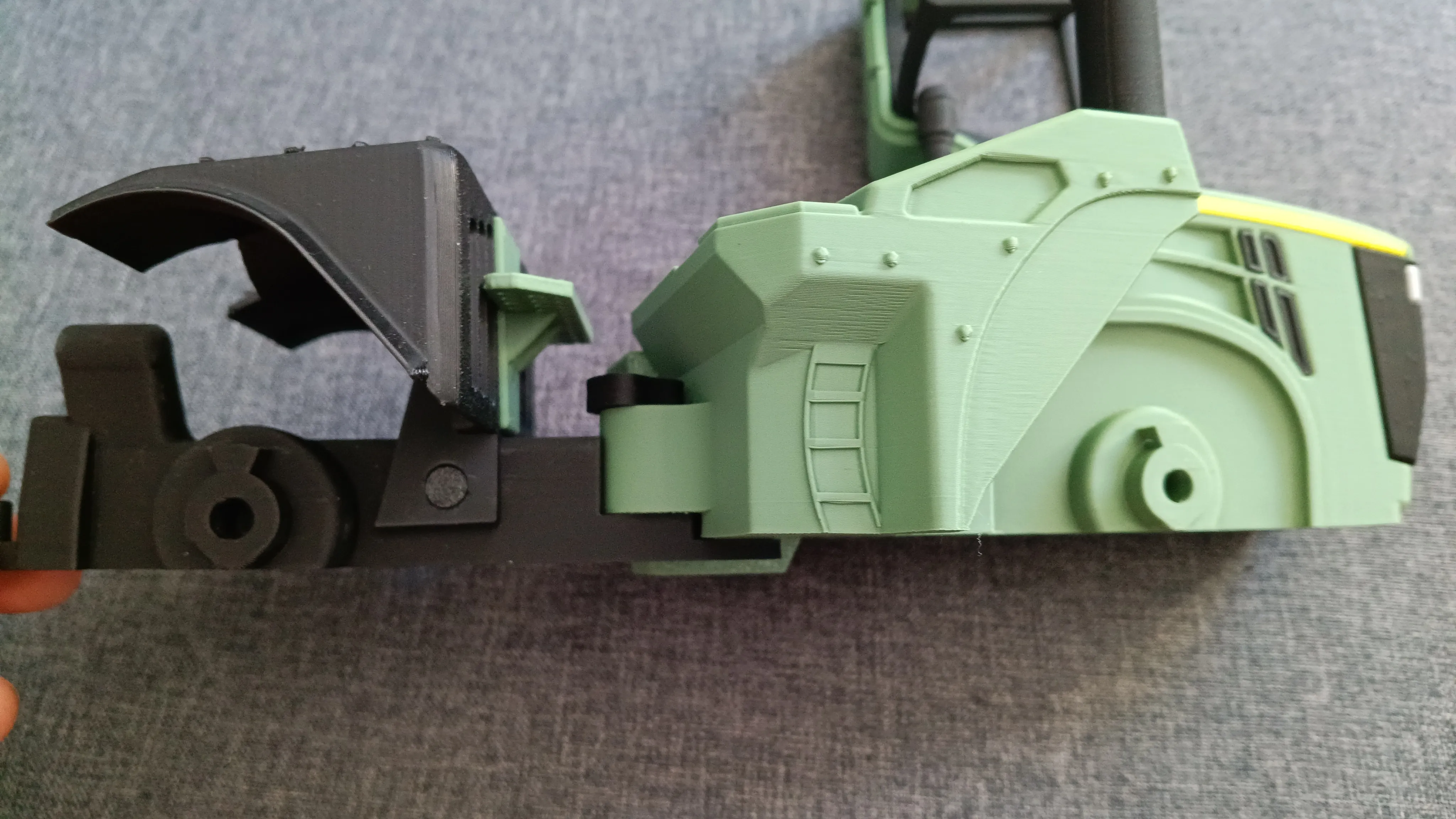
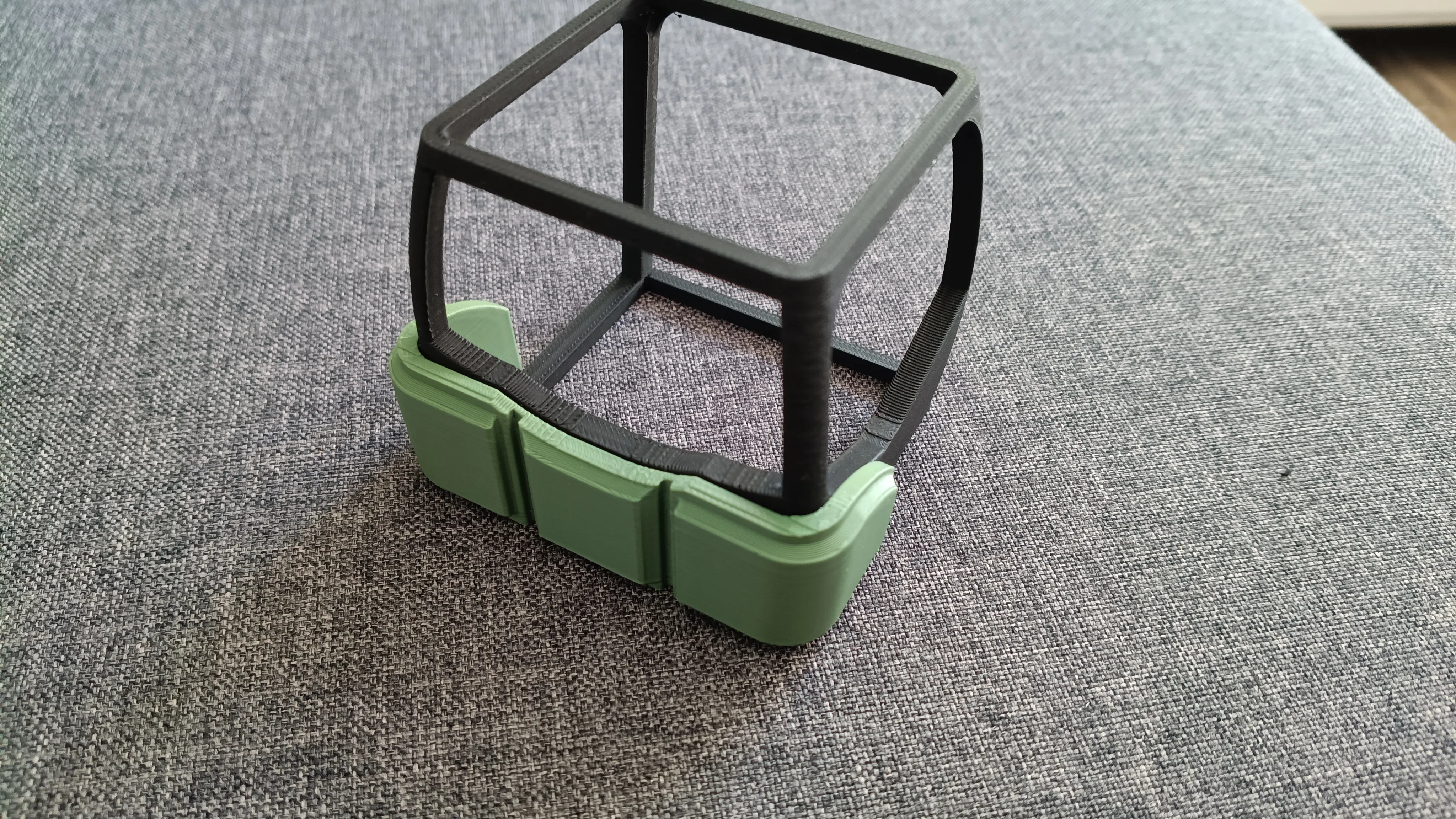
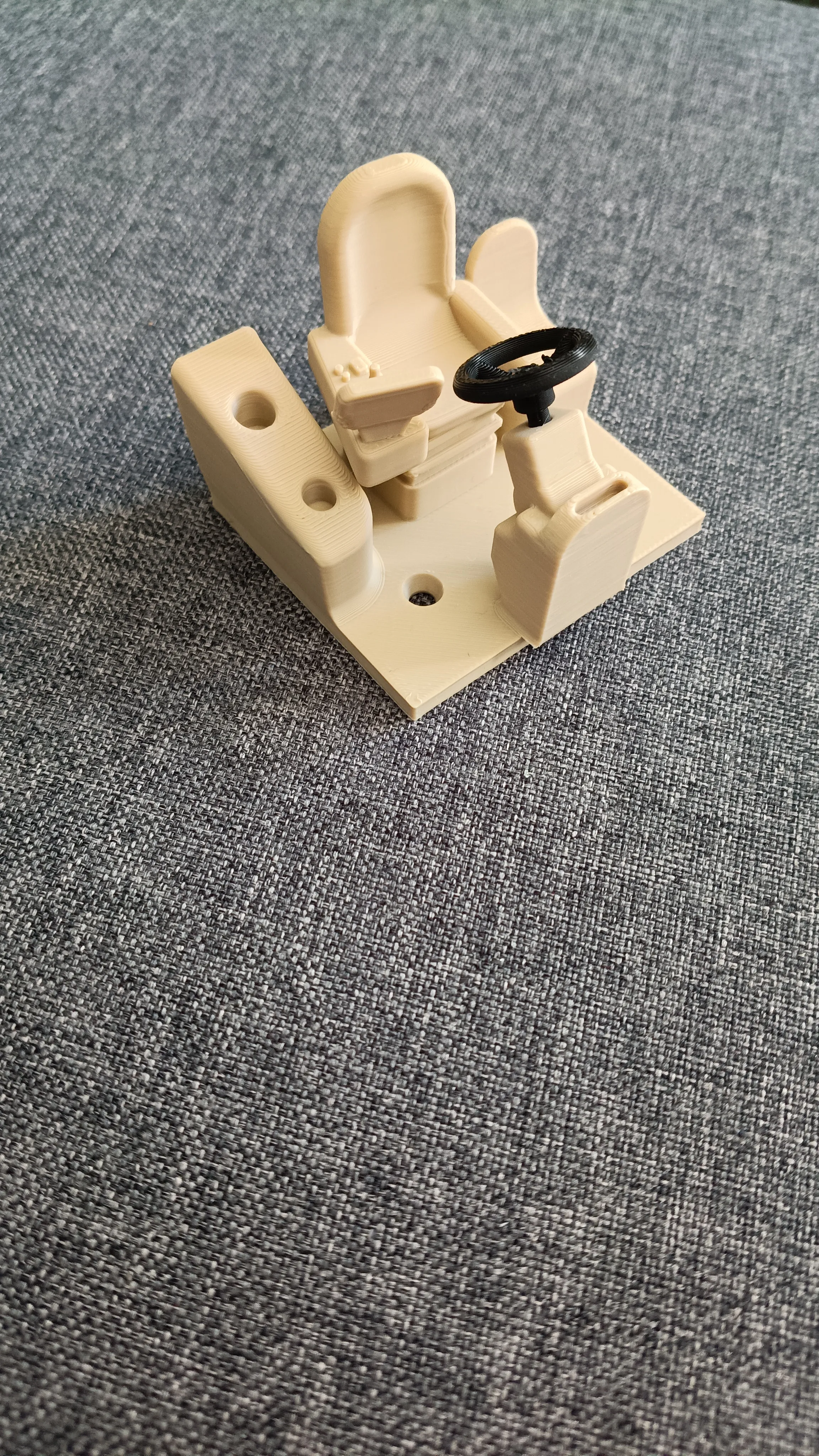
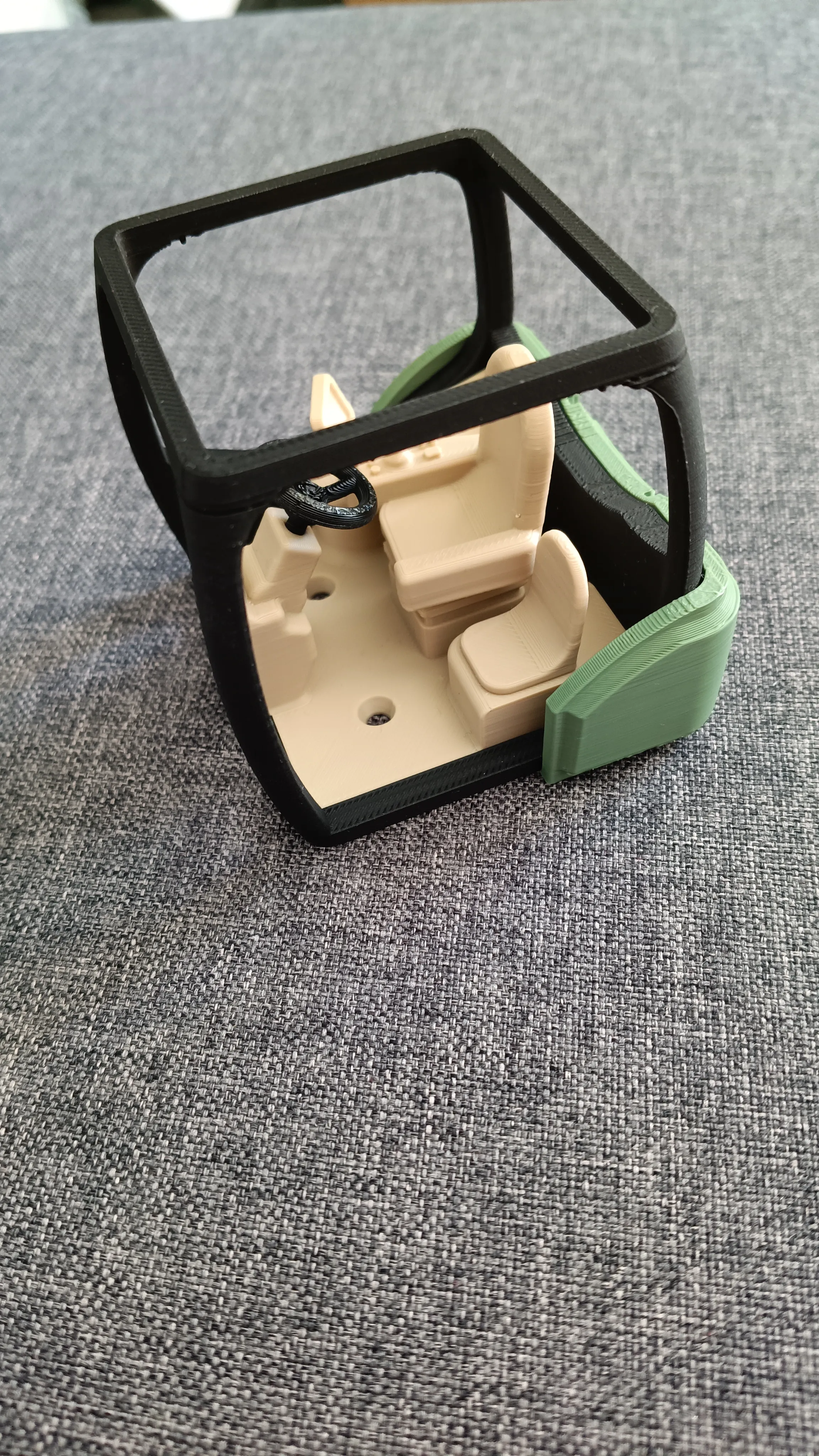
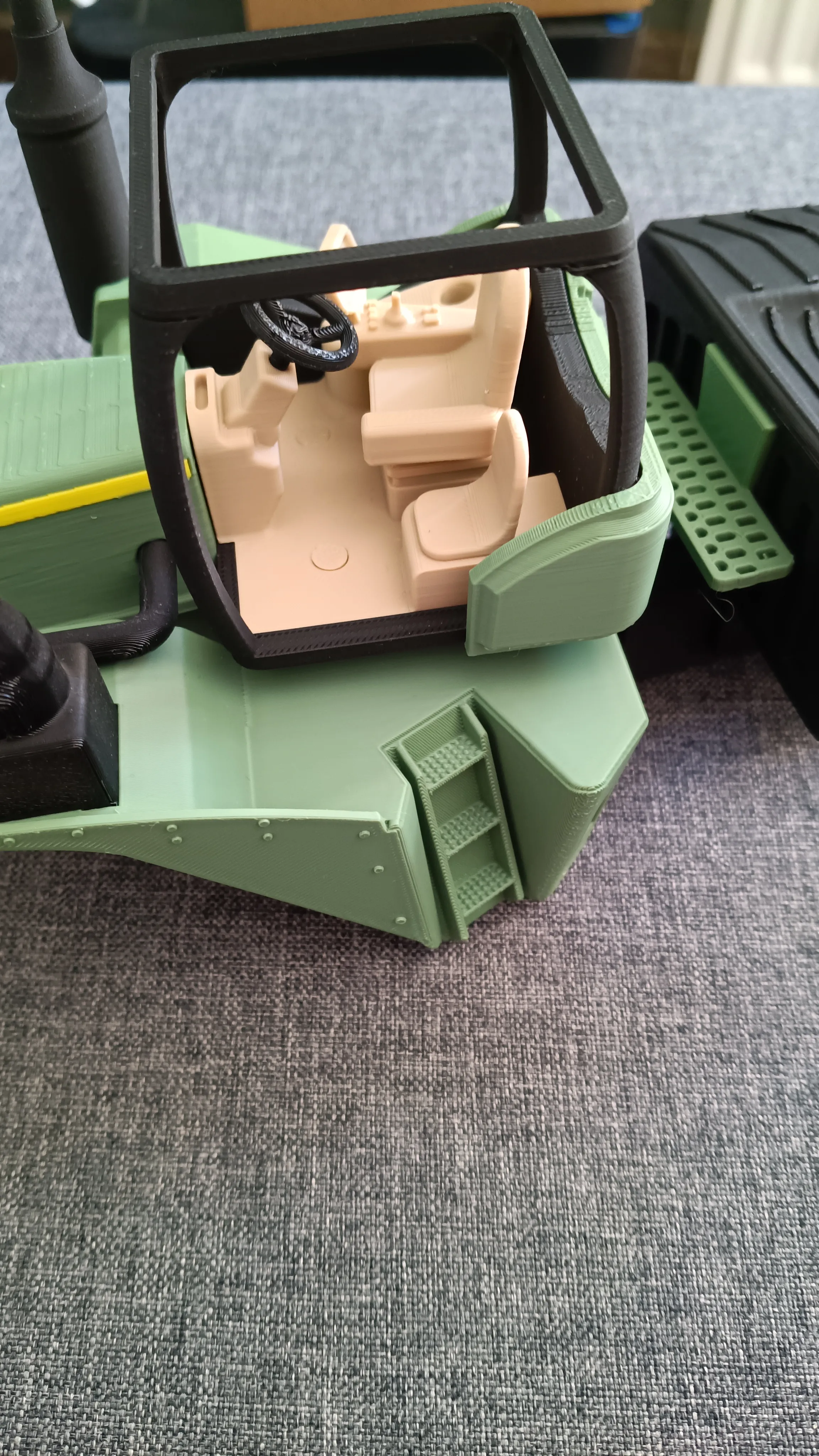
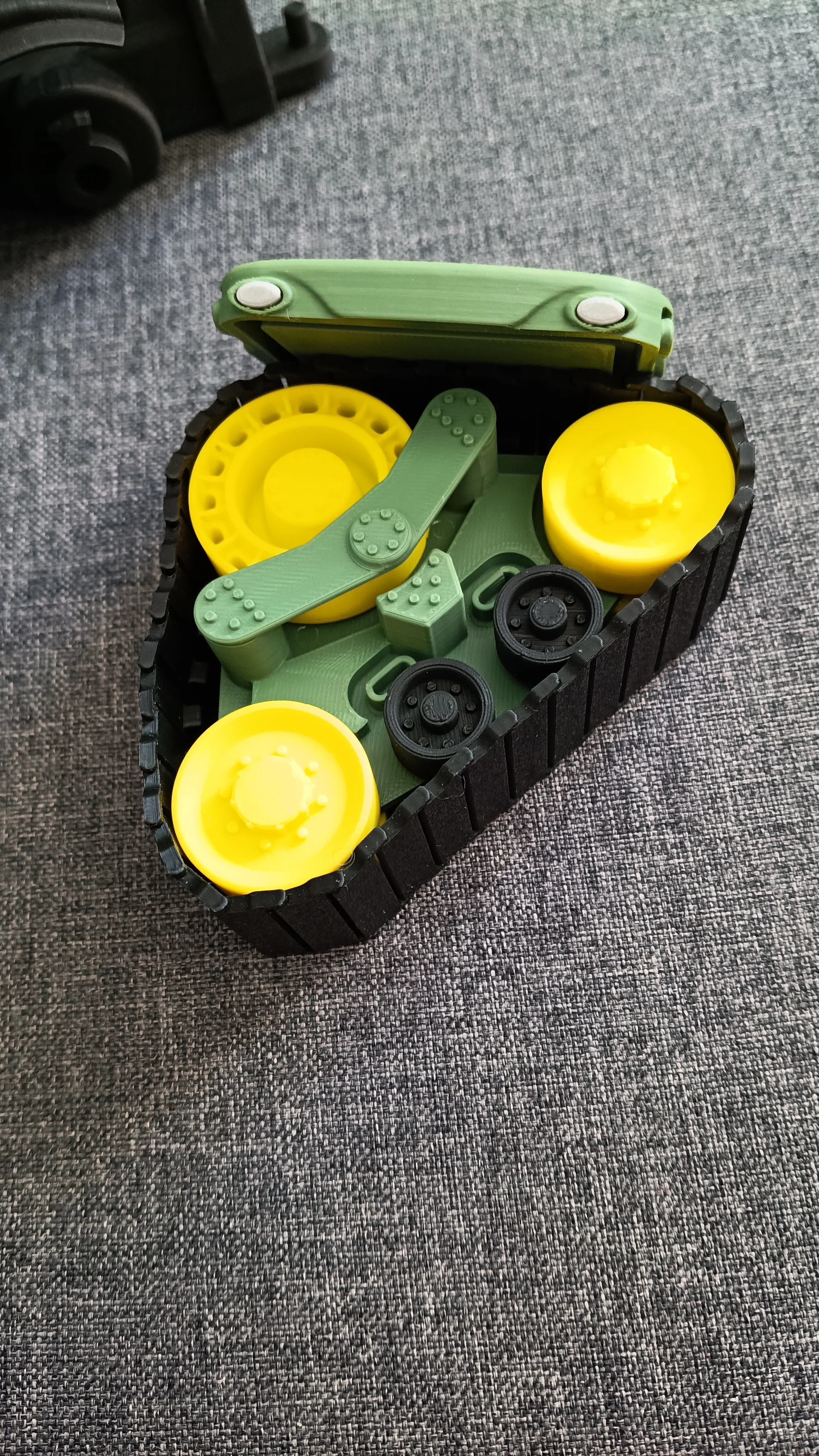
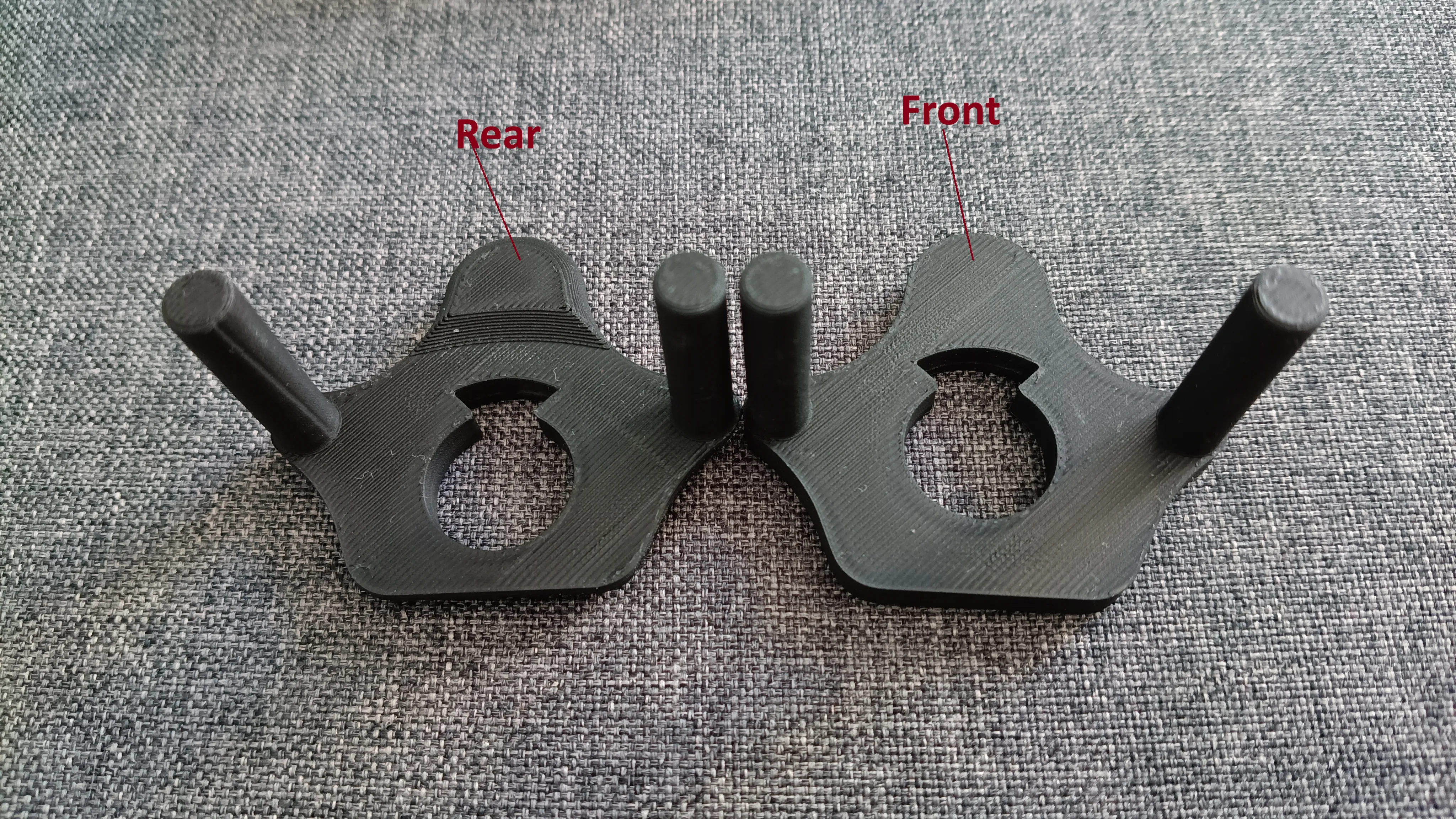
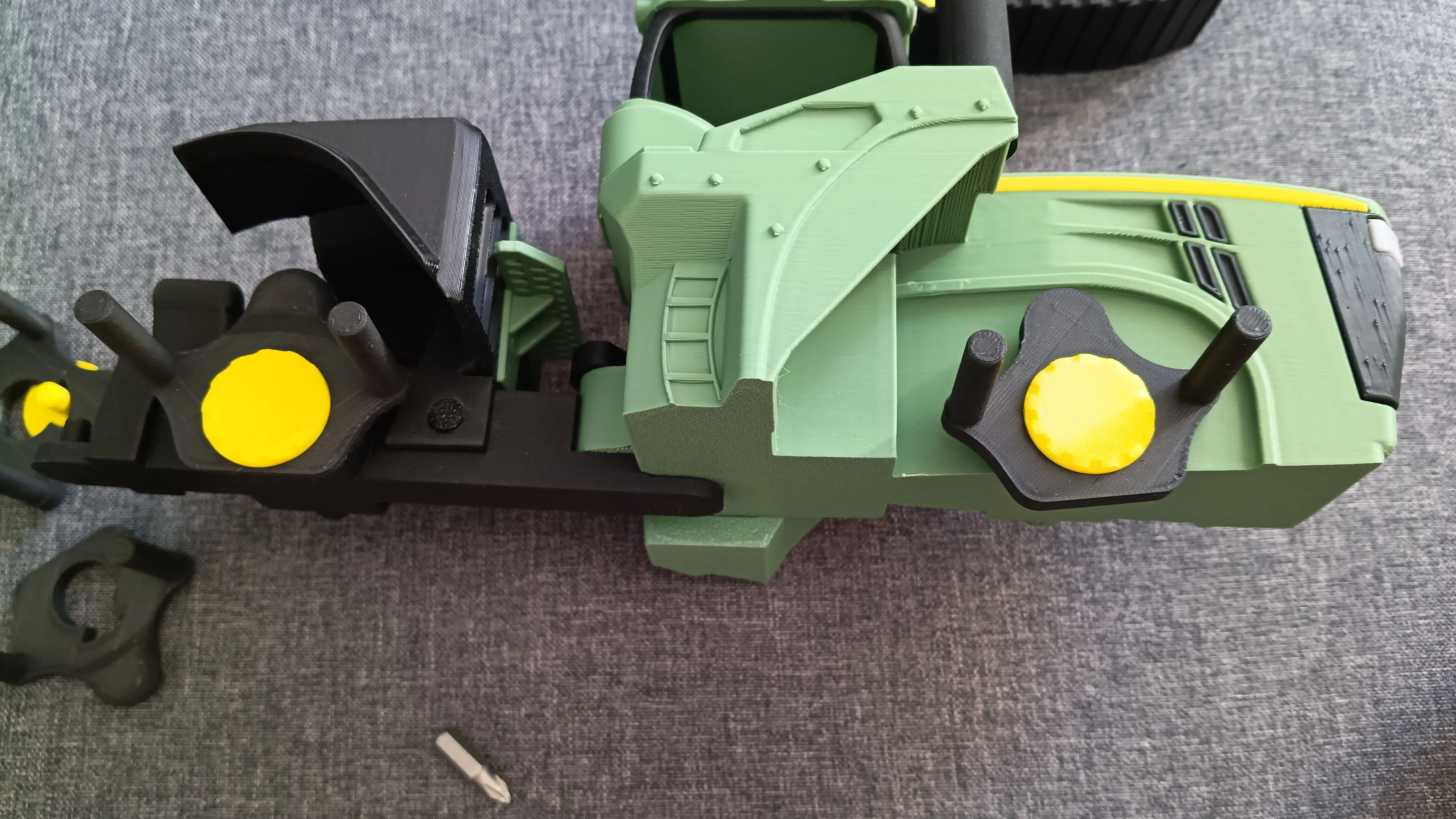
Only Super Glue is needed to assemble the model. First, remove all supports from the printed parts, then assemble the model following the reference photos. If the pins are too tight, scale them slightly in your slicer — do not force them, to avoid damaging the parts.
The instructions apply to the 1:24 scale model. The smaller the scale, the fewer parts are included.
License

You shall not share, sub-license, sell, rent, host, transfer, or distribute in any way the digital or 3D printed versions of this object, nor any other derivative work of this object in its digital or physical format (including - but not limited to - remixes of this object, and hosting on other digital platforms). The objects may not be used without permission in any way whatsoever in which you charge money, or collect fees.


Comment & Rating (177)