
Universal adjustable 90° wedge / chock
Print Profile(1)
Description
Description
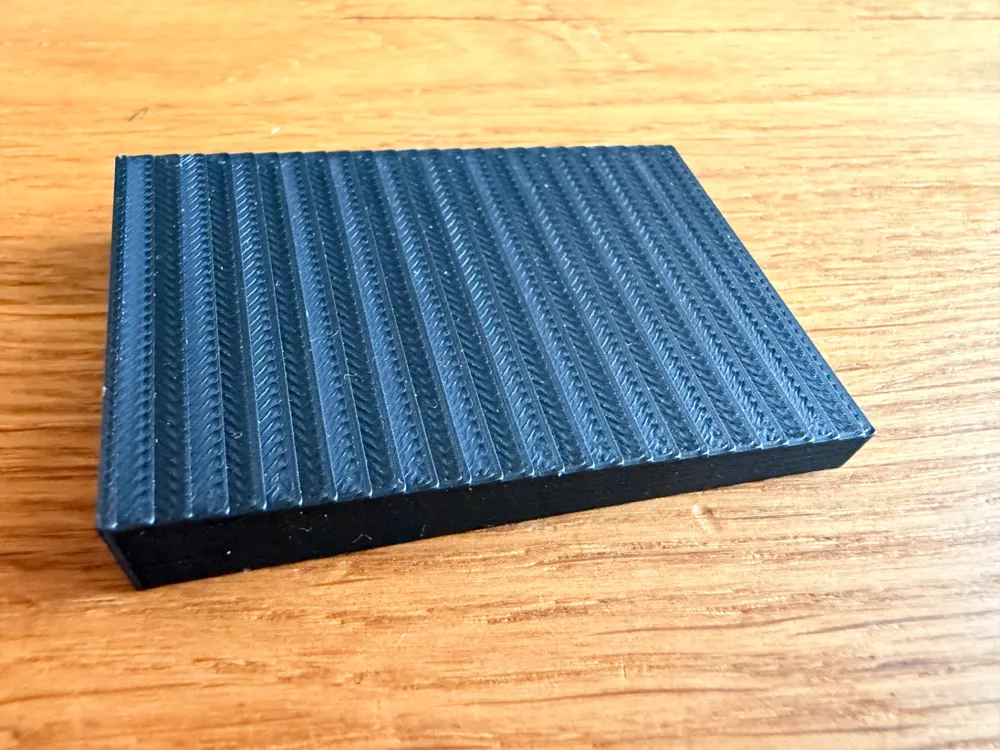
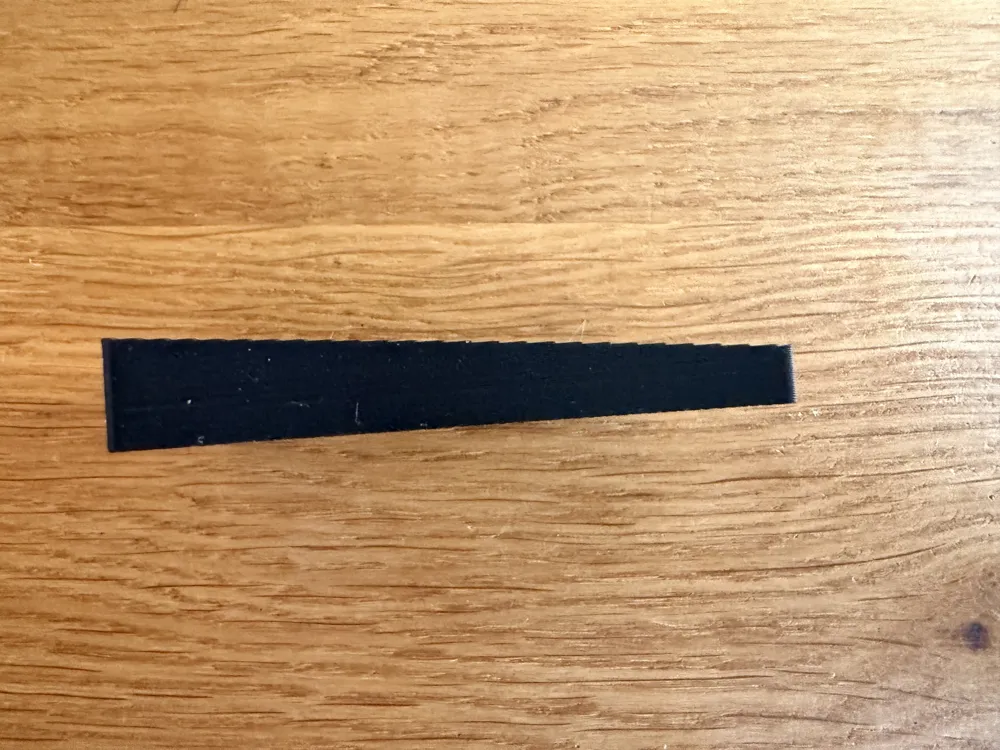
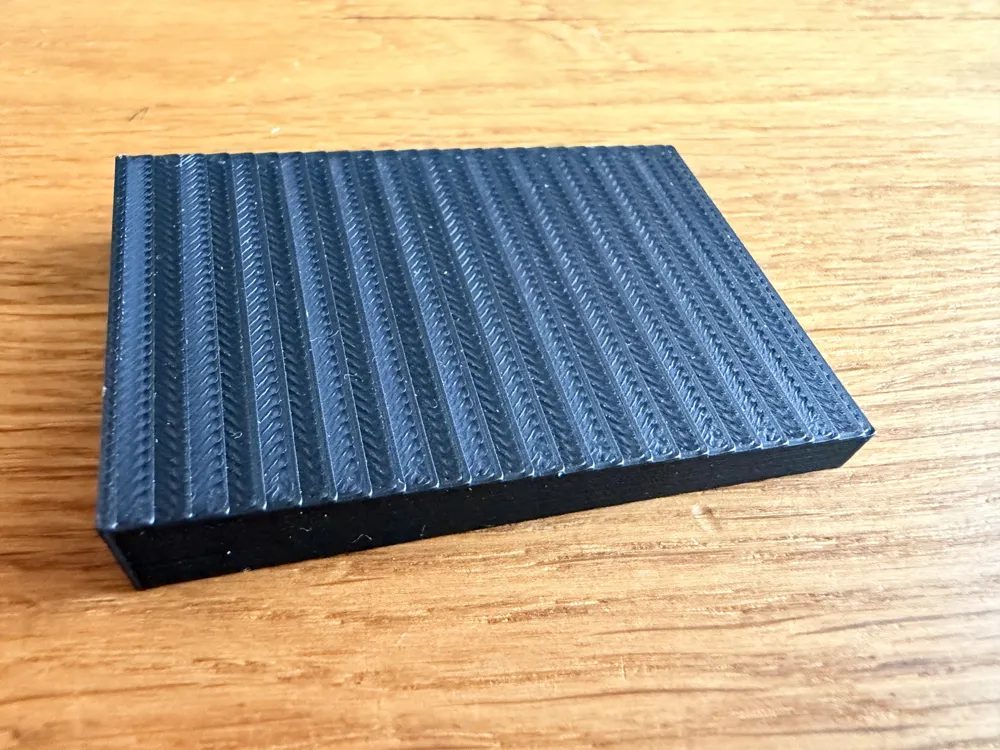
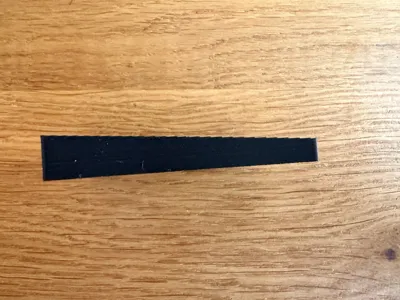
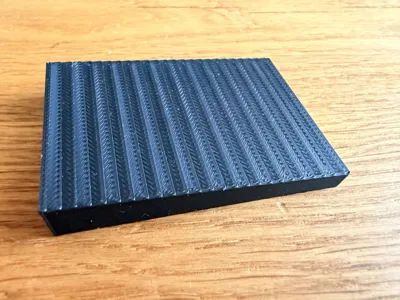
No more wobbly furniture and ill-fitting gaps! This parametric wedge is the Swiss Army knife for every home and workshop. Unlike conventional wedges that often taper to 0 mm, this model allows for defining a starting height (H1). This makes it perfect as a precise spacer, shim, or doorstop.
Why this model?
Have you ever had a gap that didn't start at zero, but for example, needed to bridge a gap from 5 mm to 12 mm? A normal wedge would simply slip through here. This model solves exactly that problem. Geometrically, it is a right trapezoidal prism that can be precisely tailored to your needs.
Applications:
- Furniture leveling: Stabilizing cabinets on uneven floors.
- Window & door installation: Perfect alignment of frames.
- Workshop: Shimming workpieces or machines.
- Doorstop: Customized height for any door gap.
- Model making: Precise inclines for ramps or slopes.
Parameters Explained
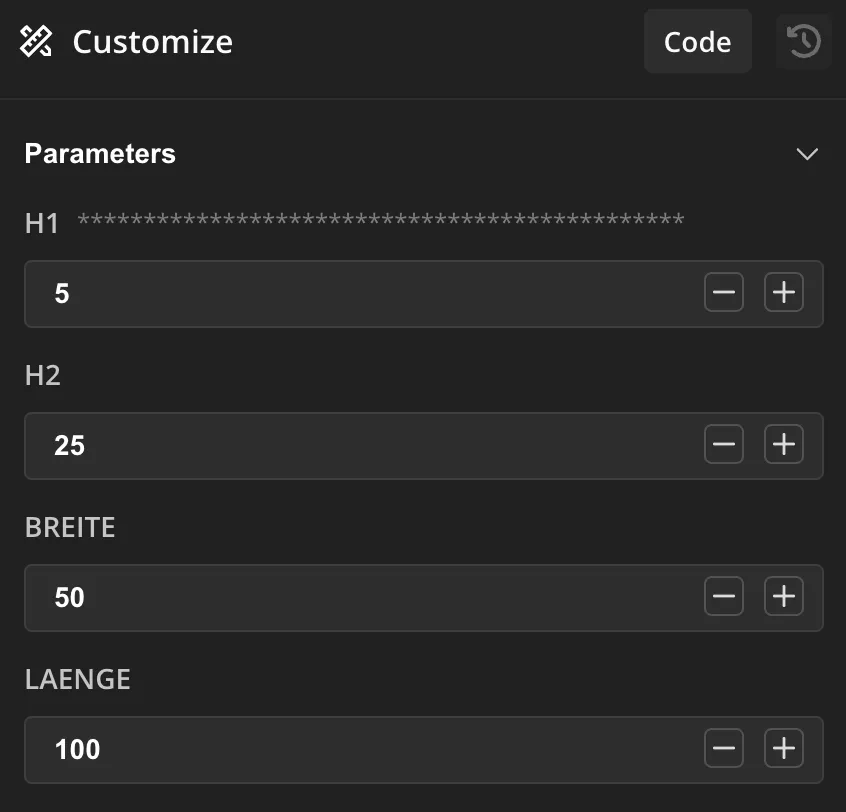
You can customize the wedge directly in the MakerWorld Parametric Designer without needing OpenSCAD knowledge:
CAUTION: Sometimes the preview doesn't show all sides, but the export works and delivers the correct model.
- H1 (Starting Height): The thickness of the flat side. Set it to 0 for a classic pointed wedge or to a higher value for a spacer.
- H2 (End Height): The thickness of the wide side (90° angle). MUST be greater than H1.
- Width: The width of the wedge (perpendicular to the incline).
- Length: The distance between H1 and H2.
Support my Work - Boost Me!
Boost Me (for free)
If this parametric tool has helped you solve a problem, I would be very happy about a "Boost"! It motivates me to develop more useful OpenSCAD tools for the community.
Printing Tips
- Material: PLA for rigid wedges, TPU for non-slip doorstops or damping pads.
- Infill: For heavy loads (e.g. cabinets) I recommend 40-60% infill or more wall lines (perimeter).
- Orientation: The model is best printed on its side to utilize the maximum stability of the layers along the incline.
License



Comment & Rating (1)