
PeppyPlayer – Modern 3D-Printed Desktop Radio
Print Profile(1)
Description
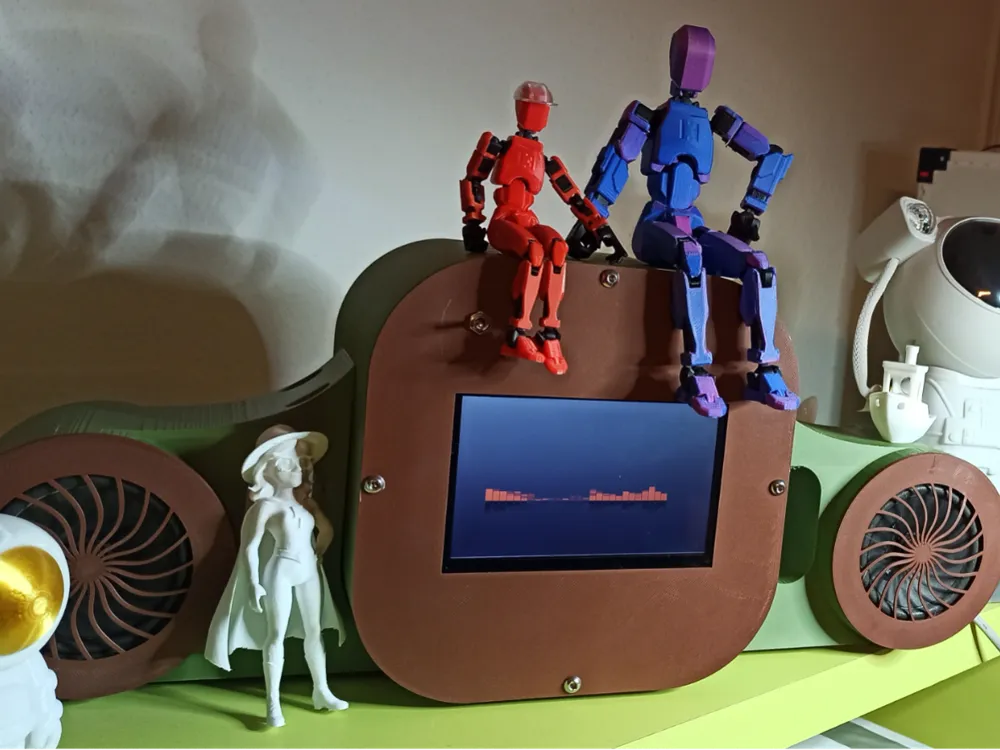
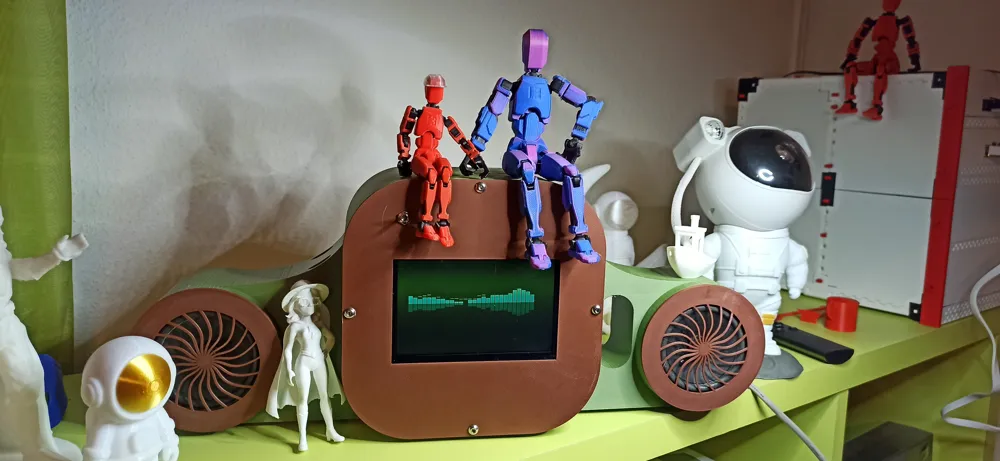
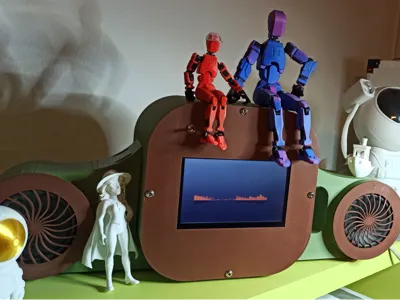
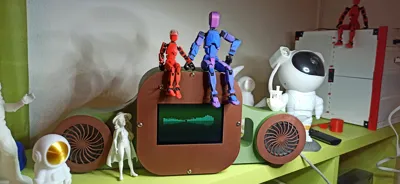
PeppyPlayer "Klee Edition" – Modern 3D-Printed Desktop Radio
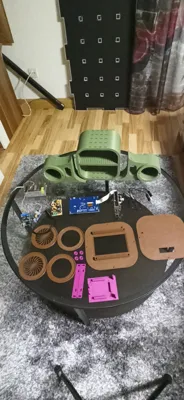
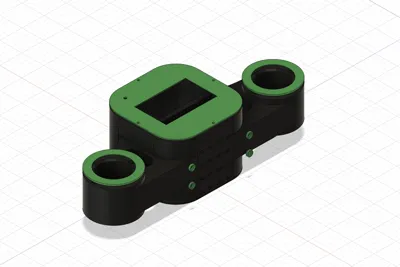
Transform your Raspberry Pi into a high-end internet radio! This housing is a complete redesign inspired by the classic wooden PeppyPlayer, but fully optimized for 3D printing (perfected on the Creality K1C or Bambu A1).
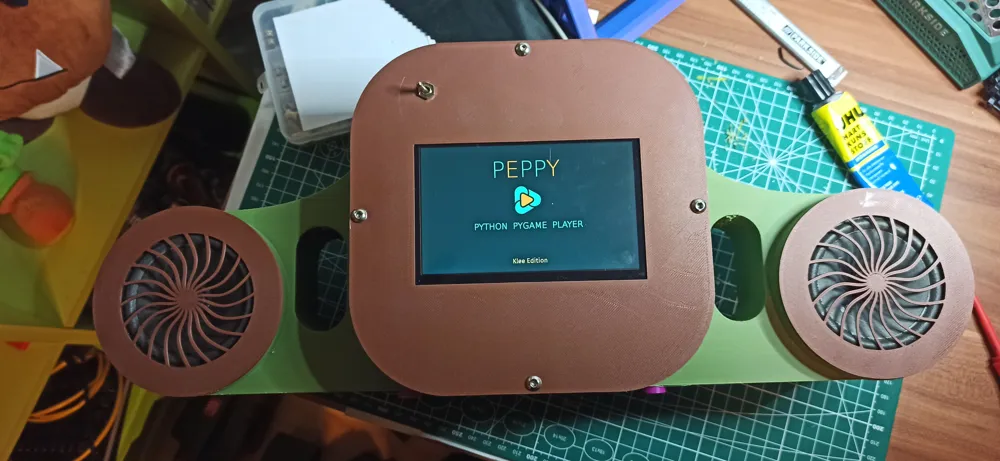
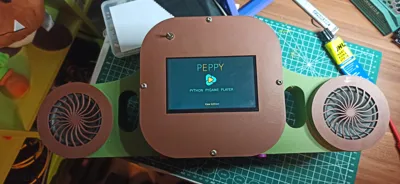
This version is designed specifically for the powerful PeppyPlayer Klee Edition, featuring a beautiful interface on a 5-inch touch display.
https://github.com/RamonWeb/PeppyPlayer-Klee-Edition-3D-Case
🛠 Improvements in the Final Version:
Front-Facing Power Switch: Integrated 12V hardware switch on the front panel. While the Pi handles the software shutdown via the touchscreen, this switch ensures the entire unit is safely disconnected from power.
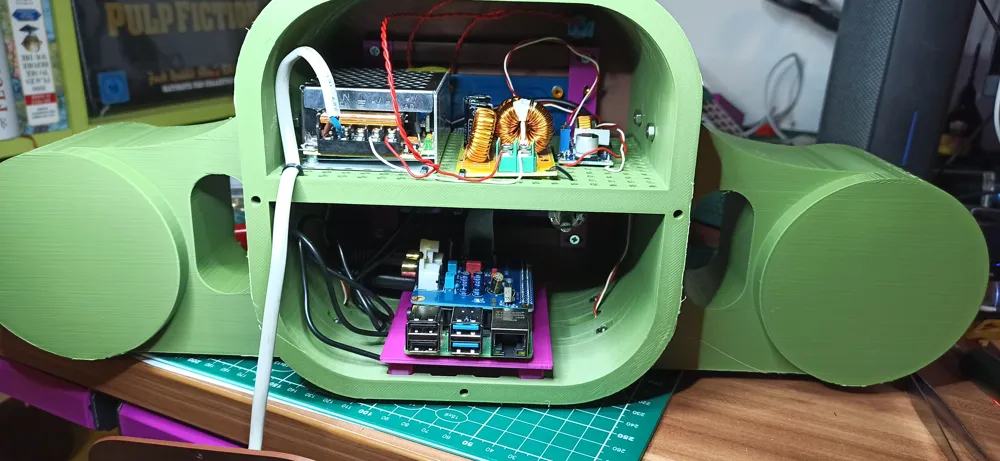
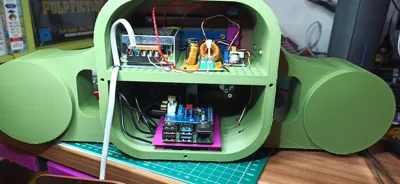
Modular Component Tray: The Pi and DAC are mounted on a dedicated slide-in tray. This makes assembly much easier and allows for quick SD card access without disassembling the entire unit.
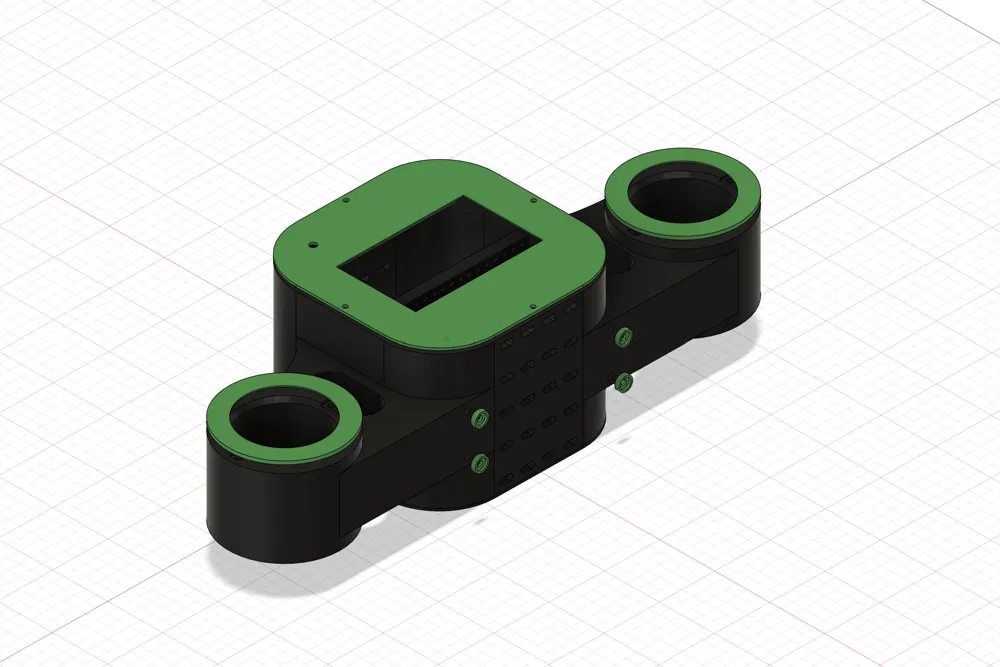
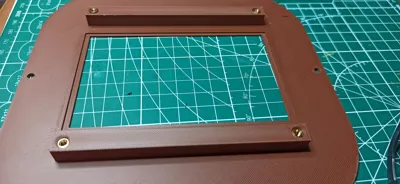
Customizable Aesthetics: Sleek, modern lines that translate the classic "Radio Look" into a printable format. Easily customize the color scheme to match your interior.
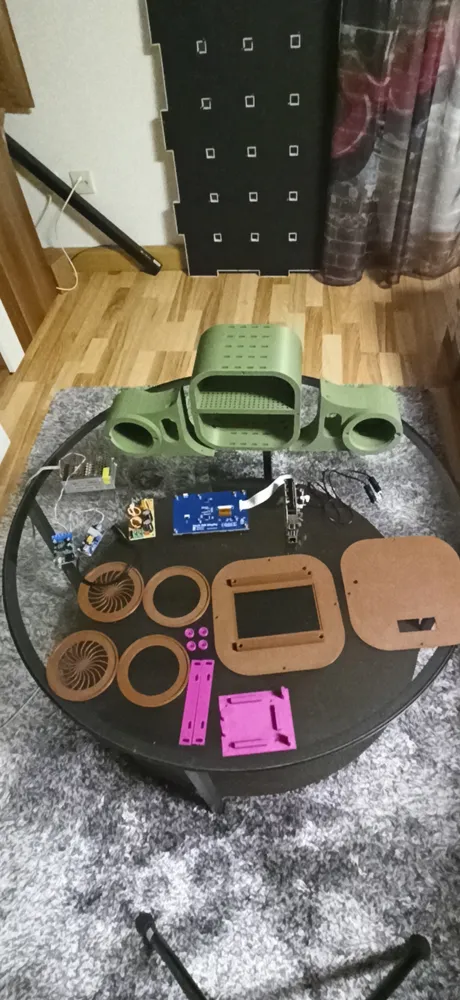
📦 Bill of Materials (BOM):
Single Board Computer: Raspberry Pi 4
Audio: Hifiberry DAC+ (or Pifi DAC+ clone)
Amplifier: 5-10W Digital Amp Module
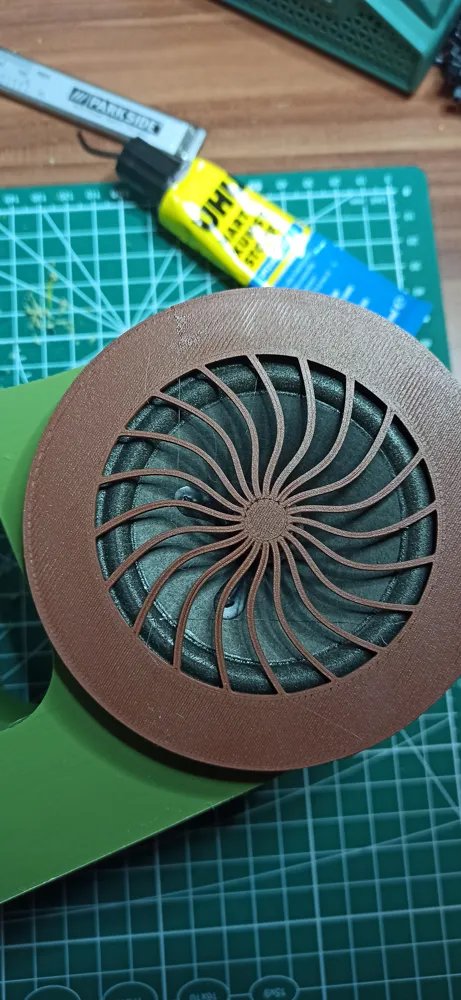
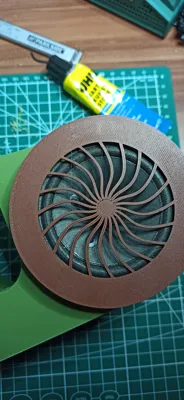
Speakers: 2x Full-range speakers (5 Ohm)
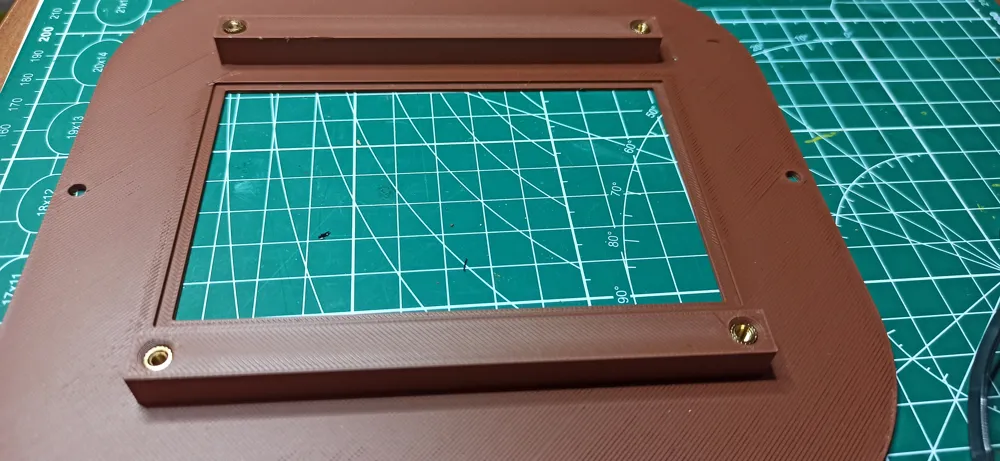
Display: 5-inch DSI Display with Touchscreen
Power Supply: * 12V DC Power Adapter (approx. 4A)
DC-DC Converter (12V to 5V for the Raspberry Pi)
EMI Filter / Power Noise Suppressor (for clean 12V audio)
Storage: Micro SD Card (16GB+ recommended)
💾 Software & Setup:
The system runs on the Klee Edition. Installation is straightforward thanks to the developer's extensive documentation:
Image Download: Peppy Player Klee Edition 2025.02.23
Documentation: PeppyPlayer Wiki (GitHub)
https://github.com/project-owner/PeppyPlayers.doc/wiki
🖨 Print Settings (Tested on K1C):
Filament: PLA, PETG, or ABS
Infill: 15-20% (Gyroid recommended for stability)
Supports: Minimal supports needed for connector cutouts.
Design Tip: Use contrasting colors for the main body and the front bezel for a premium look!
Documentation (1)
License



Comment & Rating (0)