
TPU Temp Test – 10g TPU Calibration Test
Print Profile(5)
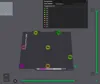
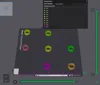
Description
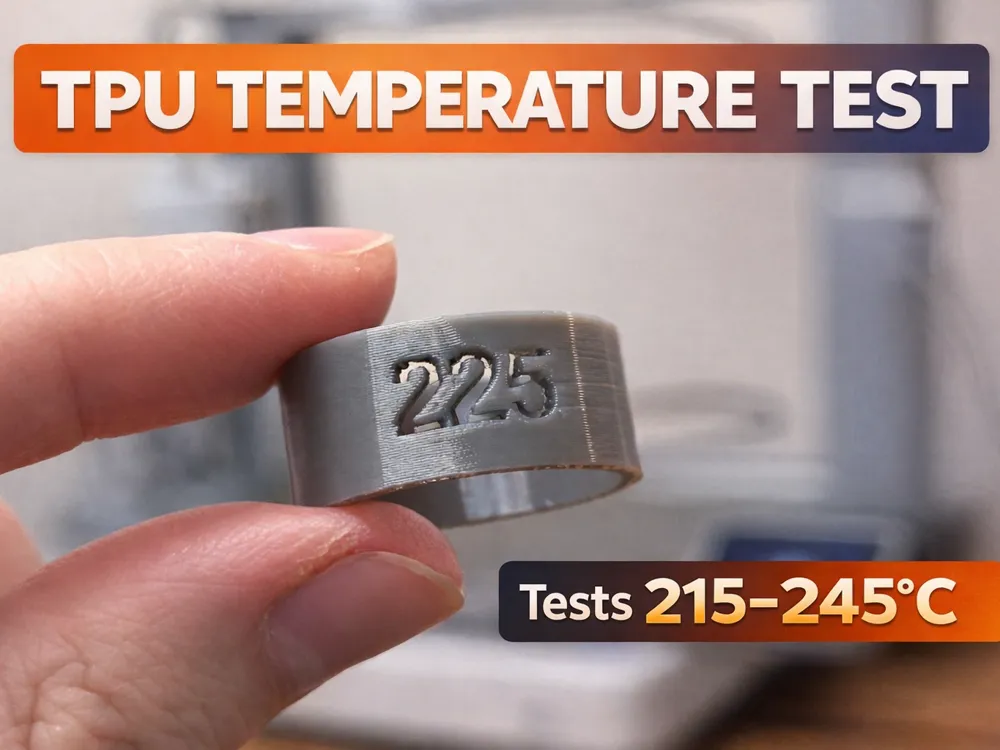

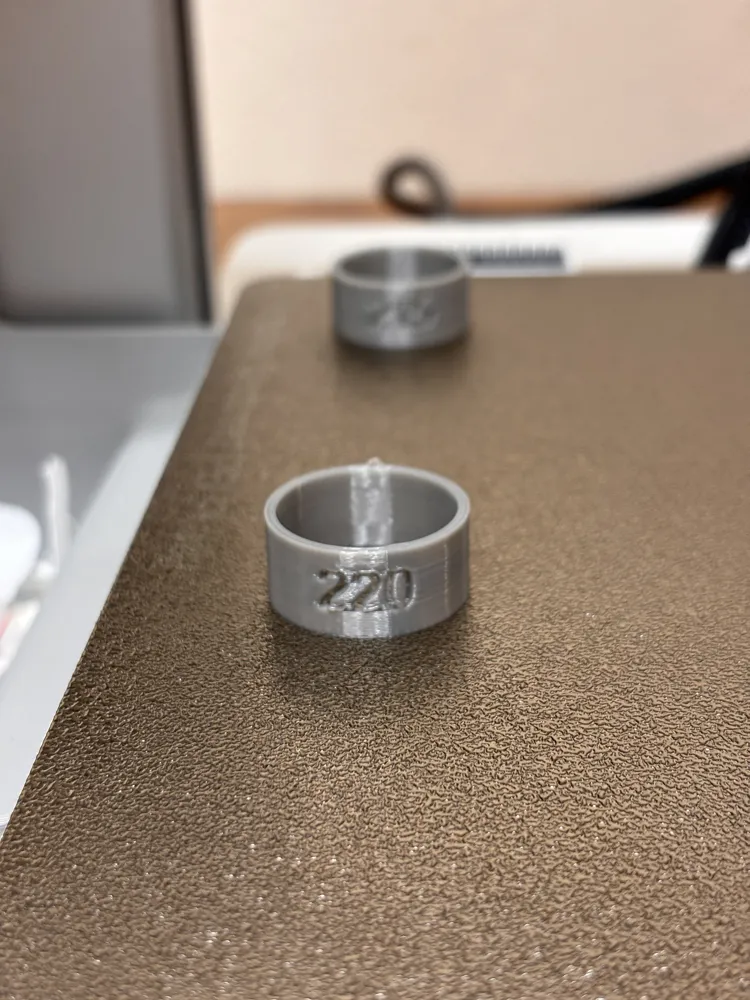
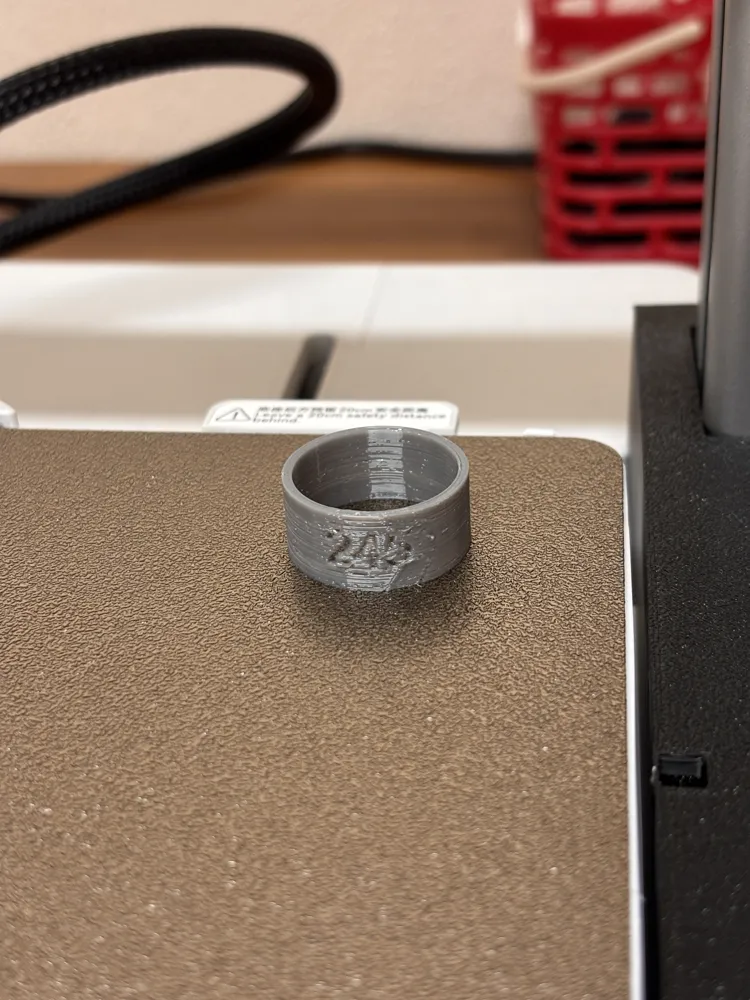
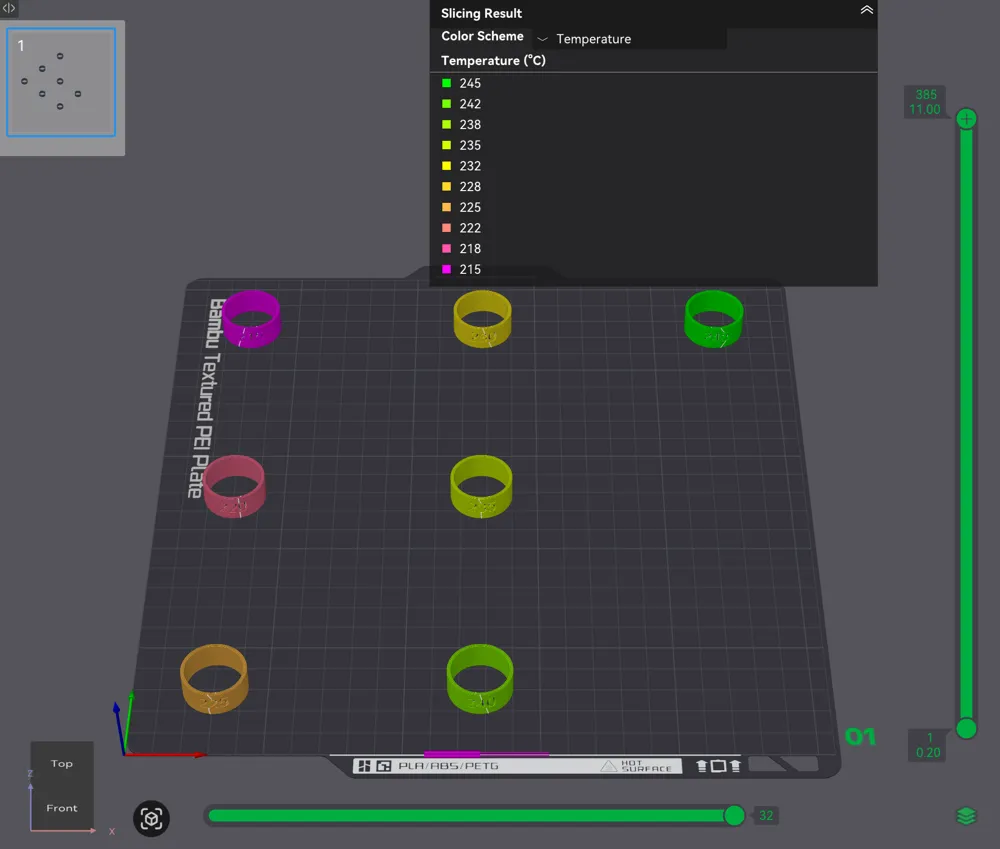
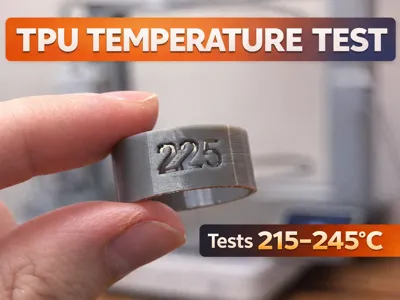
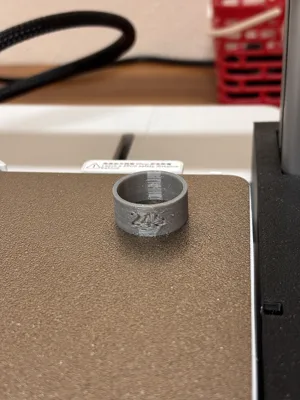
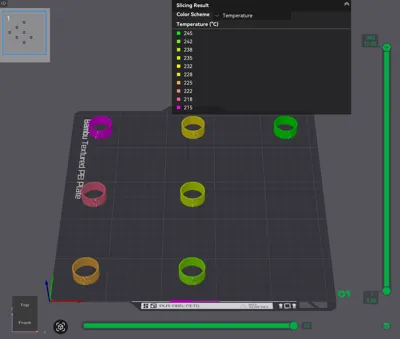
Stop guessing your TPU temperature. This compact 10g calibration ring tests nozzle temps from 215°C to 245°C in a single 1h 10min print — each ring is embossed with its temperature so results are instant and clear.
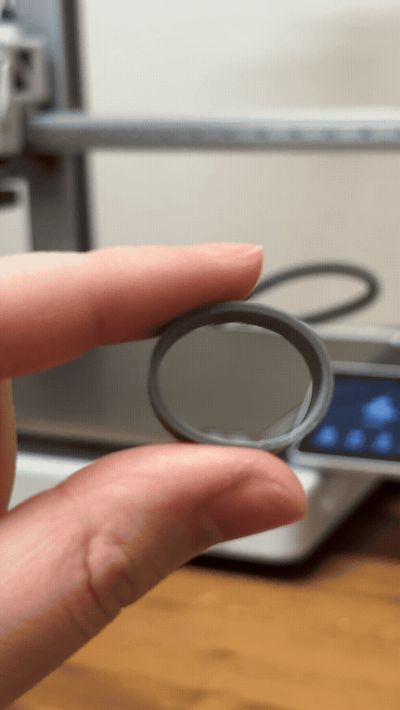
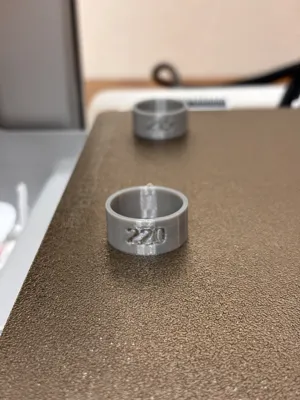
How it works: Each section of the print runs at a different nozzle temperature (215, 220, 225, 230, 235, 240, 245°C). After printing, inspect each ring for stringing, layer adhesion, and surface quality. The best-looking ring = your optimal TPU temperature.
⚠️ IMPORTANT — Choose the right profile for your printer! Select the print profile that matches your Bambu printer model (A1, A1 Mini, X1C, P1S, or X1). The temperature stepping is coded into each profile — if you use the wrong one, the temperatures won't change as intended.
Print settings:
- 0.2mm layer height
- Uses only ~10g of TPU
- Print time: ~1h 10min
- No supports needed
Tips:
- Dry your TPU filament before printing (4–6 hours at 65°C) for accurate results
- I found 225°C works best on my printer — yours may differ, which is completely normal
- Do a cold pull befor printing!
If this helped you dial in your TPU, a boost is always appreciated! 🙏
This print will help you know what the best temperature to print TPU at! Using only 10g and taking around 1h and 10mins, I found that 225 ℃ works the best for me and my printer. You might find higher or lower temps works better on your printer which is normal.
I will be appreciating a rating or feedback
Boost Me (for free)
License

You shall not share, sub-license, sell, rent, host, transfer, or distribute in any way the digital or 3D printed versions of this object, nor any other derivative work of this object in its digital or physical format (including - but not limited to - remixes of this object, and hosting on other digital platforms). The objects may not be used without permission in any way whatsoever in which you charge money, or collect fees.


Comment & Rating (7)