Search models, users, collections, and posts

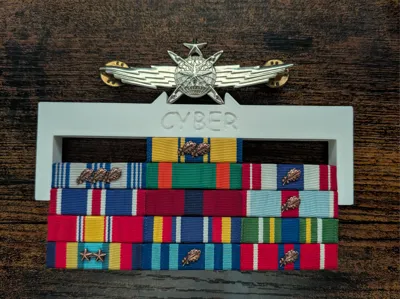
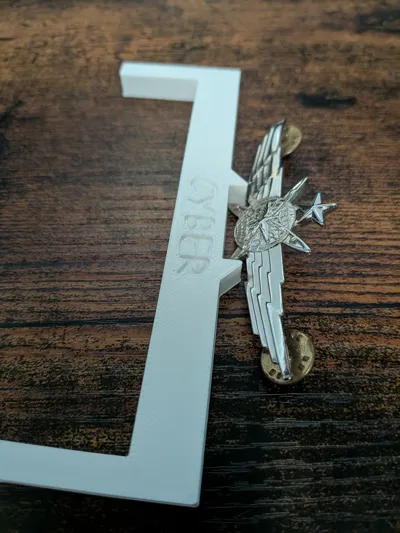
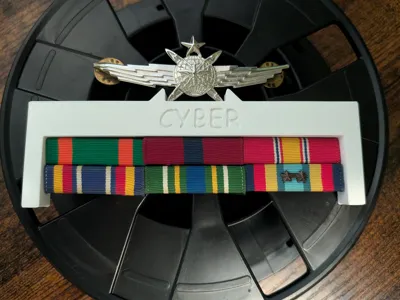
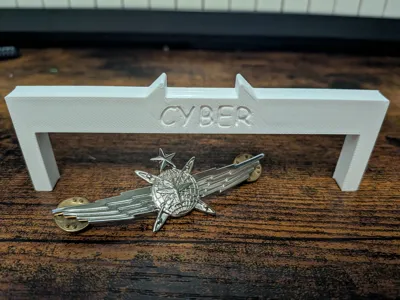
USAF Cyber Occupational Badge Alignment Jig
IP Report
Print Profile(1)
0.2mm layer, 2 walls, 15% infill
Designer
24 min
1 plate
Open in Bambu Studio
Boost
4
12
0
0
7
4
Released
Description
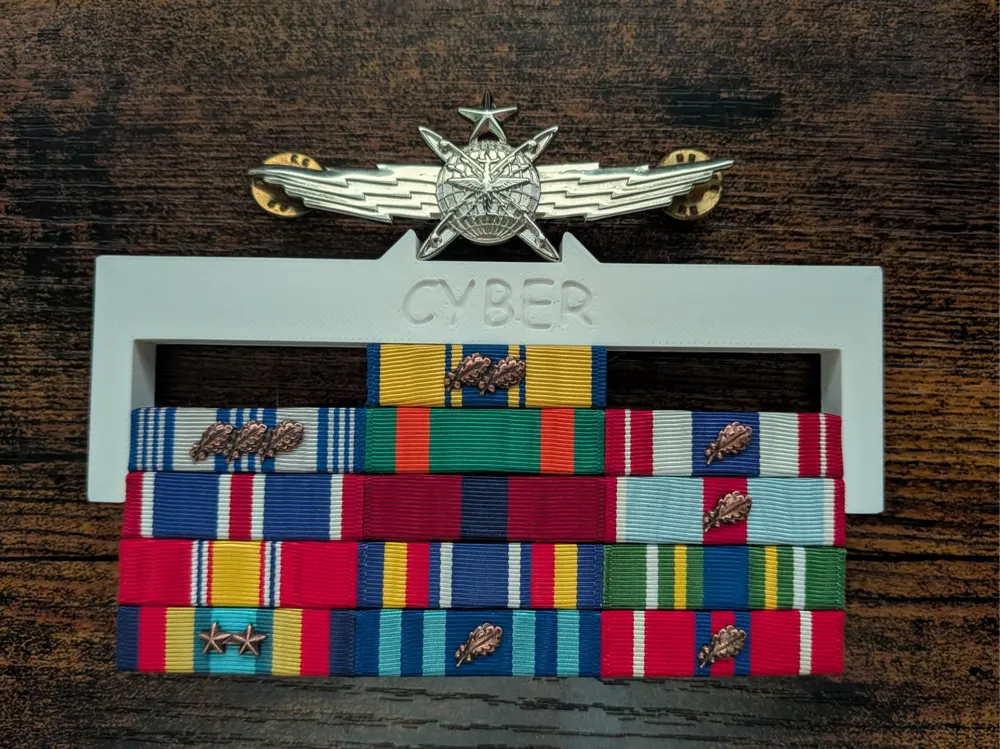
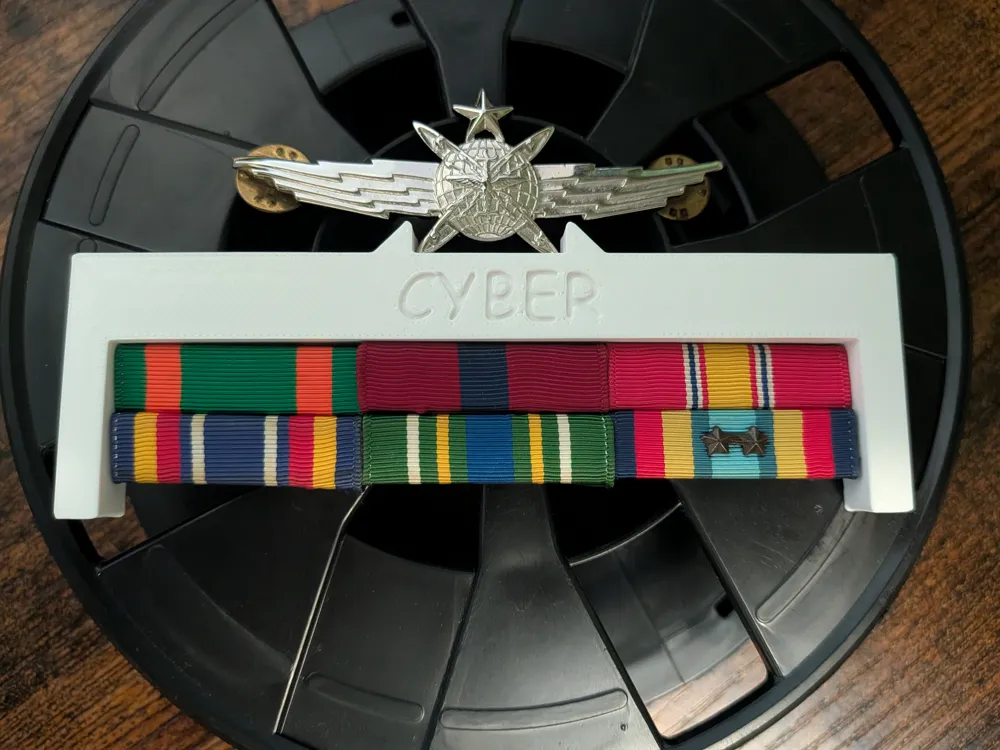
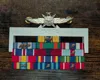
USAF Cyber Occupational Badge Alignment Jig (1/2" Above Ribbons)
Tired of measuring, pinning, re-measuring, and stabbing your blues over and over?
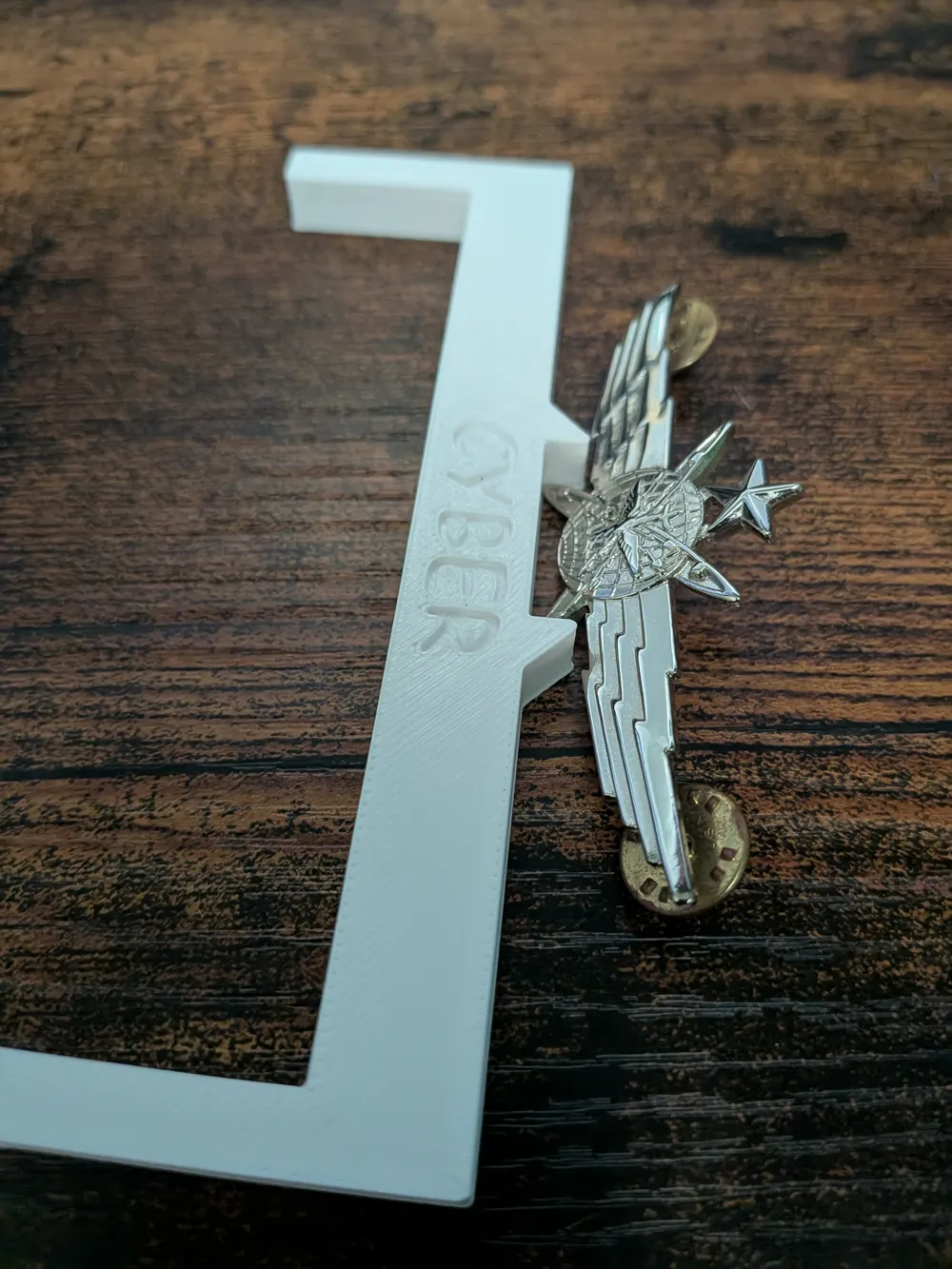
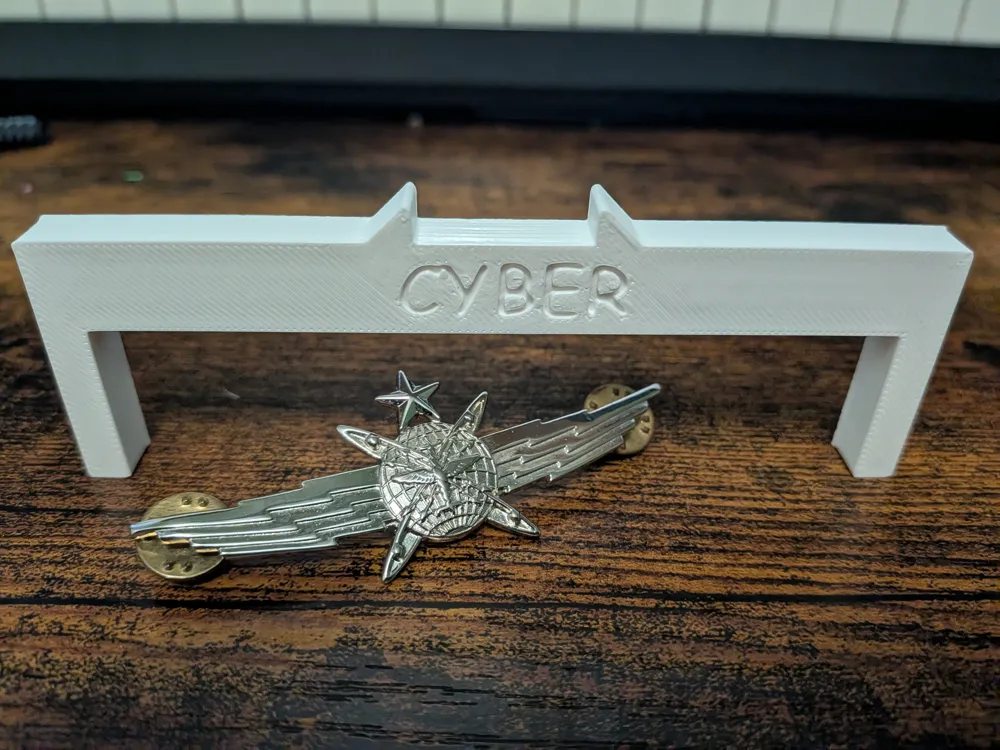
This is a simple 3D printed badge spacing jig that helps you place the USAF Cyber Operational Badge at the correct height, fast.
What it does
- Sets your badge exactly 1/2 inch above the top row of ribbons
- Acts like a jig/fixture so you can mark and pin once
- Saves time and prevents crooked placement
How to use
- Put your ribbon rack on your uniform where you want it.
- Slide the jig down over the top of the ribbons so it seats against the rack.
- Rest the Cyber badge on the jig’s top shelf and center it.
- Push the pins through and secure the clutches.
- Remove the jig and you’re done.
Print notes
- Prints clean flat on the bed
- No supports needed
- Recommended: 0.16 to 0.20mm layers, 3-4 walls, 15-25% infill
Disclaimer
This tool is designed to help with consistent placement, but always verify your final placement based on your uniform configuration and current guidance.
License

This user content is licensed under a
Creative Commons Attribution-Noncommercial


Comment & Rating (0)