
Benchdog 20mm with Chamfer

Print Profile(1)
Description
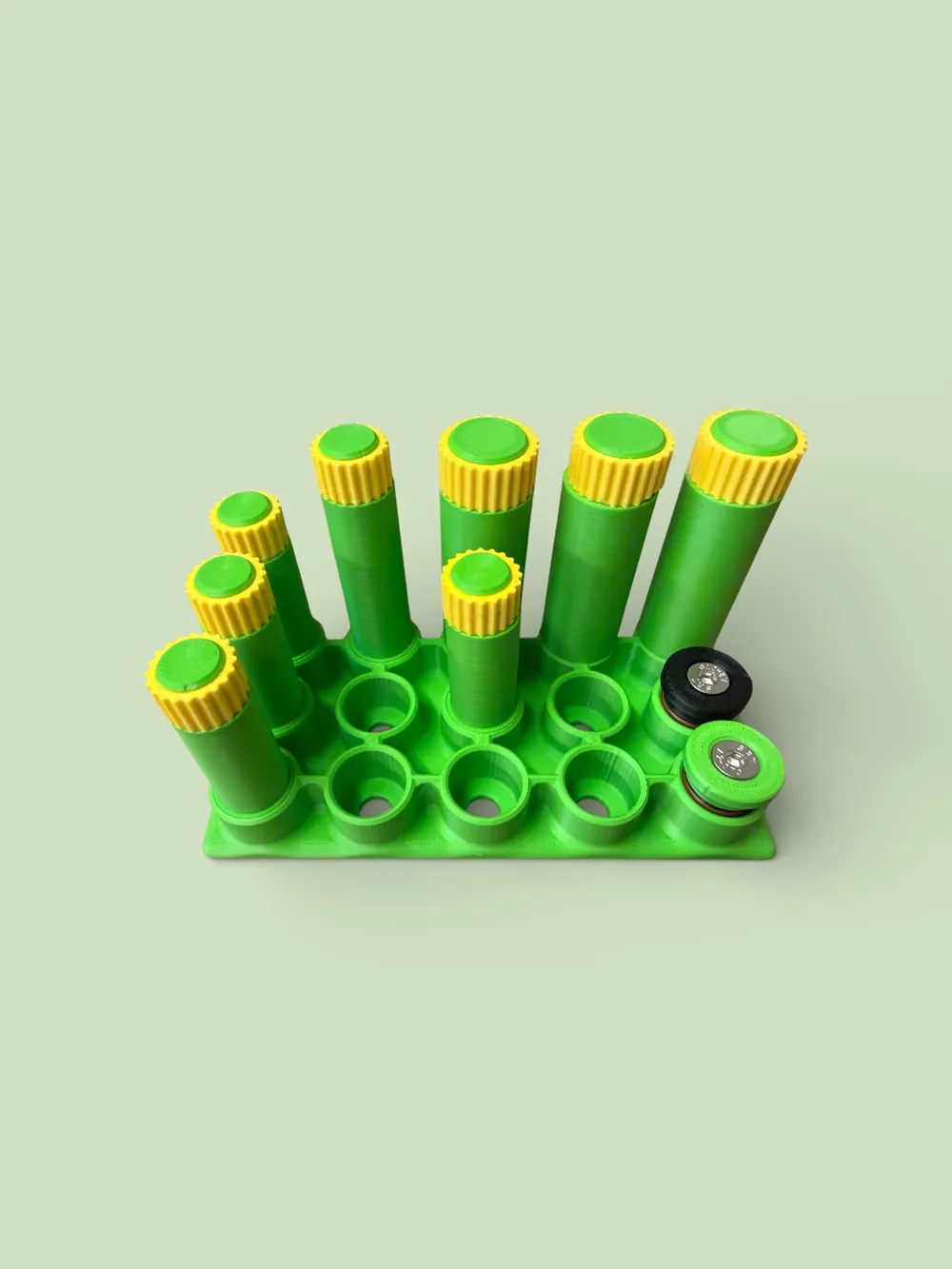
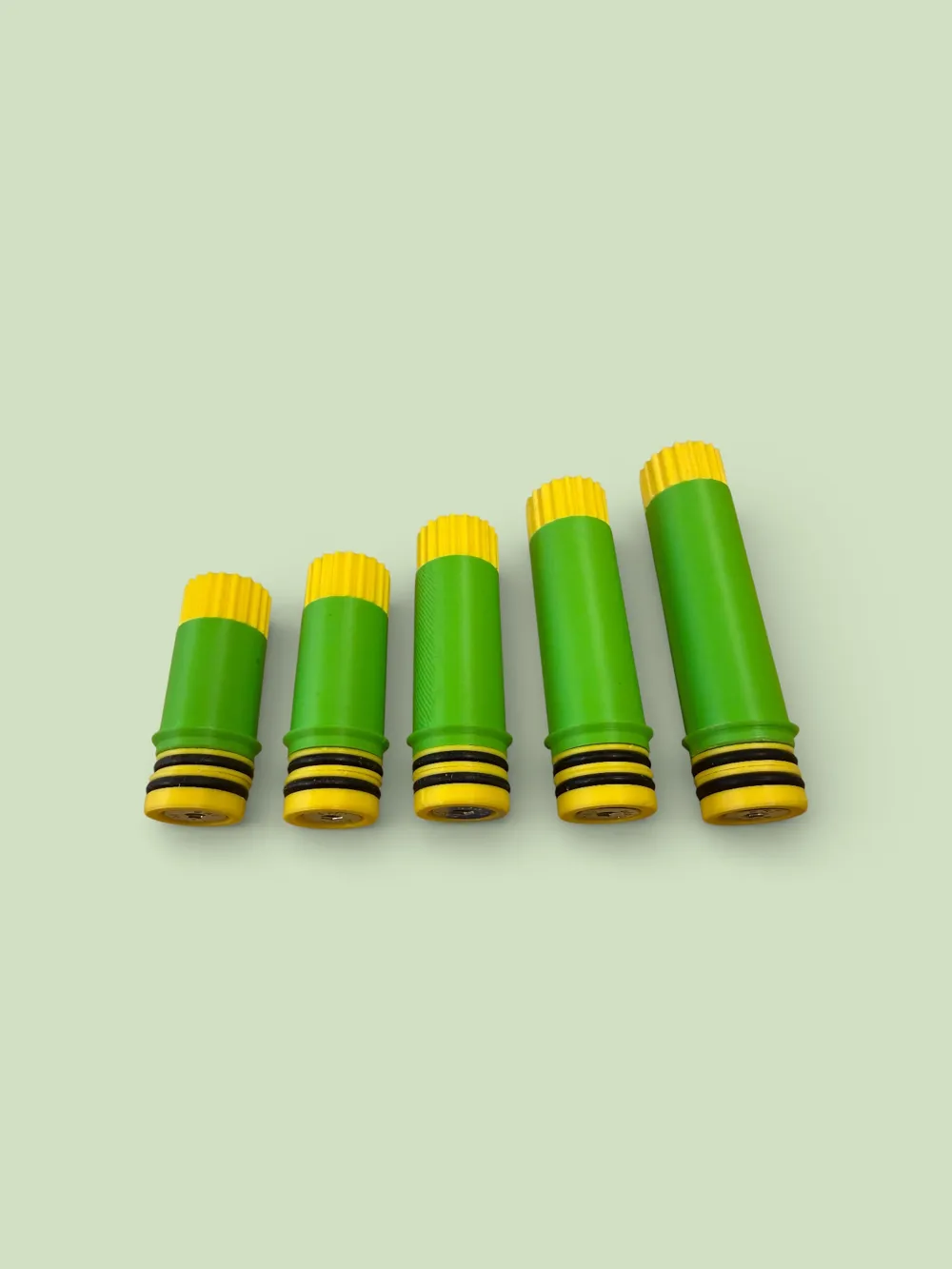
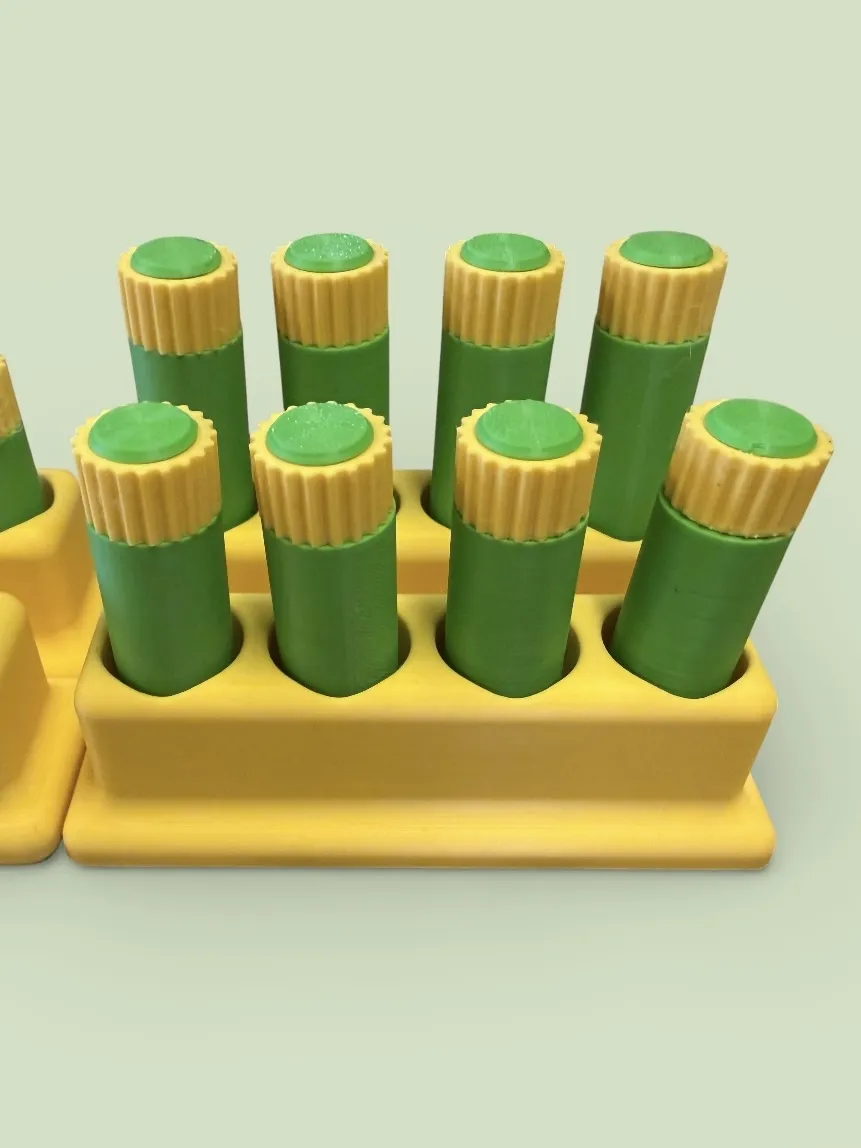
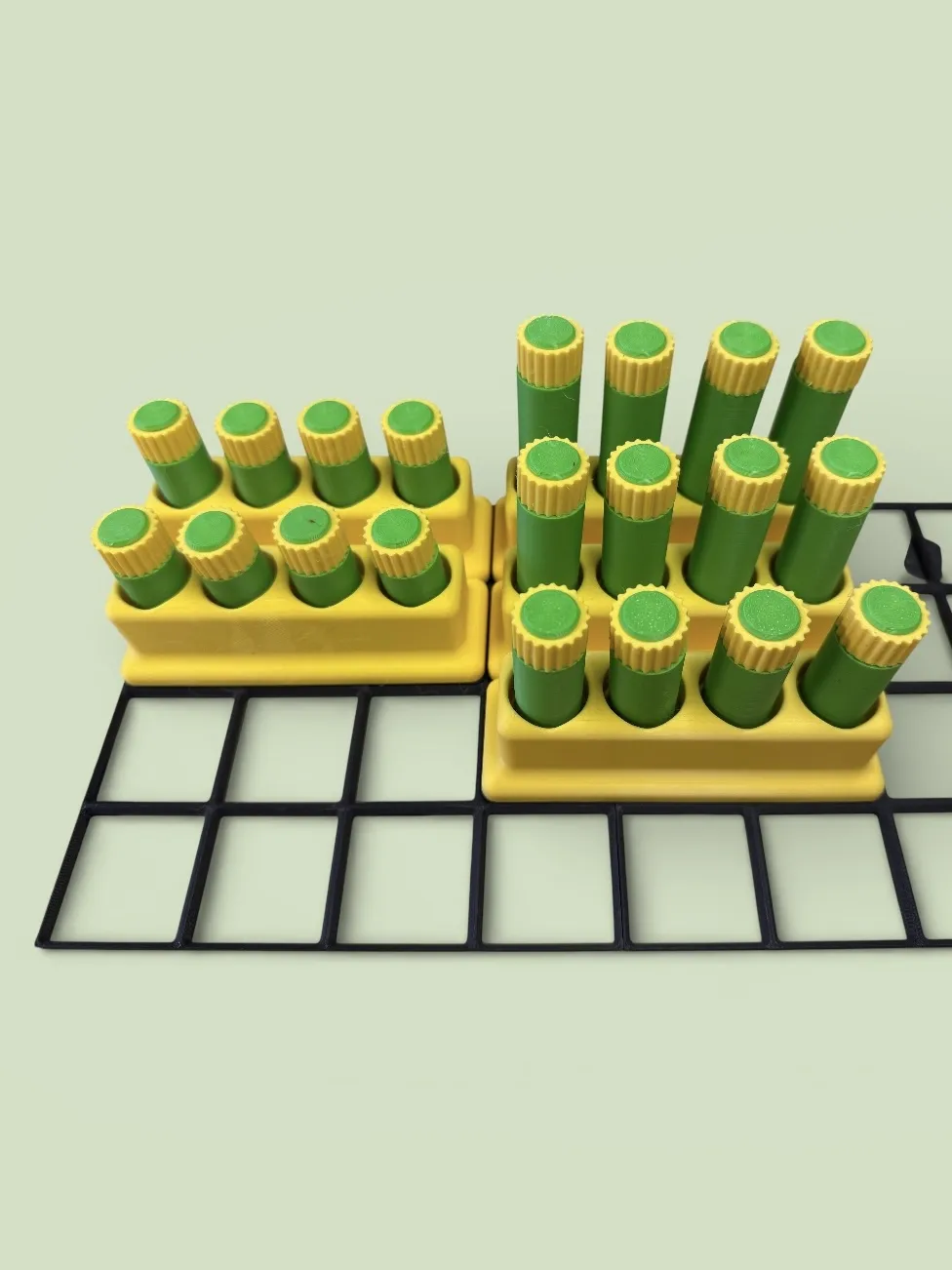
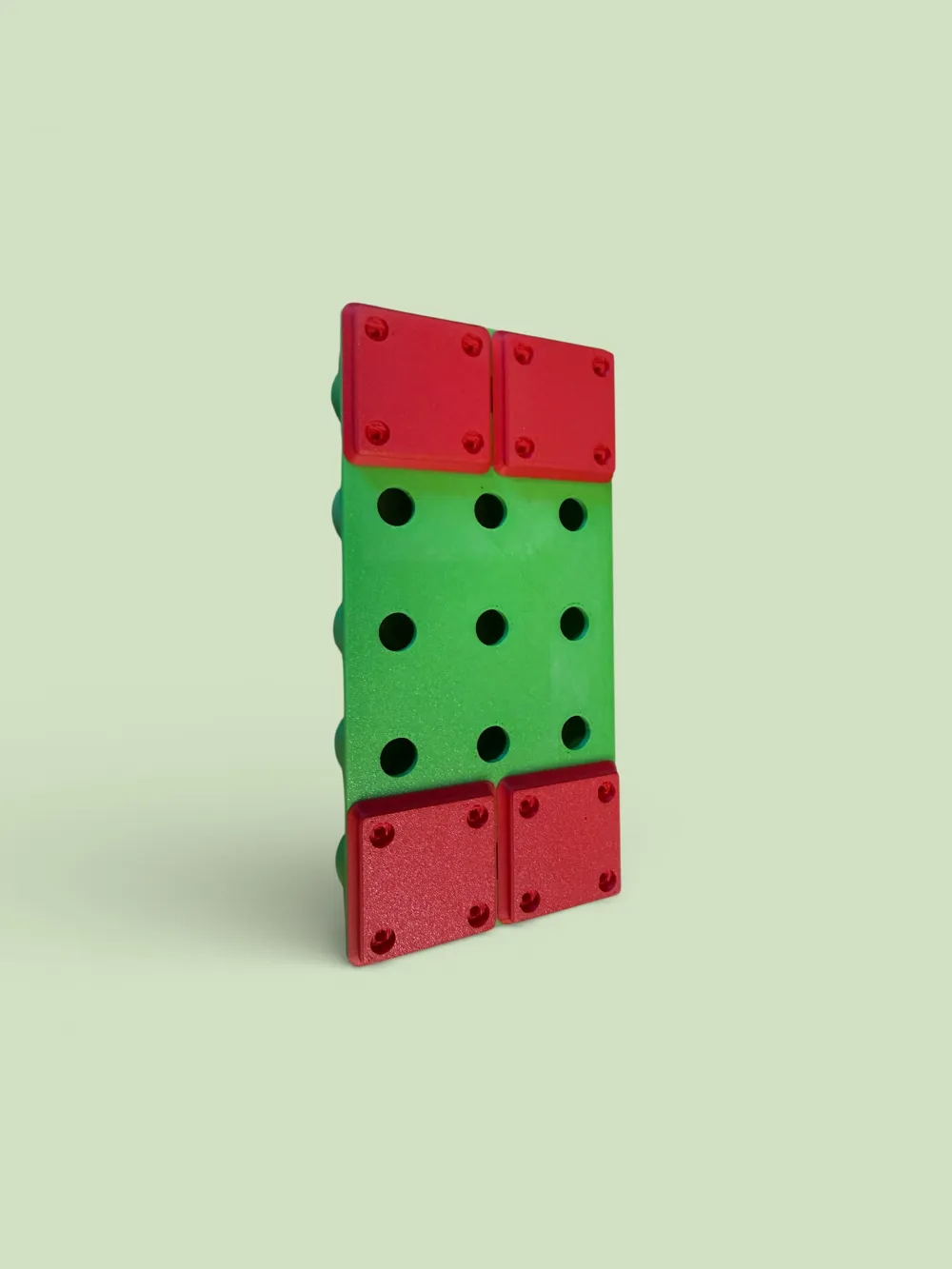
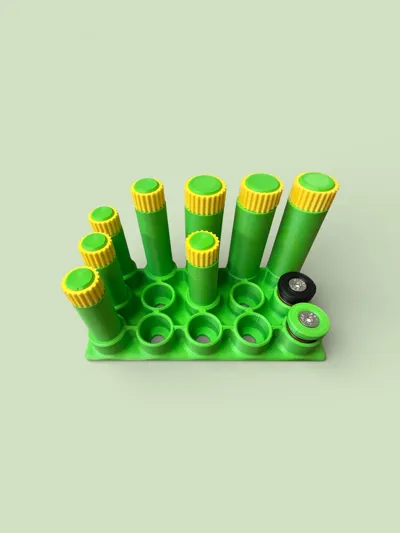
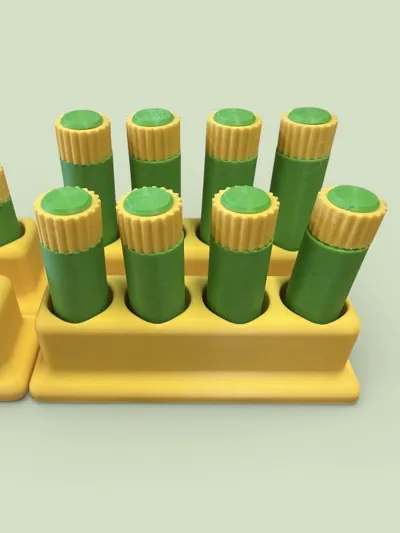
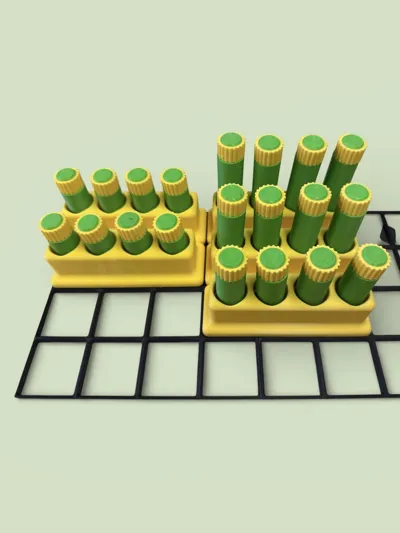
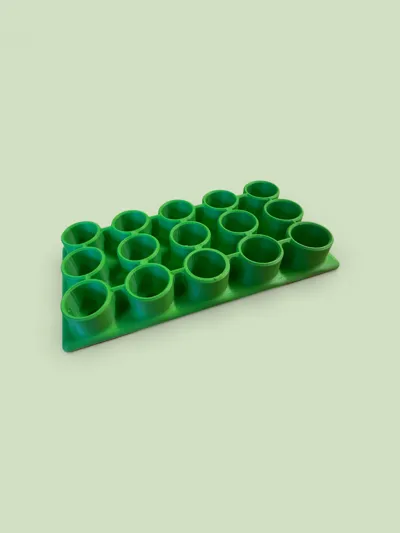
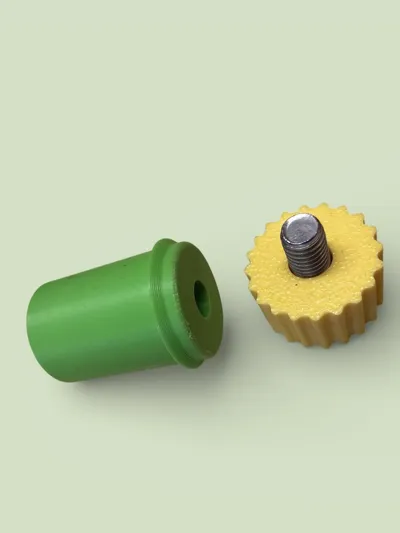
Benchdog / Bench hook for 20 mm holes and chamfer
Here is my version of printed Benchdogs, what a silly name for a bench hook... well, not much better.
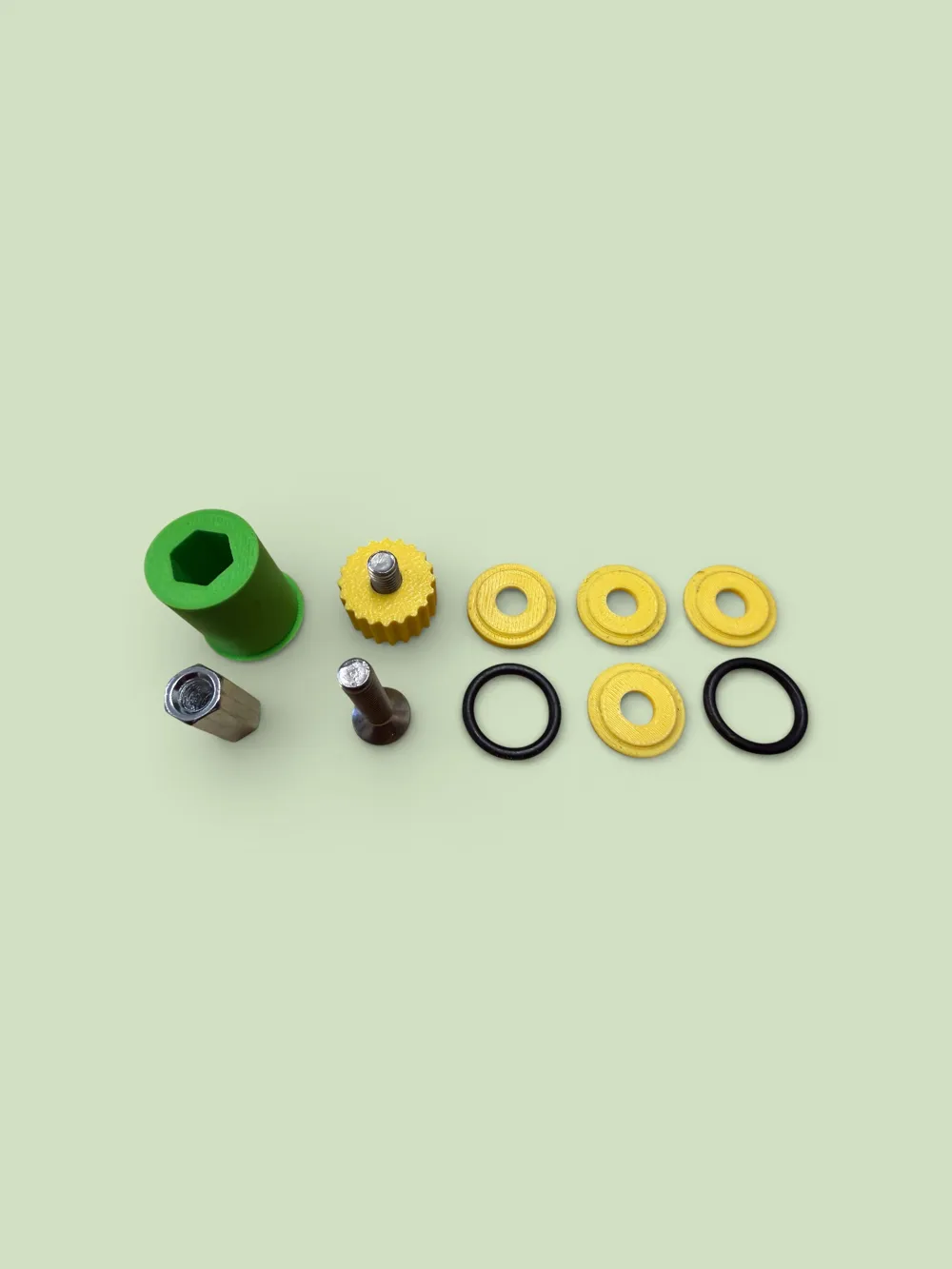
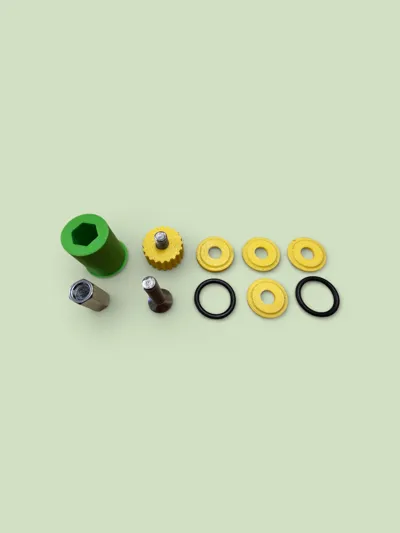
A little hardware is needed.
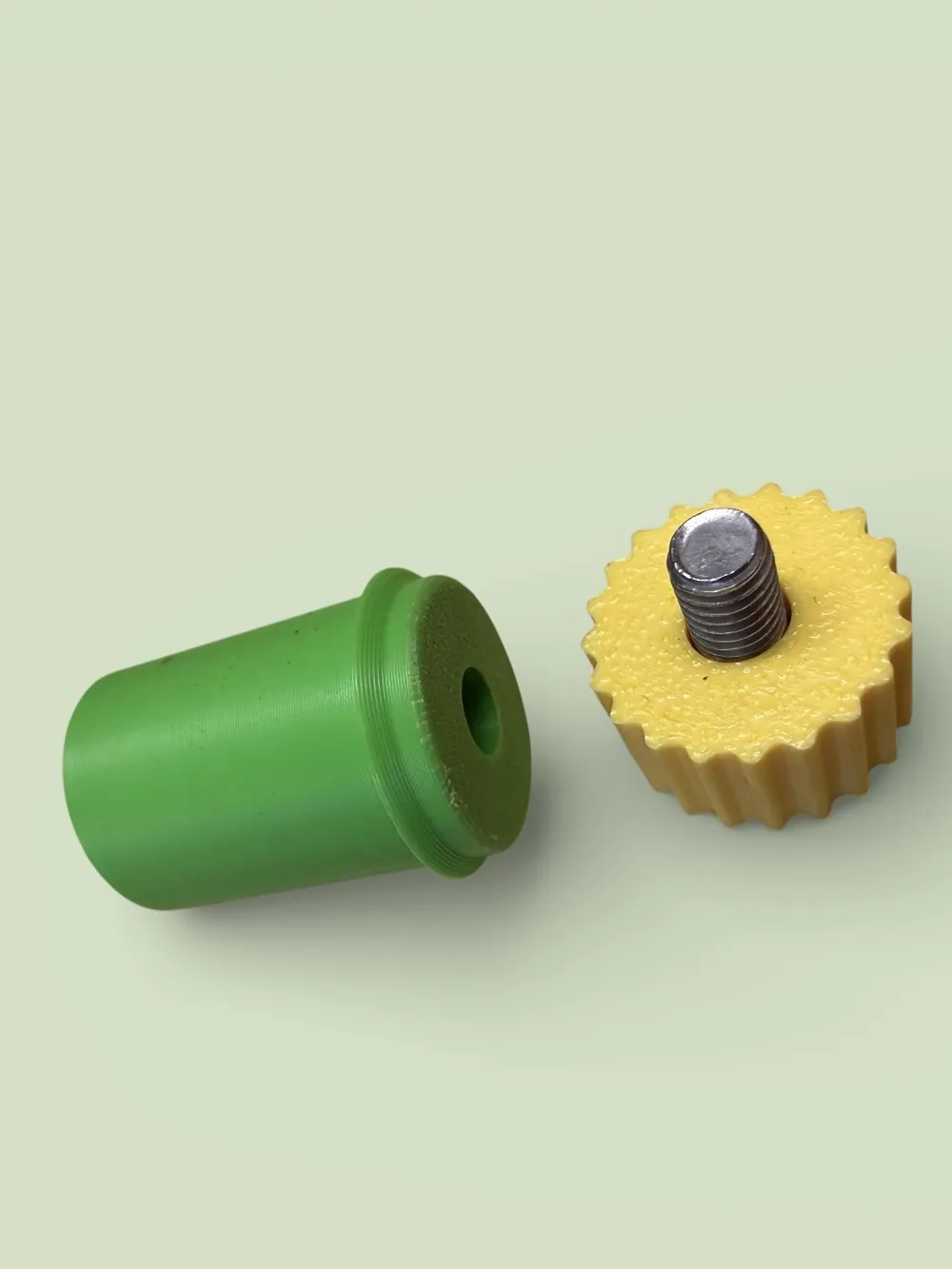
Consisting of M6x30 or M6x40 countersunk screws, depending on which locking knob is to be used.
The tall locking knob proved superfluous in my tests, as the locking works perfectly with the short knobs.
Since I designed and printed it, I am including it.
Long nuts or connecting nuts M6 in lengths of 20 mm and 40 mm to reduce the required screw lengths at the top of the locking knob.
Hex screws M6 are required in lengths of
10, 15, 25, 35 and 45 mm, depending on the length of the main body and the use of the long nuts.
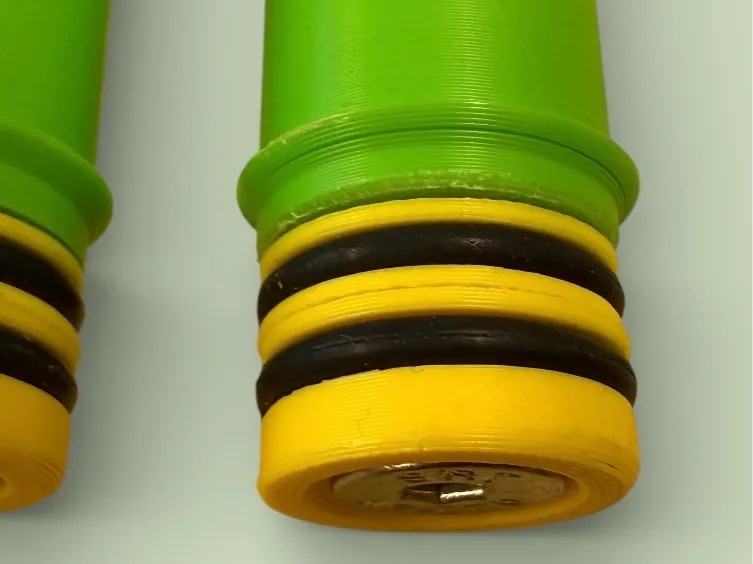
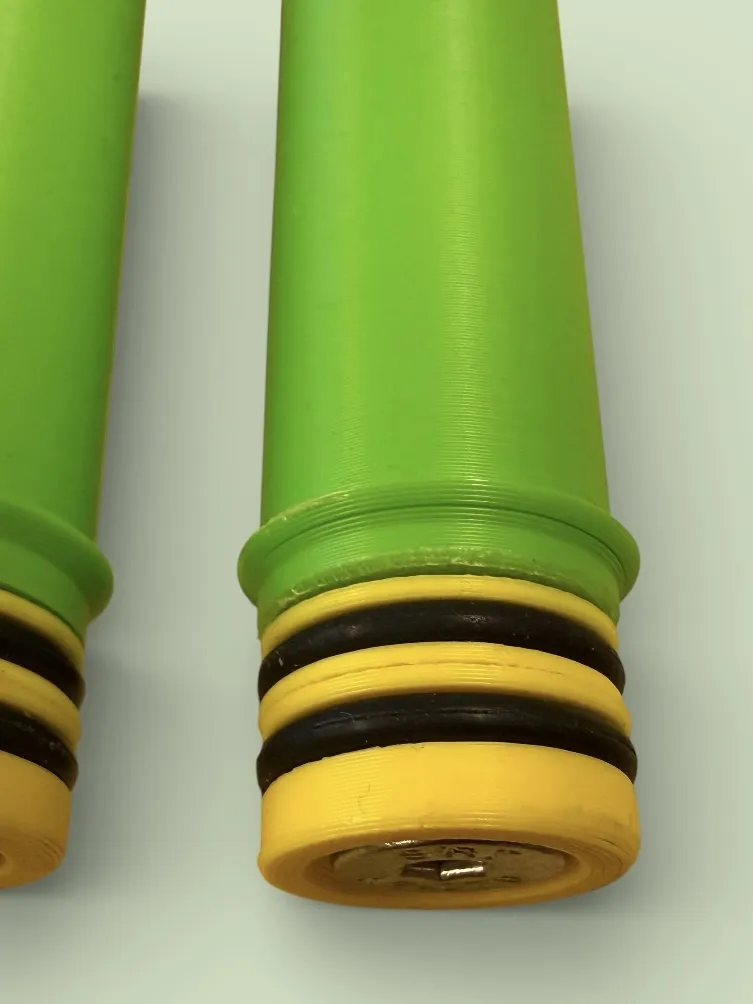
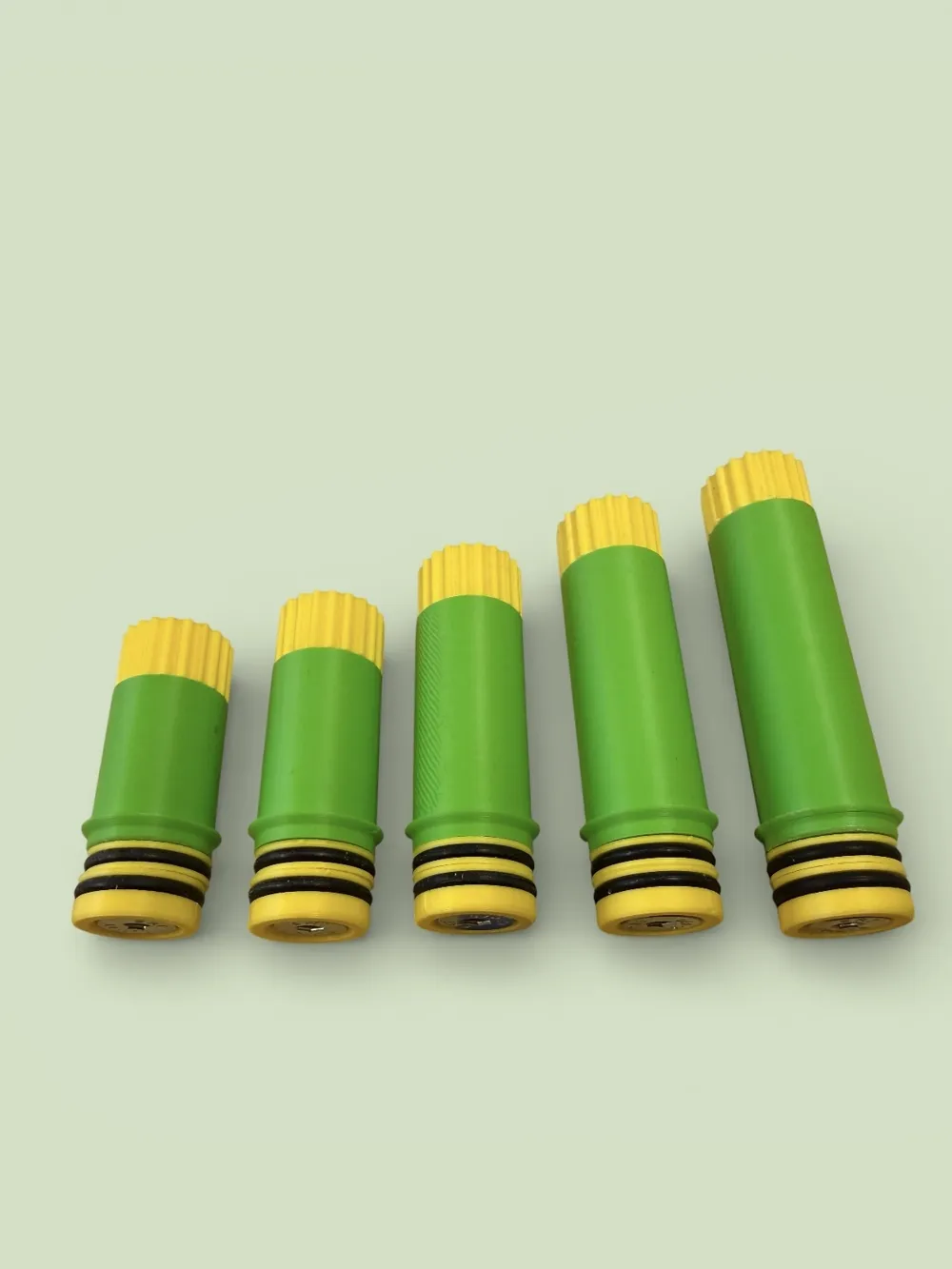
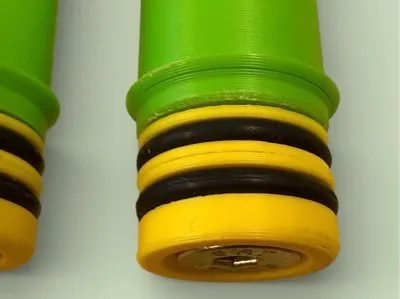
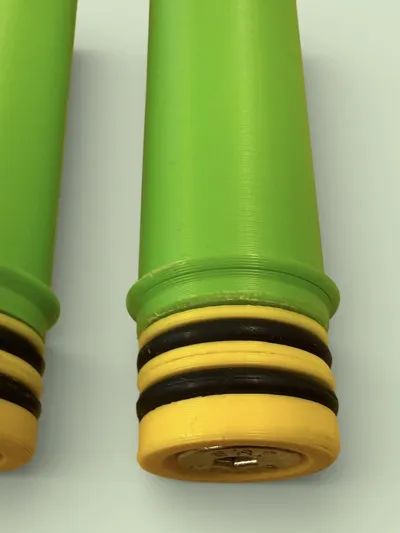
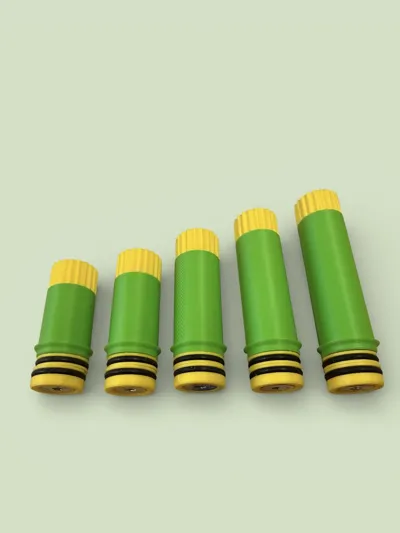
The original design provided for three O-rings of size 2.4 x 20 mm in the lower area, however, two pieces are sufficient for perfect function.
When ordering O-rings, make sure that the outer diameter of the ring and the cross-sectional diameter are specified here, not the inner diameter. Both specifications are possible.
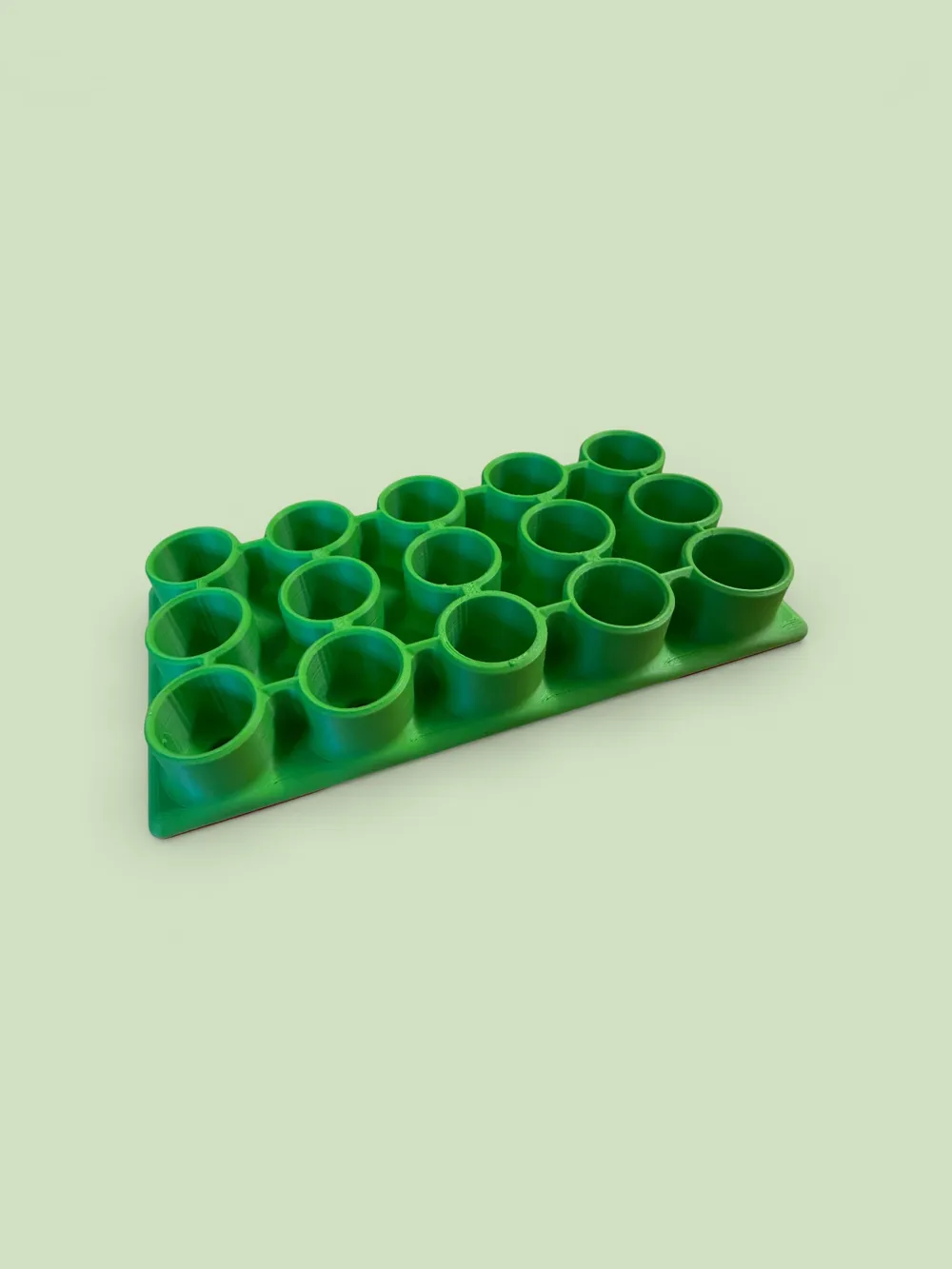
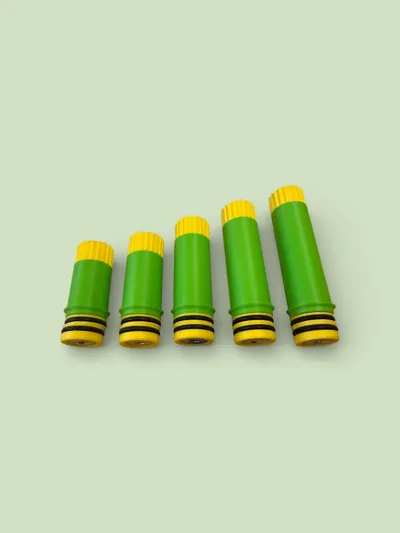
The main bodies are available in lengths of 25, 30, 40, 50, 60, 70 and 80 mm.
I bought all the necessary parts on EBay Germany in larger quantities, as screws in small quantities are always too expensive for me proportionally.
If I compare the prices with the local screw dealer, I gladly wait one to two days for delivery.
Since the Z-seam is always a problem with round parts and did not completely disappear in my attempts in Bambu Studio, I want to share the setting for avoiding the Z-seam that worked quite well for me here.
In the settings of the respective filament, the setting must first be changed: Filament / Filament Seam Settings / Seam Type / and Seam Length each to 'Contour and Hole'.
PETG HF from Bambu Lab was used here, although PLA also worked very well.
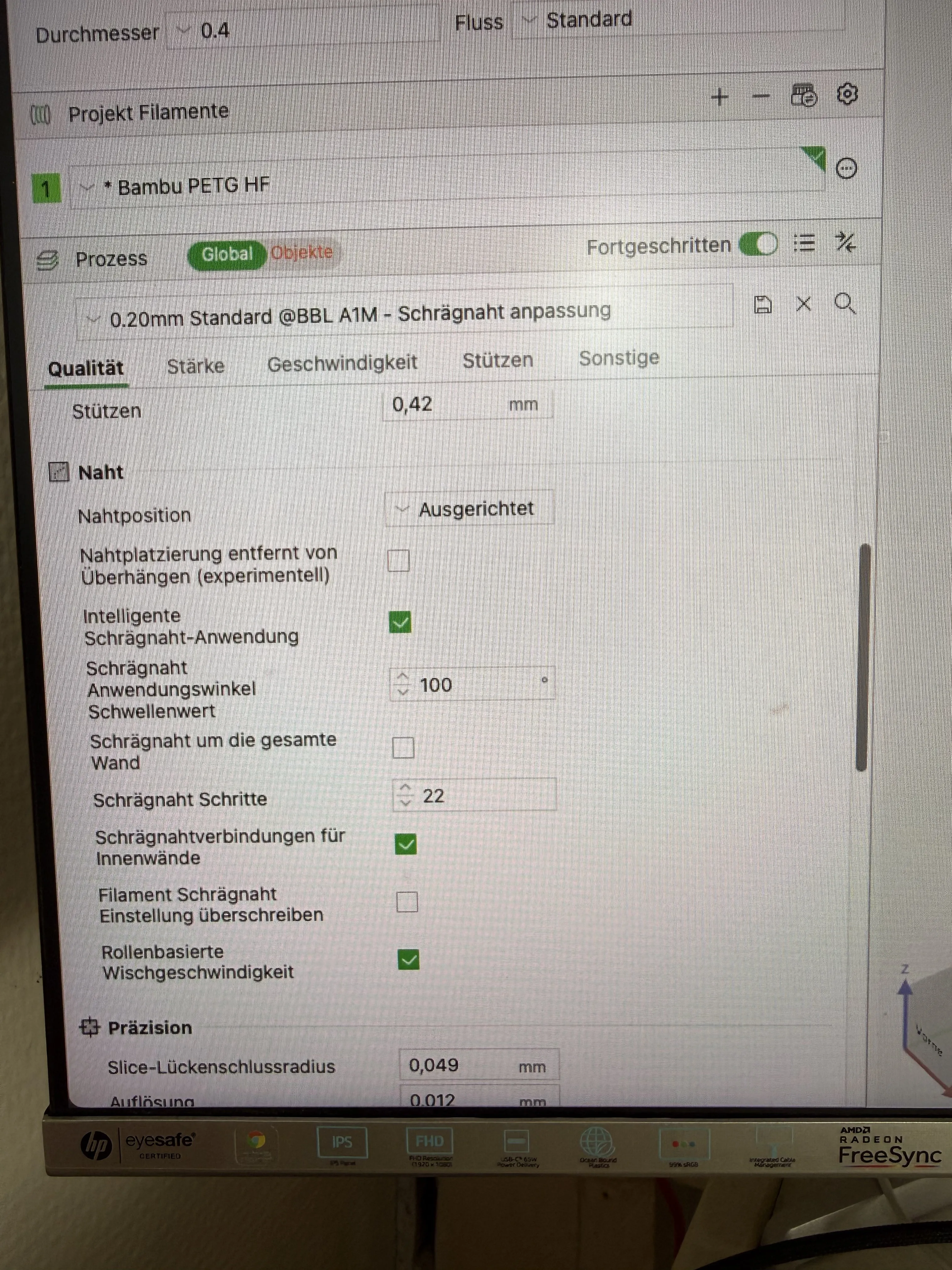
Perhaps someone can tell me why this is not the default setting. Nobody wants a Z-seam.
The price was also decisive for the filament choice here.
If I can get PETG at the price of PLA, I would always choose PETG.
The Bambu Lab filament has great colors and is matte, which is rather rare for PETG.
I just like matte and colored parts.
Furthermore, the setting in the profile must also be adjusted.
The following settings worked in my attempts to eliminate the Z-seam.
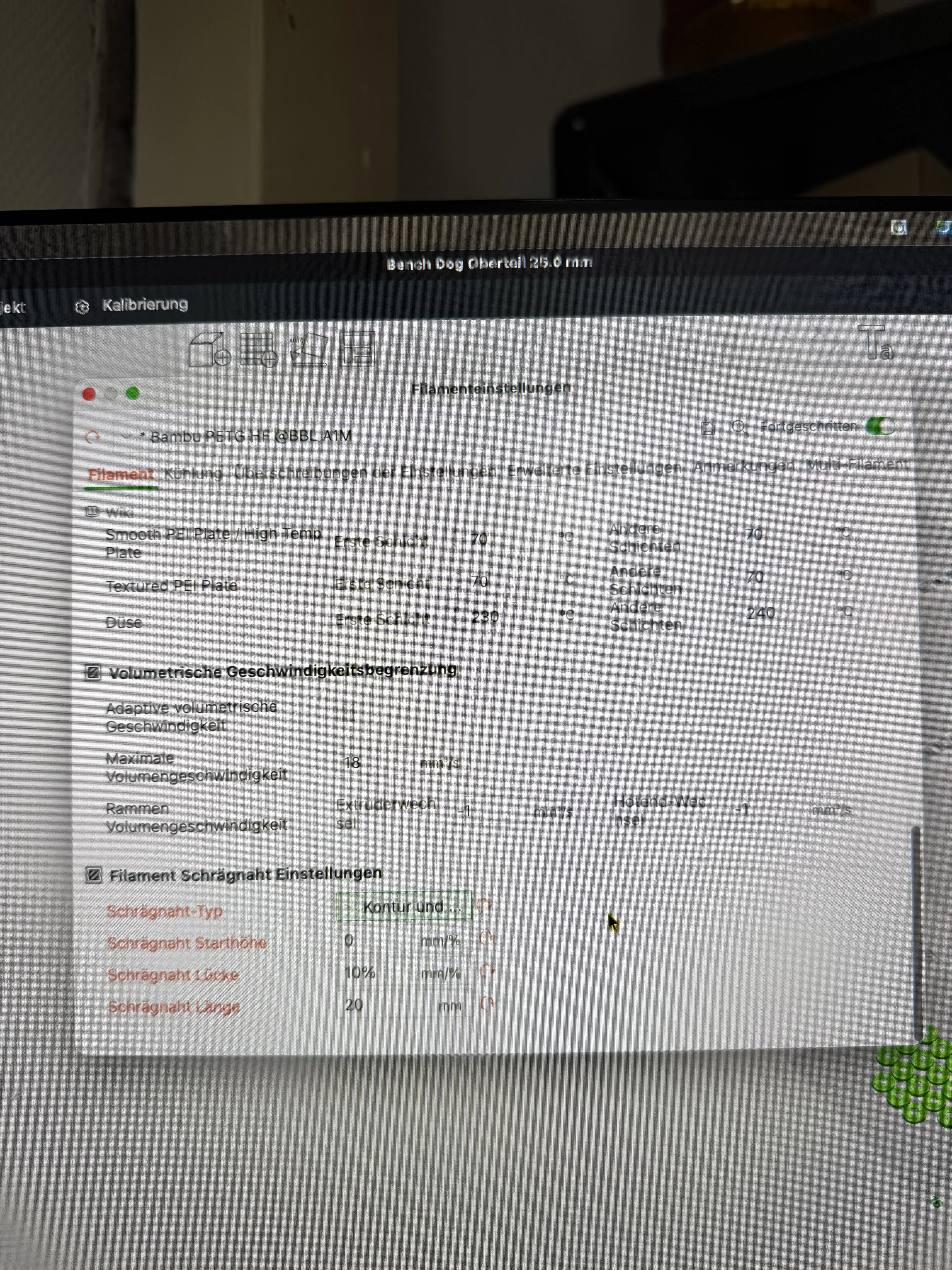
Quality tab, Seam position / Checkbox for Intelligent Seam Application
Seam Application Angle Threshold to 100 degrees
Seam Steps to 22
If that's not enough, it is also not forbidden to rework the printed parts with suitable tools that ideally do not destroy the geometry of the part.
I manufactured all the parts on my Bambu Lab A1 mini printers.
License

You may create derivative works based on this object, provided that all such derivative works are published exclusively on the MakerWorld platform and include proper attribution to the original creator. You may not share, upload, host, distribute, or publish this object—or any derivative work of this object—on any other digital platform, marketplace, or distribution channel. Commercial use of this object and any derivative works is strictly prohibited. This includes, but is not limited to, selling, renting, sublicensing, or using the object in any context in which you receive monetary compensation or other financial benefits.


Comment & Rating (2)