
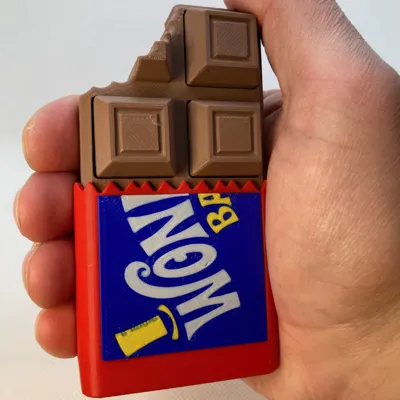
Chocolate Candy Bar Clicker Fidget
Print Profile(4)




Description
Thank you for your support! If you like our family's designs - you can sell the physical prints through a paid Patreon membership:
https://www.patreon.com/c/SpacedOutStudio
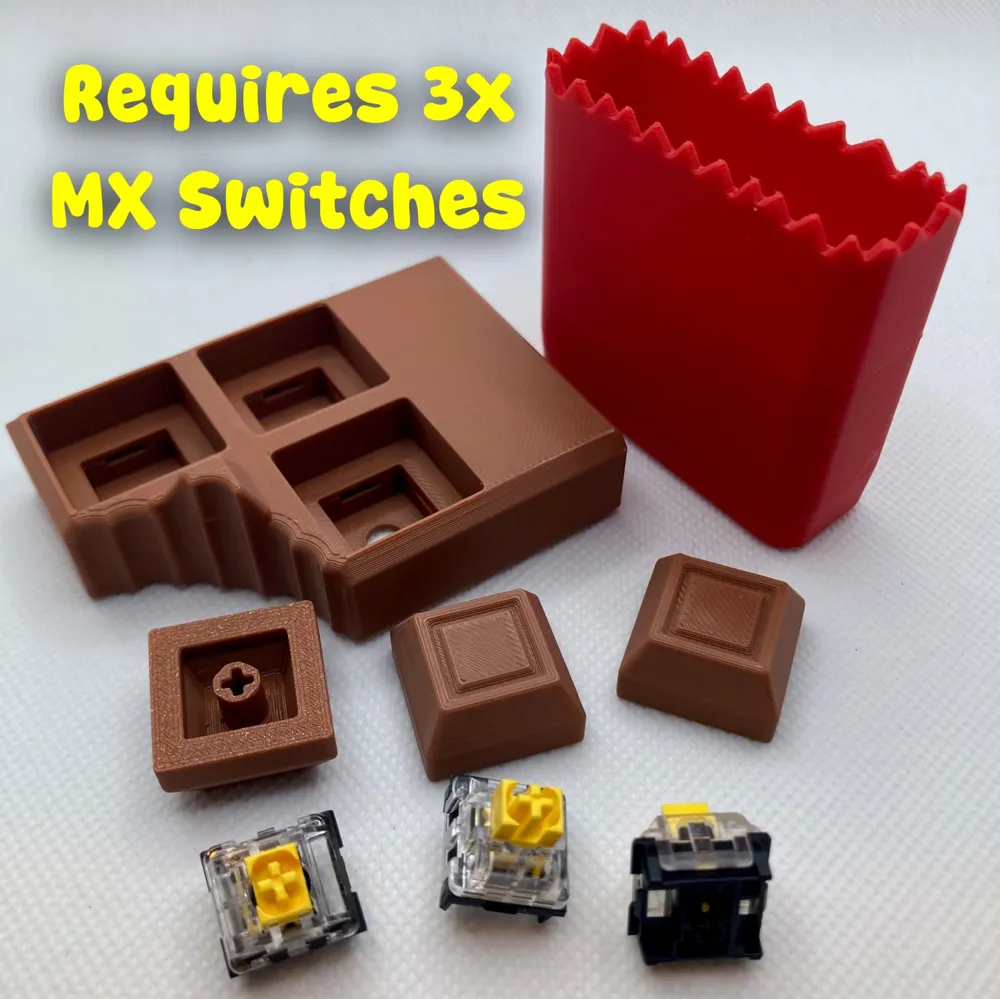
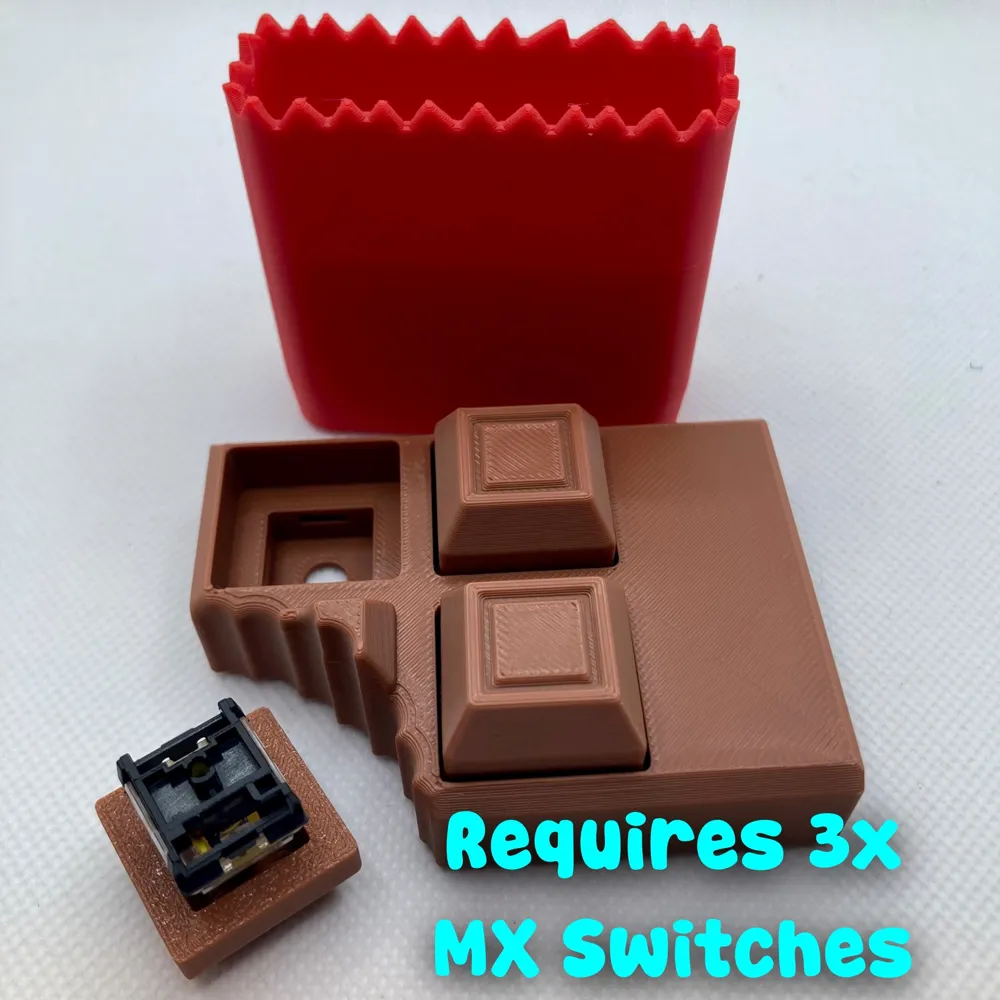
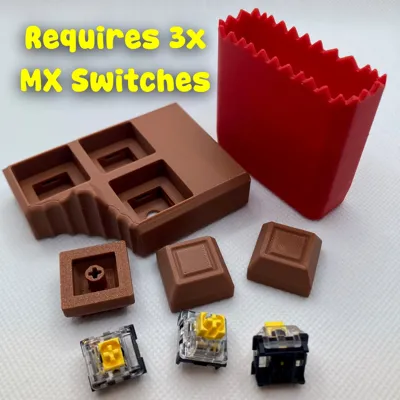
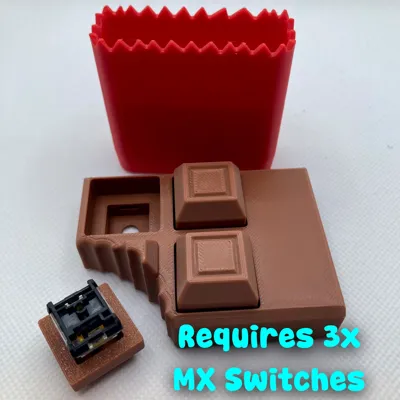
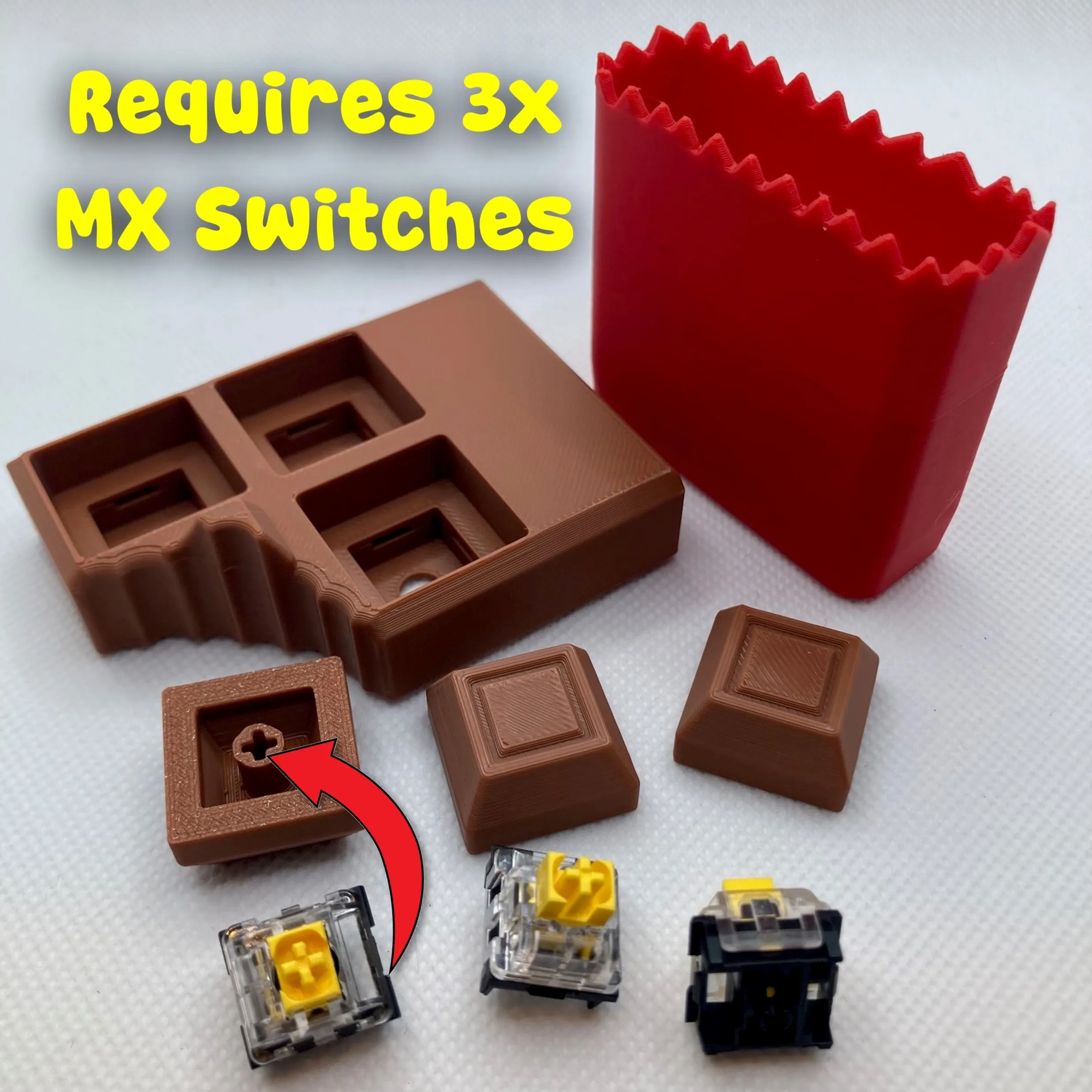
REQUIRES 3x (Three) MX cherry keyboard switches
🍫 Click. Snap. Don’t Eat. 🍫
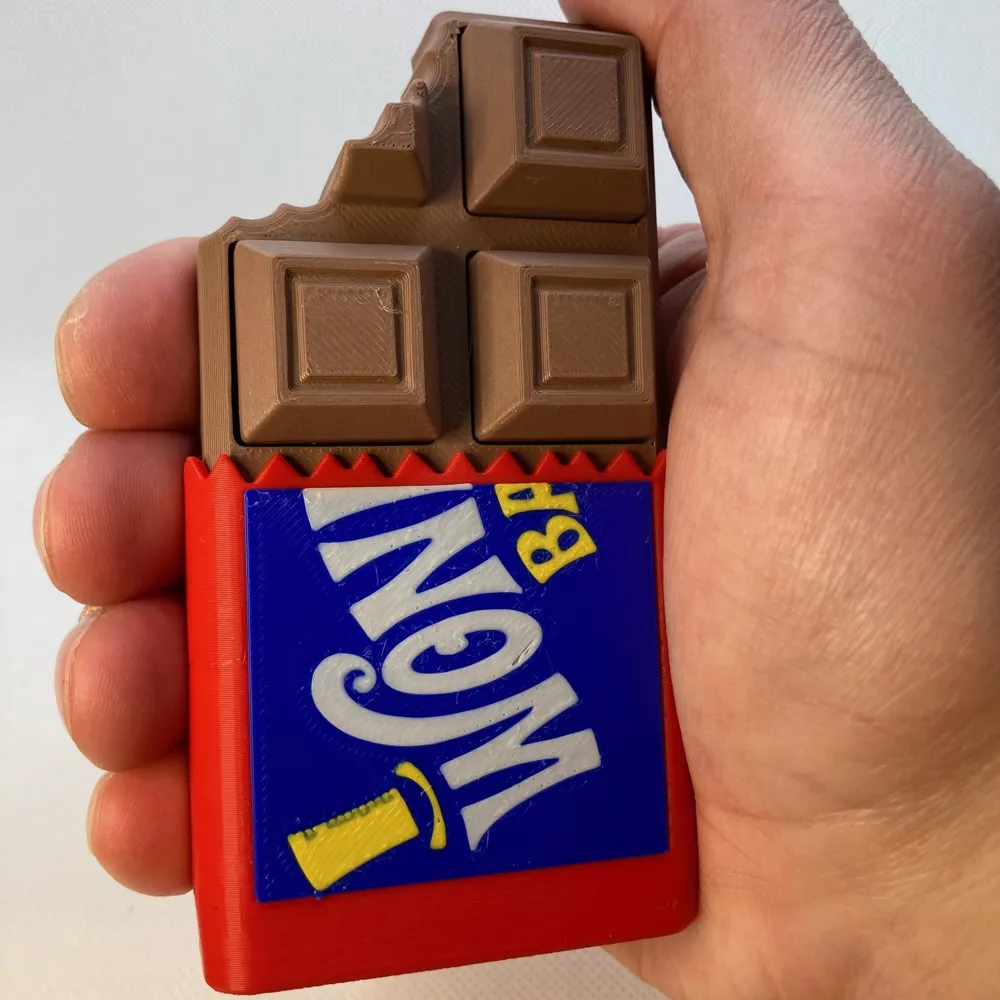
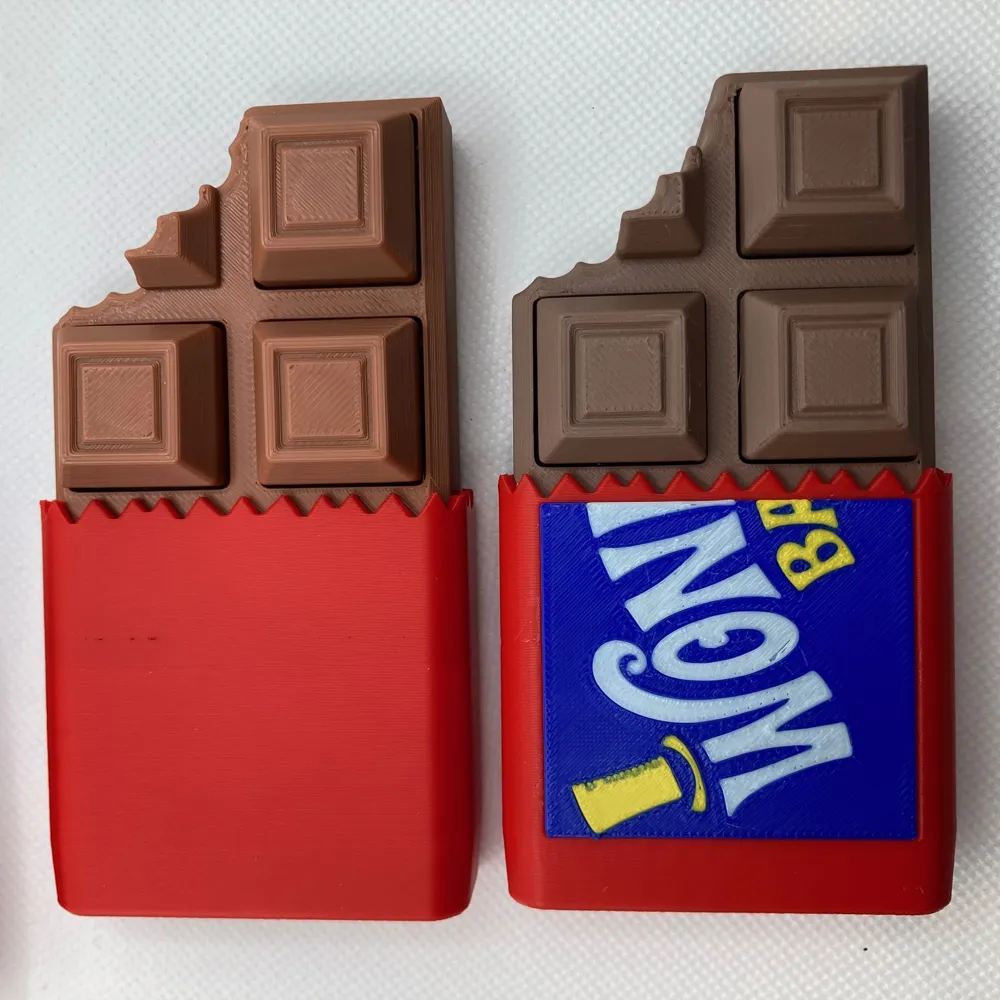
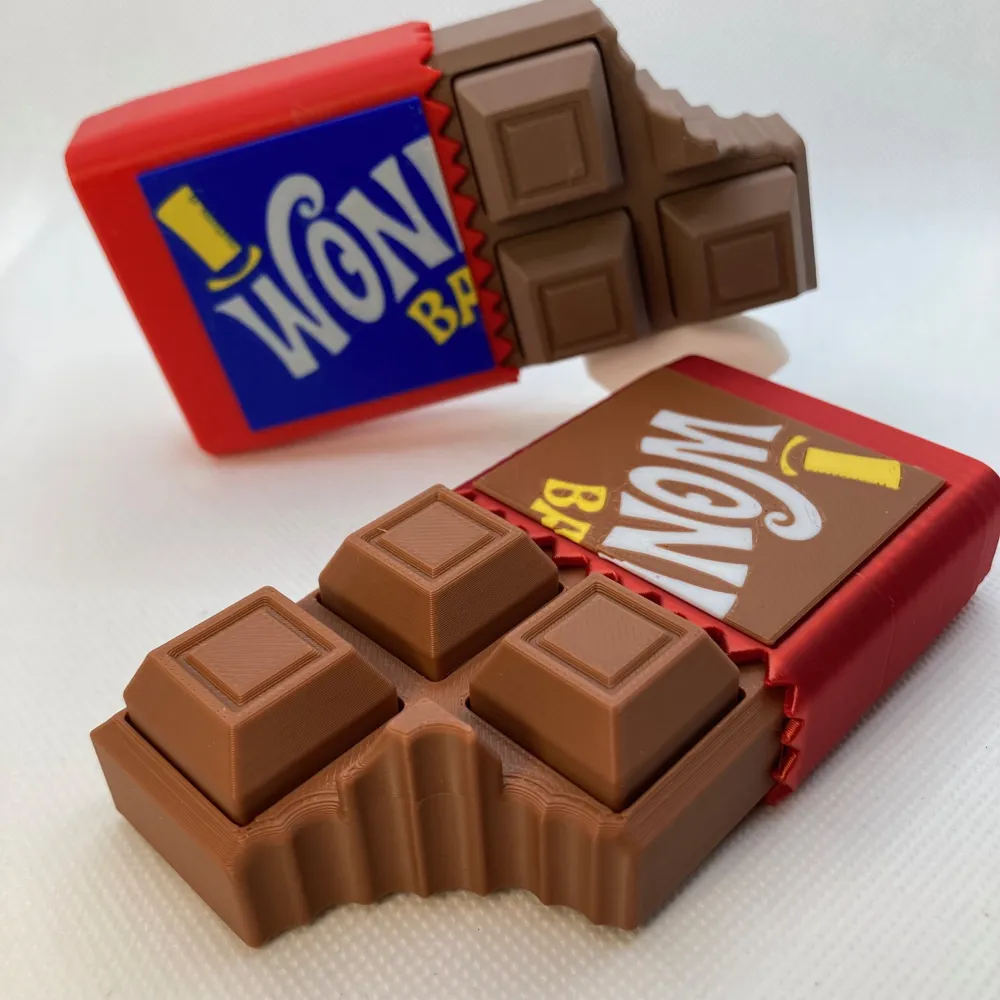
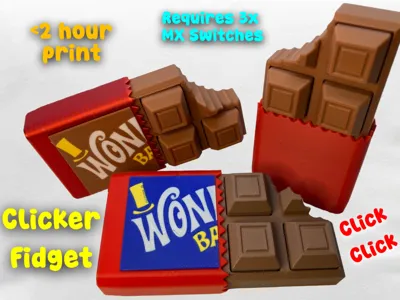
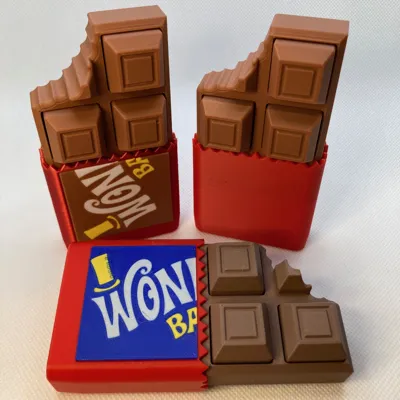
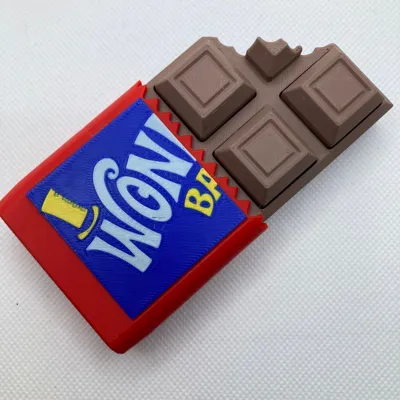
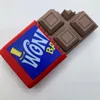
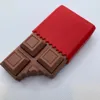
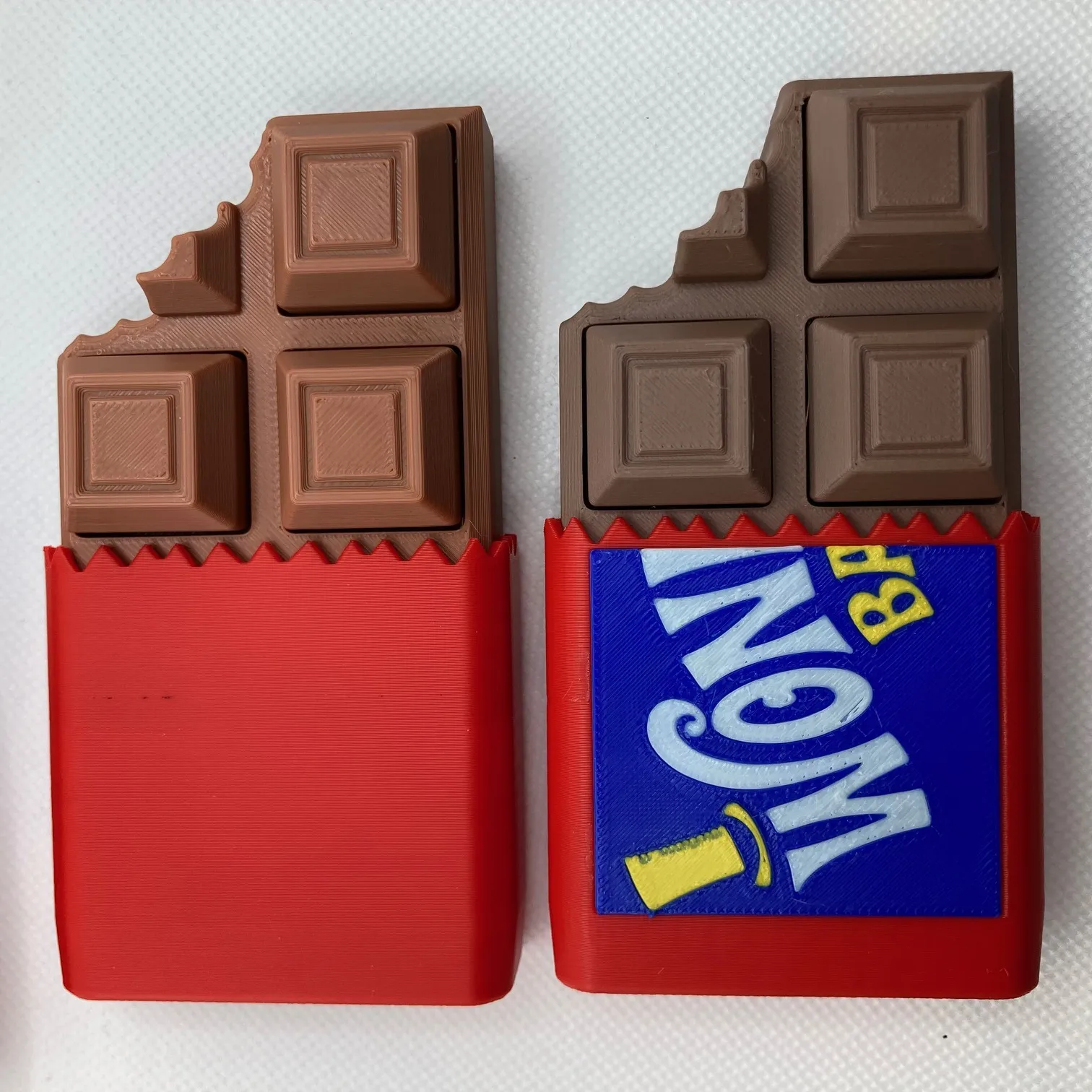
Chocolate Bar Clicker Fidget (Plain or Wonka-Inspired Wrapper)
Warning: looks delicious… absolutely not edible. 😄
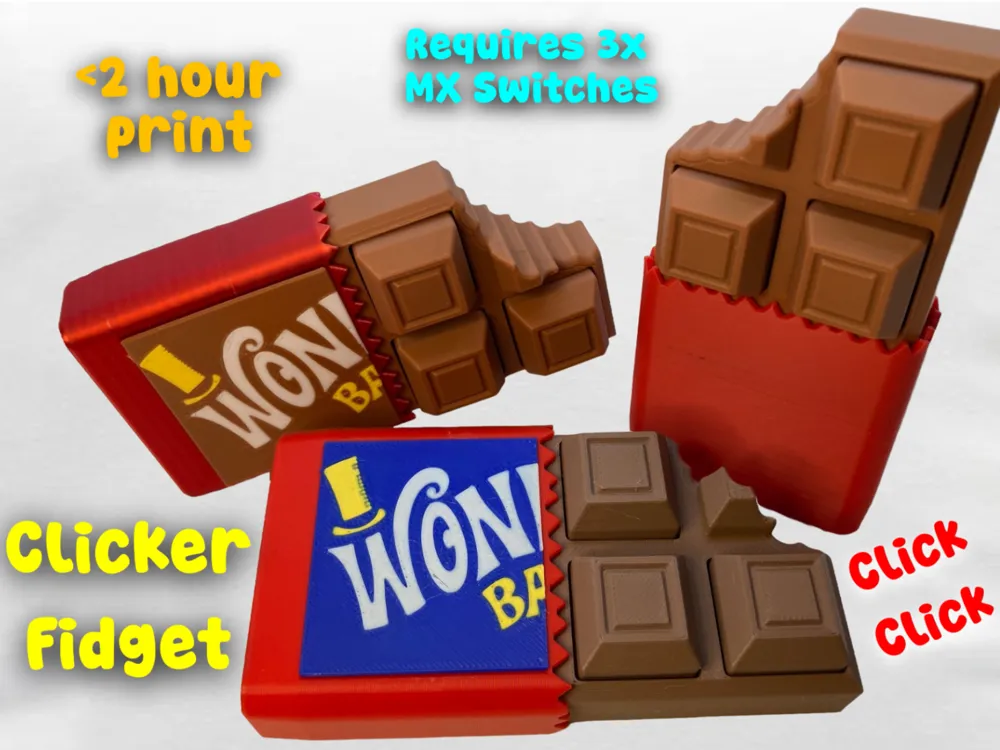


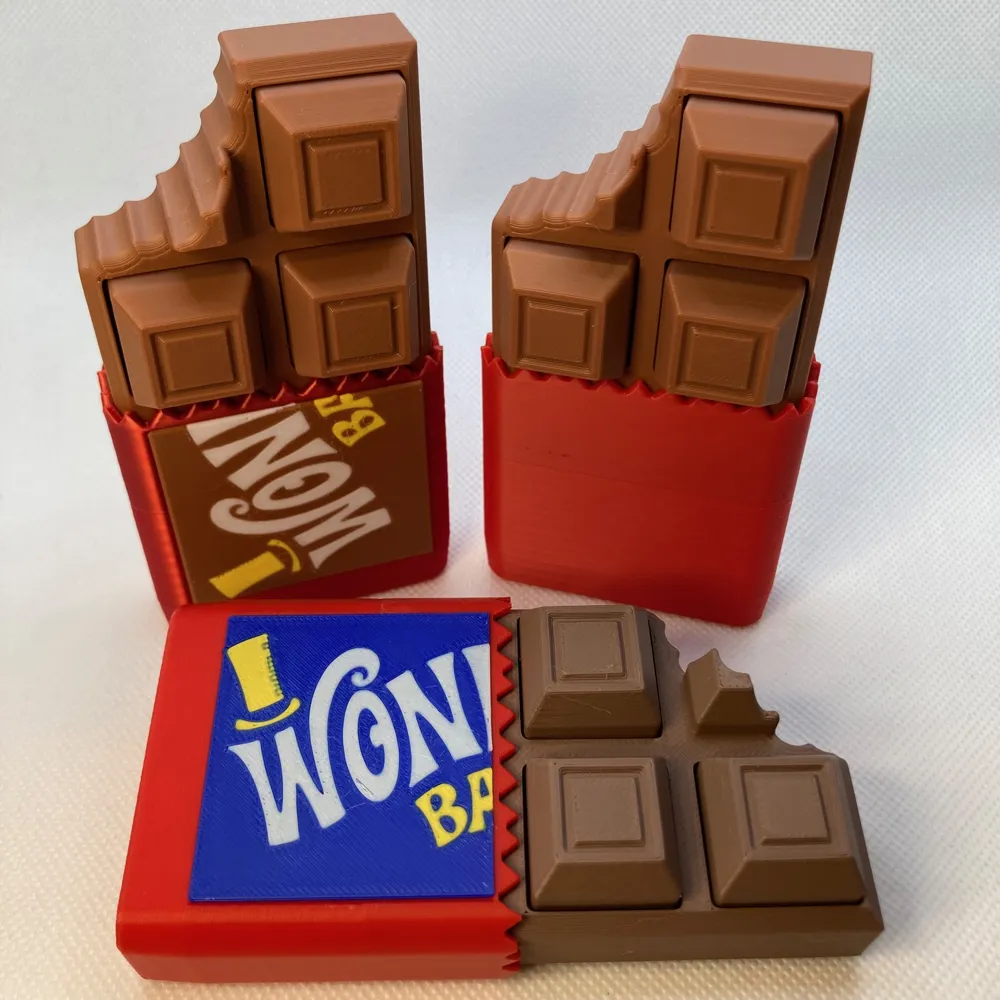


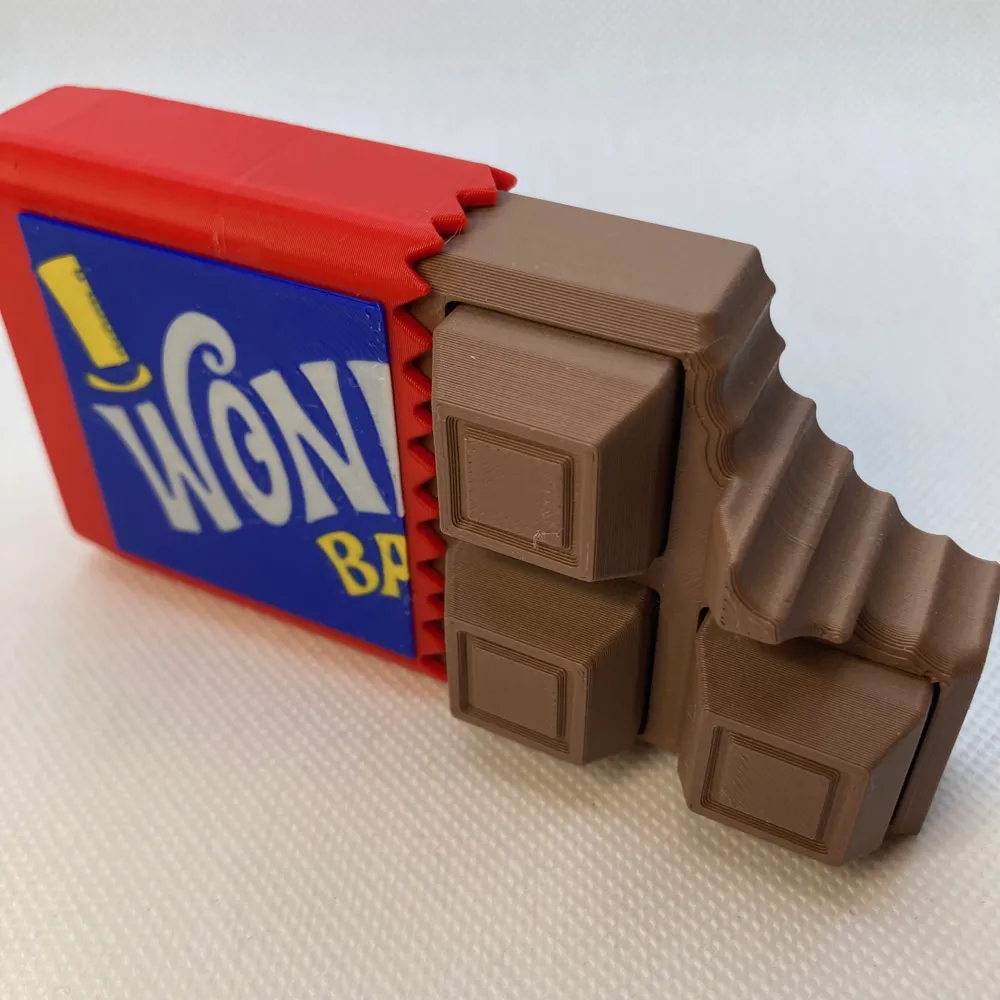
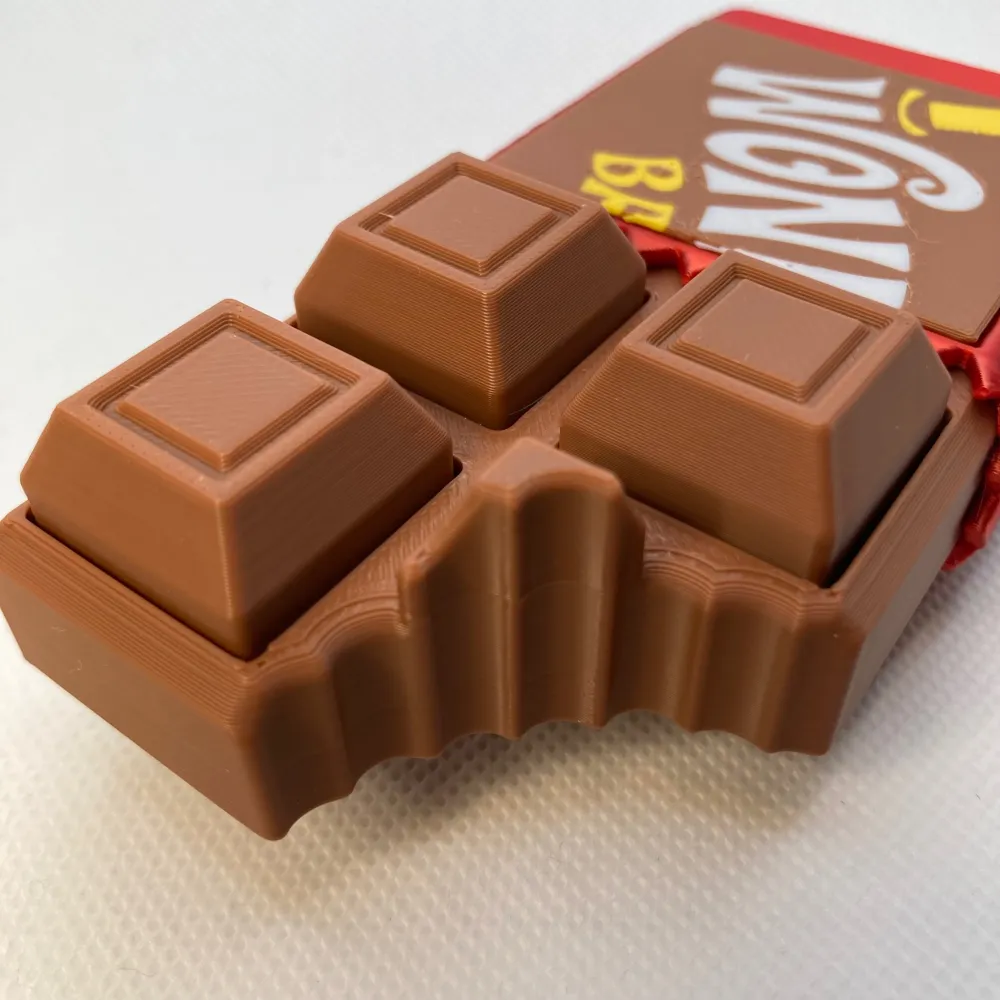
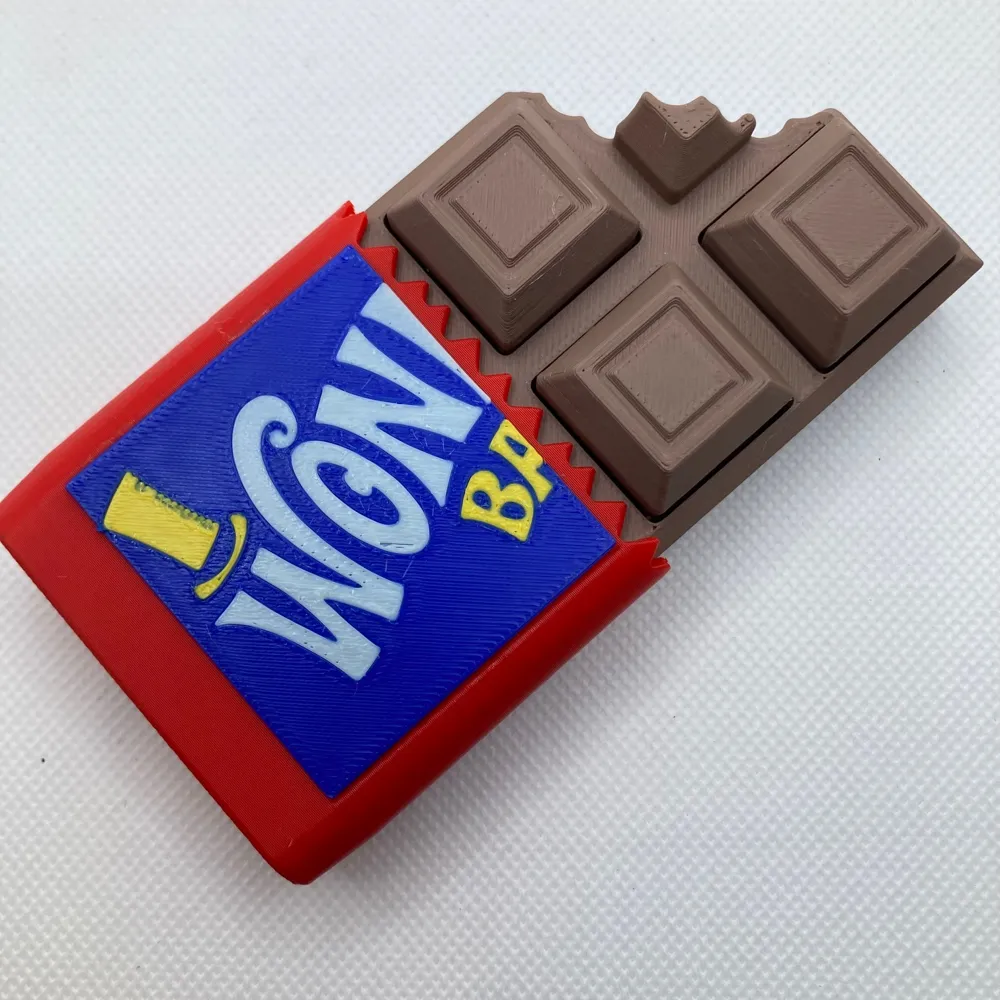
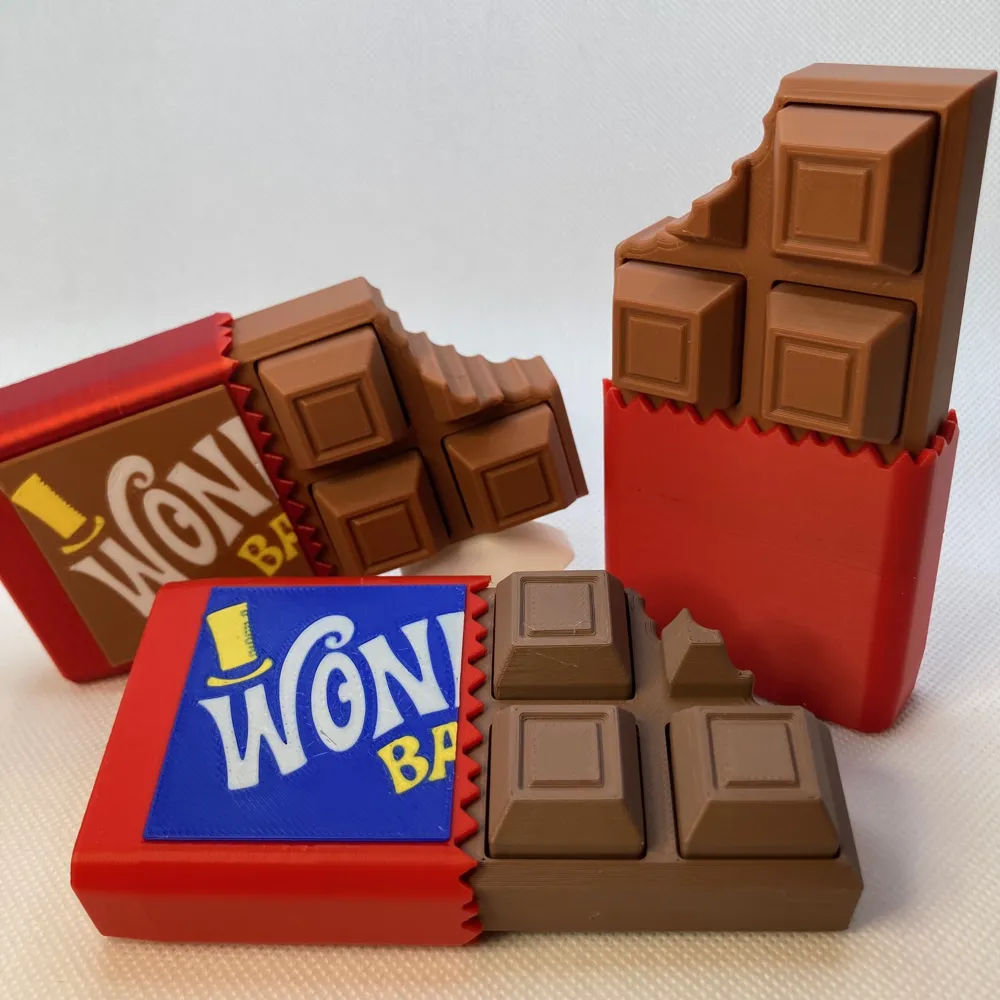
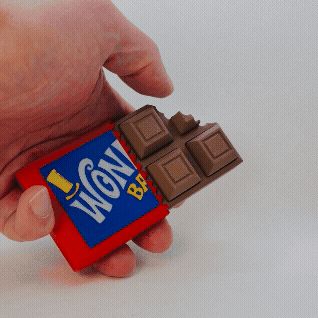
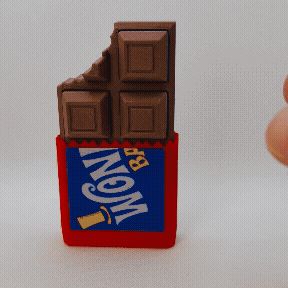
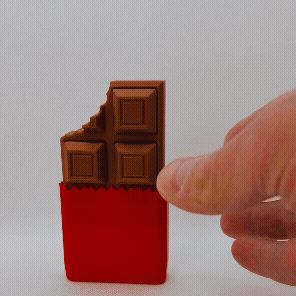
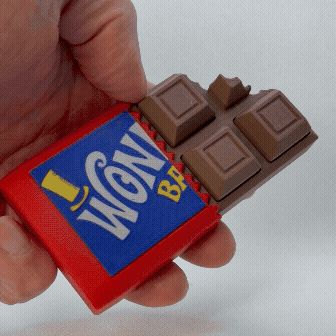
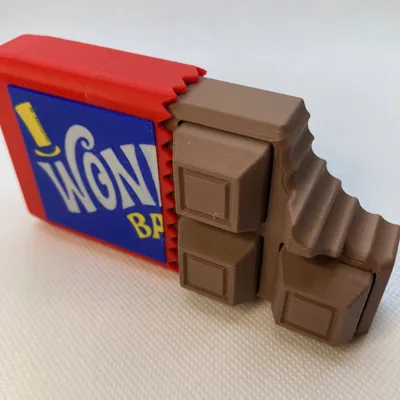
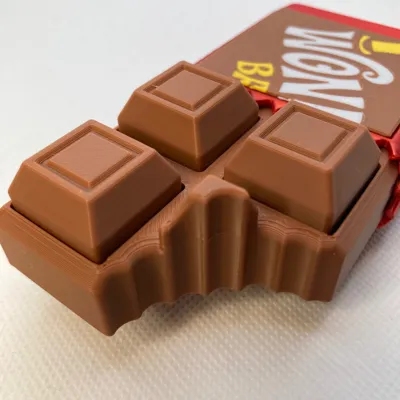
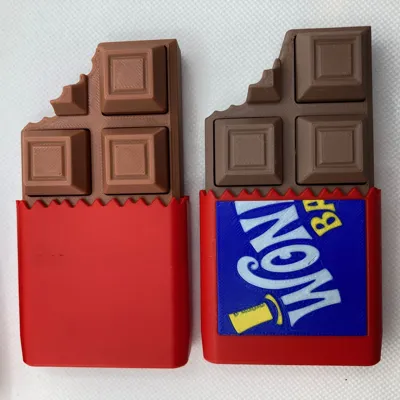
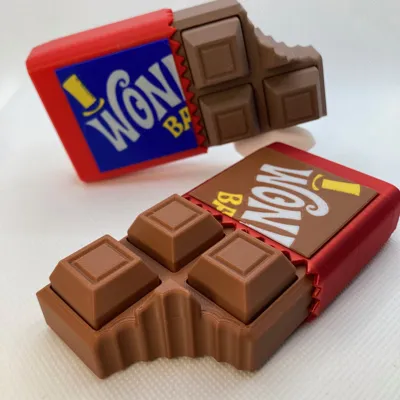
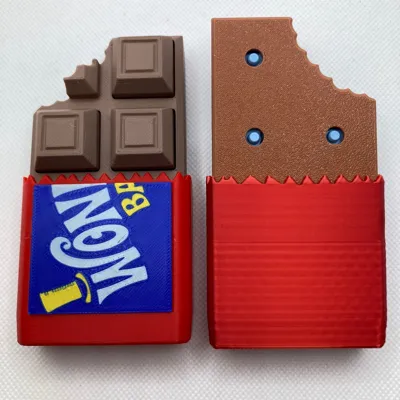
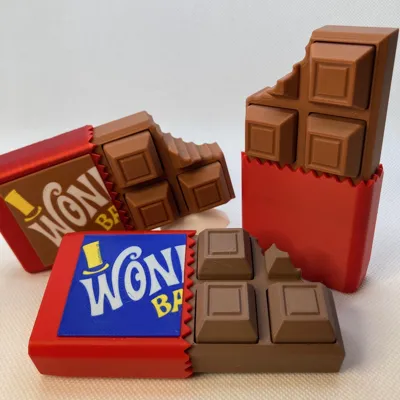
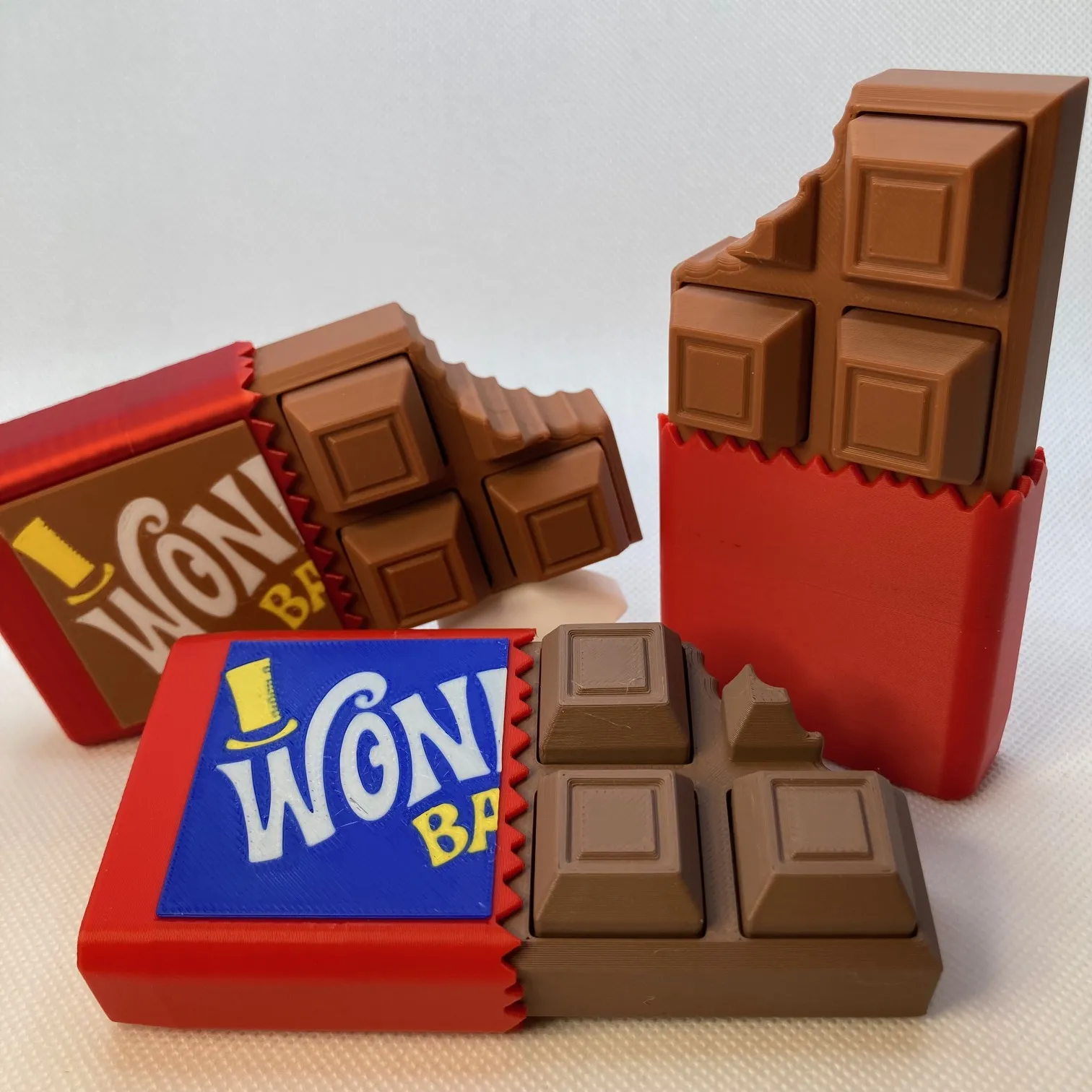
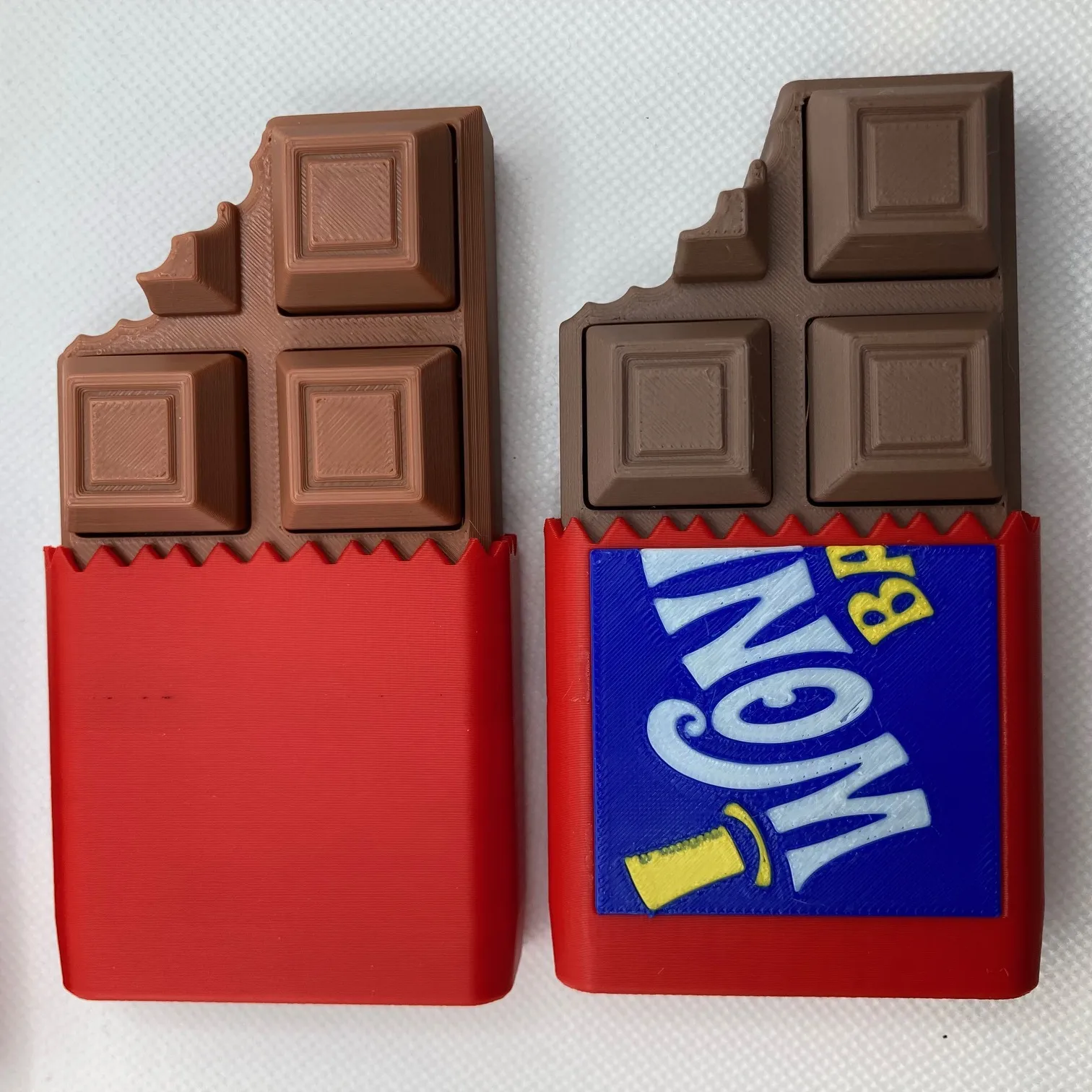
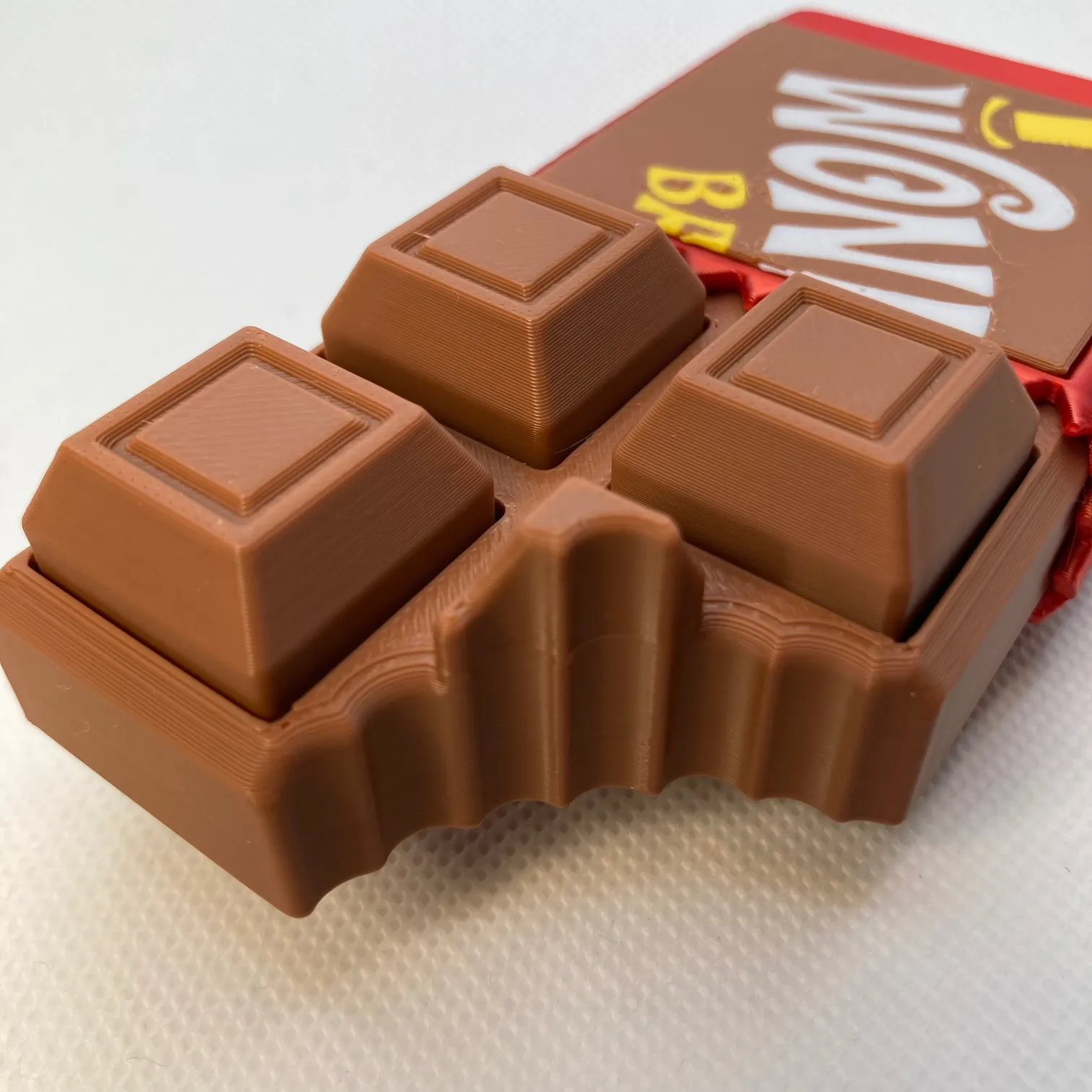

This chocolate bar clicker fidget is designed to look like a freshly unwrapped candy bar—complete with a realistic wrapper and satisfying “bite” detail. Each chocolate square hides a mechanical MX keyboard switch, giving you crisp, tactile clicks that feel just like your favorite keyboard.
- Requires 3 MX-style mechanical keyboard switches
- Works with standard MX-compatible switches (Cherry, Gateron, etc.)
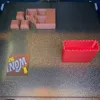
- Print by object (single plate) or per plate
- Compatible with AMS or non-AMS setups
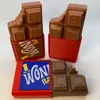
- Option for plain wrapper or a playful Wonka-style wrapper
- Realistic chocolate bar texture with layered detail
Each press gives that addictive click-clack response while looking like you’re about to sneak a snack between meetings. It’s the perfect desk toy, pocket fidget, or conversation starter.
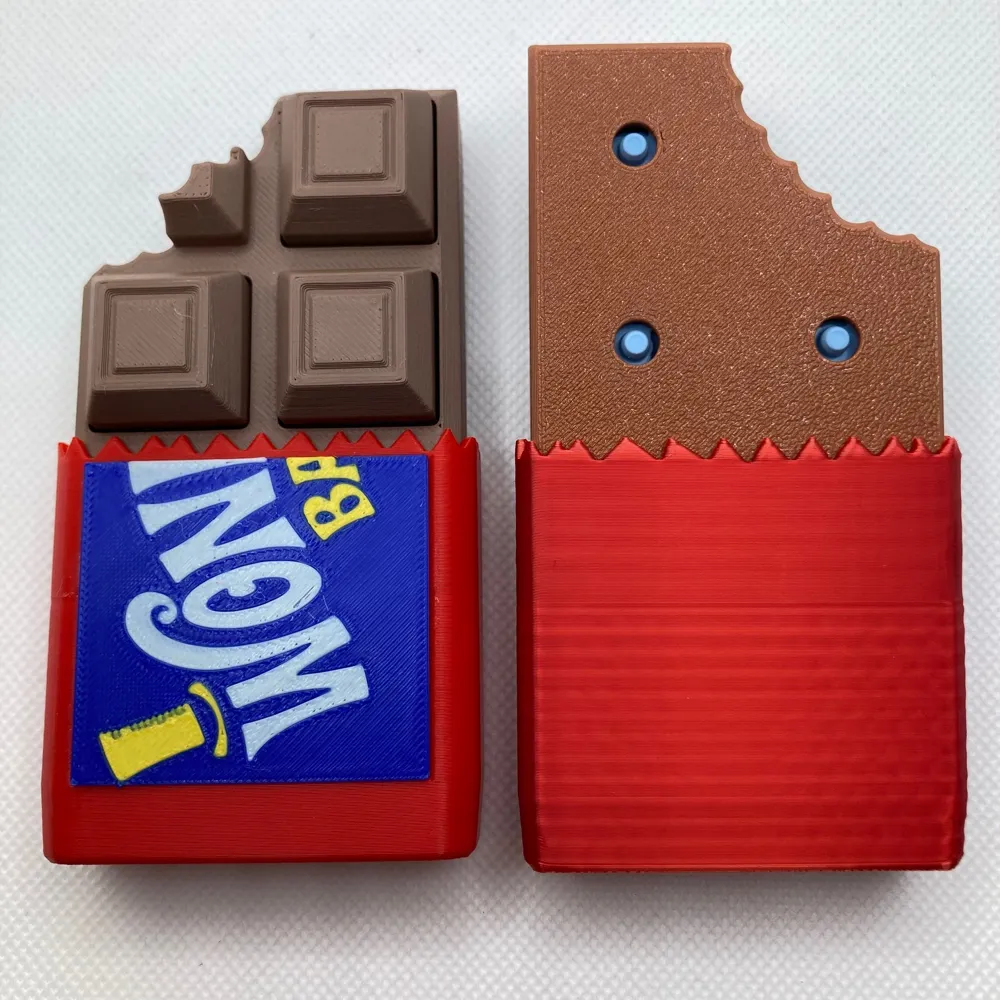
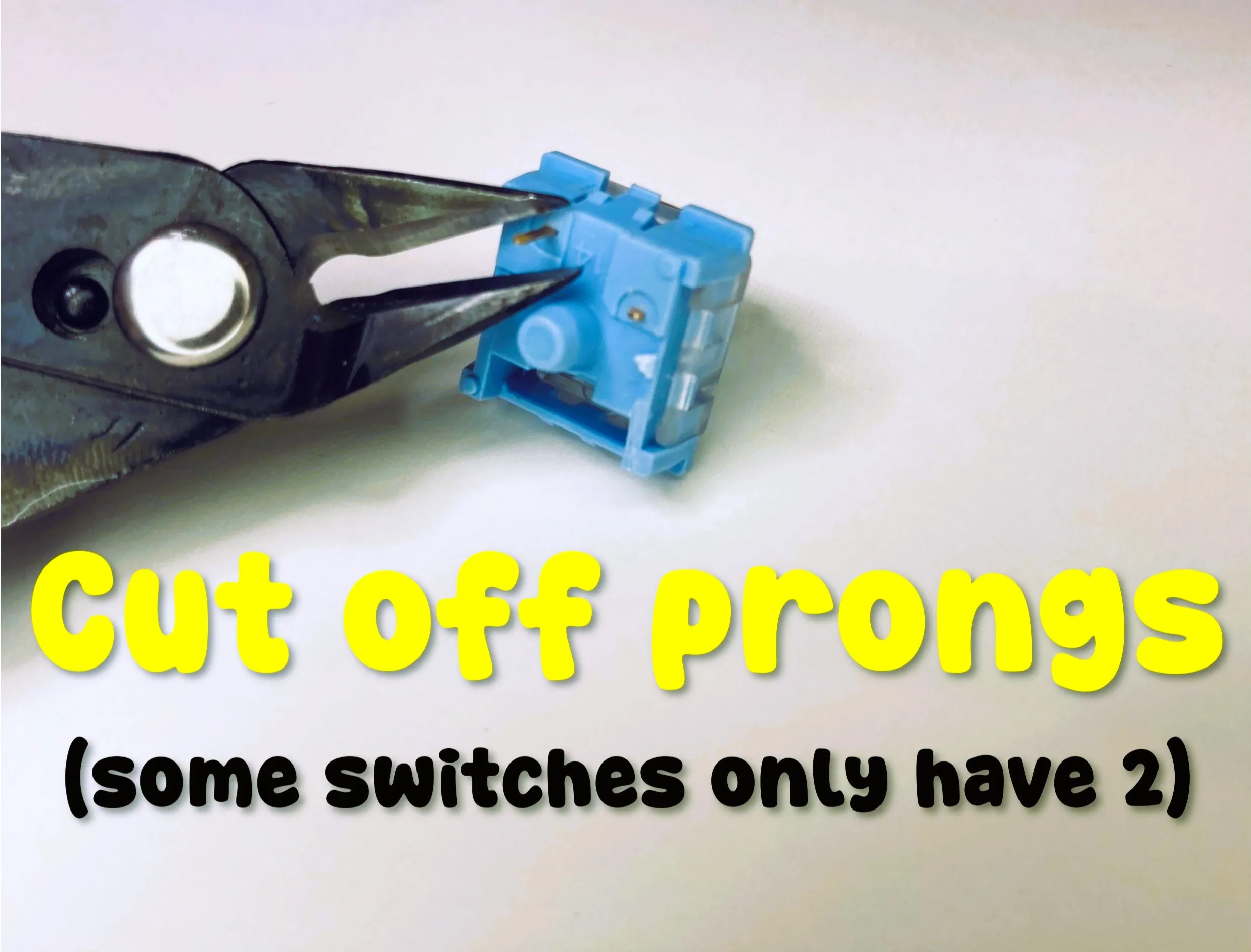
Installation: Remove the pins from the MX switches (See instructions below). Install the chocolate squares onto the switches and then push the squares and switches into the base. Enjoy!
INSTRUCTIONS
First, remove the prongs from the keyboard clicker bases as shown:
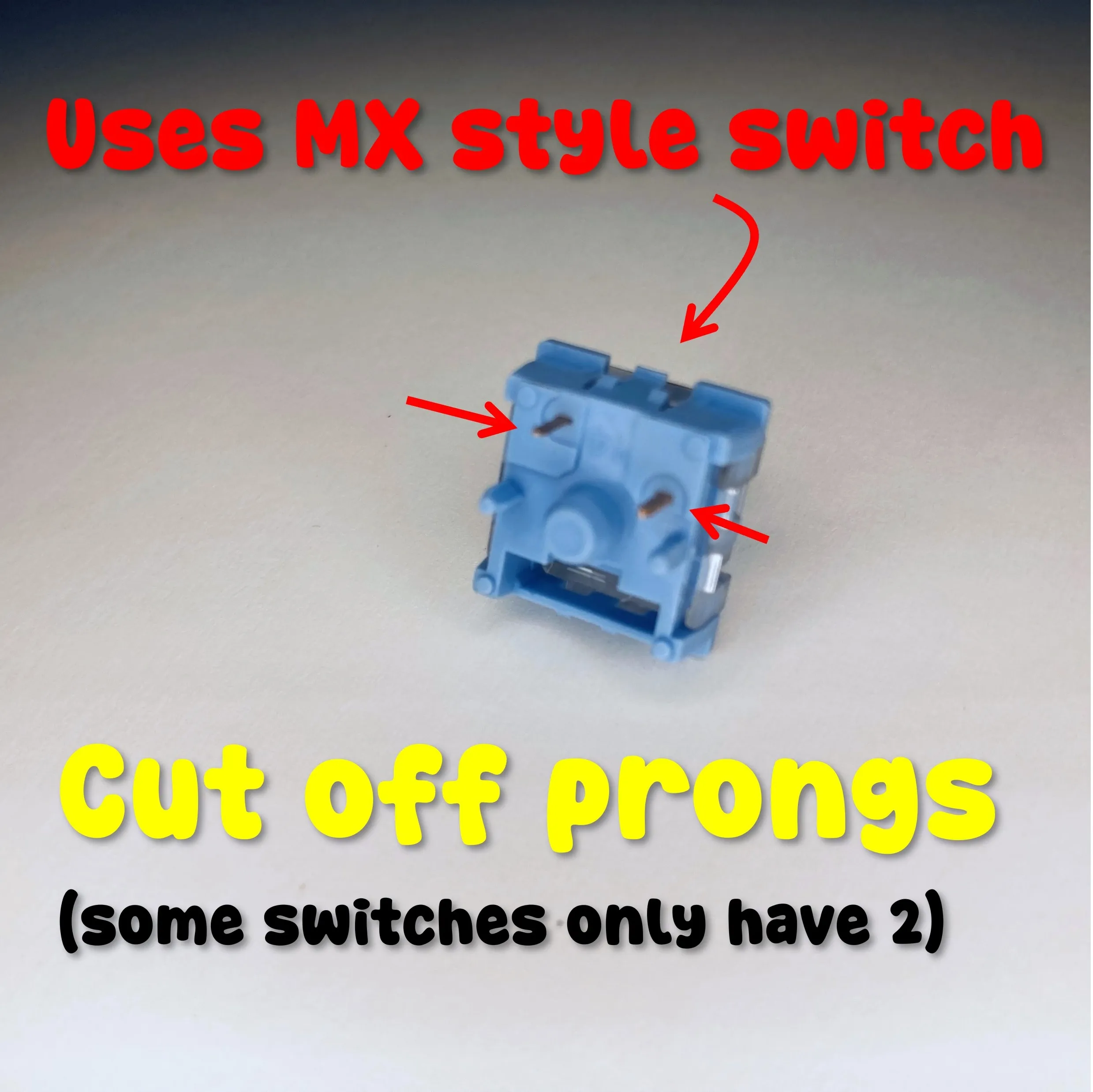
Remove the build from the plate and install the keyboard clicker (MX cherry or other) clicker switches into the chocolate squares. Install the squares and switches into the chocolate base.
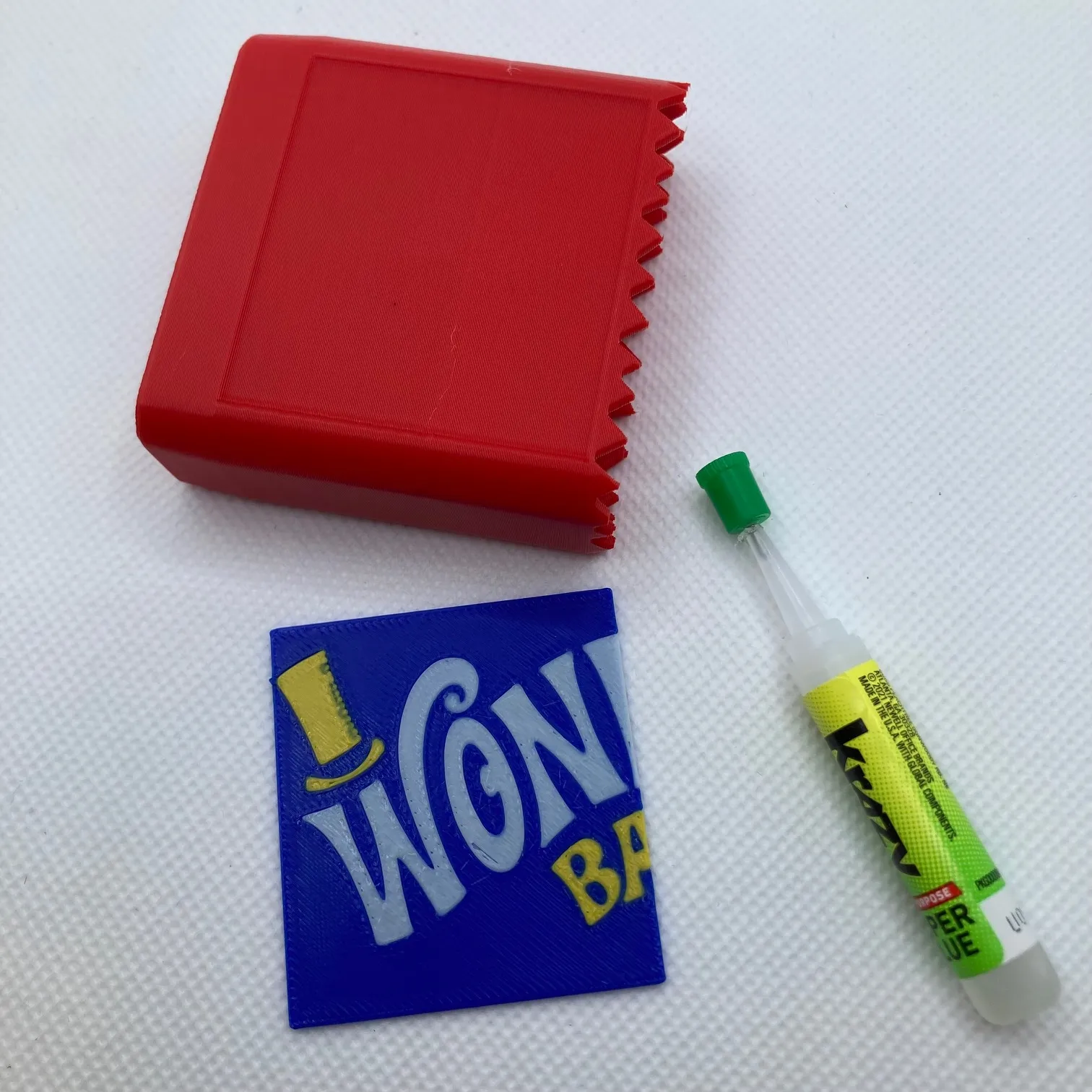
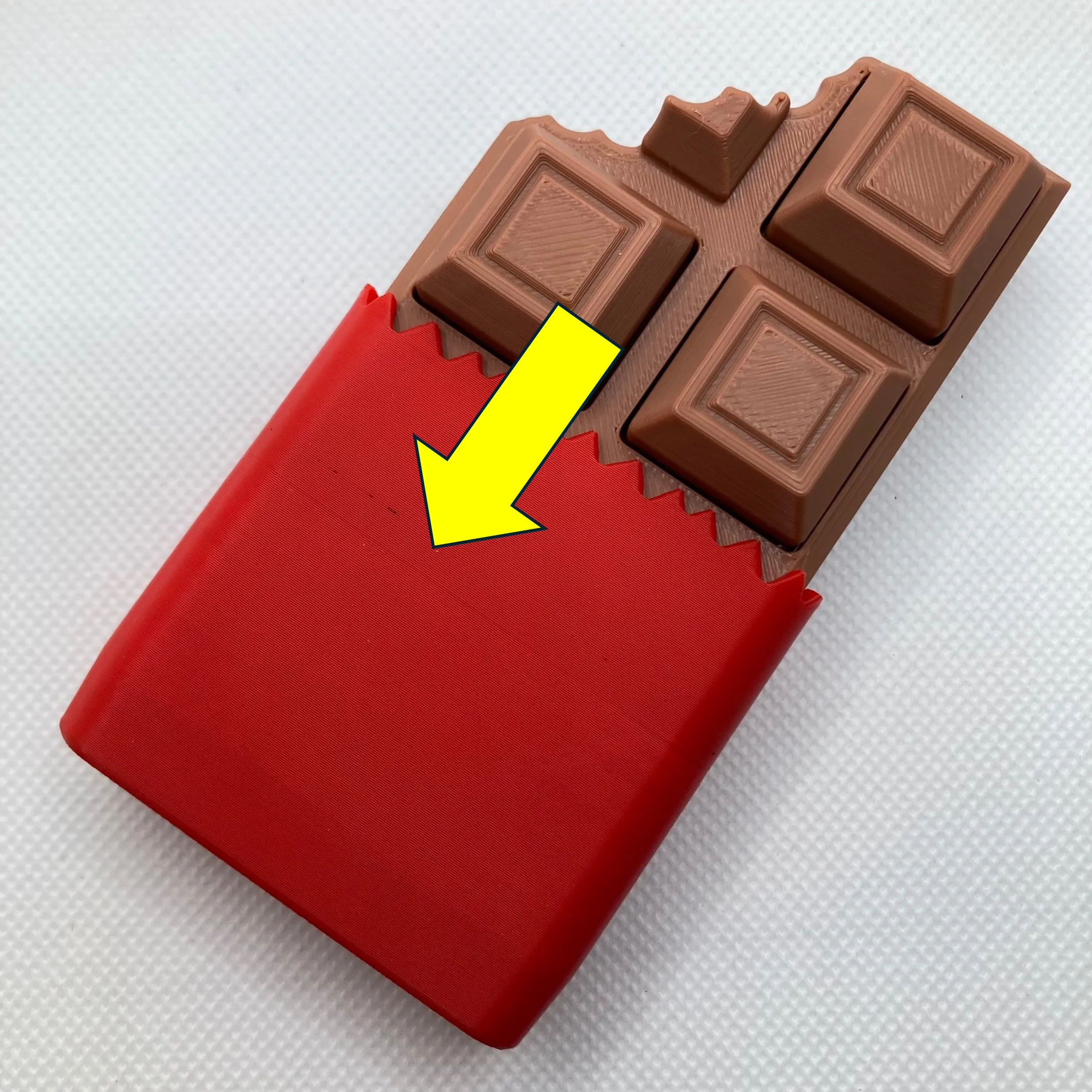
If you chose the option with the label, glue the label to the wrapper and install the candy bar into the wrapper base. It will be a tight fit. Glue is optional.
Boost Me (for free)
Our family designs and prints together and we would be honored if we can earn your boost!
Documentation (1)
License

You shall not share, sub-license, sell, rent, host, transfer, or distribute in any way the digital or 3D printed versions of this object, nor any other derivative work of this object in its digital or physical format (including - but not limited to - remixes of this object, and hosting on other digital platforms). The objects may not be used without permission in any way whatsoever in which you charge money, or collect fees.


Comment & Rating (331)