Search models, users, collections, and posts

Print Profile(0)
Add the first print profile to earn points
Boost
2
7
0
0
1
0
Released
Description
Boost Me (for free)
If you like this model i would appreciate a boost :)
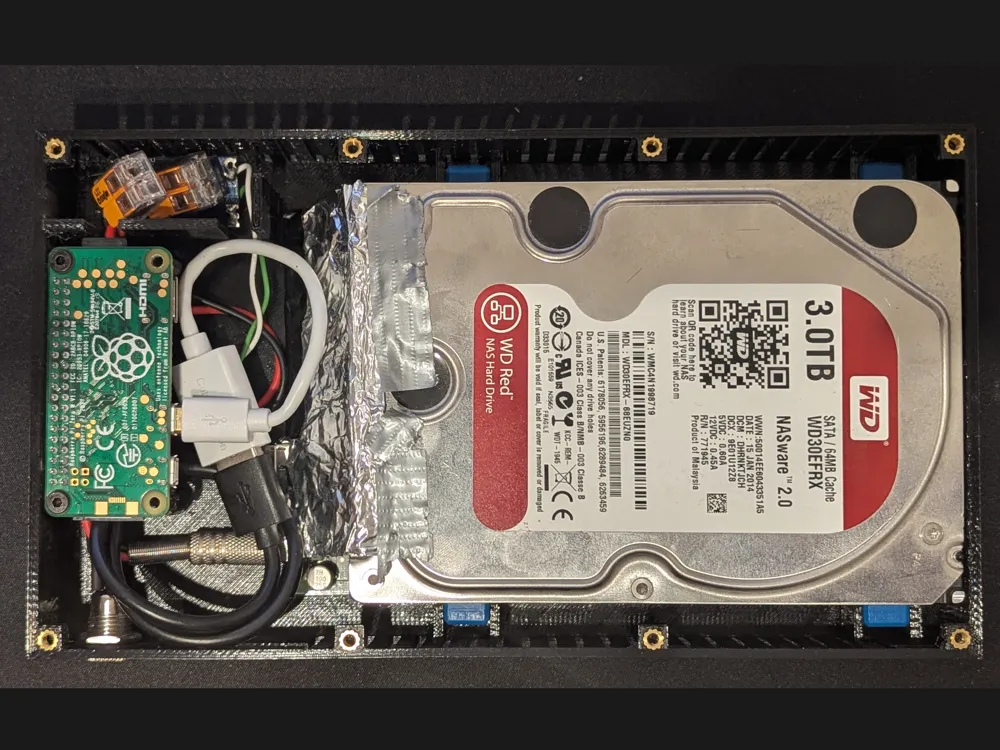
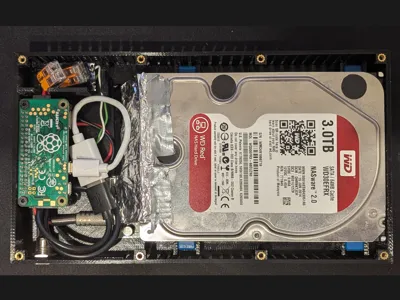
I am using a raspberry pi zero w with one 3.5" HDD as an offsite mirror storage for my backups. A pi zero fits perfectly for this use case as it is cheap and doesn't need much power, performance is not really relevant as I am limited to 2 MB/s.
Parts required
- Raspberry Pi Zero W
- micro USB OTG adapter. Choose a short one, there isn't much space.
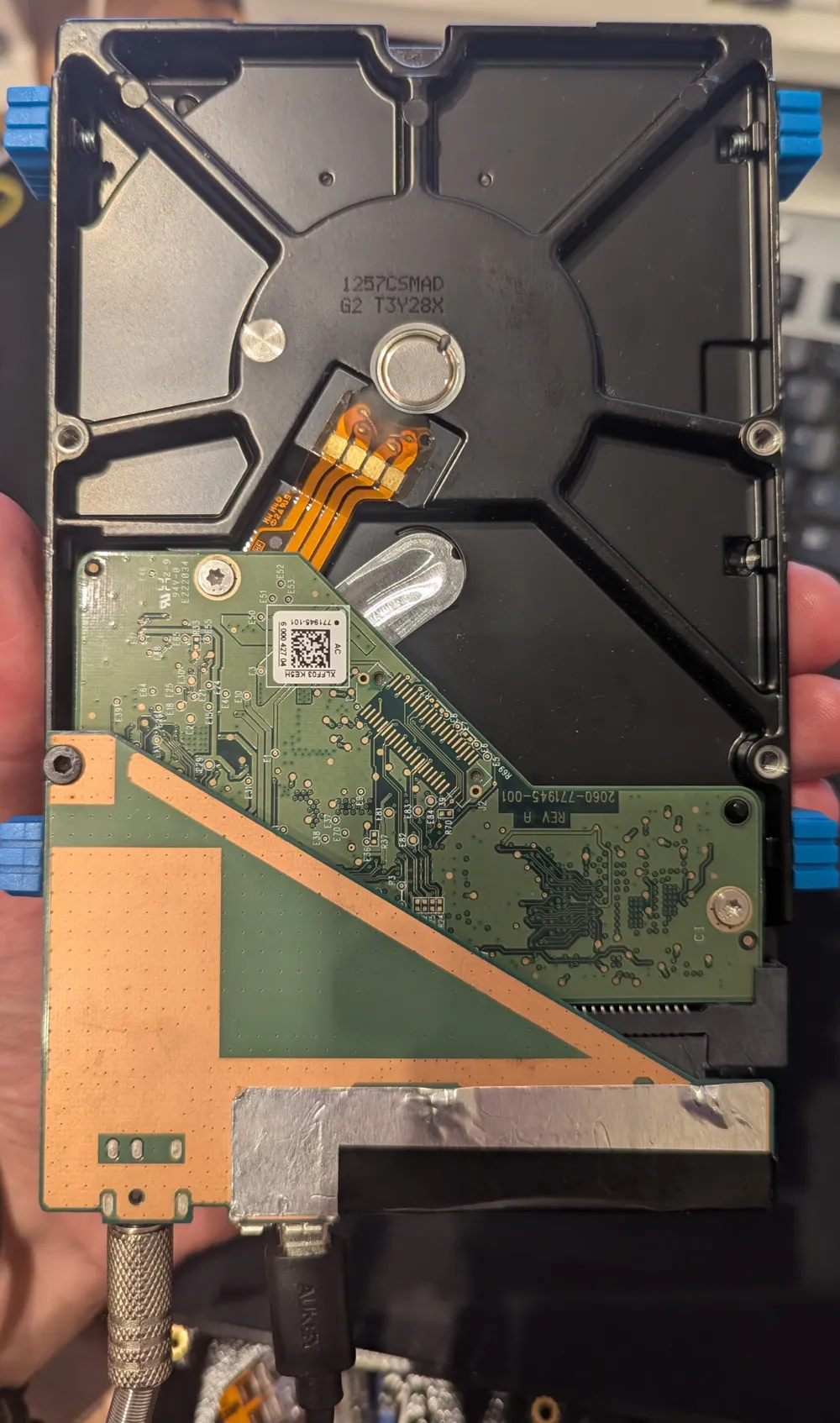
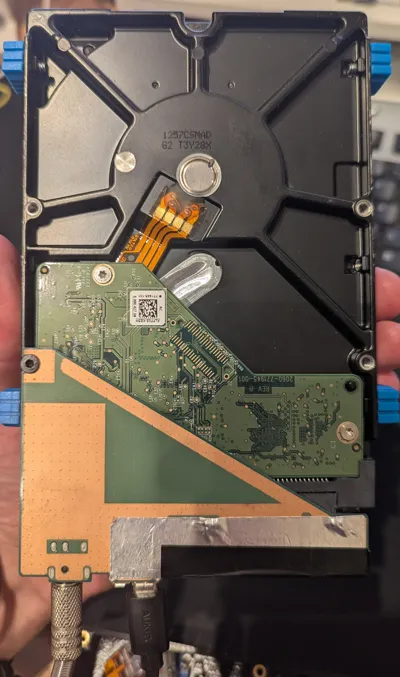
- USB HDD adapter board. Mine is from Seagate external HDD cases (don't remember which HDD it was, possibly their “Expansion Desktop” series, see picture). Others might fit too.
- USB cable from OTG adapter to HDD. Choose a short one, there isn't much space.
- Power supply from external HDD. It should be 12V
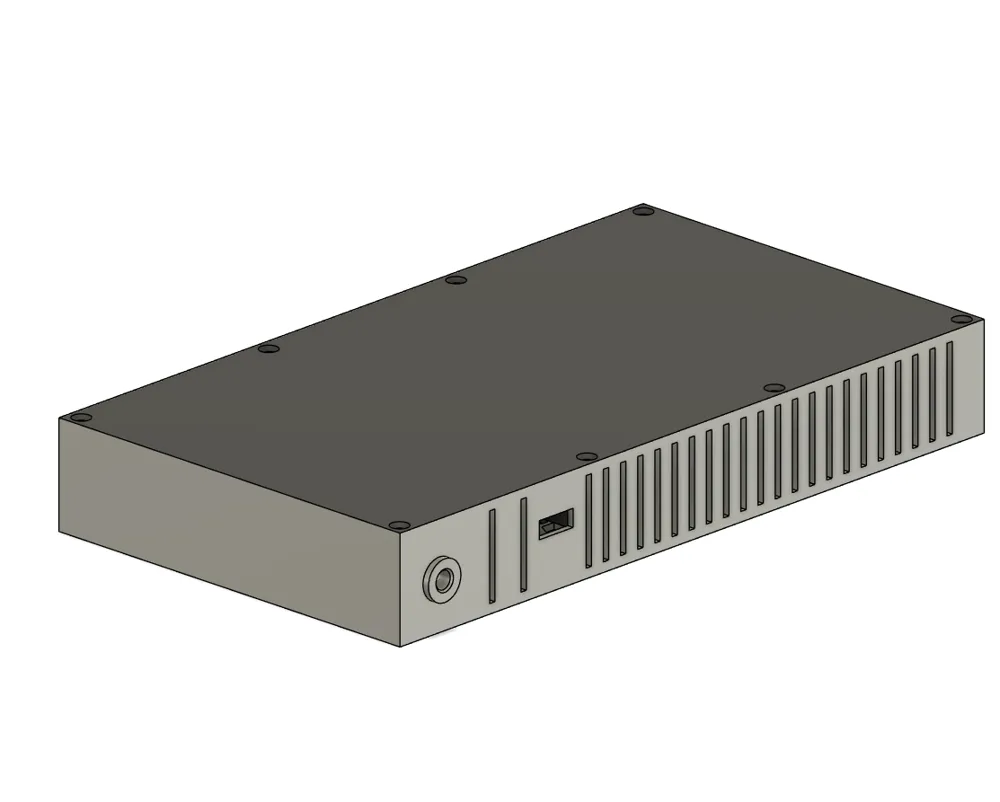
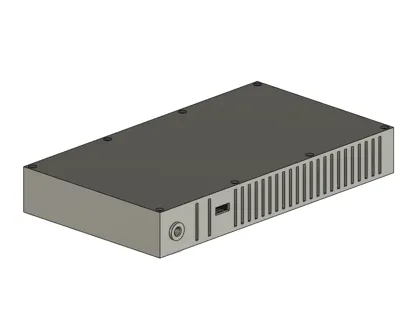
- Male and female cable fitting the power supply / adapter board. The female side will be mounted to the case (the hole has a width of 11mm). I used this one (5.5mm/2.5mm).
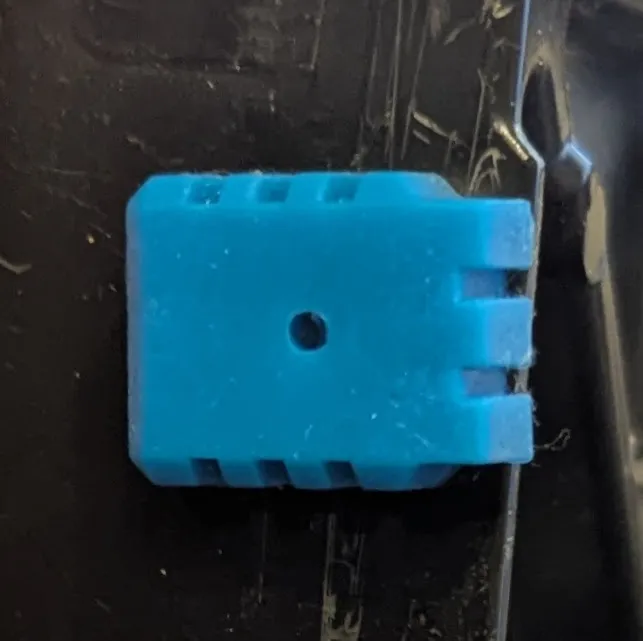
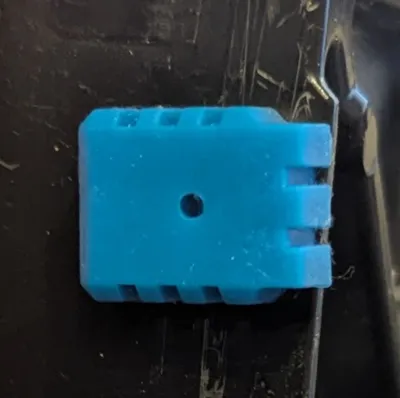
- rubber parts (blue things on the pictures) from the external HDD (you probably can leave them away or print them).
- 12V to 5V voltage regulator
- optional: 2x Wago clamps for flexible cables for 3 wires (alternatively solder it)
- Some wires and two with dupont terminals to connect to the Pi GPIO header (used for power supply)
- M3 heat threaded inserts OD 4.2 or 4.5
- M3 countersunk screws
Parts to print
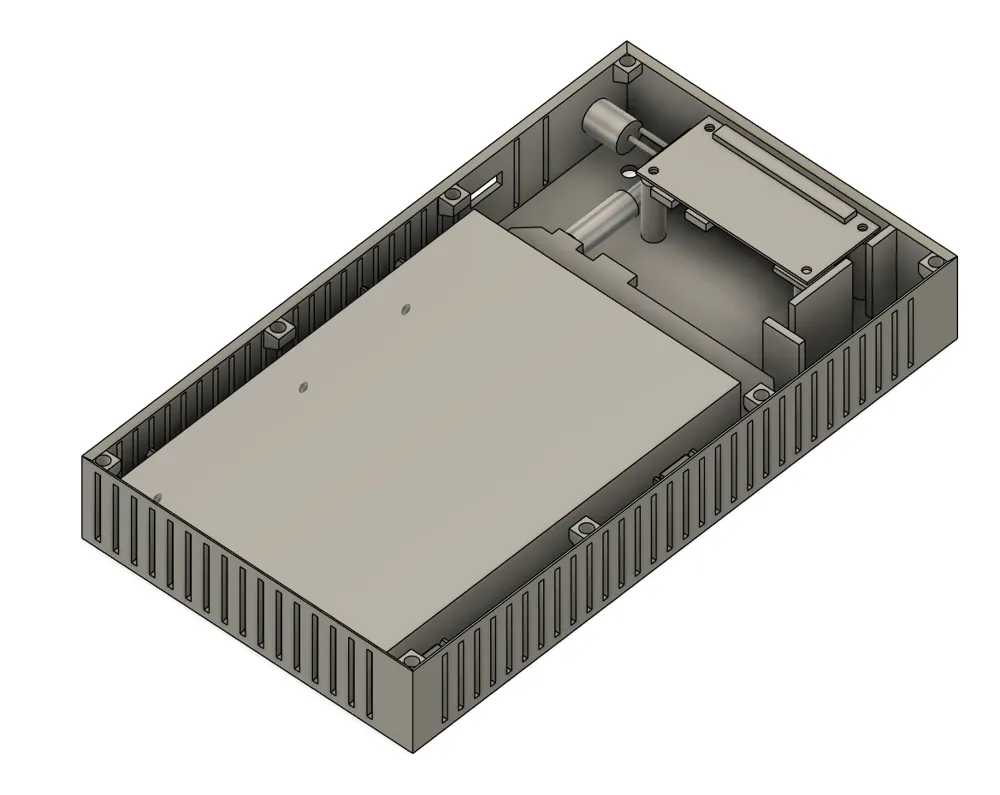
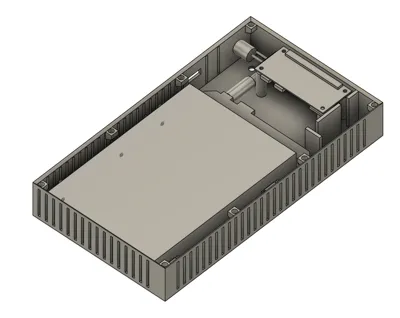
- Print case
- Print one of the lids. Likely the one without the mounts for the USB hub is preferable as it will have a little bit more space.
- If you don't have the rubber things: print one of the two versions of the “rubber parts” 4 times
Assembly
Notes:
- The case is very tight. Use short cables.
- There are mounts for a USB hub to make a USB port available outside of the case. I did not use it as I had lots of issues with my pi and suspected the hub as issue. In the end it turned out it was a faulty pi but never returned to using the hub. Using the hub might cause issues with the power supply.
Assembly steps:
- Insert heated inserts into the case. The screws for the pi will be screwed directly into the plastic. No heated inserts required here.
- Install female side of the power connector to the case
- Assemble the power supply system
- Connect male and female power cable through the Wago clamps
- Connect the voltage regulator to the Wago clamps
- Connect the pi to the output of the voltage regulator. Refer to a pi zero GPIO documentation for the pins. Connect + to the 5V pin and - to a GND pin
- Install HDD
- Screw rubber things to the HDD
- Install the adapter board to the HDD
- Connect power and USB to the board
- Insert it into the case
- Install Pi
- Screw top part onto the main case
License

This user content is licensed under a
Creative Commons Attribution-Noncommercial-Share Alike


Comment & Rating (0)