Search models, users, collections, and posts

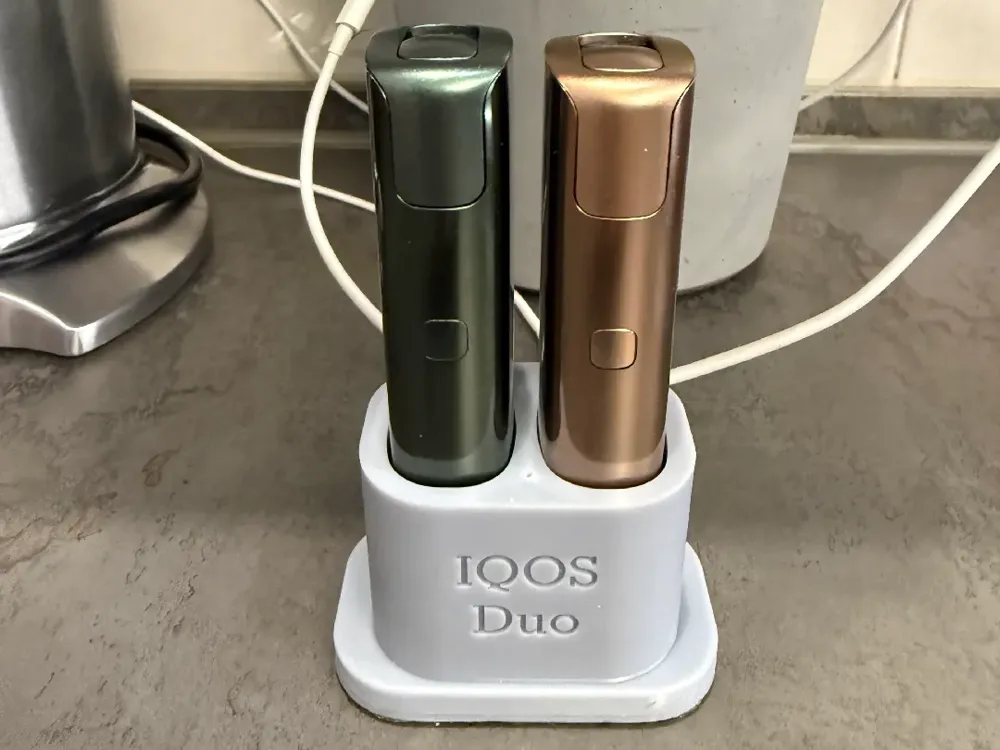
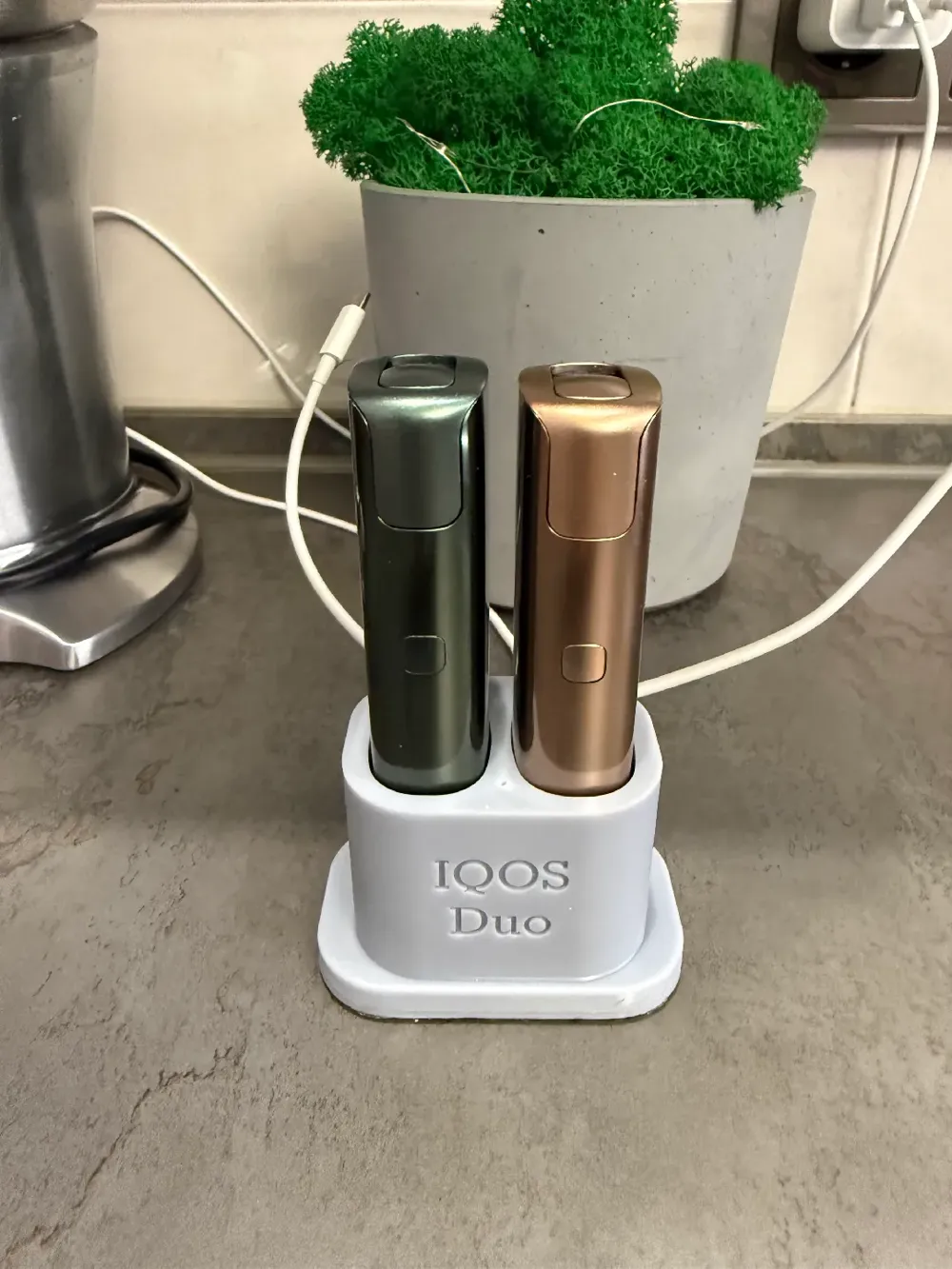
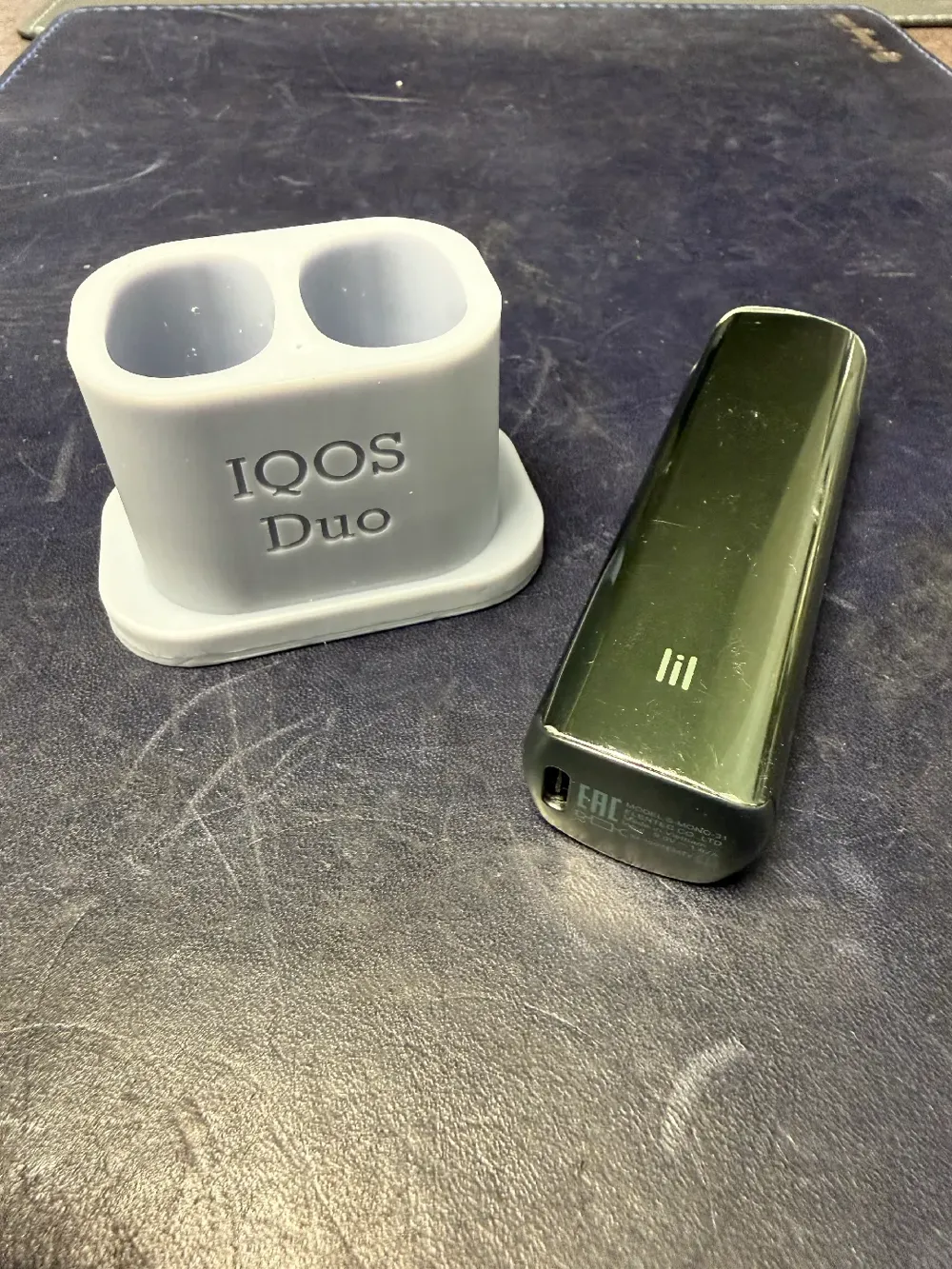
Dual Charging Dock for lil SOLID 2.0 / 3.0
IP Report

Print Profile(1)

0.2mm layer, 2 walls, 15% infill
Designer
55 min
1 plate
Open in Bambu Studio
Boost
8
29
0
0
30
14
Released
Description
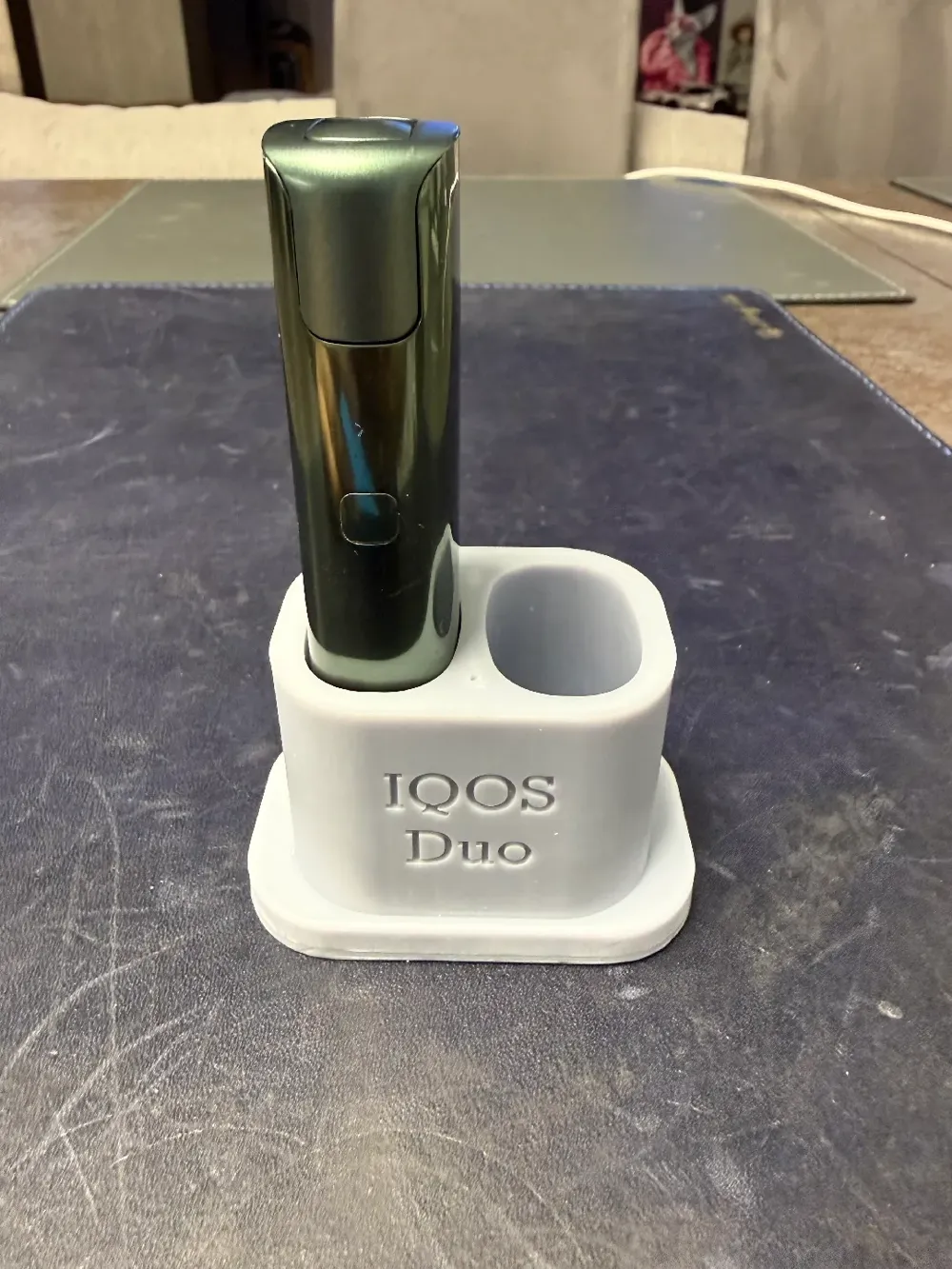
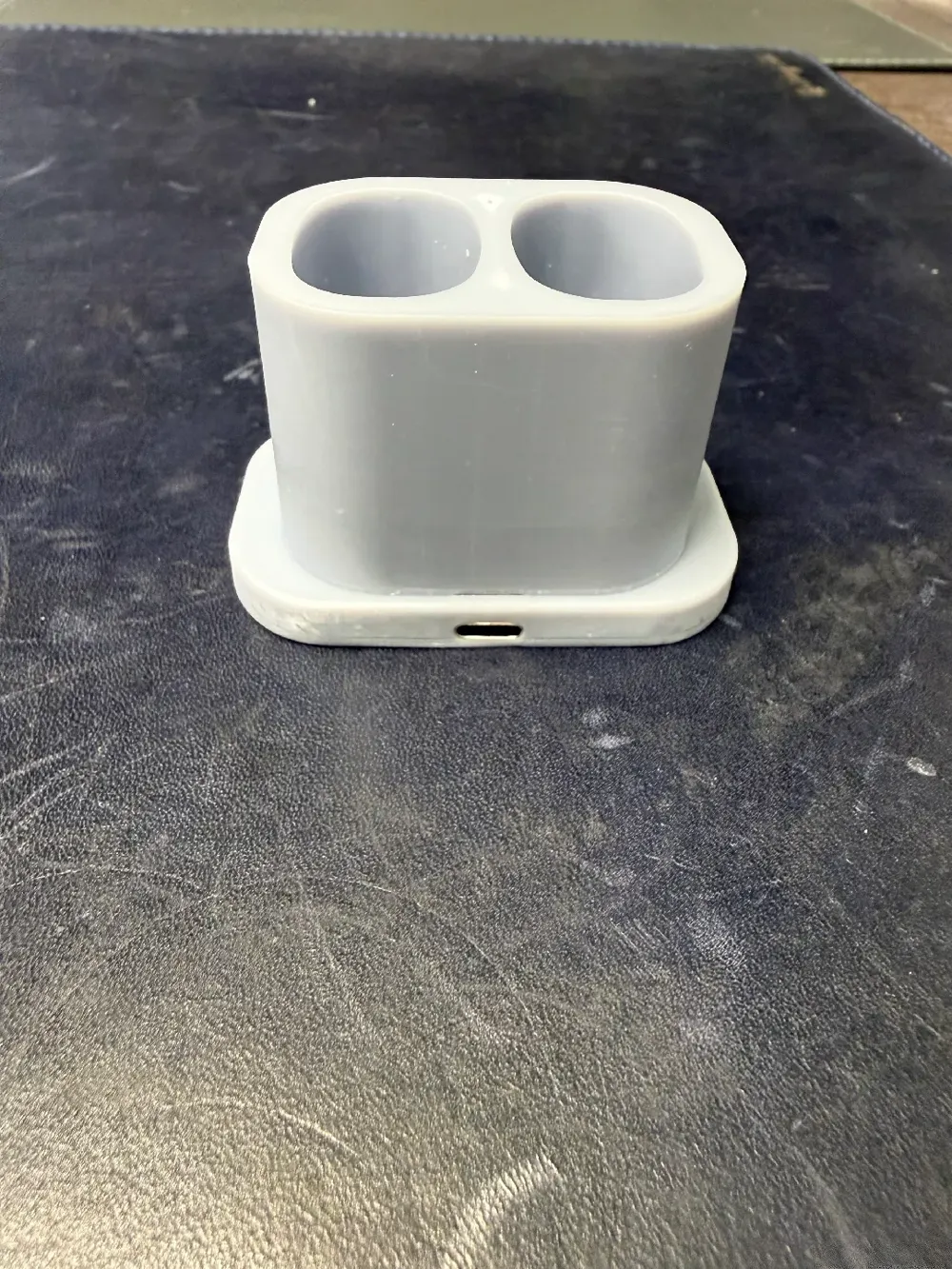
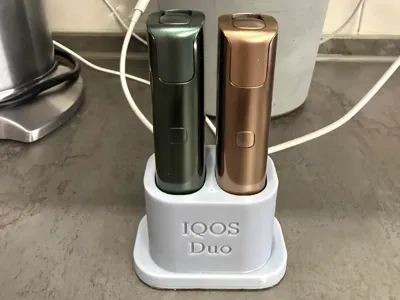
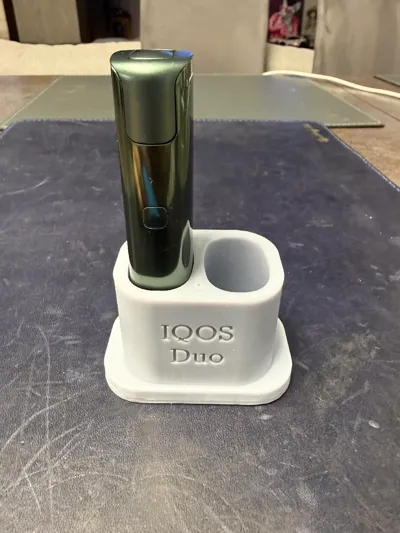
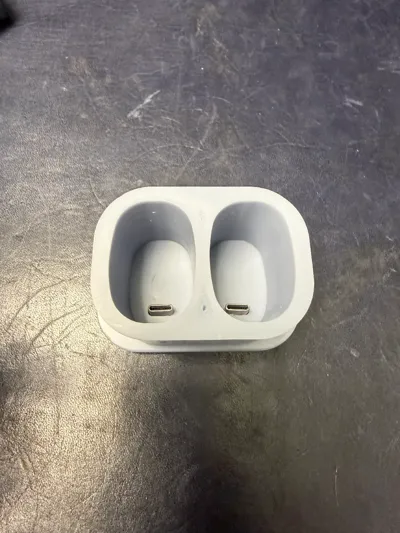
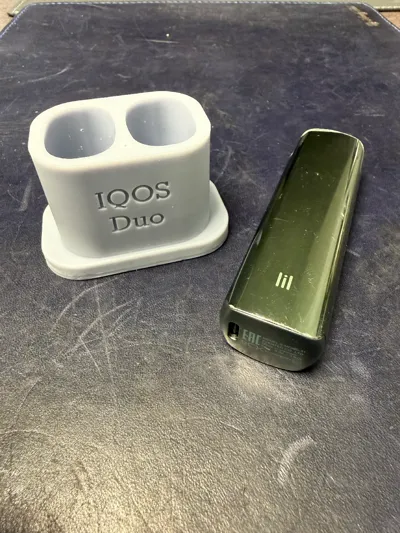
This is a 3D-printable charging dock designed for simultaneous charging of two lil SOLID 2.0 / 3.0 devices.
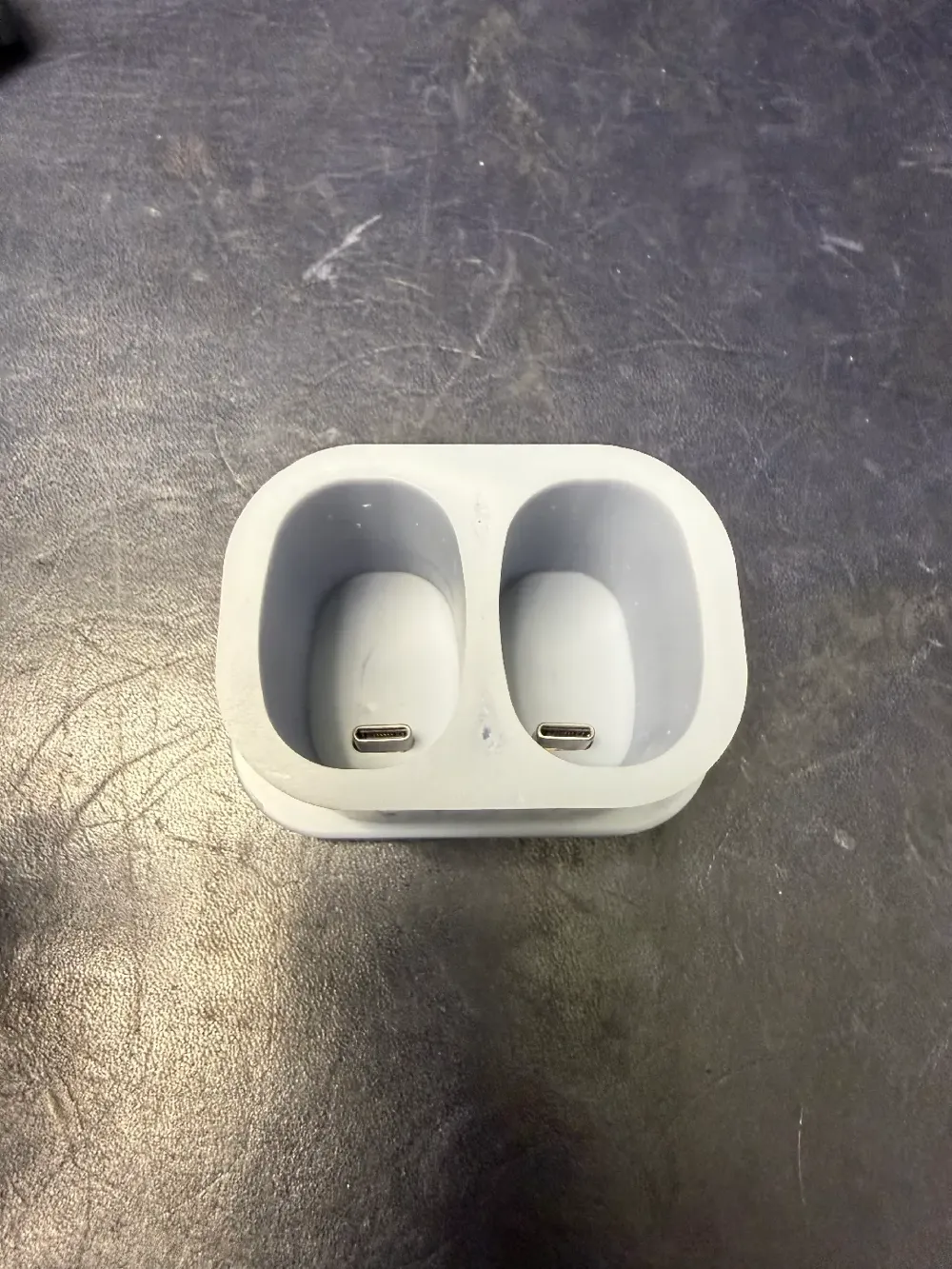
The dock provides a clean desktop solution with integrated USB Type-C connectors, eliminating loose cables and keeping your devices neatly organized while charging.
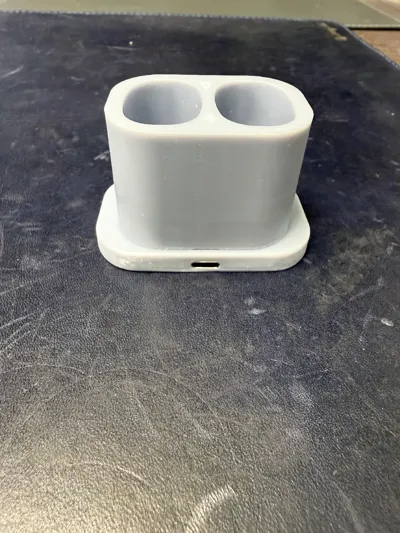
The model is designed to accommodate separate USB-C connectors installed inside the body.
Features
- Charges 2 devices at the same time
- Compact desktop form factor
- Hidden internal wiring
- Secure USB-C connector mounting
- Compatible with lil SOLID 2.0 and 3.0
- Simple electrical assembly (5V only)
Additional Parts Required
You will need 3 USB Type-C connectors for assembly:
1× USB-C female connector (power input):
https://www.aliexpress.com/item/3256804231611255.html
2× USB-C male connectors (device outputs):
https://aliexpress.com/item/1005003827334713.html
Wiring Overview
- One USB-C connector is used as the power input (5V from wall adapter).
- Two USB-C connectors are used as charging outputs.
- Connect VBUS to VBUS and GND to GND in parallel.
- Use a 5V power supply rated at minimum 2A (3A recommended for stable dual charging).
No data lines are required — power only.
Assembly Instructions
- Insert USB-C connectors into the designed mounting slots.
- Connect input 5V and GND to both output connectors in parallel.
- Secure connectors using epoxy, CA glue, or hot glue.
- Connect a 5V power supply.
- Insert your devices and charge.
Important Notes
- Double-check polarity before powering on.
- Do not use power supplies above 5V.
- Avoid overheating USB-C connectors during soldering.
- Use at your own responsibility.
License

This user content is licensed under a
Creative Commons Attribution-Noncommercial-Share Alike


Comment & Rating (0)