
Wiper Blade Resurfacer (Utility/Stanley Blade)
Print Profile(1)
Description
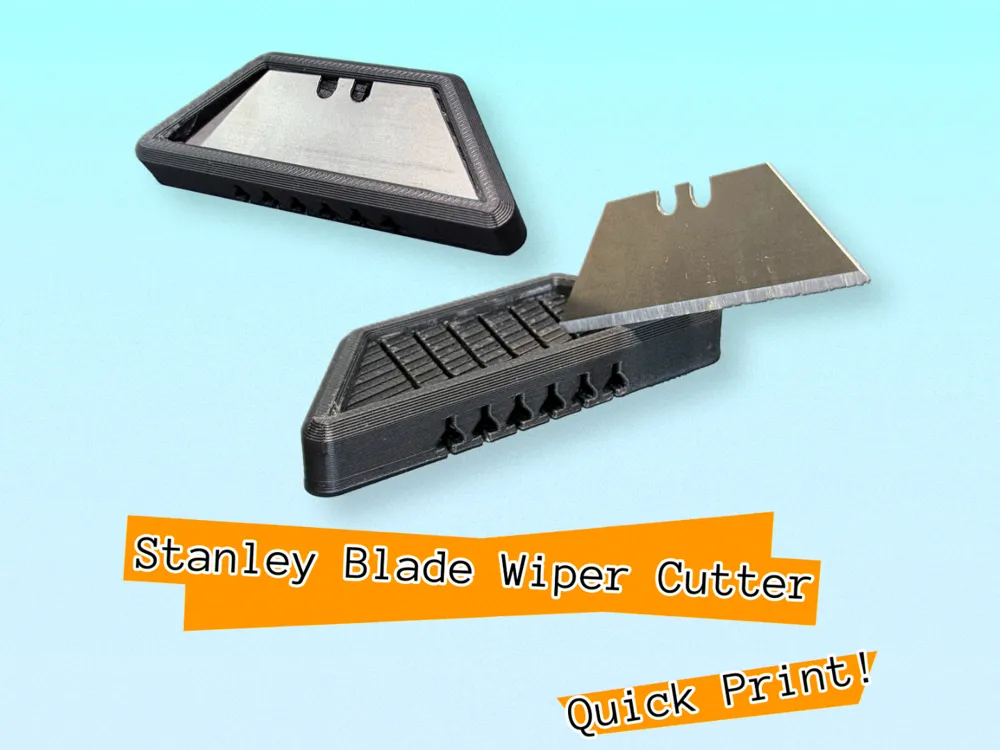
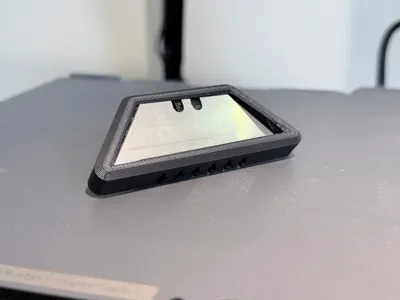
Wiper Blade Resurfacer (Standard Utility/Stanley Blade Version)
Stop throwing away windshield wipers just because the edge is slightly worn. This 3D printed tool allows you to resurface your wiper blades by trimming off the dried-out or frayed micro-layer of rubber, exposing fresh material underneath.
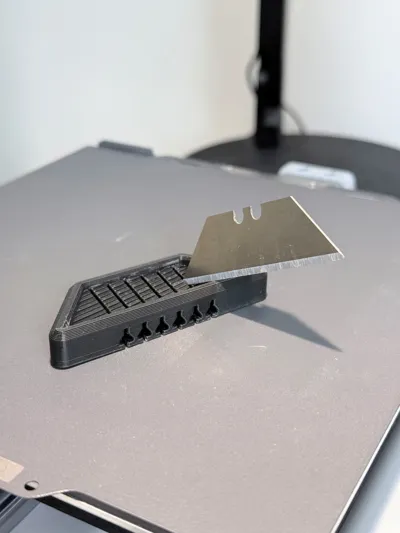
This tool utilizes a standard heavy-duty utility blade (Stanley type / trapezoid blade). Unlike flimsy double-edge razor blades, the rigid spine of a utility blade prevents flexing during the cut, ensuring a perfectly straight, chatter-free edge on the rubber. By removing damaged rubber, you restore the wiper's edge geometry, extending its life by 2–3 times.
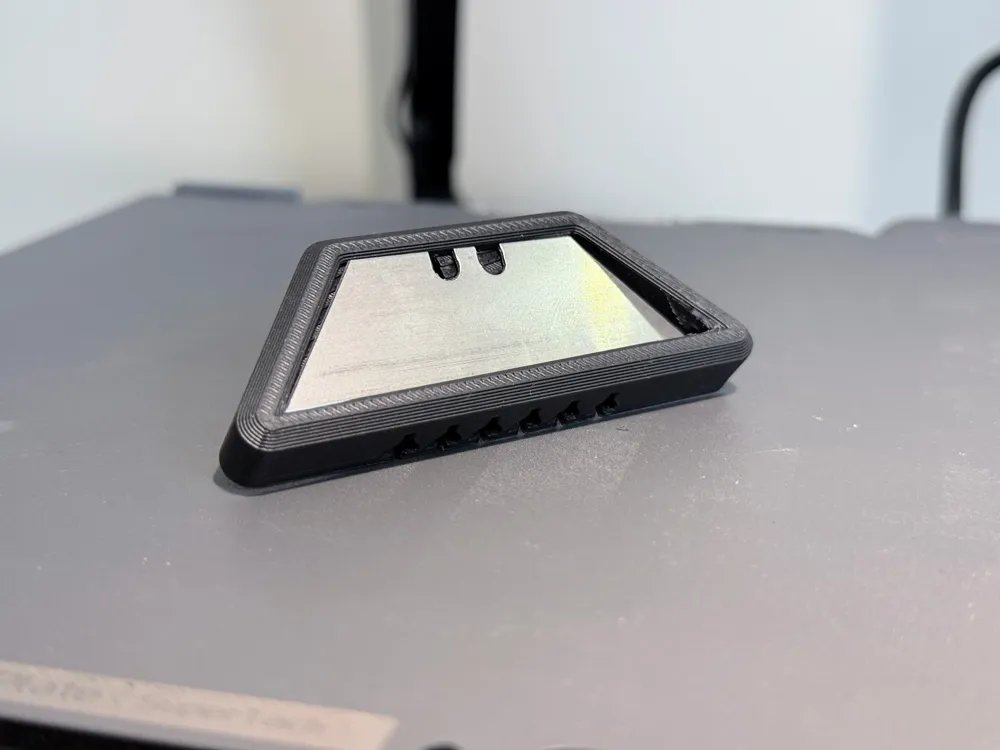
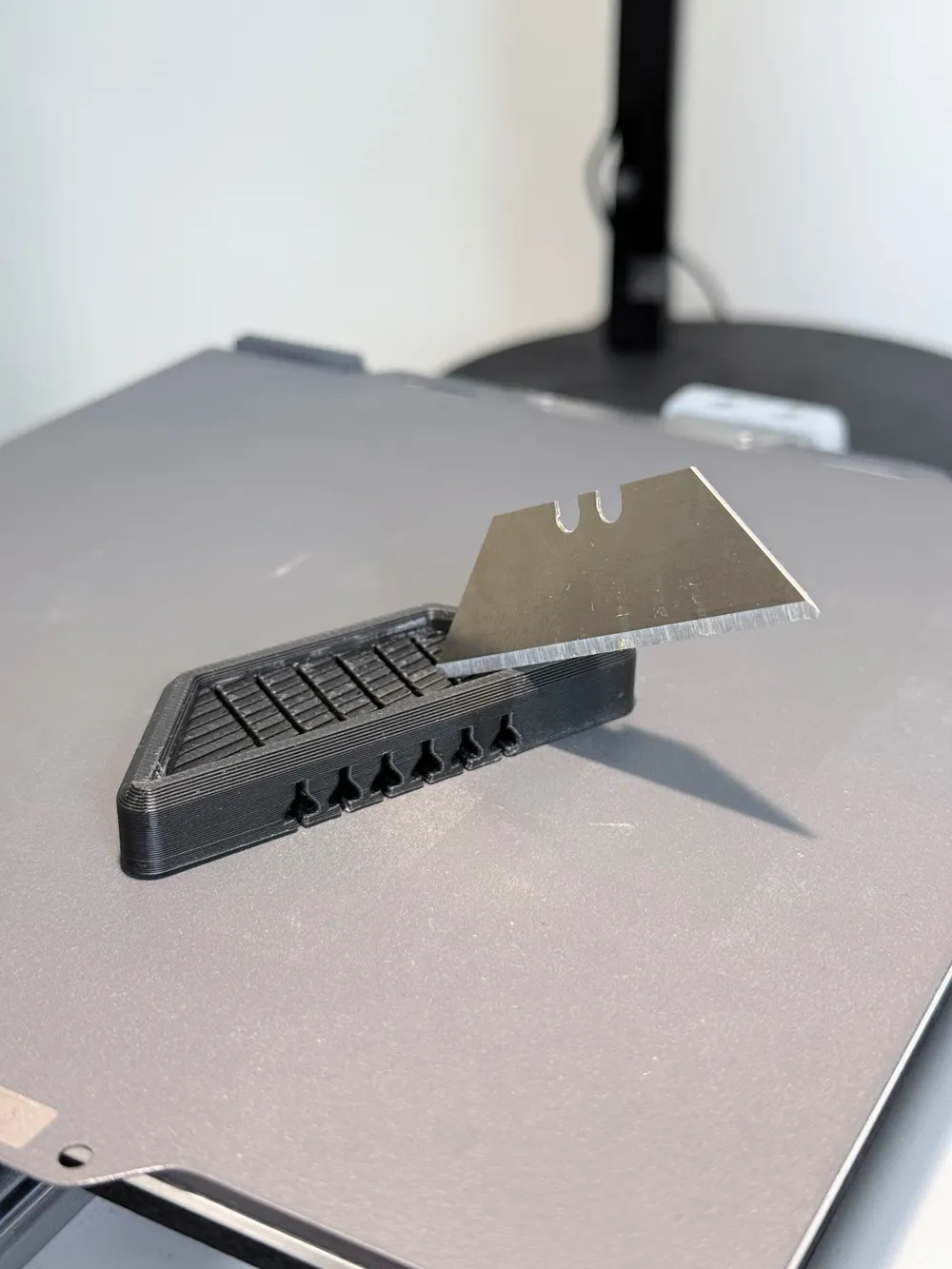
- Insert the Blade: Slot a standard heavy-duty utility blade into the printed recess. (Ensure you are using a sharp section of the blade for a clean cut).
- Prep the Wiper: Clean your wiper blades with alcohol or soapy water to remove road grit before cutting.
- The Cut: Slide the wiper blade into the guide channel. Apply steady, even pressure and pull the tool along the wiper in one smooth motion.
You will peel off a thin strip of damaged rubber, leaving behind a sharp, square edge ready for rain.
Superior Rigidity: The Stanley blade eliminates blade-wobble, which is the main cause of uneven cuts in other designs.
Common Hardware: Designed for the standard trapezoid utility blades you likely already have in your toolbox.
Cost Efficiency: Saves money on wiper replacements and reduces landfill waste.
Print Settings
- Layer Height: 0.28mm
- Infill: 20%+
- Walls/Perimeters: 2 or more.
- Supports: No supports required; print flat on the build plate.
Boost Me (for free)
Safety Note: Always handle utility blades with caution. Ensure the blade is fully seated in the printed tool before applying pressure.
License

You shall not share, sub-license, sell, rent, host, transfer, or distribute in any way the digital or 3D printed versions of this object, nor any other derivative work of this object in its digital or physical format (including - but not limited to - remixes of this object, and hosting on other digital platforms). The objects may not be used without permission in any way whatsoever in which you charge money, or collect fees.


Comment & Rating (2)