
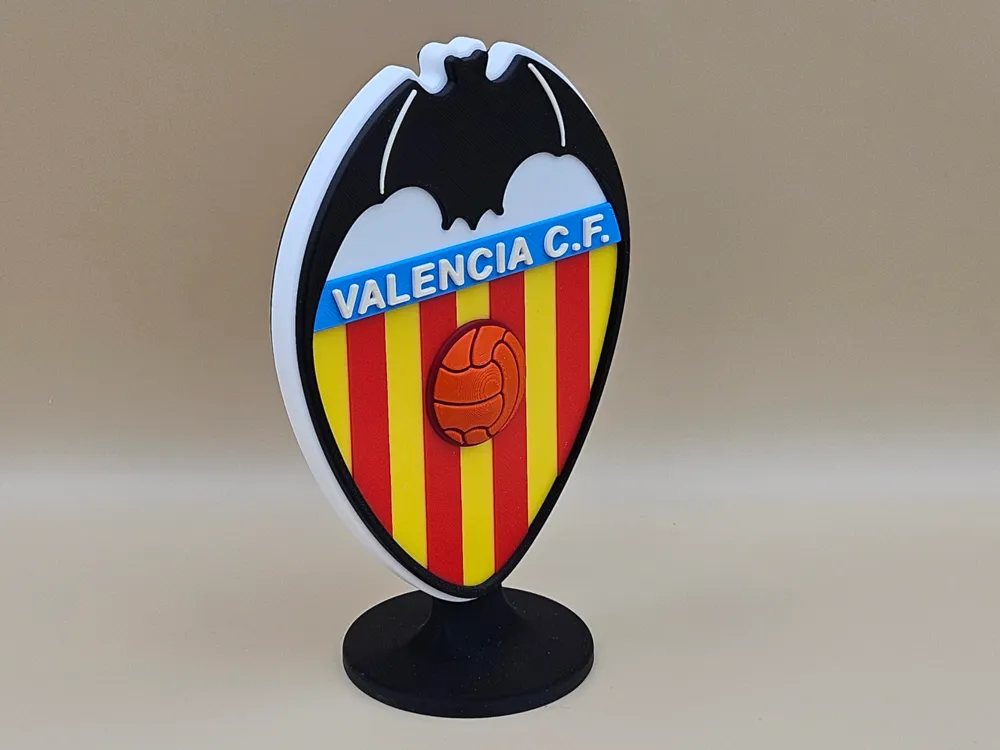
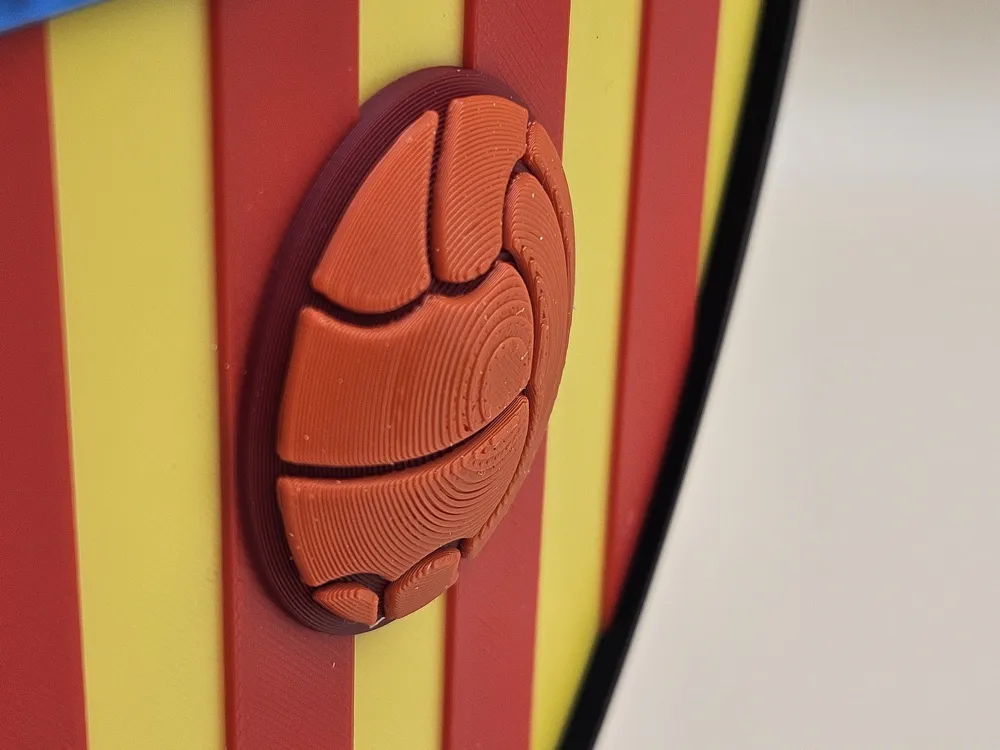
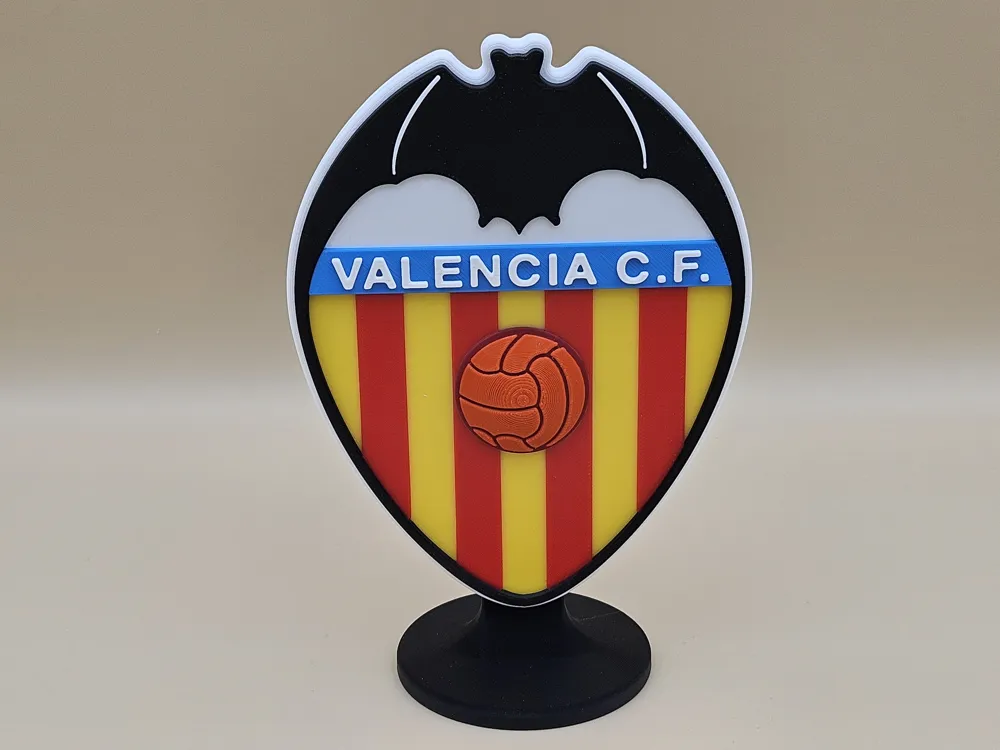
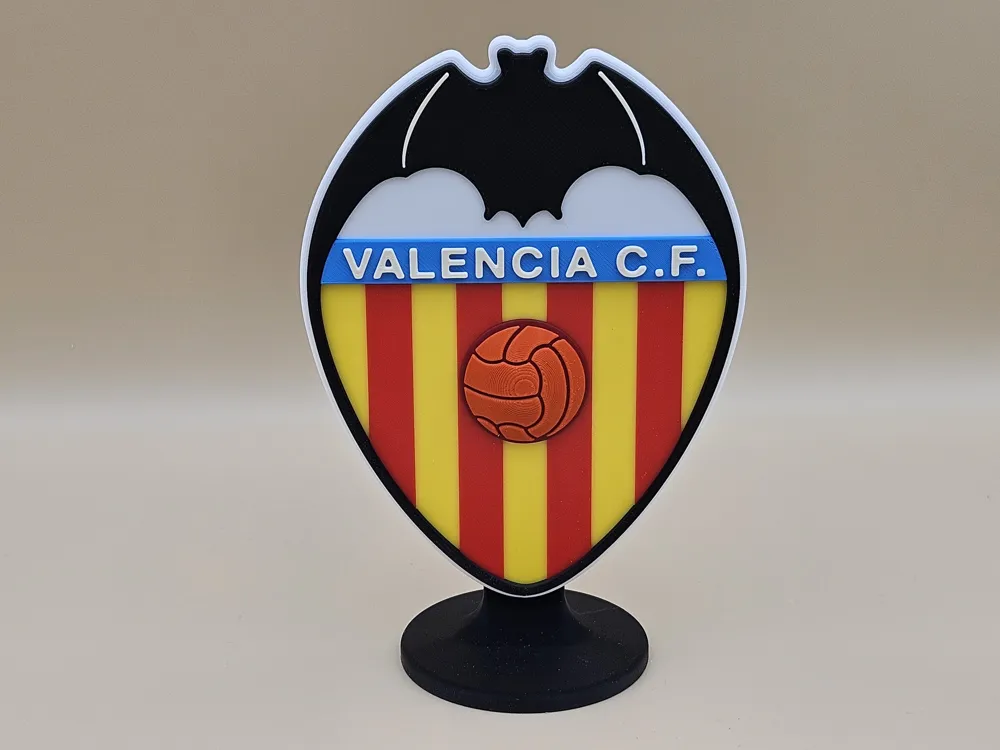
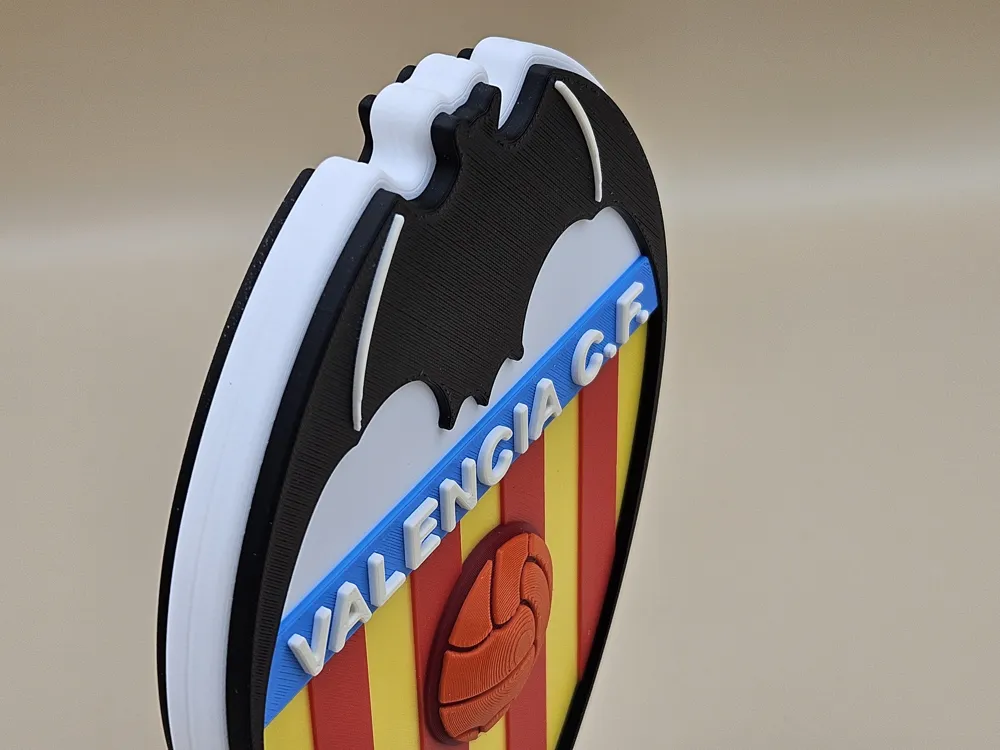
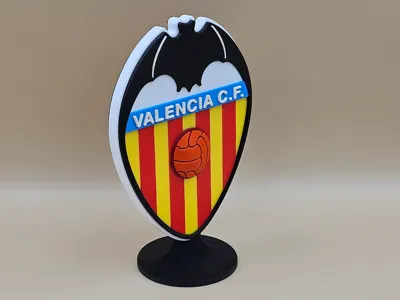
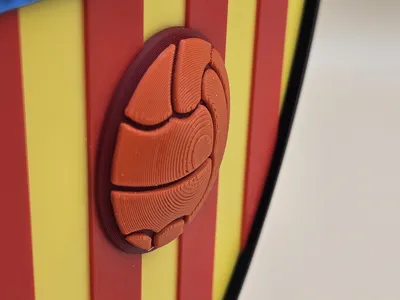
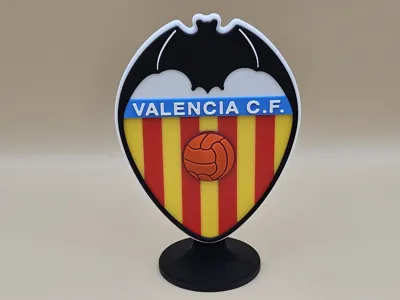
Valencia CF
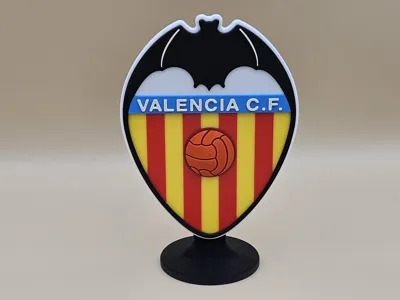
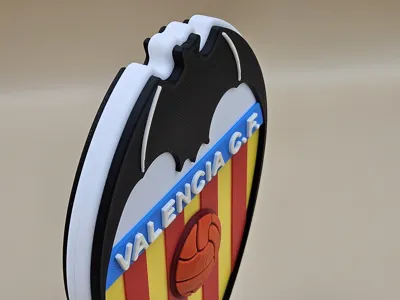
Print Profile(3)
Bill of Materials









Description
AMS required
height with base 17,3cm
width 11,8cm
The model requires glue for assembly (e.g. superglue).
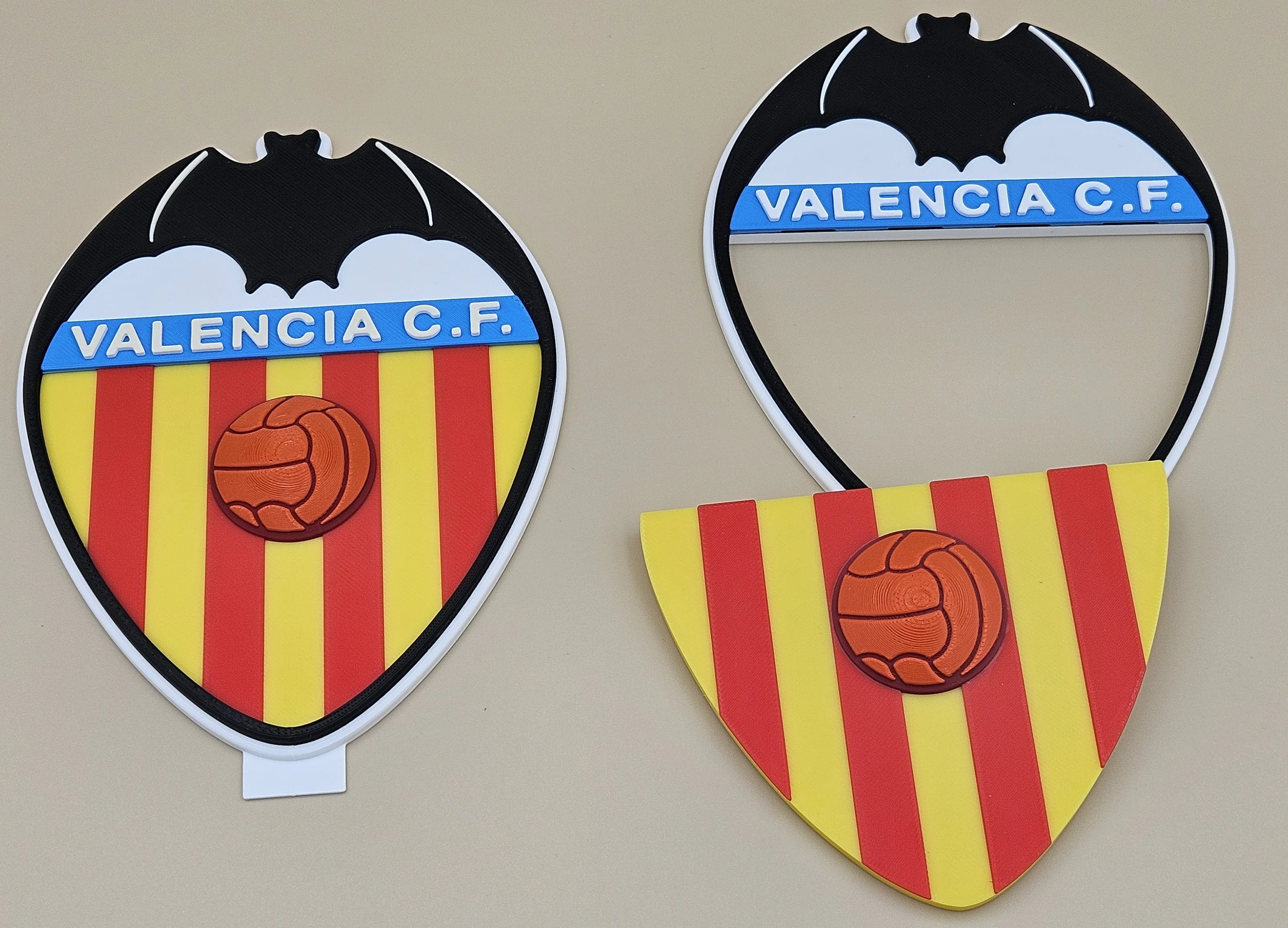
Because the Valencia CF logo consists of 7 colors, I have published two profiles.
The first profile is intended for printers equipped with two AMS units.
The logo is printed as a single piece. This version wastes more material (unless you have H2C), but it requires much less work during assembly (you can skip the first two steps of the assembly instructions).
I especially recommend this profile if you have H2C.- The second profile is intended for printers equipped with one AMS unit.
The logo is printed in two separate parts that need to be glued together. This version wastes less material, but it requires more time during assembly.
The first two steps of the assembly instructions must be completed twice (once for each side of the logo).
Assembly Instructions:

1. Insert the smaller part into the opening of the larger one as shown in the image (it should sit slightly recessed in the opening).
(Step 1 only for printers with one AMS)
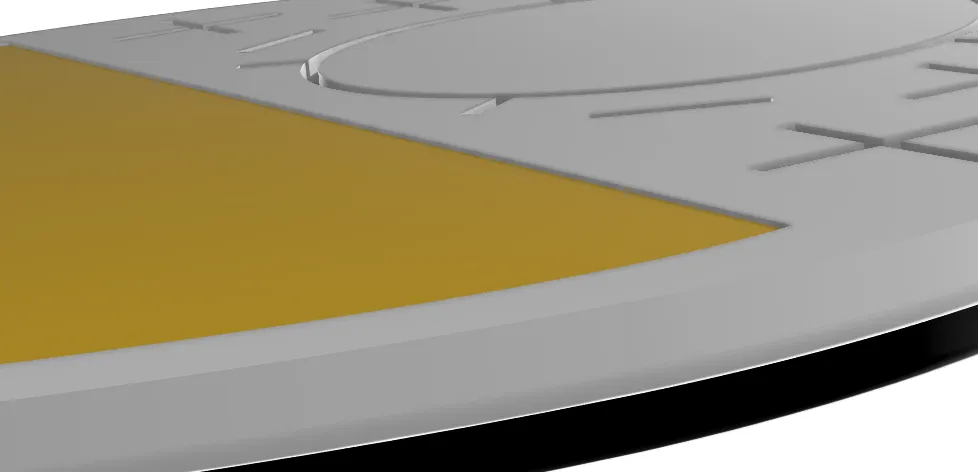
2. Apply a small amount of glue to the sides as shown in the image, then remove any excess. After the glue has dried, level the surface so that the inserted part does not protrude above the opening.
(Step 2only for printers with one AMS)
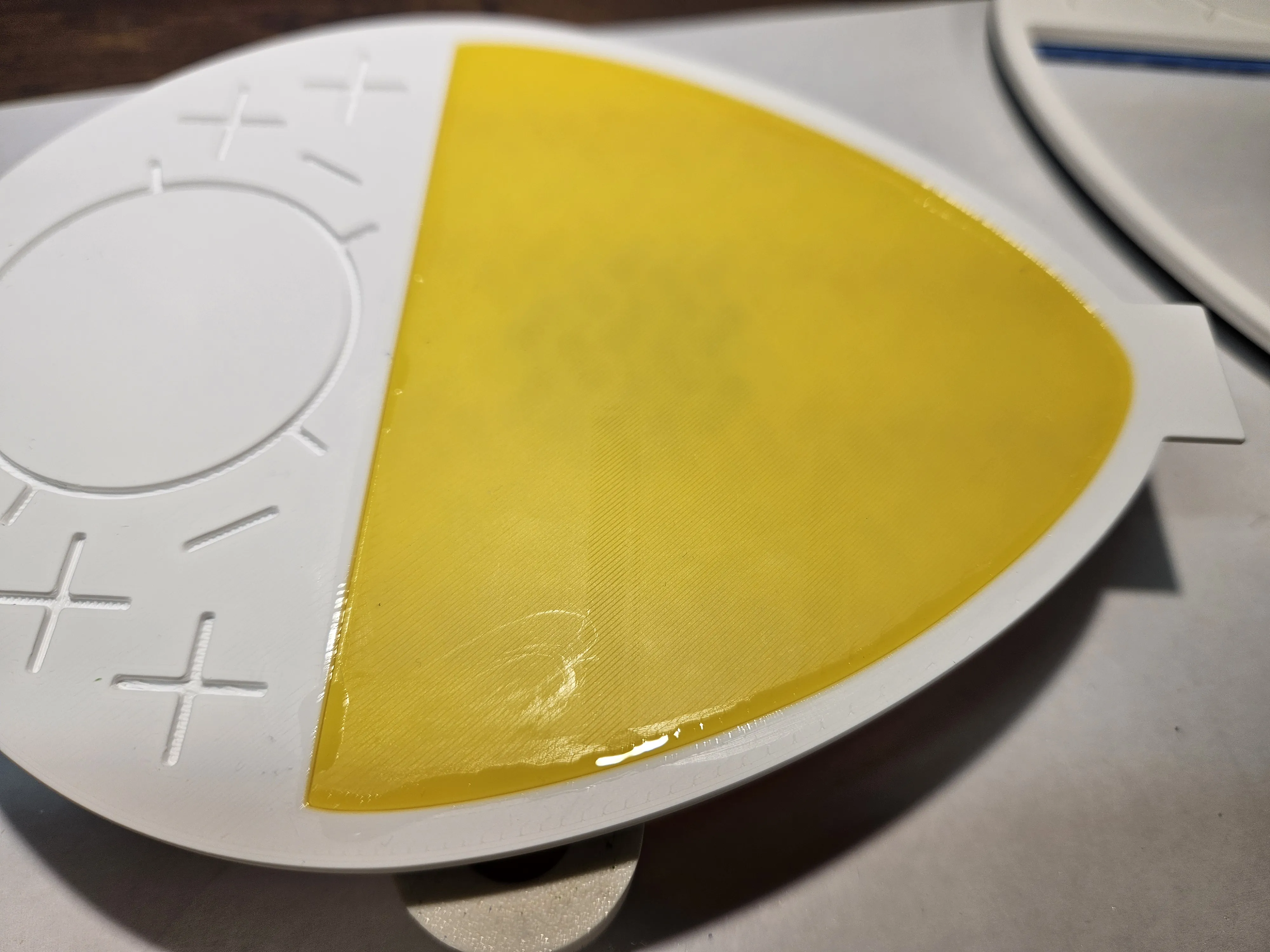
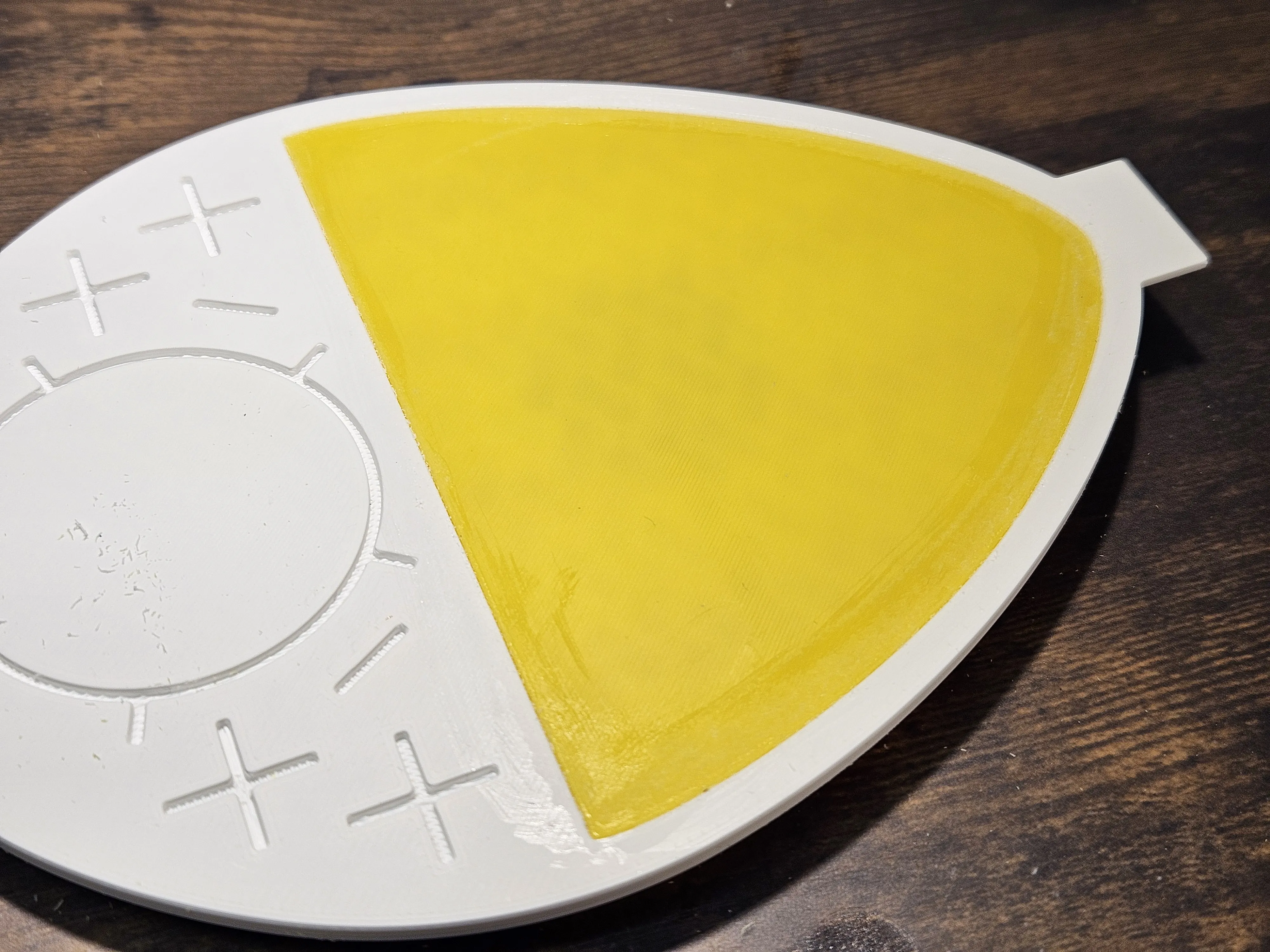
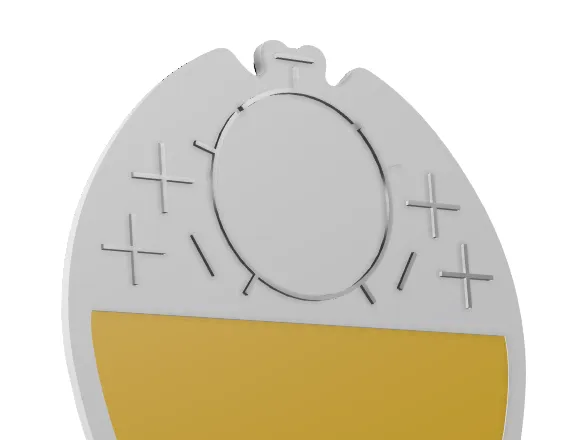
3. Insert the connectors into one side of the logo, then glue both sides together.
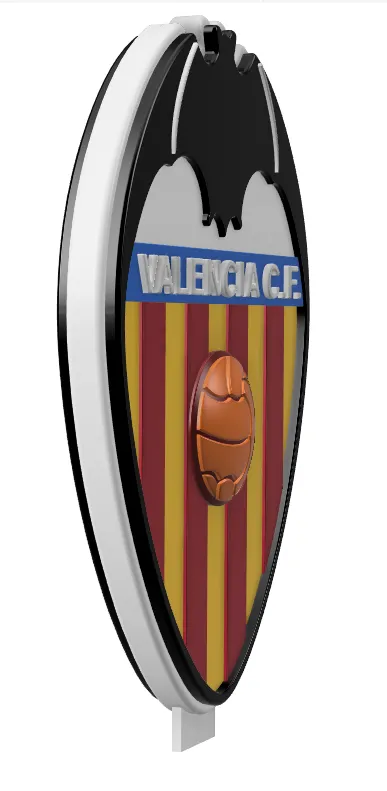
4. Glue the logo to the base.
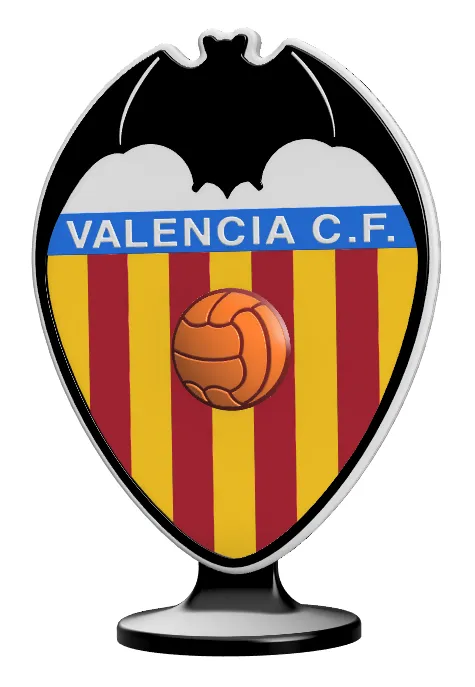
For printing the logo parts, I recommend using a smooth PEI plate (it will be easier to glue them if the back is smooth). The base can be printed on a textured plate.
Boost Me (for free)
If you like this project, you can support me.
See also:
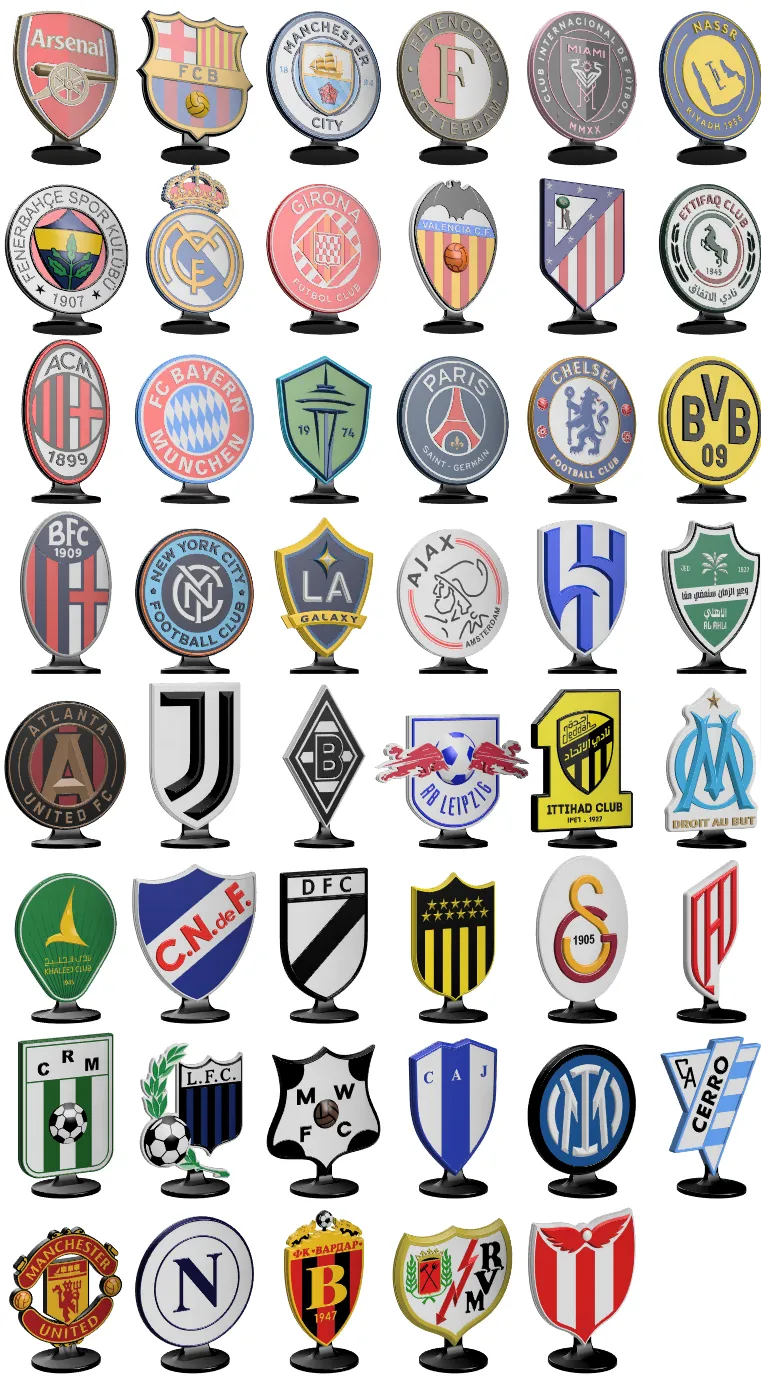
Football club logos on a stand: https://makerworld.com/en/collections/8437457-football-club-logos-on-the-base
Polish Football Club Logos: https://makerworld.com/en/collections/22537425-polish-football-club-logos
Car brand keychains: https://makerworld.com/collections/9932381

License

You shall not share, sub-license, sell, rent, host, transfer, or distribute in any way the digital or 3D printed versions of this object, nor any other derivative work of this object in its digital or physical format (including - but not limited to - remixes of this object, and hosting on other digital platforms). The objects may not be used without permission in any way whatsoever in which you charge money, or collect fees.


Comment & Rating (2)