
Fantasy Football Loser Trophy (Separate Pieces)
Print Profile(3)

Description
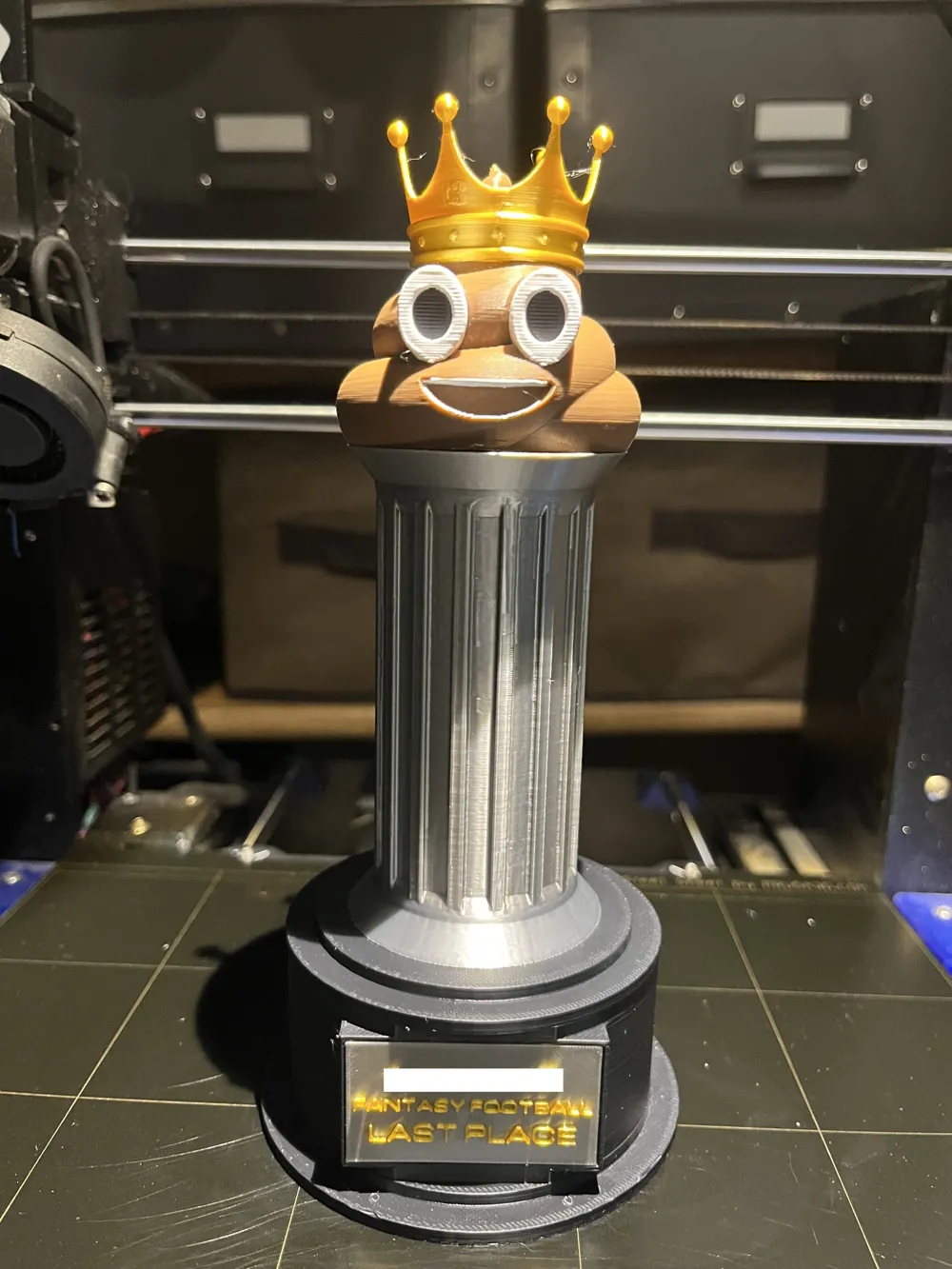
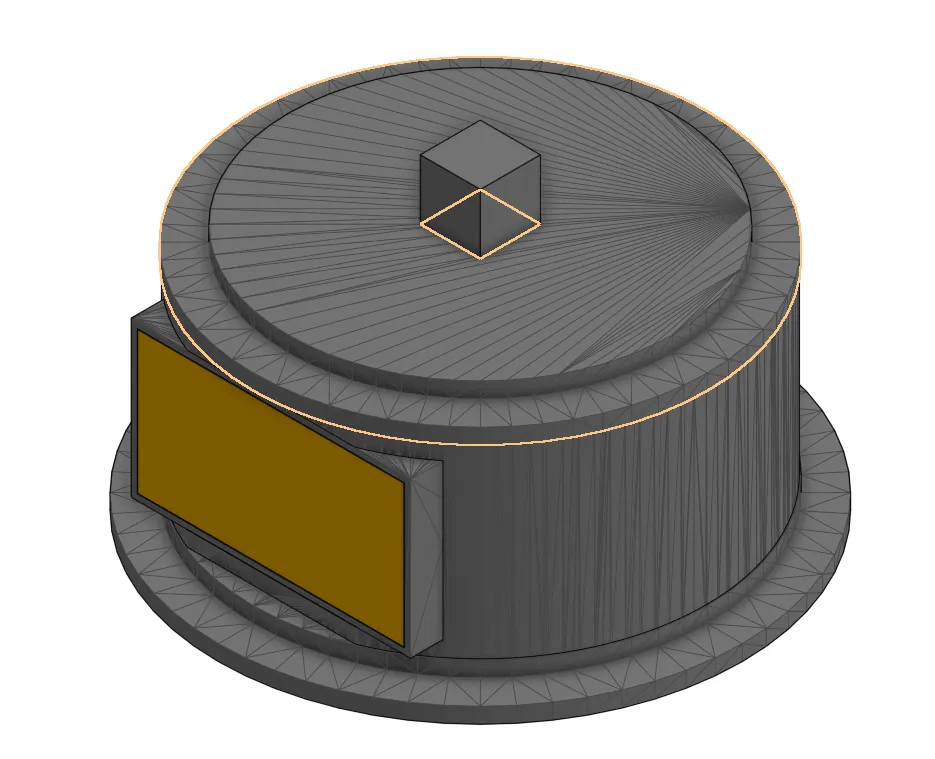
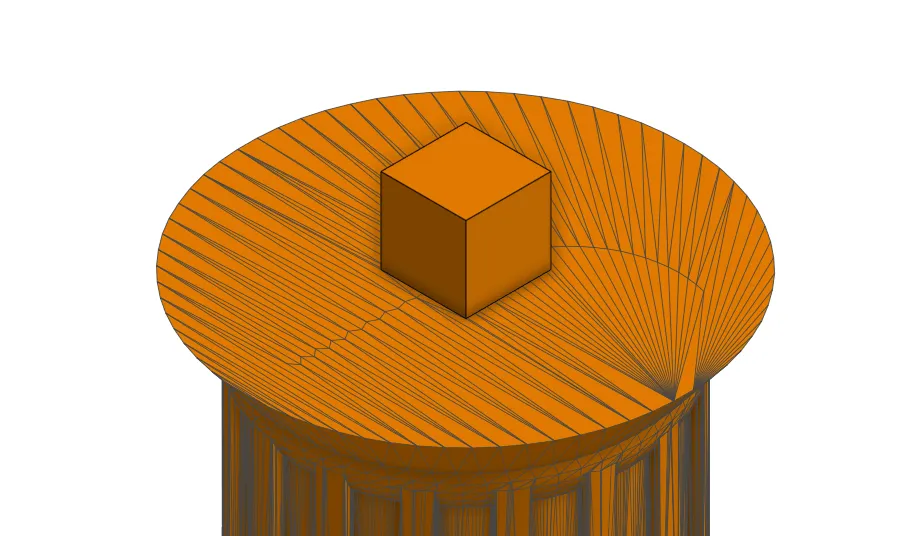
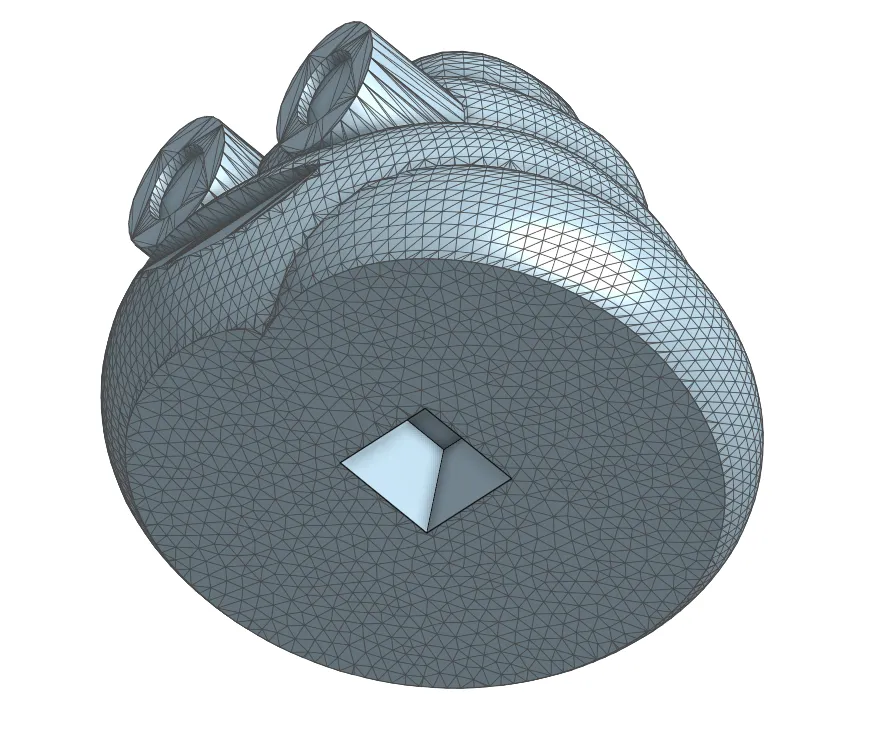
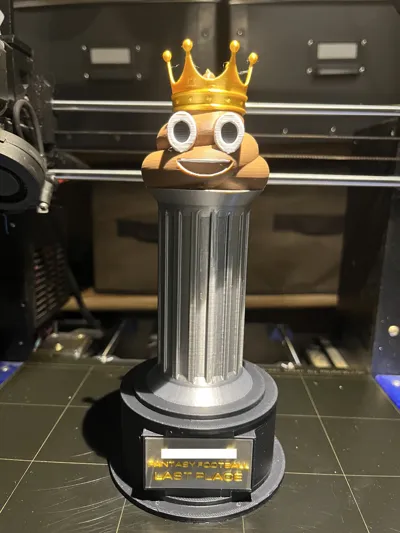
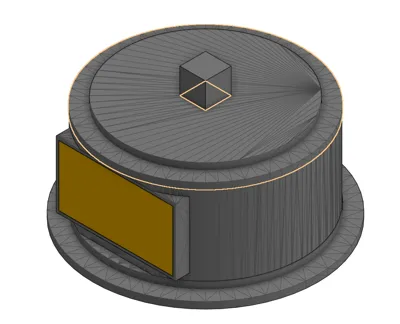
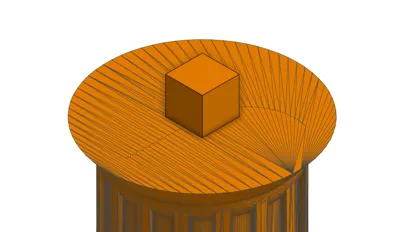
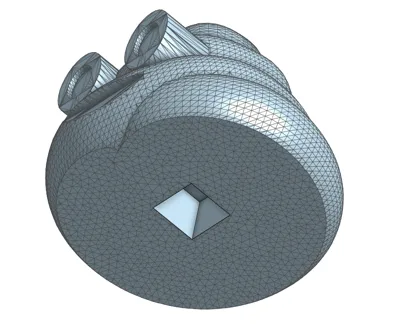
Celebrate your fantasy football league's worst player with this great trophy. I remixed Thames' trophy to allow for easier printing. Each part can be printed separately then easily assembled into the full trophy. Square pegs were added to the base and column, along with matching square holes on the bottom of the column and poop emoji. I've also removed some unnecessary geometry from the base underneath the text plaque to make it look cleaner.
There are two versions of the poop emoji included. The one with the crown attached is meant for multi-color (MMU/AMS) printing. If you do not have an MMU or AMS system, you can print the standalone poop emoji and the crown separately. Keep in mind that if you print these pieces separately, the crown will loosely be resting on top.
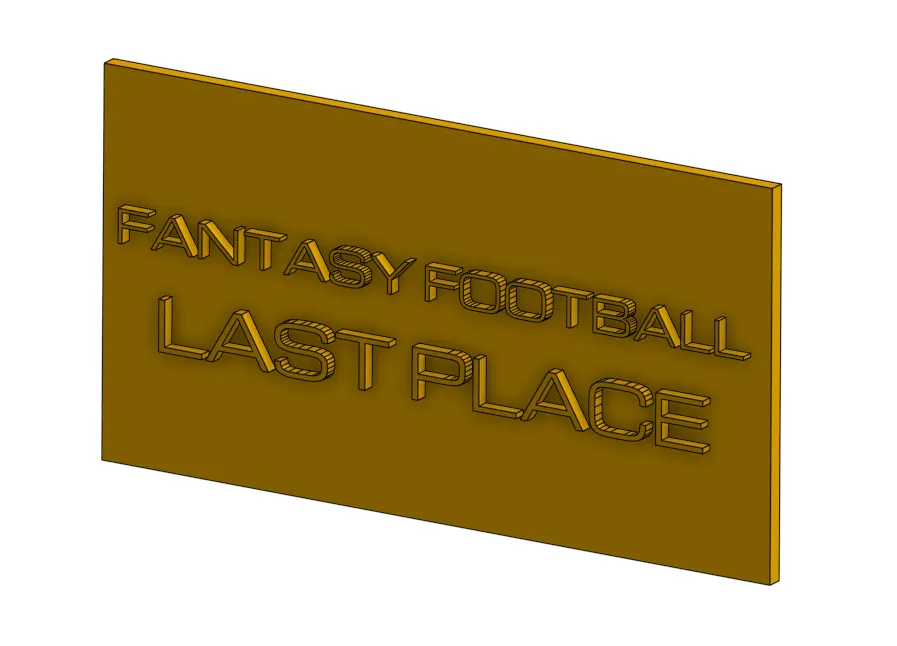
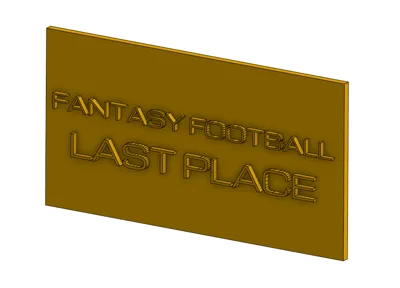
I've also included a text insert with the default text “Fantasy Football Last Place”, as well as a blank insert that you can alter with the CAD program of your choice.
For printing, I recommend the following settings:
- PLA, PETG, or any other filament of your choice
- Cubic infill (minimum 10%)
- Tree supports are recommended for base, underneath the column for the square hole, and for the poop emoji.
- Square peg/hole tolerance is 0.1mm. For my printer this was a tiny bit loose, so if your pieces feel a little loose when you assemble the trophy, feel free to use super glue/3D printing glue of your choice to lock them in place. I used PLA Gloop! and it worked great.
- Text insert should be printed flat on its back. If you want your text to be a different color from the insert itself, simply insert a color change in your slicer at the correct height then manually swap out the filament.
- If you decide to print the included default text insert, you will need a 0.2 or 0.25 mm nozzle to do so. Printing this insert with a bigger nozzle will not be successful due to the small text size.
Changelog:
- 12/09/2024 - Initial Release (via Printables)
This remix is based on

License



Comment & Rating (2)