
Modular Sterilite Storage Solution

Print Profile(1)
Description
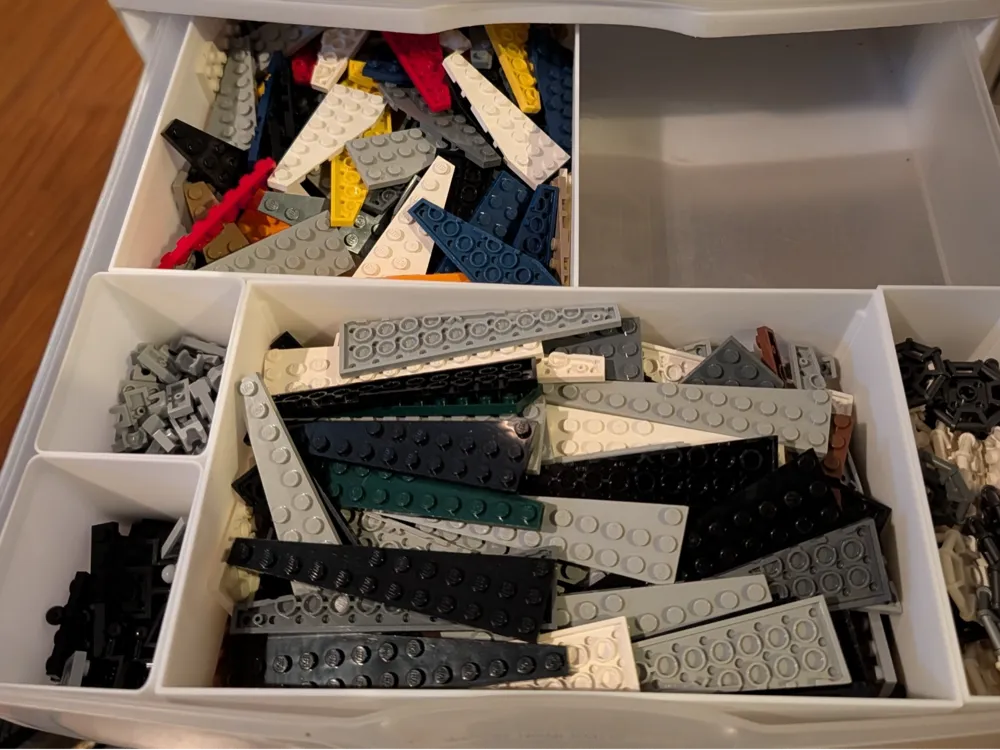
More Storage. Same Drawer.
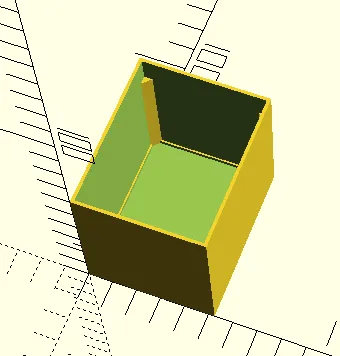
Most storage bins have thick walls that waste space. These don't.
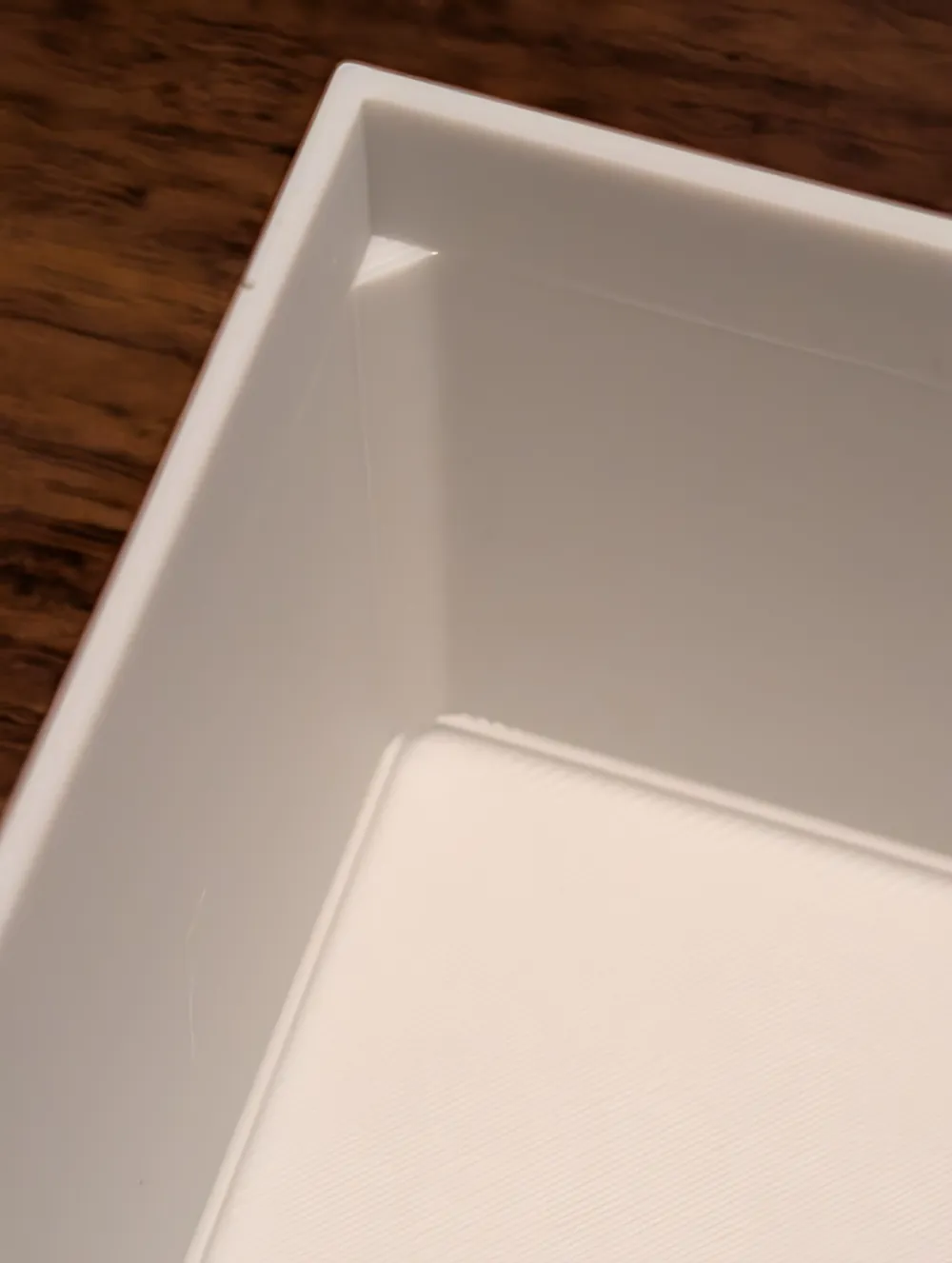
**Thin walls = more room for bricks (or whatever).**
Small bins: 1.3mm walls
Big bins: 1.5mm walls
You'll notice the difference when your drawer actually closes.
🎮 How to Use This
Two ways:
Creator portal:
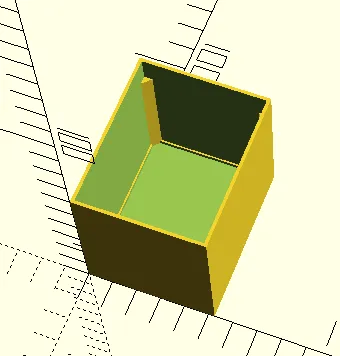
Use the attached SCAD file
**Two dropdown menus:**
1. How wide? (pick 1-5)
2. How deep? (pick 1-4)
Click download. Print it. Done.
No software needed. No settings to figure out.
Bambu file:
All printable sizes for A1 are already uploaded into one file.
Mix and match sizes to print as efficiently as possible.
Why This vs Other Bins?
**Fits more stuff**
Thin walls. More space inside.
**Won't break**
Gets thicker on big ones. Stays strong.
**Prints easy**
No supports. Just print.
**Mix and match**
Make 10 different sizes for one drawer. Go nuts.
What Size Should I Pick?
**Not sure? Pick these:**
- **2 wide, 1 deep** (105×65mm) - Most popular
- **5 wide, 1 deep** (262×65mm) - Long and skinny
- **2 wide, 4 deep** (105×260mm) - Big boy
**Width = left to right**
1 = small, 5 = big
**Depth = front to back**
1 = shallow, 4 = deep
Height is always 60mm. Don't overthink it.
Print Settings
Use whatever you normally use. Seriously.
**Big ones:**
Add a brim
**Time:**
Small = 1-2 hours
Medium = 2-3 hours
Big = 3-4 hours
Works For
Bricks of a connectable sort (obviously)
Small hardware
Craft stuff
Whatever fits
Not picky.
Tips
Print a small one first to test your drawer fit.
Use a brim on big ones.
Label them.
That's it.
Questions
**"Will this fit my drawers?"**
It's 52.5×65mm per grid square. This will fit a Sterilite 2093 Storage container exactly with little to no wiggle room.
Otherwise, measure your drawers and divide.
**"Can I change the size in my slicer?"**
You can, but the walls won't scale properly. Use the attached SCAD file in Creator Portal instead.
---
That's It
Download. Print. Organize.
Questions, Comments? You know what to do.
License



Comment & Rating (4)