
Customizable Dart Flight Holder (with 2BA Thread)
Print Profile(1)
Description
Customizable Dart Flight Holder (with 2BA Thread)
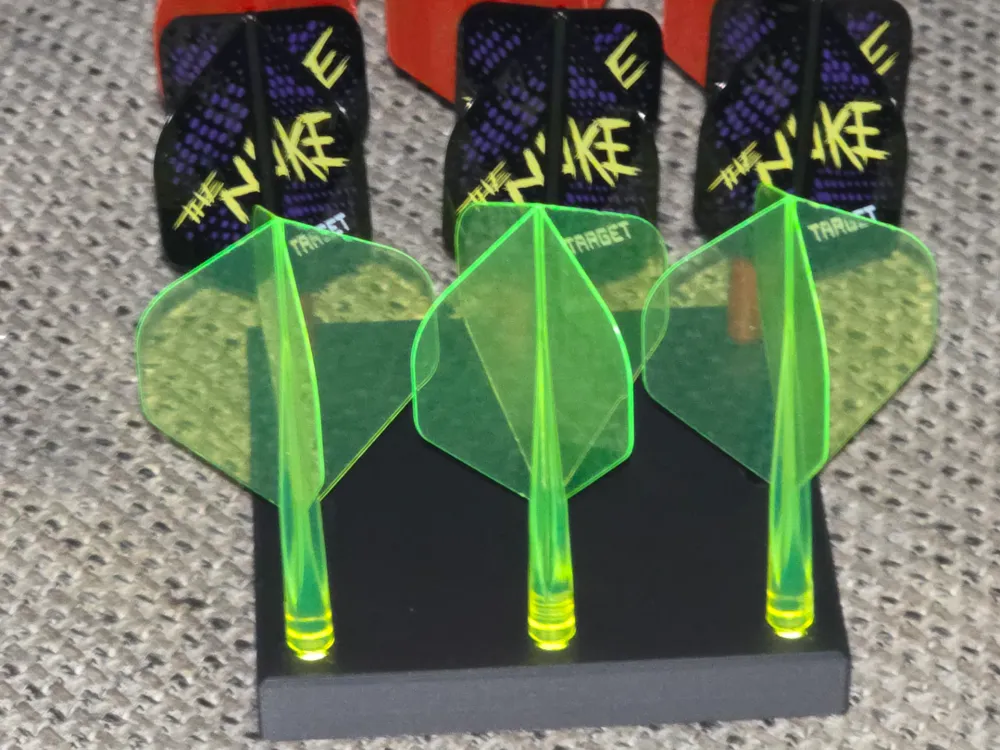
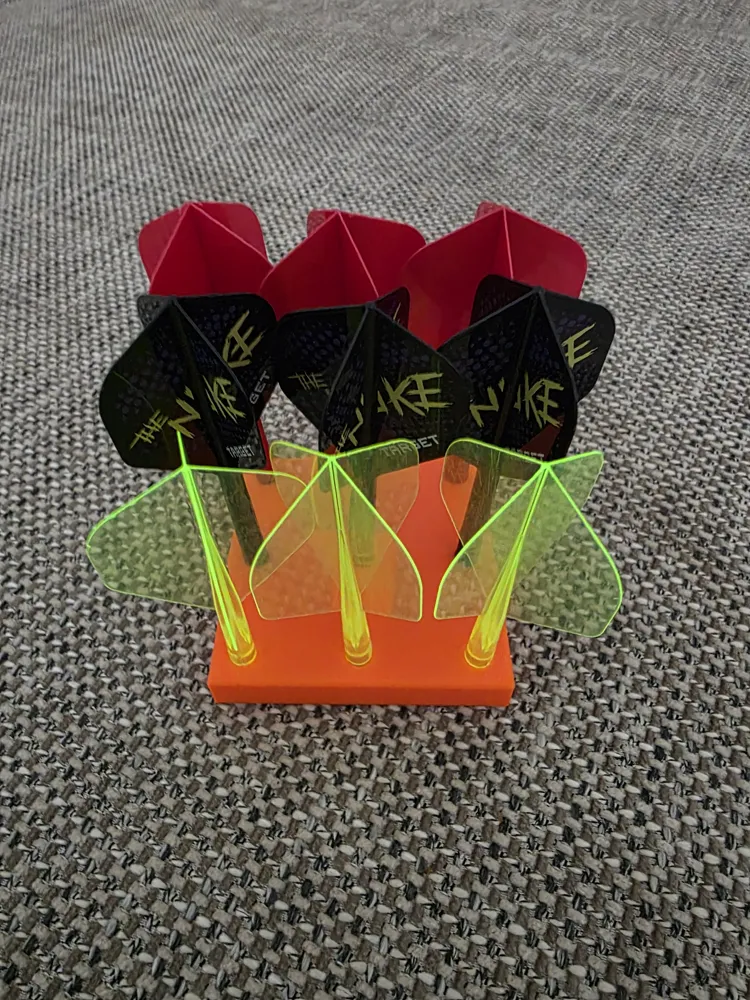
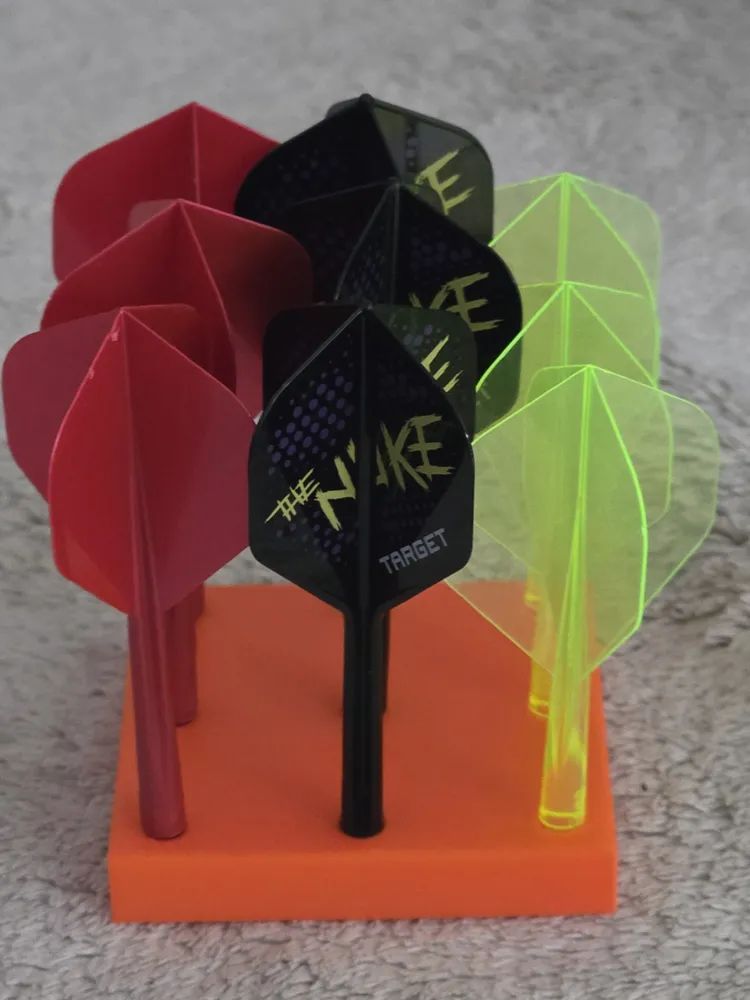
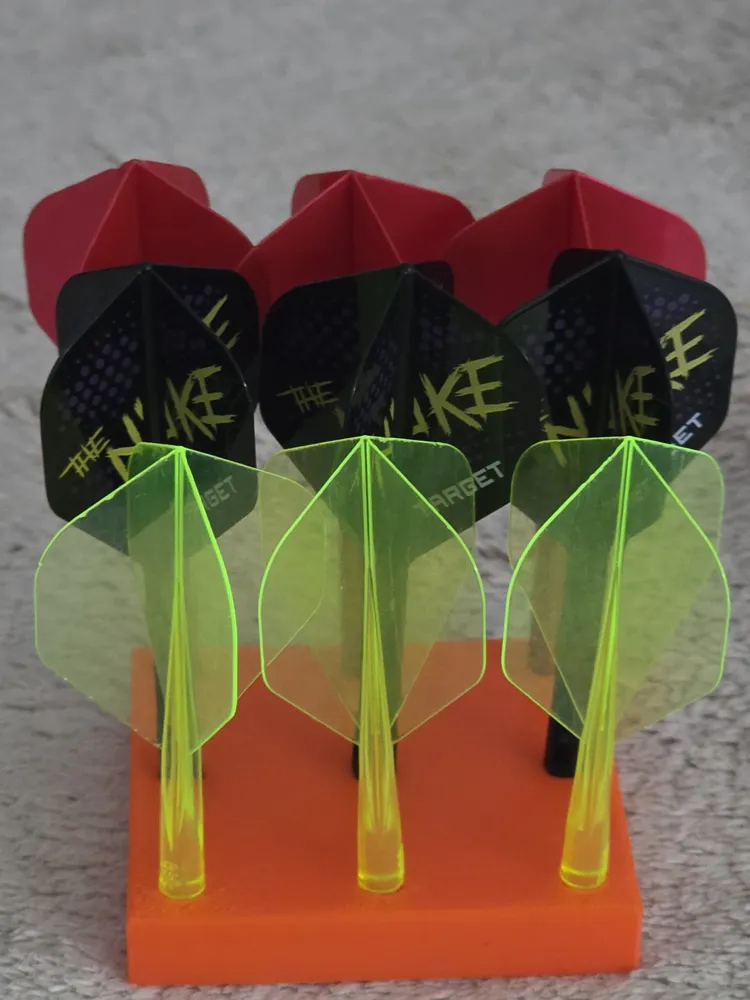
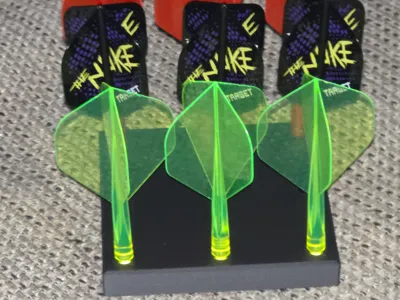
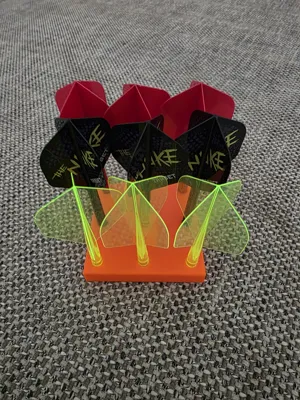
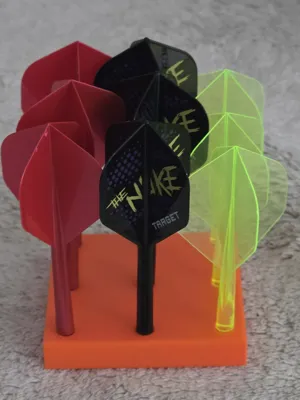
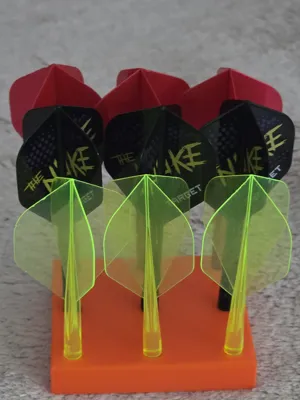
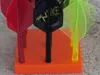
Do you also have the problem that your dart flights are lying around everywhere, are never organized, and you always end up searching for them? This fully parametric holder puts an end to the mess! It is designed specifically to securely store, organize, or display your dart flights. Using the OpenSCAD Customizer, you can generate the exact layout you need for your collection.
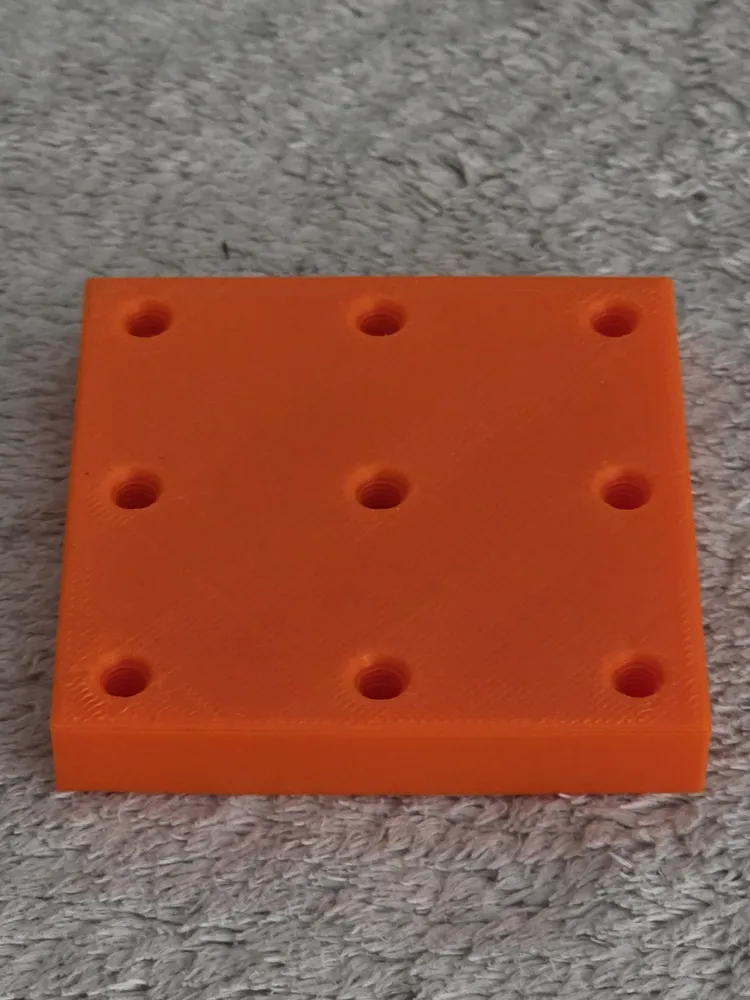
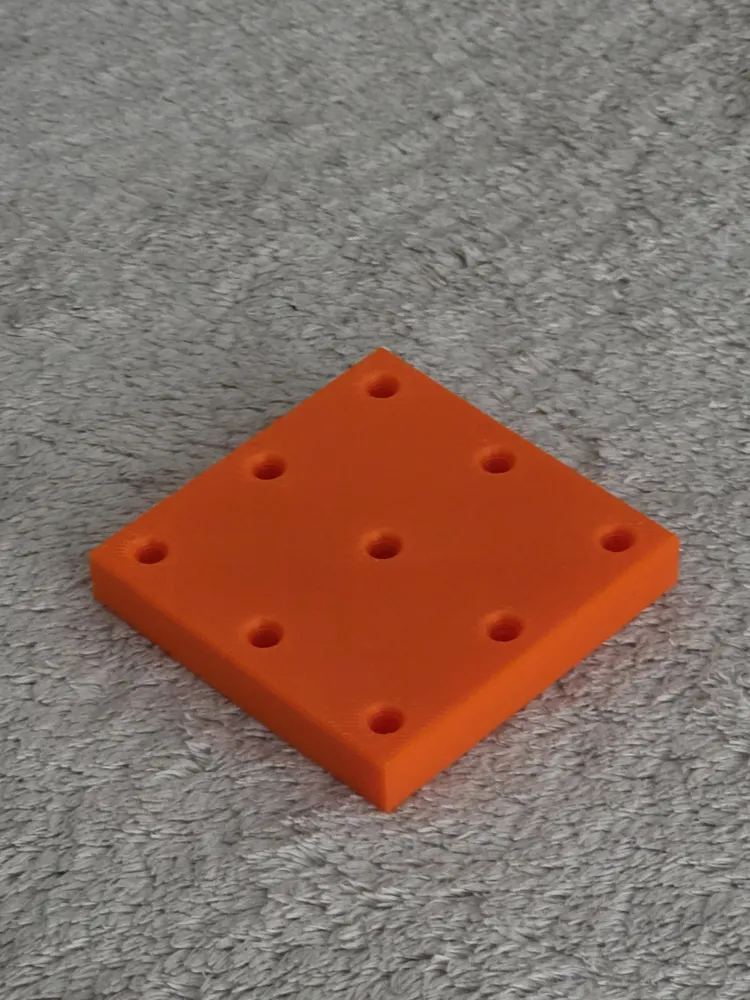
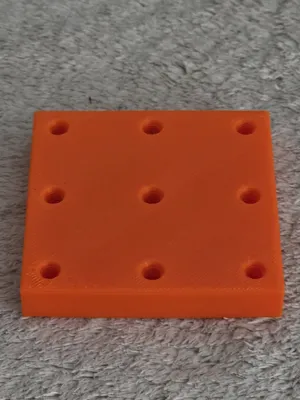
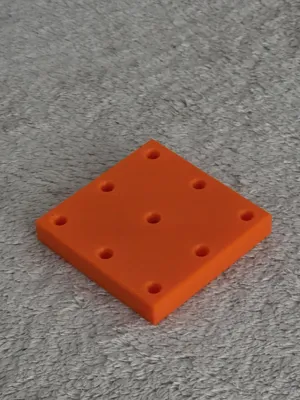
Ready to Print: The uploaded standard print file (print profile) already includes a ready-made flight stand for 9 darts (in a 3x3 grid) with the ideal thread spacing of 30 mm. Just download and start printing!
Fully Adjustable Parameters:
- Mounting Style: Choose between a physically printed 2BA thread (the industry standard for dart flights) or a simple smooth hole.
- Grid Capacity: Set the exact number of holes in the X and Y directions (e.g., a 3x2 grid for 6 flights, or 1x5 for a single row).
- Dimensions & Proportions: You have full control over the hole depth, total plate thickness, the margin from the outer holes to the edge, and the size of the sleek 45-degree outer chamfer.
Crucial Tips for a Perfect Print:
- The Ideal Spacing: I highly recommend setting the hole spacing to at least 30 mm. While 25 mm technically works, standard-sized flights tend to catch or snag on the neighboring ones when you screw them in. At 30 mm or more, you have plenty of clearance to screw them in comfortably without hitting the others.
- Curve Resolution ($fn value): This setting dictates how smooth and detailed the threads and holes will be.
- $fn = 32: Great for a faster print and quick rendering times in OpenSCAD.
- $fn = 64: Produces a very fine, high-quality thread. (Note: Rendering will take significantly longer in OpenSCAD, but it is highly recommended for the final export!)
License

You shall not share, sub-license, sell, rent, host, transfer, or distribute in any way the digital or 3D printed versions of this object, nor any other derivative work of this object in its digital or physical format (including - but not limited to - remixes of this object, and hosting on other digital platforms). The objects may not be used without permission in any way whatsoever in which you charge money, or collect fees.


Comment & Rating (3)