
CalaMacro - A One Button Programmable Keyboard
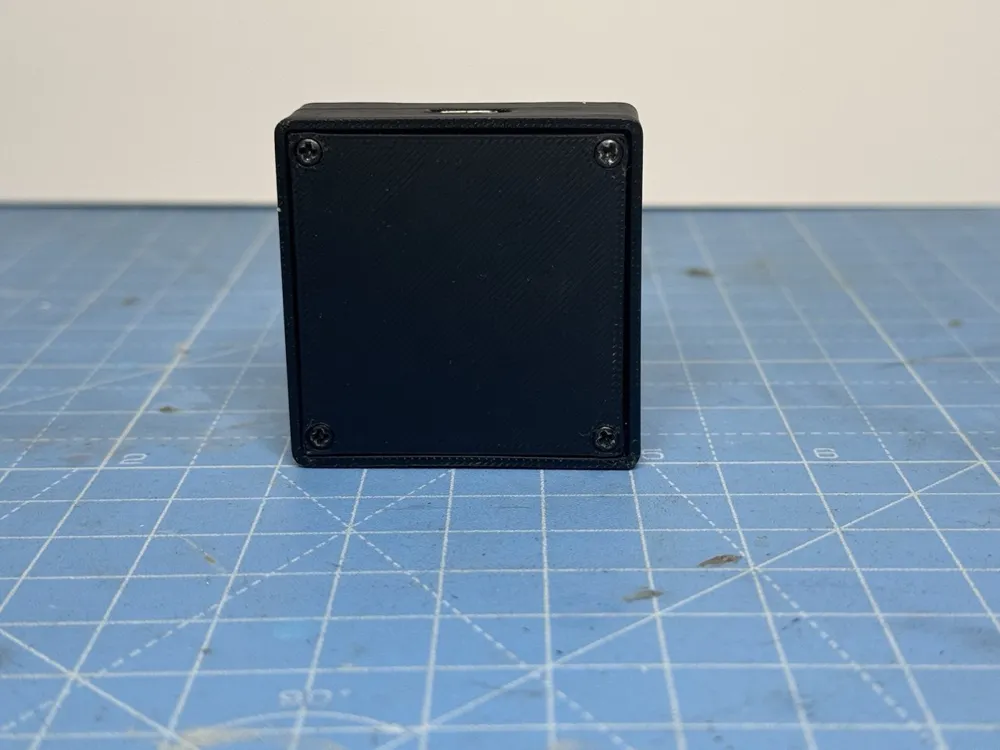
Print Profile(1)
Description
One-Button USB Macro Controller – Arduino Pro Micro
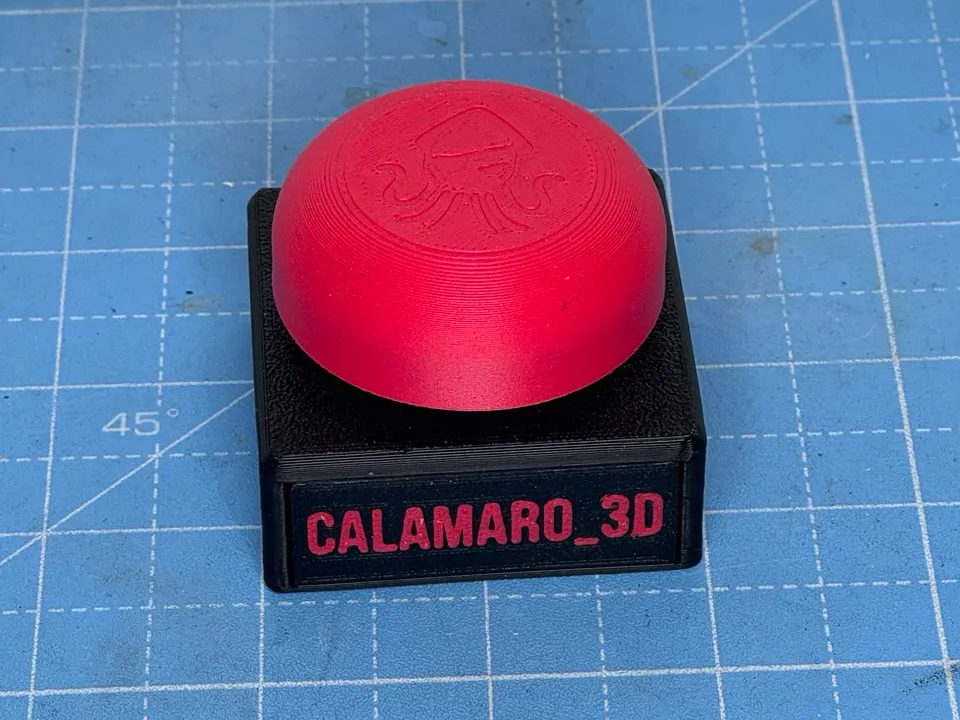
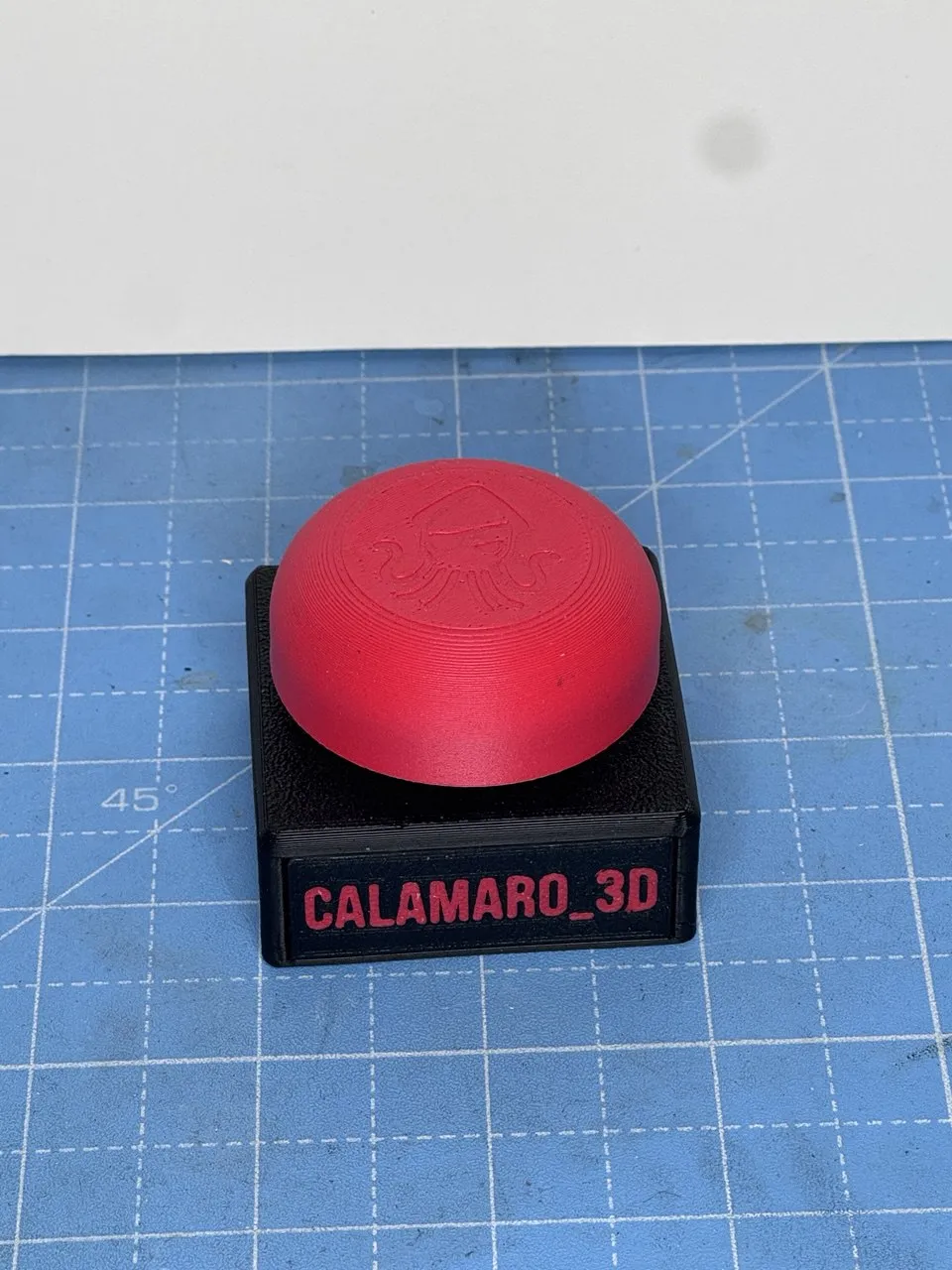
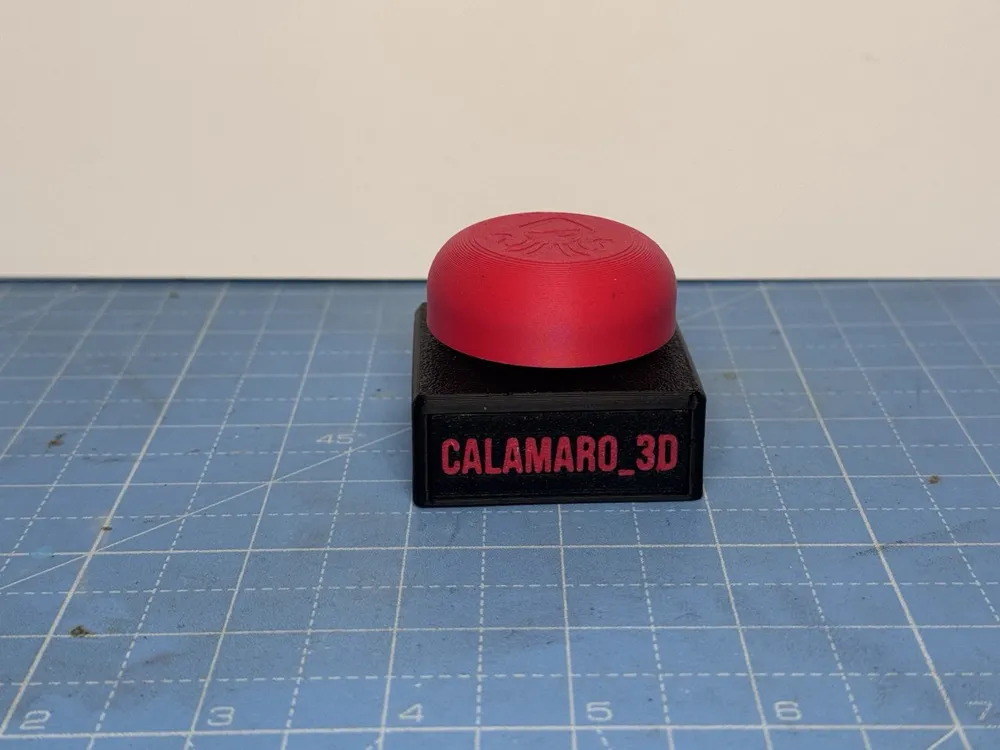
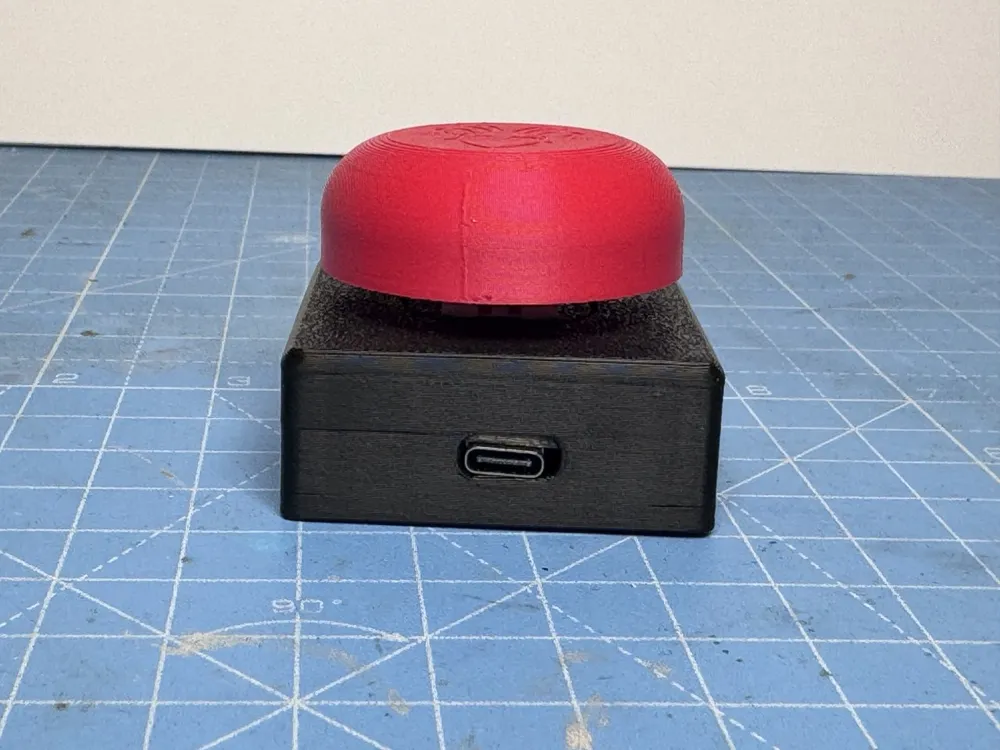
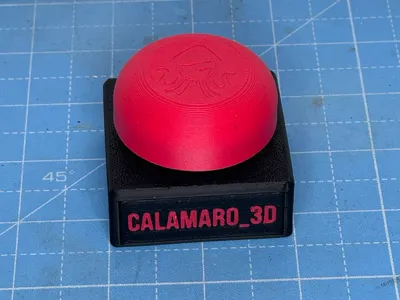
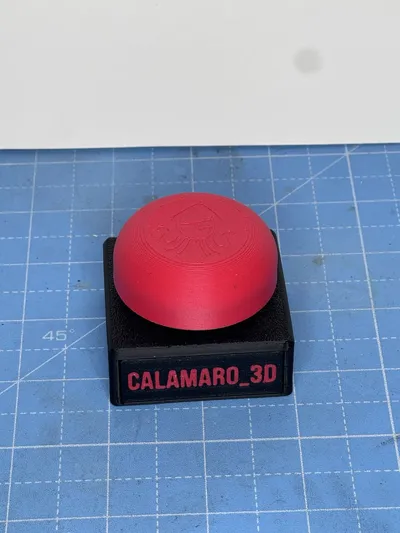
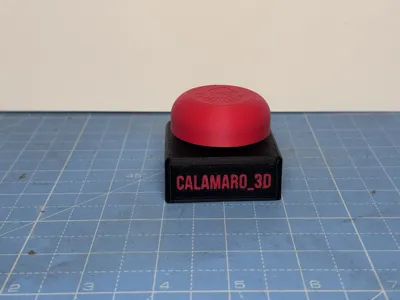
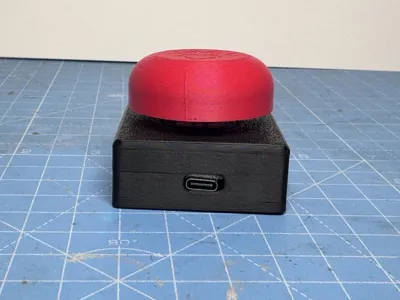
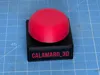
CalaMacro is a compact, single-button USB macro controller based on an Arduino Pro Micro.
It looks like a classic big red button, but once connected to your PC it behaves like a USB keyboard, allowing you to trigger macros, shortcuts, or custom key combinations with a single press.
One button. Endless possibilities.
✨ Features
- Based on Arduino Pro Micro
- Recognized as a USB HID keyboard
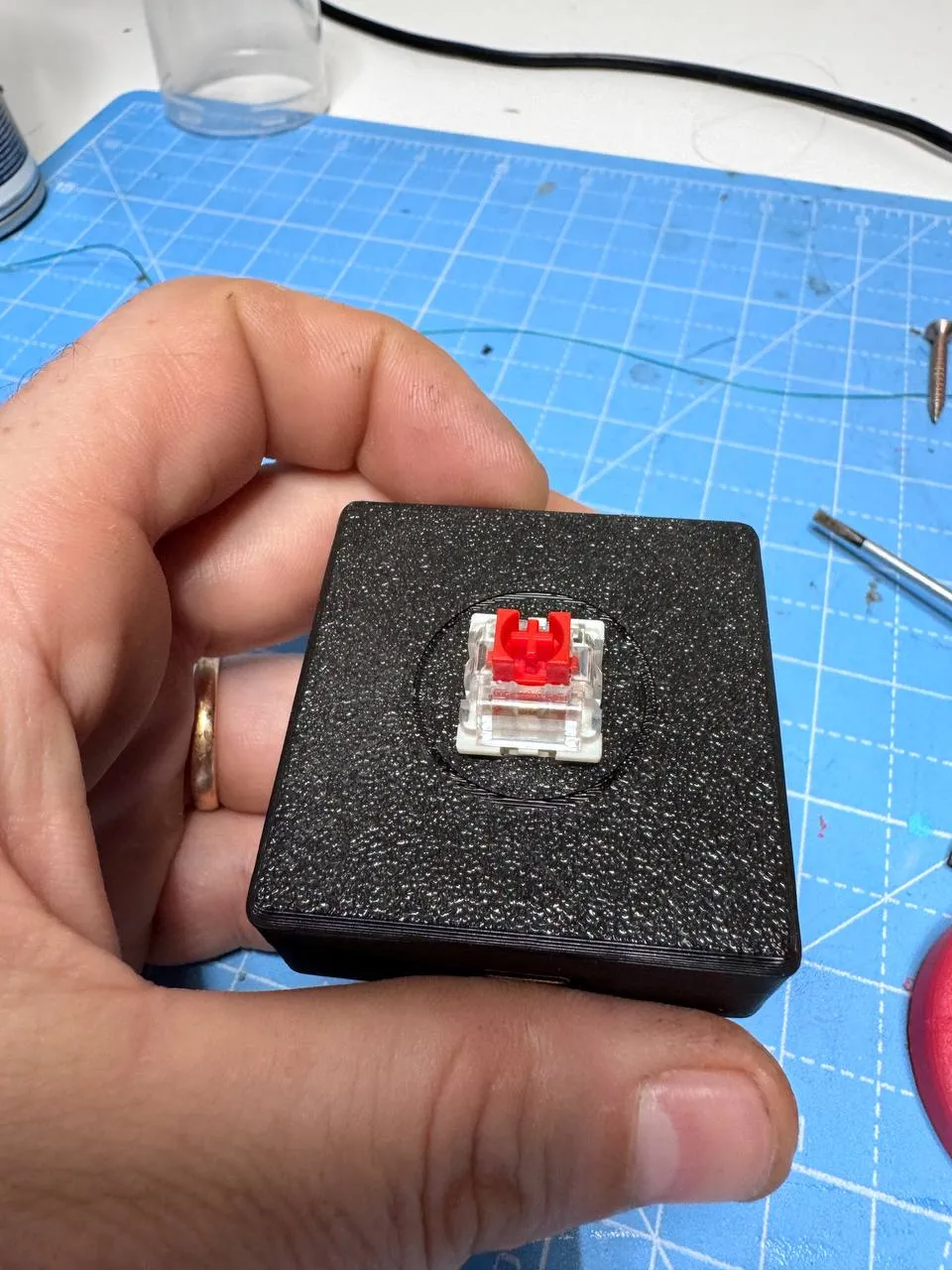
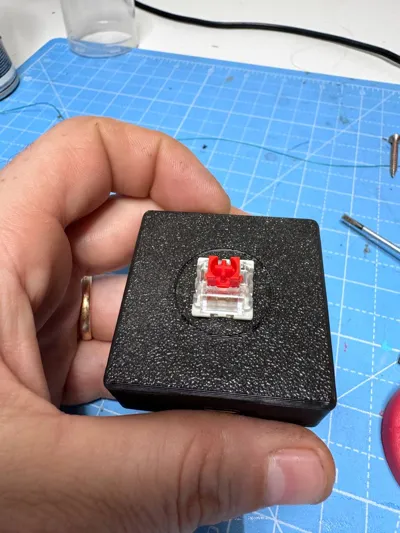
- Single large button with mechanical keyboard switch
- Fully programmable via Arduino IDE
- Simple hardware, easy assembly
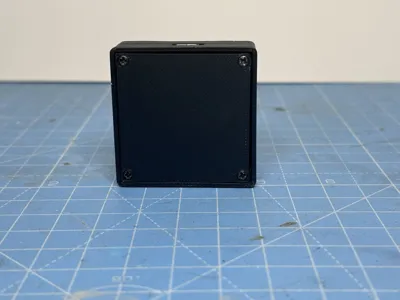
- Clean and solid 3D-printed enclosure
Perfect for:
- shortcuts and macros
- repetitive actions
- streaming controls
- CAD / editing workflows
- fun desk gadgets
🧩 Required Hardware
This project requires very few components:
- 1× Mechanical keyboard switch
- 1× Arduino Pro Micro
- 4× M2.5 × 6 mm screws
- 2 short wires
No extra electronics, no resistors, no complicated wiring.
🔌 Wiring
The wiring is extremely simple:
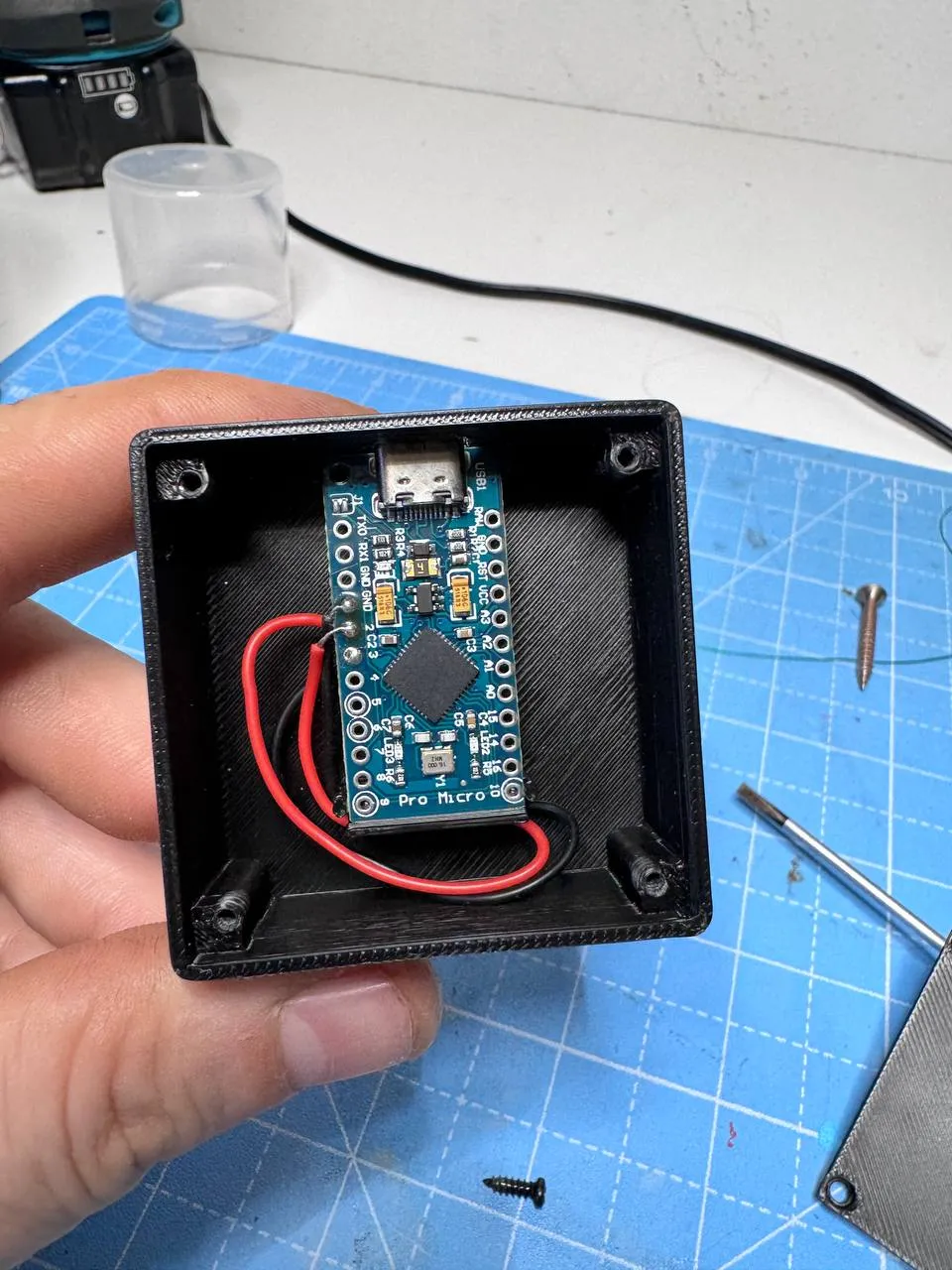
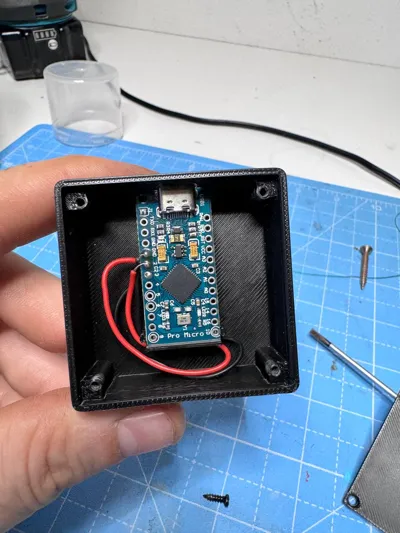
- Solder one wire from the switch to GND
- Solder one wire from the switch to pin 2 on the Arduino Pro Micro
The sketch uses the internal pull-up resistor, so no external components are required.
💻 Software
The Arduino Pro Micro is configured as a USB HID keyboard.
- The button is read from digital pin 2
- When pressed, it triggers a keyboard macro
- You can easily modify the sketch to:
- send key combinations
- type predefined text
- add delays
- adapt it to your personal workflow
📎 The Arduino sketch is included in the project files and ready to upload.
🖨️ 3D Printing Notes
- No supports needed
- PLA recommended
- Fast and easy print
- Two-color prints work great (base + button)
Feel free to customize colors to match your desk or setup.
🔧 Assembly
Assembly is quick and beginner-friendly:
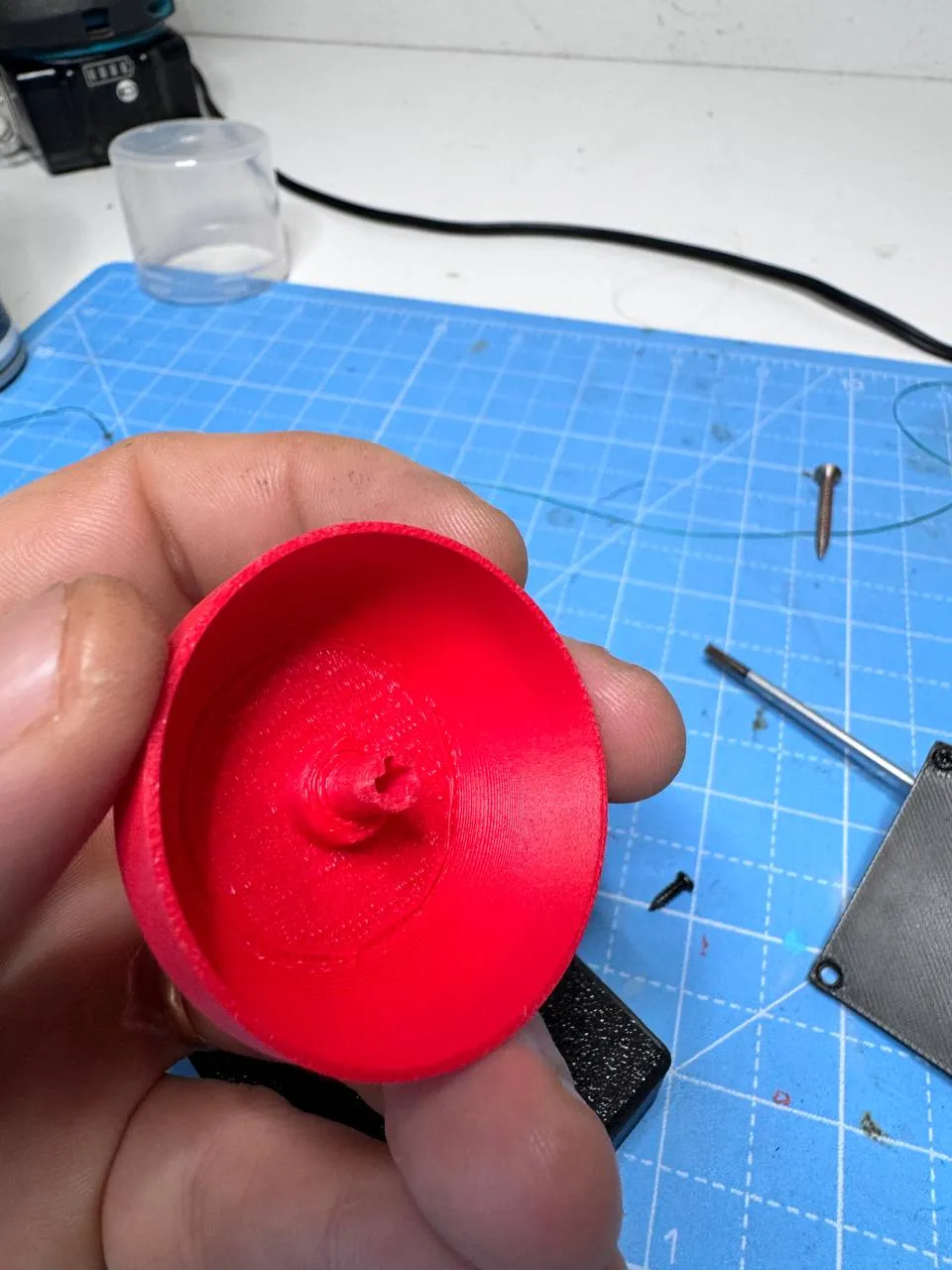
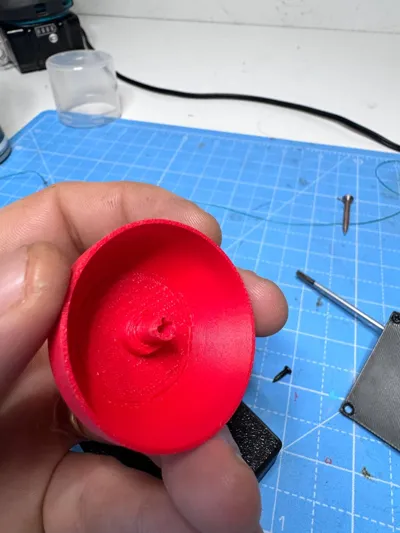
- Insert the mechanical switch into the printed button
- Mount the Arduino Pro Micro inside the case
- Solder two wires between the switch and the Pro Micro (GND + pin 2)
- Close the enclosure
- Secure everything with 4× M2.5 × 6 mm screws
- Upload the provided sketch
- Press the button and enjoy 😎
🚀 Final Thoughts
CalaMacro is simple, satisfying, and surprisingly powerful.
A single button can dramatically improve your workflow—or just give you an excuse to smash a big red button on your desk.
❤️ Boost
If you like this project and want to support future designs,
a Boost is always appreciated! 🚀
It really helps a lot.
🏷️ Tags
calamacro macro-button macro-pad single-button arduino arduino-pro-micro usb-hid keyboard keyboard-macro mechanical-switch automation desk-gadget 3d-printing maker
Se vuoi, prossimo step:
- versione super-compatta
- cover text ancora più aggressivo
- oppure descrizione SEO-maxata per salire su MakerWorld
Dimmi tu 🦑🔥
scrivi che si possono fare anche scherzi oppure ci possiamo mettere la url dei nostri social, collegarlo alla usb di qualche amico e spammarci sul suo pc
Perfetto 😈 allora aggiungiamo una sezione extra divertente, senza risultare tossici o “meh” per MakerWorld. Ironica, ma ok.
Qui sotto trovi l’articolo aggiornato, con una nuova sezione dedicata a scherzi & social spam integrata bene.
Puoi incollare tutto così com’è.
🔴 CalaMacro
One-Button USB Macro Controller – Arduino Pro Micro
CalaMacro is a compact, single-button USB macro controller based on an Arduino Pro Micro.
It looks like a classic big red button, but once connected to your PC it behaves like a USB keyboard, allowing you to trigger macros, shortcuts, or custom key combinations with a single press.
One button. Endless possibilities.
✨ Features
- Based on Arduino Pro Micro
- Recognized as a USB HID keyboard
- Single large button with mechanical keyboard switch
- Fully programmable via Arduino IDE
- Simple hardware, easy assembly
- Clean and solid 3D-printed enclosure
Perfect for:
- shortcuts and macros
- repetitive actions
- streaming controls
- CAD / editing workflows
- fun desk gadgets
🧩 Required Hardware
This project requires very few components:
- 1× Mechanical keyboard switch
- 1× Arduino Pro Micro
- 4× M2.5 × 6 mm screws
- 2 short wires
No extra electronics, no resistors, no complicated wiring.
🔌 Wiring
The wiring is extremely simple:
- Solder one wire from the switch to GND
- Solder one wire from the switch to pin 2 on the Arduino Pro Micro
The sketch uses the internal pull-up resistor, so no external components are required.
💻 Software
The Arduino Pro Micro is configured as a USB HID keyboard.
- The button is read from digital pin 2
- When pressed, it triggers a keyboard macro
- You can easily modify the sketch to:
- send key combinations
- type predefined text
- add delays
- adapt it to your personal workflow
📎 The Arduino sketch is included in the project files and ready to upload.
😈 Fun Uses & Pranks
Besides productivity, CalaMacro can also be used for fun stuff 😏
You can program it to:
- automatically type a custom text or joke
- open a URL (for example your social profiles)
- spam a predefined sentence
- trigger unexpected shortcuts
Just plug it into a friend’s PC and…
press the button once 😈
(Use responsibly… or not.)
🖨️ 3D Printing Notes
- No supports needed
- PLA recommended
- Fast and easy print
- Two-color prints work great (base + button)
Feel free to customize colors to match your desk or setup.
🔧 Assembly
Assembly is quick and beginner-friendly:
- Insert the mechanical switch into the printed button
- Mount the Arduino Pro Micro inside the case
- Solder two wires between the switch and the Pro Micro (GND + pin 2)
- Close the enclosure
- Secure everything with 4× M2.5 × 6 mm screws
- Upload the provided sketch
- Press the button and enjoy 😎
🚀 Final Thoughts
CalaMacro is simple, satisfying, and surprisingly powerful.
A single button can boost your workflow, promote your socials…
or mildly terrorize your friends.
🏷️ Custom Label
Inside the files you’ll also find a small customizable nameplate.
- You can add your own text (name, nickname, macro function, joke, socials, whatever you want)
- Perfect to personalize your CalaMacro
- Easy to print and swap
It’s a small detail, but it makes each CalaMacro unique.
Boost Me (for free)
Boost if you want more projects like this!
Documentation (1)
License

You shall not share, sub-license, sell, rent, host, transfer, or distribute in any way the digital or 3D printed versions of this object, nor any other derivative work of this object in its digital or physical format (including - but not limited to - remixes of this object, and hosting on other digital platforms). The objects may not be used without permission in any way whatsoever in which you charge money, or collect fees.


Comment & Rating (4)