Search models, users, collections, and posts

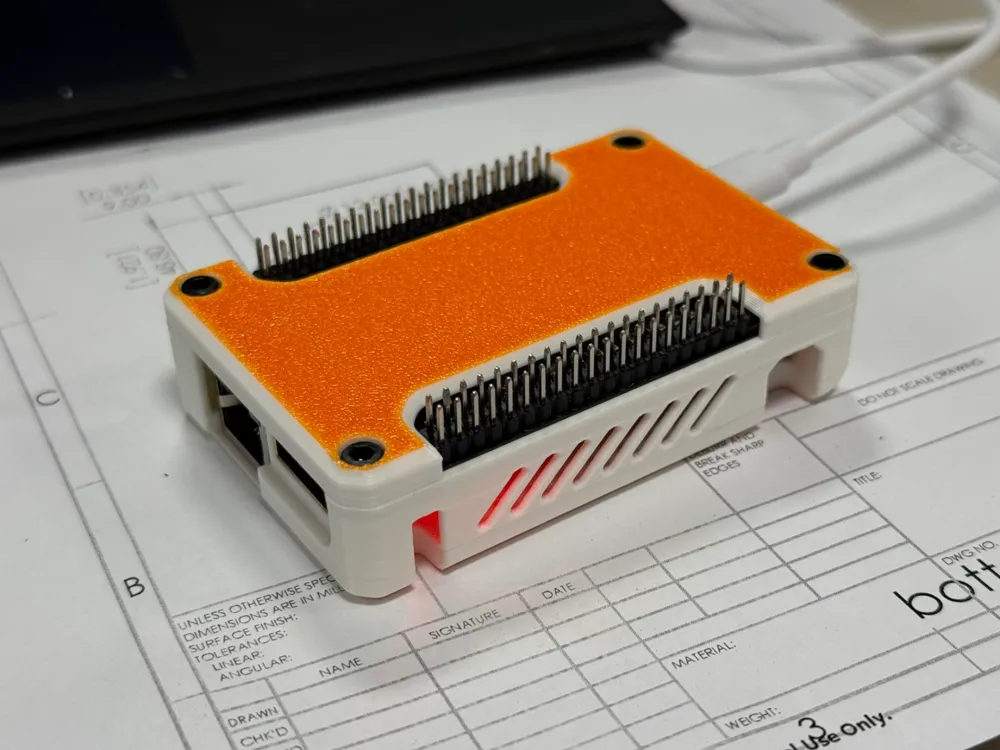
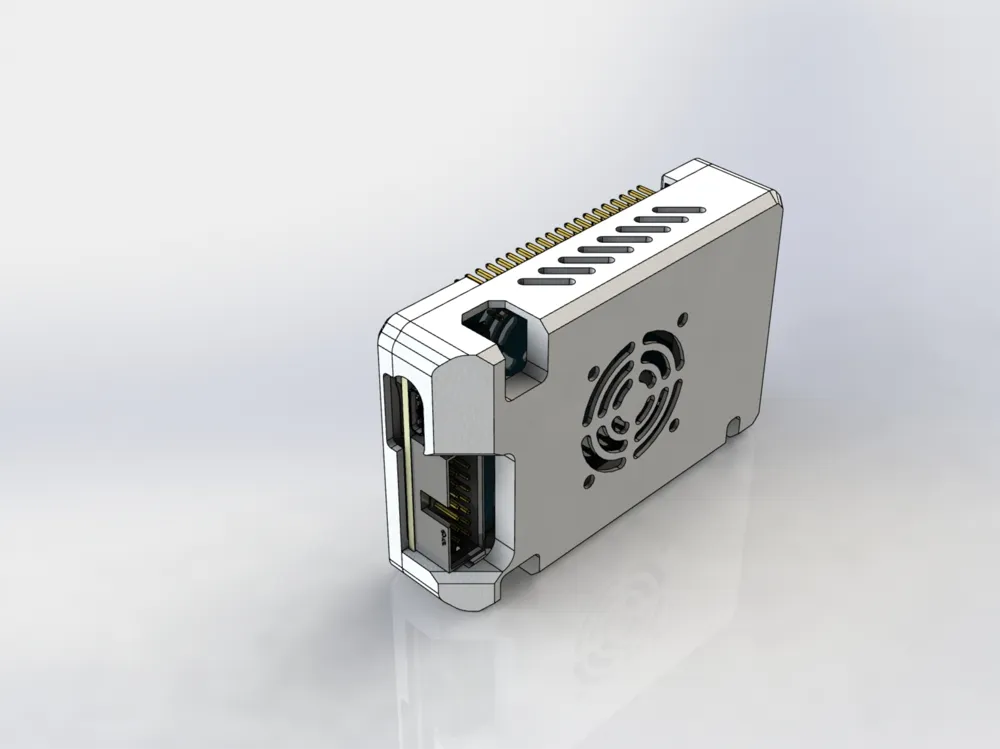
LUXIAOBAN ZYNQ7000 Protective Case
IP Report
Print Profile(1)
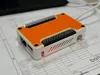
0.2mm layer, 2 walls, 15% infill
Designer
1.1 h
1 plate
Open in Bambu Studio
Boost
4
3
0
0
0
0
Released
Description
Content has been automatically translated.
LUXIAOBAN ZYNQ7000 Minimum Core Board Protective Case Instructions | LUXIAOBAN ZYNQ7000 Minimum Core Board Protective Case
When soldering pin headers, please solder them on the side with the pin-label silkscreen (i.e., the back of the RJ45 and HDMI interfaces)
After installing the protective case, the pin labels on this side will face outward, making it easy for reference and use
----------------------------------------------------
When soldering the pin headers, please solder them on the side with the pin-label silkscreen (the side opposite the RJ45 and HDMI connectors).
After installing the protective case, the pin labels will remain visible on the outside for easy reference.
License

This user content is licensed under a
Creative Commons Attribution


Comment & Rating (0)