
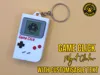
Game Click: Retro Handheld MX Fidget Keychain
Print Profile(1)
Bill of Materials

Description

--------------------
Please like and follow to be notified of all of my designs - some more exciting stuff in the pipeline!
--------------------
*** YOU WILL NEED KEYBOARD SWITCHES - SUCH AS https://amzn.to/4rum85Q (UK) or https://amzn.to/3OaodW7 (US) ***
Overview
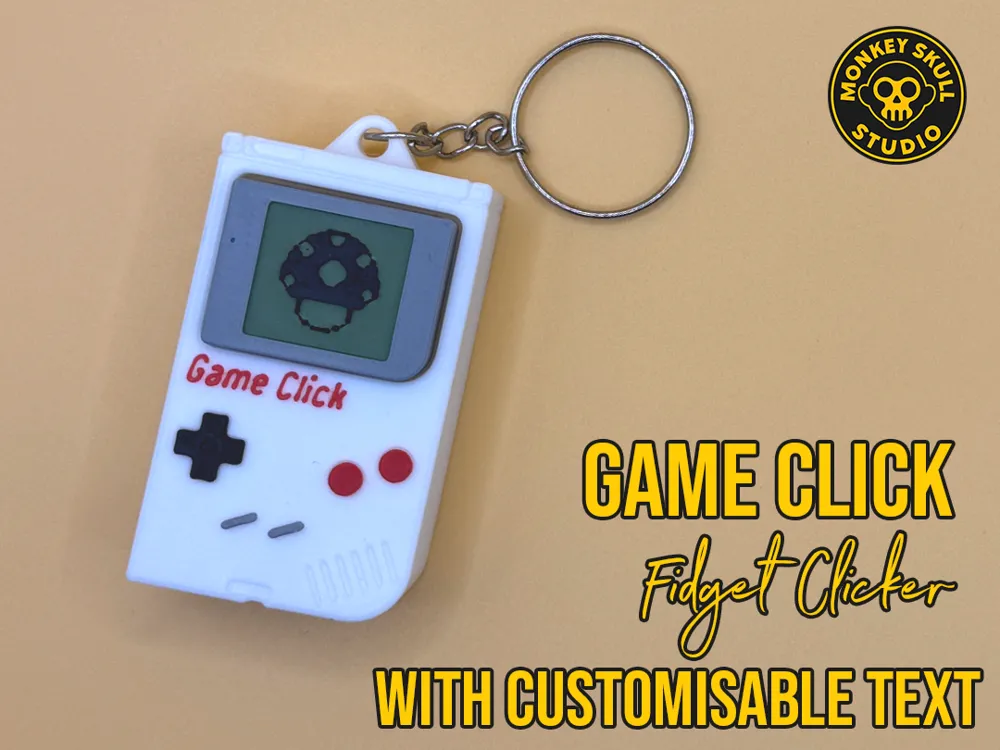
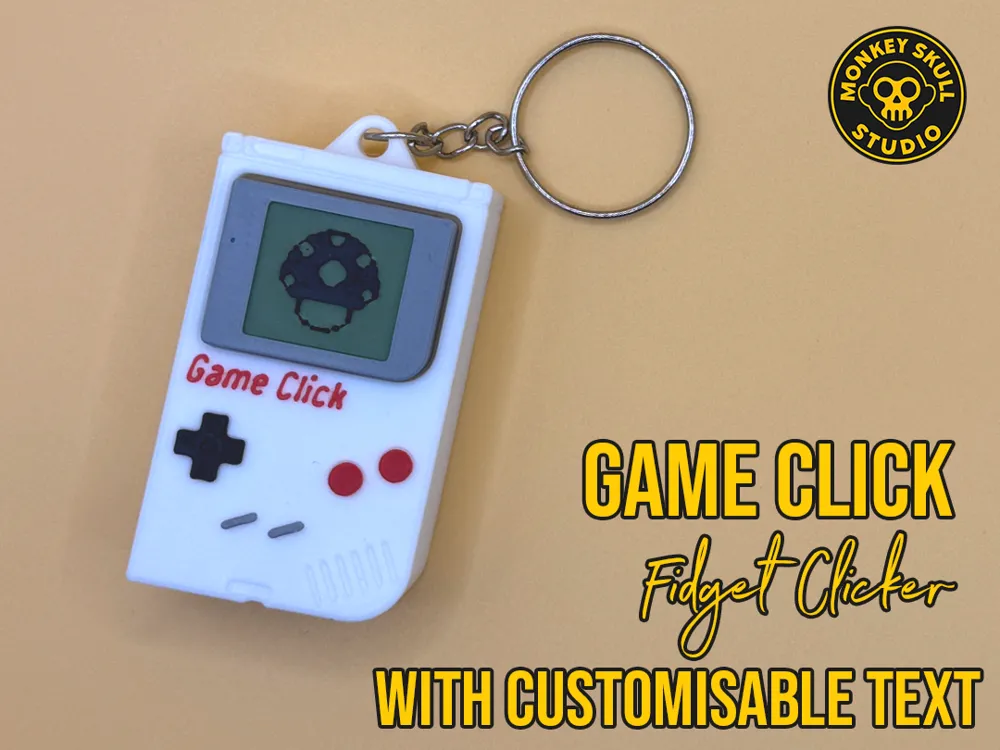
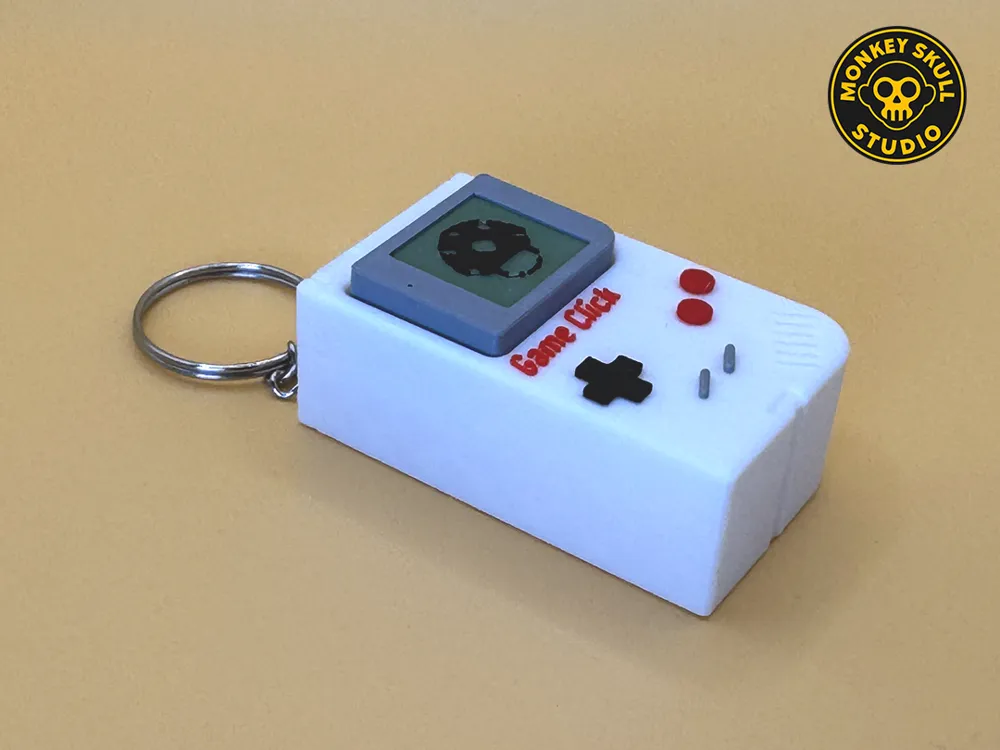
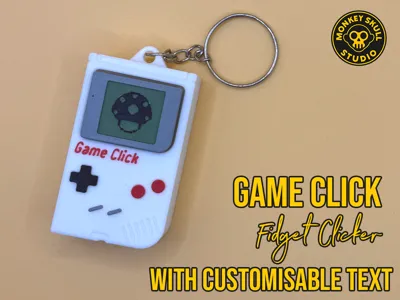
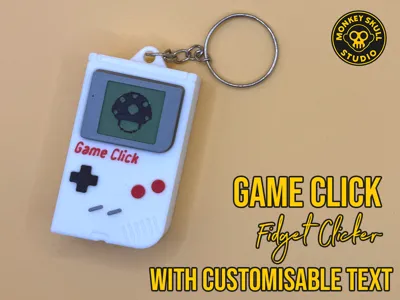
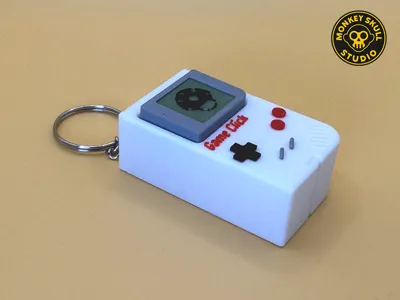
Bring the nostalgic feel of classic handheld gaming to your pocket with the Game Click. This fidget toy uses a standard mechanical MX switch to provide a satisfying, tactile "click" every time you press the screen. Designed with a retro aesthetic, it’s the perfect accessory for gamers and keyboard enthusiasts alike.
For anyone wondering, for the green on the screen, I used Sunlu Matte Olive green filament. https://amzn.to/4kA8DPD (US) / https://amzn.to/4bWZsXw (UK)
Features
- Tactile Feedback: Uses a real mechanical MX switch for a premium fidget experience.
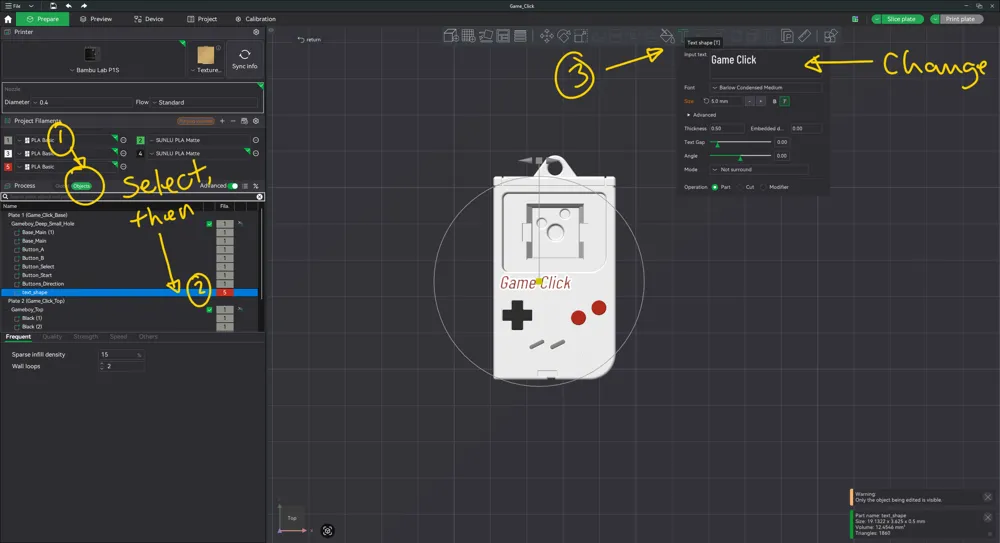
- Customizable Text: Easily change the "Game Click" text to your name or handle directly in Bambu Studio.
- Keychain Ready: Includes a sturdy mounting hole for 25mm split rings.
- Multi-Plate Design: Organized for easy multi-color printing even without an AMS.
Bill of Materials
- 1x Mechanical MX Switch: Any standard MX-style switch (Linear, Clicky, or Tactile).
- 1x 25mm Split Ring: For the keychain attachment.
- Superglue (Optional): Can be used for a permanent bond, though the parts are designed for a tight press-fit.
Print Settings
- Wall Generator: Arachne (Highly recommended for text clarity).
- Layer Height: 0.16mm.
- Infill: 15% Grid or Gyroid.
- Supports: Not required.
- Material: Tested in PLA.
Assembly
- Insert Switch: Press your MX switch firmly into the cutout in the "Base" plate.
- Attach Screen: Align the "Screen/Top" section with the switch stem (the "X") and press down until it snaps into place.
- Finish: Thread your 25mm keyring through the hole at the top.
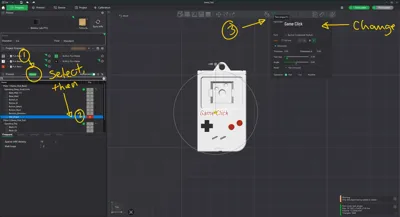
Customizing the Text To change the text:
- In Bambu Studio, go to the Objects tab.
- Locate and select the object named text_shape.
- Click the Text Shape [T] tool in the top toolbar.
- Input your desired text and re-slice. Note: Do not scale the text smaller than the original size to ensure printability.
Please like and follow for more…
Boost Me (for free)
If you like the model, please consider a boost
License

You shall not share, sub-license, sell, rent, host, transfer, or distribute in any way the digital or 3D printed versions of this object, nor any other derivative work of this object in its digital or physical format (including - but not limited to - remixes of this object, and hosting on other digital platforms). The objects may not be used without permission in any way whatsoever in which you charge money, or collect fees.


Comment & Rating (4)