
Circuit of the Americas
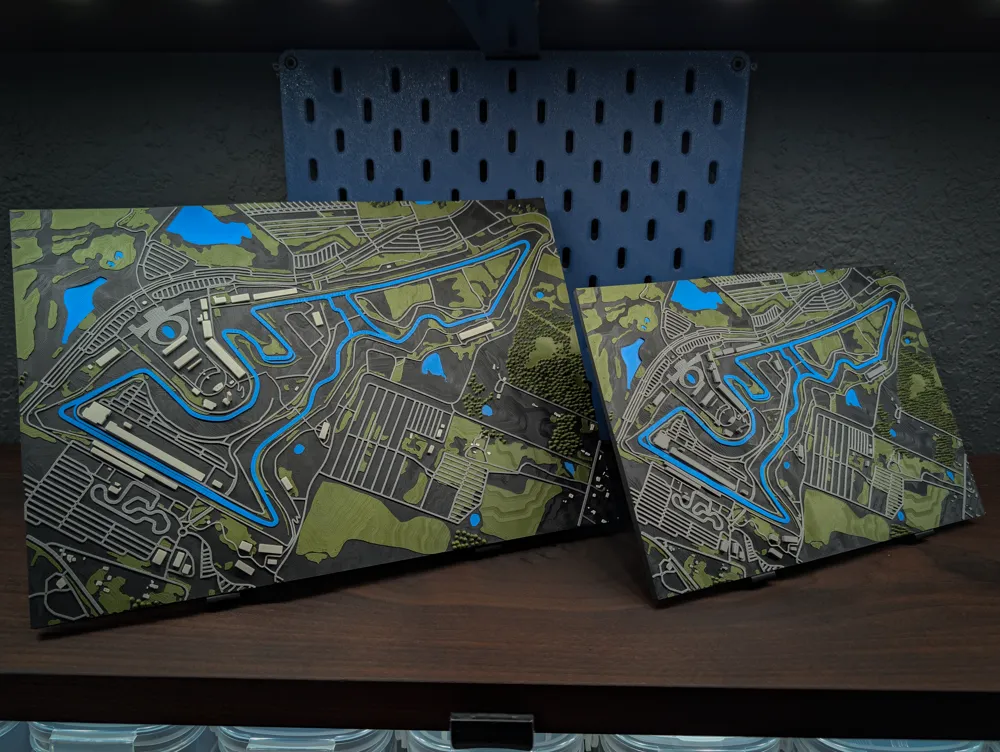
Print Profile(3)






Description
Please Read Before Printing
Before starting your print, make sure to read the Model Notes section and always check the profile description and photos for each setup. Profiles differ in visual detail depending on printer and nozzle size.
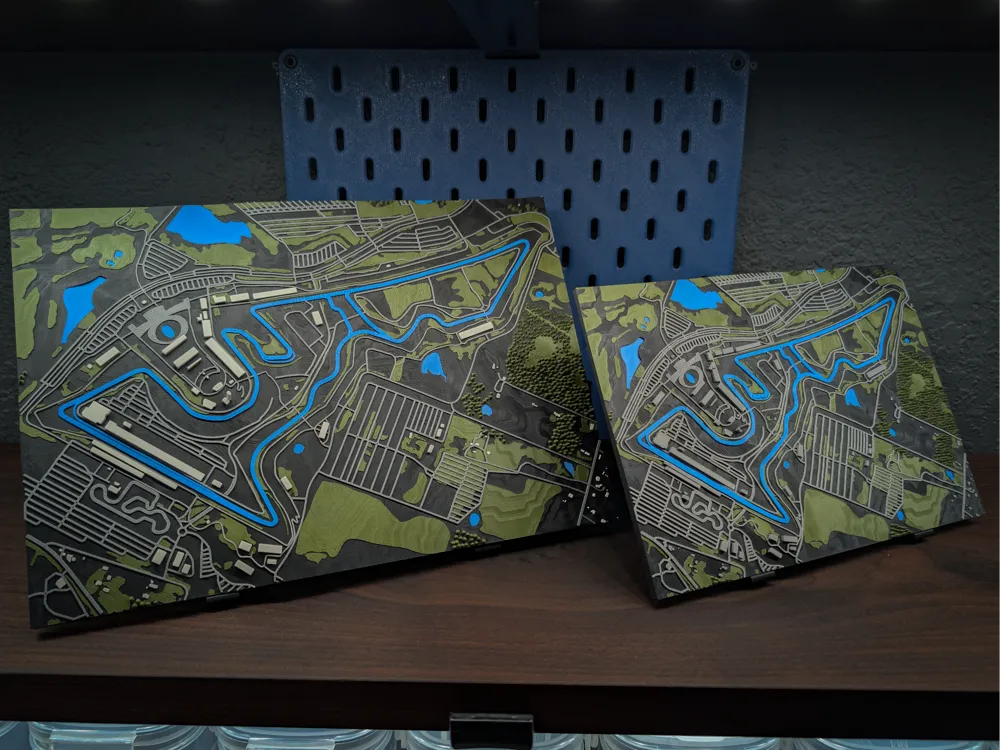
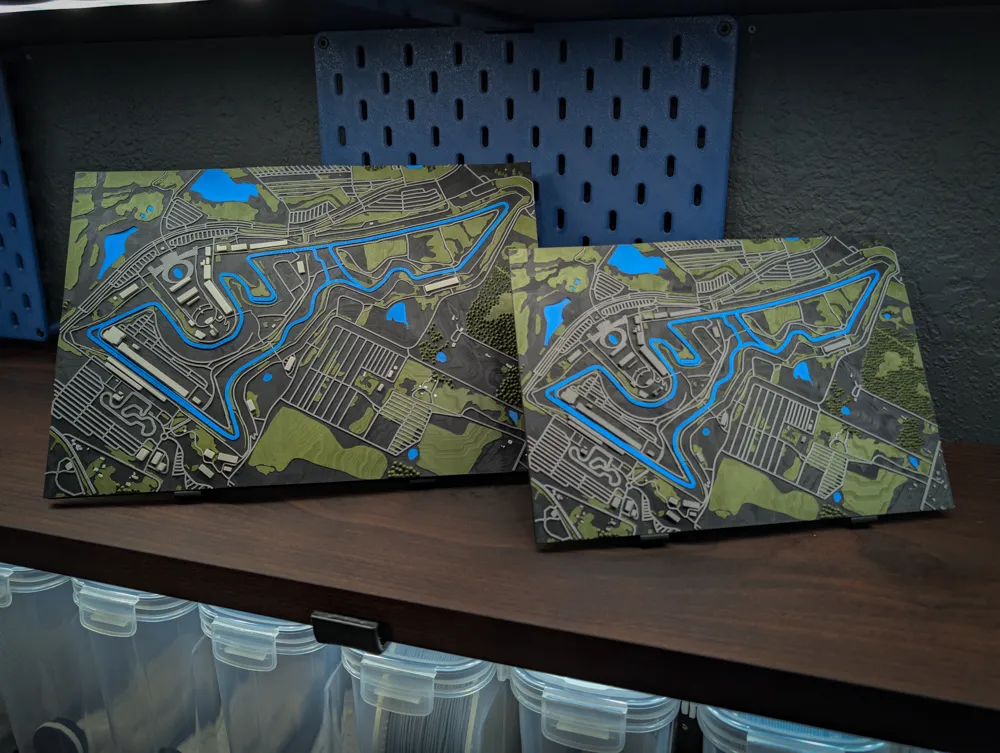
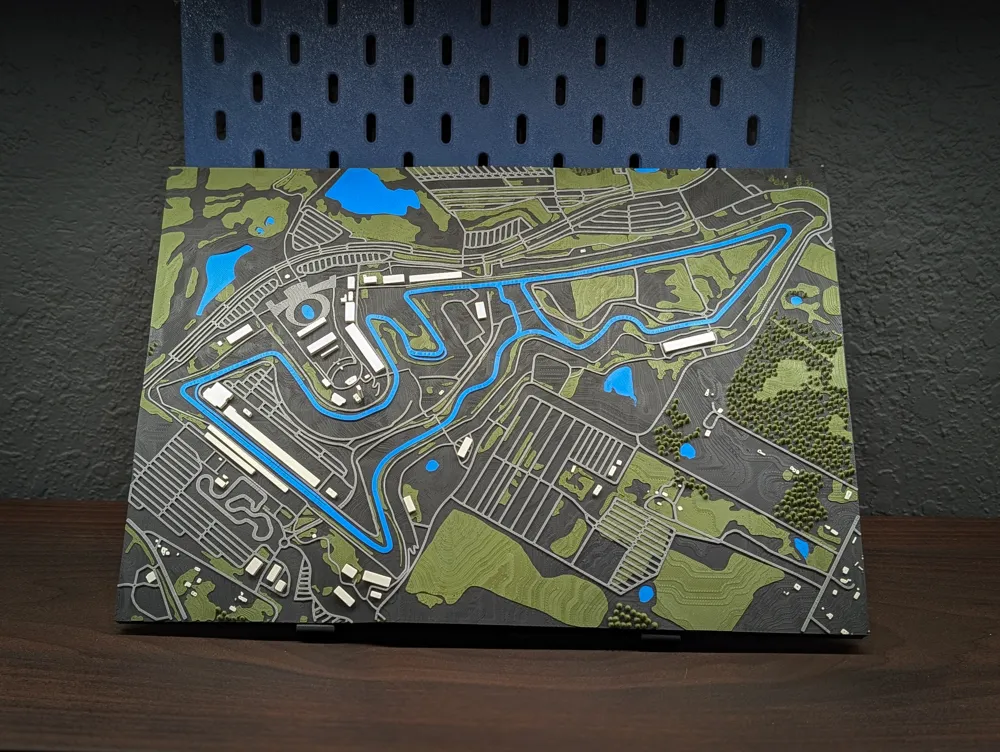
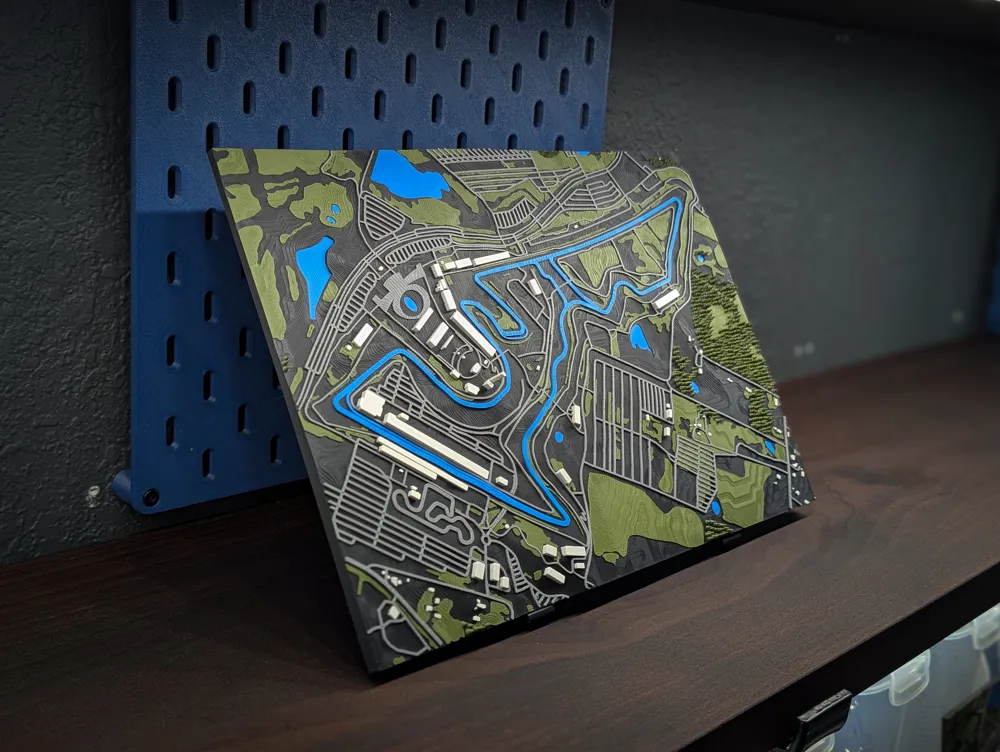
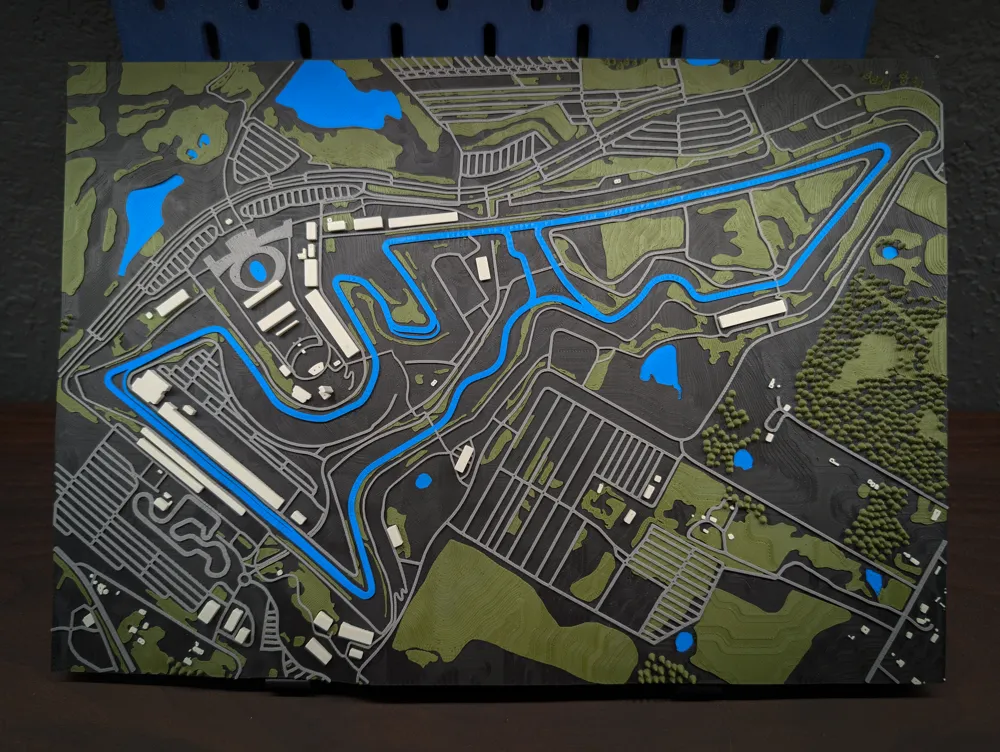
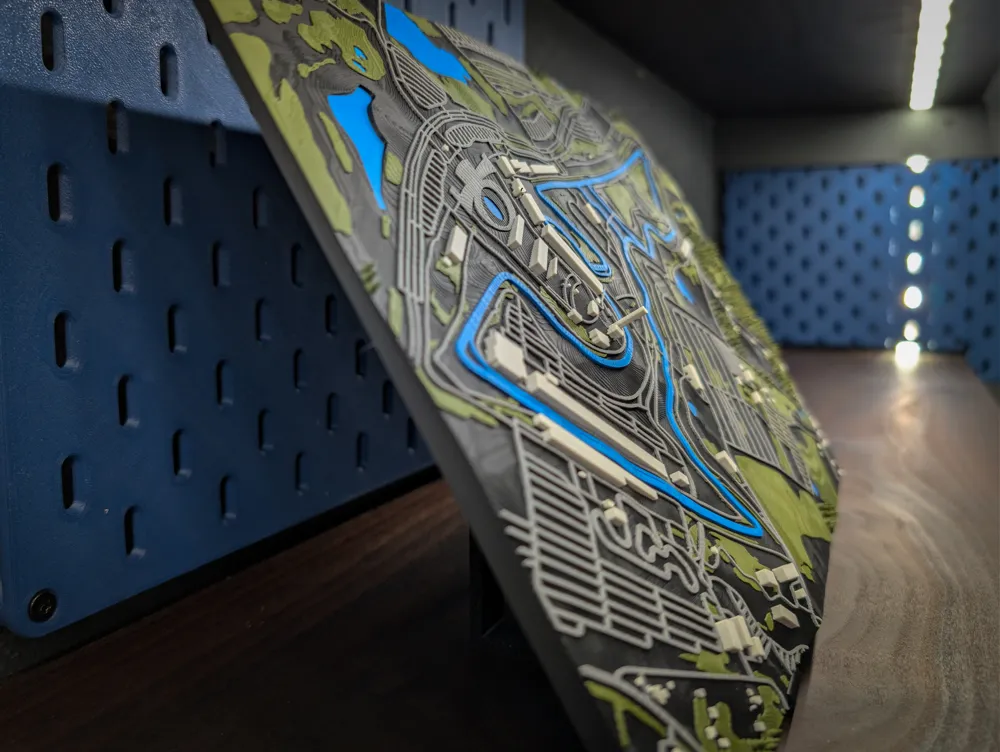
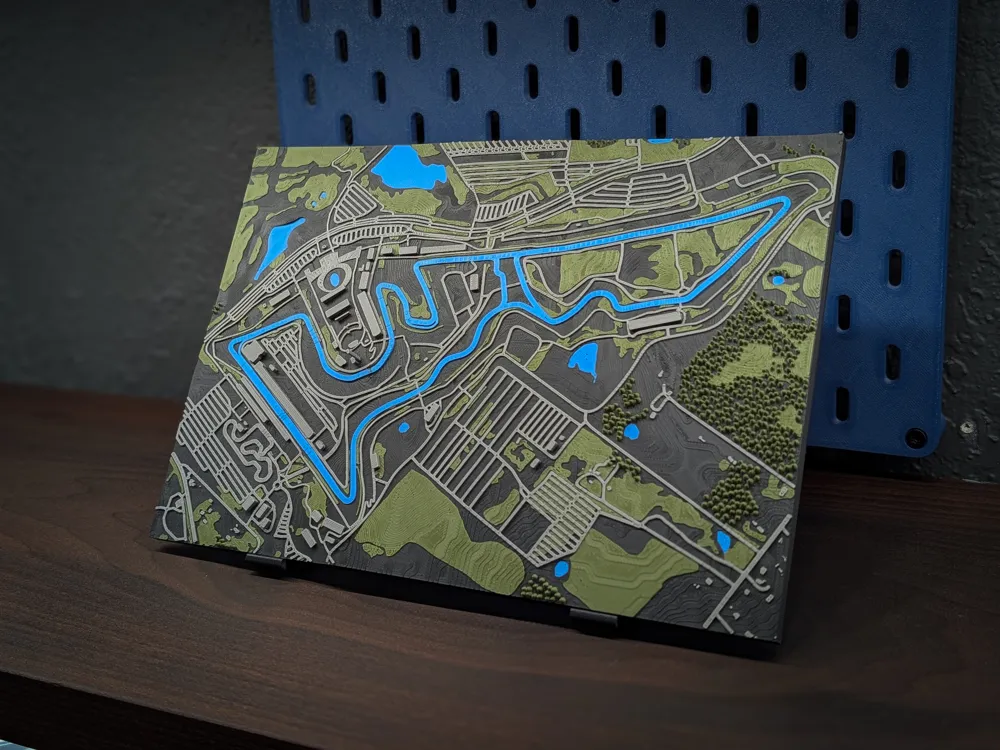
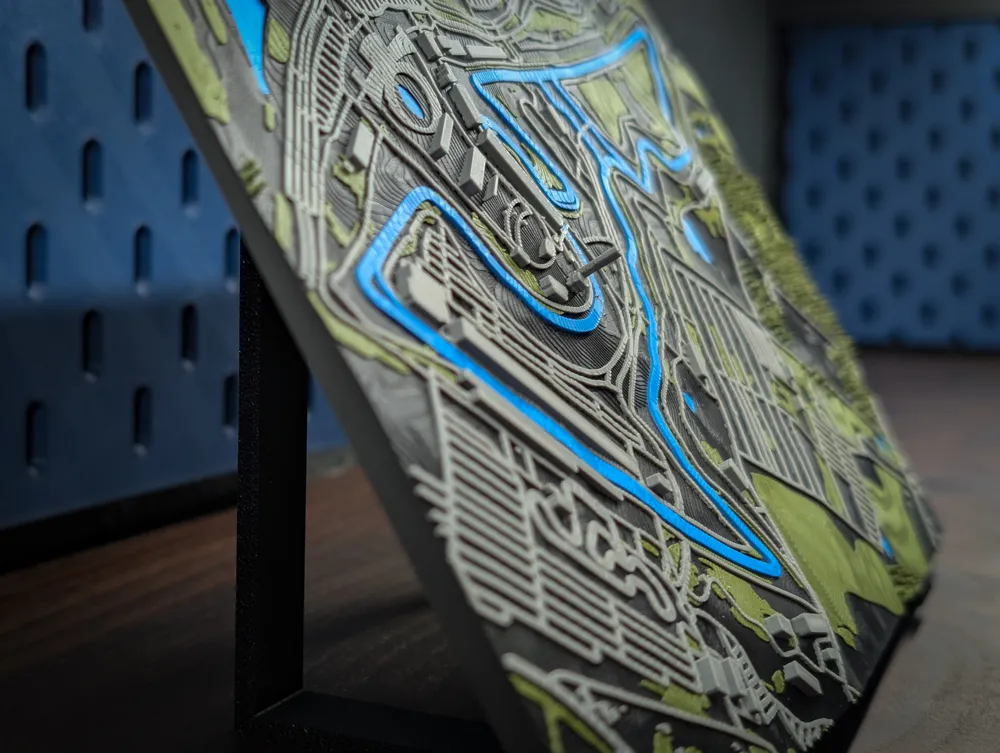
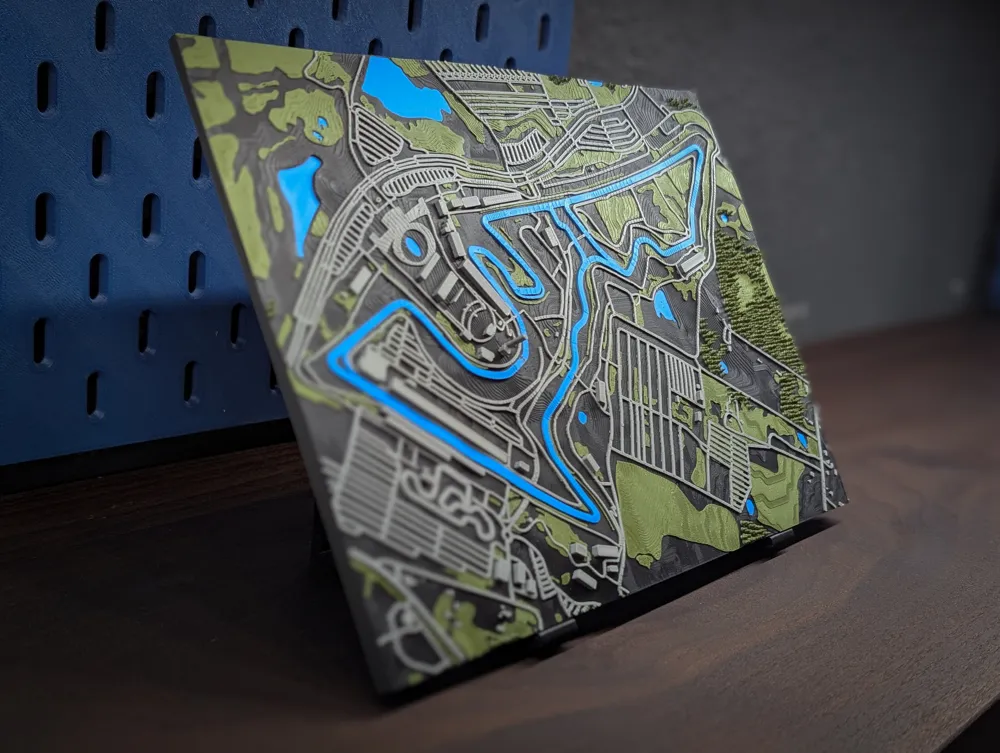
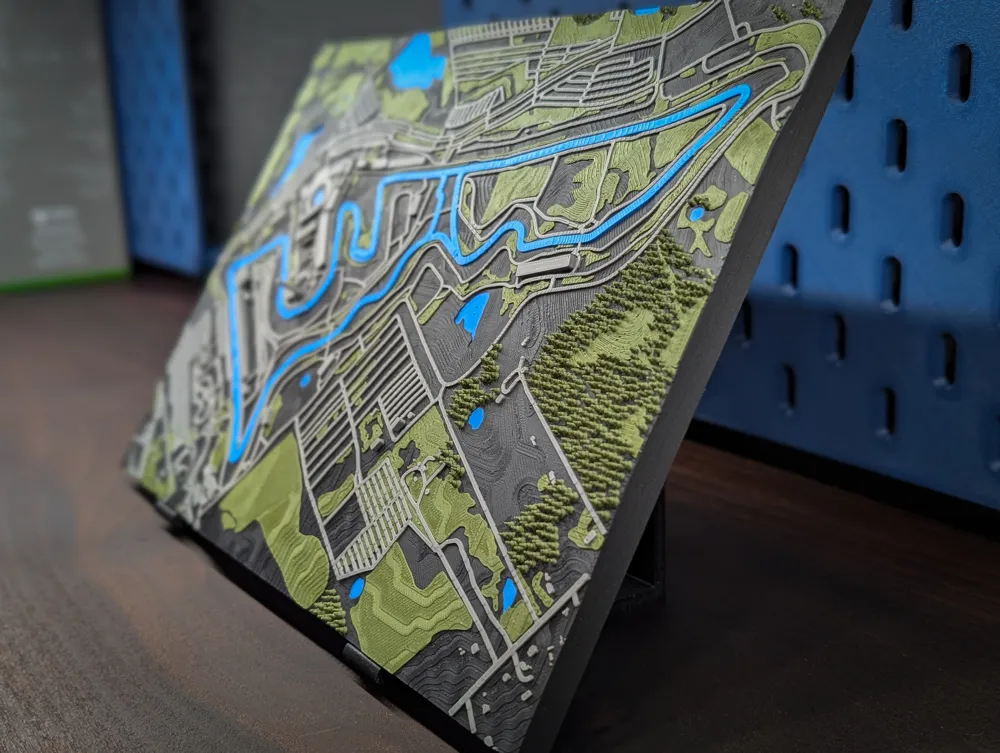
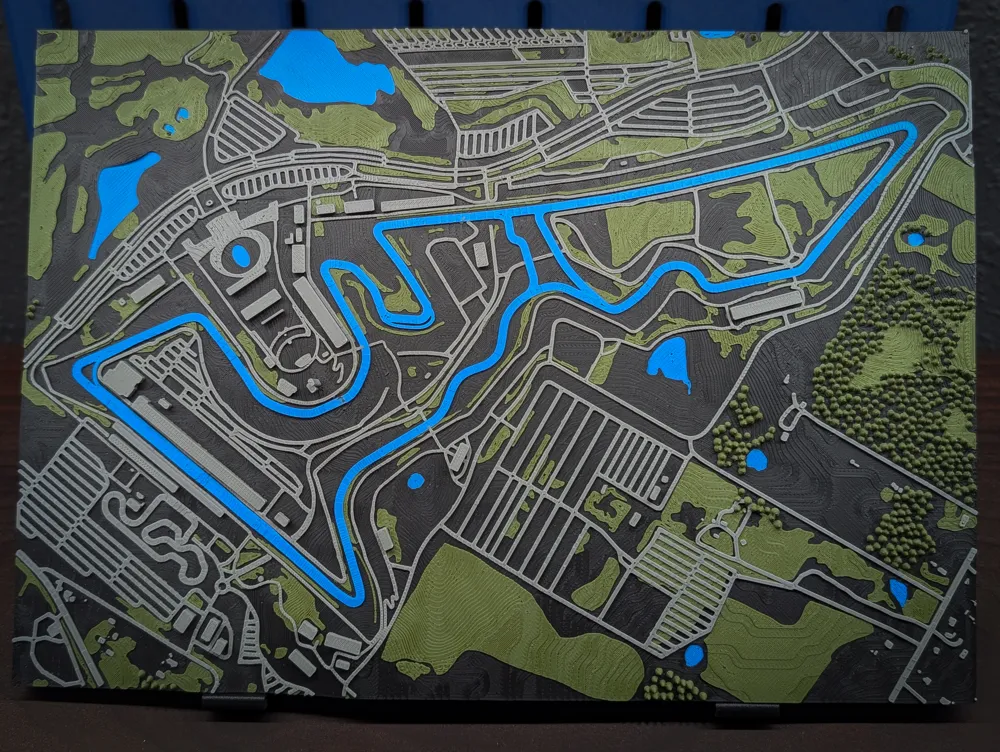
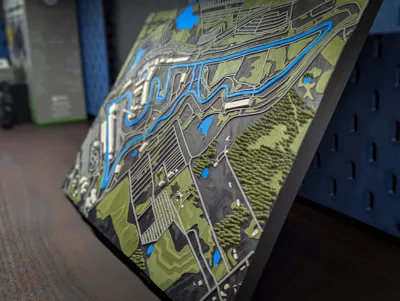
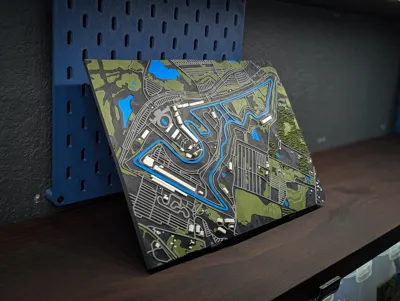
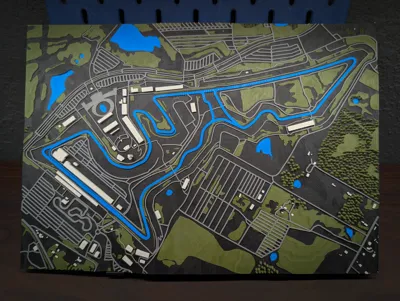
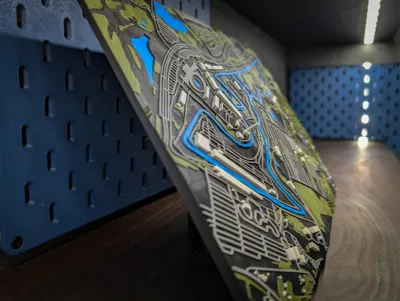
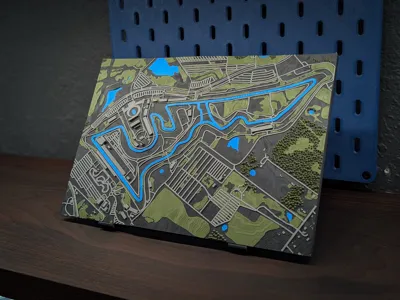
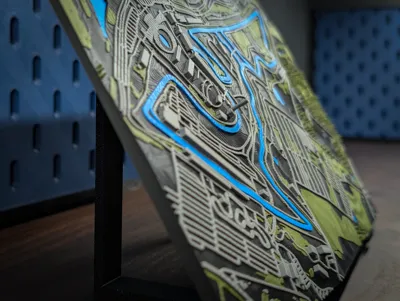
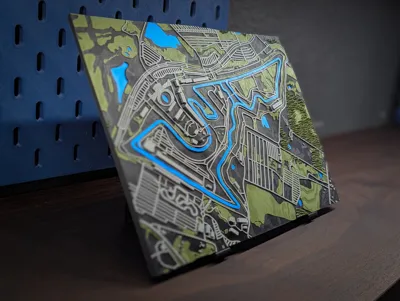
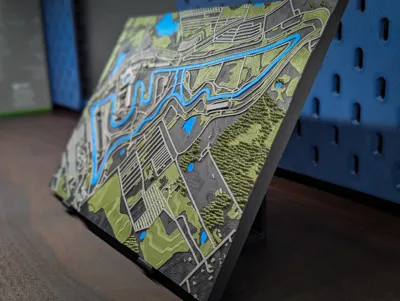
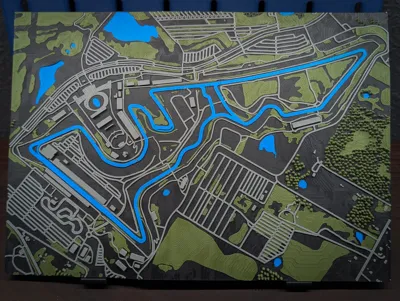
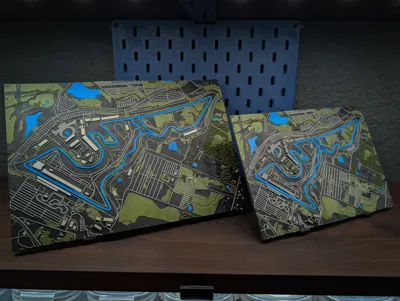
🏁 3D Topographic Model of Circuit of the Americas (COTA)
🛠️ Model Notes
I’m still relatively new to 3D modeling, and every track brings its own challenges. If you notice anything that could be improved or have suggestions, I’m always open to feedback.
The biggest change with this release is scaling. Going forward, roads, vegetation, and trees use a standard scale applied after terrain scaling, so track/road width and detail scale match better across tracks (including H2 vs X/P) and printability is more consistent.
I also changed Z boost from what I did on Silverstone. Now I scale the terrain first and only the terrain. Buildings may end up slightly taller to avoid floating parts, but nothing gets stretched like before and trees aren’t stretched at all.
Lastly, the STL/CAD pack is where you'll find the H2D 0.2 nozzle 3MF, but I’m not publishing the full H2D 0.2 profiles anymore due to Bambu’s updated profile requirements and the H2D’s current issues with large 0.2 prints. H2D 0.4 looks great, and the X/P size are the real benefactors of the 0.2 nozzle prints.
The current version:
- Approx. 1 : 6,585 scale on H2D and 1 : 8,578 scale on X1P1
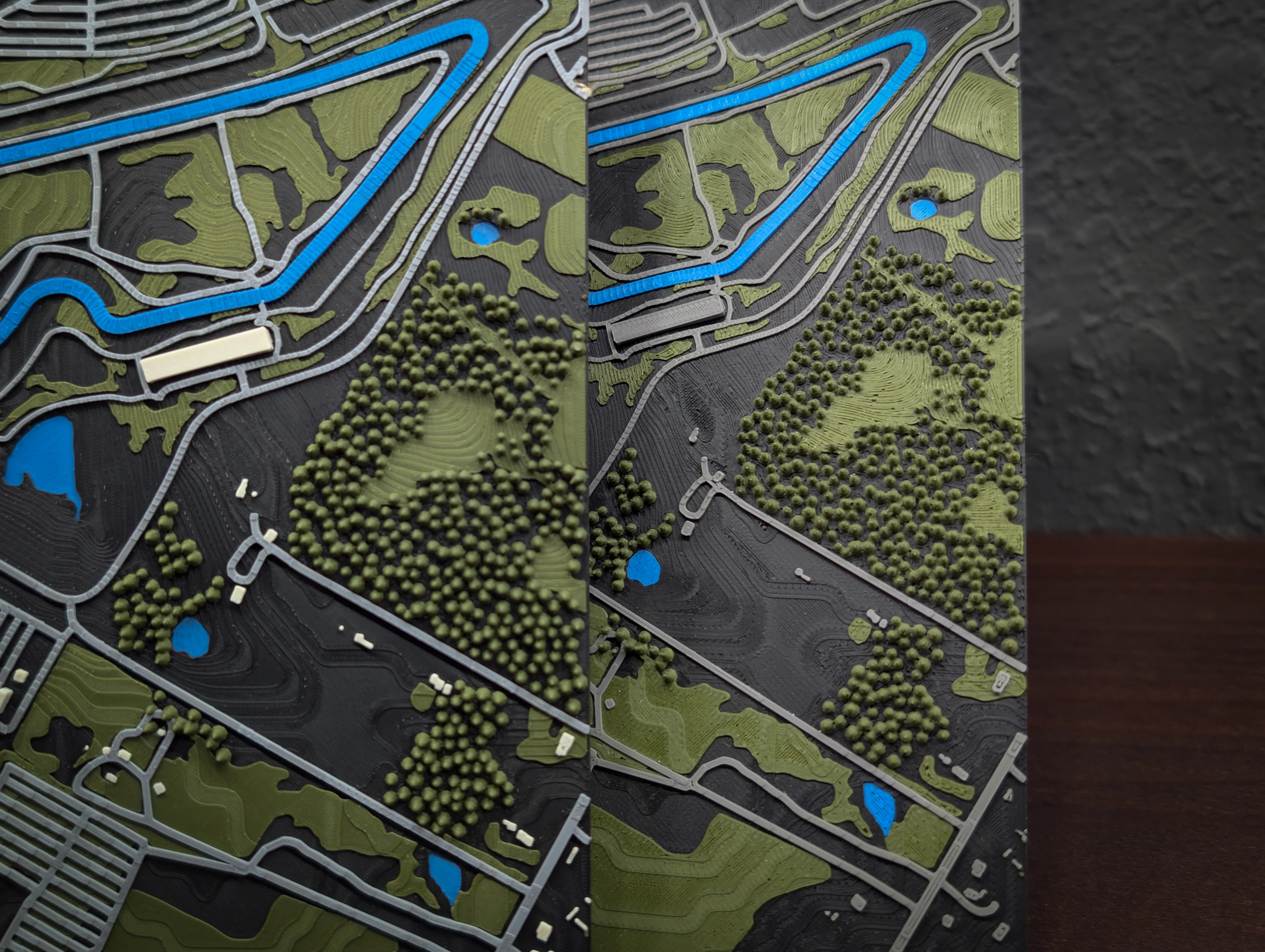
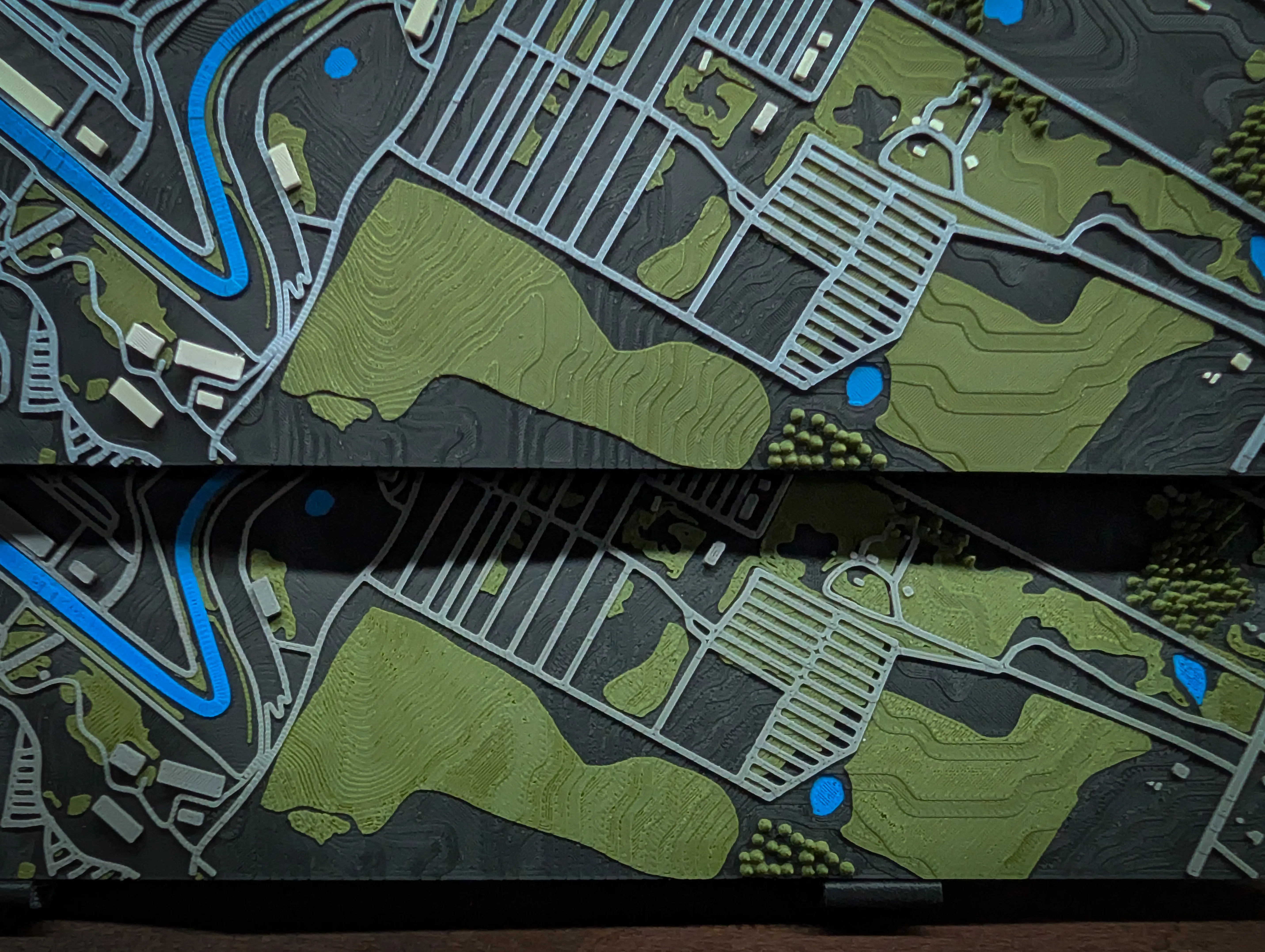
- The 0.2 mm nozzle profile photos were taken from an earlier 0.1 mm layer height. The current files are tuned for 0.08 mm and will produce even finer trees and detail.
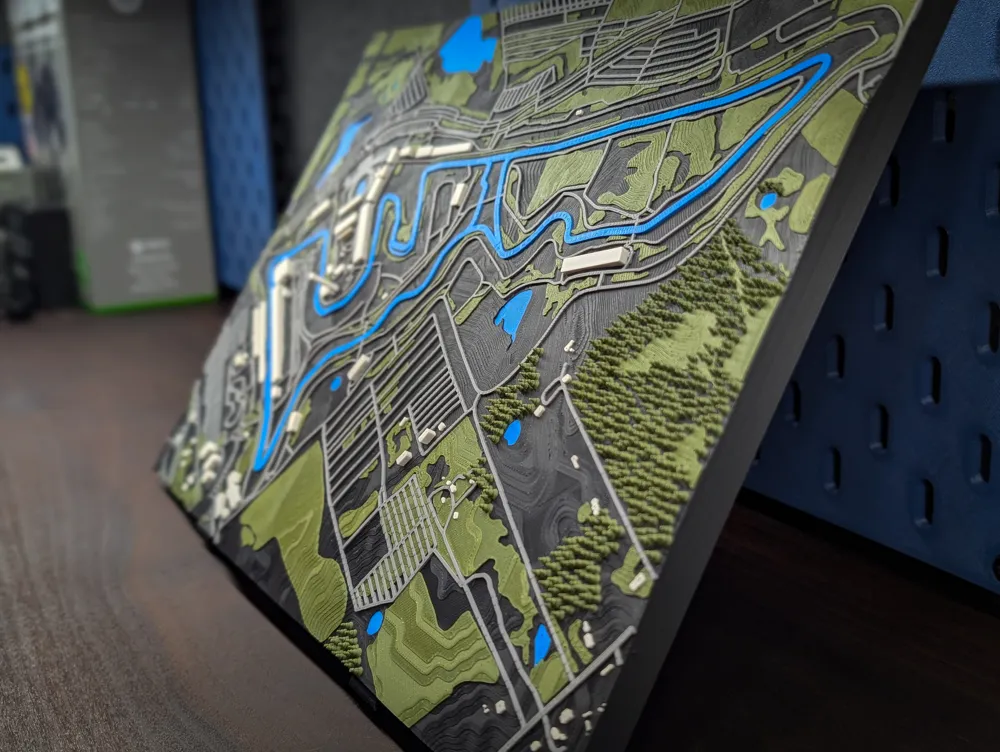
🌲 Tree Notes
- Tree tips are fragile. Avoid touching them or holding the model by the canopy
- A very quick torch pass helps remove minor stringing without melting detail
🖨️ Slicing & Printing Tips
If you increase the layer height, carefully inspect the slicer preview to ensure you aren't thinning out the vegetation too much or loosing all the tree detail.
If you can see gaps in the vegetation in the preview, you will see them in the final print.
Before printing:
- Dry your filament
- Run printer calibrations
- Try the included test print (provided in every profile)
Very important: This model reaches near the bed edges
- Use glue stick, a smooth plate, or a SuperCool plate
- Bed adhesion matters a lot on long prints, especially when they are this large
- Let the print cool naturally for at least one hour before removal to prevent warping
- Do not pull the print off the bed
- Instead, remove the plate from the printer and gently flex it front-to-back and side-to-side to release the print without risking delamination
.2 Nozzle vs .4 Nozzle:
⚠️ Extruder Overload Error (Important Note for H2D Users)
- If you get an Extruder Overload error during printing (most common on the H2D), don’t cancel the print. This issue is typically caused by the printer trying to infill a wide internal gap too fast for a split second, triggering an under-extrusion detection. It’s not a model problem, just a slicer/printer quirk.
- Here’s what to do (this has worked every time for me):
- Resume the print, then immediately pause it again. This reloads the filament and lets you run manual controls.
- Heat the nozzle and manually extrude a bit. Make sure filament is flowing normally.
- If extrusion looks fine, resume the print and run the print at 50% speed for a little while. I usually leave it at 50% for 30 minutes to an hour.
- Switch back to full speed once you think the problematic area is passed.
- I’ve reported this to Bambu several times. Changing slicer speeds has had no impact at all. There’s no official fix, but slowing the print temporarily has prevented the error from returning every single time.
🎨 Color Recommendations
These color setups are not tied to specific printers, use whatever works best for your hardware and preferences.
5-Color (Full Setup)
- Matte Charcoal – terrain
- Matte Dark Green – trees and vegetation (this gives the appearance of two different colors for the vegetation and the trees)
- Matte Marine Blue – water and track
- Matte Nardo Gray – roads and buildings
- Matte Bone White – buildings
4-Color (Simplified Setup)
- Matte Charcoal – terrain
- Matte Dark Green – trees and vegetation (this gives the appearance of two different colors for the vegetation and the trees)
- Matte Marine Blue – water and track
- Matte Nardo Gray – roads and buildings
Matte filaments tend to produce better visual results for elevation detail due to how they interact with light.
🖼️ Display Tip
Want a clean way to show off your track?
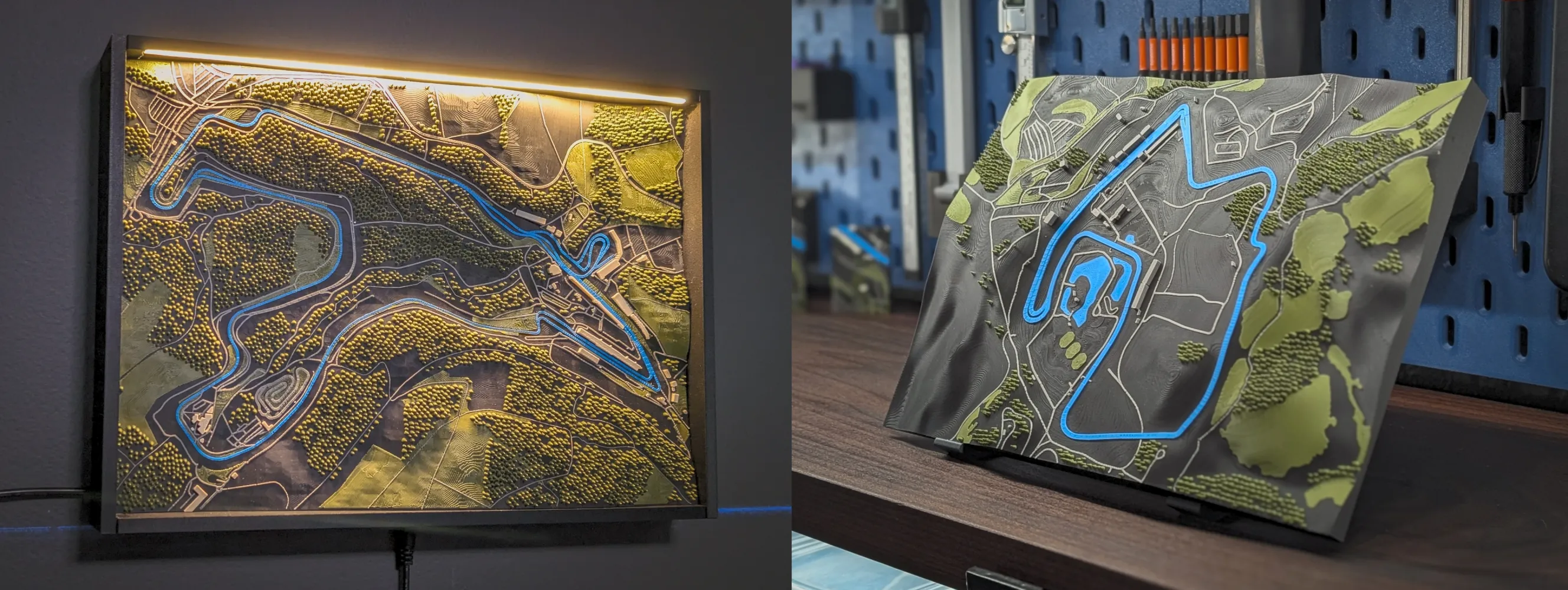
- Standard Wall Frame works with all track sizes
- LED Wall Frame only works with H2 track sizes
- Desk Stand works with all track sizes
All frame options are currently in beta and will continue to be refined.
🔗 Wall Frame:
https://makerworld.com/en/models/1974807-3d-track-wall-frame-standard-led-options#profileId-2123804
🔗 Desk Stand:
https://makerworld.com/en/models/2070029-3d-track-model-desk-stand#profileId-2235682
💬 Final Thoughts
If you remix, improve, or just print the model, I’d love to see your results and hear your thoughts. Thanks again for checking it out and happy printing!
📦 Coming Soon
- Nurburgring ?!?
License

You may create derivative works based on this object, provided that all such derivative works are published exclusively on the MakerWorld platform and include proper attribution to the original creator. You may not share, upload, host, distribute, or publish this object—or any derivative work of this object—on any other digital platform, marketplace, or distribution channel. Commercial use of this object and any derivative works is strictly prohibited. This includes, but is not limited to, selling, renting, sublicensing, or using the object in any context in which you receive monetary compensation or other financial benefits.


Comment & Rating (6)