
Print Profile(3)
Bill of Materials





Description
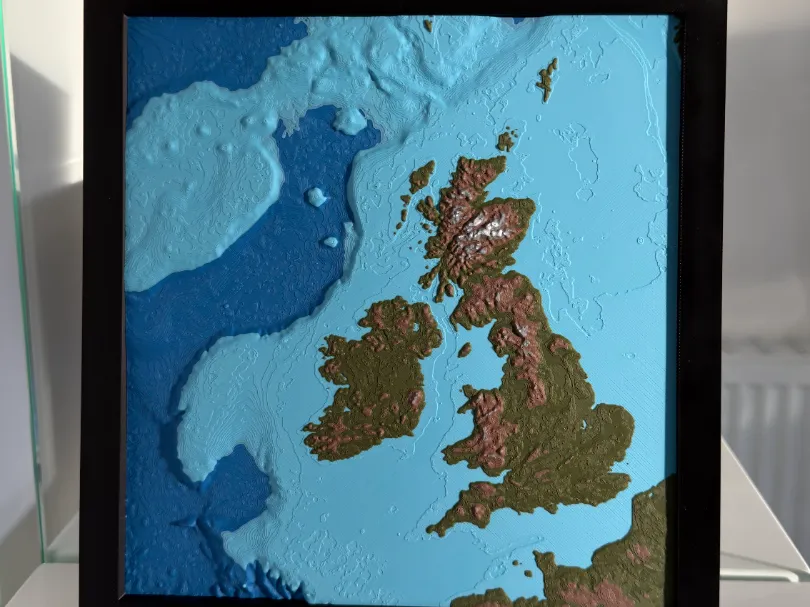
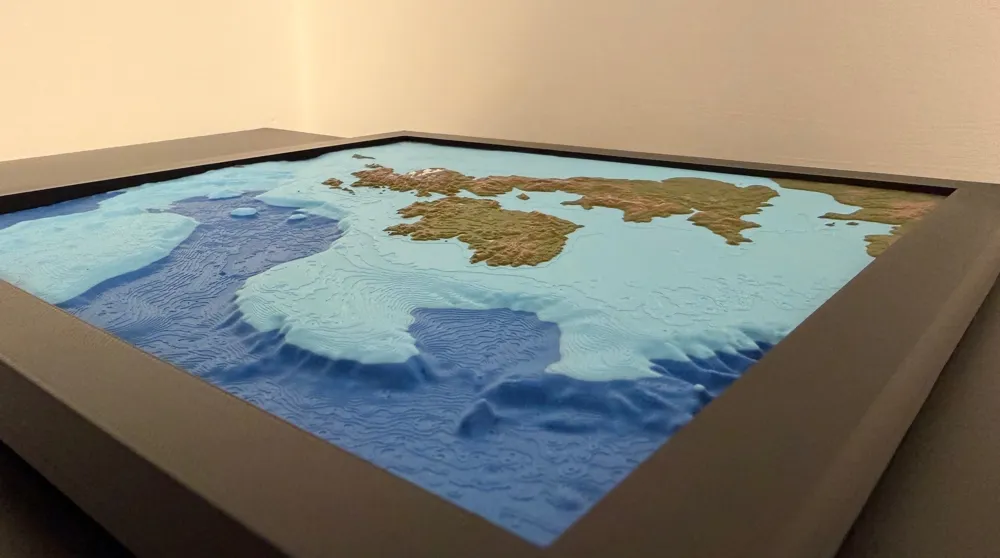
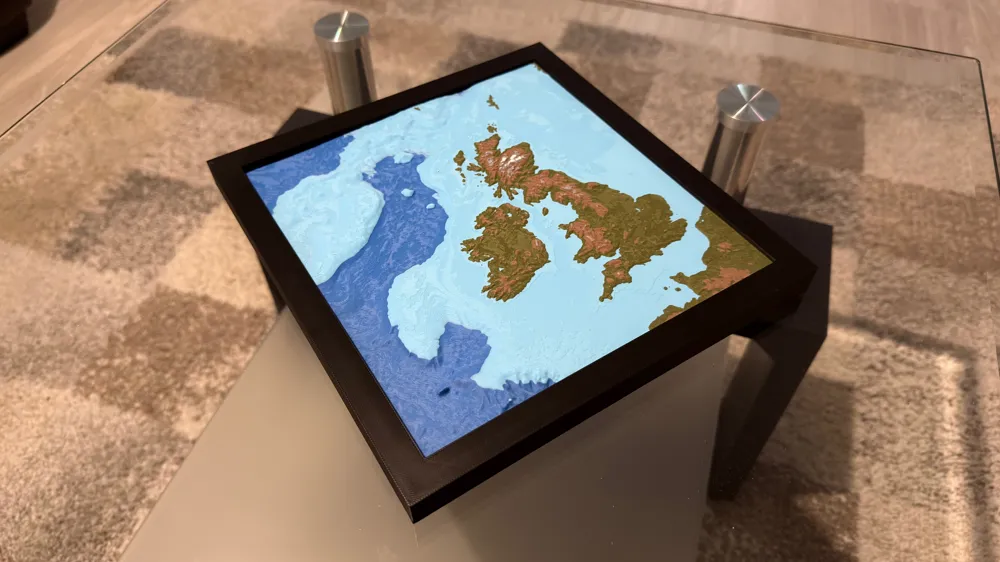
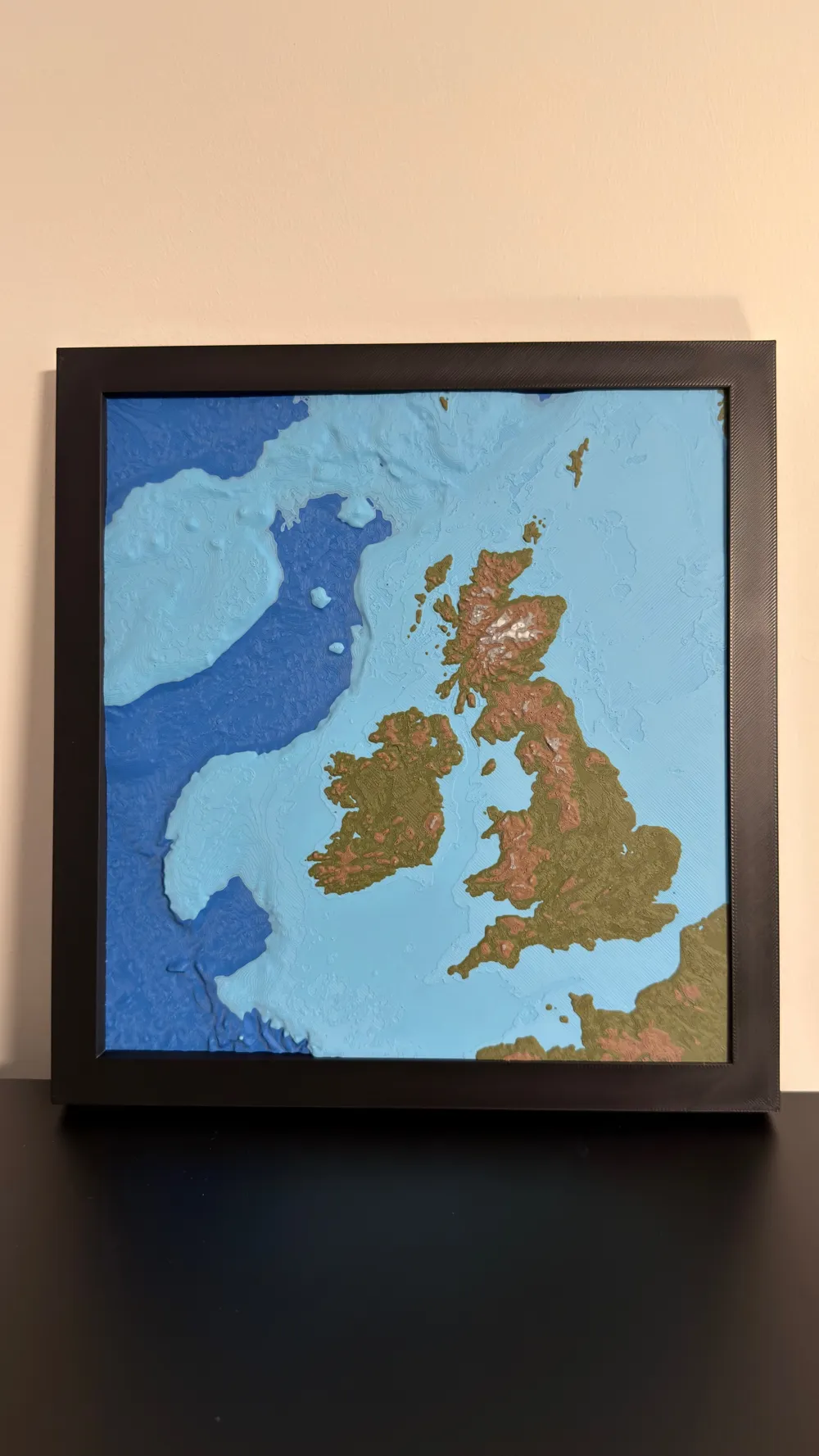
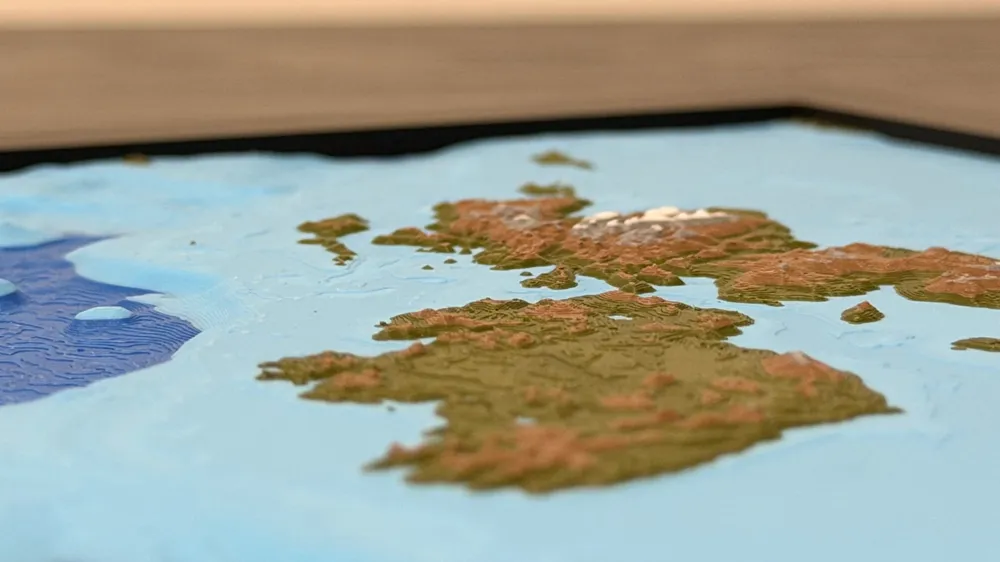
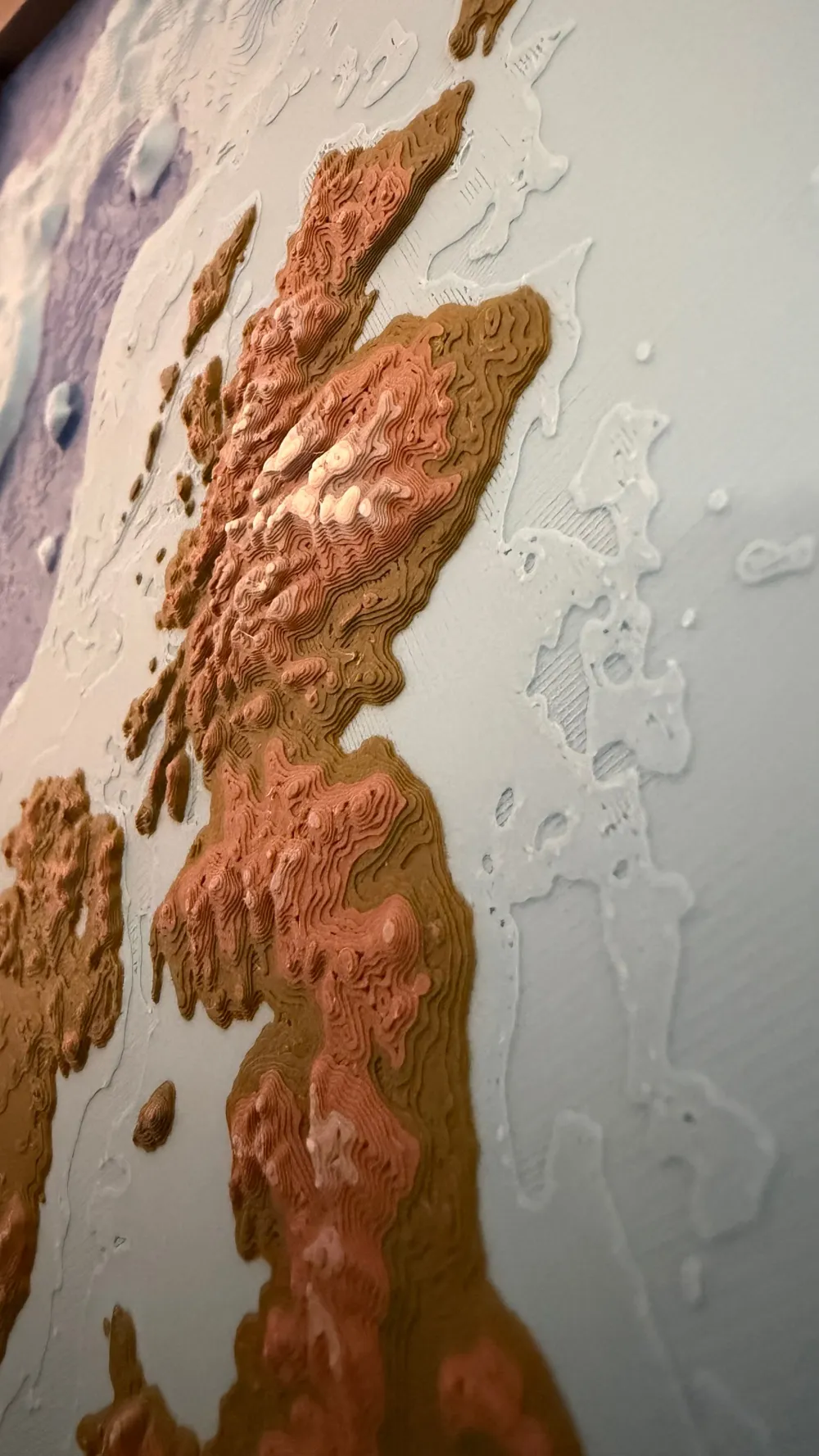
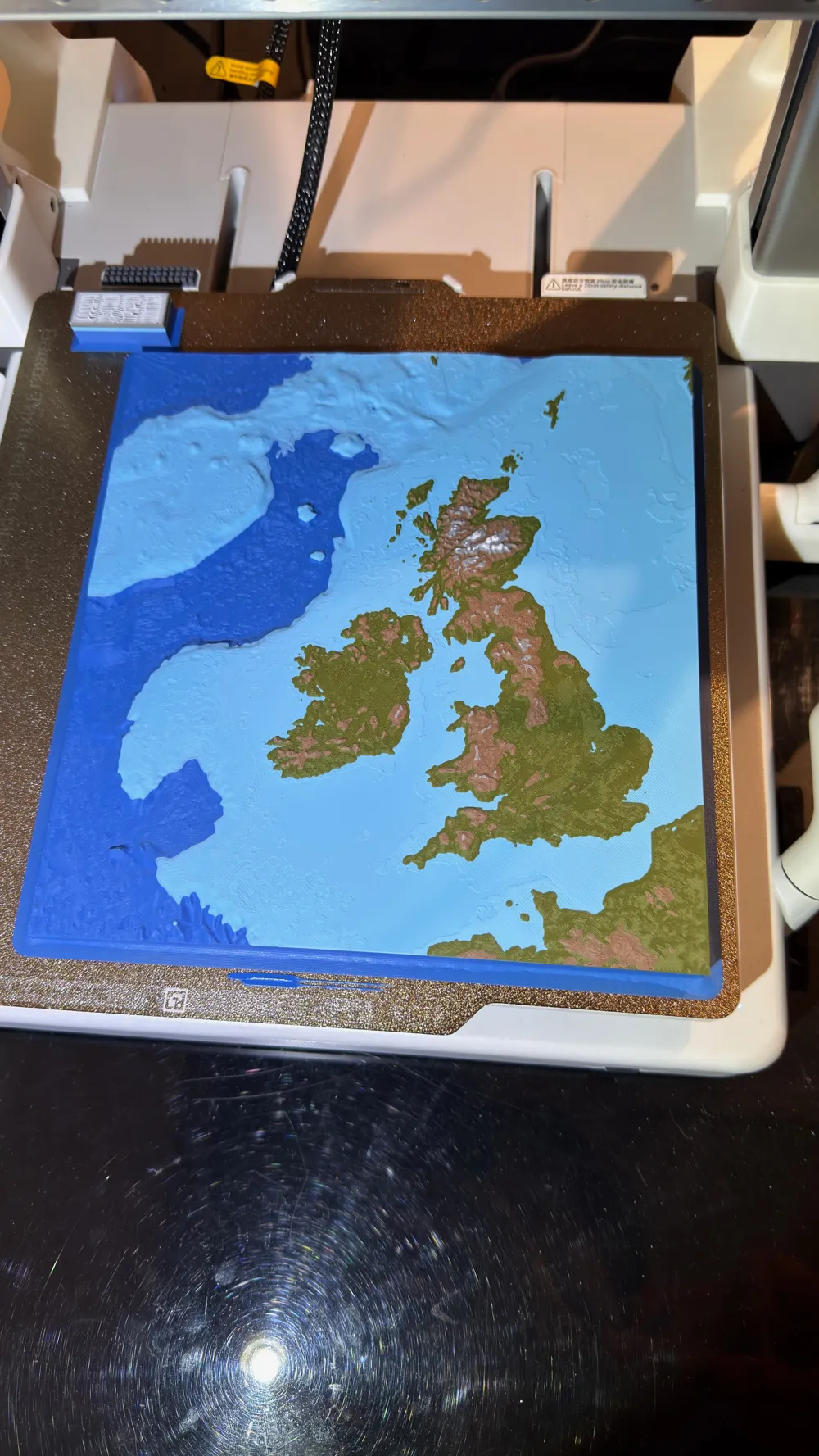
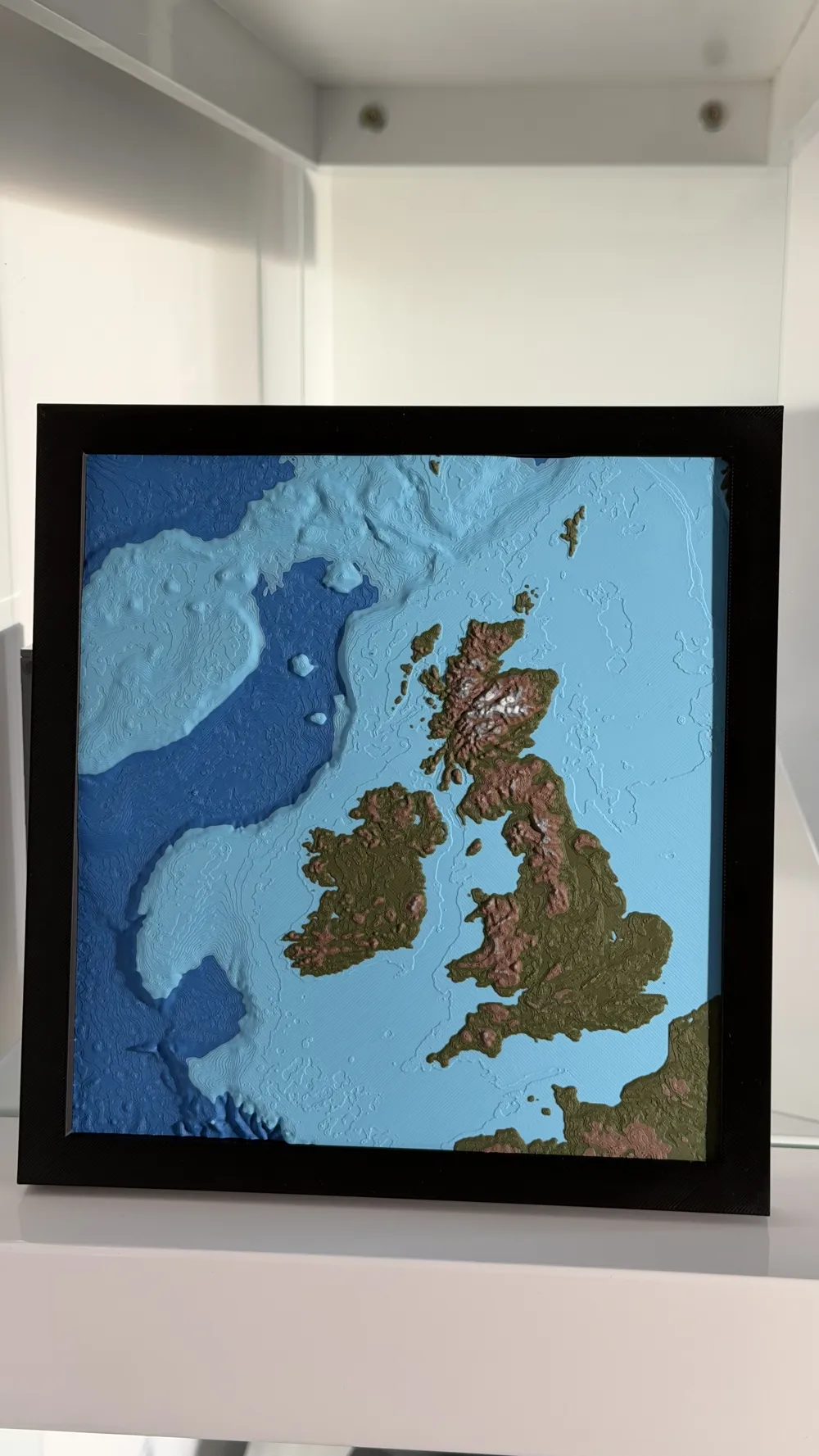
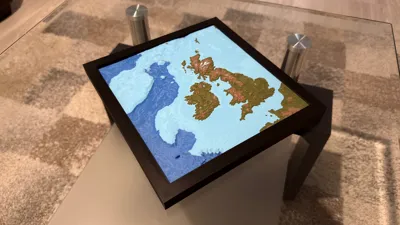
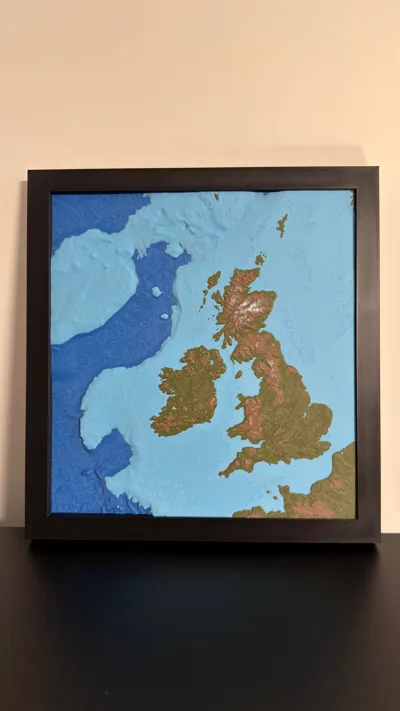
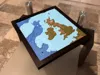
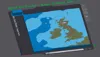
Topographic and Bathymetric Map of the British Isles and the Surrounding Sea Floor
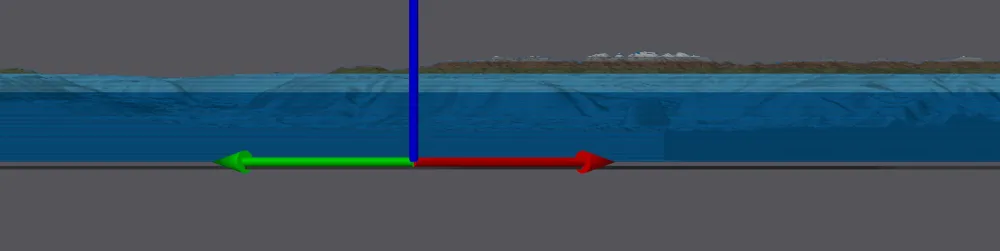
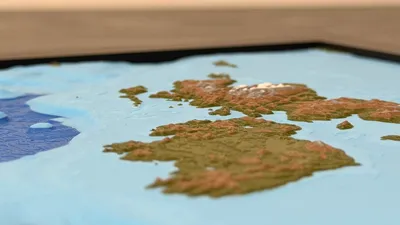
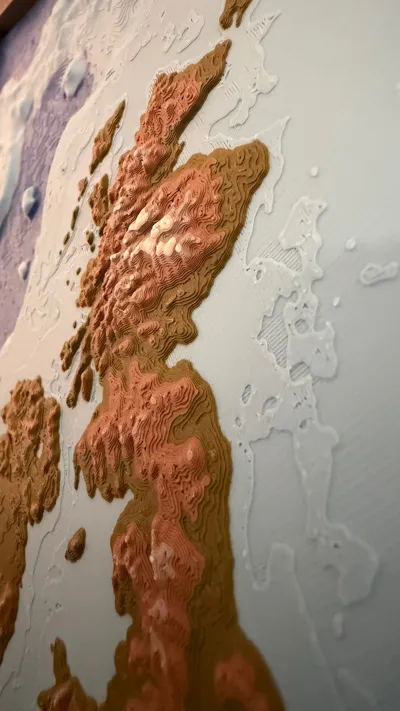
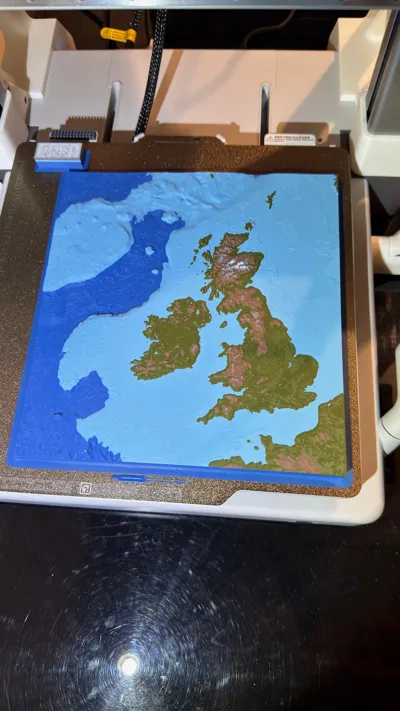
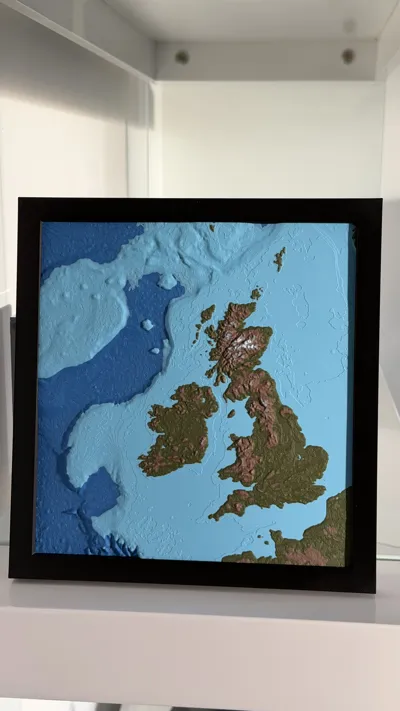
I have seen many topographic / relief maps of land terrain but not many bathymetric maps showing the sea floor, which I find equally interesting. The sea floor tends to have much larger changes in elevation than the land. This map highlights the changes in elevation / depth in and around the British Isles,
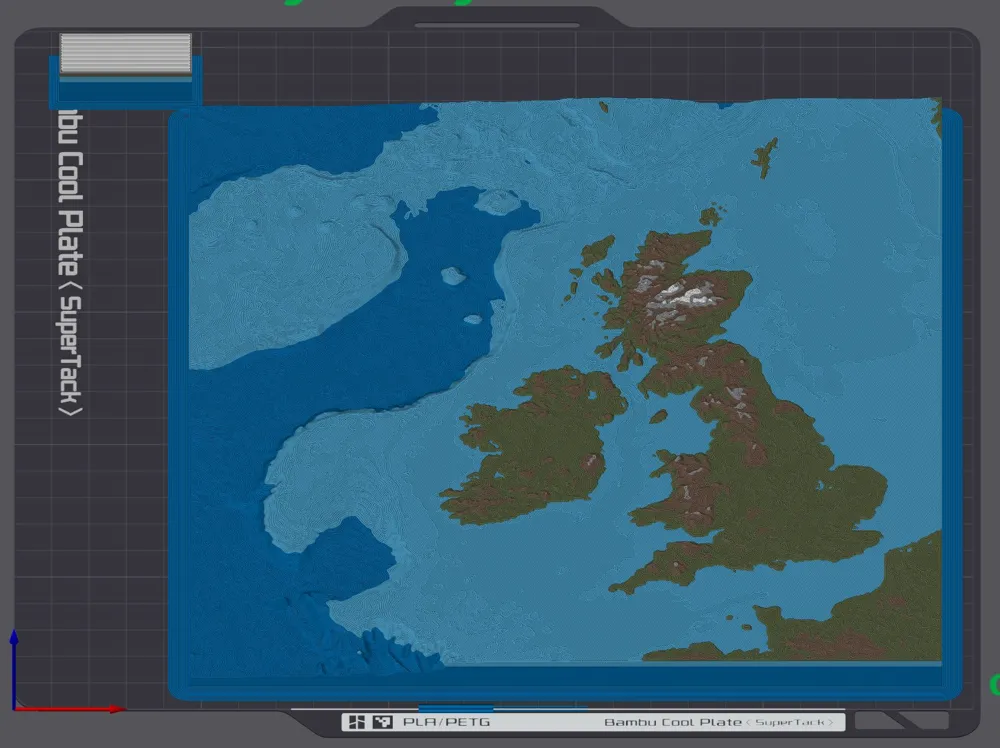
This 3D model was designed to print with 6 colours, though more or less would still function well. An AMS is recommended for the colour switching. The colours are arranged by layer so no more than one colour change is required for each material, so 6 total filament changes for the full print, which keeps waste down to a minimum. The colour changes were added to the Preview Panel in Bambu Studio, so they could be assigned a layer, feel free to modify these exact layer switches.
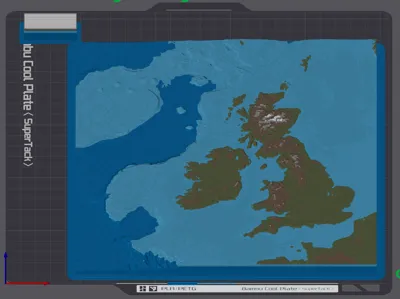
Plate 1 is the main model and Plate 2 is a small cutout which you can test print to see if your colour combination and print settings produce good results. Once happy copy the settings over to plate 1 and print the full map.
Materials Used
For the Map
- Bambu PLA Matte – Marine Blue (11600)
- Bambu PLA Matte – Sky Blue (11603)
- Bambu PLA Matte – Dark Green (11501)
- Bambu PLA Matte – Dark Brown (11801)
- Bambu PLA Matte – Ash Gray (11102)
- Bambu PLA Matte – Ivory White (11100)
For the Frame
- Bambu PLA Basic – Black (10101)
All these materials can be changed to your liking (I just used what I had).
Recommended 3D Print Settings
Layer Height: 0.1mm (this is a matter of personal preference, 0.2mm can be used also though some details on the land might be missing).
Speed: Reduce for top layer, 100mm/s worked well for me.
Brim width: 6mm (This large flat print has a high risk of warping so a strong brim is recommended, and possibly up the bed temperature to ensure best possible adhesion).
Map Creation
The map was created using the site: TouchTerrain: Easily Create 3D-Printable Terrain Models
https://touchterrain.geol.iastate.edu/main
Frame Creation
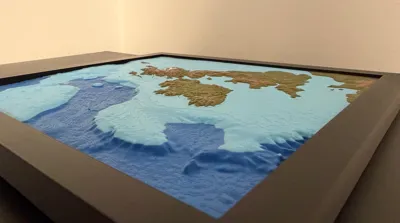
The frame is rather basic, but does help emphasise the 3D nature of the map. I used Fusion 360 to generate a frame with a 0.1mm offset so the map fits perfectly even without any glue.
Acknowledgements
I was inspired to create this map after finding a similar map of Japan, by the user Dotted Lines:
https://makerworld.com/en/models/548349-topographic-map-of-japan-with-bathymetry#profileId-466489
STL Generation:
Harding, C., Hasiuk, F., & Wood, A. (2021). TouchTerrain—3D printable terrain models. ISPRS International Journal of Geo-Information, 10(3), 108. https://doi.org/10.3390/ijgi10030108
Global Relief Model:
NOAA National Centers for Environmental Information. 2022: ETOPO 2022 15 Arc-Second Global Relief Model. NOAA National Centers for Environmental Information. DOI: https://doi.org/10.25921/fd45-gt74
Final Request
Feedback is welcome and let me know if there are any other locations you would like me to create a similar style map for.
Boost Me (for free)
If you like this style of map, please consider a boost.
License

You shall not share, sub-license, sell, rent, host, transfer, or distribute in any way the digital or 3D printed versions of this object, nor any other derivative work of this object in its digital or physical format (including - but not limited to - remixes of this object, and hosting on other digital platforms). The objects may not be used without permission in any way whatsoever in which you charge money, or collect fees.


Comment & Rating (2)