
Print Profile(9)



Description
Boost Me (for free)
Support creativity!
Every Boost helps my 3D projects grow and motivates me to create new ones, always more useful and original. Thank you for your support!

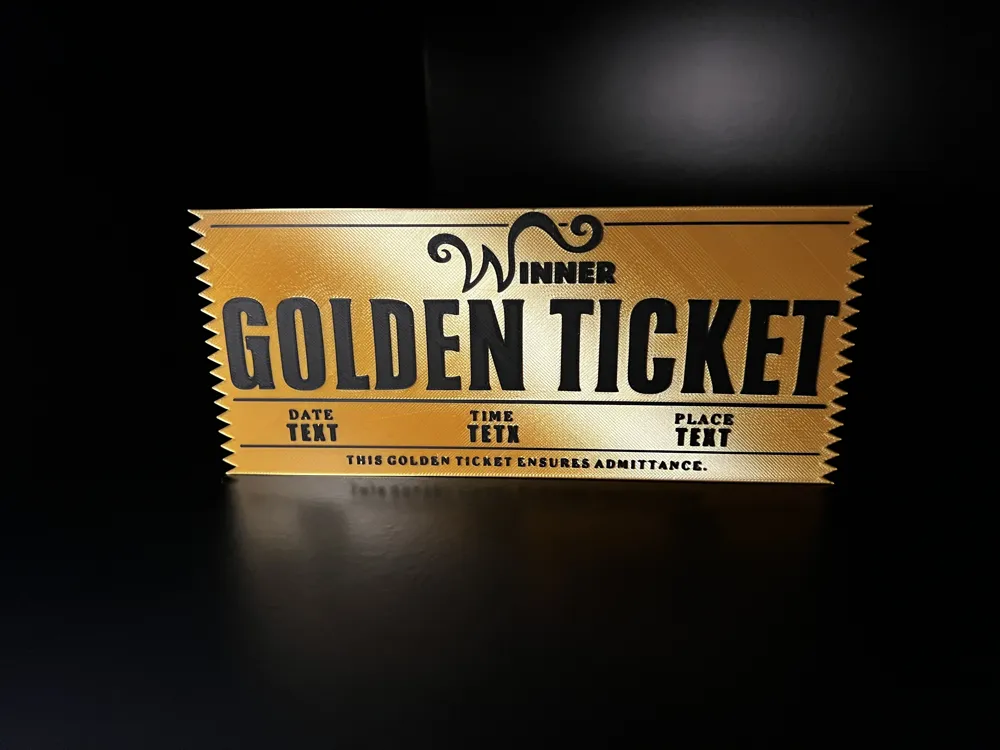
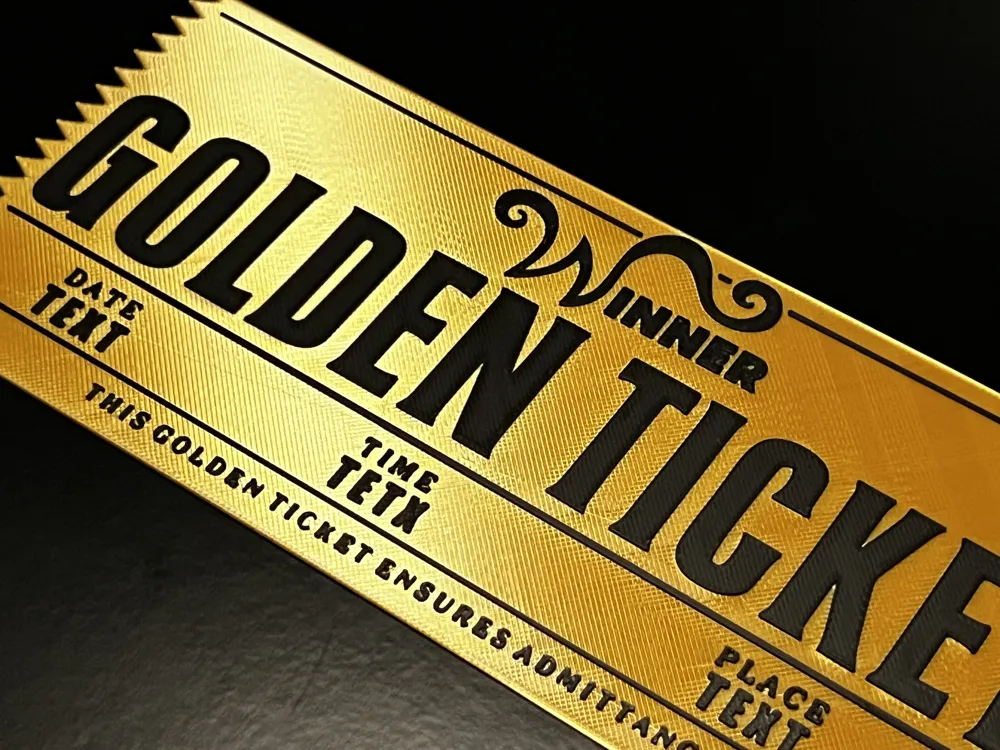
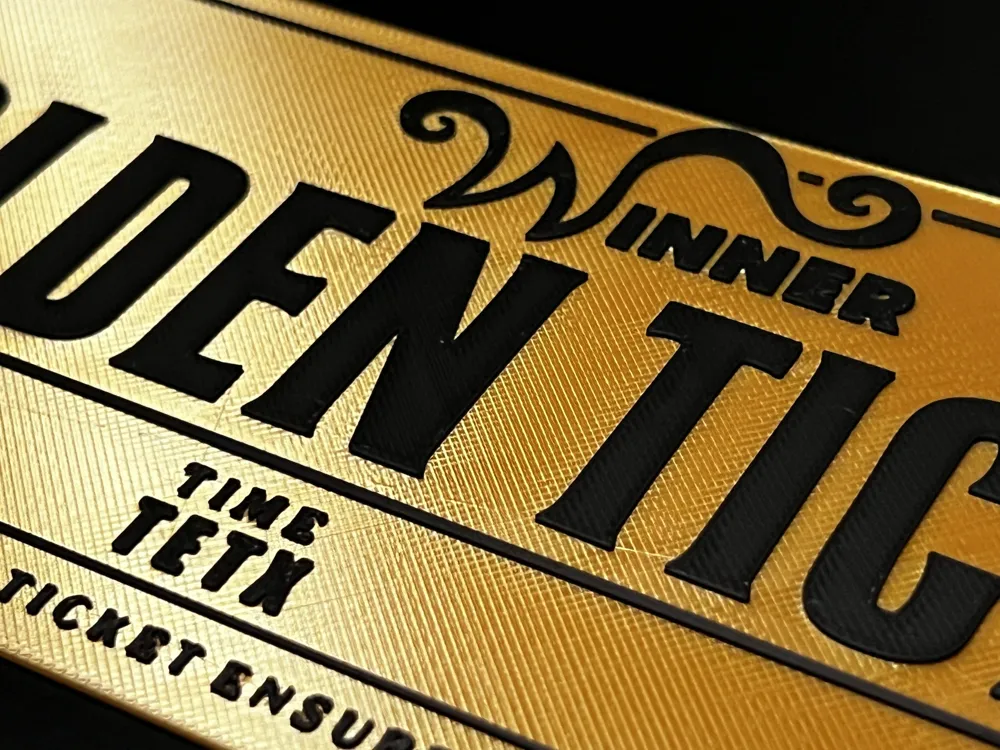
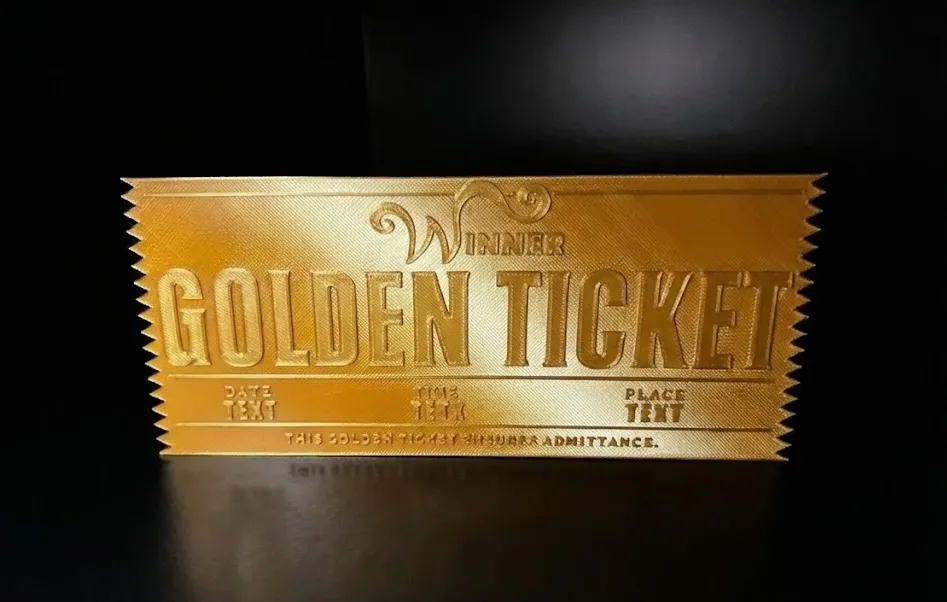
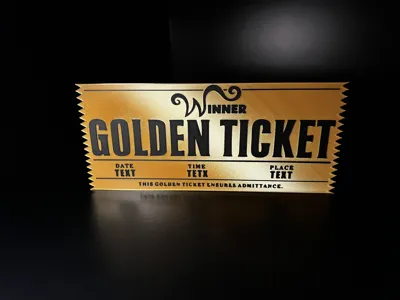
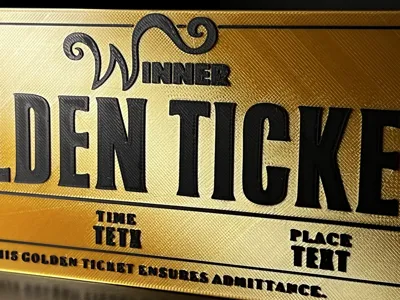
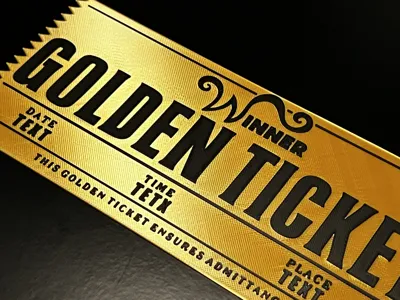
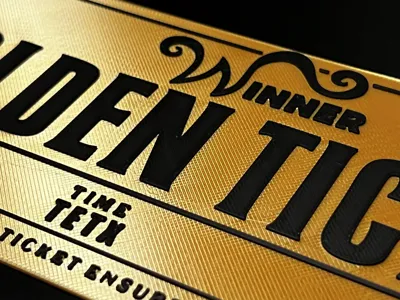
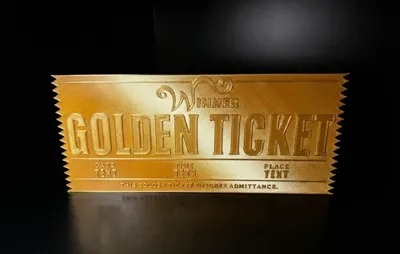
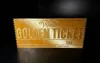
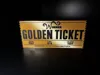
I reimagined the classic Willy Wonka-inspired design by replacing the logo with the text "Winner," making it the perfect gift to reward someone, send an exclusive invitation, or create an original surprise. It is fully customizable with DATE, TIME, and PLACE (you will find my mini-guide for adding text at the bottom of the description).
Available in 3 Sizes I have created different size variants to fit every gifting and shipping need:
- 210mm (Standard): Specifically optimized to fit inside standard postal envelopes. Perfect for mailing.
- 225mm: An intermediate size for those who want something more substantial.
- 250mm (Max): The largest version for maximum visual impact and higher detail definition.
Printing Options for Everyone I want everyone to be able to print this project, regardless of their printer.
I have prepared 3 dedicated printing profiles:
- AMS Version (Multicolor): Ready-to-print file for AMS owners. Load, assign colors, and print everything in one go.
- Single Color Version: The "Simple and Fast" profile for those who prefer a quick print using a single material.
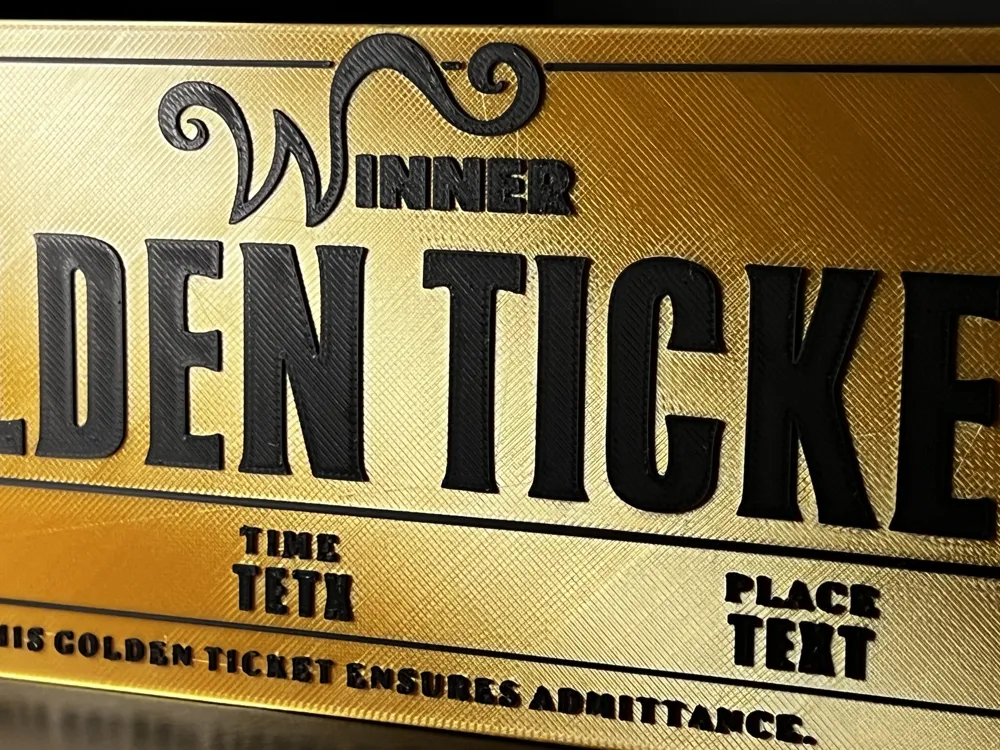
- "NO AMS" Version (Manual Dual-Color): Don't have an AMS but still want the dual-color effect? No problem! I have set an automatic pause in the slicer. The printer will stop exactly at the text layer: simply change the spool manually and resume printing to get perfect colored embossed text.
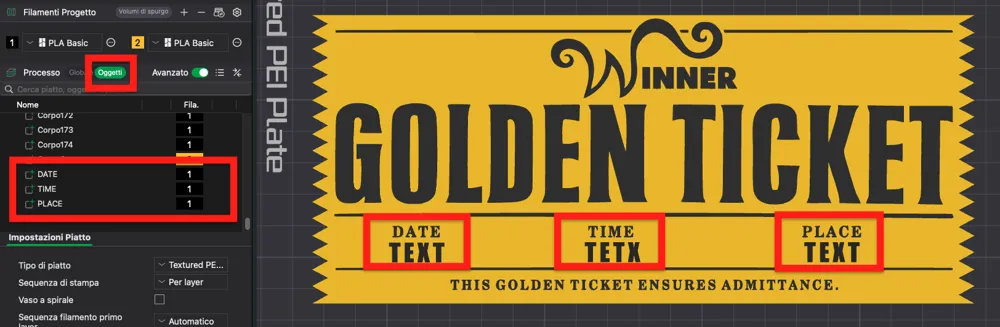
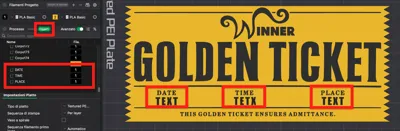
CUSTOMIZATION GUIDE:
- Open the selected profile in Bambu Studio.
In the "Process" panel, click on the "Objects" tab to view the parts list.
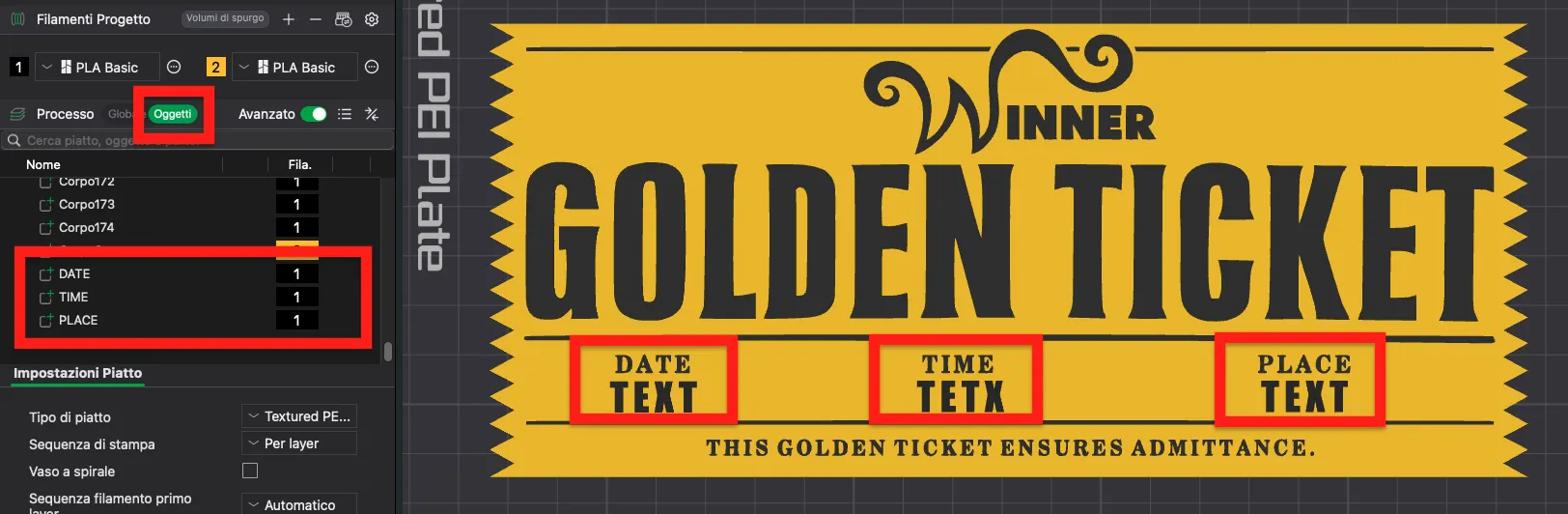
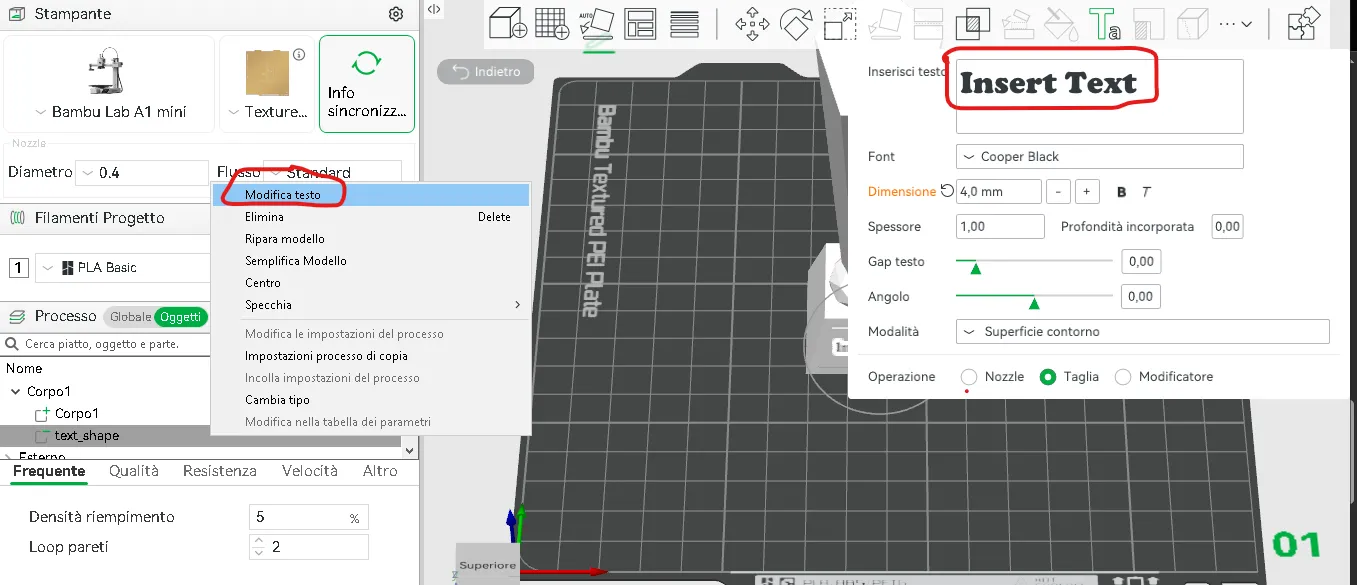
- Right-click on the item named "DATE, TIME and PLACE" and select "Edit Text".
- Enter your desired text.
For any questions, feel free to write in the comments or contact me privately.
Support my work
Patreon → Commercial license
Buy me a coffee → A small gesture that makes a big difference
Membership
Commercial license now also available through makerworld
License

You shall not share, sub-license, sell, rent, host, transfer, or distribute in any way the digital or 3D printed versions of this object, nor any other derivative work of this object in its digital or physical format (including - but not limited to - remixes of this object, and hosting on other digital platforms). The objects may not be used without permission in any way whatsoever in which you charge money, or collect fees.


Comment & Rating (18)