
X2D/P2S Hot Air Deflector
Print Profile(1)

Bill of Materials

Description
Boost Me (for free)
𝗬𝗼𝘂𝗿 𝗳𝗿𝗲𝗲 𝗕𝗼𝗼𝘀𝘁 = My design supply pack 📦 Click "𝗙𝗼𝗹𝗹𝗼𝘄" to get more useful models! 👀
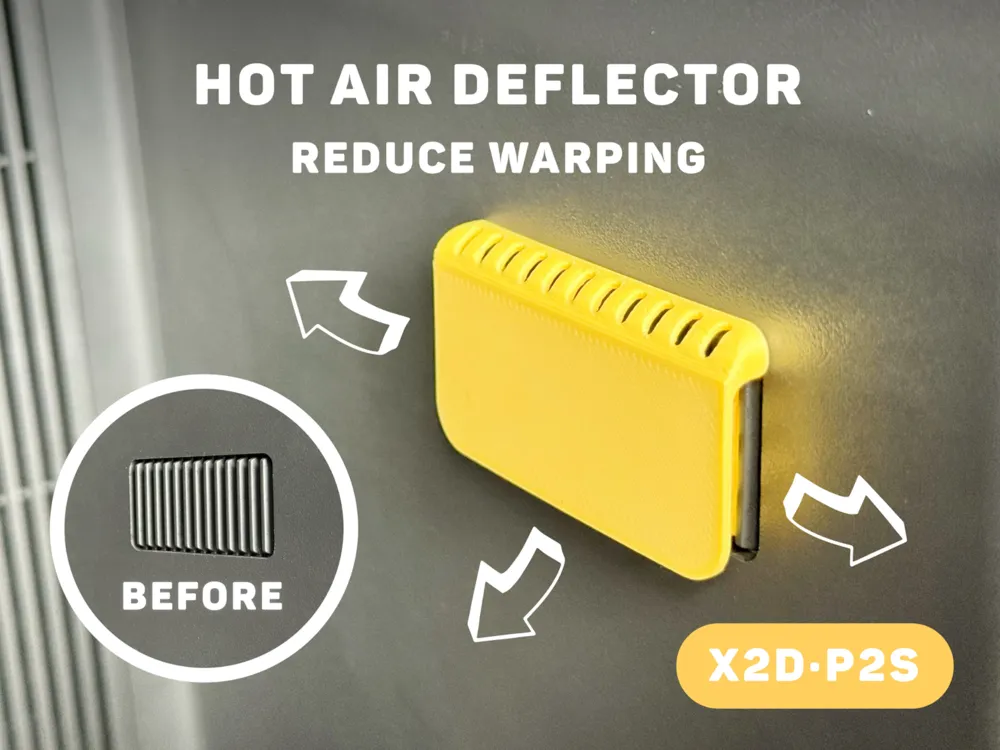

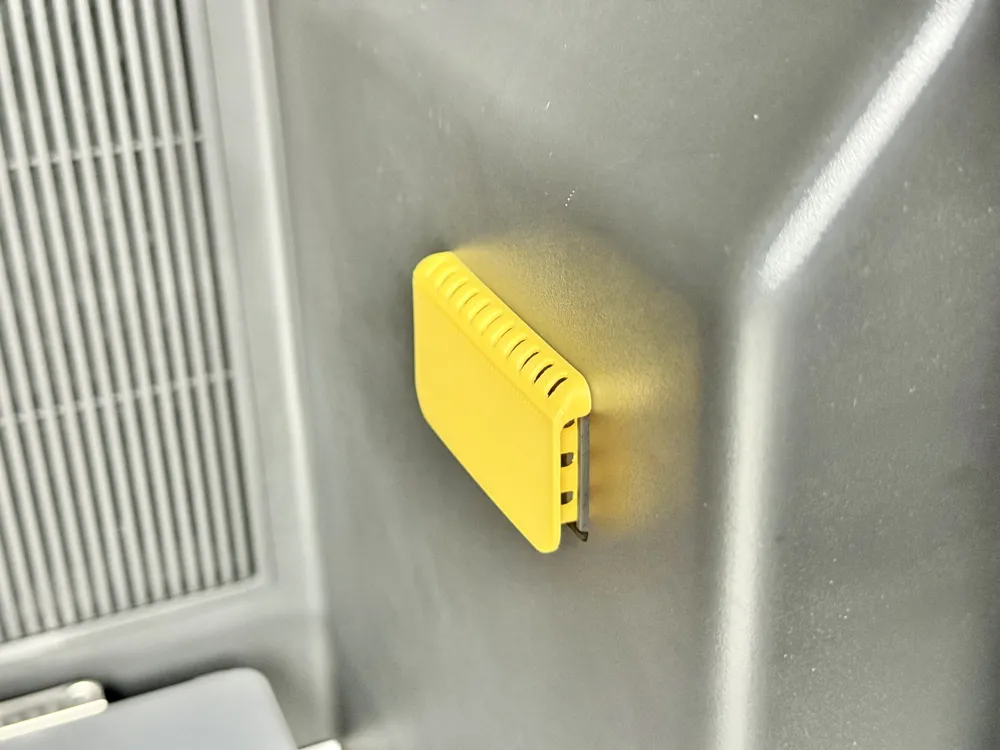
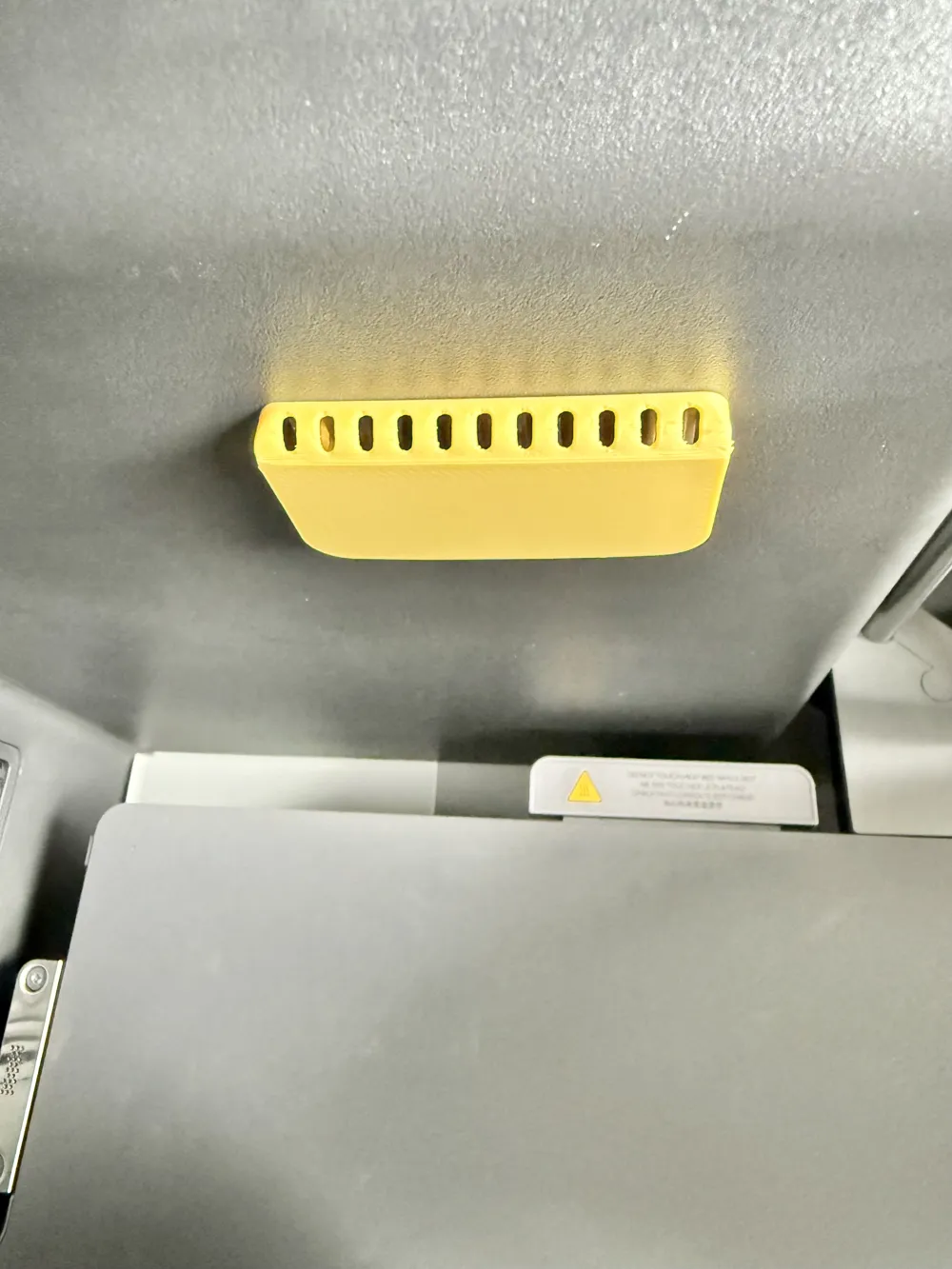
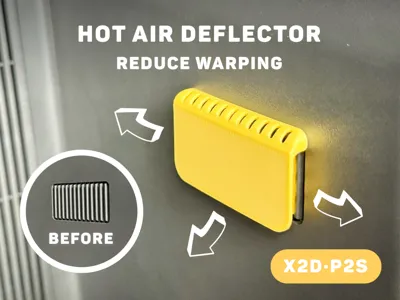
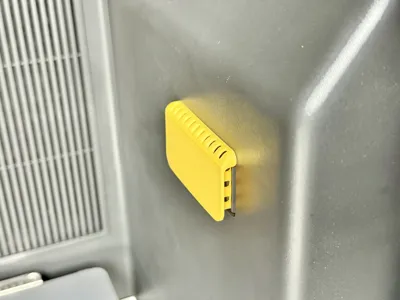
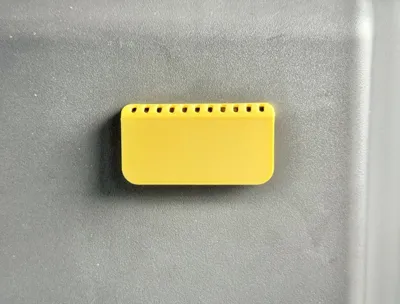
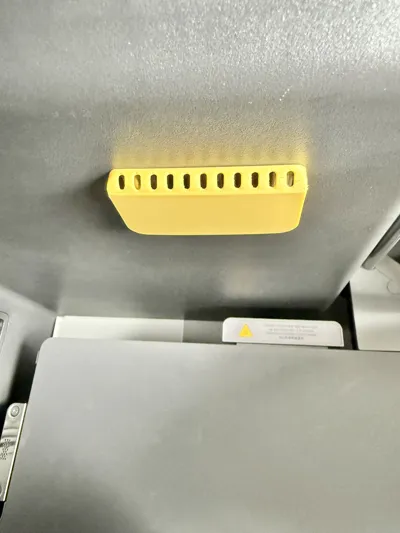
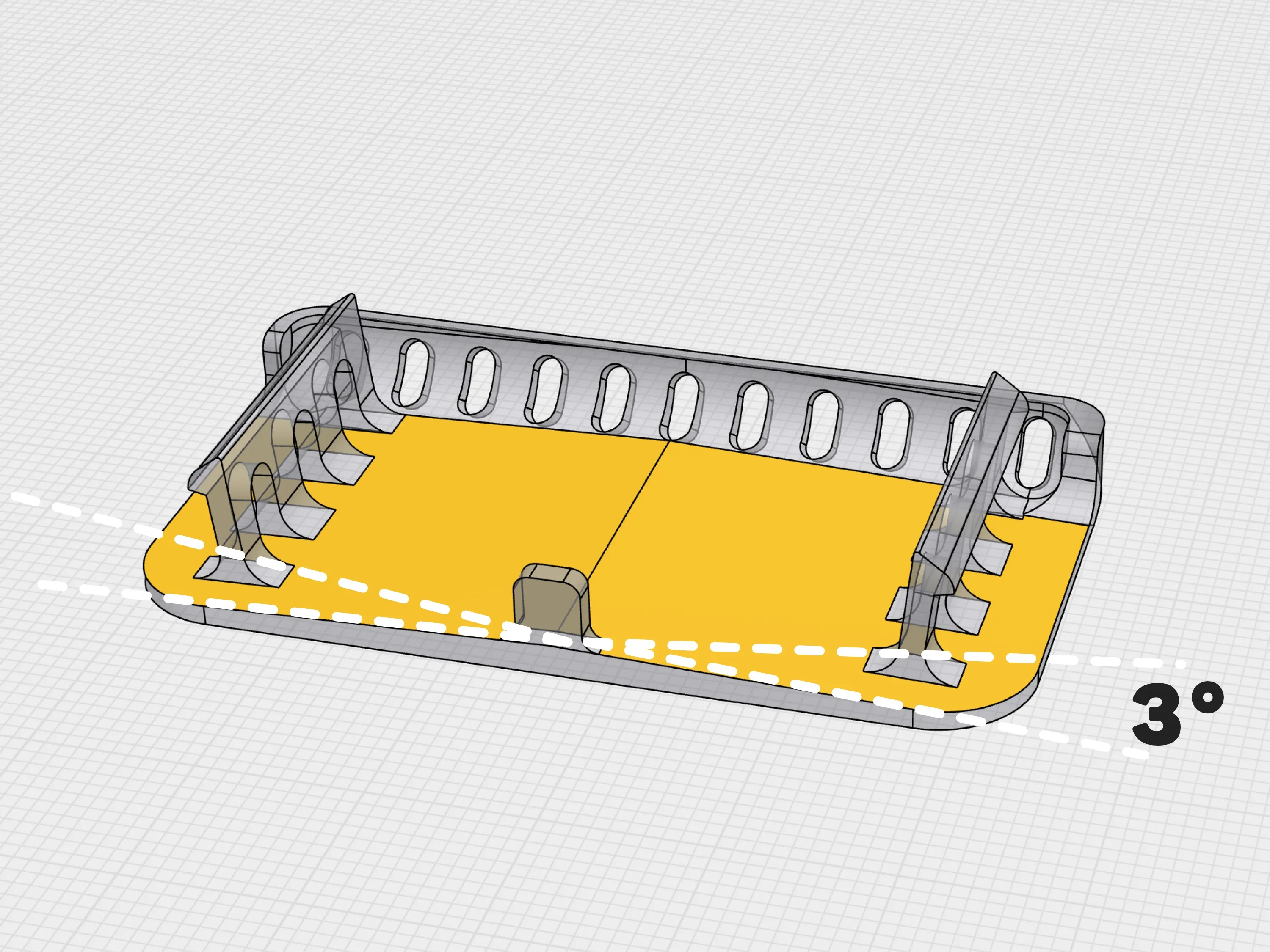
When your X2D/P2S printer is in "Heat Mode" a heating auxiliary fan on the right side of the printer blows hot air. If your model's height happens to be at this position, it can easily cause warping during printing.
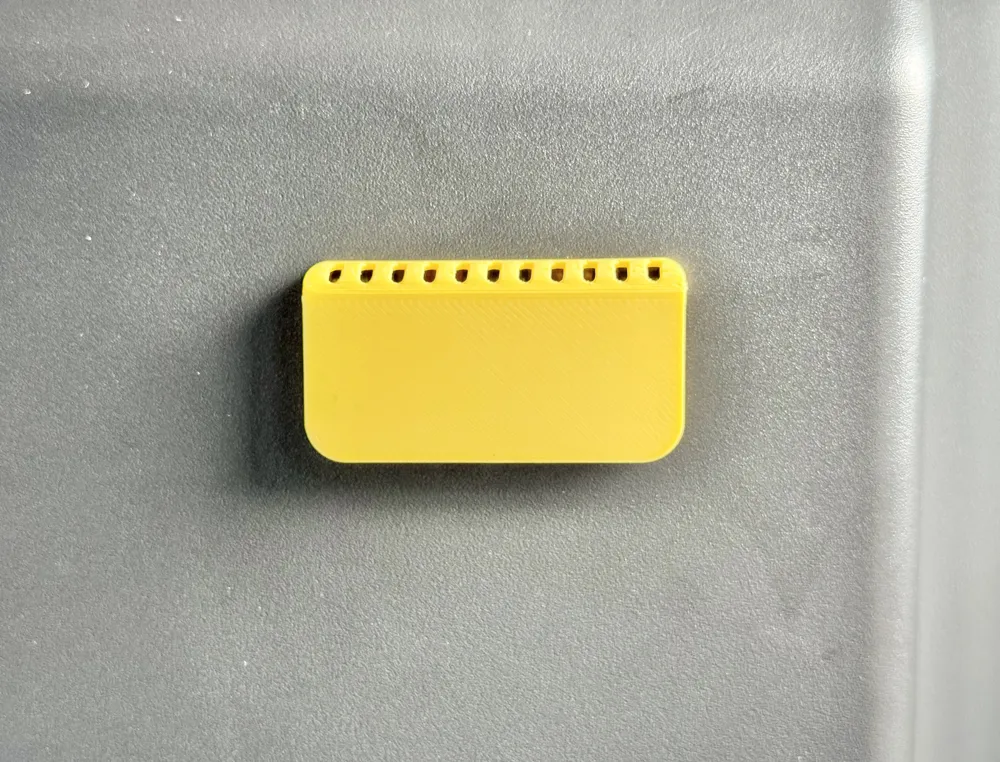
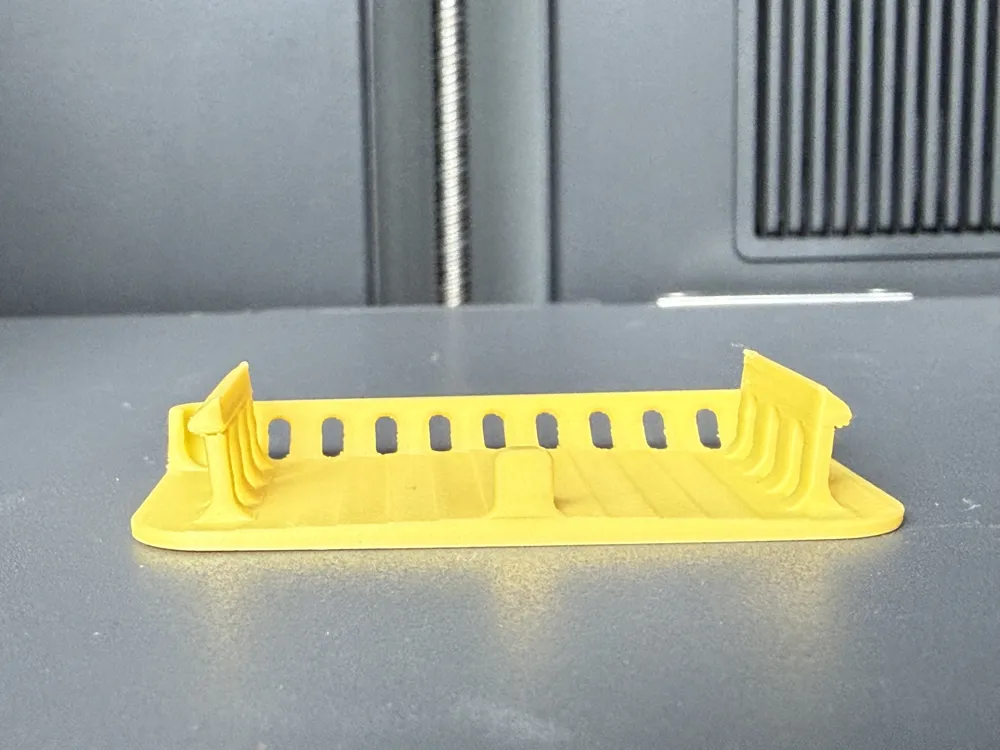
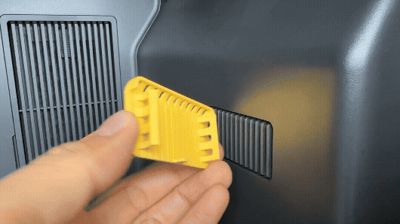
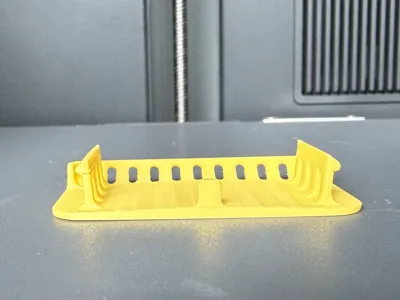
To solve this problem, this model changes the horizontal hot airflow to a 3° angled design to ensure smoother airflow. Minimal obstruction around the edges also ensures effective hot air circulation. You should definitely try it! 👀
🧲 Tip: It is recommended to use high-temperature resistant materials such as PETG or ABS for printing.
( hi, I am challenging to create 100 practical models. Follow me to get update reminders. )
- - - New models - - - | |
 |  |

Boost Me (for free)
𝗬𝗼𝘂𝗿 𝗳𝗿𝗲𝗲 𝗕𝗼𝗼𝘀𝘁 = My design supply pack 📦 Click "𝗙𝗼𝗹𝗹𝗼𝘄" to get more useful models! 👀
License

You shall not share, sub-license, sell, rent, host, transfer, or distribute in any way the digital or 3D printed versions of this object, nor any other derivative work of this object in its digital or physical format (including - but not limited to - remixes of this object, and hosting on other digital platforms). The objects may not be used without permission in any way whatsoever in which you charge money, or collect fees.


Comment & Rating (102)