
ZYN Tin | Fidget EDC Carry Anything Tin | MagLock
Print Profile(1)

Bill of Materials


Description
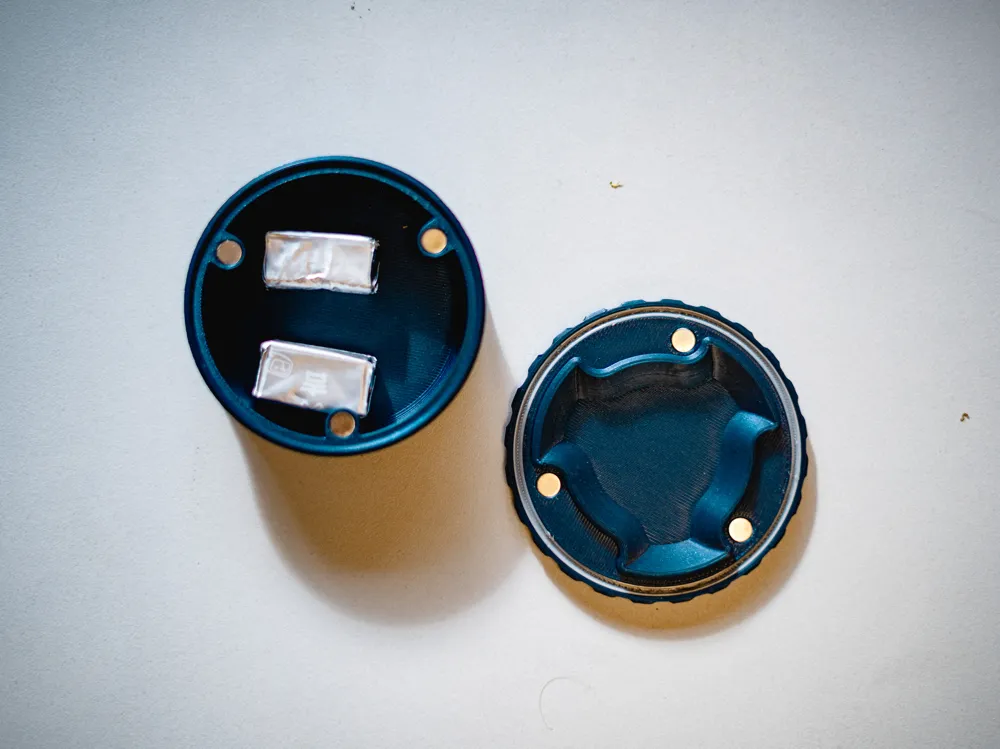
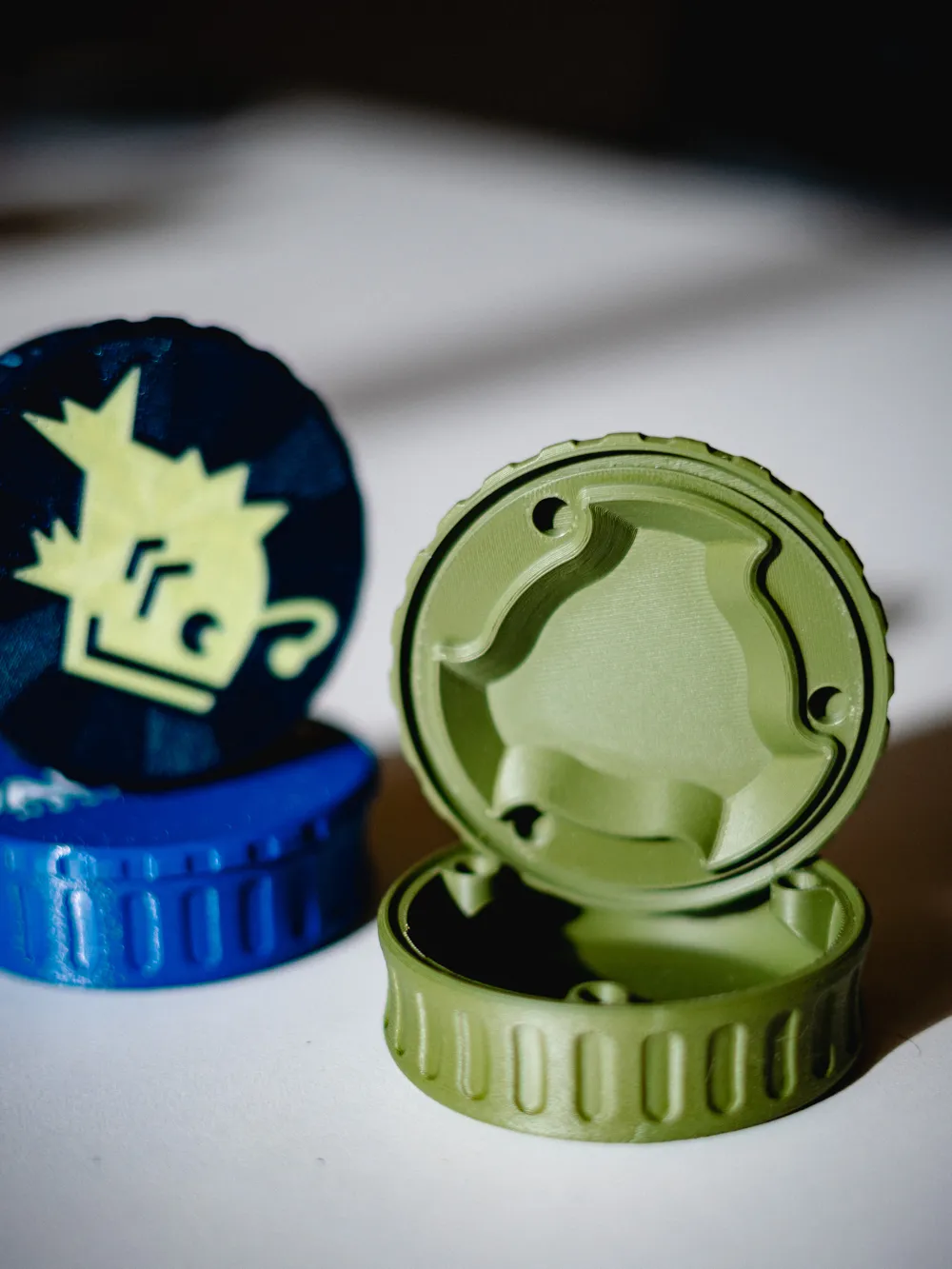
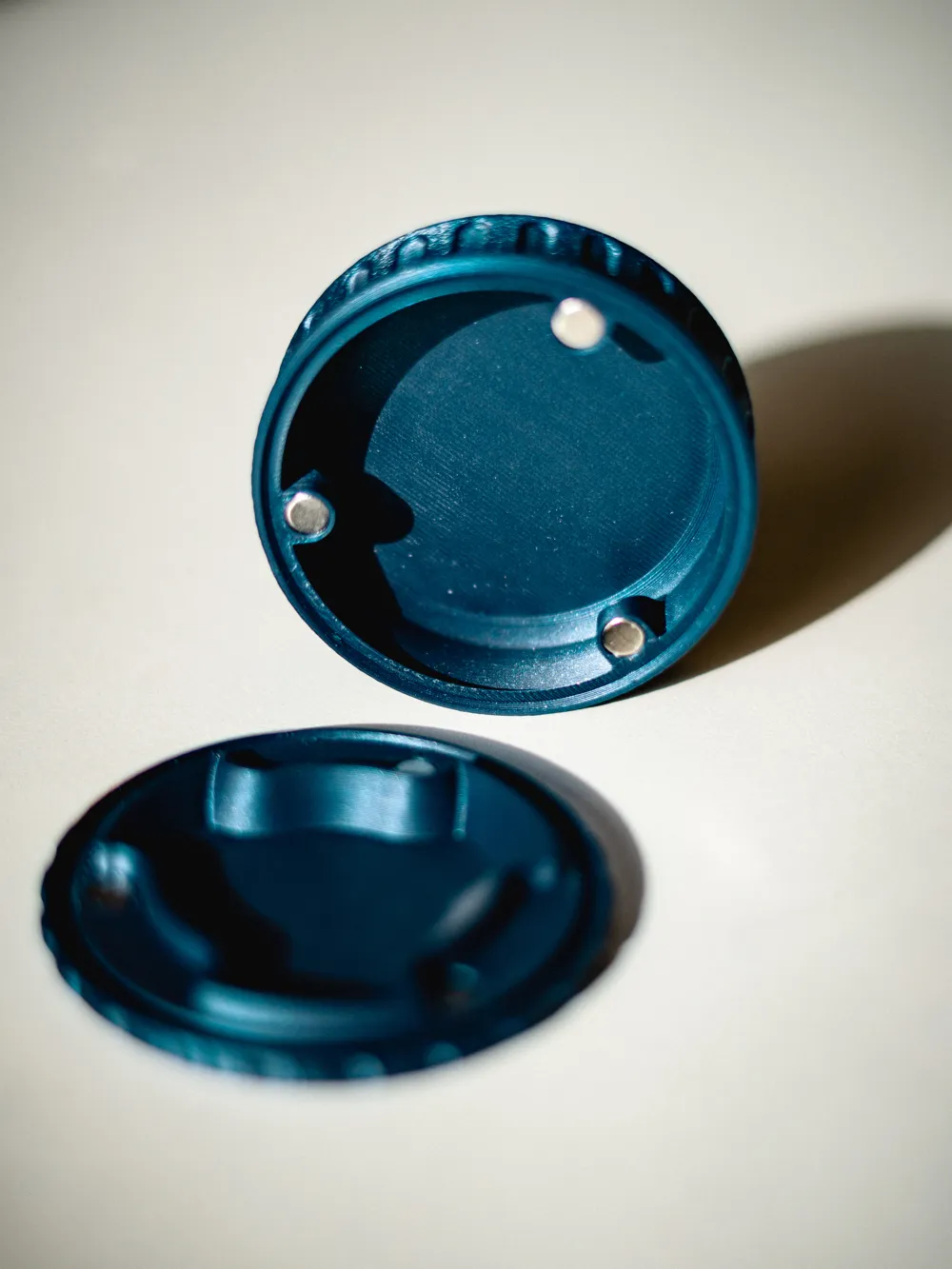
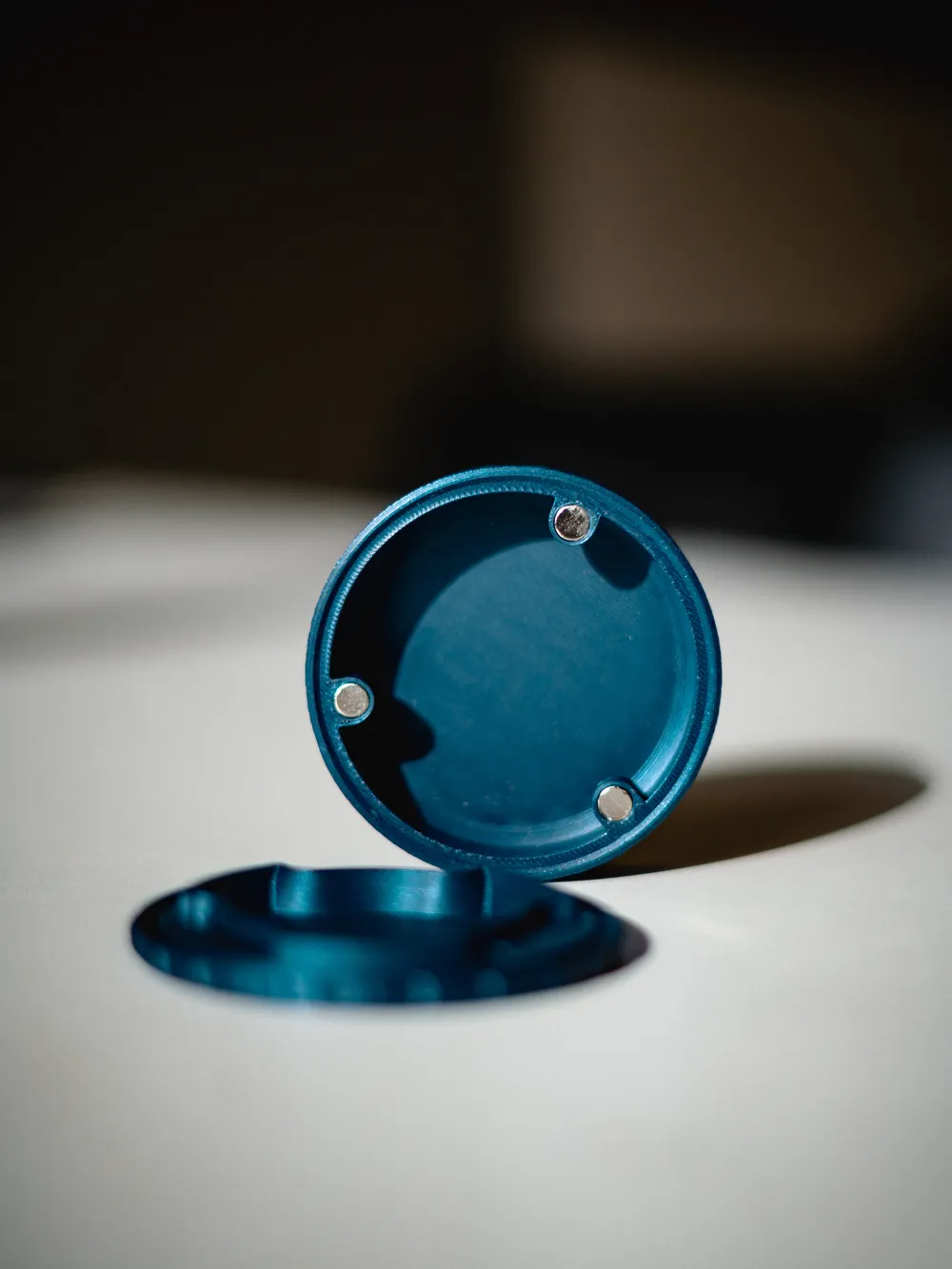
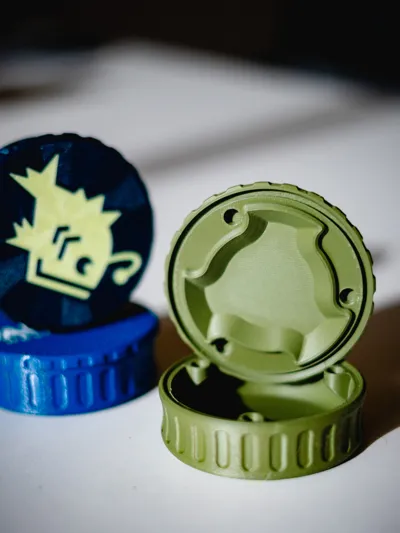
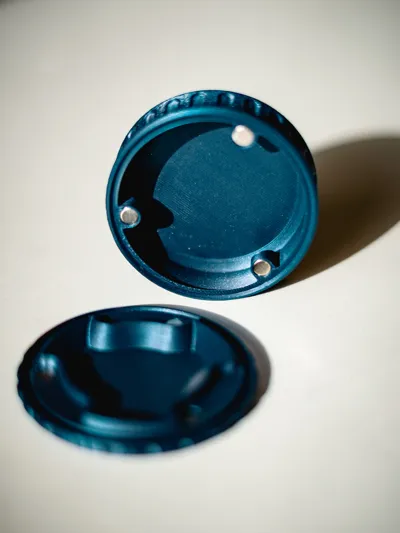
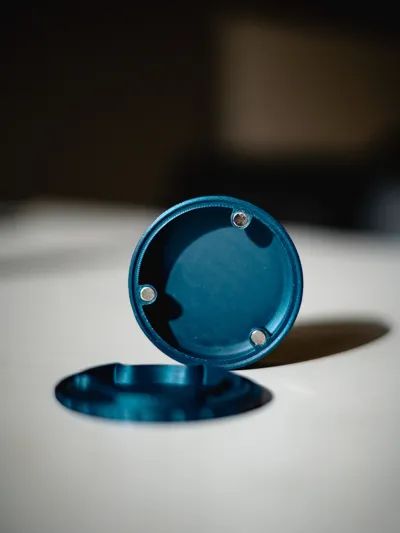
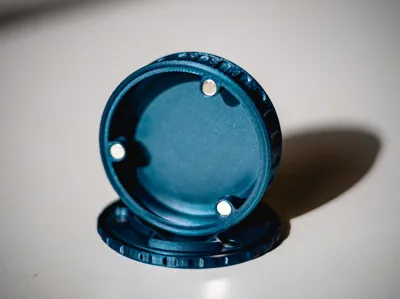

Elevate your everyday carry with this compact ZYN Tin – the perfect discreet and secure storage solution designed originally for ZYN pouches, but versatile enough for so much more!
Key Features:
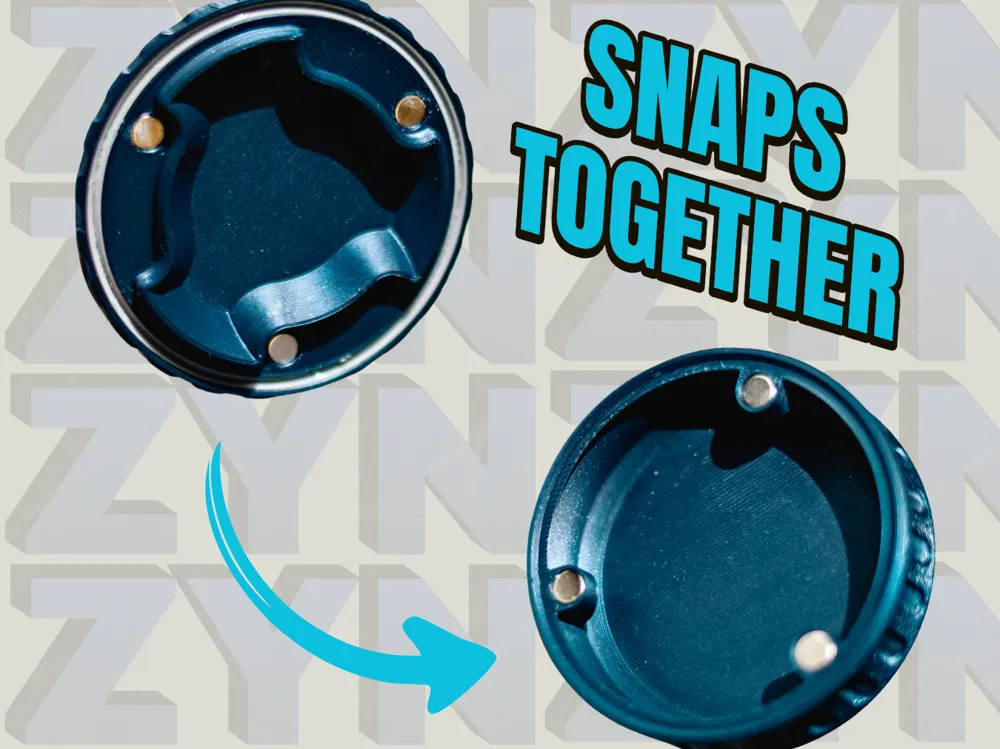
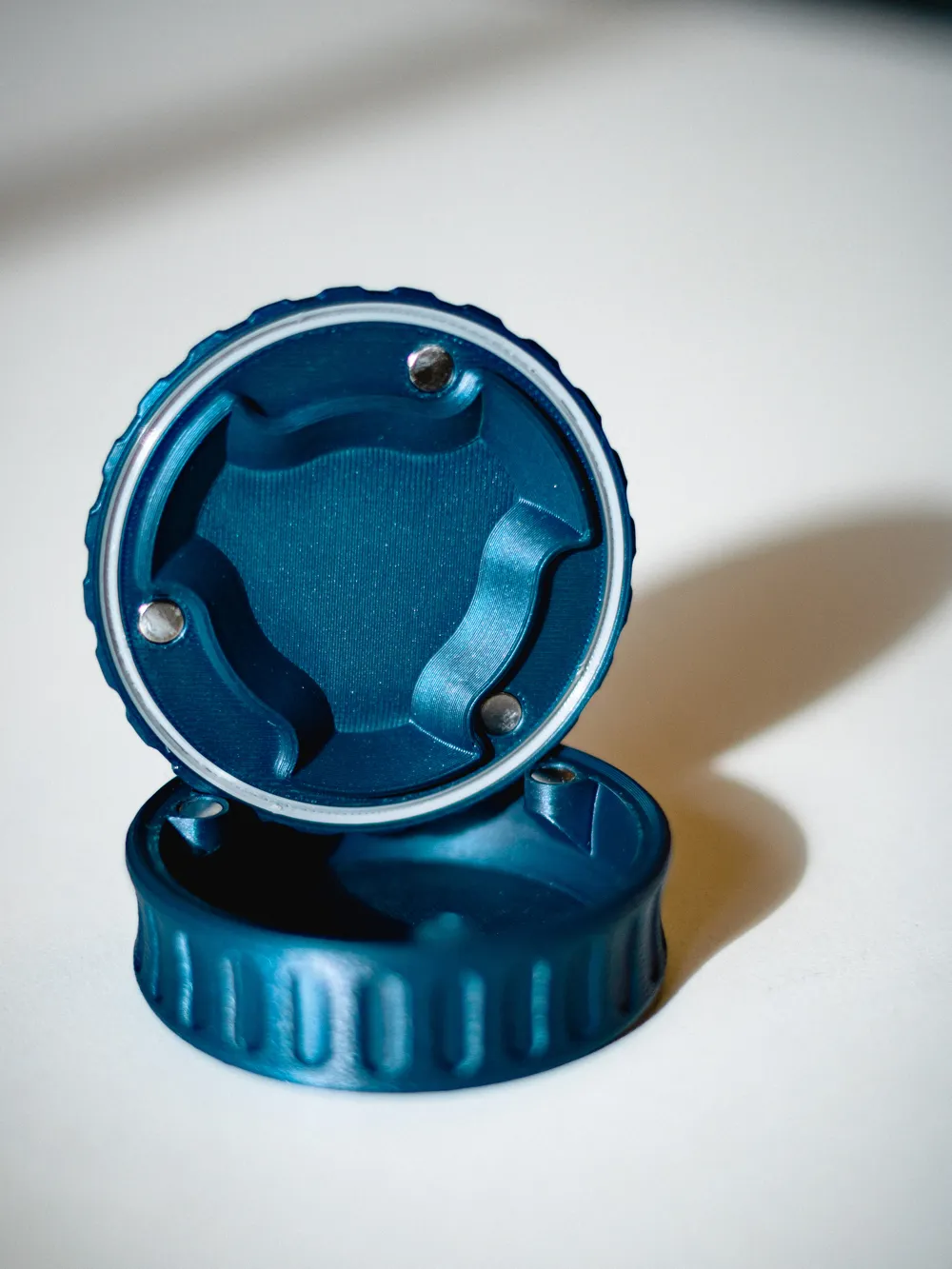
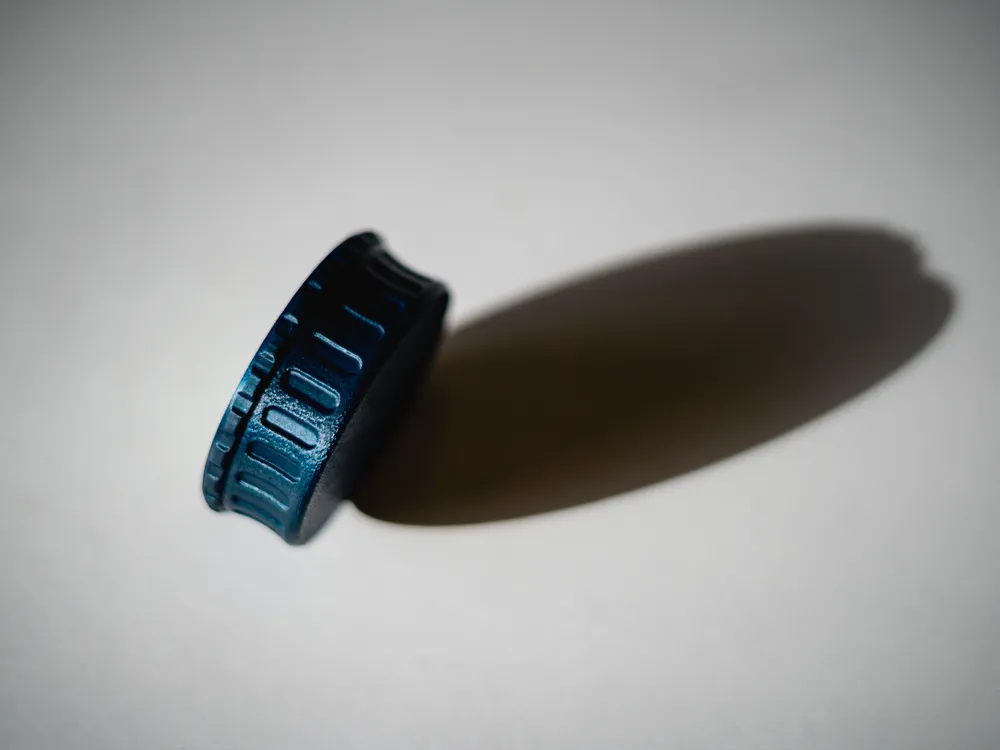
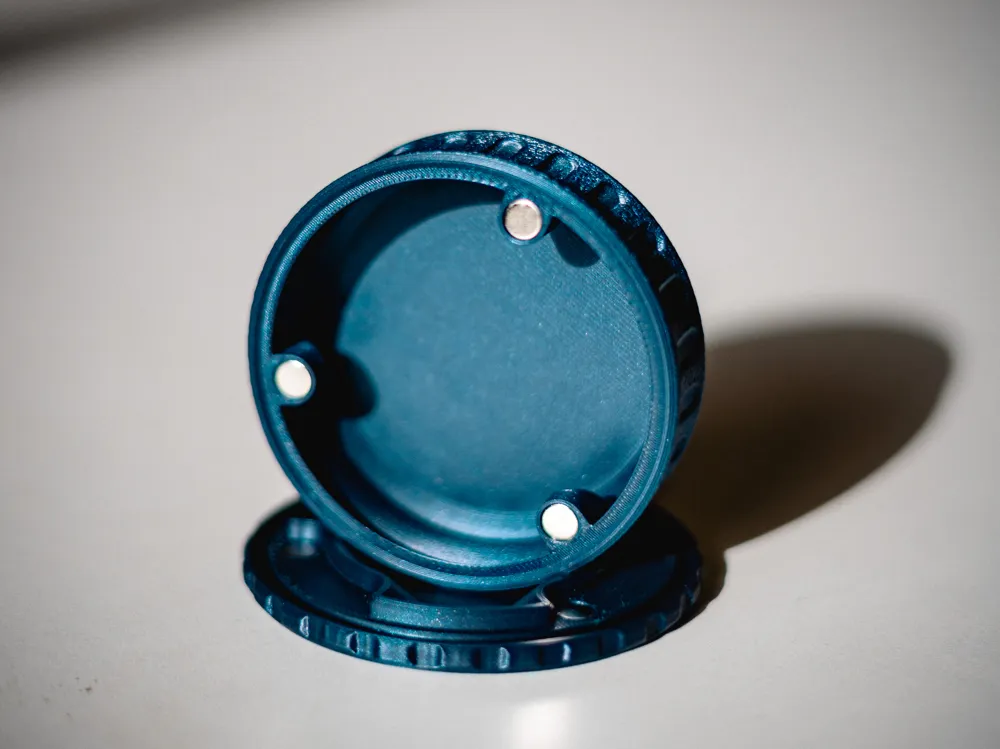
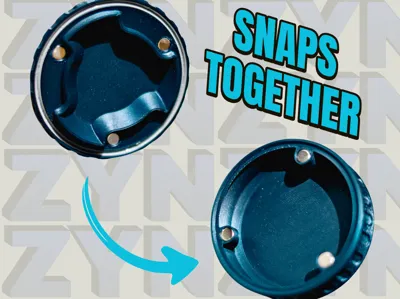
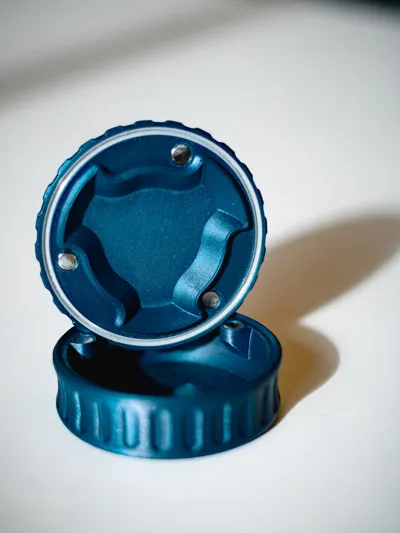
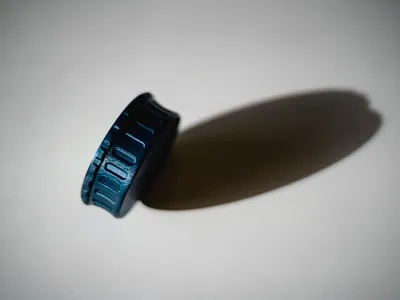
- Quick Twist Mechanism – Rotate the two halves to open or close – no fumbling with latches or lids!
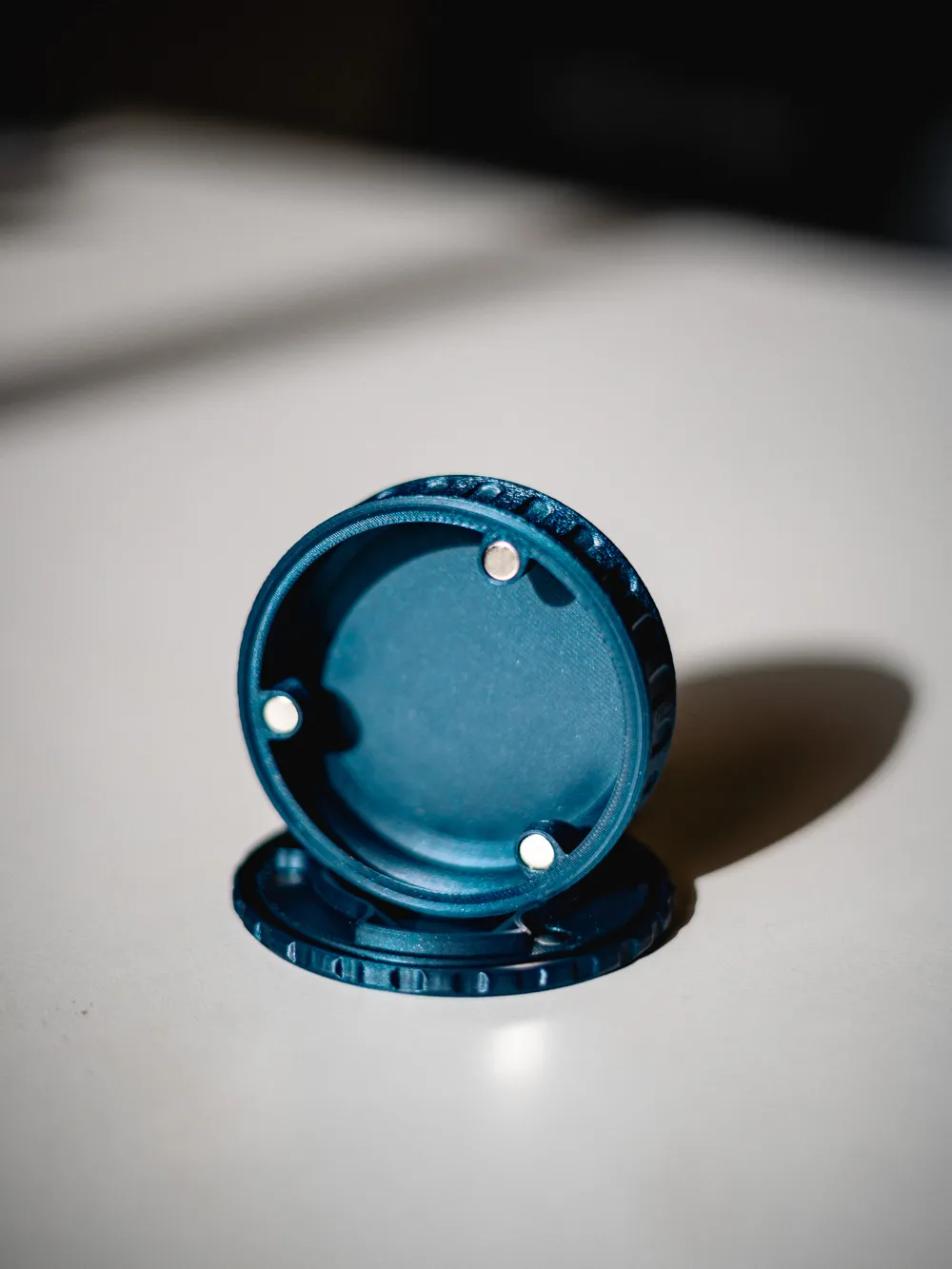
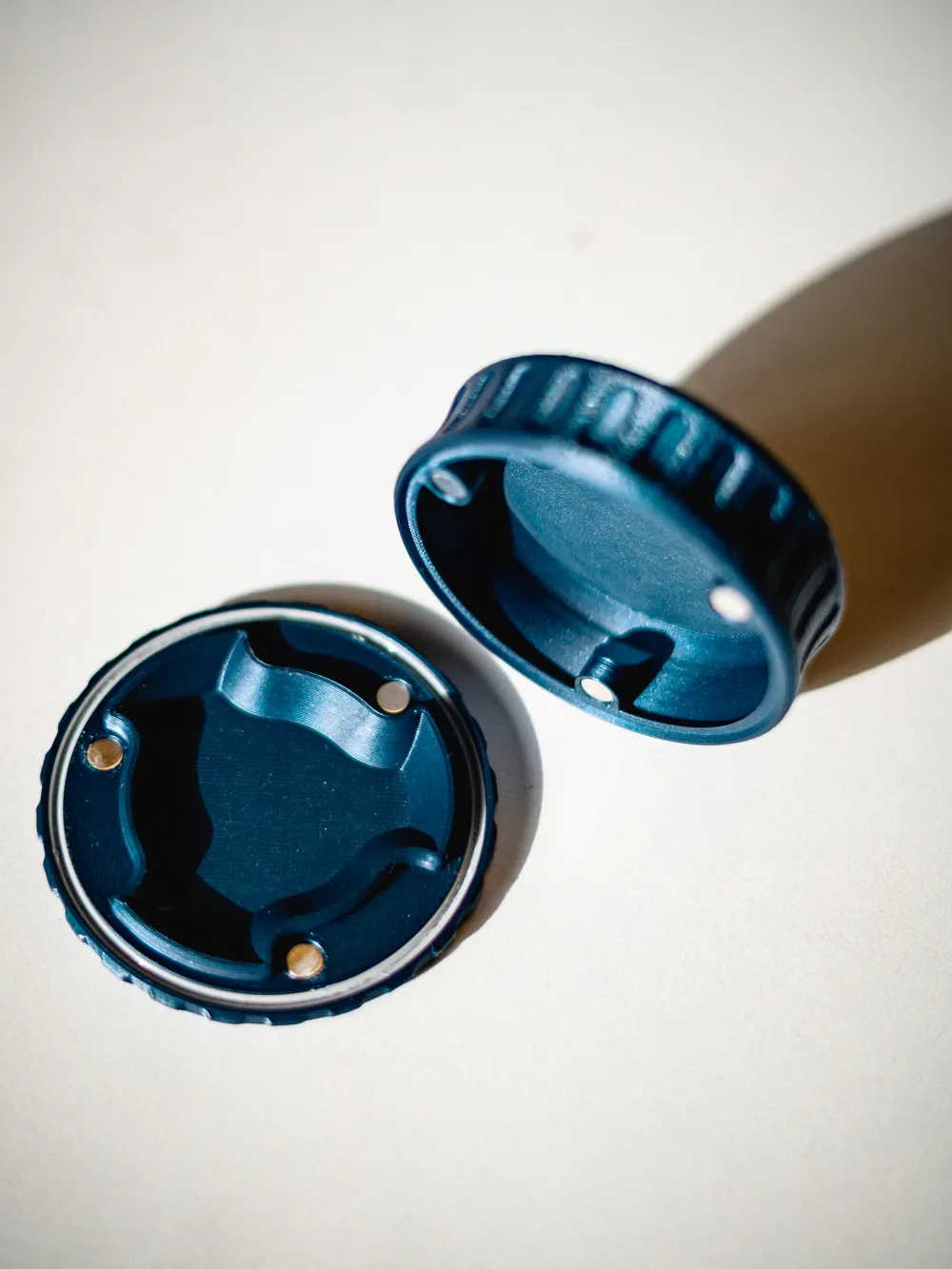
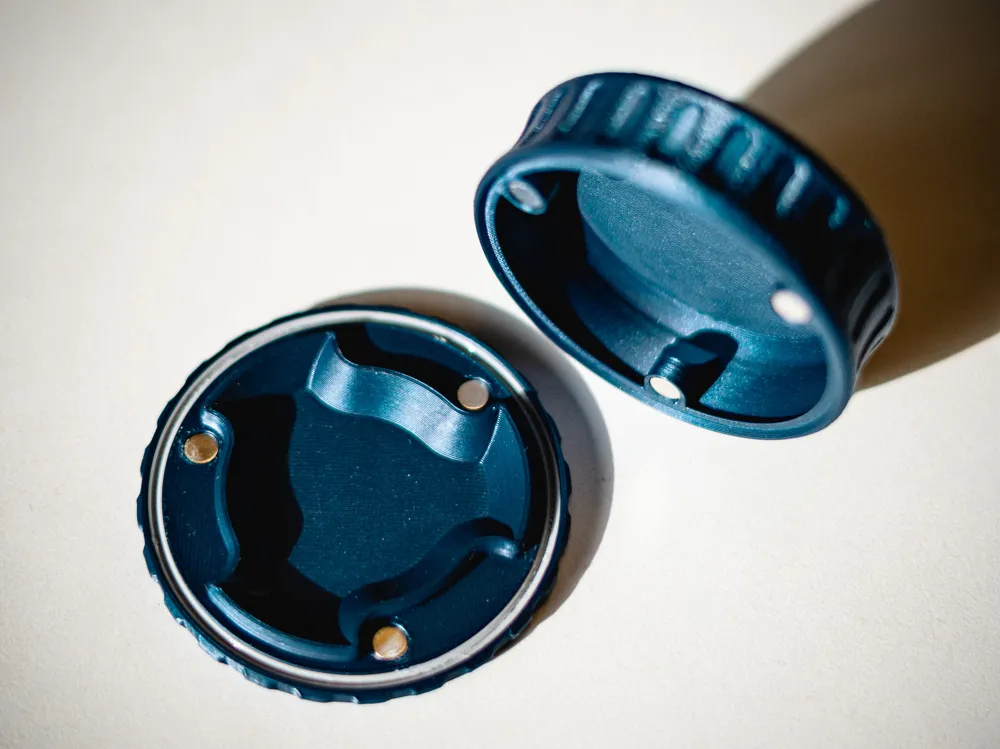
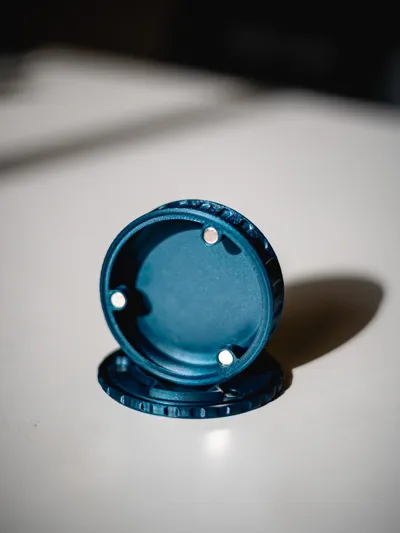
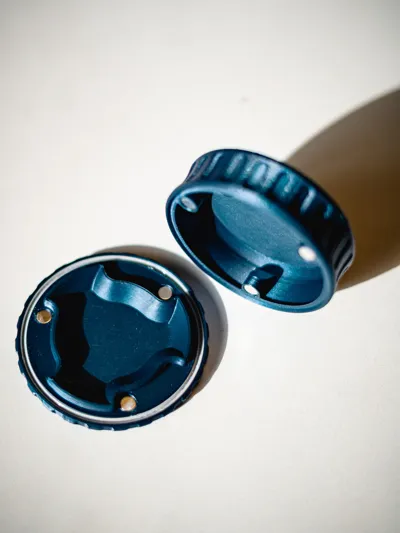
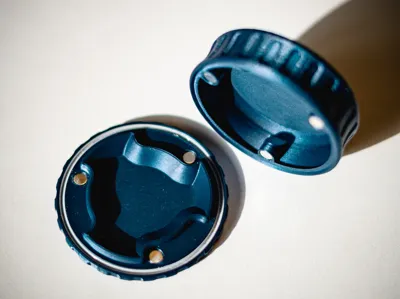
- Fidget Magnets – Satisfying snap-shut feel that keeps everything securely contained, even in your pocket or bag.
- Robust & Durable – Printed in tough PETG for long-lasting performance.
- TPU seal for extra protection against moisture and dust. (Can be used without)
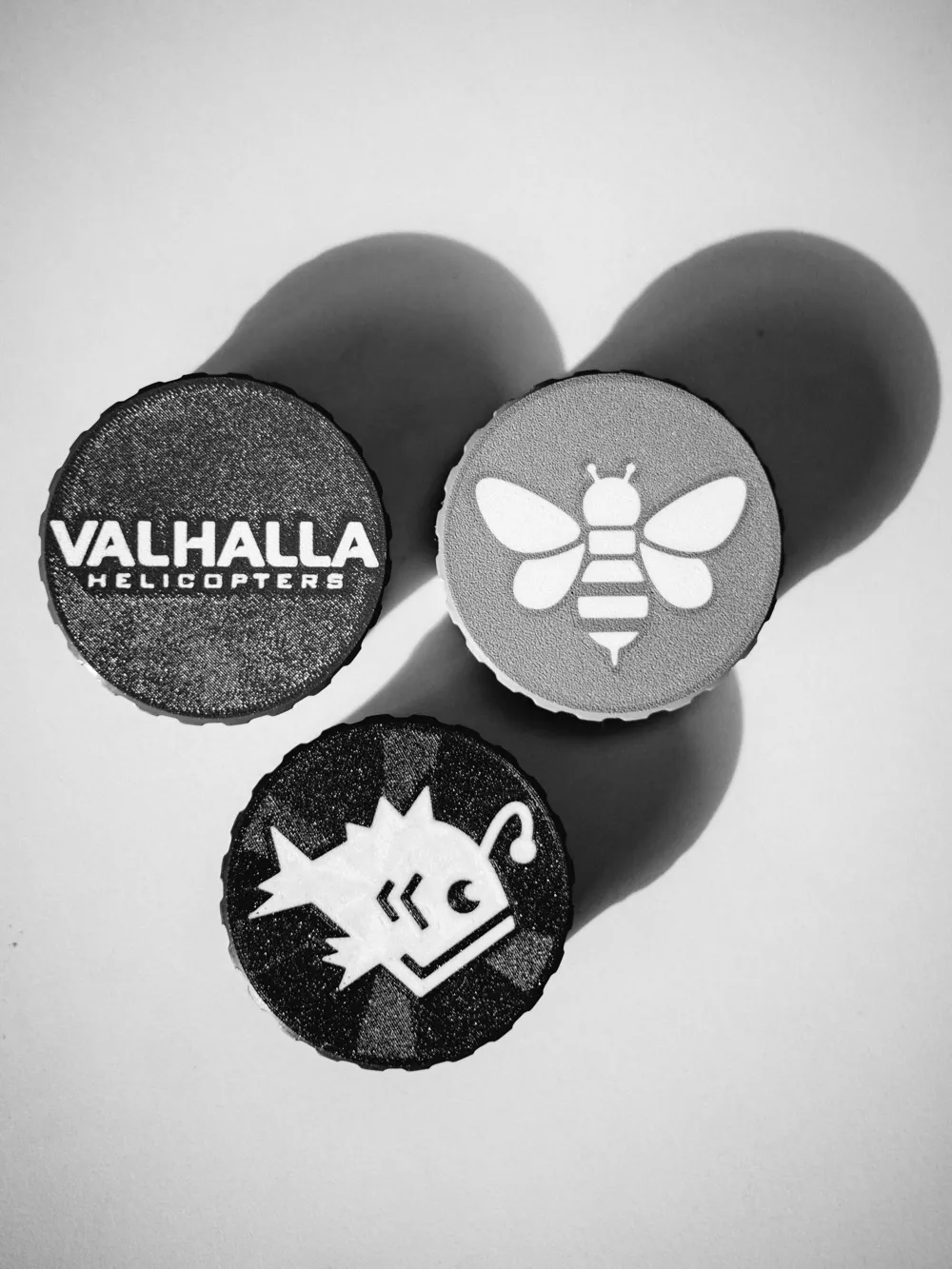
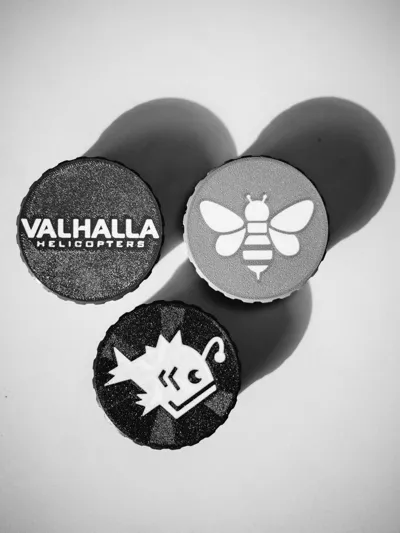
- Custom Lid Designs – Embed your own SVG designs
- Pocket-Friendly – Ideal for ZYN packs, chewing gum, mints, candy, small hardware, earbuds, pills, or any tiny items you want to keep secure
Boost Me (for free)
Help me end the suffering of the disorganized, and get this file out into the world!
Required Hardware Per Tin
For magnets there are three options, 6x4mm & 6x3mm. Ideally you want a Neodymium Magnet with a grade of N52, the strongest pull force for a given size. The bambu supplied magnets are N35 which is the lowest grade & weakest. But they do work. It is HIGHLY RECOMMENDED to get a N52 Grade, a dedicated magnet supplier or high quality off of Amazon.
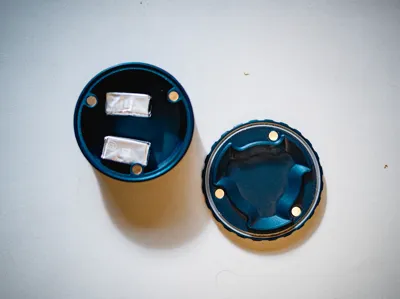
Use Super Glue Gel to secure magnets to the Zyn Tin & Lids. The gel version helps keep the glue from running everywhere. Press magnets all the way into the print, they should be slightly recessed to prevent wobbly lids, and ensure the polarity is the same for all three container magnets, and the correct orientation for the three lid magnets. If you printed the TPU seal, insert the flexible TPU ring into the groove on the lid. The seal will sit between the halves when closed for added weather/dust resistance.
Customizing SVG

This model includes a built-in SVG modifier on the flat lid surface — perfect for adding your own logos, initials, patterns, or custom designs. https://www.svgrepo.com has plenty of designs, or disable the modifier to have a blank discrete tin.
Quick Specs for Best Results:
- The modifier is positioned directly on the lid's surface
- Engraved 0.6 mm deep for clean definition
- Ironing enabled on the modifier for sharper small details and smoother top layers
- With 4 base layers in global settings, your design stays fully encased and protected
How to Customize the SVG in Bambu Studio
- Open the 3.MF in Bambu Studio.
- In the Objects list (left sidebar, switch from Global to Objects if needed), locate and click on the SVG modifier object (Named Replaceable SVG — look for the thin recessed/embossed element on the lid).
- Right-click the selected modifier (or use the toolbar/context menu) and choose Edit (or directly access the SVG settings).
- In the SVG editing window/pop-up, look for the dropdown or option to change/replace the file.
- Select Change File (or "Load" / "Replace SVG"), then upload your new SVG.
- Adjust size, position, and scaling as needed to fit the lid perfectly (use the move/scale tools if the preview doesn't auto-align).
- Click Done or OK to apply.
Preview the slice to confirm — your custom design should now appear exactly where the original placeholder was!
License

You may create derivative works based on this object, provided that all such derivative works are published exclusively on the MakerWorld platform and include proper attribution to the original creator. You may not share, upload, host, distribute, or publish this object—or any derivative work of this object—on any other digital platform, marketplace, or distribution channel. Commercial use of this object and any derivative works is strictly prohibited. This includes, but is not limited to, selling, renting, sublicensing, or using the object in any context in which you receive monetary compensation or other financial benefits.


Comment & Rating (7)