
Atom — a physical voxel engine
Print Profile(2)
Description
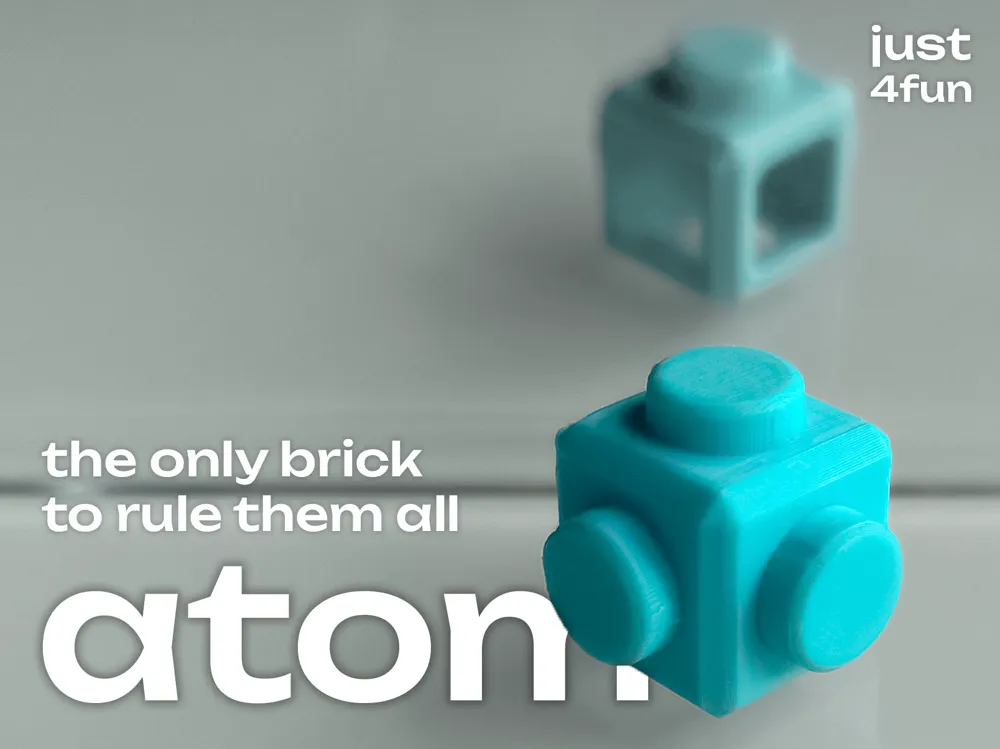
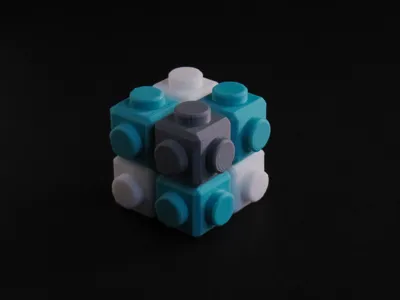
Atom
The only Brick to rule them all!
Concept
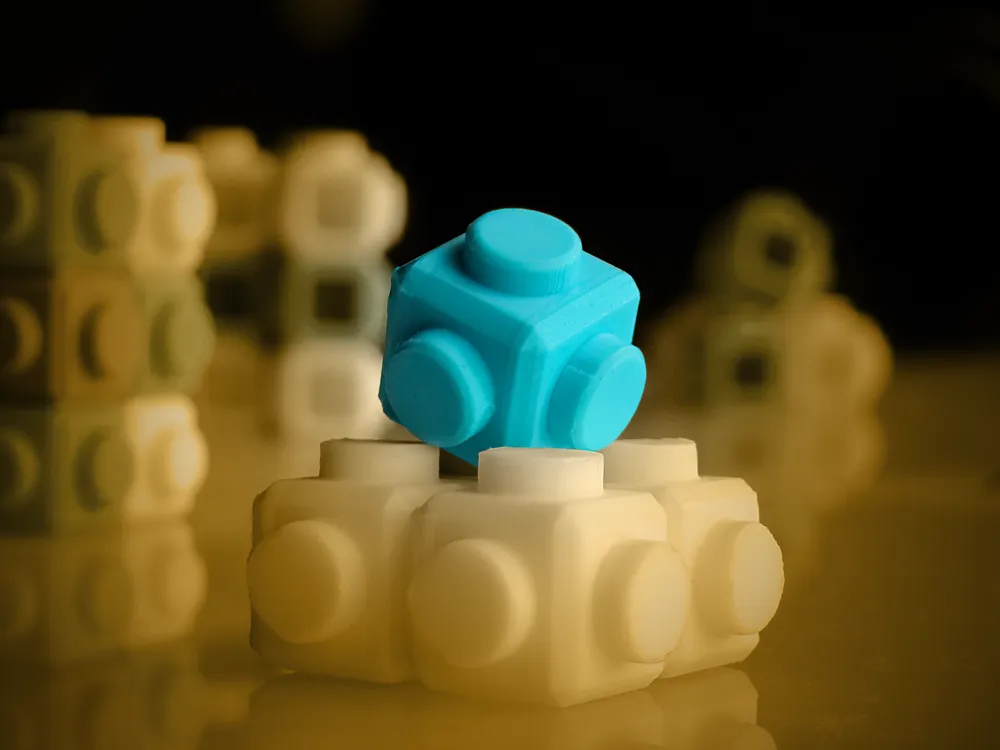
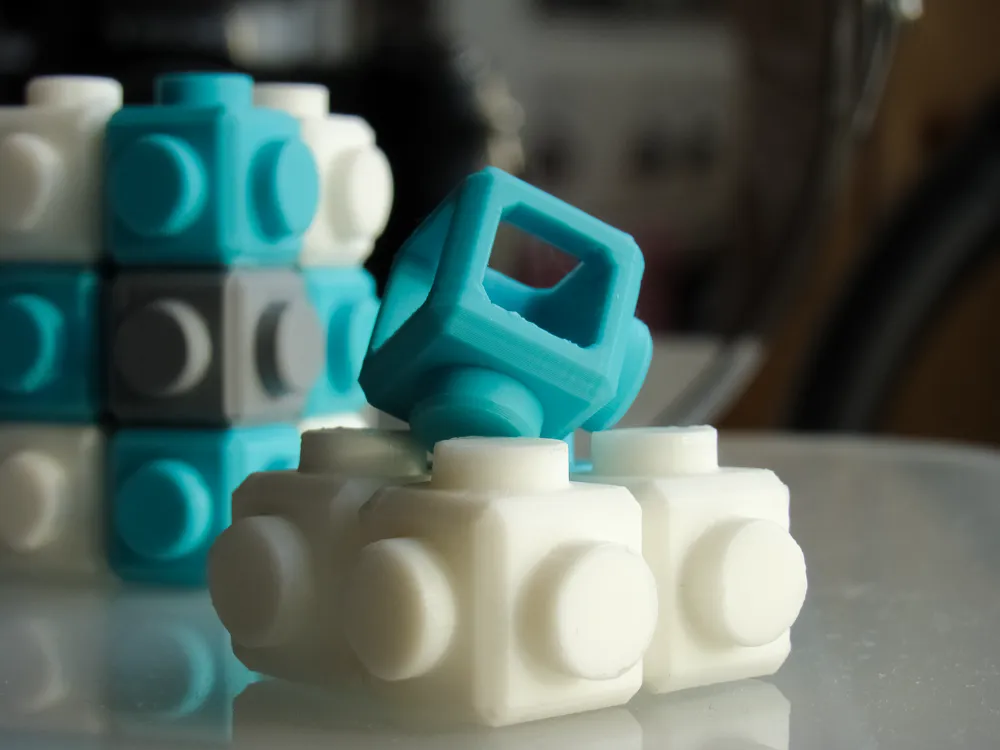
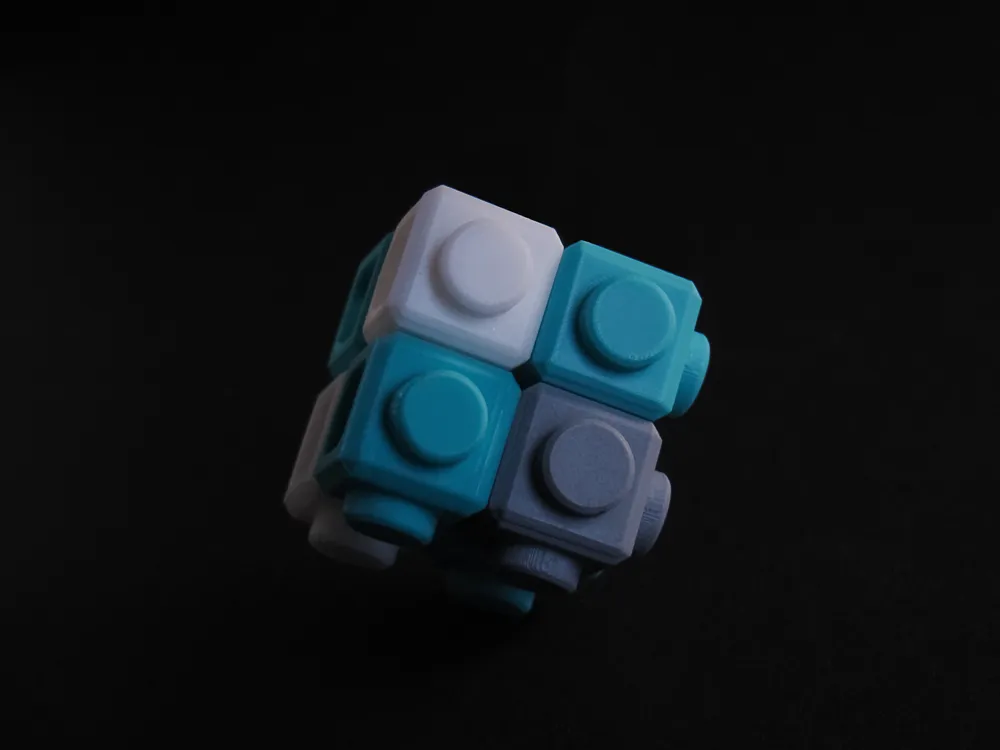
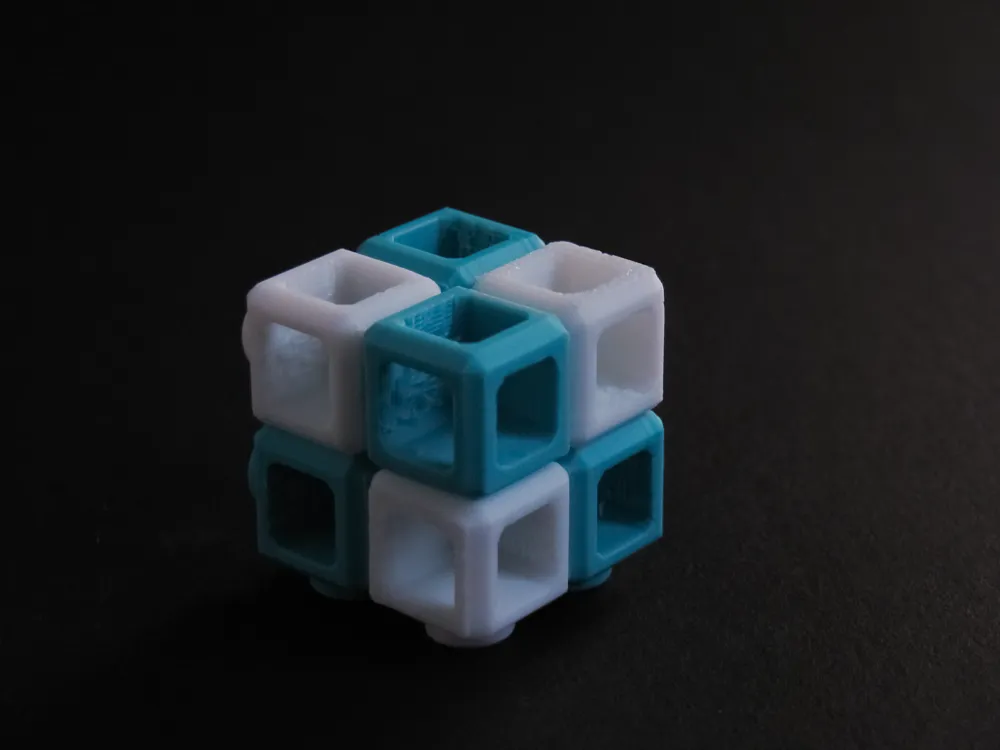
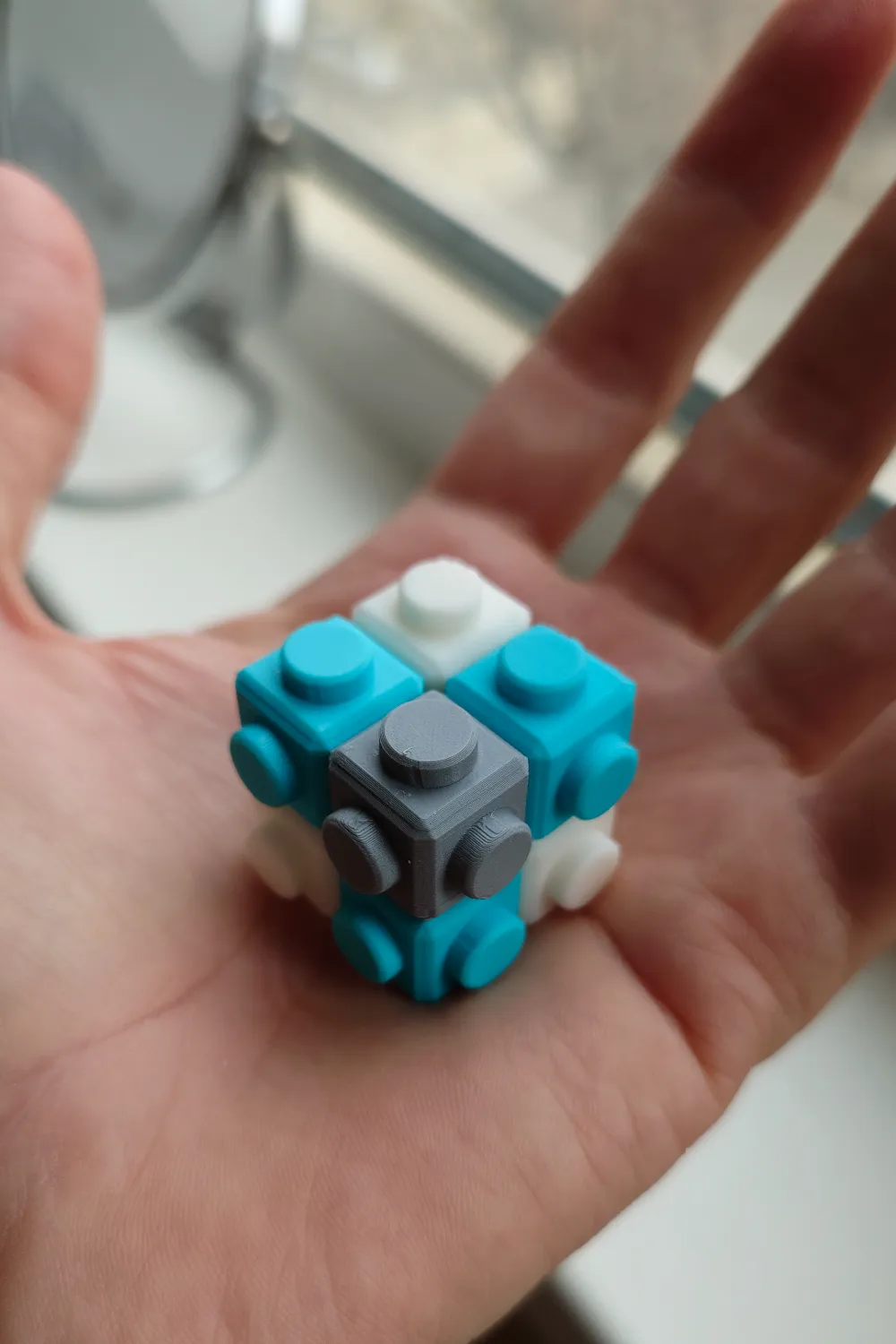
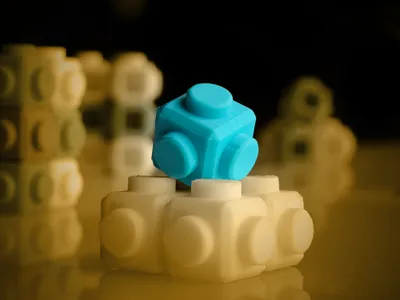
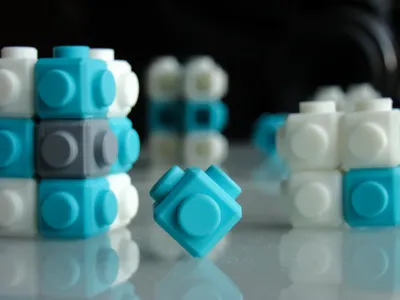
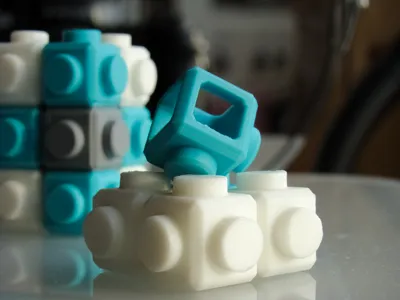
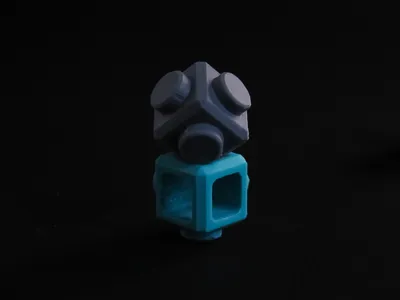
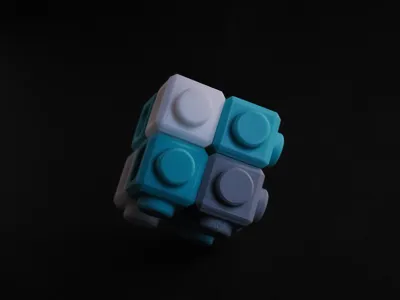
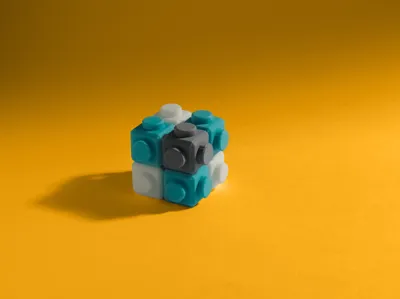
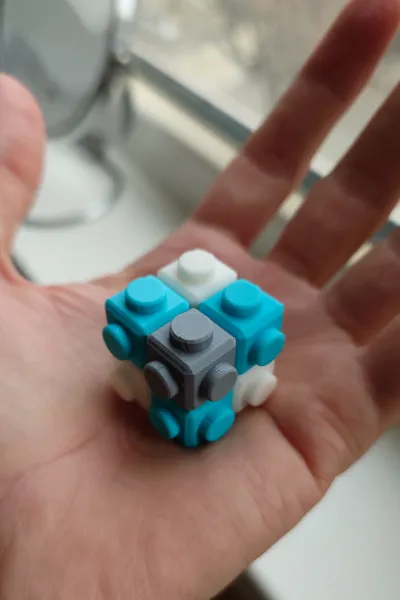
Atom is more than a brick — it is a universal cube, a fundamental building unit from which larger structures emerge, just as matter grows from real atoms.
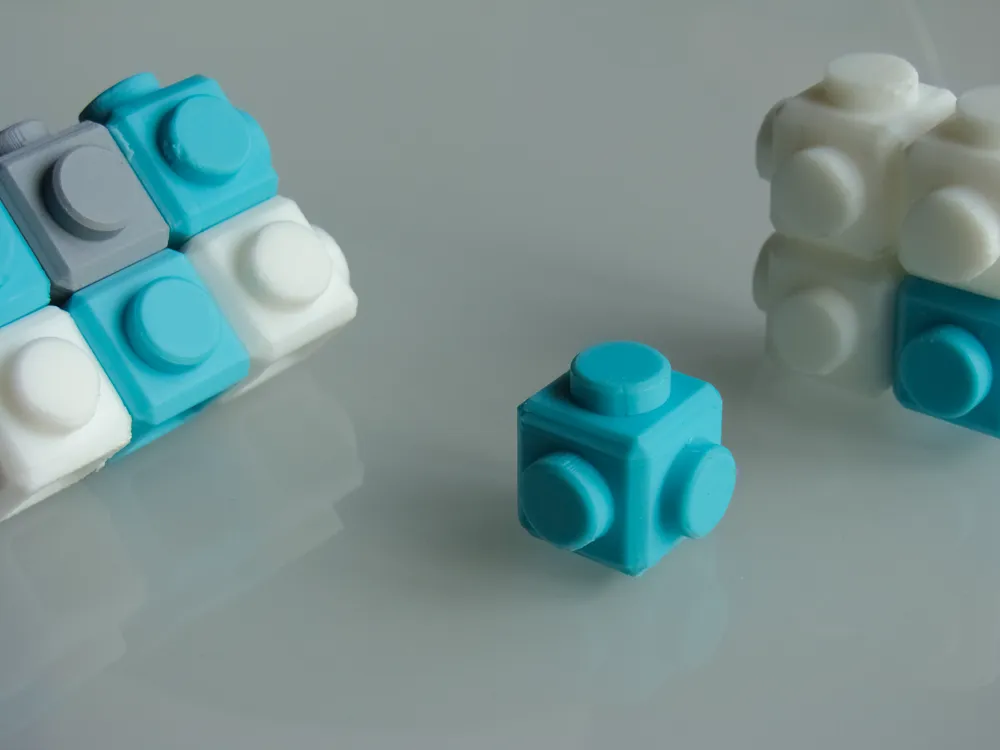
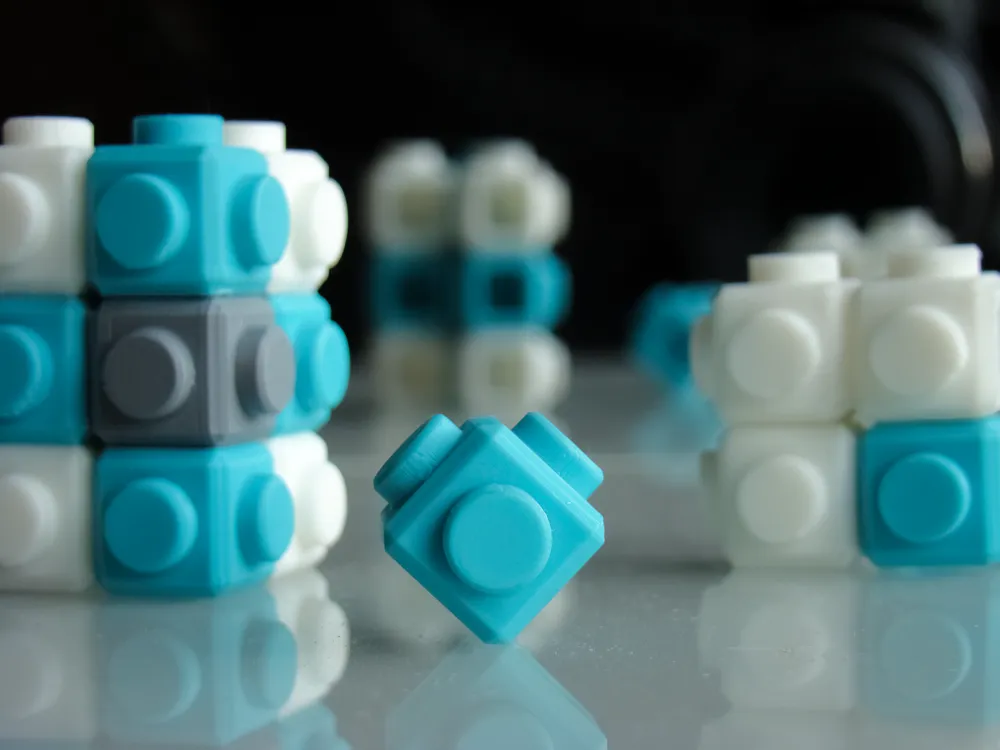
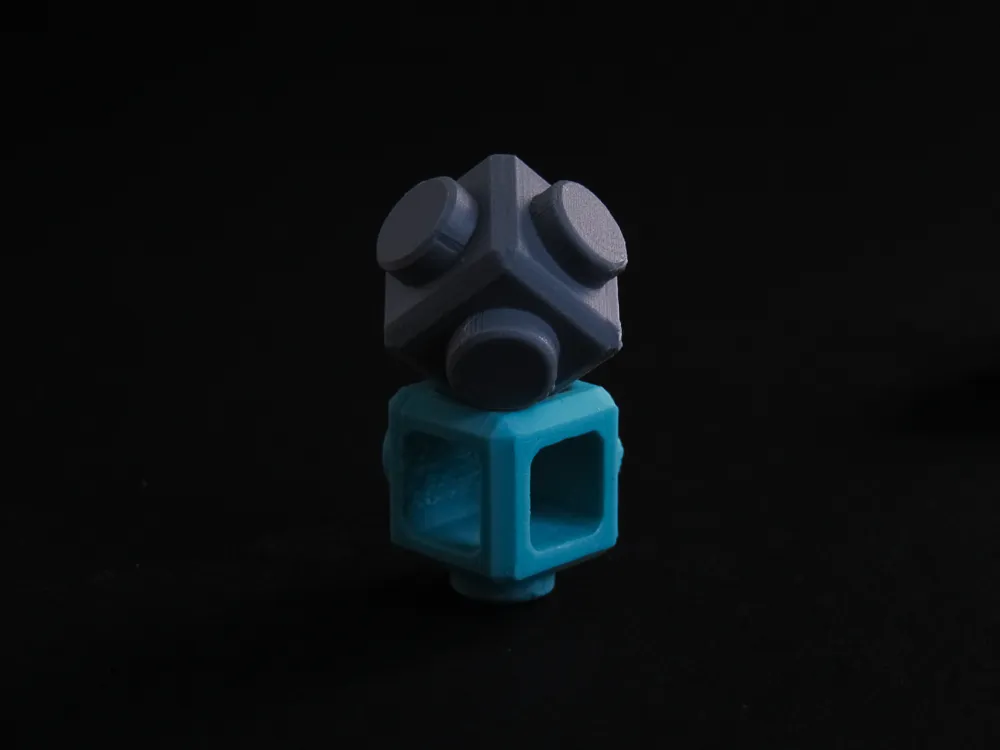
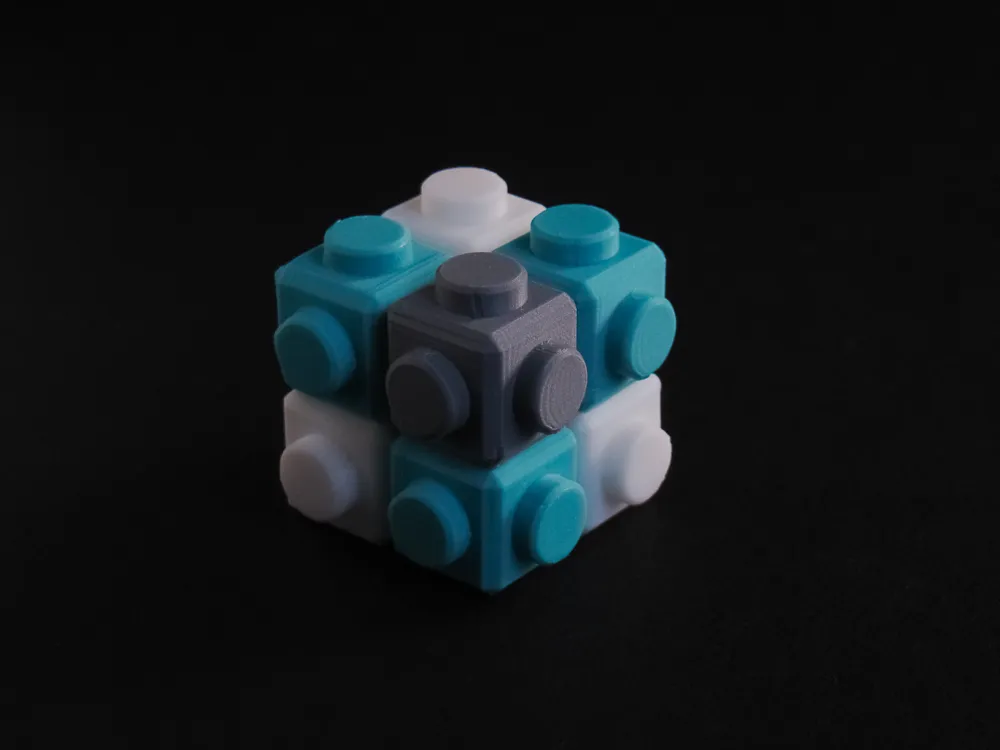
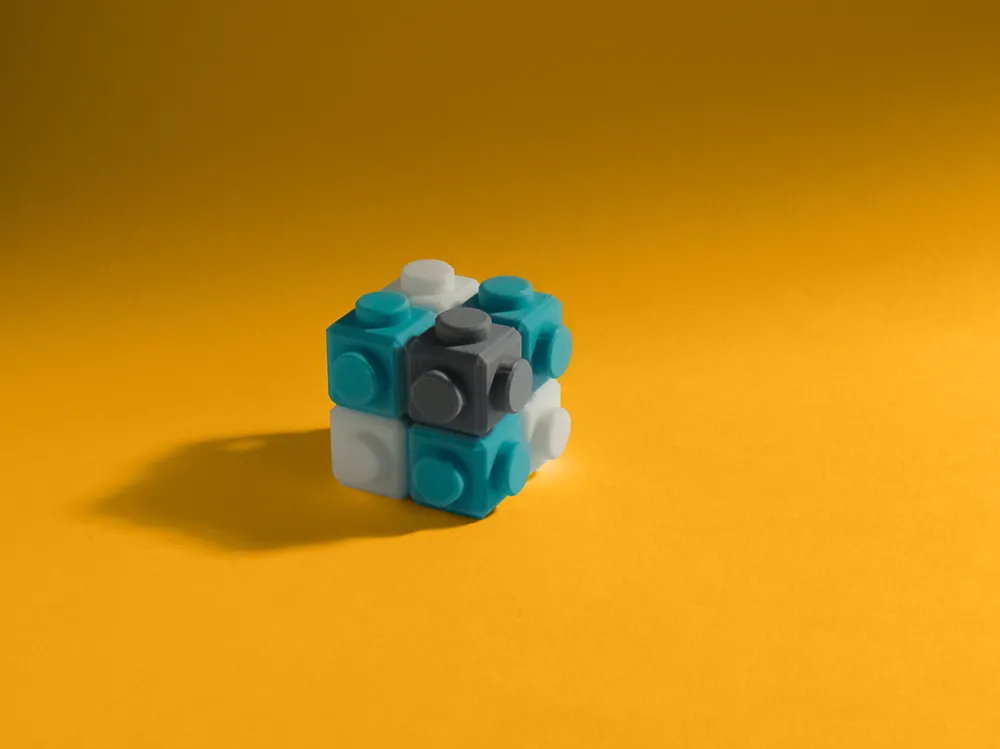
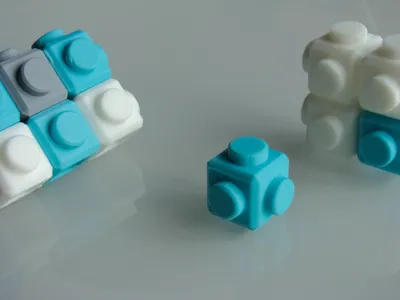
Each cube can connect to six others — one on every face — allowing you to construct complex spatial structures.
These structures are not smooth or organic — they embrace a distinct voxel aesthetic.
Each Atom is a physical pixel — a voxel in a tangible universe.
We are used to voxel graphics in virtual worlds like Minecraft.
Atom brings voxel aesthetics into reality.
Combine different colors and you unlock an unlimited creative system where the only boundary is your imagination.
🧠 Building Logic: Thinking in Layers
Building with Atom is more than stacking cubes — it’s an intellectual exercise.
Unlike traditional construction toys, Atom requires planning and spatial awareness.
The system follows a simple algorithm:
Build rows → Combine rows into layers → Merge layers into volume
The process mirrors how a 3D printer creates objects — layer by layer, step by step.
In this sense, Atom is not only a toy— it’s engineering mindset training and at the same time a physical simulation of additive manufacturing logic.
More Than a Toy
Atom is:
• a modular construction system
• a creative instrument
• a physical voxel engine
It encourages experimentation, iteration, and problem-solving.
Atom is where digital logic meets physical matter.
⚙️ Technical Notes & Tips
Atom was designed as a precision-fit element, but 3D printing always introduces variables.
The model was designed and tested using PLA.
Other materials (PETG, ABS, ASA) or specific PLA types (such as Silk PLA) may behave differently due to shrinkage and flow characteristics.
Compatibility should remain good across most materials, but if you experience fit issues, please share your feedback.
If necessary, geometry or recommended print settings can be adjusted.
🌍 Show Your World
I’m genuinely curious what your Atoms will become.
- Architectural forms?
- Game-inspired creations?
- Decor objects?
- Abstract sculptures?
Upload your Makes and share your ideas.
Let’s build this world together.
🛠️ Print Profile Details
The print profile includes three build plates for Bambu Lab A1 mini, designed for different stages of testing and production:
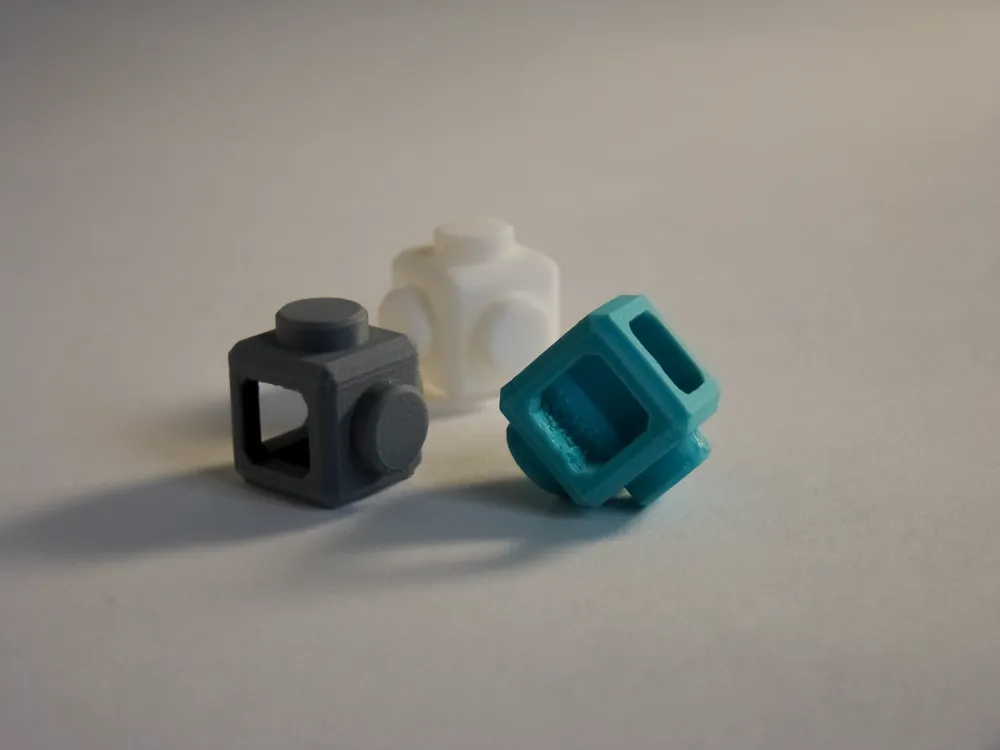
• Test plate — contains two Atoms for checking fit and connection quality with your chosen material.
• Sequential plate — five Atoms printed one by one. With this print order, it’s not possible to place more parts on the plate.
• Parallel plate — 64 Atoms printed simultaneously. Intended for mass production and for users fully confident in their printer calibration.
I strongly recommend starting with the test plate to verify tolerances and material behavior before moving on to larger batches.
On larger printers, of course, you can place significantly more Atoms. Feel free to fill the build plate manually in the slicer.
If there is enough interest, I may publish dedicated profiles for larger build plates later.
Adhesion & Supports
A brim is enabled in the print settings.
If you are using Cool Plate / SuperTack, the brim is unnecessary and can be safely disabled.
For standard build plates, however, I recommend keeping the brim enabled — especially when printing many Atoms in parallel.
Support settings are tuned to provide the most reliable results.
While the model can technically be printed without supports, I do not recommend disabling them, as this may distort the geometry of holes and pins and negatively affect the functional fit between parts.
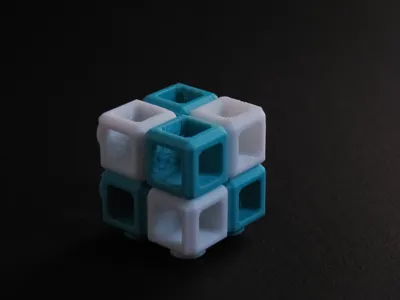
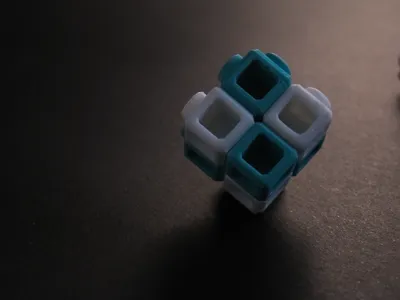
Update: Atom Light Added
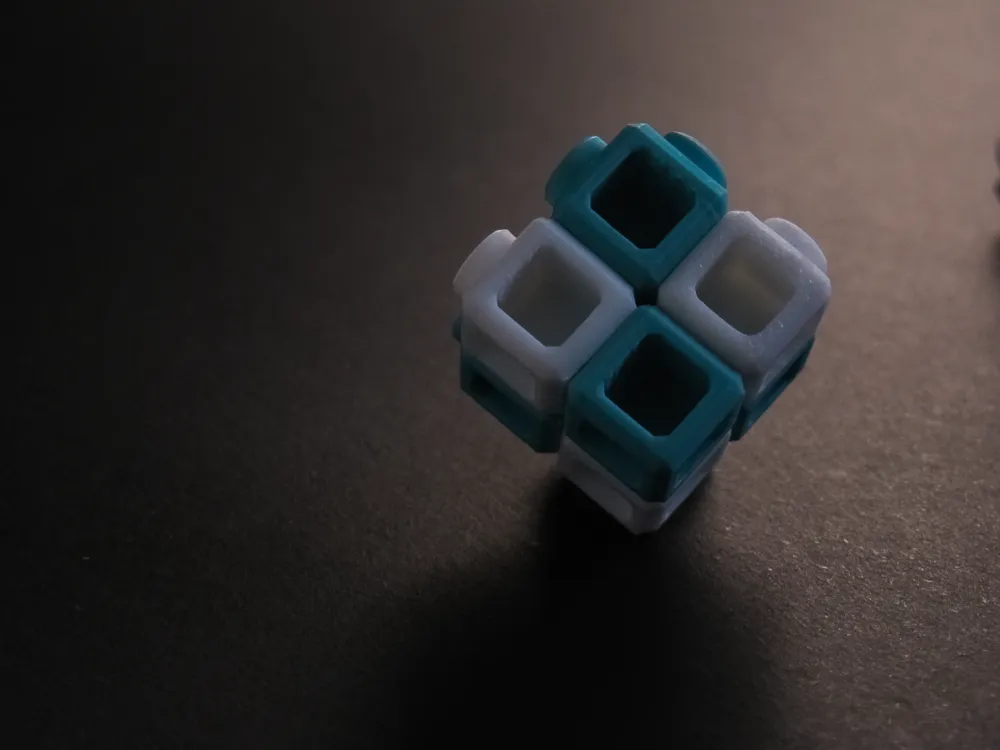
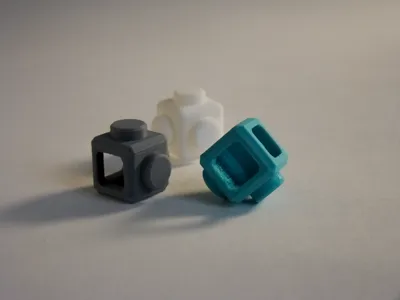
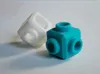
Alongside the original cube, the new Light version is now available, featuring through-holes in the pins (allowing built-in LED & electronics integration).
The print profile contains three separate build plates, each featuring a different Light configuration:
- 1-hole version
- 2-hole version
- 3-hole version
You’re free to choose the type that fits your project and arrange as many Atoms on the build plate as you need.
💡 Small Atom insight
You don’t need dozens of Atoms to start building ideas.
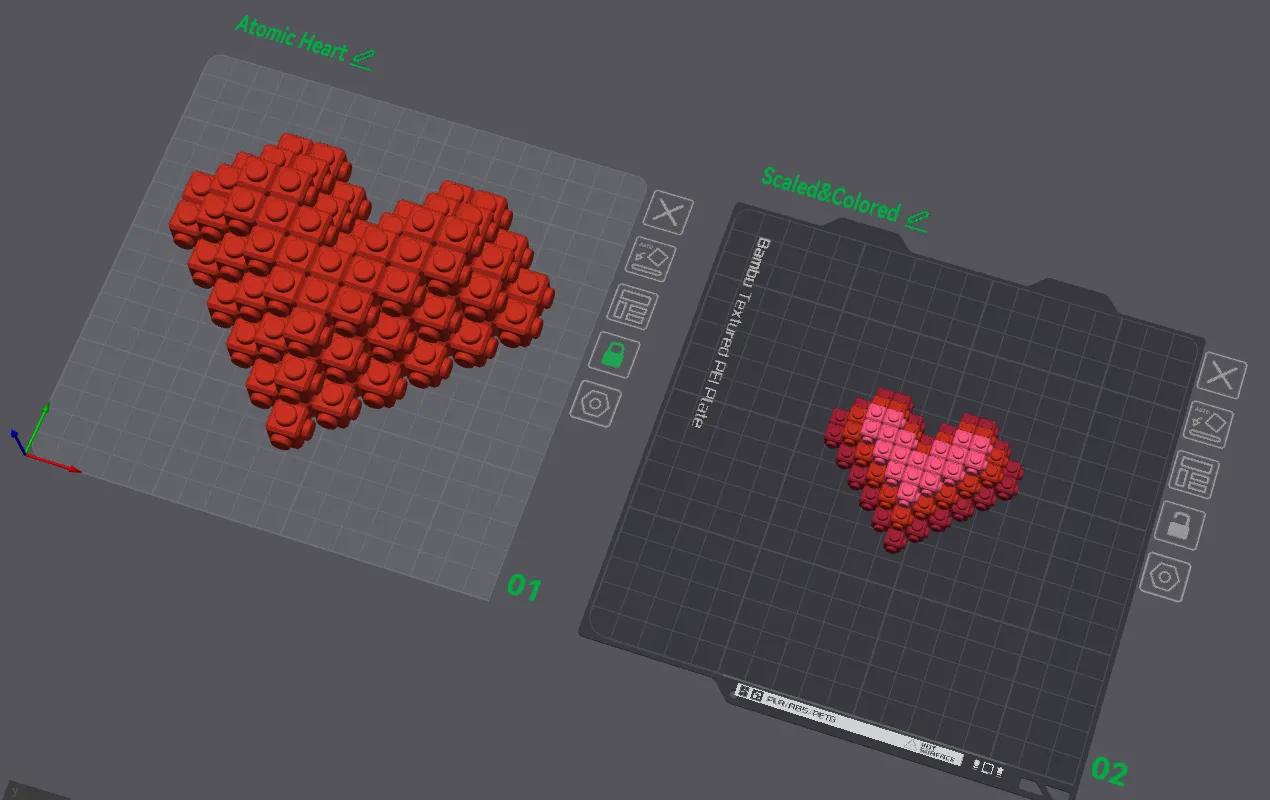
If you’re comfortable placing, aligning, and combining objects in your slicer, you can experiment with Atom digitally first — right on your virtual build plate.
When arranging Atoms in the slicer, use a 13 mm grid step for accurate placement.
Some makers may even find it helpful to sketch their concept on graph paper before recreating it with cubes in the slicer. It’s not the canonical way of using a constructor, but it comes with some interesting advantages:
• Instantly know the exact number and placement of cubes
• Merge them into a single printable object
• Safely scale the final piece without tolerance issues
• Experiment with color combinations across merged elements
Of course, merged builds won’t be reconfigurable after printing — but they open a different creative workflow.
Just a few alternative ways to play with Atom — choose the workflow that feels right for you. The rest is up to your imagination.
License

You shall not share, sub-license, sell, rent, host, transfer, or distribute in any way the digital or 3D printed versions of this object, nor any other derivative work of this object in its digital or physical format (including - but not limited to - remixes of this object, and hosting on other digital platforms). The objects may not be used without permission in any way whatsoever in which you charge money, or collect fees.


Comment & Rating (0)