
Print Profile(6)
Description
Membership
Commercial Membership / Tip Me
Boost Me (for free)
Did you like this Model ? Boost me now.
🛑 Commercial Use Notice:
If you wish to sell prints of this model (or any of my other designs), please make sure to purchase the commercial license by clicking on the license option above. Unauthorized commercial use is strictly prohibited, and action may be taken against anyone found selling my work without a proper license.
Support creators—don’t steal designs. 💙
Thank you!
-----------------------------------------------------------------------------------------------
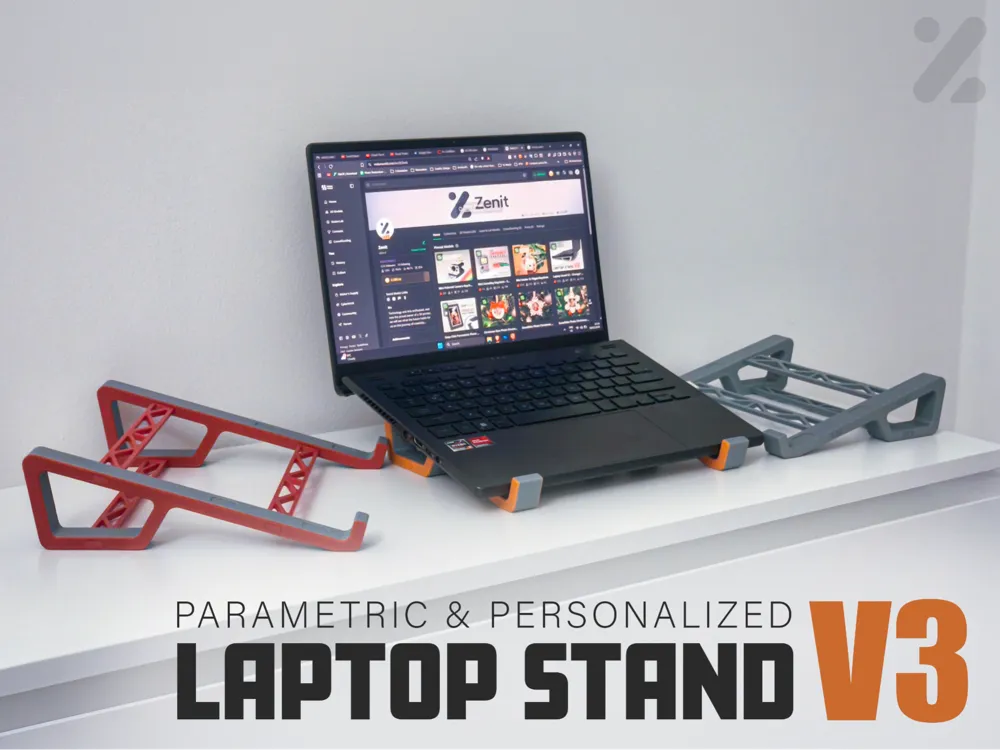
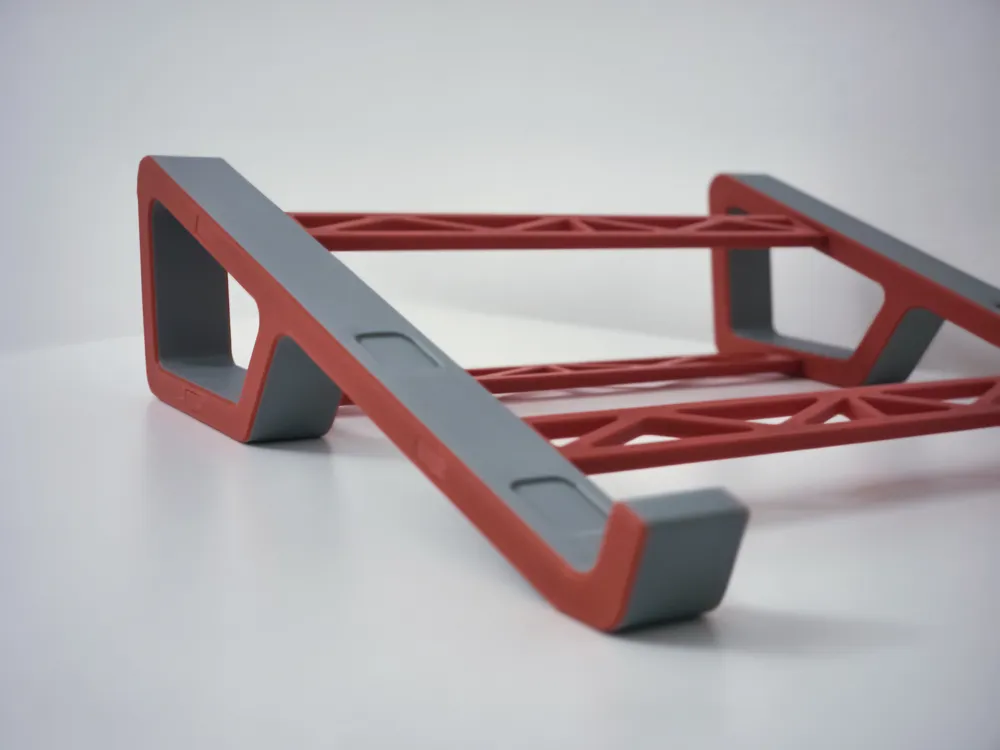
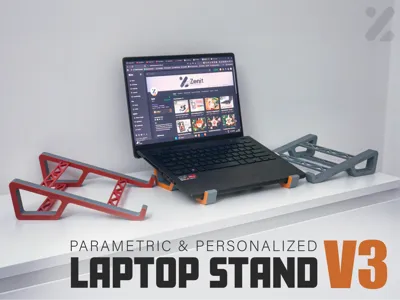
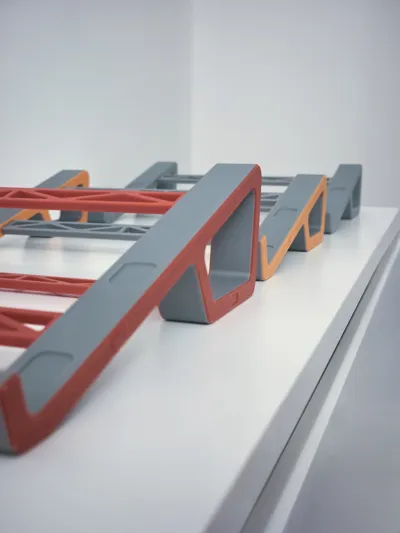
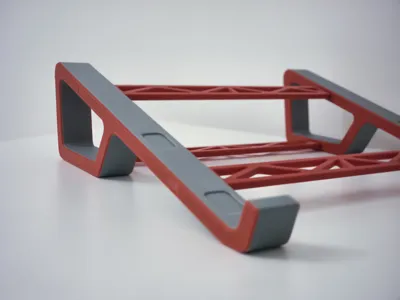
This is Laptop Stand V3, a full redesign based on everything that worked — and everything that didn’t — in the previous versions.
It’s thicker, stronger, and far more reliable thanks to your feedback.
All parts now fit exactly as intended, the middle bar is reinforced, and weak points from earlier versions are gone.
V3 is fully parametric, so instead of adapting your setup to the stand, the stand adapts to you.
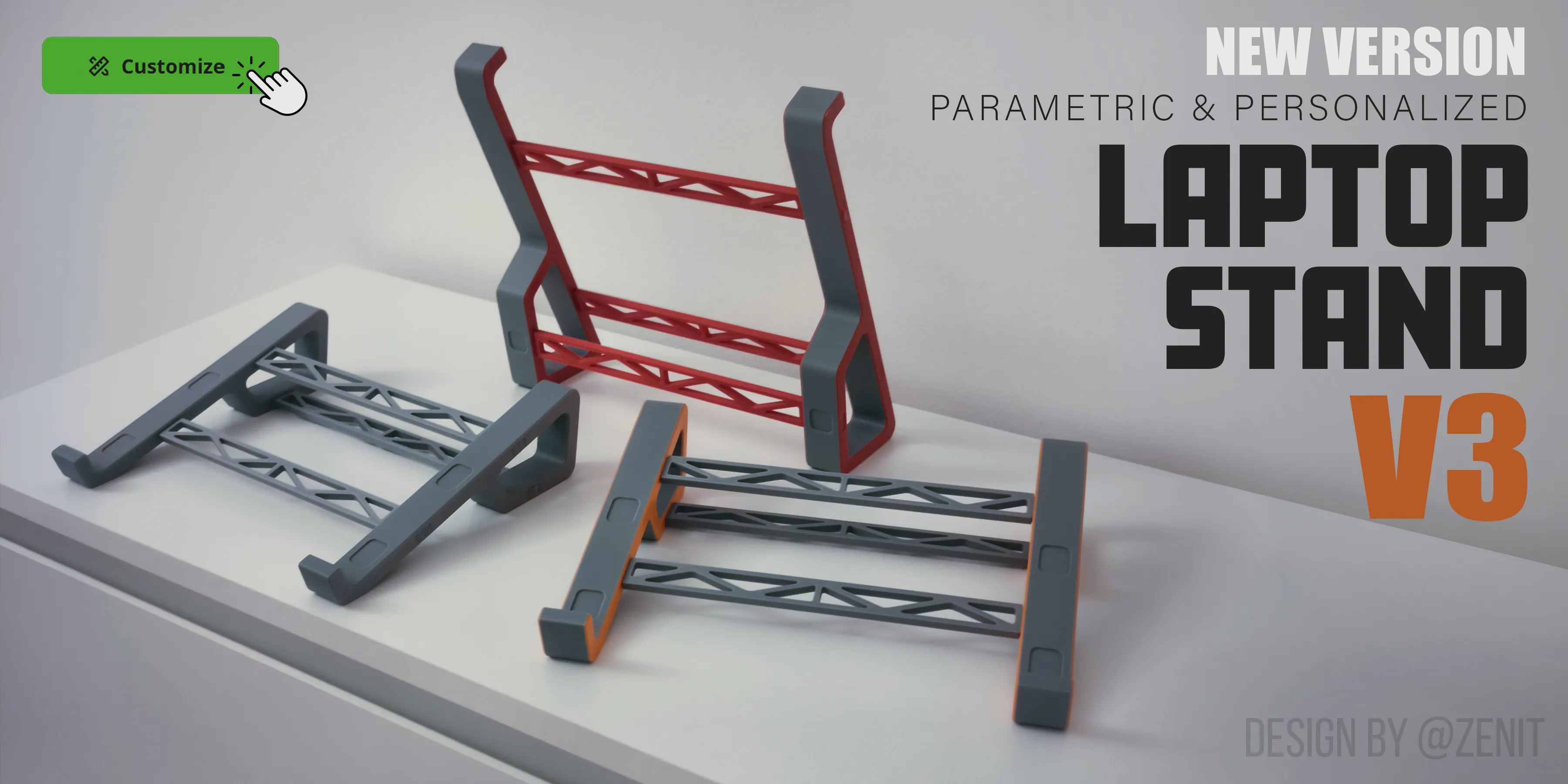
What makes V3 different
This version isn’t just adjustable — it was designed to be personal.
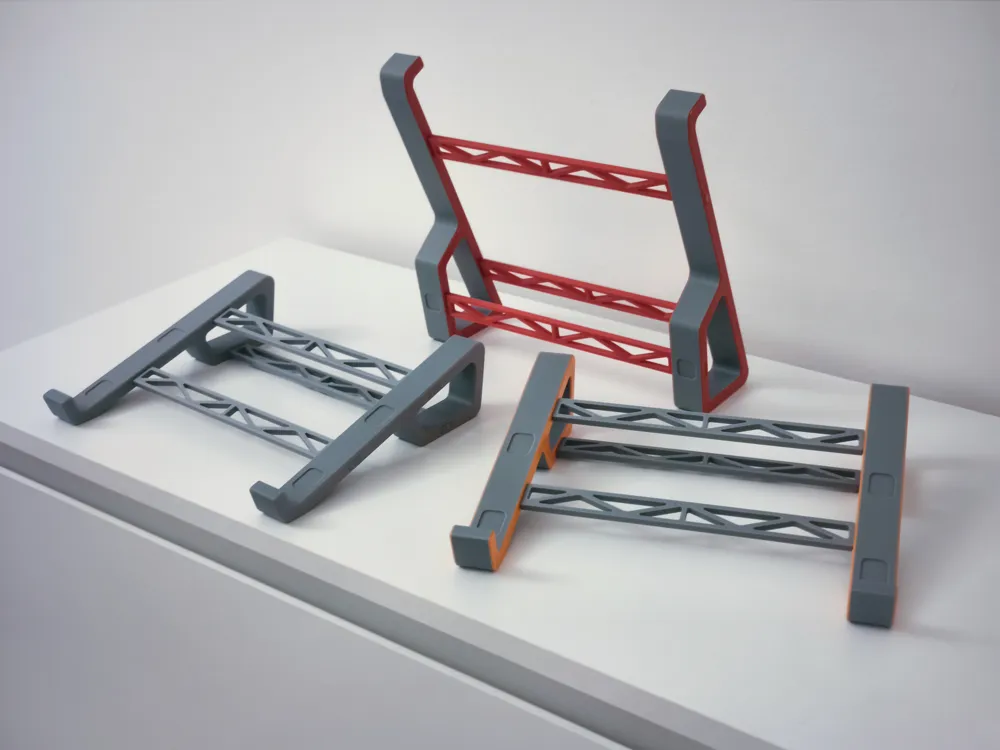
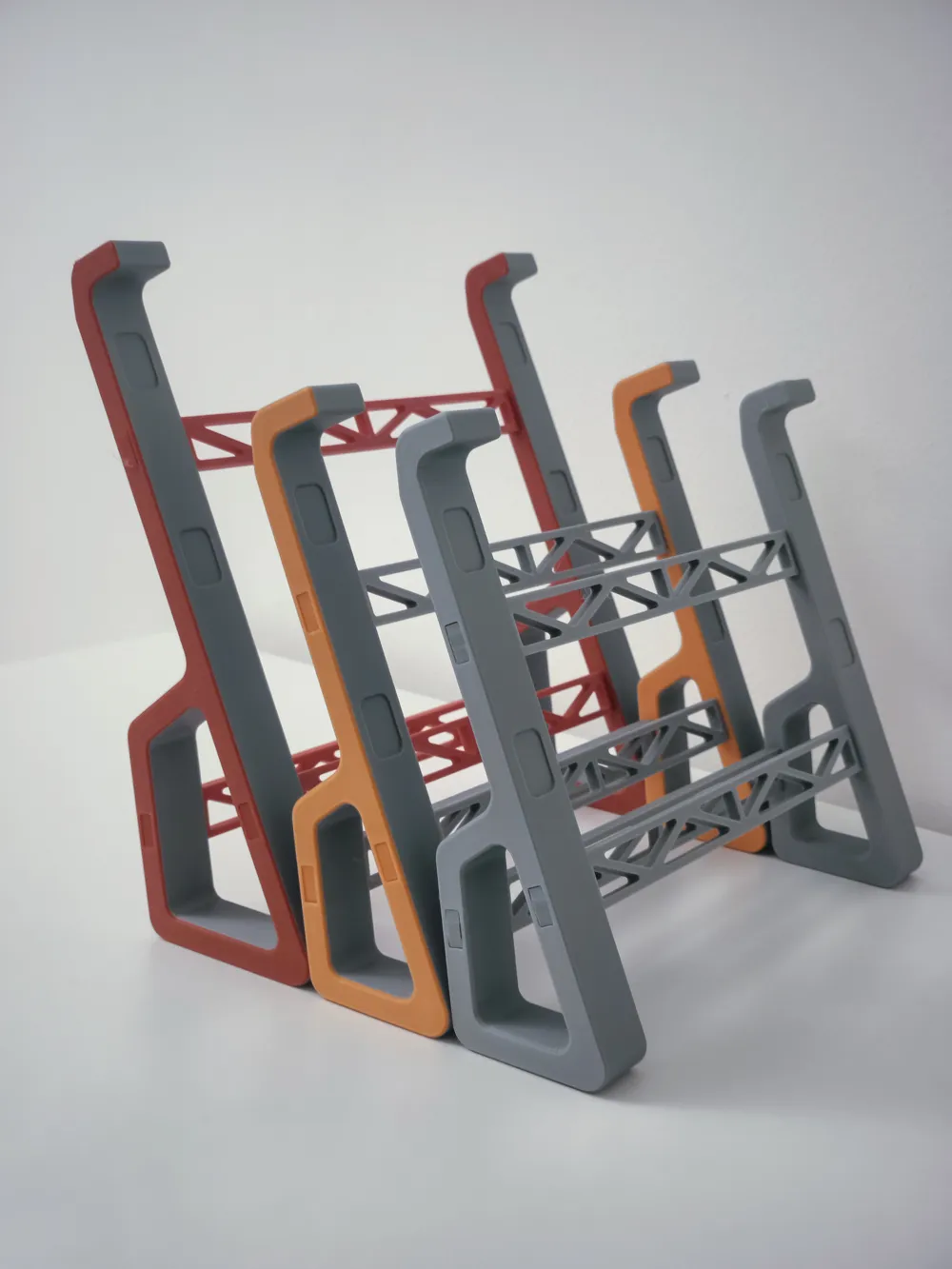
You can fine-tune the stand from the angle and height to the overall proportions and thickness, everything is configurable before printing.
A small locking piece was added to a separate print profile as an optional feature, in case you want to secure the bar connection and hide the opening where the bars fit, improving both strength and appearance.
Warping issues have also been reduced thanks to the thicker structure and improved geometry, making prints more consistent across different machines.
What you can customize
You can adjust:
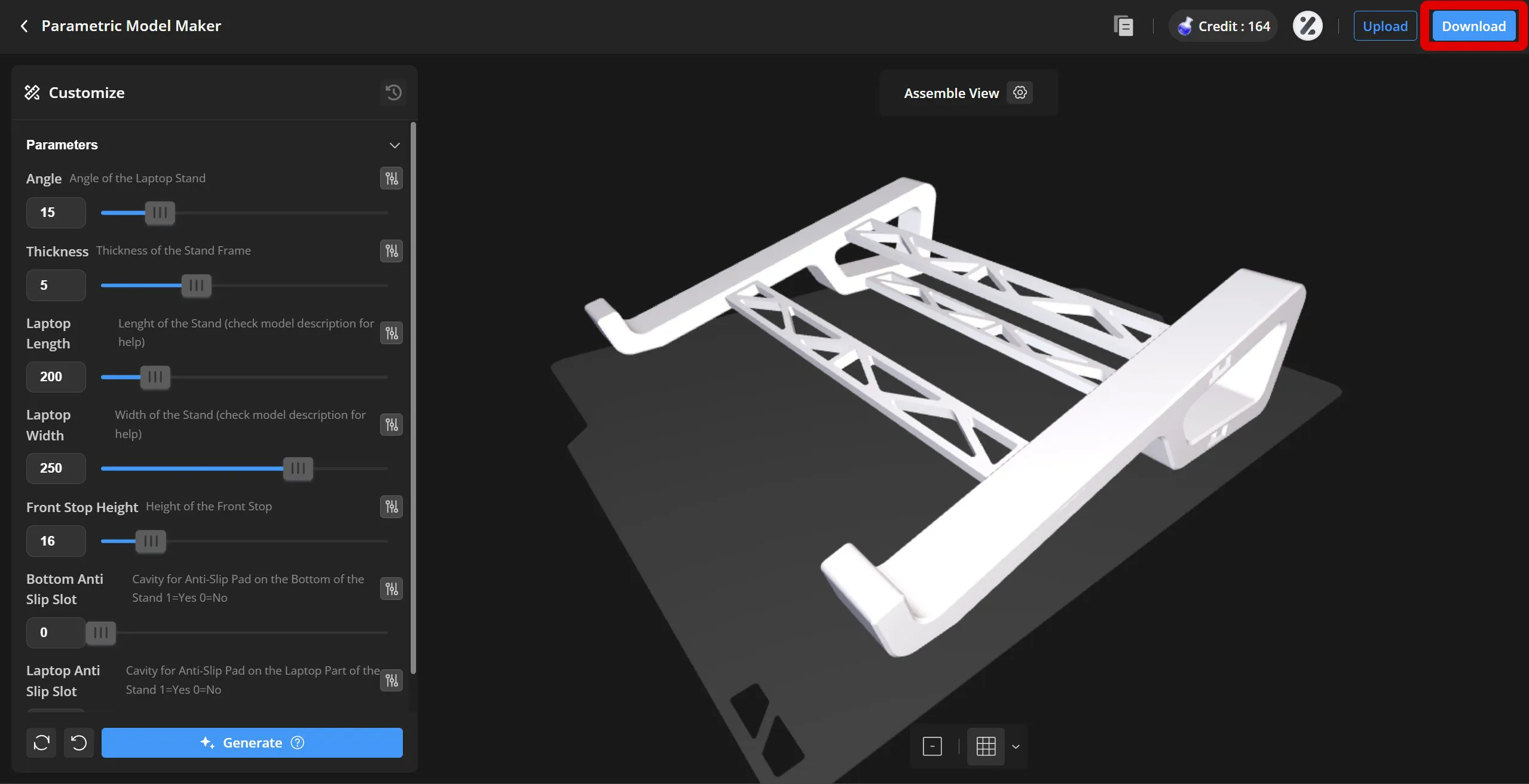
- Angle (Height) of the stand
- Length and Width of the stand
- Thickness of all structural bars
- Front laptop stopper height
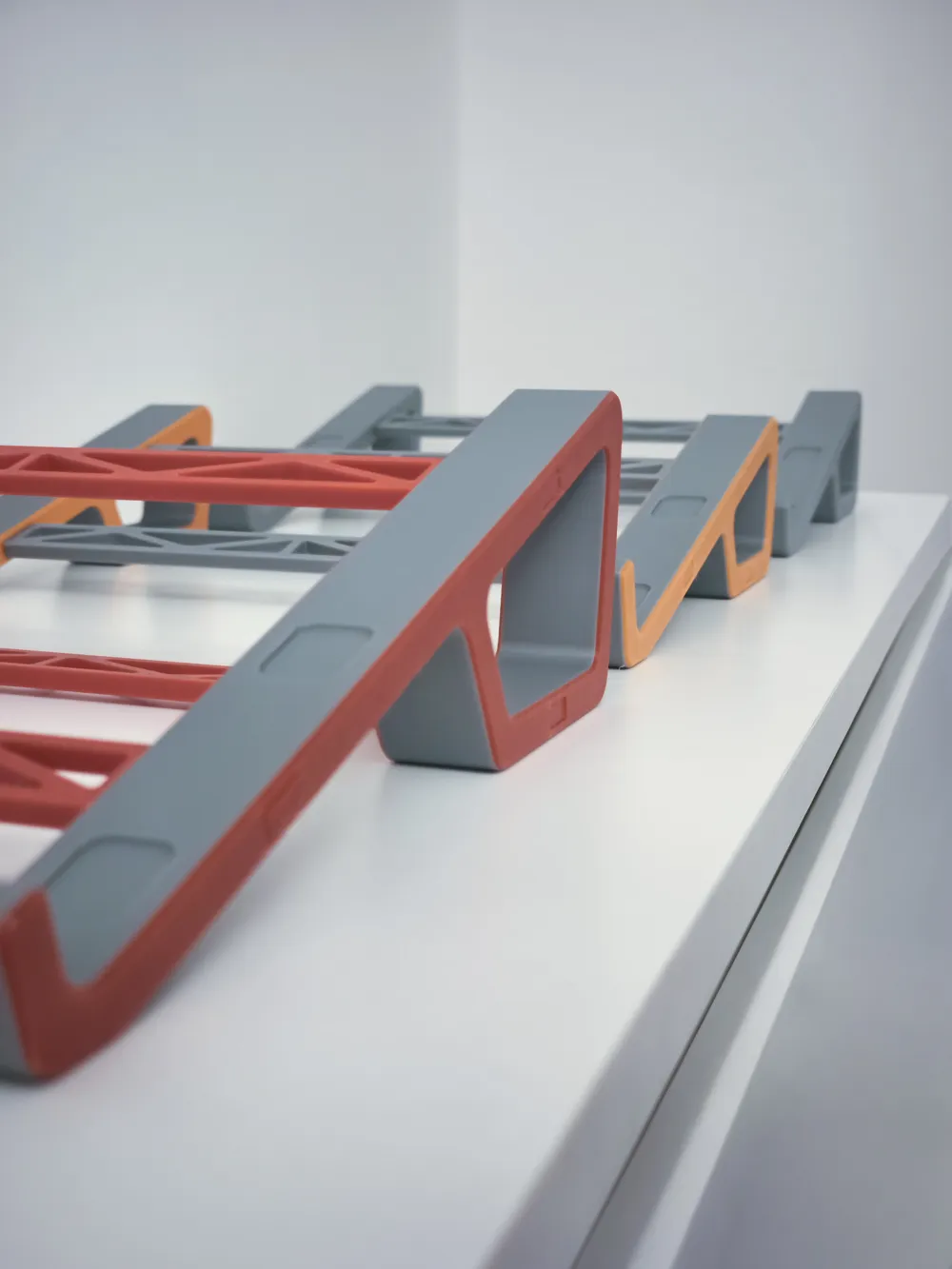
- Optional recesses for non-slip pads :
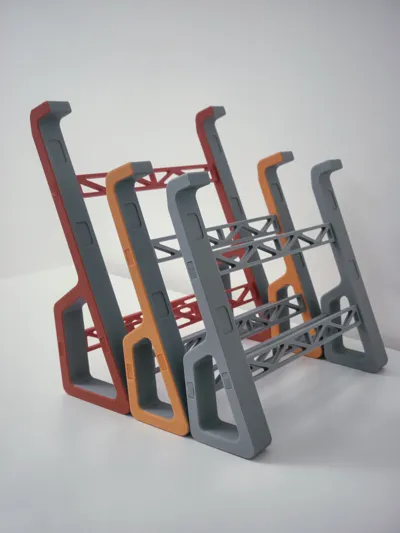
- Colors using the AMS profile, if you want a more personalized look
Parametric guide & setup
The blueprint image below explains what each parametric setting controls:
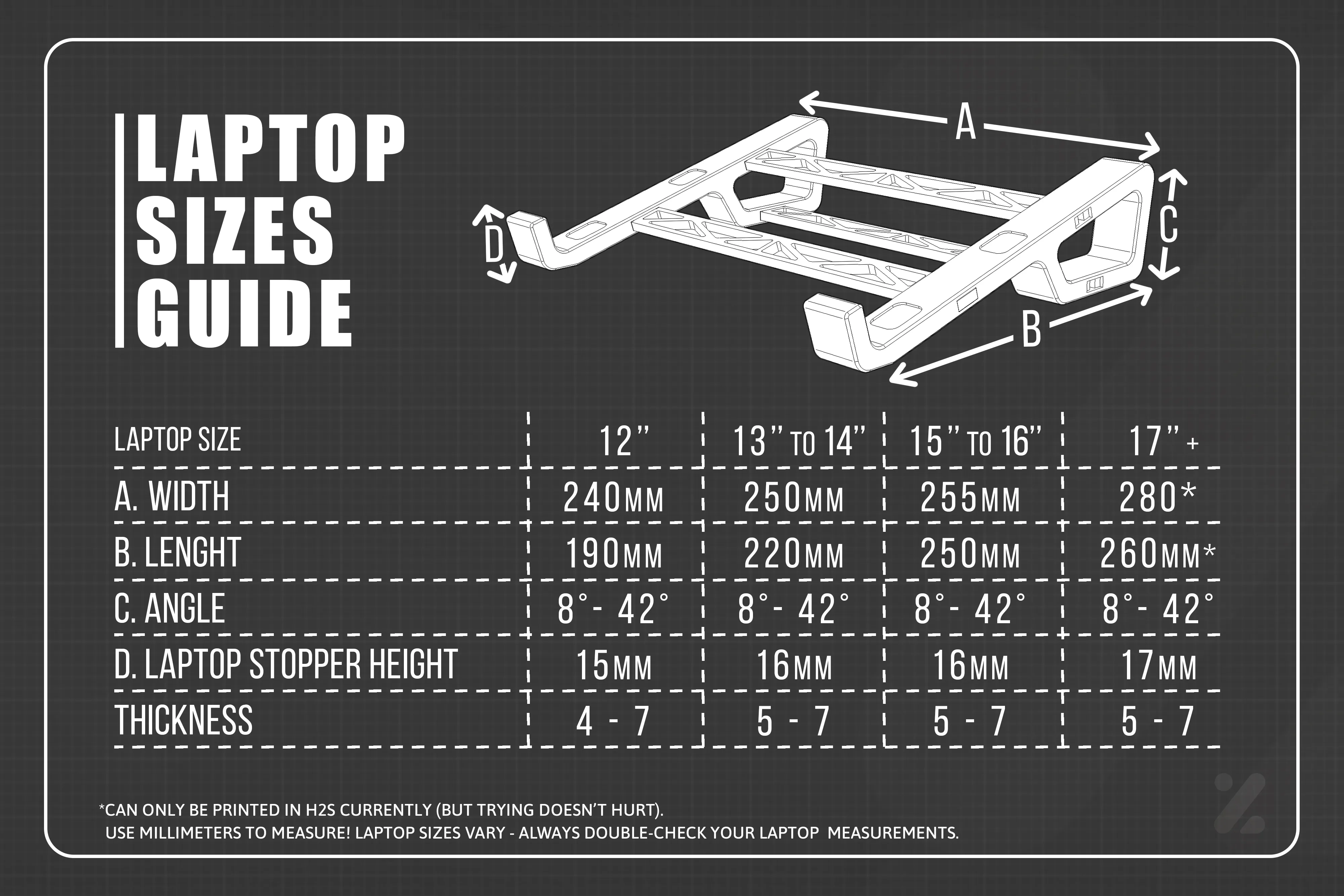
Taking a few minutes to measure properly makes a big difference in the final result.
Step-by-step instructions for using the parametric options:
1) Click on the "Customize" button.
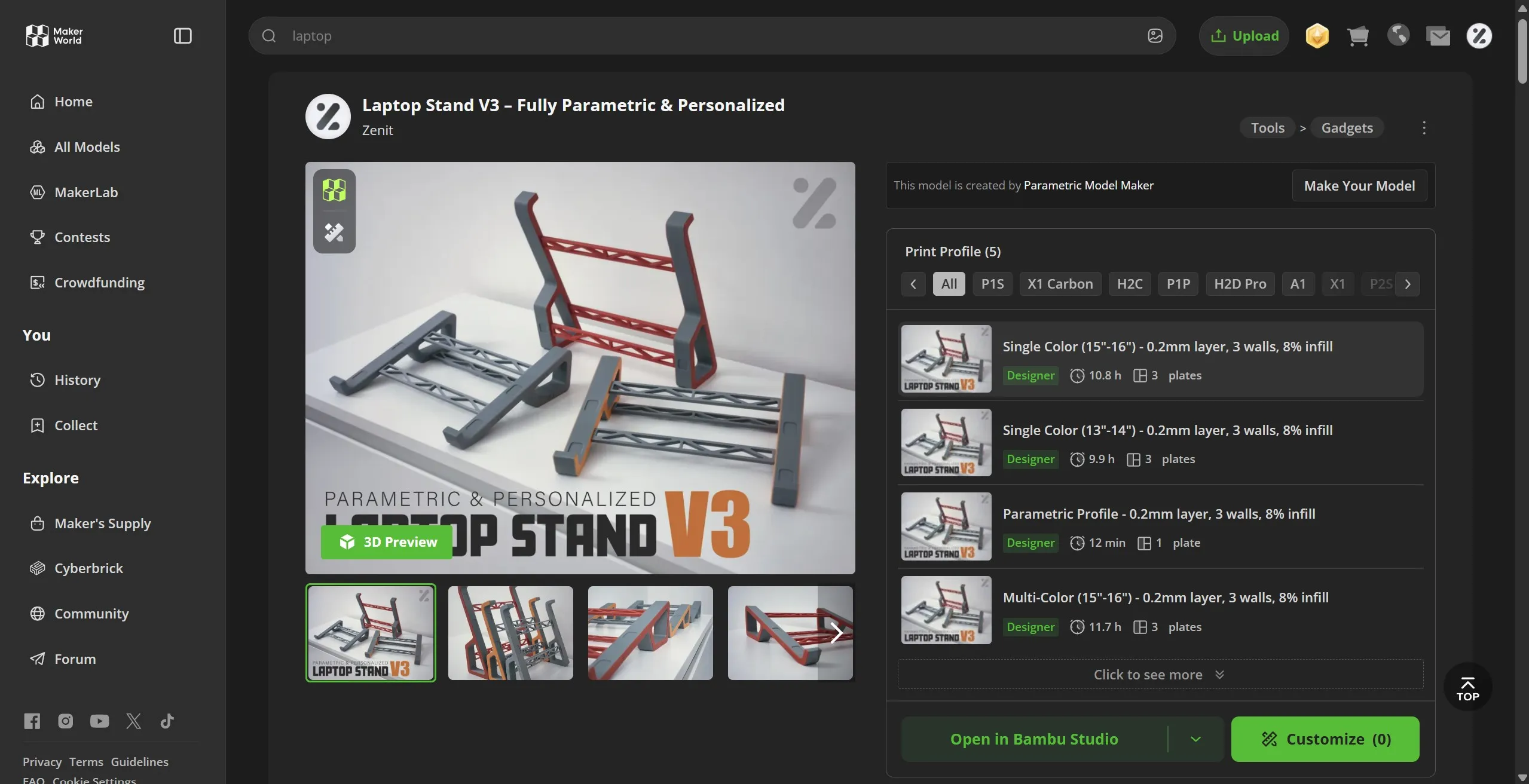
2) Select the latest available version and click "Customize".
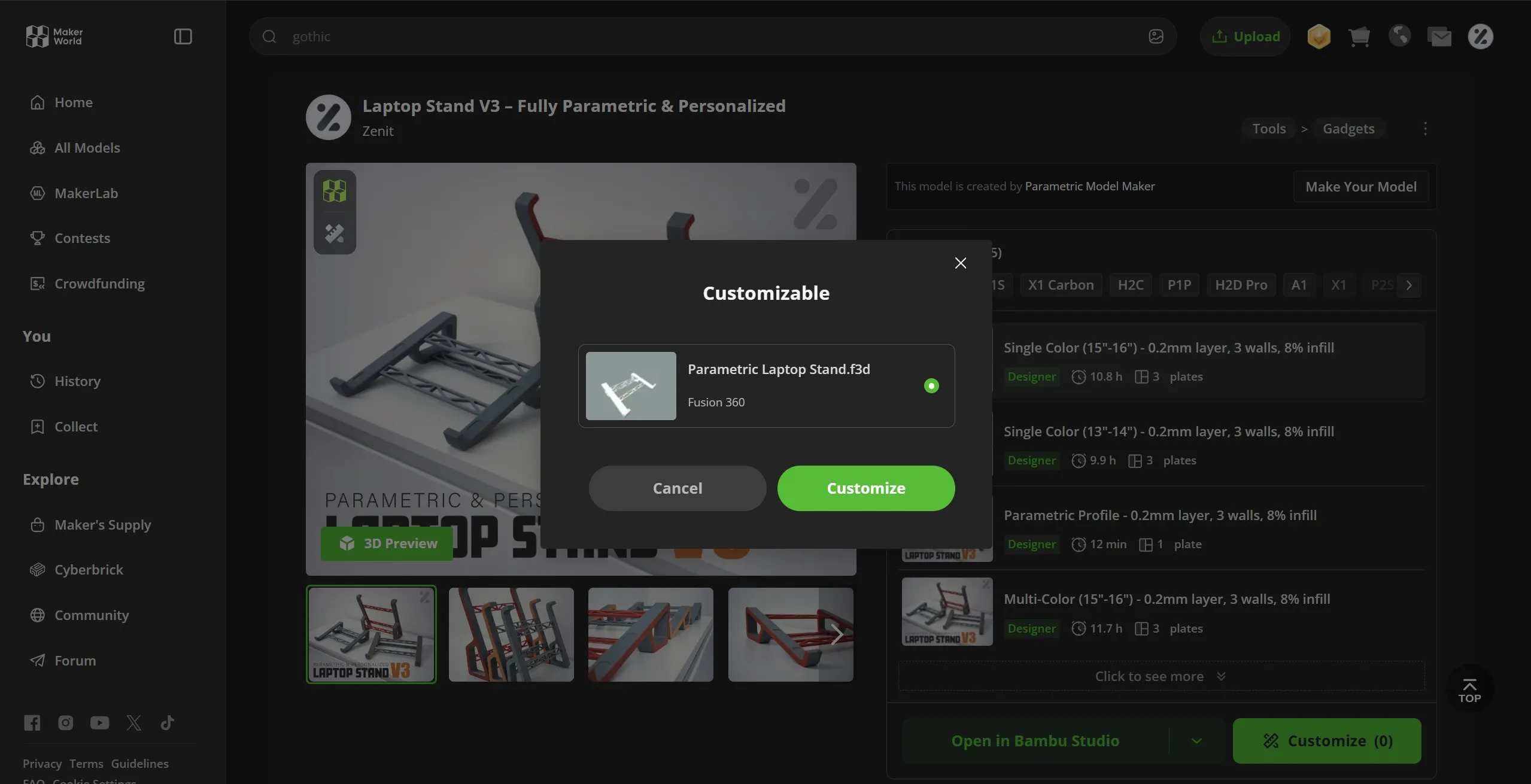
3) Customize the stand with your preferred settings or by following the laptop sizes guide (Whenever you want to check how your settings are and/or generate a new model, click the "Generate" button). When you are happy with the settings, don't forget to click "Generate" to update the model and then click "Download" at the top of the page.
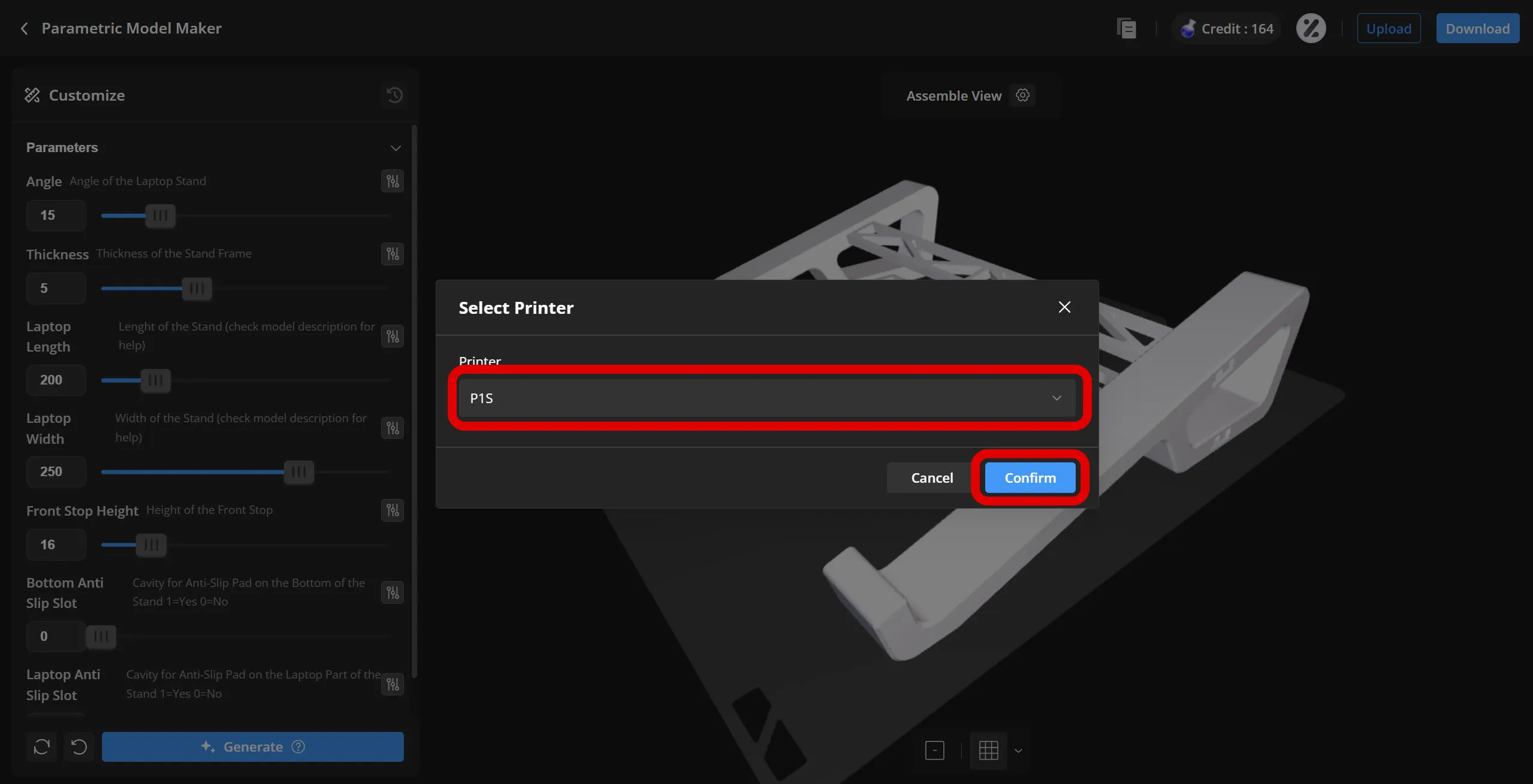
4) Select your printer and click in “Confirm”.
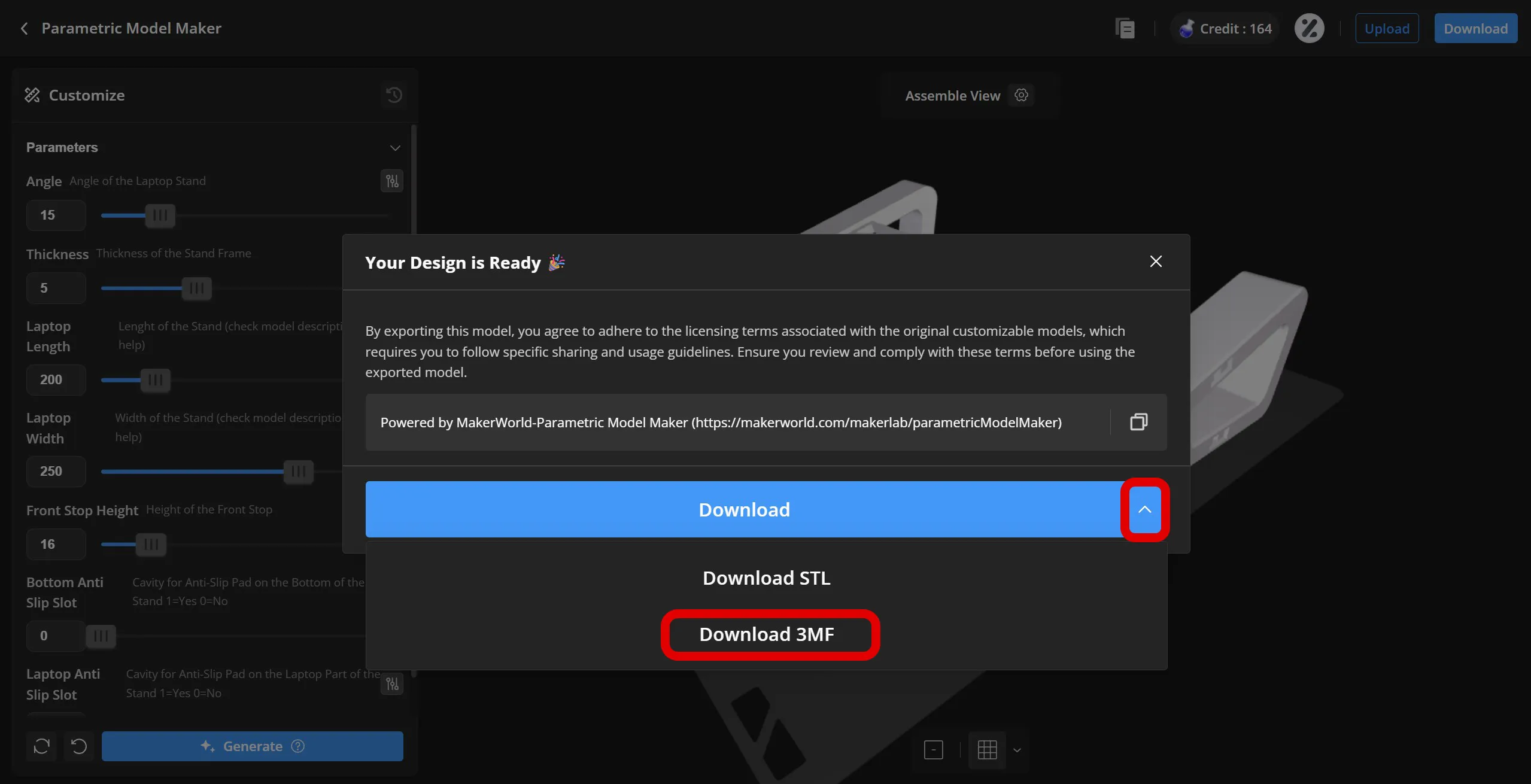
5) Click the arrow and then select "Download 3MF". If your browser asks, choose the location where you want to save the file and the download should start.
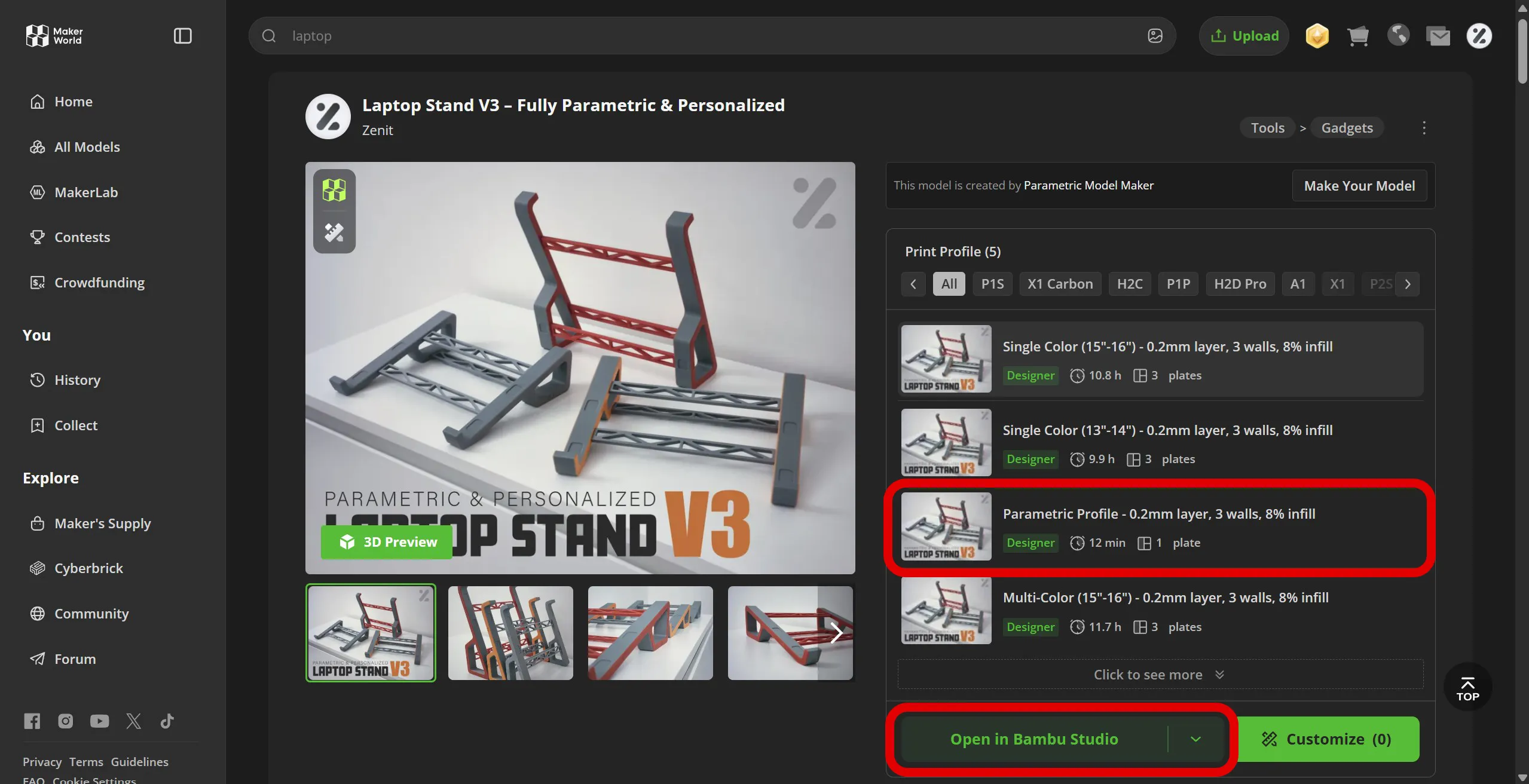
6) Now go back to the main page, select the print profile "Parametric Laptop Stand Profile" and click "Open in Bambu Studio". The software should then open.
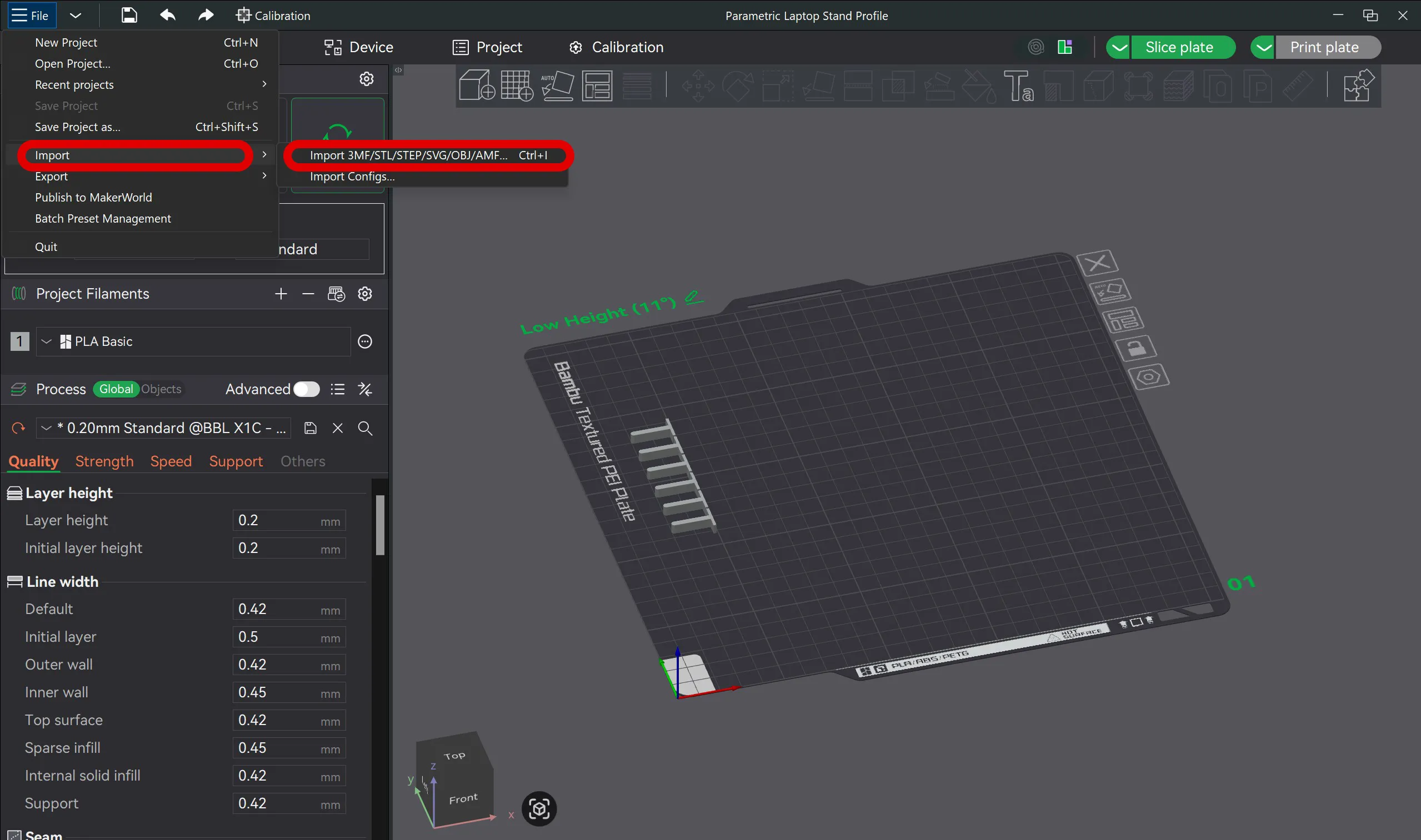
7) With the profile open in Bambu Studio, go to "File" -> "Import" -> and select "Import 3MF/STL...".
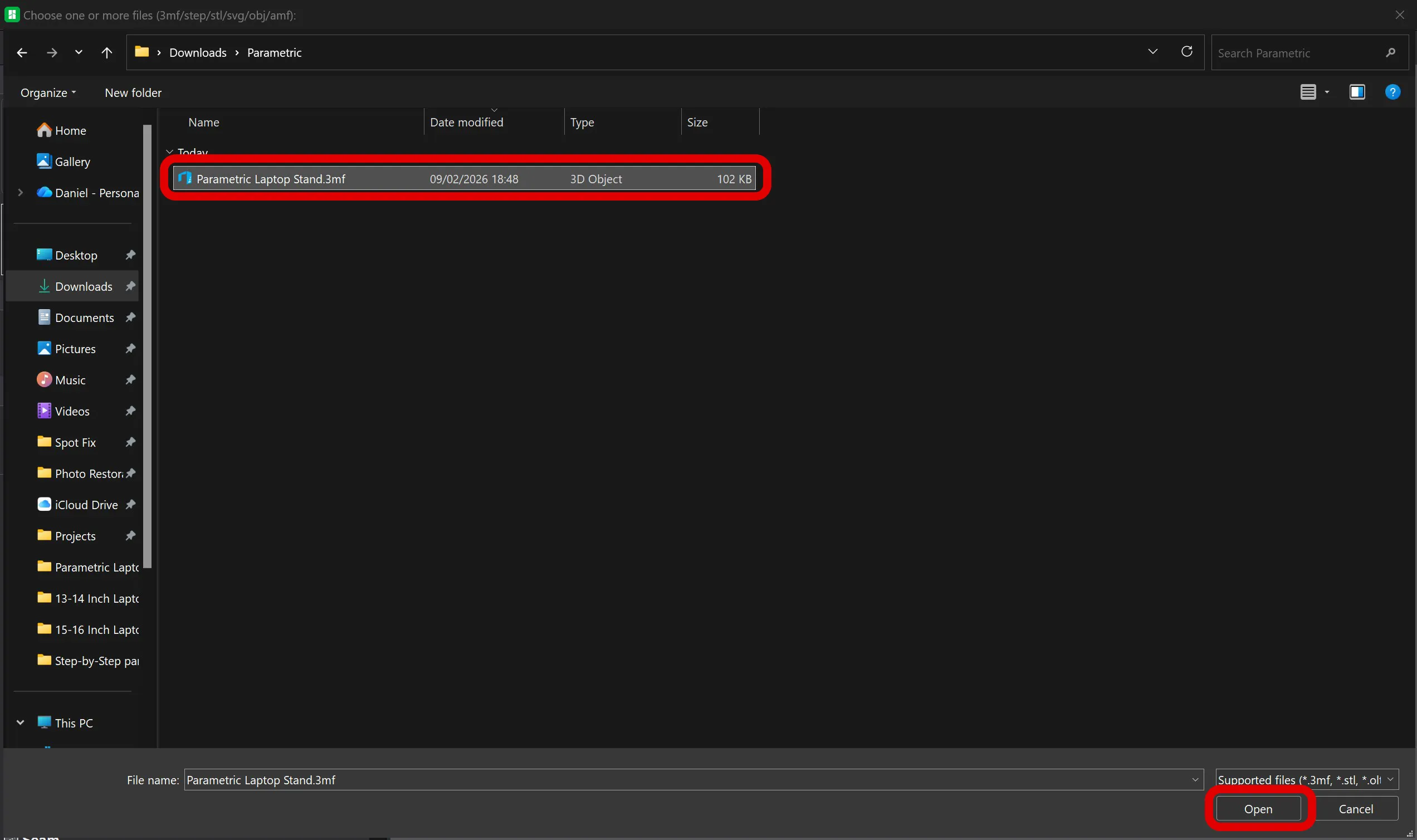
8) Select the .3mf file you downloaded in step 5 and click "Open" or press "Enter" to open it.
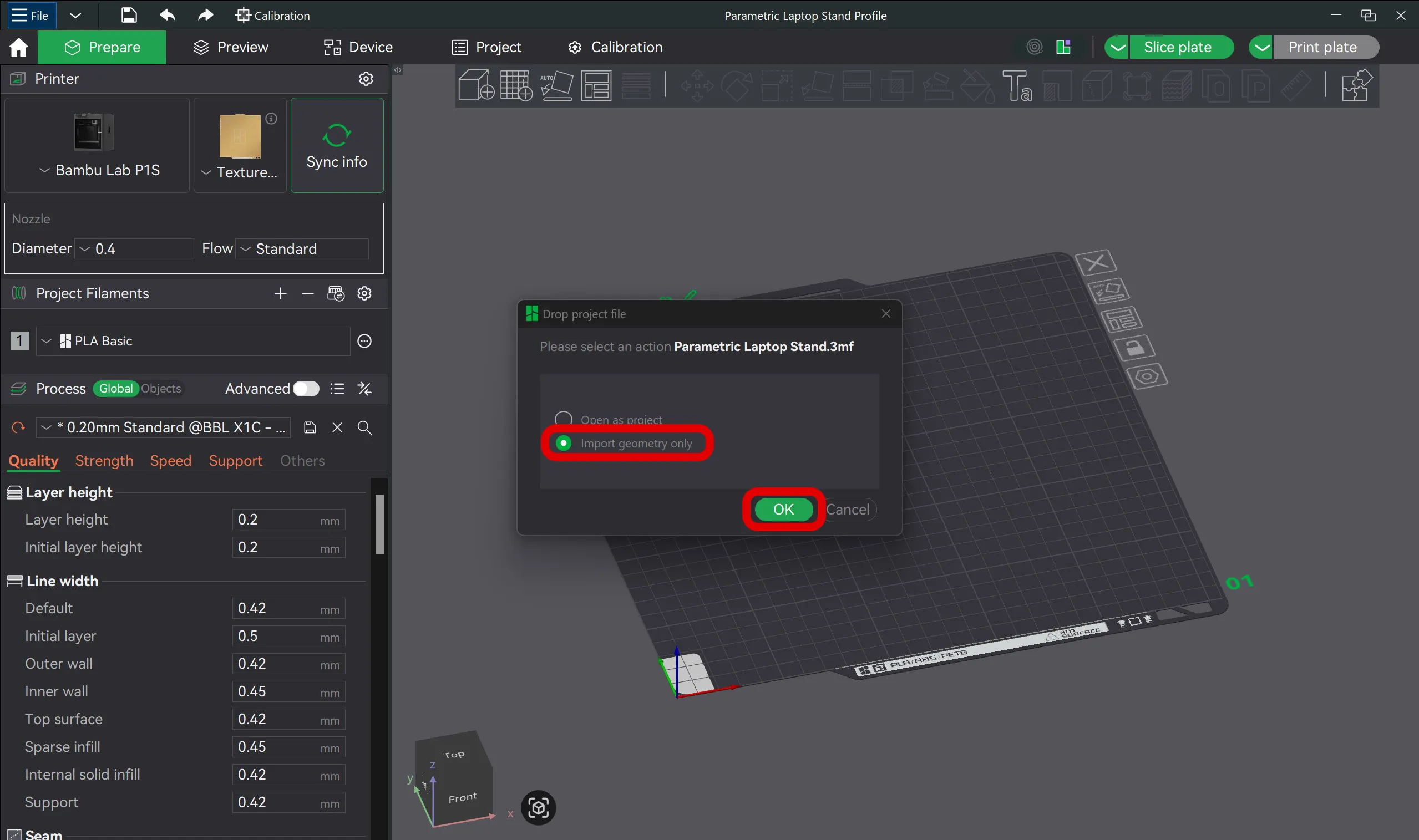
9) Next, a prompt will appear; be sure to select "Import geometry only" and click "OK".
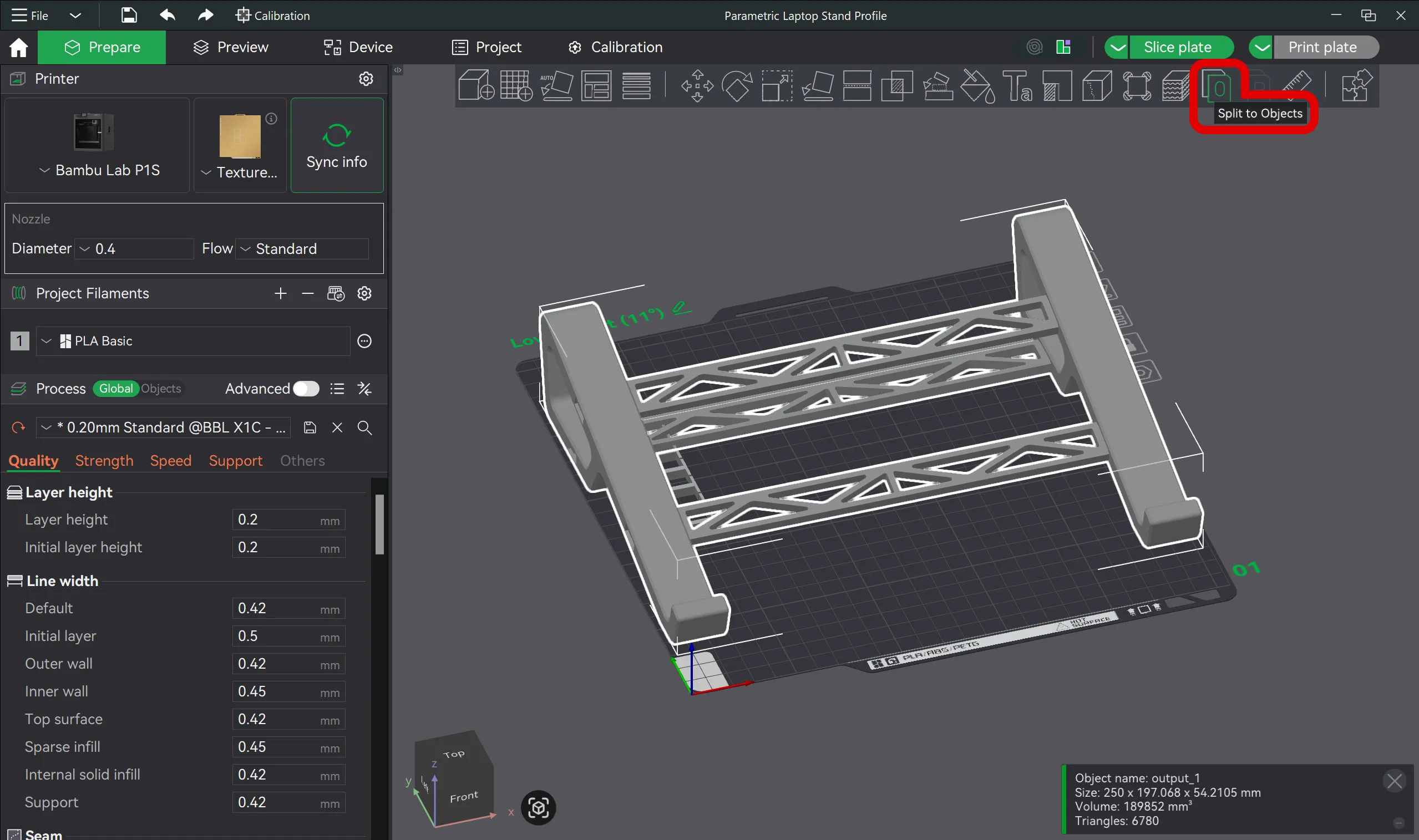
10) IMPORTANT: Make sure the model is selected and click "Split To Objects" in the top bar.
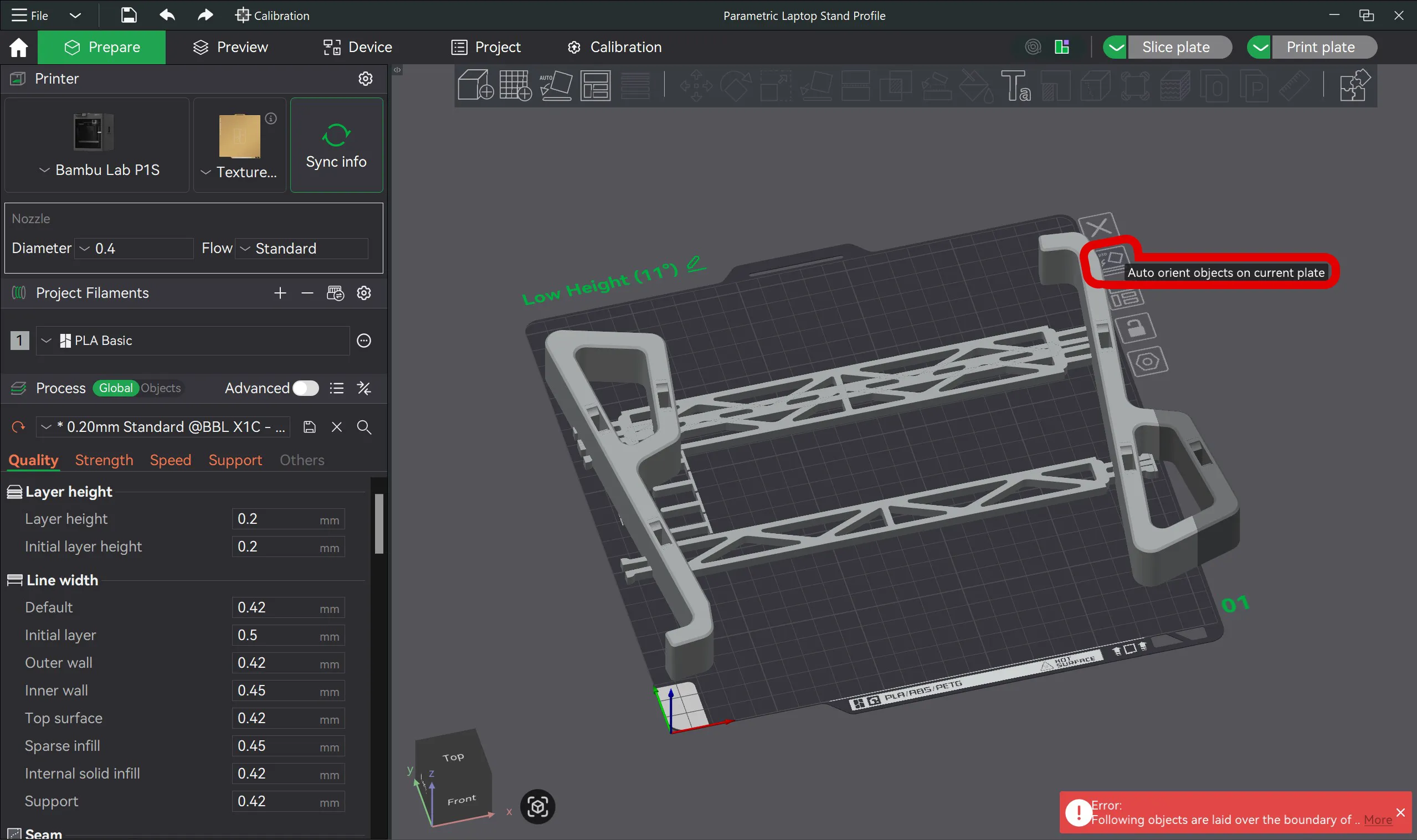
11) Click the "Auto orient objects on current plate" button on the plate so that the software orients the parts in the best way to be printed.
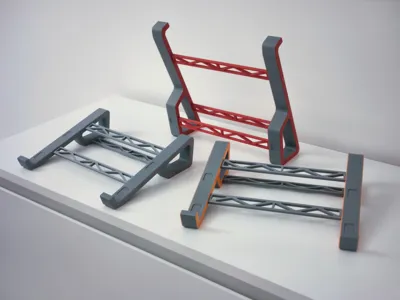
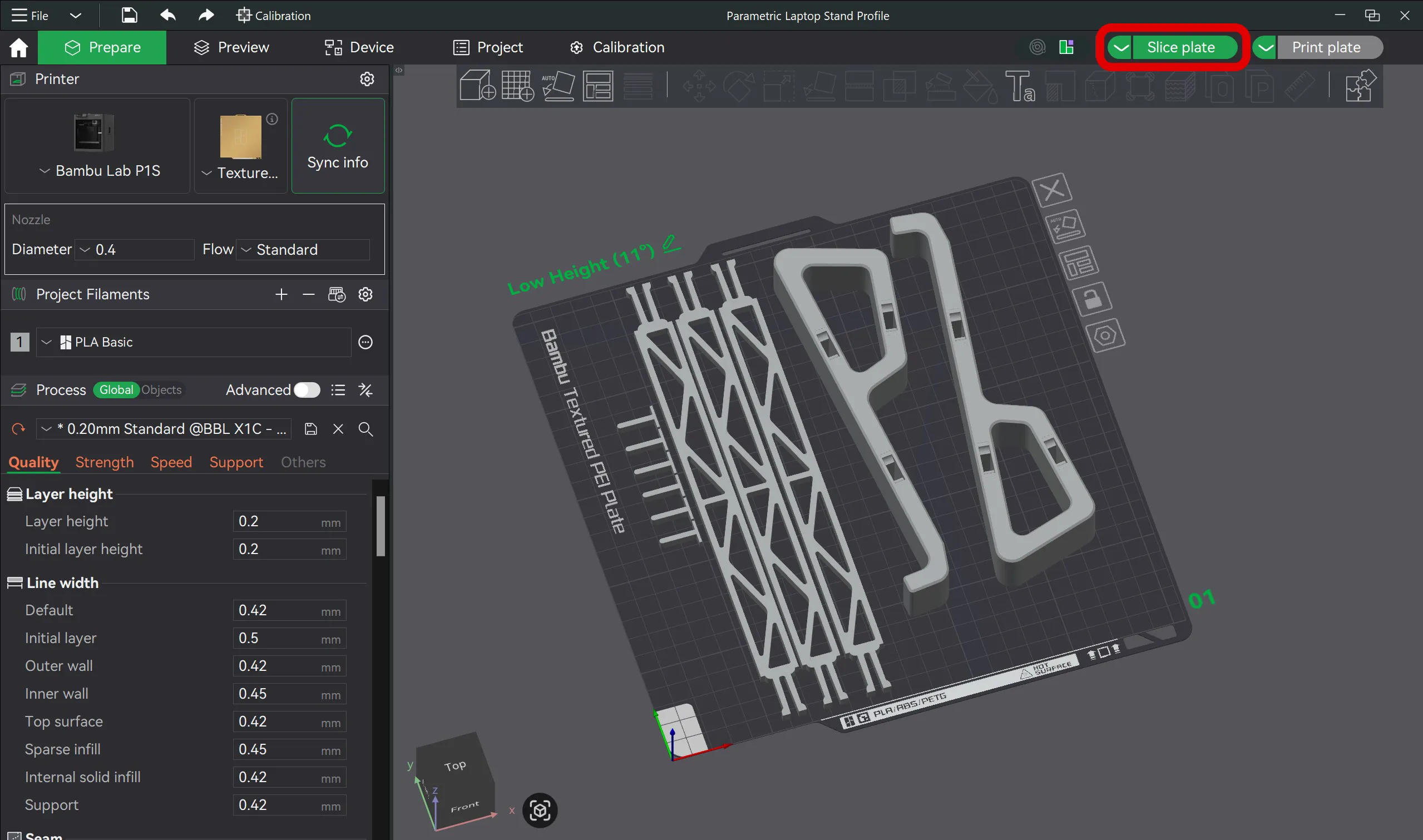
12) Move the pieces in a way that best accommodates your plate. Below you can see my recommendation for how to arrange the objects (Normally everything can be printed on a single plate, but depending on the size you have set, you may need to print on 2 different plates).
NOTE 1: The 6 pins that are already on the plate are used to hold and hide the middle bars.
NOTE 2: I DO NOT RECOMMEND using the "Arrange objects on current plate" option because the program will probably not arrange the objects on a single plate in the best way.
After finishing the manual arrangement, slice a plate and print your model :)
Printing & assembly notes
*No supports required
*AMS is optional, not mandatory
*Glue is not required, but:
- Non-slip pads are strongly recommended for the best desk grip and laptop stability
*Parts are designed for firm, accurate fit — do not scale the model
Tip: For best results, make sure your build plate is clean before printing. Good first-layer adhesion helps avoid lifting and improves overall accuracy, especially on larger prints.
Creator note
Laptop Stand V3 is a personal project, designed and refined through real feedback and real use.
Huge thanks to everyone who shared issues, suggestions, and ideas — this version exists because of that input.
If you have ideas for future improvements or a V4 direction, I’m always happy to hear them.
Feel free to experiment with colors, materials, and finishes, and if you print one, I’d love to see how you customized it.
Happy printing 👌
Boost Me (for free)
Did you like this Model ? Boost me now.
Membership
Commercial Membership / Tip Me
☕ Enjoy my work? Consider offering me a coffee:
https://buymeacoffee.com/zenitstudio
💼 Join my Patreon:
https://patreon.com/ZenitStudio
📸 Follow my work and new designs on Instagram:
https://www.instagram.com/zenit_studio_oficial/
License

You shall not share, sub-license, sell, rent, host, transfer, or distribute in any way the digital or 3D printed versions of this object, nor any other derivative work of this object in its digital or physical format (including - but not limited to - remixes of this object, and hosting on other digital platforms). The objects may not be used without permission in any way whatsoever in which you charge money, or collect fees.


Comment & Rating (76)