
Cylinder twist game
Print Profile(1)


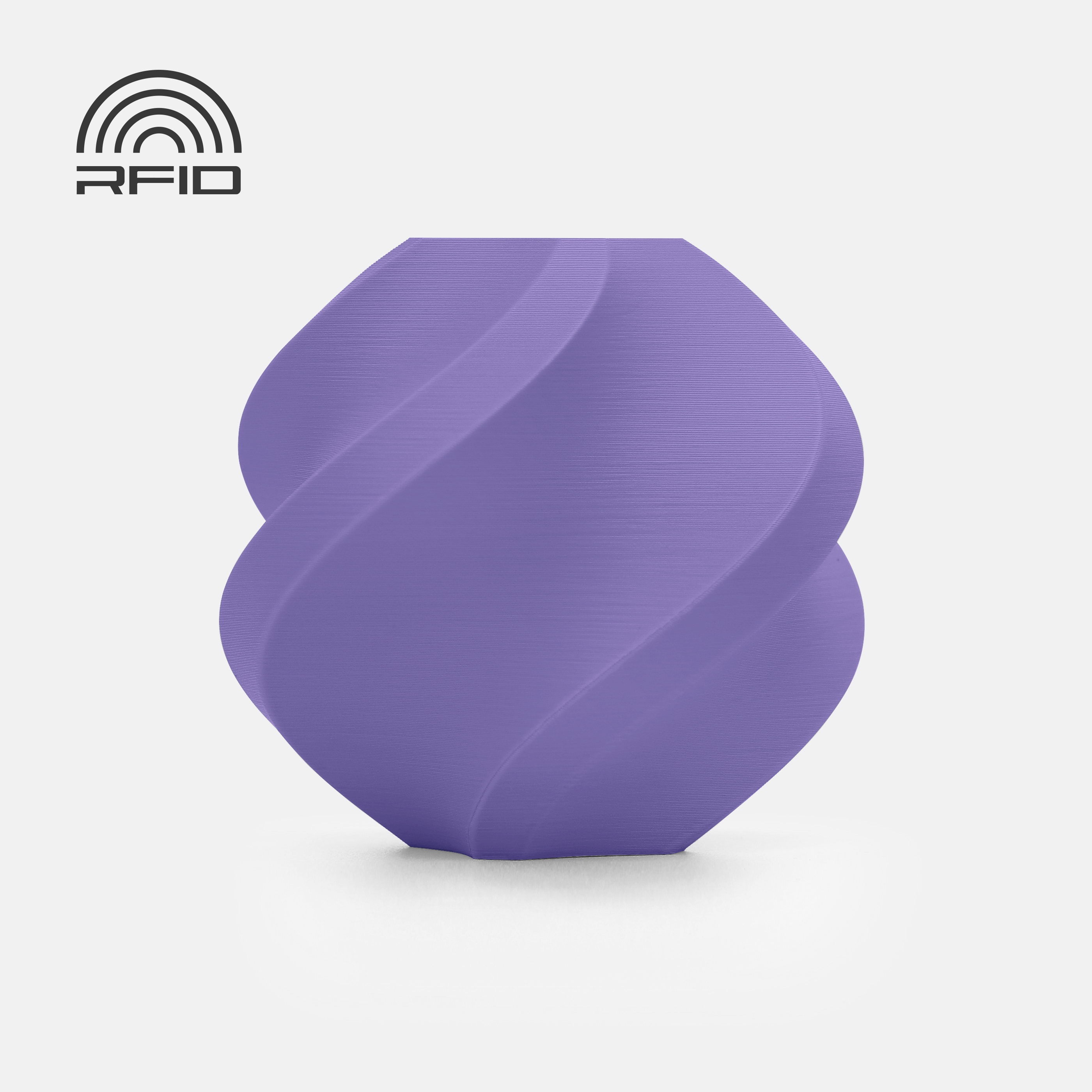
Description
Guide for an Optimal Printing Experience (with Patience)
For reliable printing and assembly, take some time for preparation and careful work. This makes a big difference, especially with moving parts
Boost Me (for free)
I appreciate any support
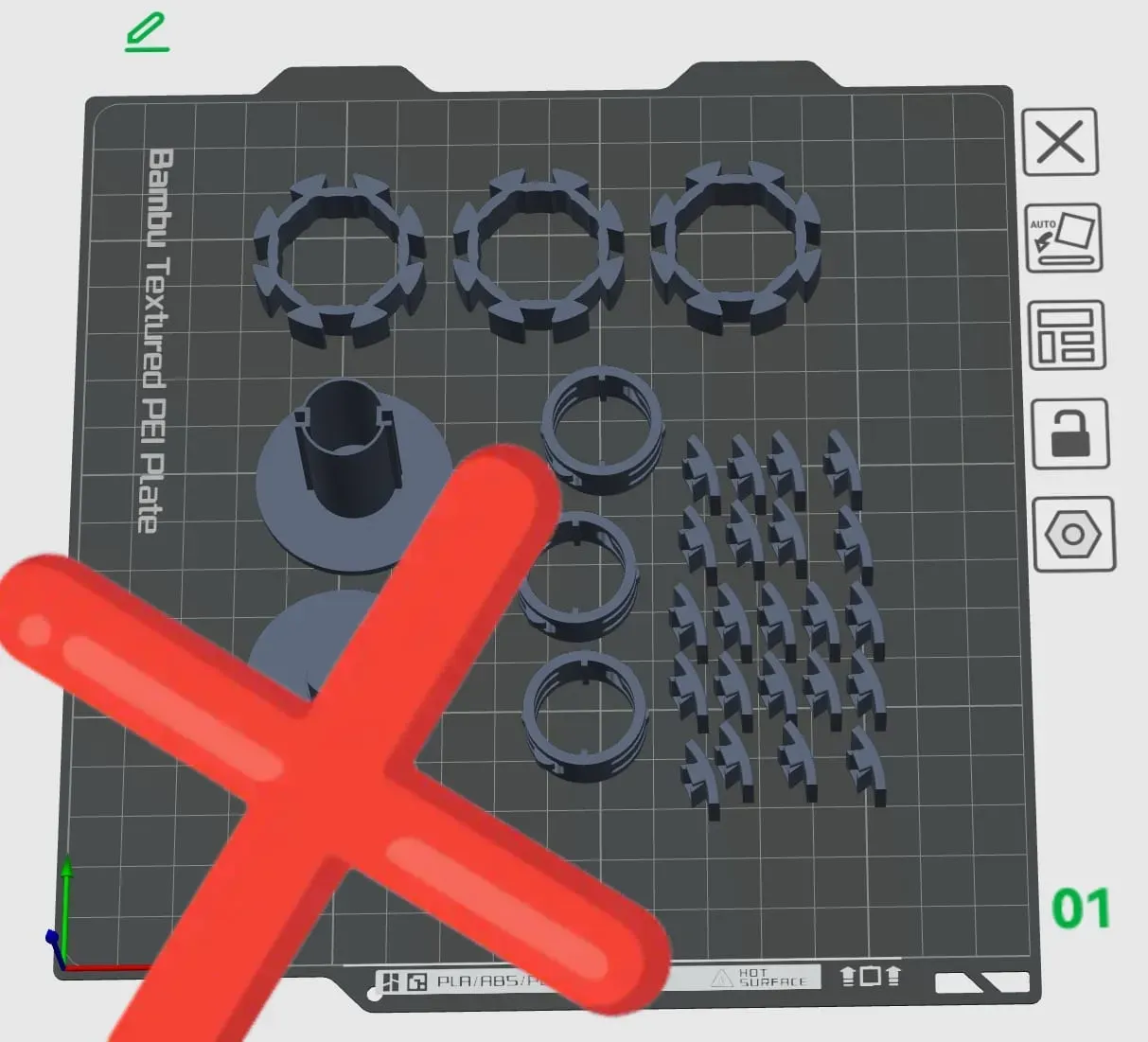
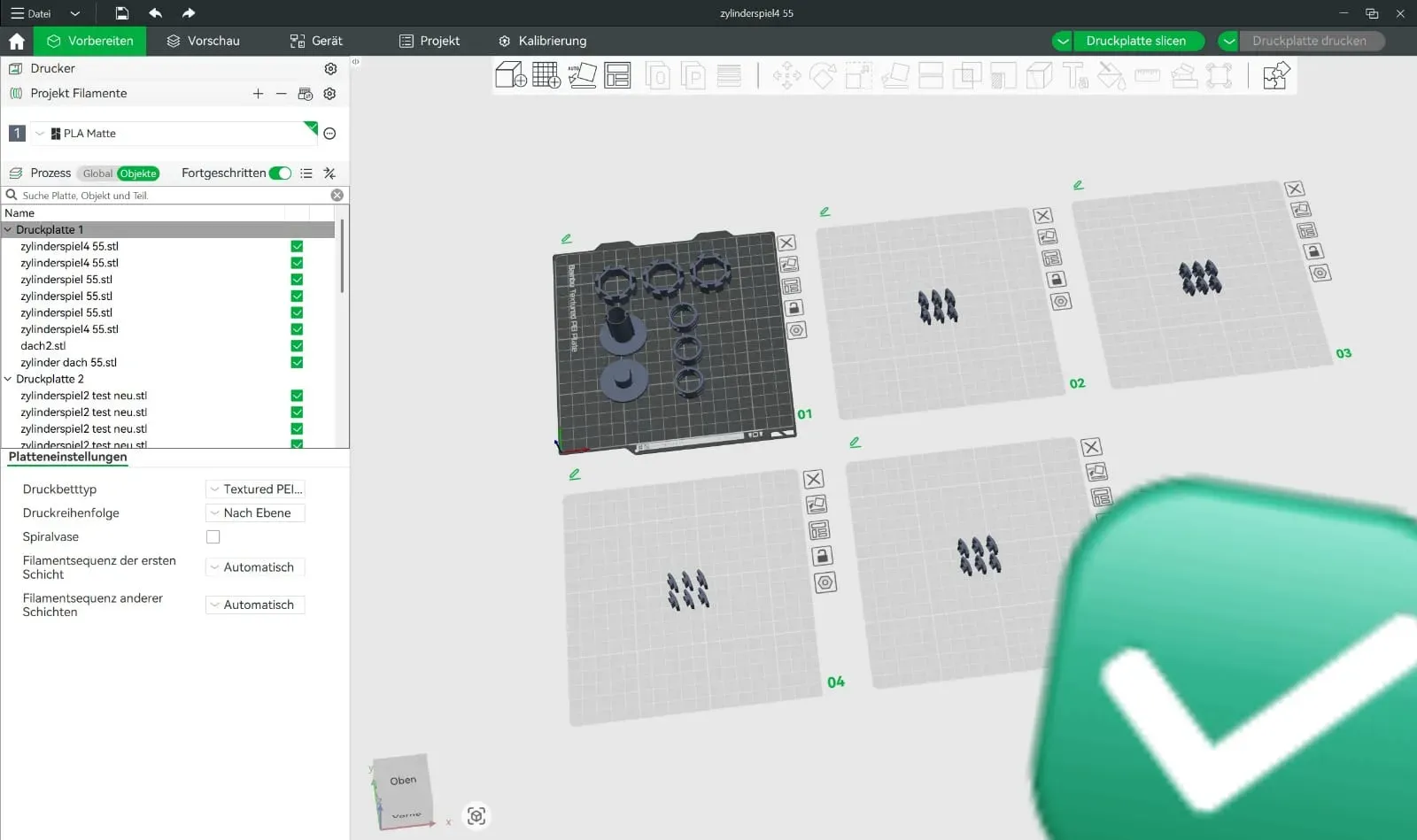
1) Preparation: Print Bed & Adhesion
- Level the print bed (calibrate):
Make sure your print bed is correctly leveled. Poor leveling is one of the most common causes of failed prints - Clean the print bed:
Clean the print plate thoroughly (e.g., with isopropanol) to prevent adhesion problems
Good adhesion prevents warping (lifting edges) and reduces the risk of small parts coming loose
2) Filament Recommendation
I recommend:
- PLA Matte (very easy, clean, good aesthetics)
- PETG (more stable and tough, but may require more fine-tuning)
Both work well – the most important things are clean adhesion and appropriate settings
3) Correctly Orient Parts (Slicing)
- Orient all parts uniformly:
Ensure that the components in the slicer are uniformly oriented so they are printed consistently (fit and aesthetics) - Don't put everything on one print bed:
Prefer to print in multiple passes and distribute the parts across several print jobs, instead of printing everything in one go
Advantage: If something goes wrong, you don't lose everything – and small parts adhere more reliably
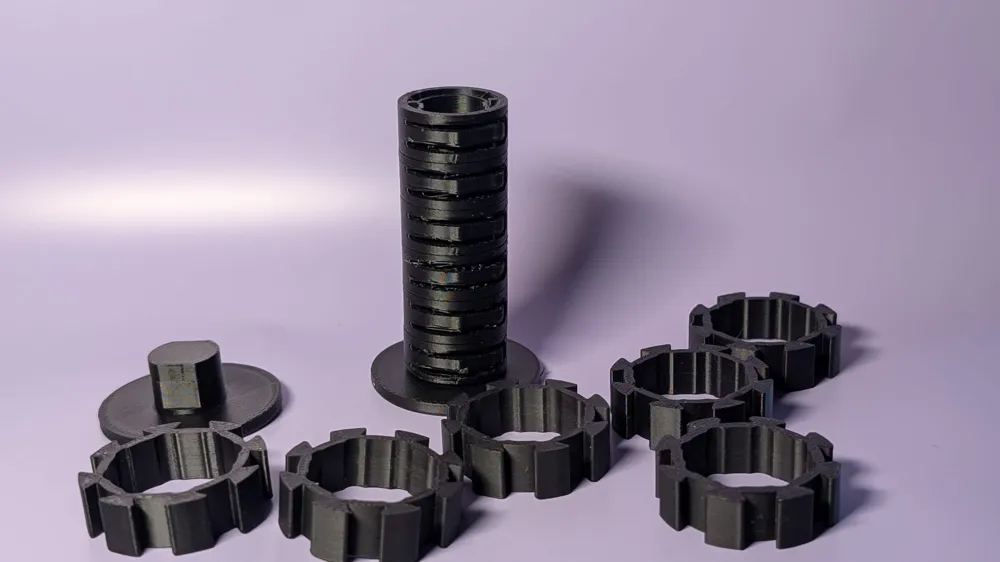
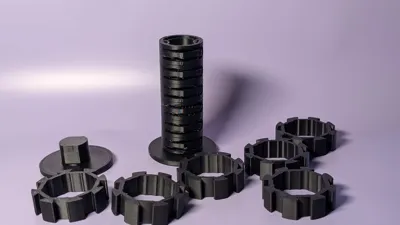
4) Important for the Toy: Print "Tiles" Separately
For this model, it is particularly important:
- Please do not print all individual tiles at once
When printing many small parts simultaneously, there is a high risk that they will come loose or tip over - Prefer to print them individually or in very small groups, so they hold better
Use glue/adhesive (optional, but recommended):
If you notice that parts lift easily, use glue (e.g., glue stick or adhesive) to improve adhesion

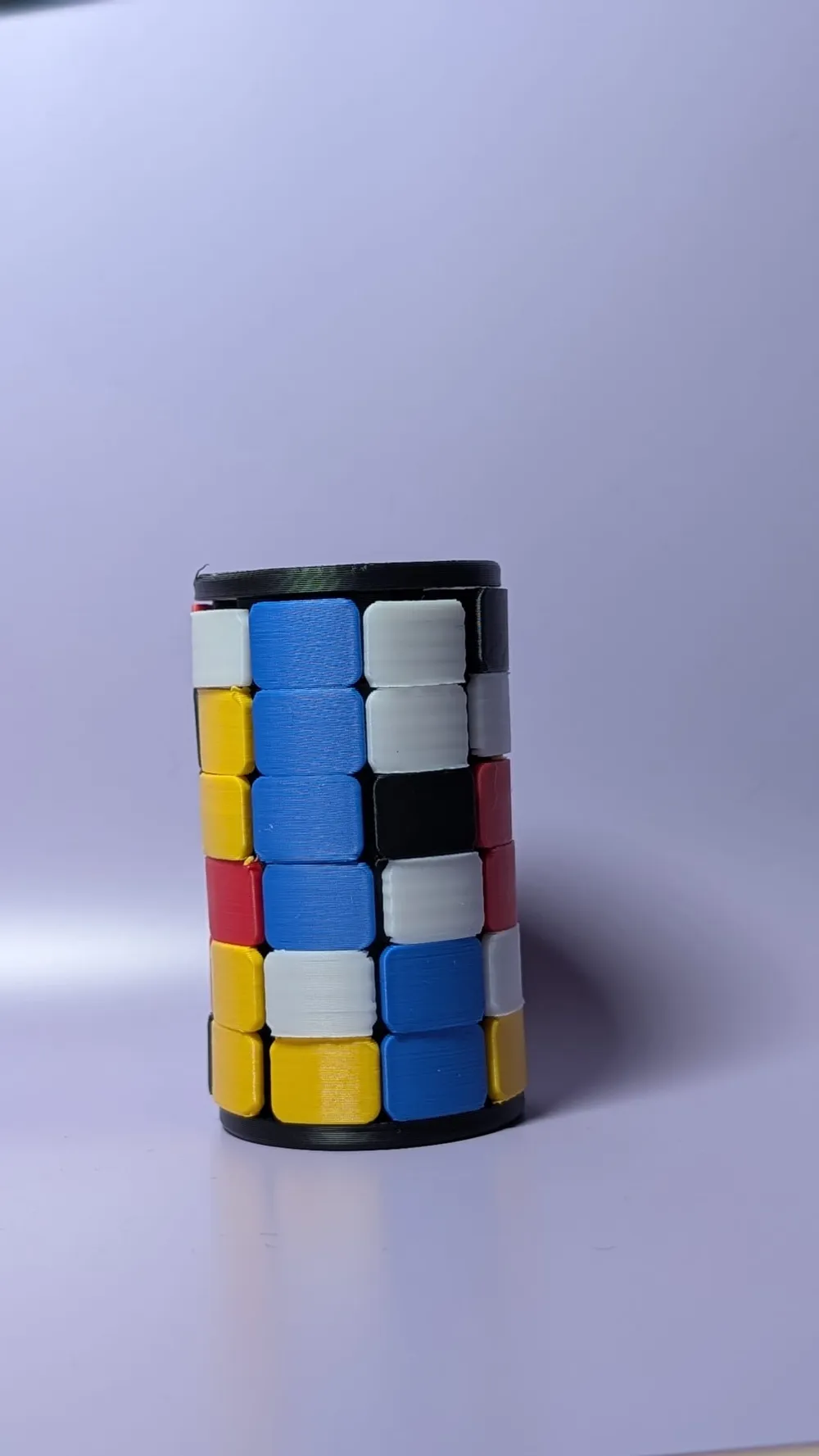
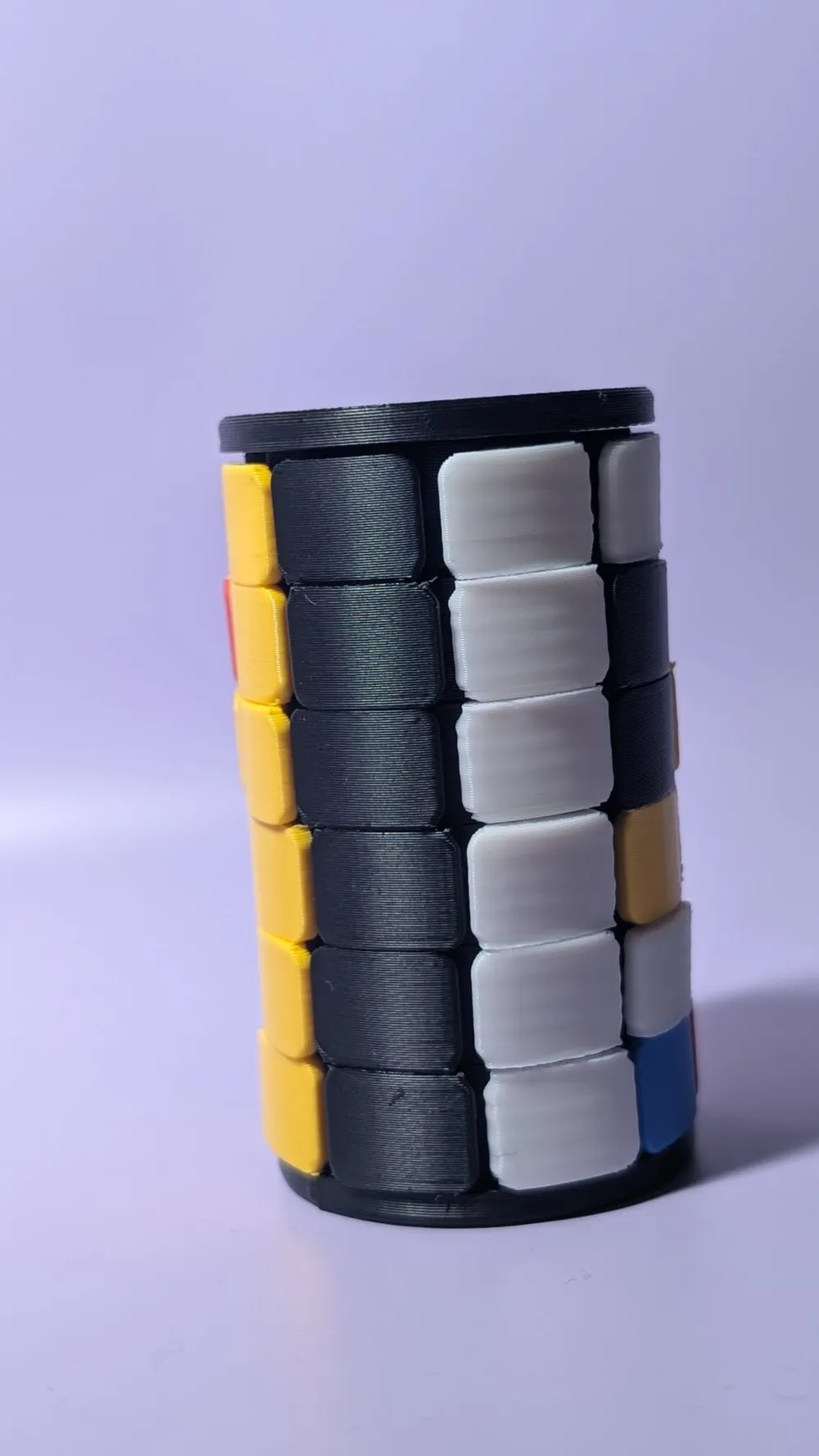
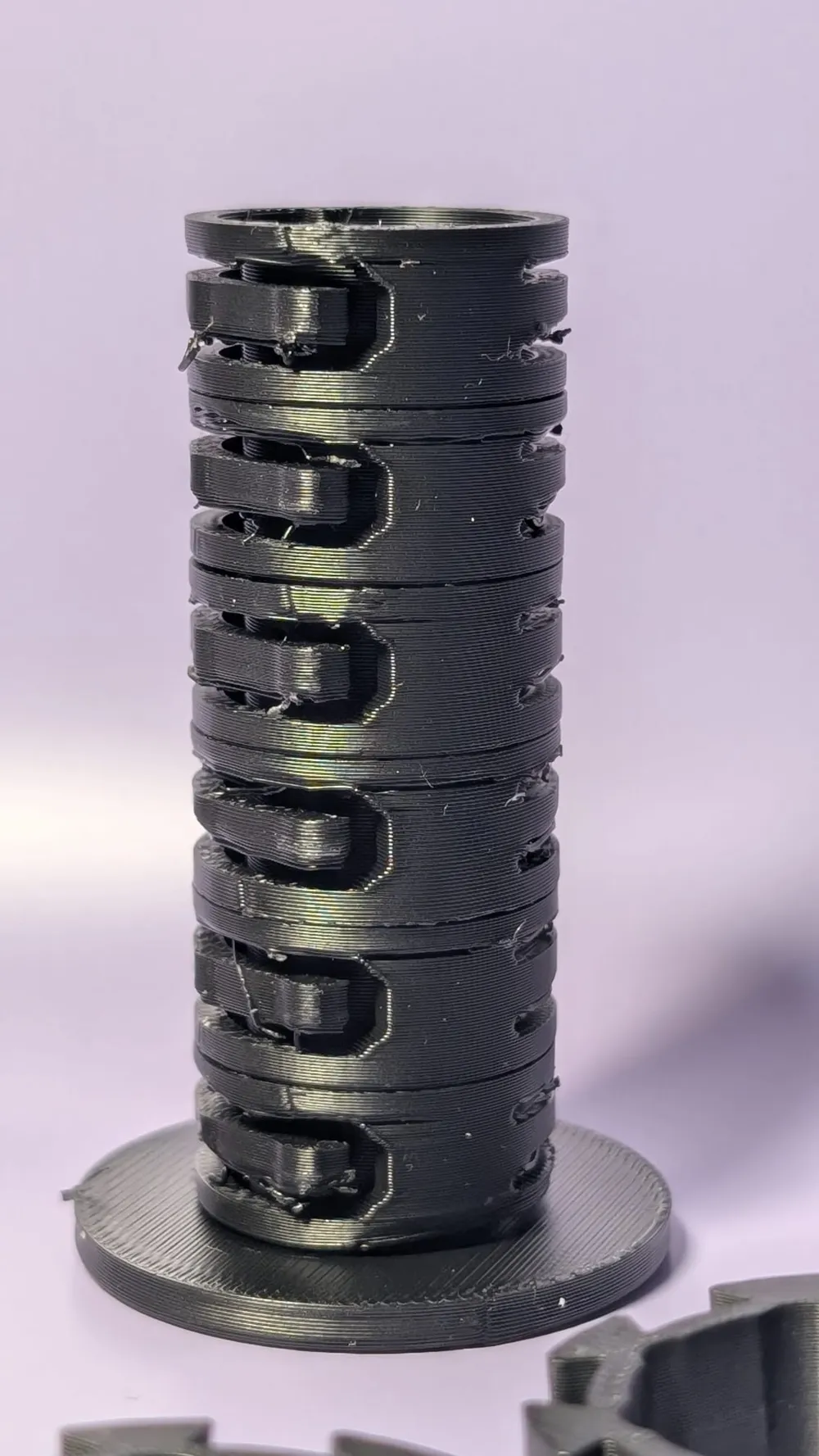
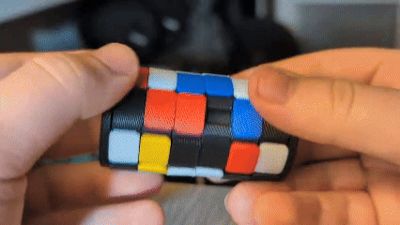
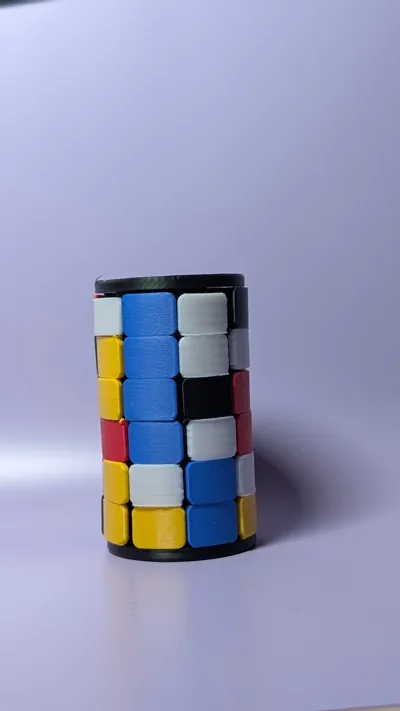
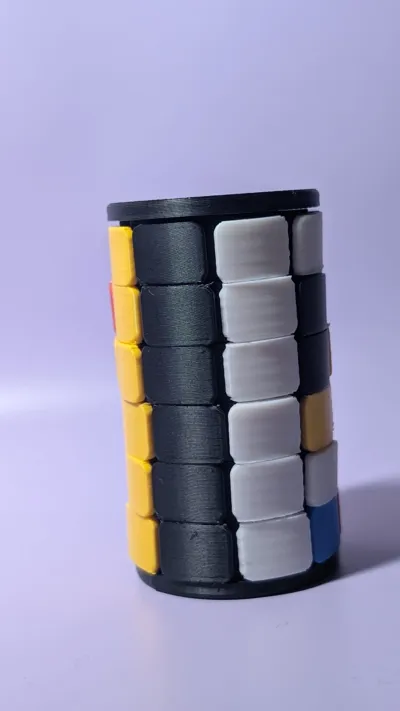
The game has 8 × 6 rows – allowing you to play with up to 8 colors
It's best to plan the colors beforehand so you can print efficiently
5) Assembly: Ensure Smooth Movement
During assembly, keep in mind:
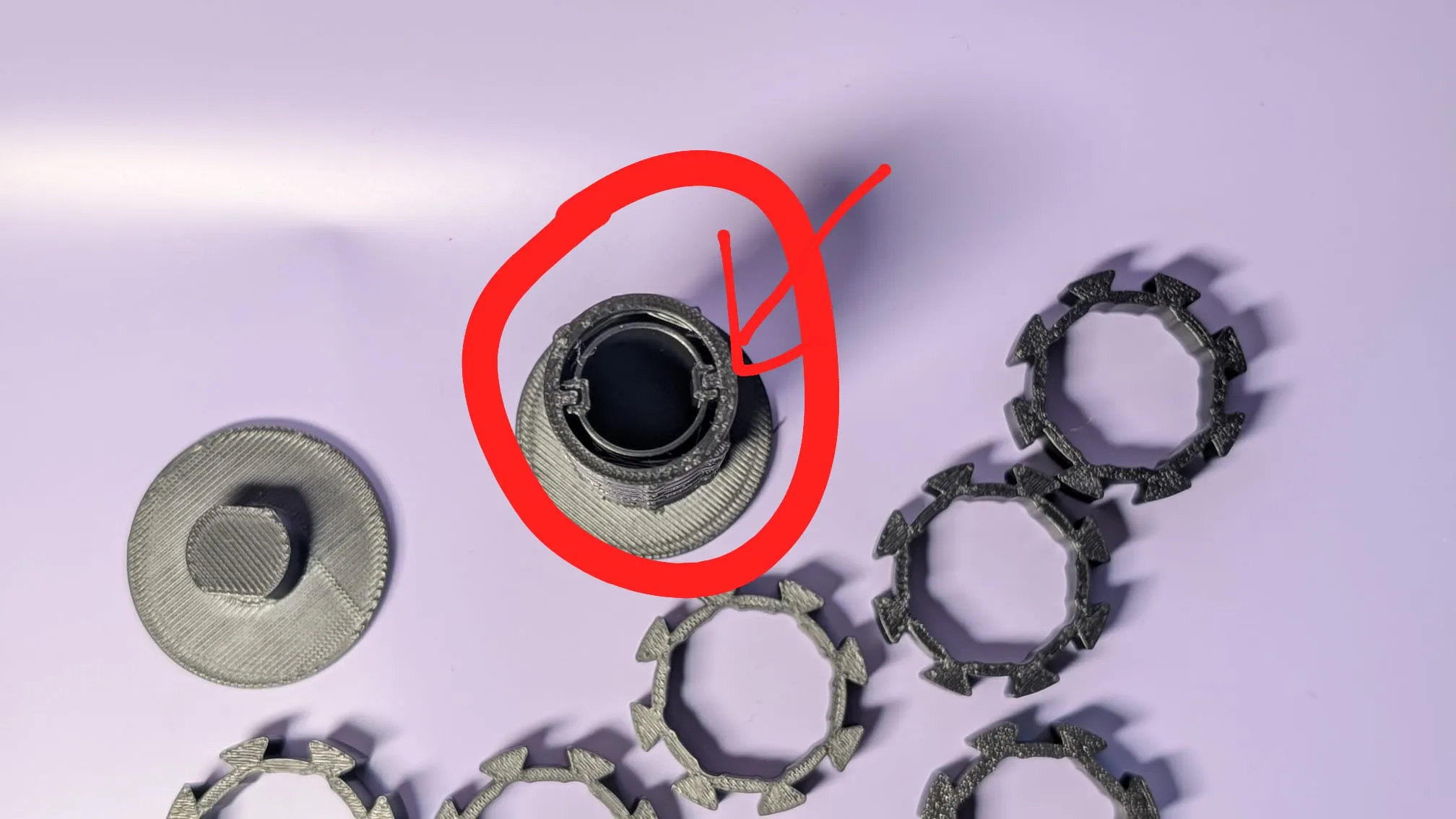
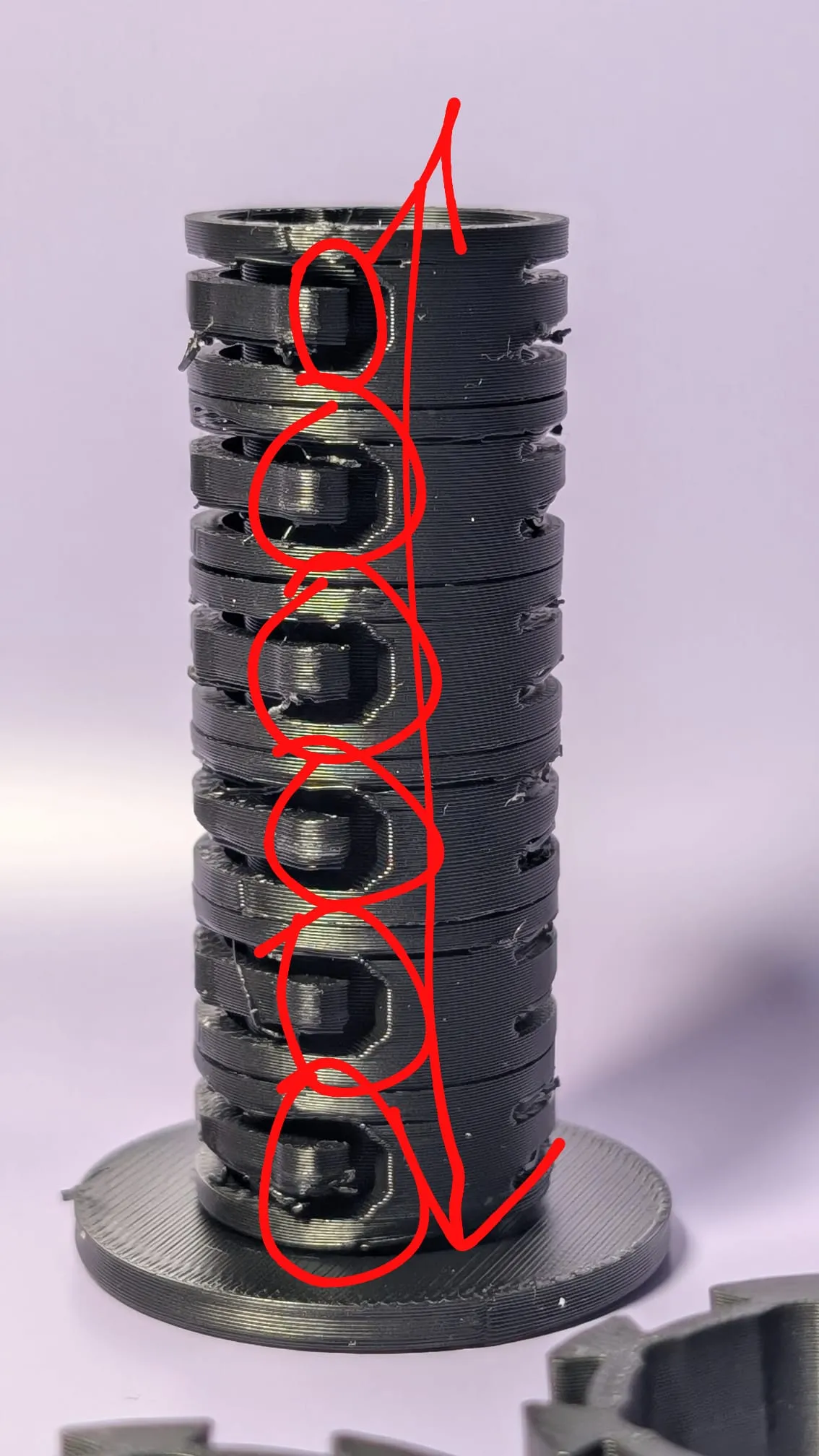
During assembly, keep in mind:
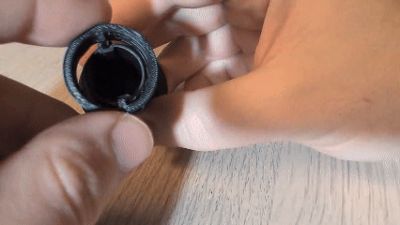
- Test each movement immediately:
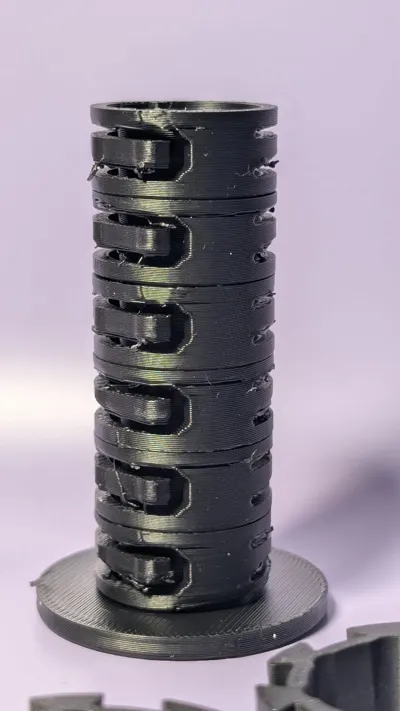
Ensure that the plates/surfaces slide down easily and do not get stuck - One compartment remains free:

One area is intentionally left free so that the surfaces/parts can move. Please do not "fill" or block it
6) Note on Bambu Lab A1 / A1 mini (Moving Print Bed)
Important for users of A1 and A1 mini:
- These printers have a moving print bed and can, under unfavorable load/vibration, cause small parts to tip over or come loose
- Therefore:
- print slowly / adjust carefully
- possibly use glue
- and preferably print in several small jobs
I trust your printing experience here – you'll quickly figure out what works best for your setup
7) Current Status (Small Note)
One side is currently a bit stiff, especially when turning in one direction
I am still working on an improvement
If you have tips (e.g., on tolerances, material choice, or post-processing), feel free to write to me – feedback is very helpful
If you like, I can also make a short "MakerWorld/Printables" version (concise, clear, with bullet points) or add a "Troubleshooting" section (e.g., if tiles fall off, if something jams, if warping occurs)
- Test each movement
Ensure that the plates/surfaces slide down easily and do not get stuck - One compartment remains free:
One area is intentionally left free so that the surfaces/parts can move. Please do not "fill" or block it
License

You shall not share, sub-license, sell, rent, host, transfer, or distribute in any way the digital or 3D printed versions of this object, nor any other derivative work of this object in its digital or physical format (including - but not limited to - remixes of this object, and hosting on other digital platforms). The objects may not be used without permission in any way whatsoever in which you charge money, or collect fees.


Comment & Rating (22)