
Granboard 132 Player Change Button
Print Profile(1)
Description
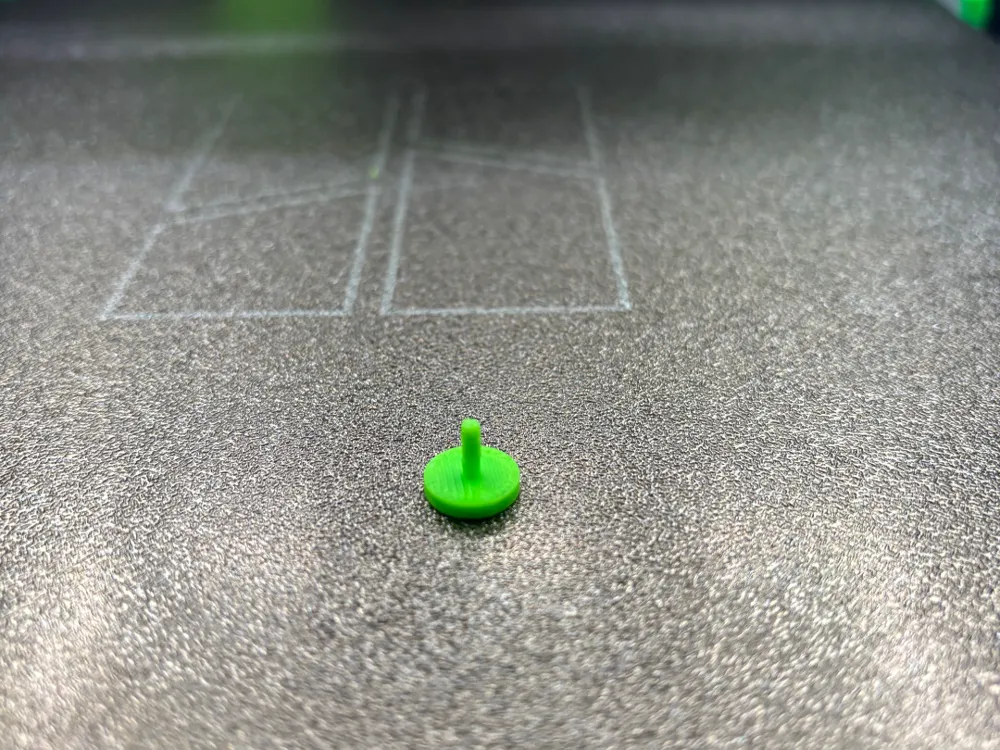
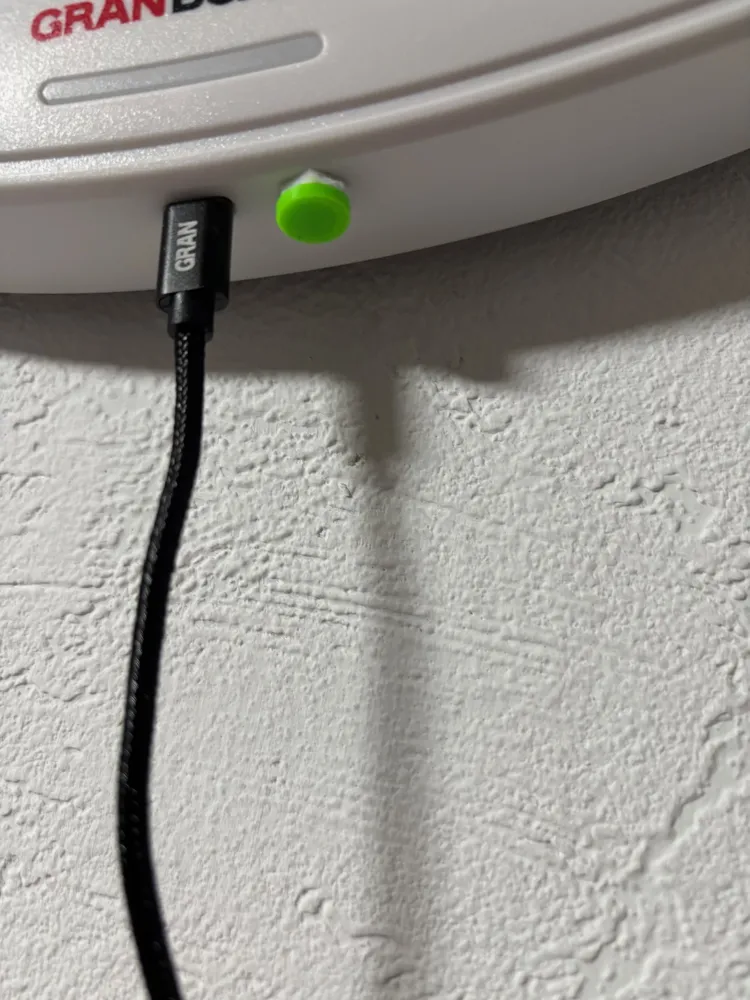
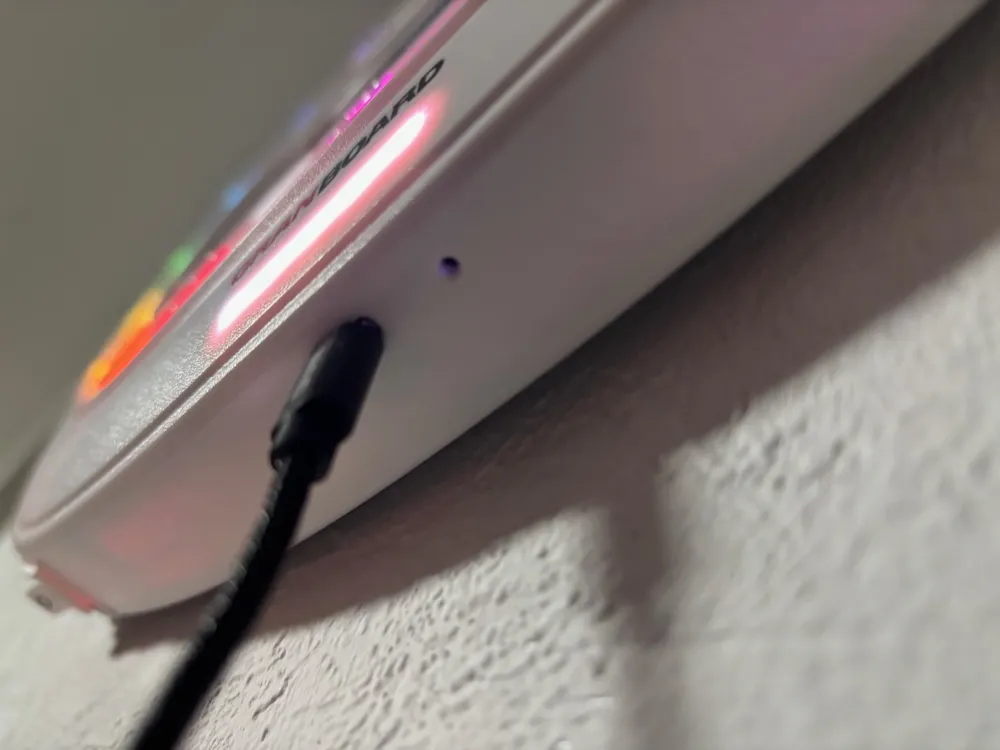
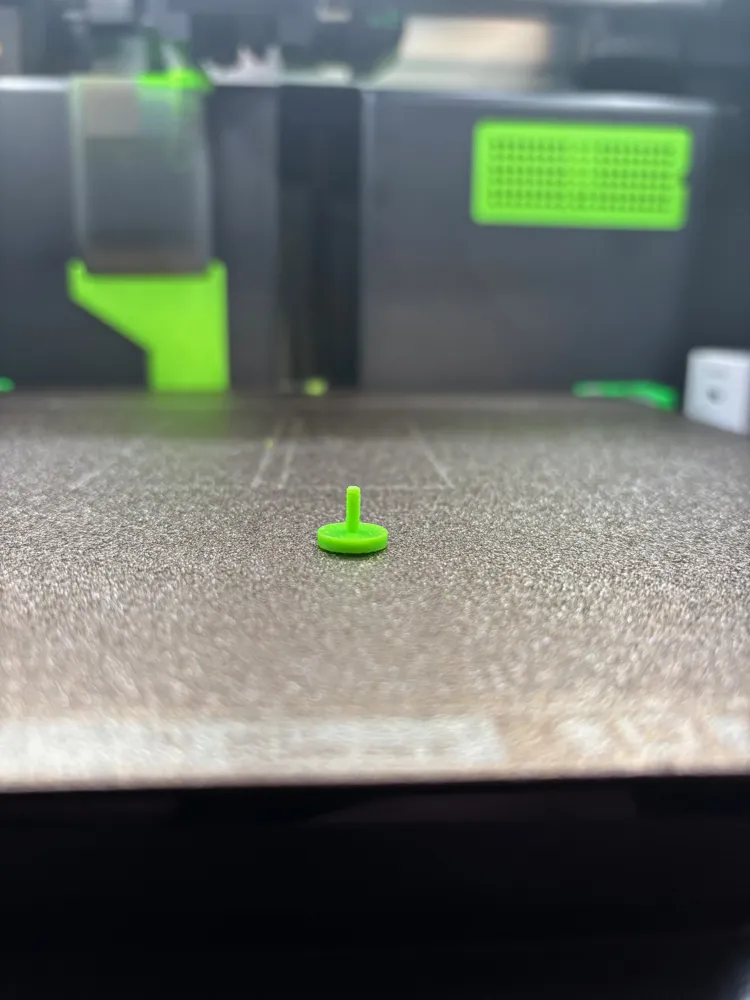
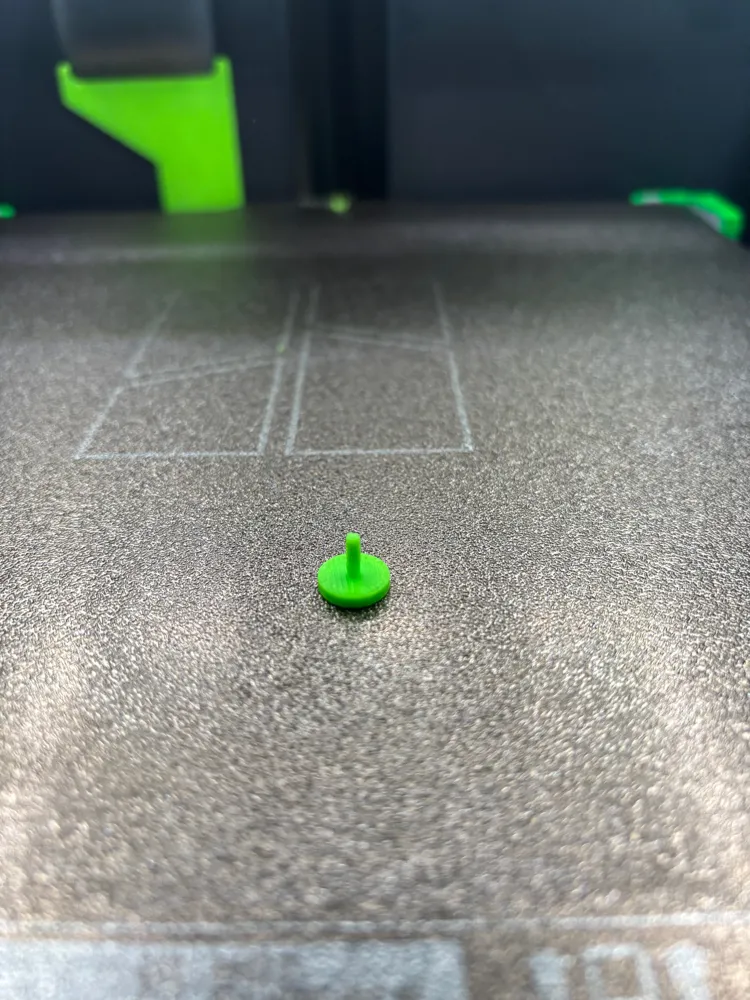
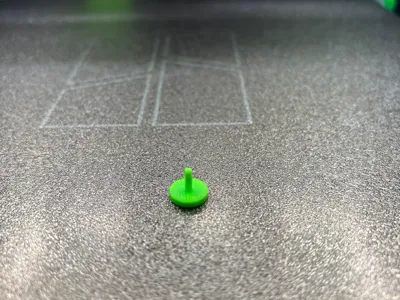
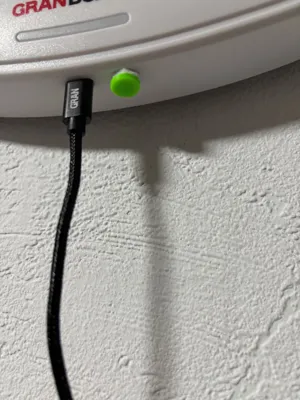
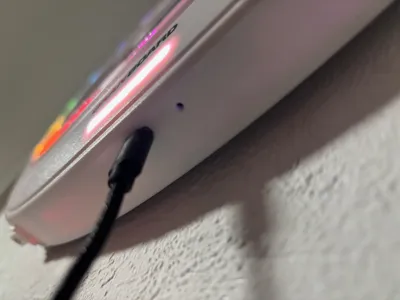
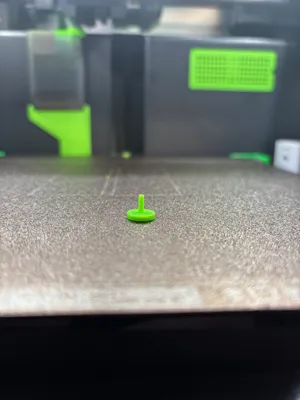
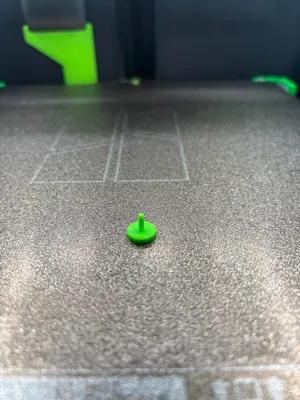
Since my sensor for player changes occasionally didn't respond, I looked for alternatives to replacing the sensor. Next to the USB C port for the power cable, there is a small hole behind which a switch is hidden. If you press this switch, the active player also changes. So I made this small model.
I printed it in ABS simply because I had ABS loaded at the moment. For ABS, I set the part cooling and auxiliary fan to 100%.
For PLA or PETG, this may need to be adjusted.
To make the button movable, I used 3mm thick felt in which I made a small hole.
For attachment, I used double-sided tape.
License

You shall not share, sub-license, sell, rent, host, transfer, or distribute in any way the digital or 3D printed versions of this object, nor any other derivative work of this object in its digital or physical format (including - but not limited to - remixes of this object, and hosting on other digital platforms). The objects may not be used without permission in any way whatsoever in which you charge money, or collect fees.


Comment & Rating (0)