
MFT 20mm Bench Dog Hole Router Jig
Print Profile(2)
Description
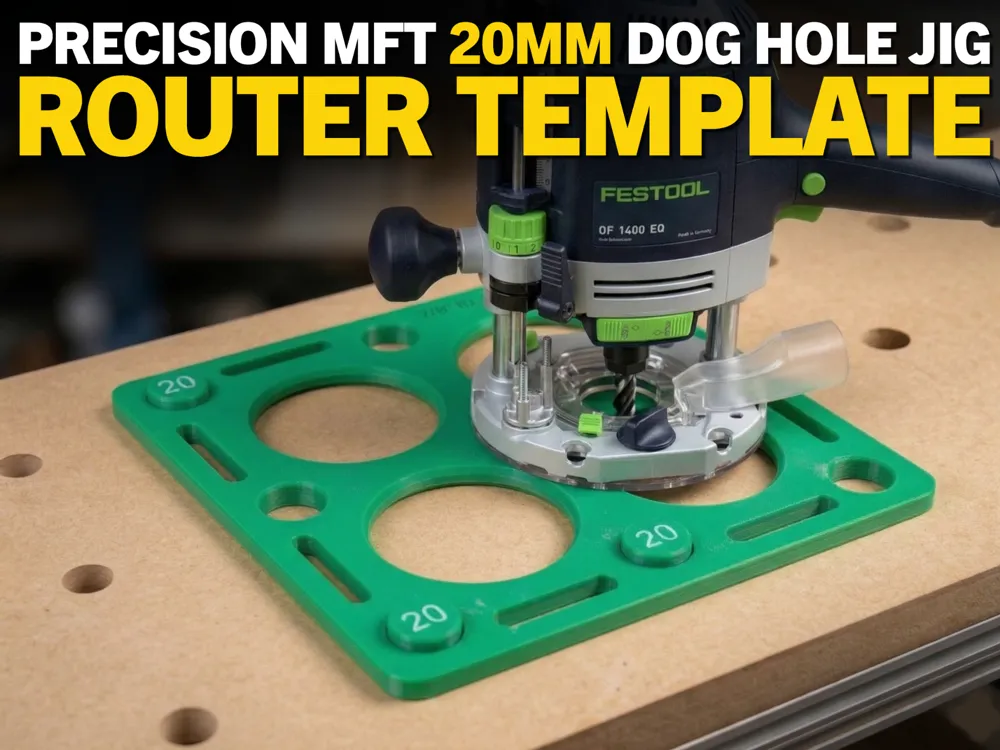
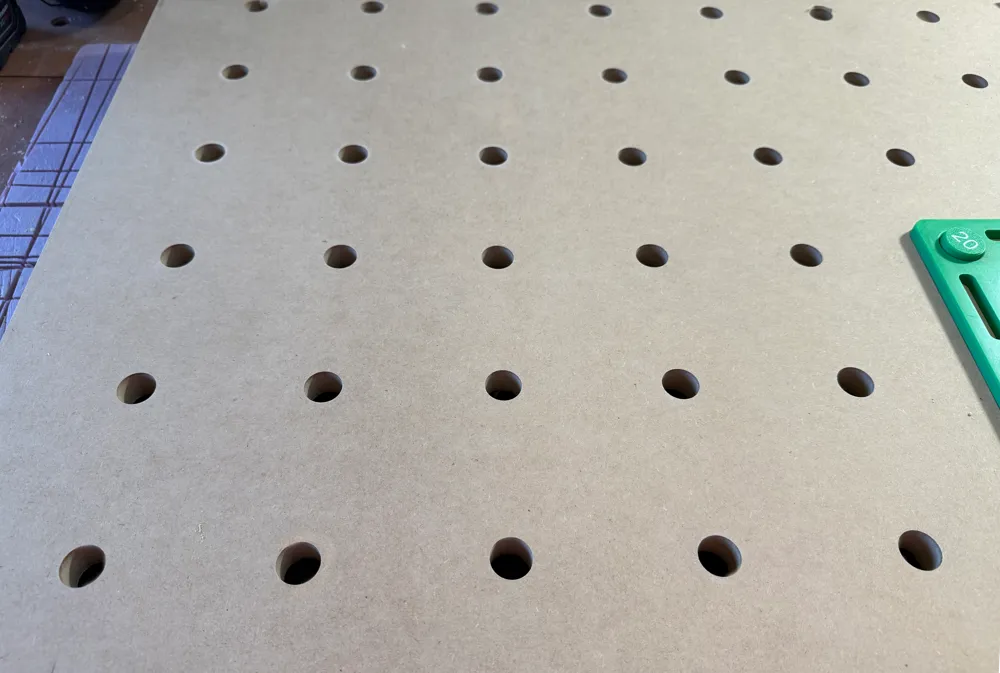
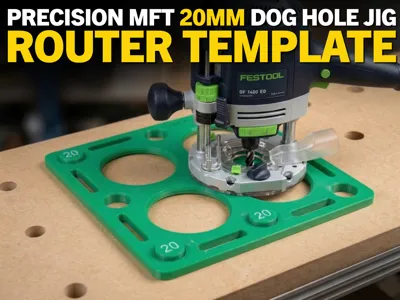
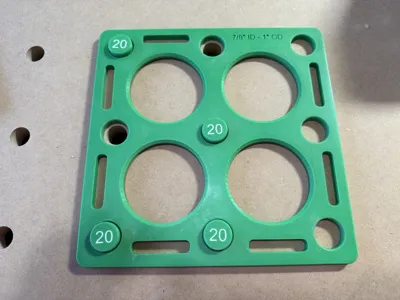
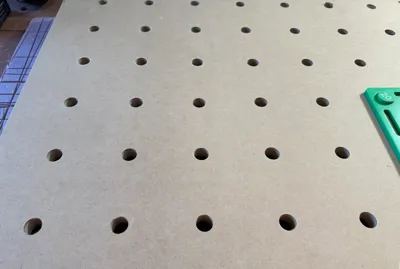
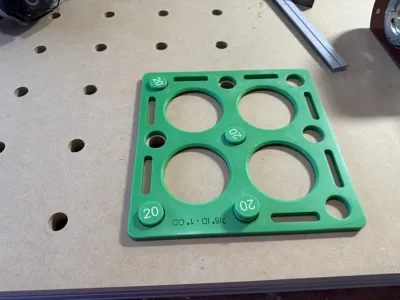
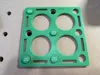
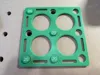
If you’re building or upgrading an MFT-style workbench, this jig makes it easy to route clean, accurate 20mm bench dog holes on a 96mm grid using a plunge router. It’s designed around the standard Festool-style layout, but works with any 20mm / 96mm hole pattern.
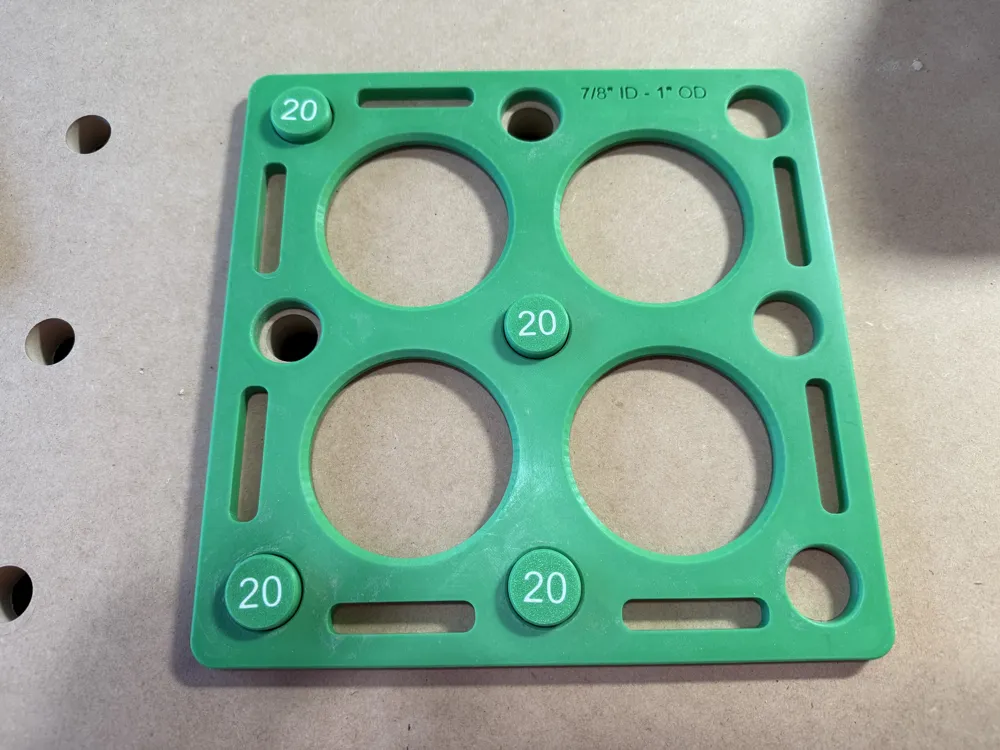
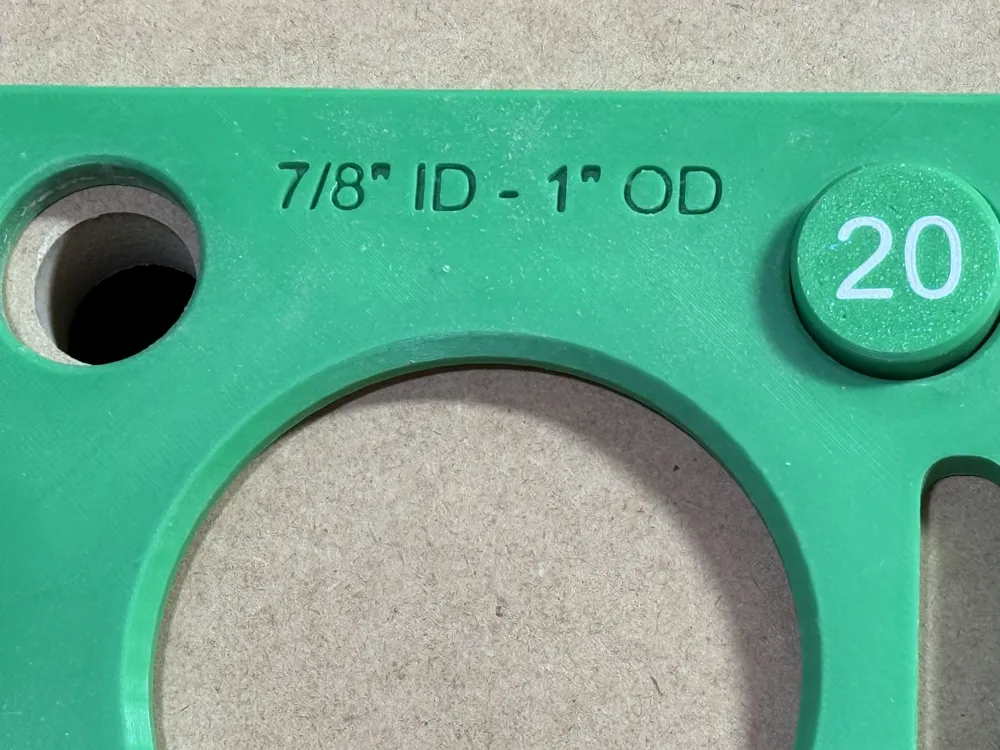
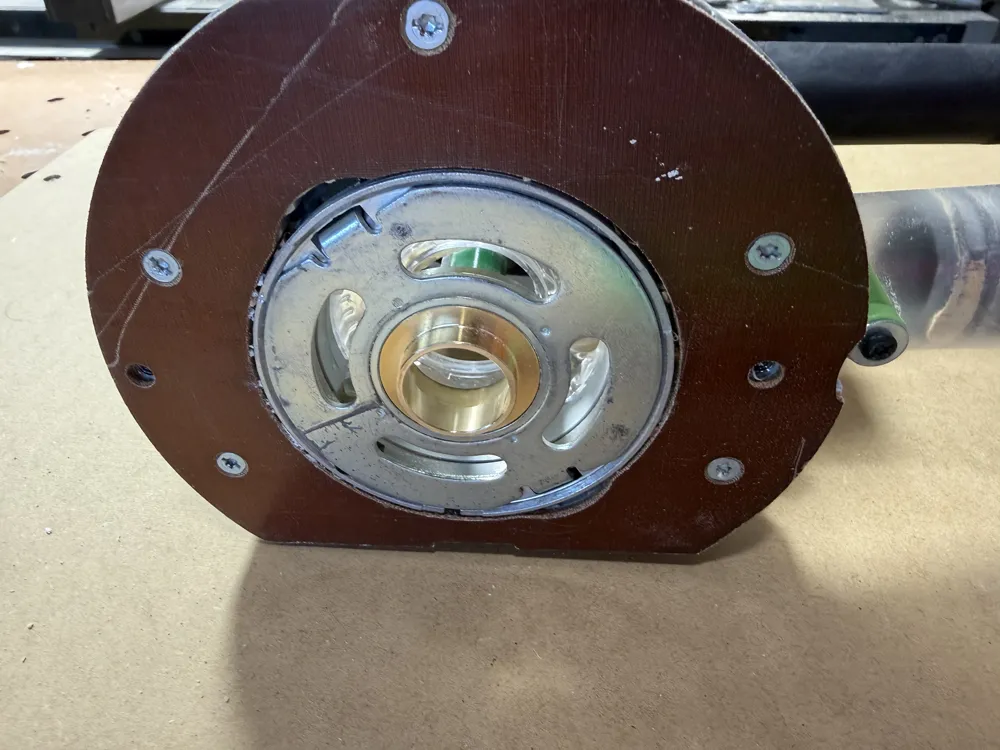
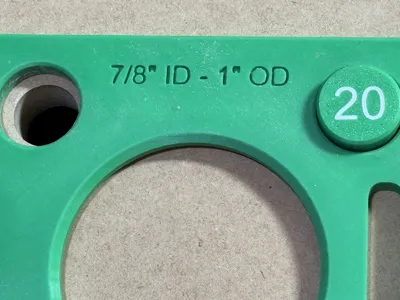
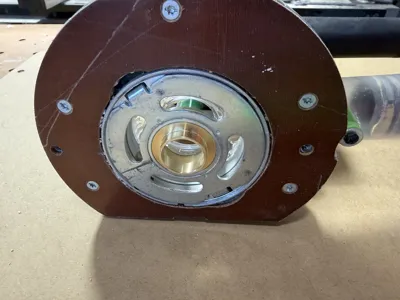
The template uses 1" guide holes paired with a 1" guide bushing and a 20mm router bit. Because the bit matches the final hole size, each hole can be cut with a single plunge. No spiraling out the cut. No extra cleanup passes. Just fast, clean, repeatable holes.
Recommended Bit
I’ve had good results with this 20mm bit:
https://www.amazon.com/dp/B07QV9VPR3?ref_=ppx_hzsearch_conn_dt_b_fed_asin_title_1&th=1
Recommended Guide Bushings
These 7/8" OD bushings work well:
https://www.amazon.com/dp/B07H935NT6?ref_=ppx_hzsearch_conn_dt_b_fed_asin_title_1
Instructions
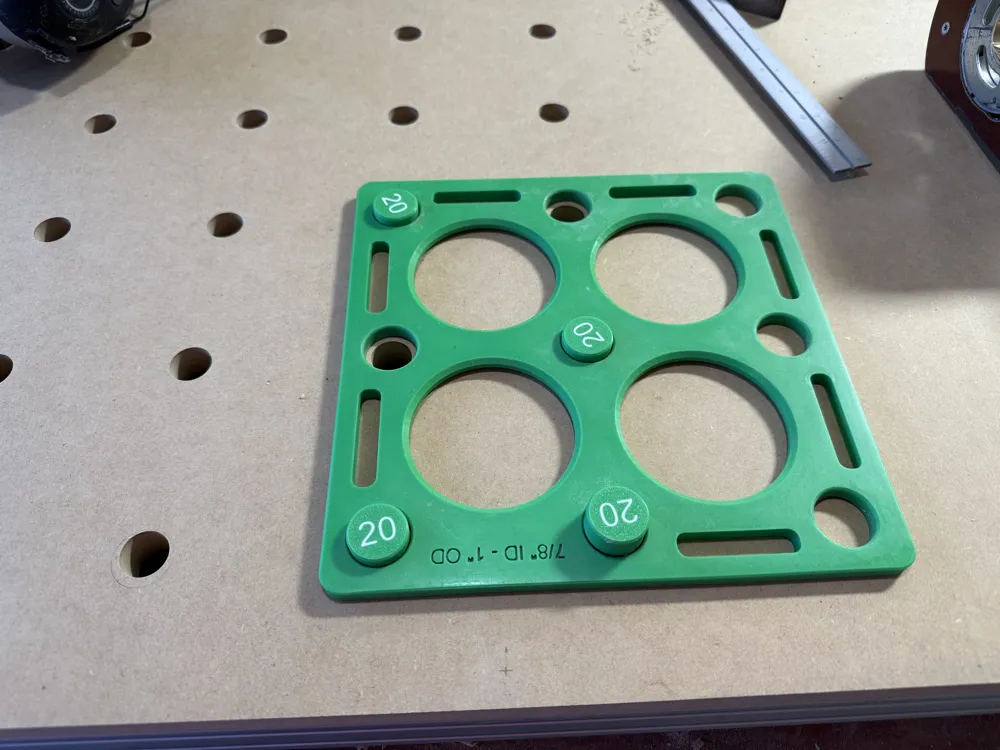
- Use double sided tape or clamps to position the jig.
- The 1" guide bushing should fit snuggly into one of the 9 holes in the jig.
- Cut as many of the 9 holes as possible depending on clamp placement
- Use my 20mm bench dogs (my MFT 20mm Bench Dog Set – 96mm System) to index the jig. They’re designed for a snug fit in freshly routed holes, making it easy to reposition the template accurately as you move to the next section.
- Cut the next set of holes.
- Continue repositioning and routing until your full grid is complete.
P1S Print Profile
If you're printing on a P1S, be sure to use the print profile specifically made for that printer. The original profile is slightly too large and encroaches into the physical exclusion zone.
License



Comment & Rating (23)