
Cyberbrick Excavator
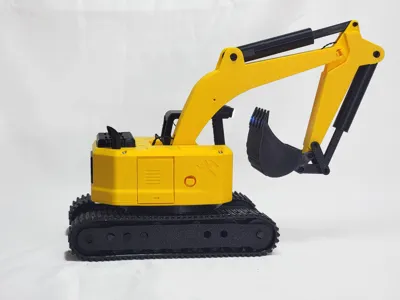
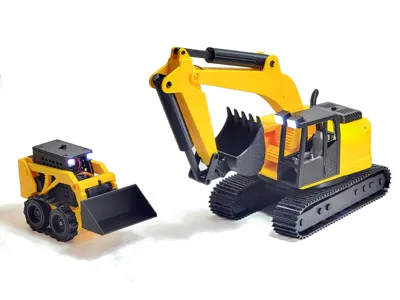
Print Profile(1)
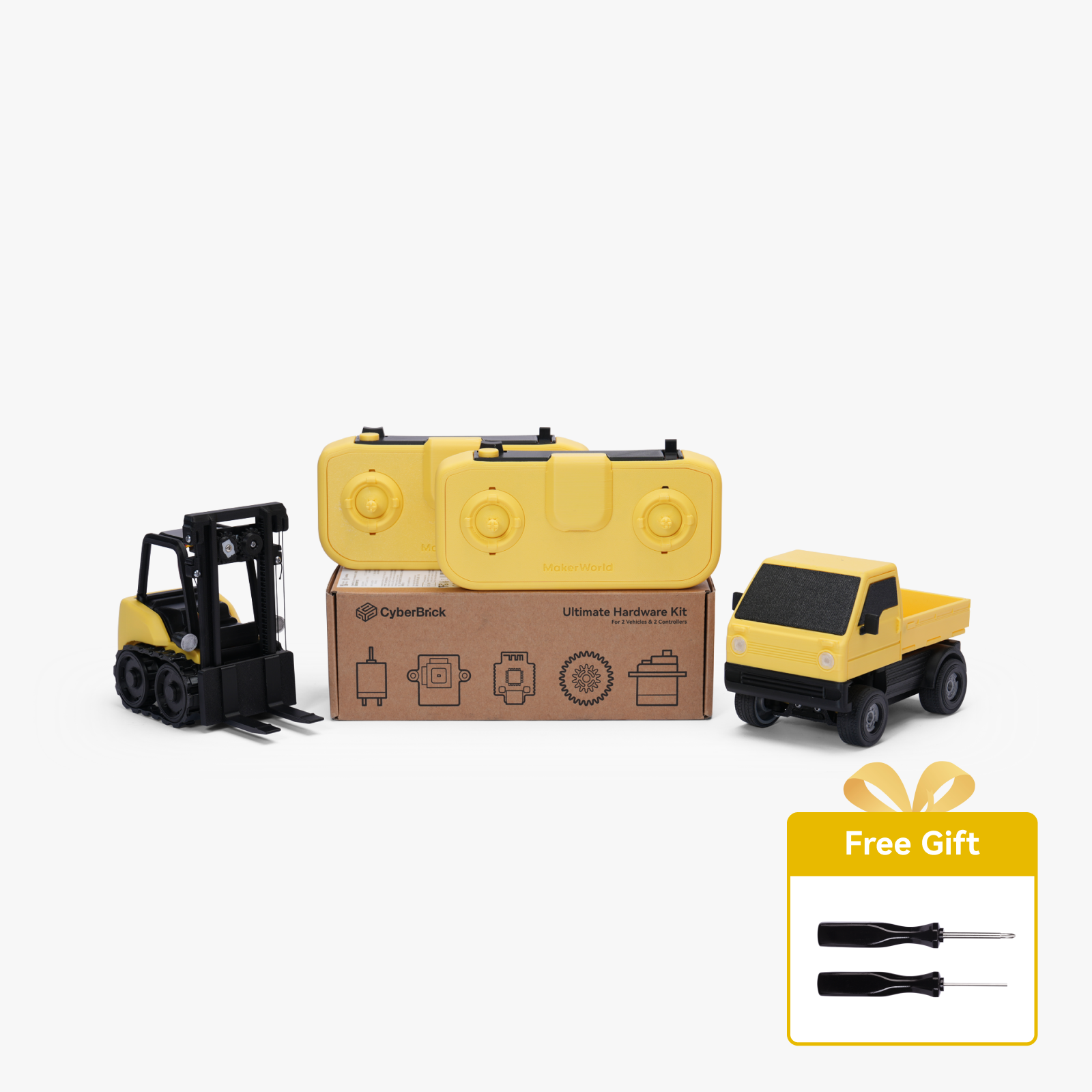
Bill of Materials
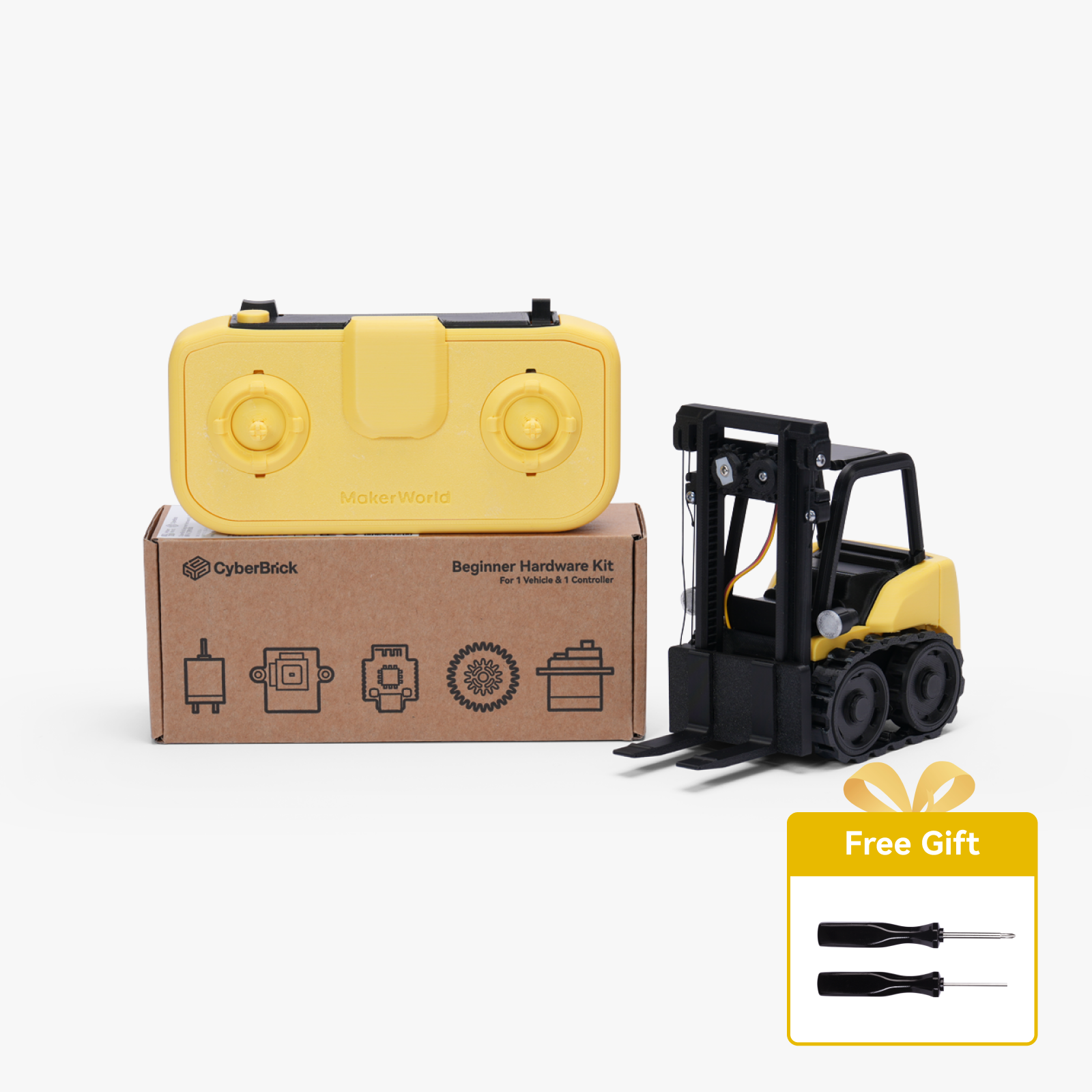


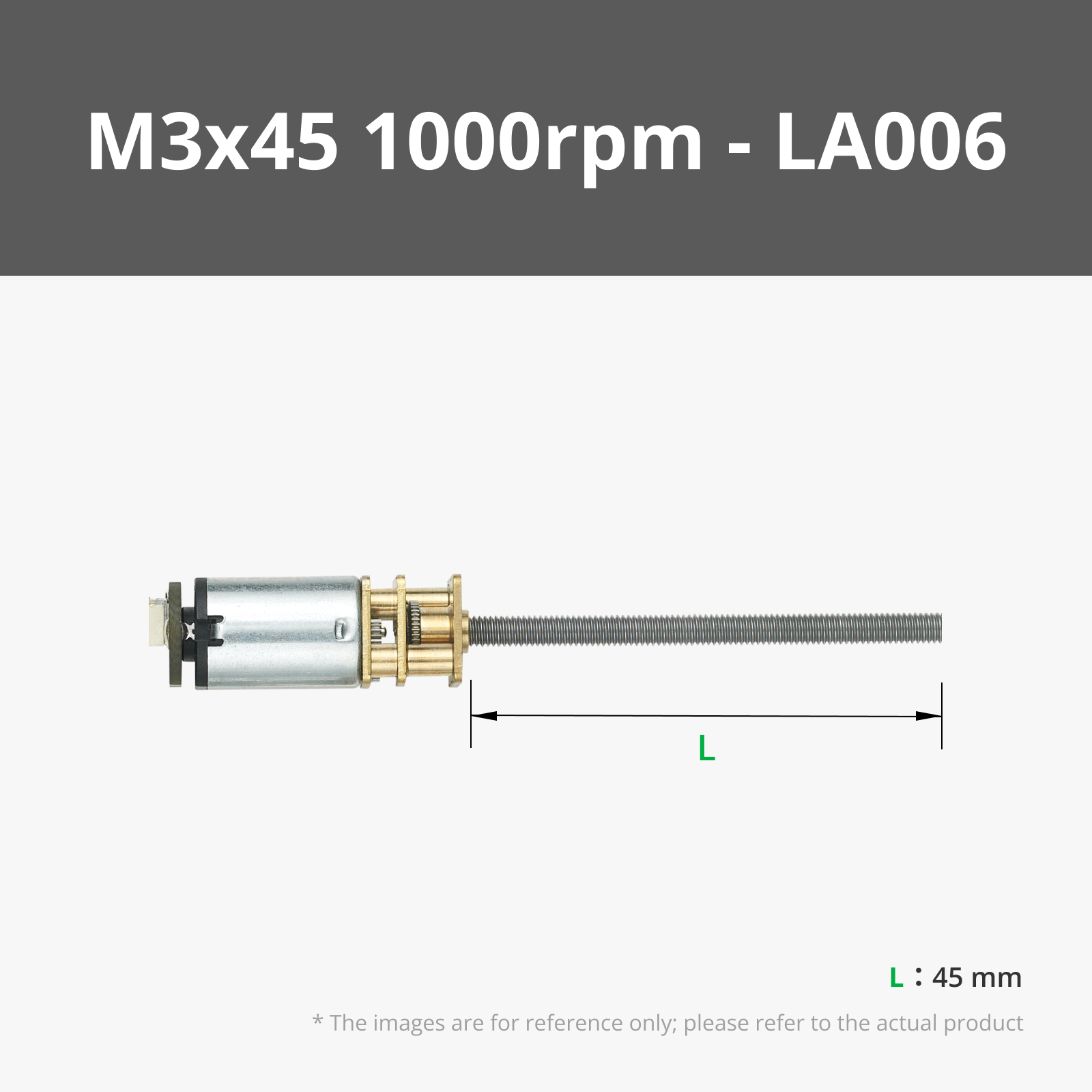
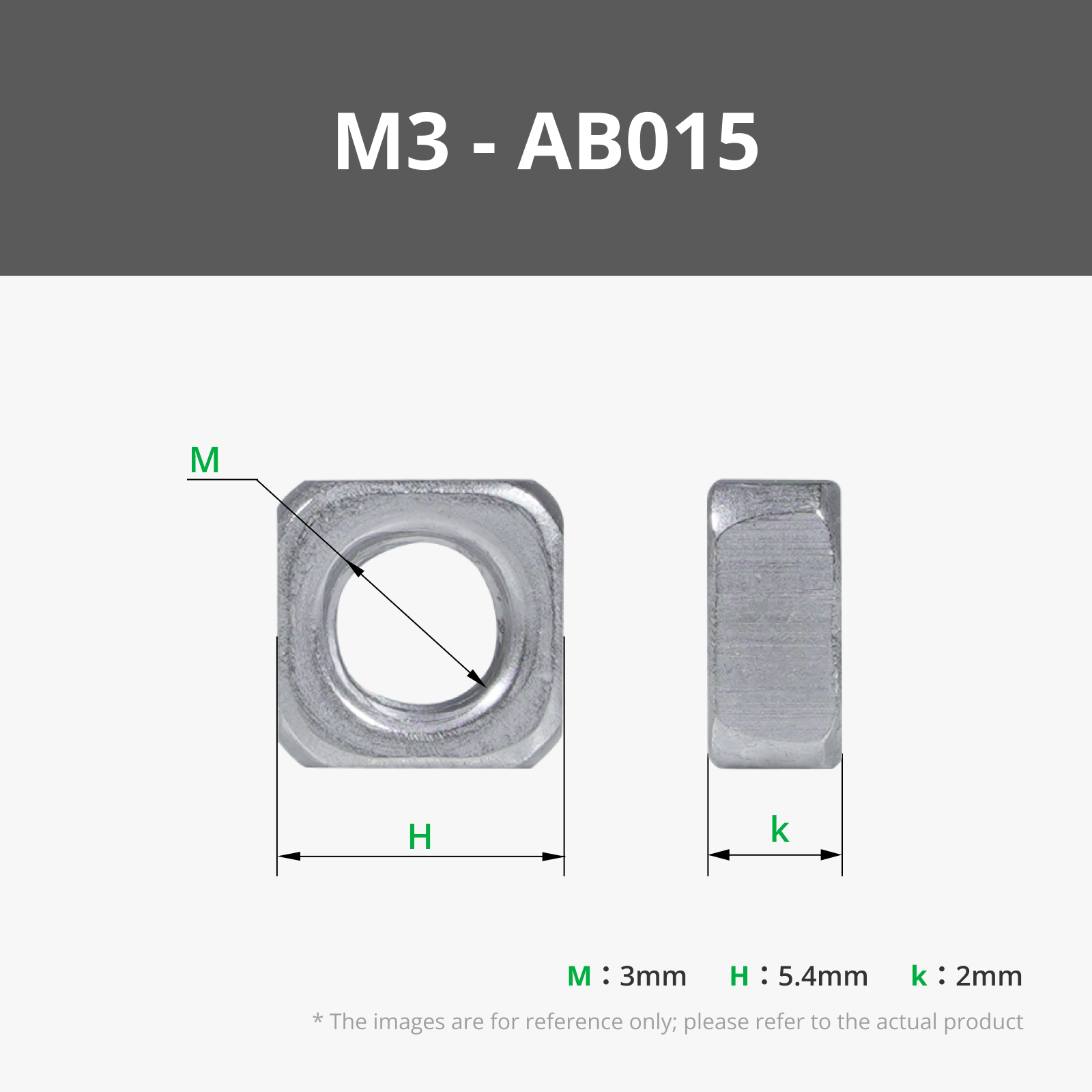
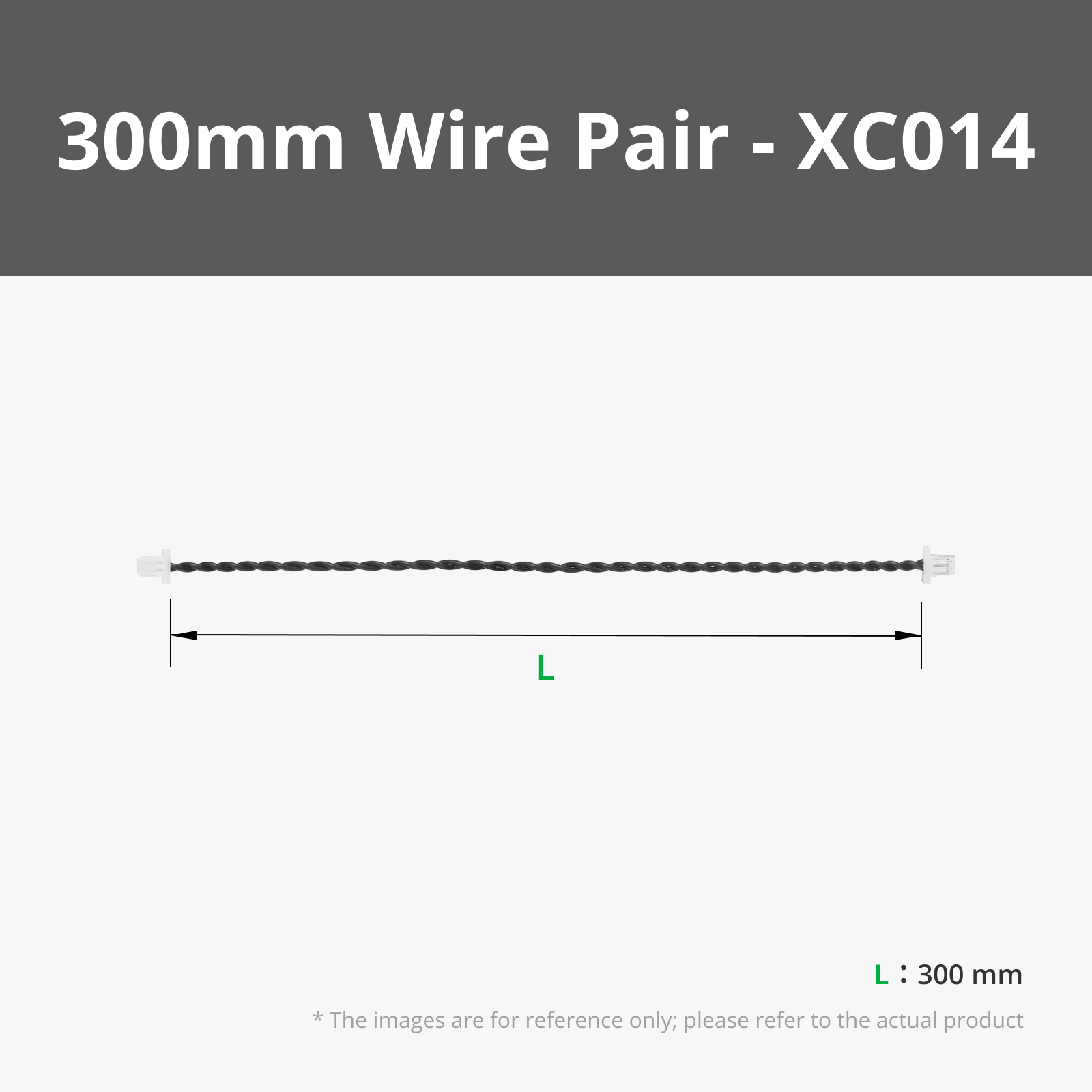
.png)





Description
If you're a designer and want to create accessories or mods that work with this project, please let me know, and I will attach them to this collection
I’d love to see this grow into a full ecosystem.
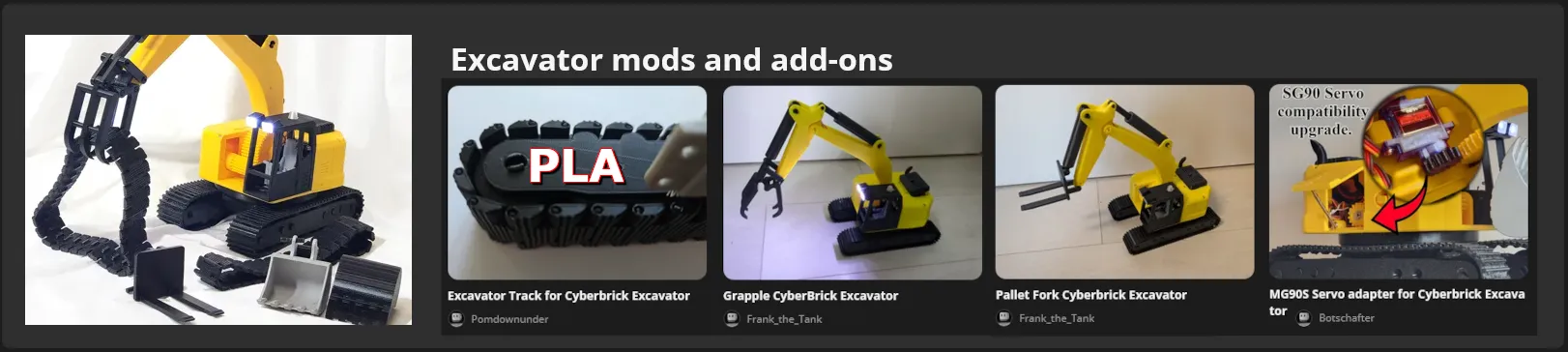
https://makerworld.com/en/collections/28261985-excavator-mods-and-add-ons
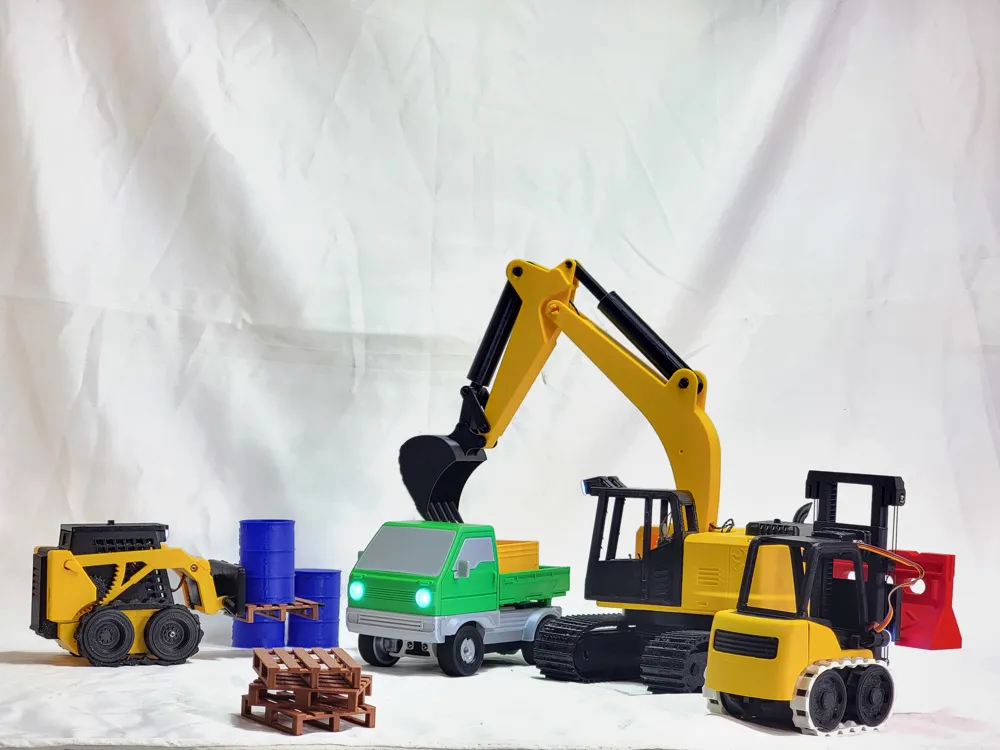
and a special thank you to Frank_the_Tank for designing a grapple. And forks and to Botschafter for a MG90 gear upgrade and Pomdownunder For PLA Tracks, and to MDesign for created a compatible Lowboy Trailer as part of his Cyberbrick Truck Series.
Warning — Please Read:
This is a fairly complicated build that requires many extra parts not included in the beginner Cyber Brick kit. I do not recommend attempting this unless you are an experienced maker; it is not suitable for a first-time build.
Currently, there are 72 separate 3D-printed pieces, and this design does not work with the standard remote. You will need to use my CyberBrick Construction remote or find a remote like the “MaX Control” by @BamBamDesign that has two standard joysticks and two single-axis joysticks.
I also recommend going to https://www.wikihow.com/Drive-an-Excavator to determine which control configuration you want to use. I found its documentation on the differences between ISO and SAE controls very helpful; they have really nice graphics that show how each control scheme works.
In the hardware kit section, I have added both the Ultimate Hardware Kit and the Beginner Hardware Kit. The Beginner Hardware Kit will work, but the Ultimate Hardware Kit is a better deal, so I usually recommend buying that one instead. All the other recommended components are required, except the momentary button module (which I wanted to add for speed control, though I haven't looked into implementing it yet) and the battery upgrade, which is highly recommended. Anyone who has played with CyberBricks knows that if you use AAA batteries for the remote, it does not work with rechargeable ones, and the batteries get used up extremely quickly because even with Duracell batteries, once the voltage drops a couple of percent, it's not enough to run the remote.
suggested remotes.
CyberBrick Construction remote
https://makerworld.com/en/models/2472026-cyberbrick-construction-remote#profileId-2714252
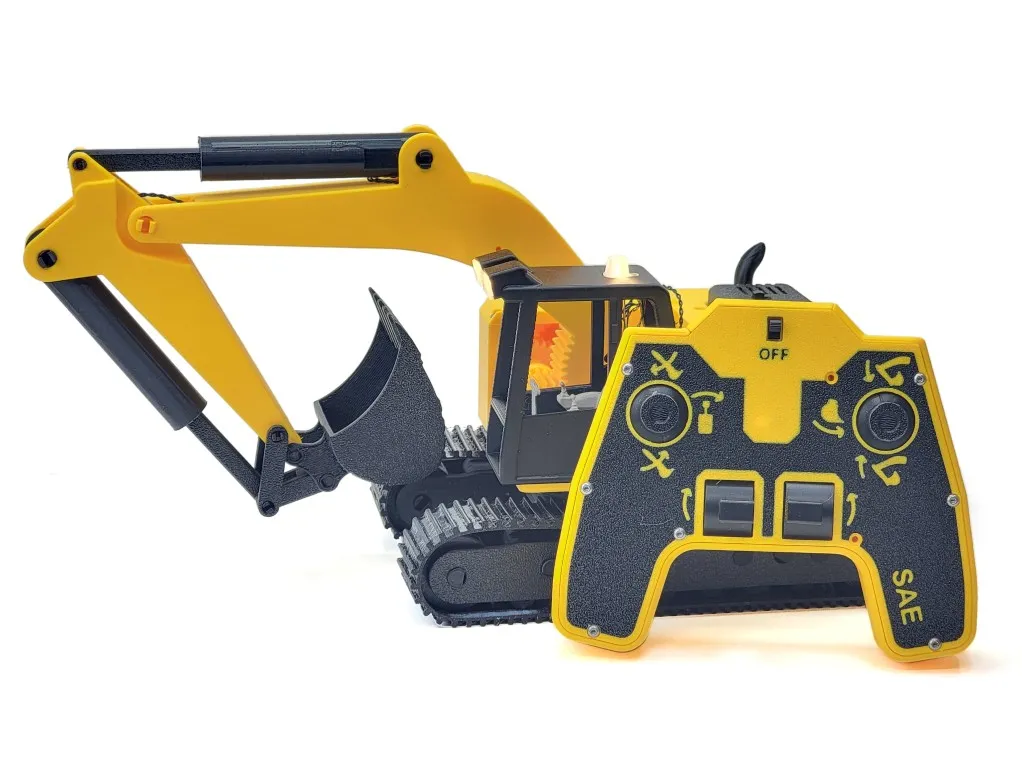
Or MaX Control - CyberBrick Remote
https://makerworld.com/en/models/1971269-max-control-cyberbrick-remote#profileId-2119418
Boost Me (for free)
Yet again, I want to say thank you so much for supporting me with boosts on my other projects. It is only because of the boosts that I have been able to design this and the skid steer. Though I don't think I want to take on another project this big anytime soon, I really appreciate your support! Thanks again.
On a positive note,

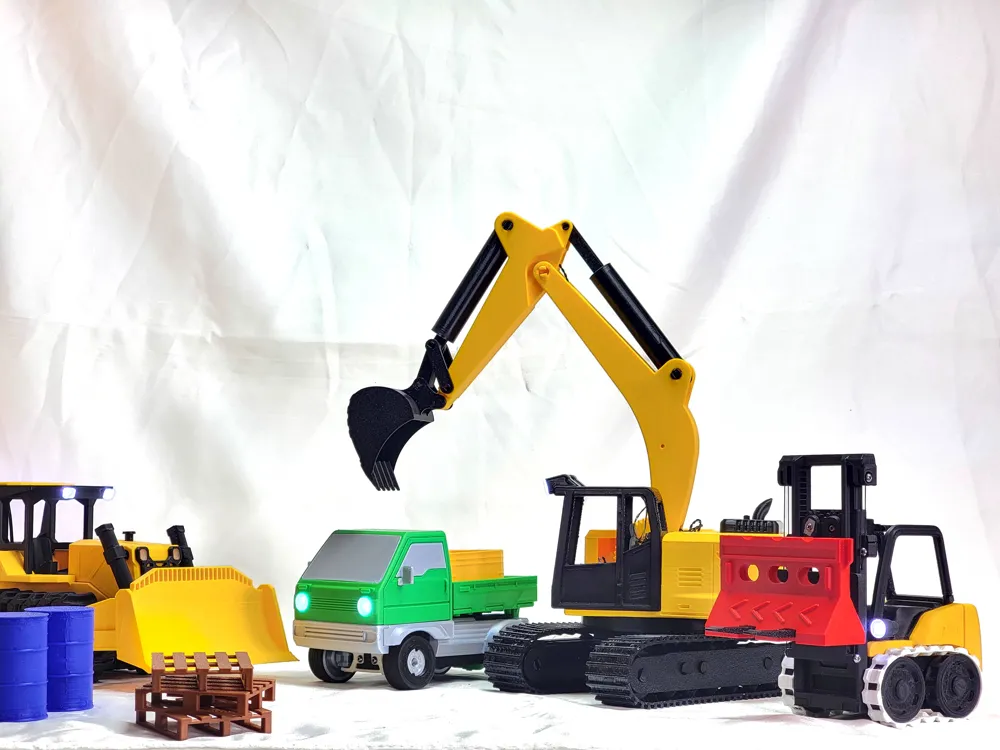
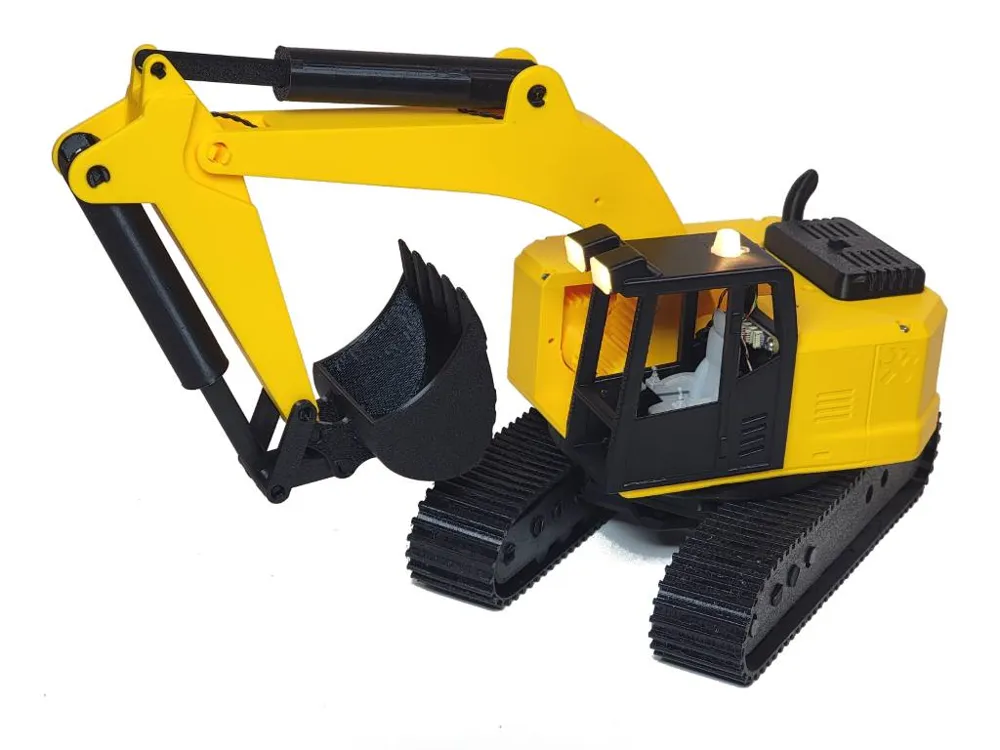
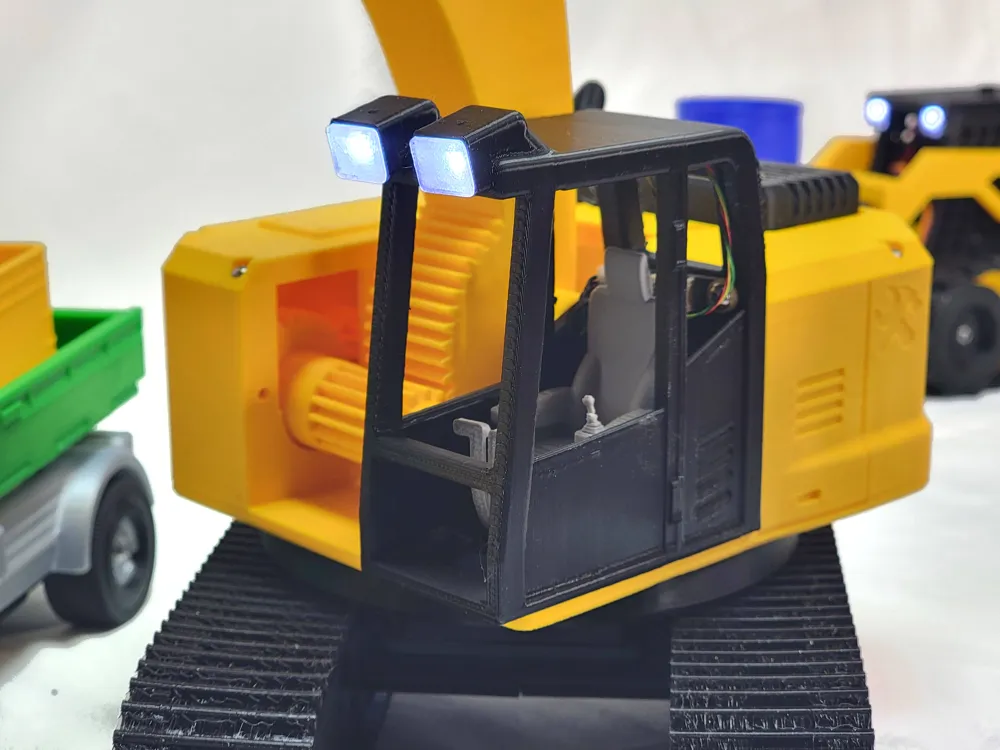

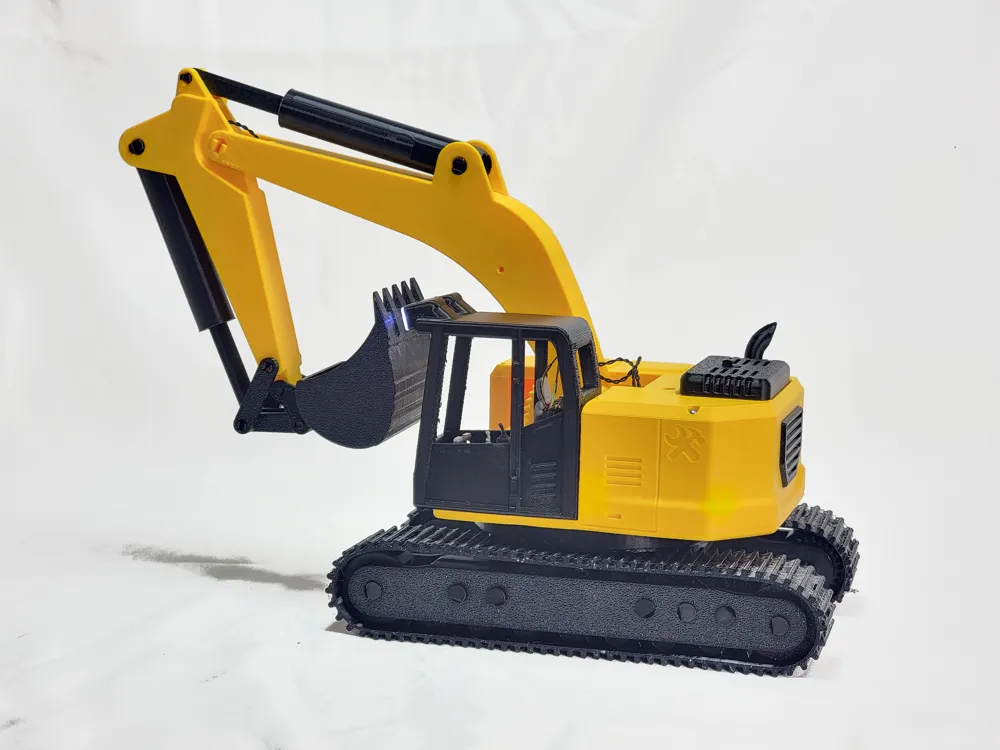
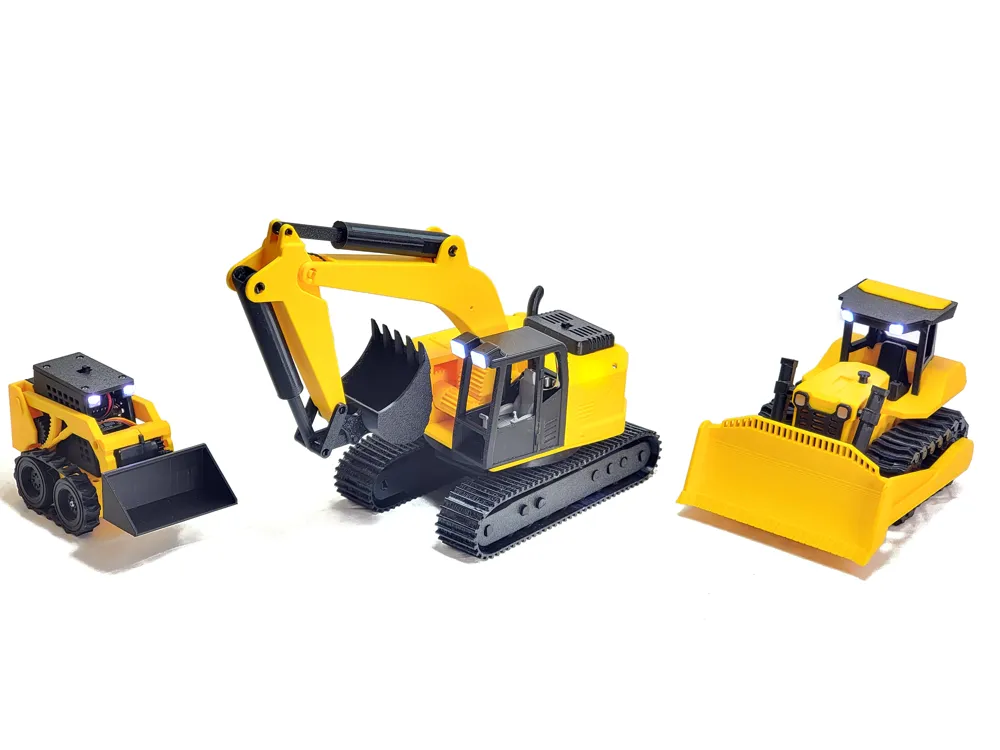
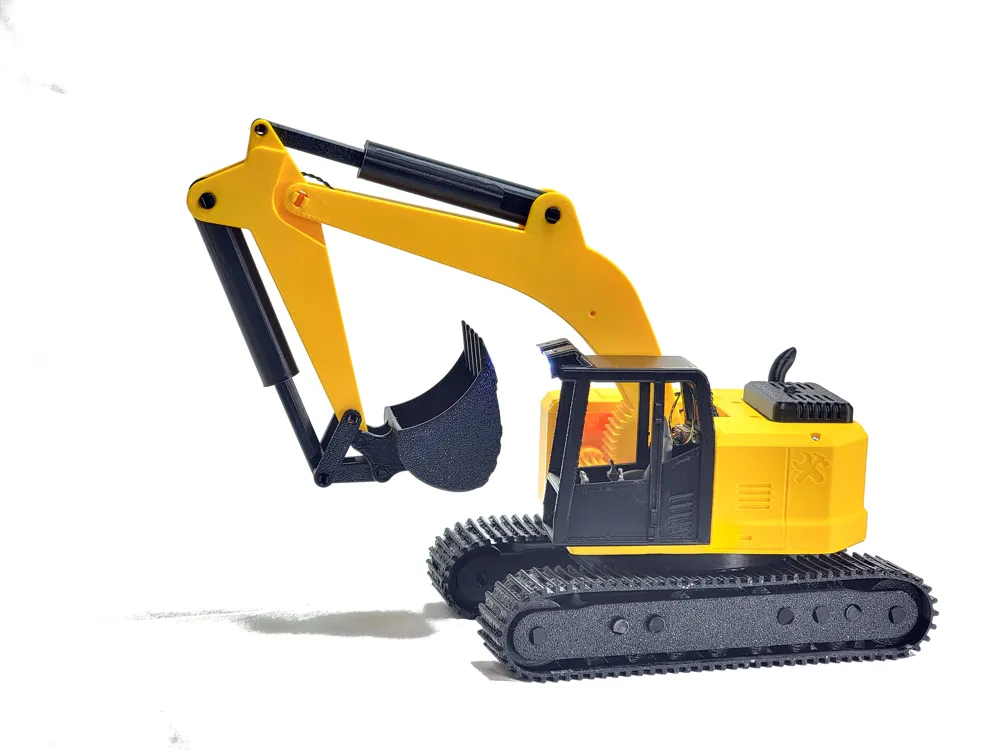
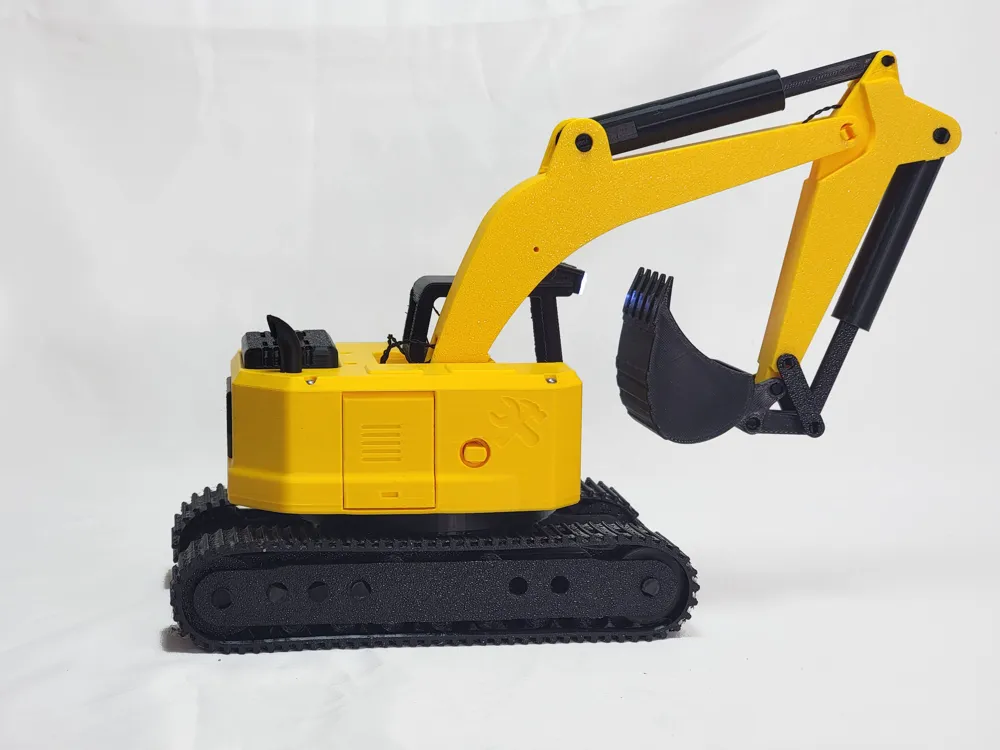
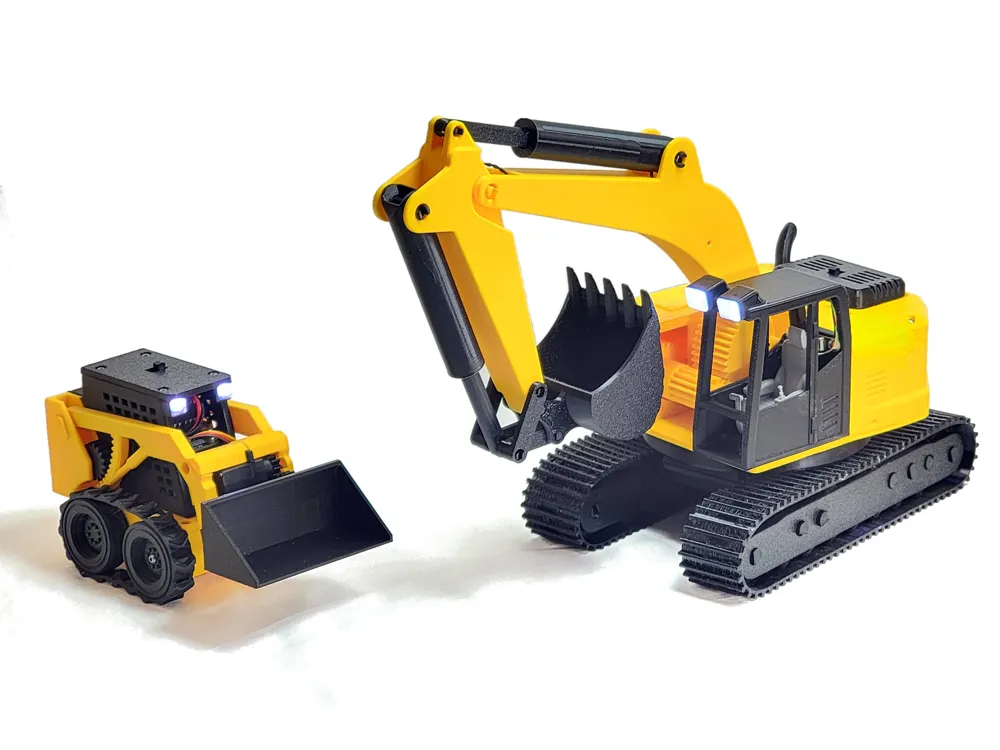
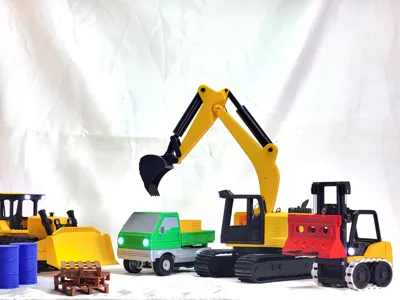
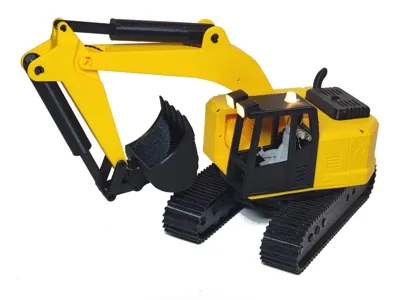
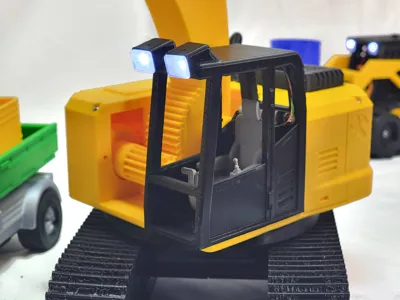
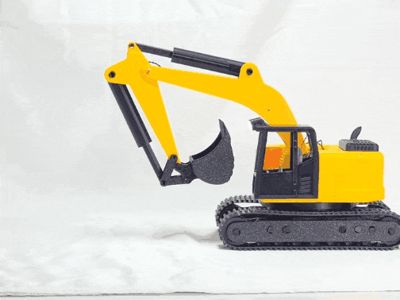
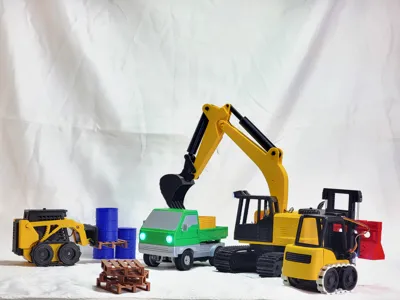
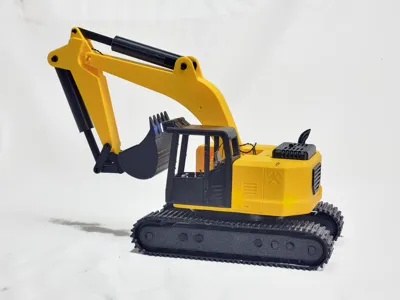
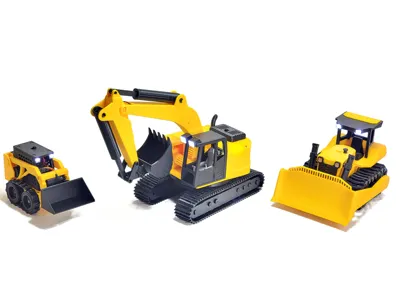
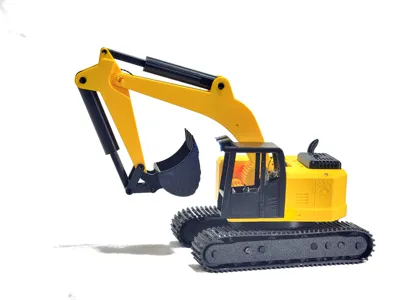
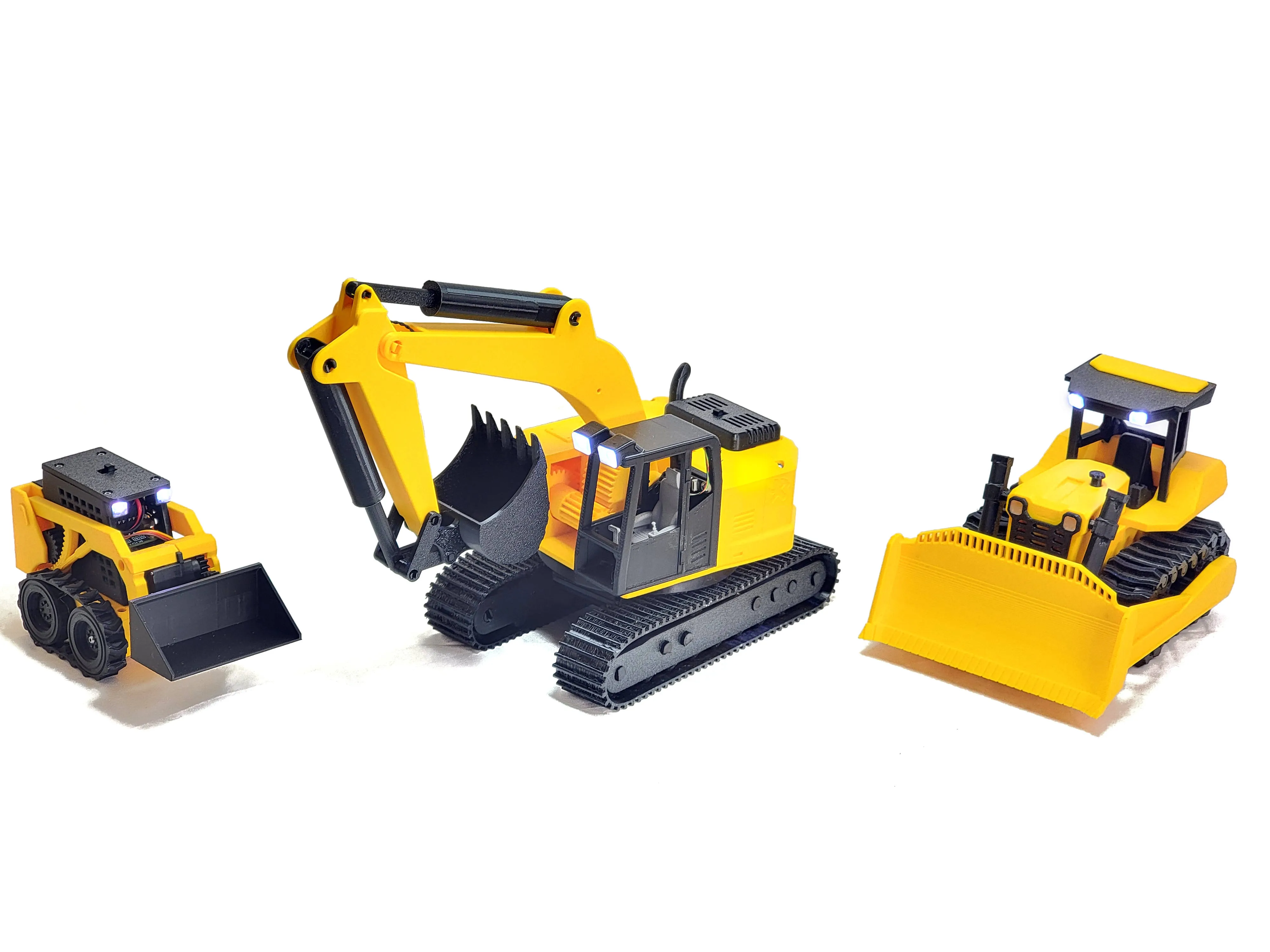
I printed this entirely on the Bambu Lab’s A1 Mini, and everything worked great. I do recommend printing the plates with gears slightly slower, just so the gears have more detail. At roughly 1:22 scale of the Cat 320C—though it is only loosely based on it, along with inspiration from many other brands, makes, and models—this little excavator is a ton of fun. Although it's not extraordinarily powerful, I have been able to lift the official forklift, and several of my family members who are equipment operators have said it feels quite nice, though that is, of course, subjective. (It was designed to be size comparable to my skid steer and @MottN s Bulldozer )
If you want to use a 3rd-party remote and don’t want to make changes to the code configuration, here is the circuitry connection diagram for the Cyber Brick Control Modules. Note that this should use the same remote wiring as the MaX Control remote.
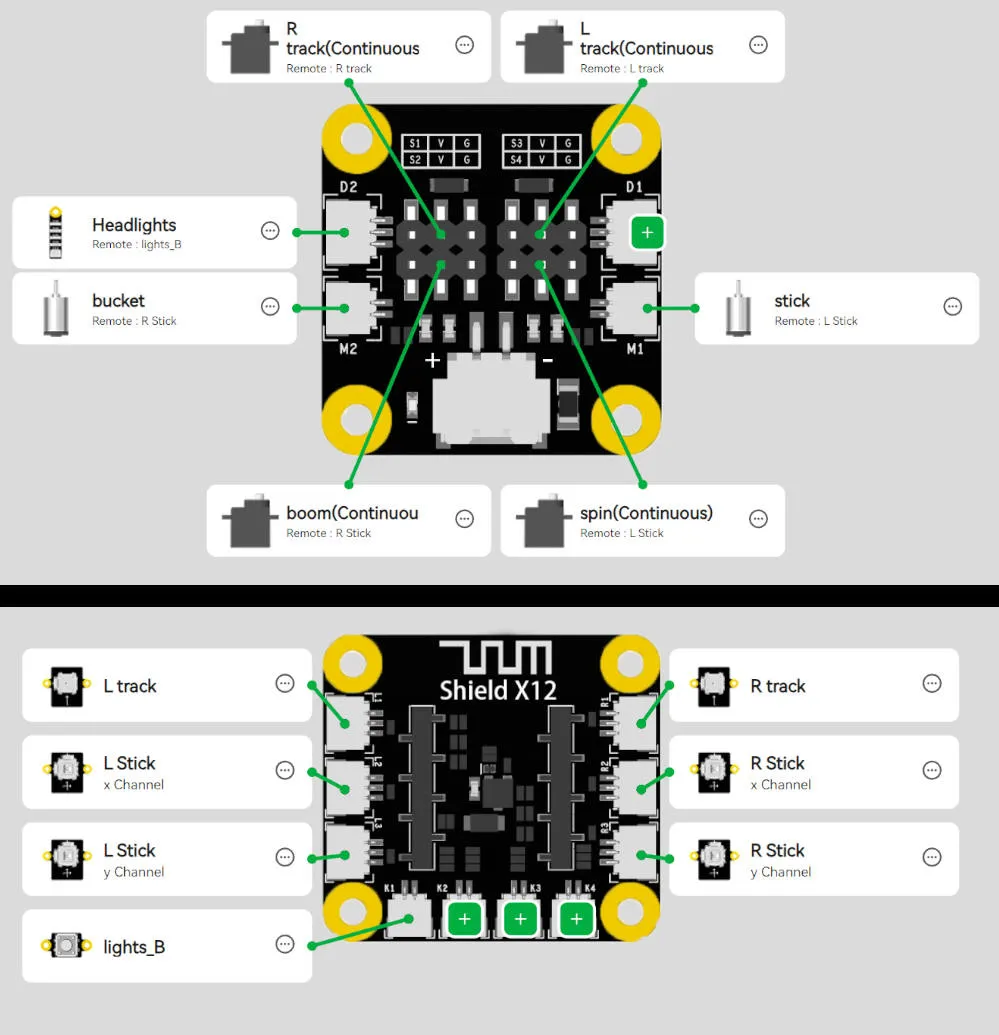

If the cylinder gets stuck,
it usually happens because it has reached the end of its travel and the operator keeps commanding it to move.
Start by trying to free it with the remote while using your other hand to manually relieve tension on the mechanism. If that doesn’t loosen it and the cylinder is truly locked up, remove the pin from the piston rod. Then rotate the rod to release it—turn clockwise if it’s stuck fully retracted (as shown in the reference image) or counter‑clockwise if it’s stuck fully extended.
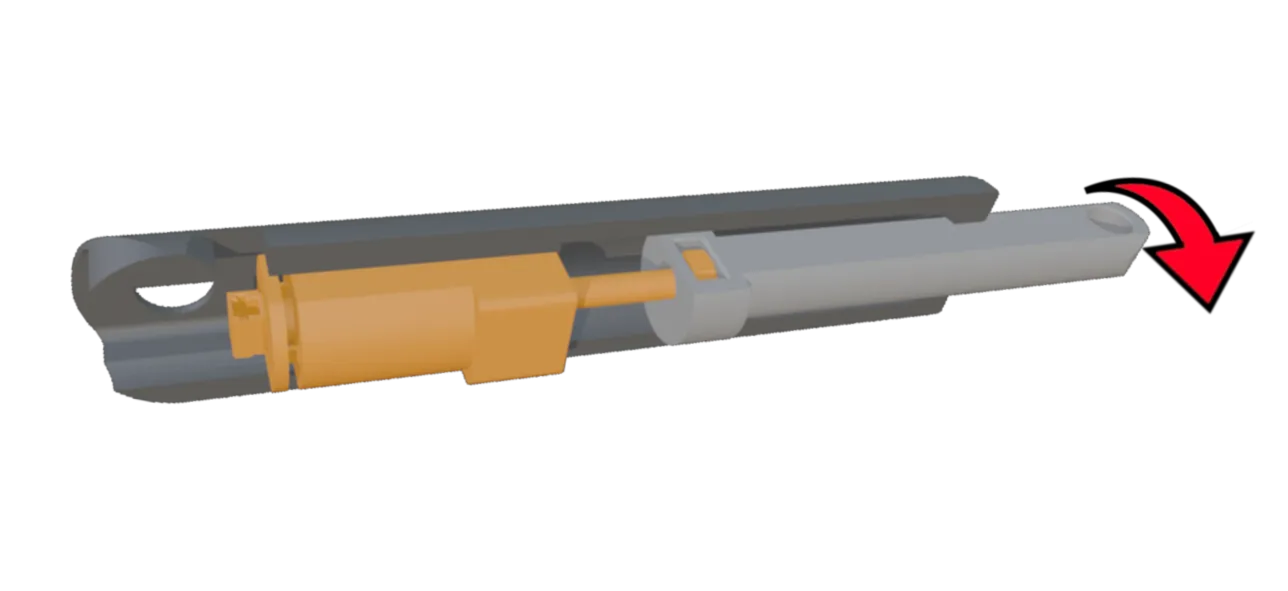
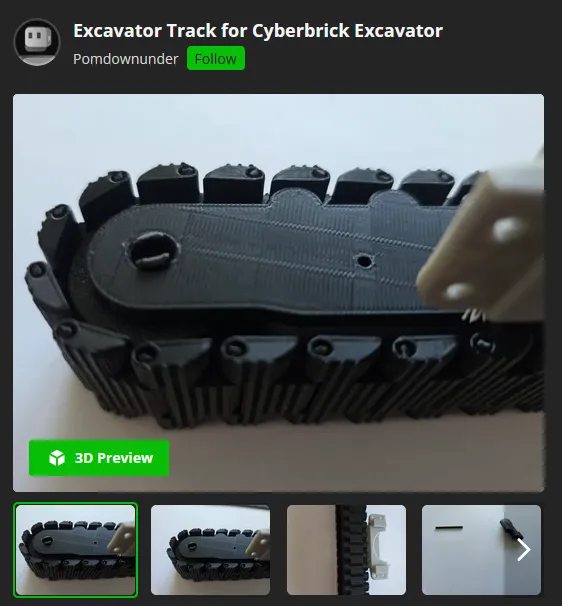
Pomdownunder has designed some really beautiful tracks for anyone who prefers printing in PLA. If TPU isn’t your thing yet, or you think these look even better, they’re definitely worth checking out. makerworld.com/en/models/2850146-excavator-track-for-cyberbrick-excavator#profileId-3178795
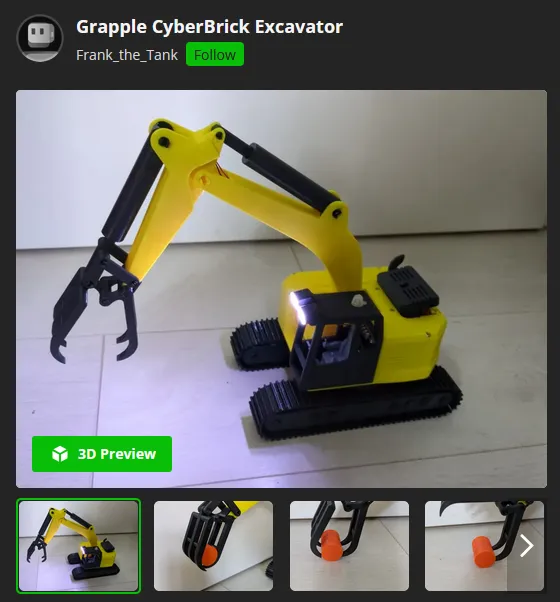
Frank_the_Tank Designed a lovely grapple for the excavator, so you should definitely check it out. It is a lot of fun.
https://makerworld.com/en/models/2884678-grapple-cyberbrick-excavator#profileId-3222166
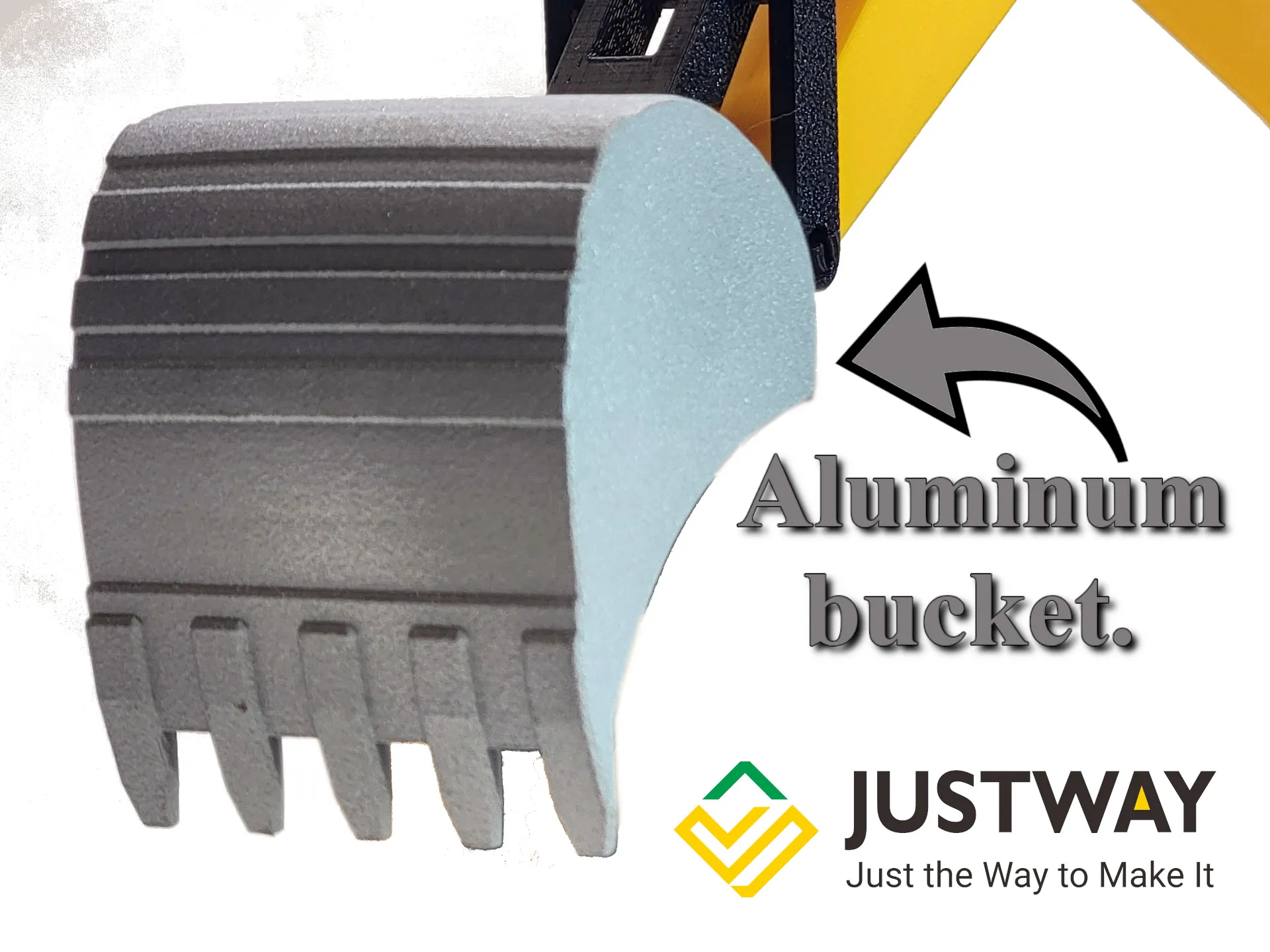
I would also like to mention that the bucket was designed not to require any screws or hardware, so you can easily have it printed in metal materials. I had mine printed by justway.com In aluminum. and it fits perfectly and looks amazing. I can highly recommend it. I chose aluminum because I wanted to keep the weight down.
Documentation (1)

License

You shall not share, sub-license, sell, rent, host, transfer, or distribute in any way the digital or 3D printed versions of this object, nor any other derivative work of this object in its digital or physical format (including - but not limited to - remixes of this object, and hosting on other digital platforms). The objects may not be used without permission in any way whatsoever in which you charge money, or collect fees.


Comment & Rating (84)