
Mac Studio HEPA Filter Stand
Print Profile(1)
Description
Overview
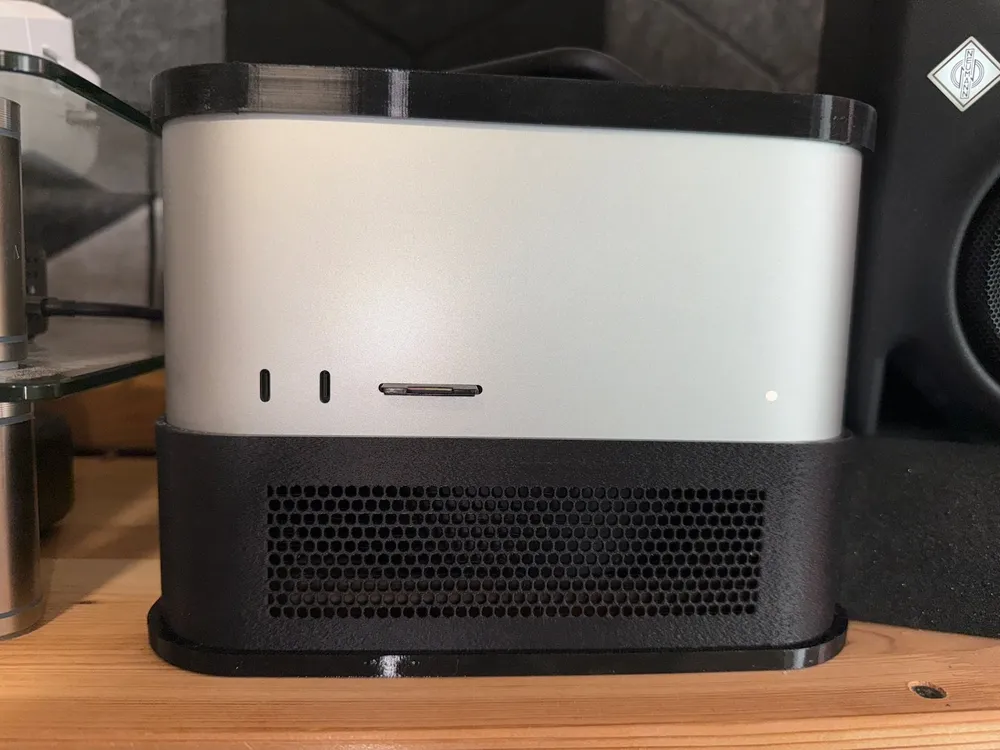
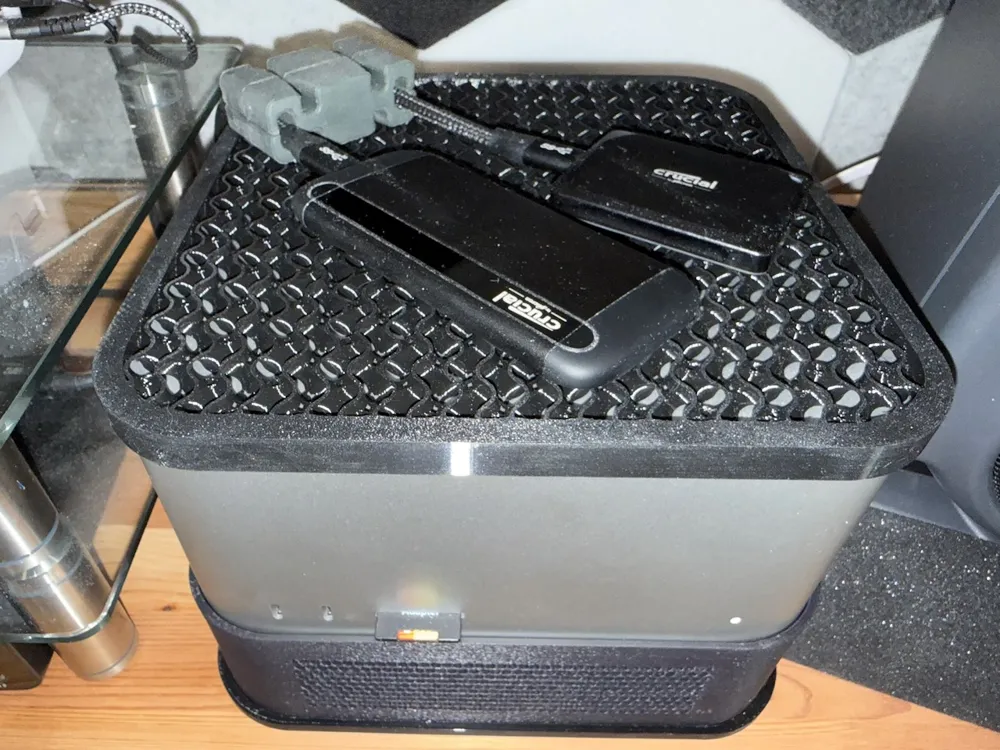
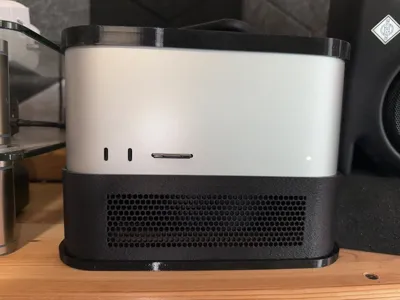
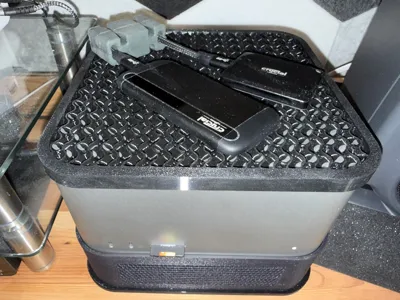
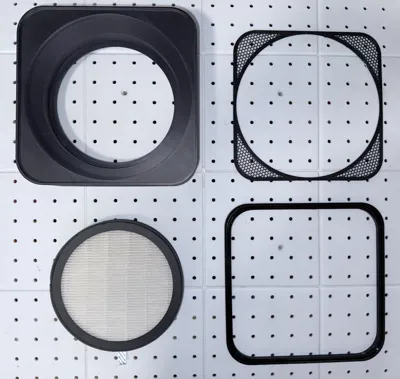
This HEPA filter stand will keep dust out of your M1-M4 Mac Studio (and probably future models). The optional TPU top pad will protect your Mac Studio from scratches while not inhibiting cooling.
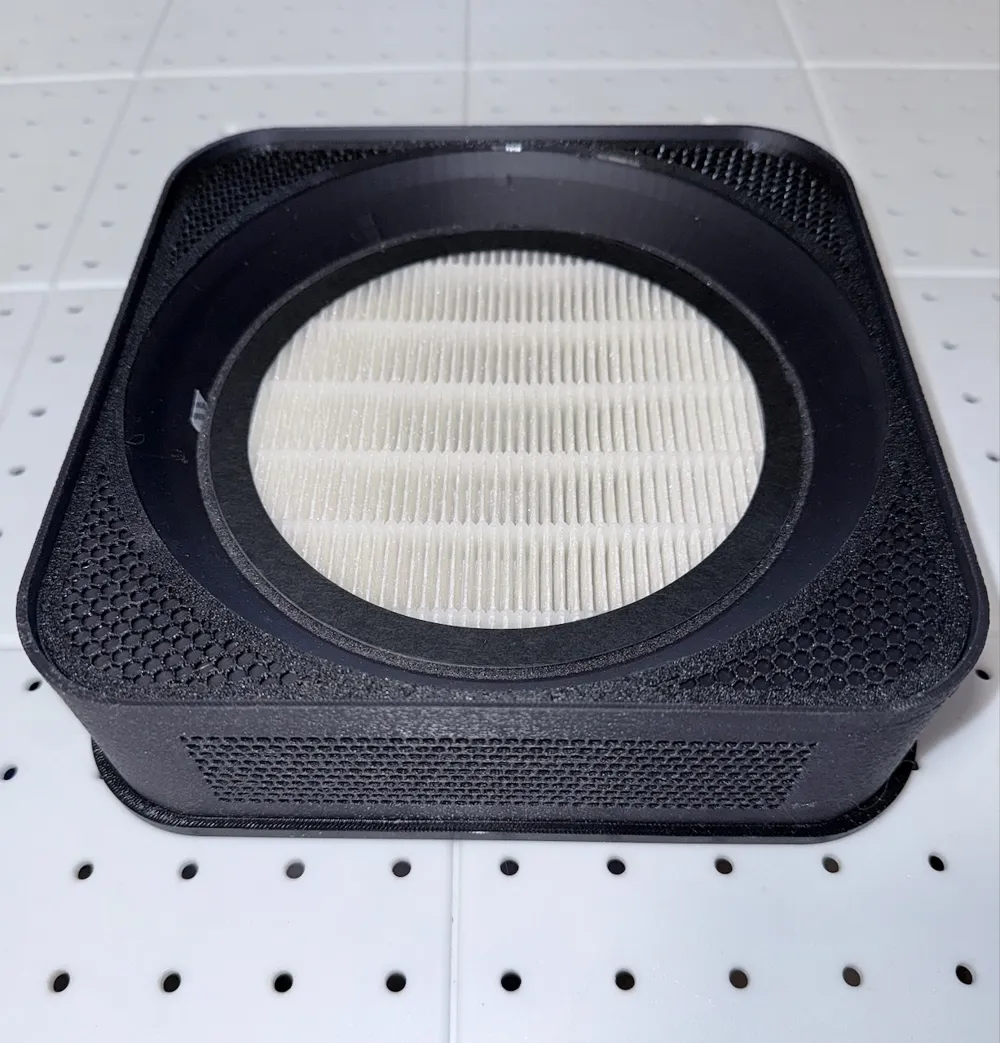
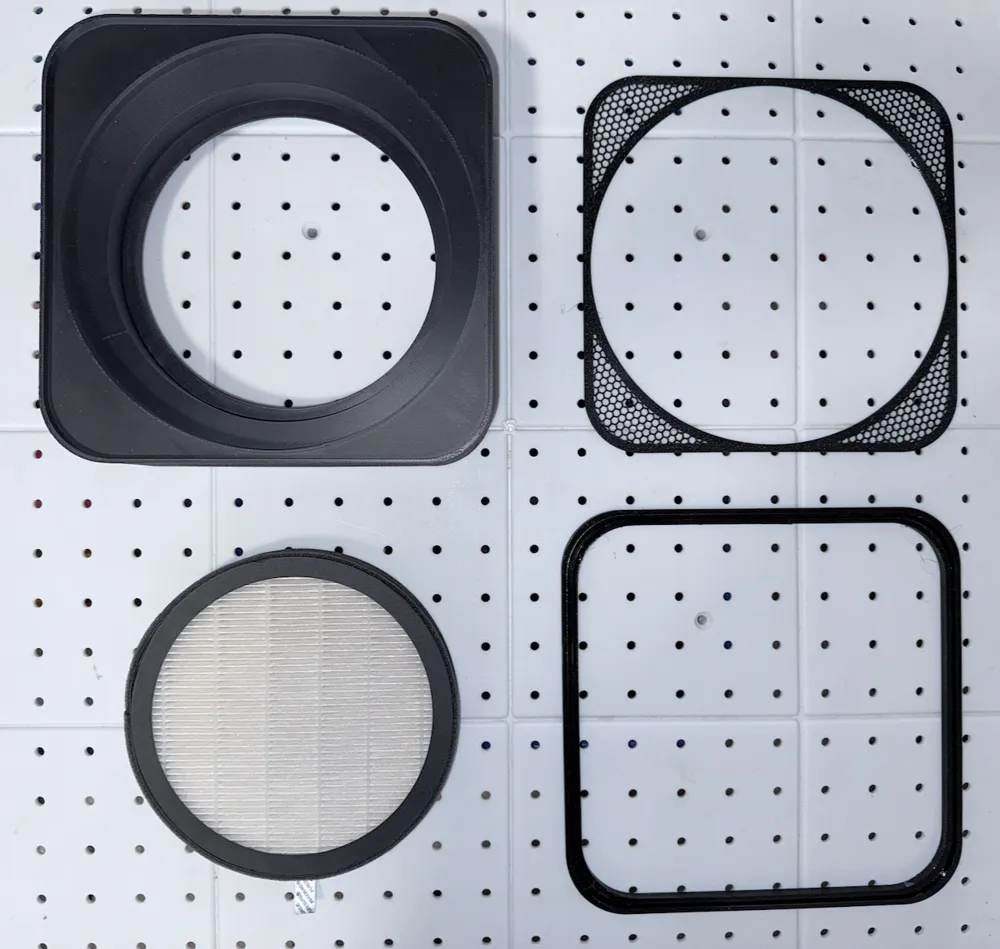
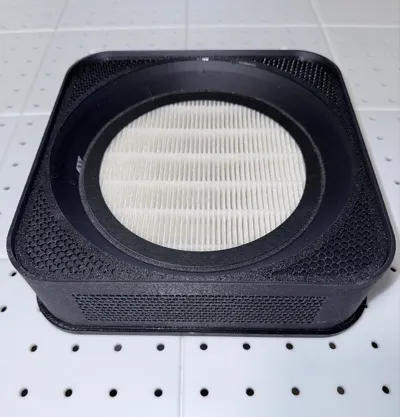
This design uses an off-the-shelf H13 HEPA filter element that is compatible with TDBYWAE MB-032 Air Purifiers. These are readily available on Amazon from multiple vendors.
Details
The cooling fans in a Mac Studio intake air in through a perforated ring at the bottom and expel air through a grill at the back. While elegant, quiet, and effective, this design also sucks in dust and pollutants. Over time, it can lead to dust buildup inside the Mac Studio, resulting in reduced cooling, higher fan speeds, and the eventual need for service to clean out the dust. So it’s better to filter the air and keep the dust from getting in.
The Stand
The stand is a one-piece design, exclusive of the optional TPU gasket and bottom rim cover. While the gasket is optional, it is intended to improve the computer-to-stand seal to minimize dust intrusion. The bottom rim cover, also optional, provides a softer, lower slip ‘pad' between the stand and the furniture it sits on. It has no sealing function, and the stand does not rely on or benefit from an airtight seal at the bottom edge.
I printed the stand in Polymaker ASA with fuzzy skin using HIPS for a support interface, which releases easily and leaves a very nice surface. The fuzzy skin makes it look much more attractive and helps to hide layer lines, seams, and minor surface imperfections. The fuzzy skin blocker in the 3MF file assures that the fuzzy skin is applied only to the exterior wall. If applied everywhere, it would drastically increase the printing time while providing no benefit. Anything from generic PLA to exotic engineering filaments should work fine for the base. The Mac Studio case does not get hot, and the stand does not require exceptional strength.
Note: If you’ve ever noticed a layer line around the hull of a bench at roughly the interior deck height, this can exhibit a similar effect. I suspect it’s related to the shrinkage of the filament material at the big flat surface on which the Mac Studio rests. Since the stand is non-directional, you can orient the best-looking side towards the front if you encounter a visible layer line. There may be a way to tune it out at the slicer, but this print takes a long time and a lot of filament, so I’m not up for experimentation.
Note On Supports
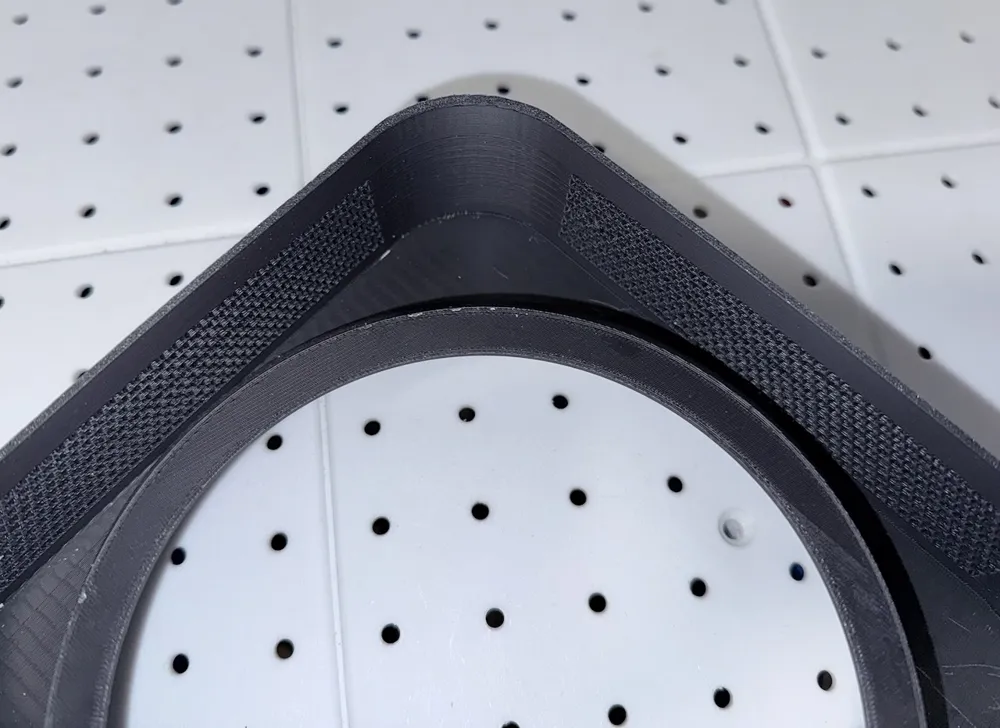
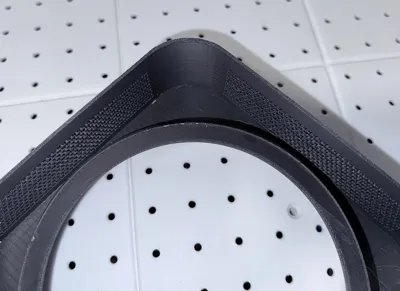
The supports all print on the inside, where they can’t be seen, so surface appearance after removal is a complete non-issue. I blocked supports to the hundreds of round, vent holes that form the intake area on all four sides of the stand. You can see from the photo that the holes are fine without supports.
The Top Pad
The top pad is just an accessory that you can choose to print, either in addition to the filter stand or on its own. It is intended to be printed in TPU-95A and uses features in Bambu Studio to print with no top or bottom layers enclosing the decorative gyroid infill. I chose gyroid because it is an open infill pattern that won’t trap heat underneath it. It’s also attractive. Dial in your TPU profile, make sure the filament is dry, and you should get great results.
Note: The stand relies on advanced features in Bambu Studio. That includes painted supports, fuzzy skin blocking, per-object print settings, etc. If you import the geometries from the 3MF file and print, or if you start moving things around on the build plate, you will have a world of problems.
License

You shall not share, sub-license, sell, rent, host, transfer, or distribute in any way the digital or 3D printed versions of this object, nor any other derivative work of this object in its digital or physical format (including - but not limited to - remixes of this object, and hosting on other digital platforms). The objects may not be used without permission in any way whatsoever in which you charge money, or collect fees.


Comment & Rating (0)