
Meet & Click · Pipo & Pipi – Magnetic Keychain
Print Profile(2)
Bill of Materials



Description
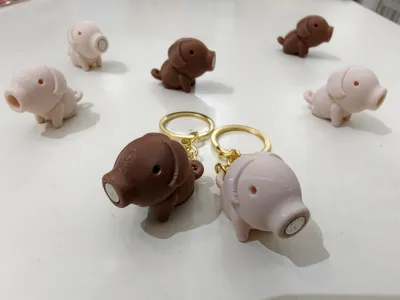
Meet & Click · Pipo & Pipi – Magnetic Pig Keychain Pair
Meet & Click is a series of minimalist magnetic characters.
Individually cute — but when they meet the right one, they naturally click.
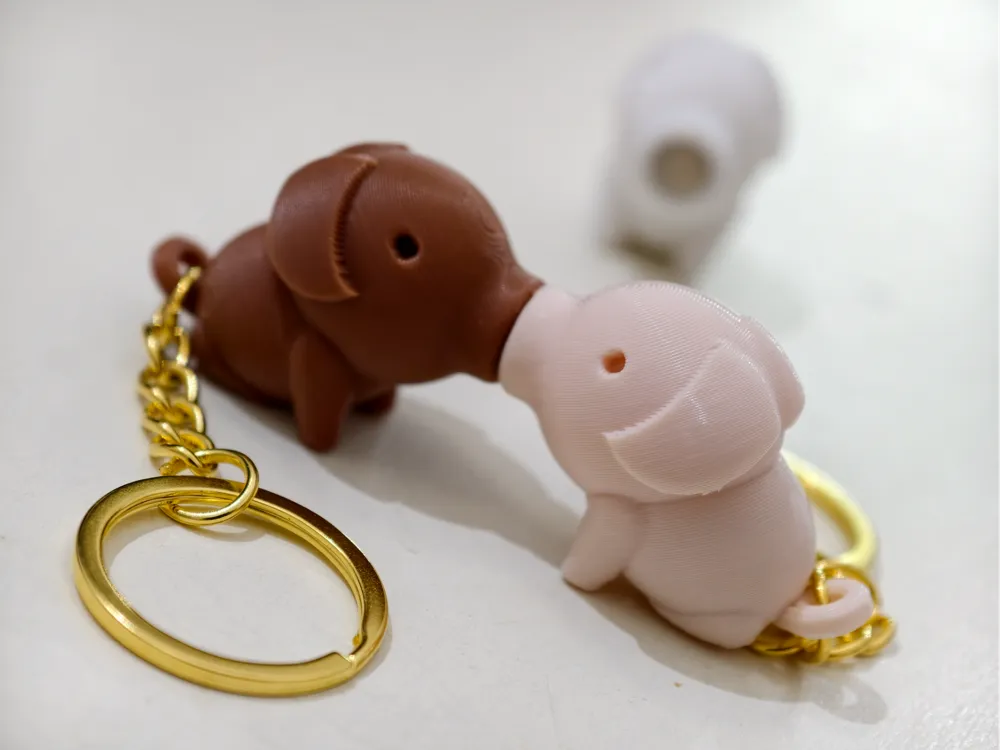
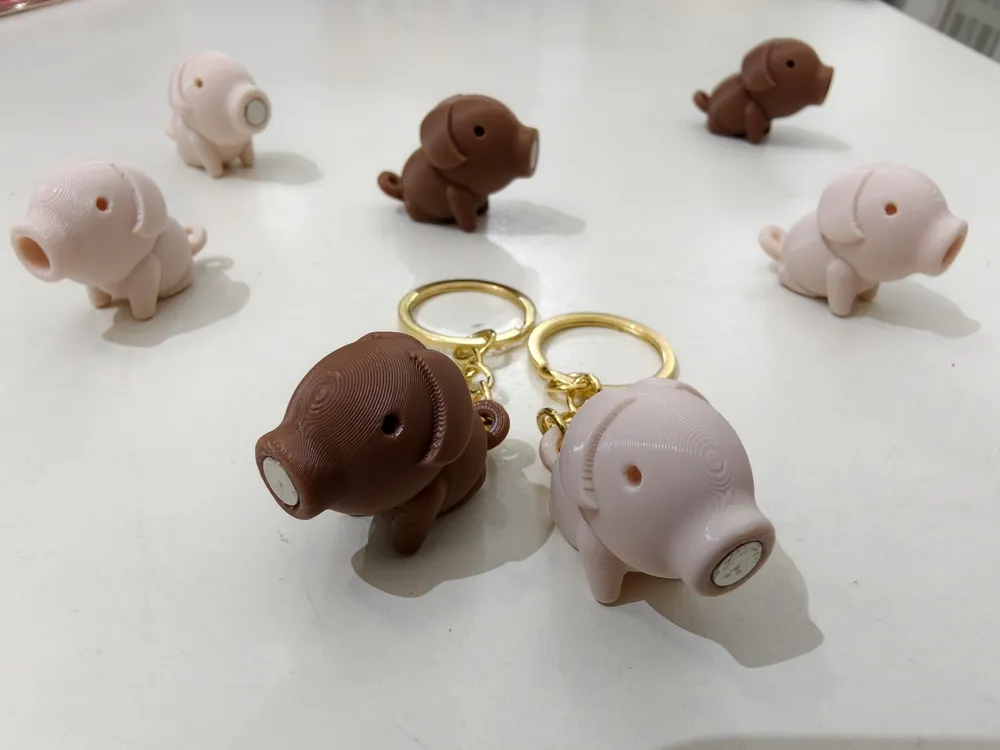
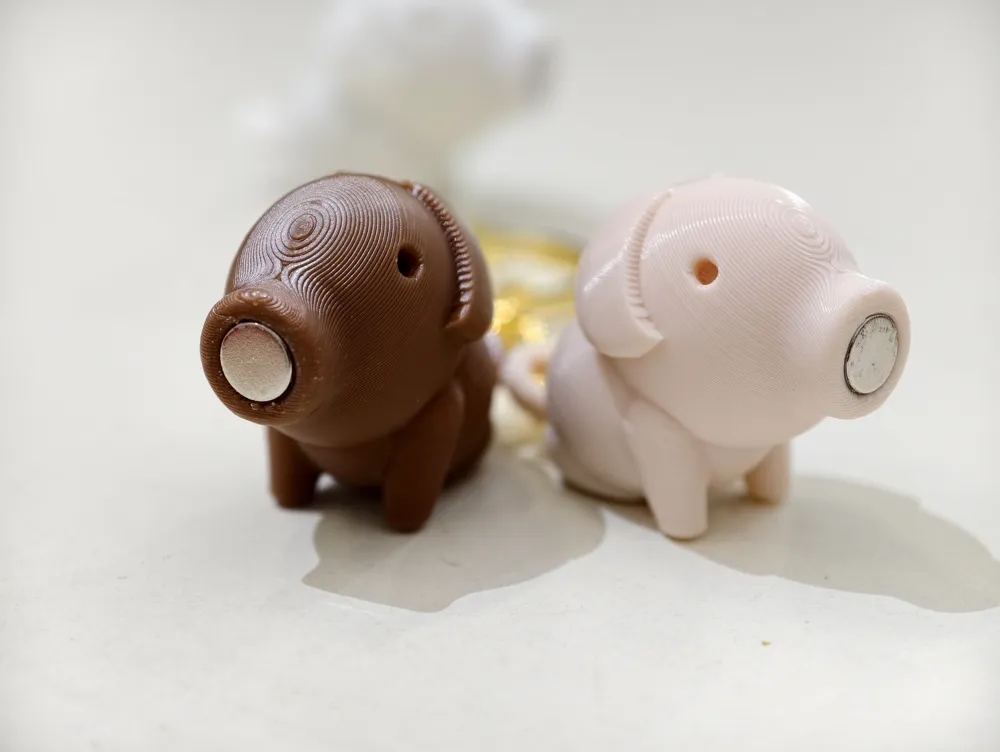
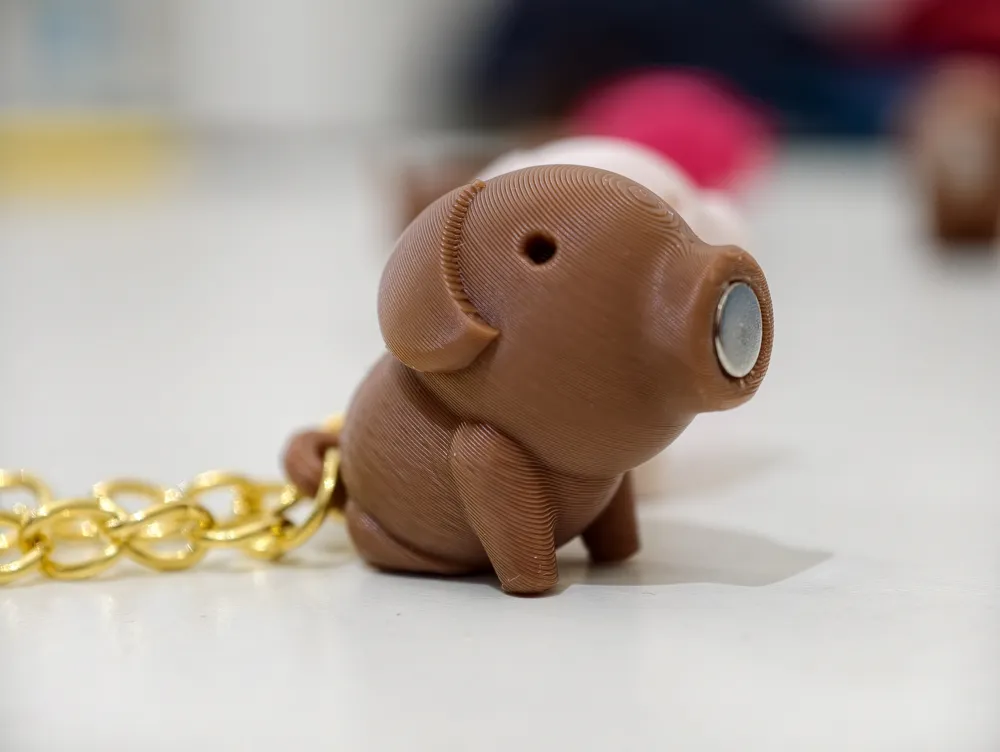
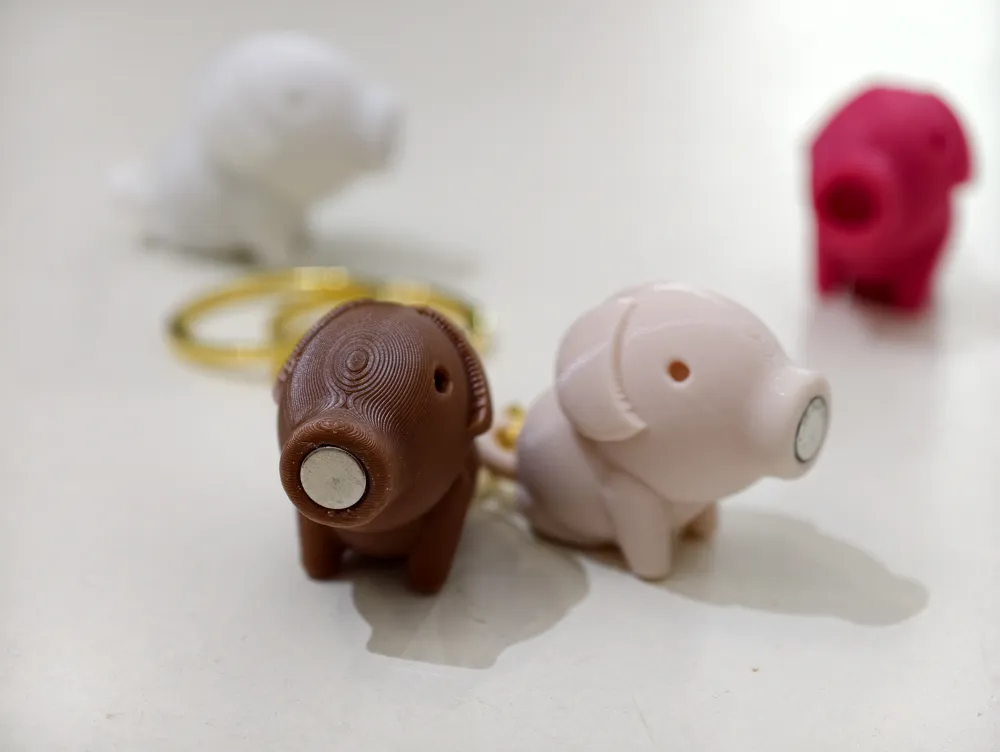
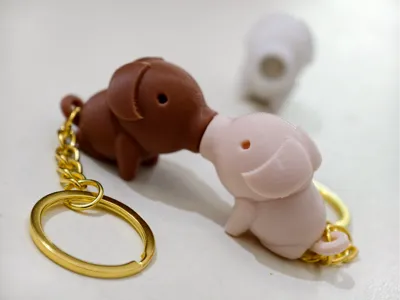
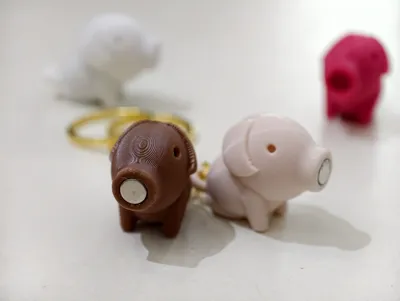
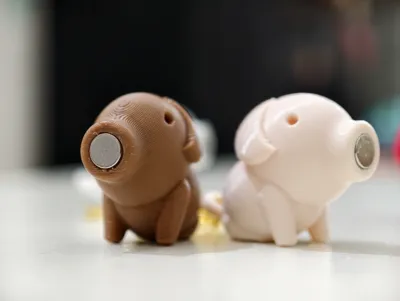
Pipo & Pipi are a pair of simple, half-sitting pig keychains.
On their own, they’re calm and playful.
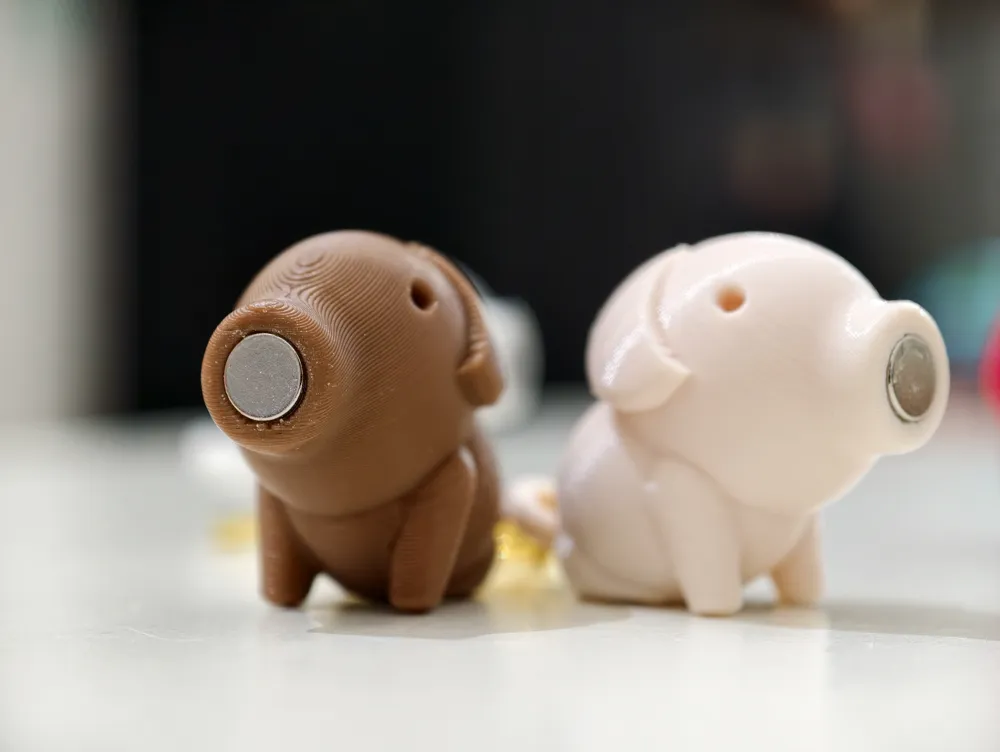

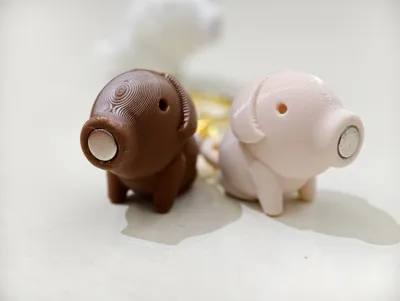
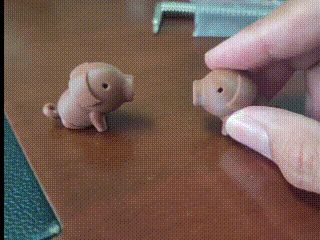
Bring them close, and the magnets pull them together until they kiss nose to nose 🐷💕
🔧 Magnet Design & Customization
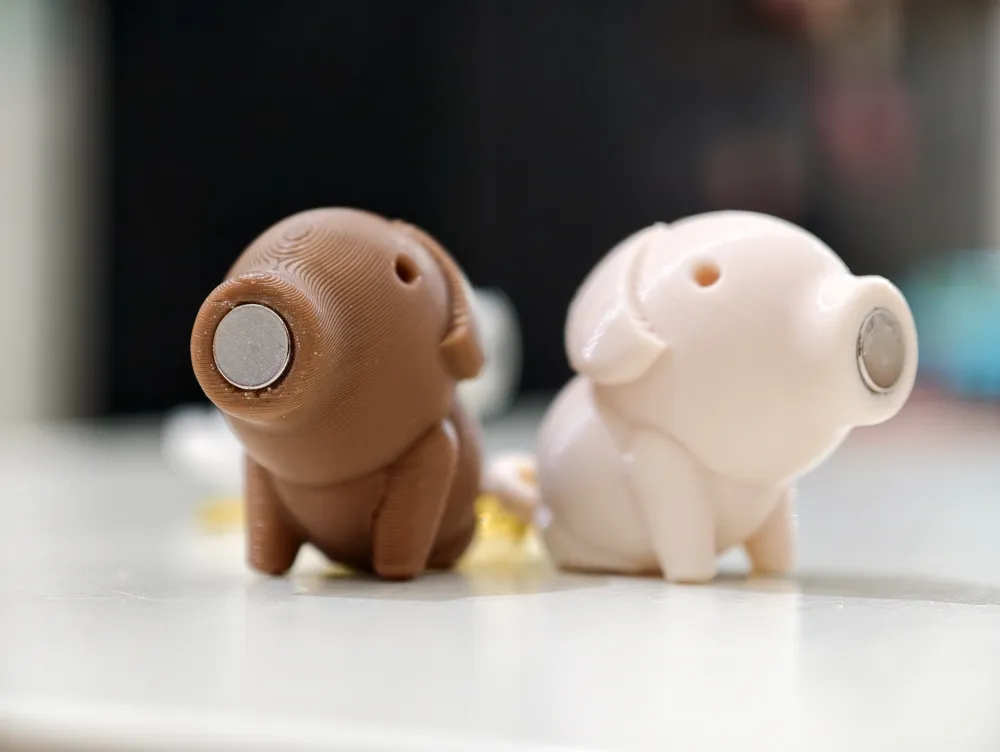
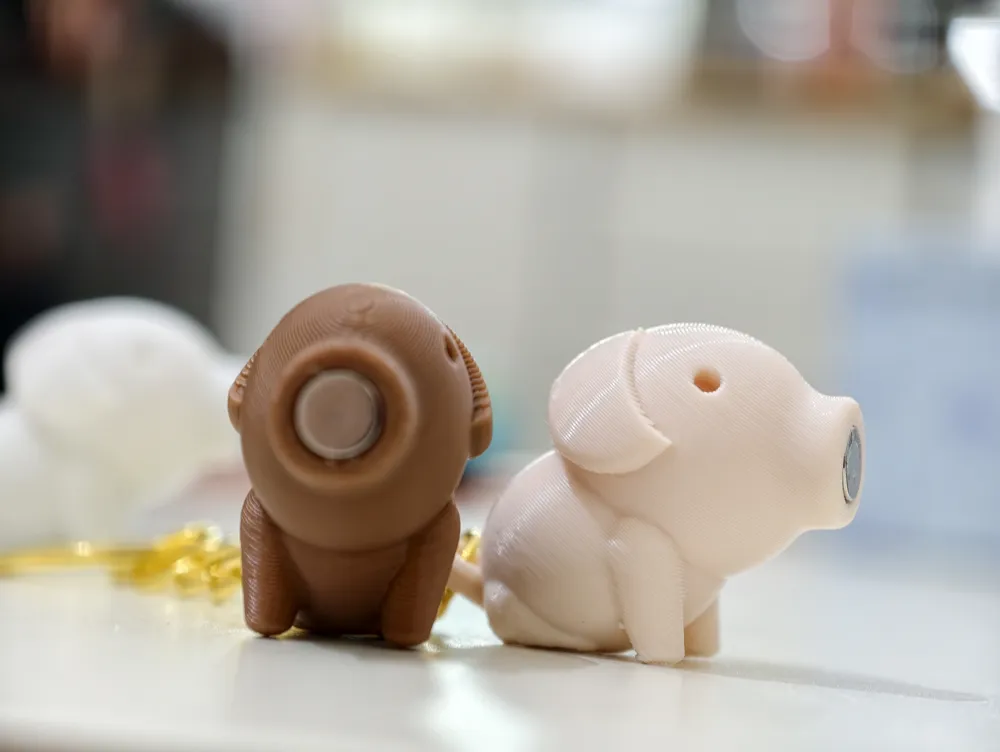
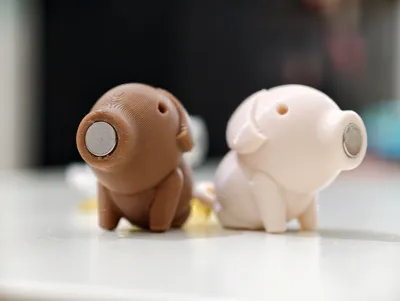
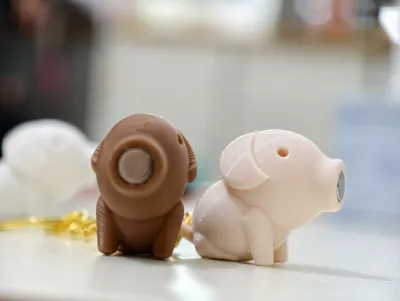
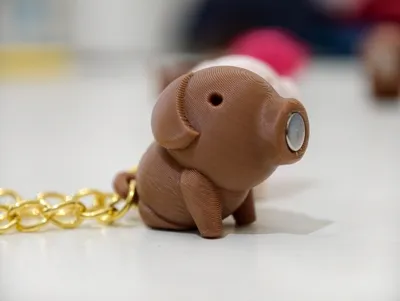
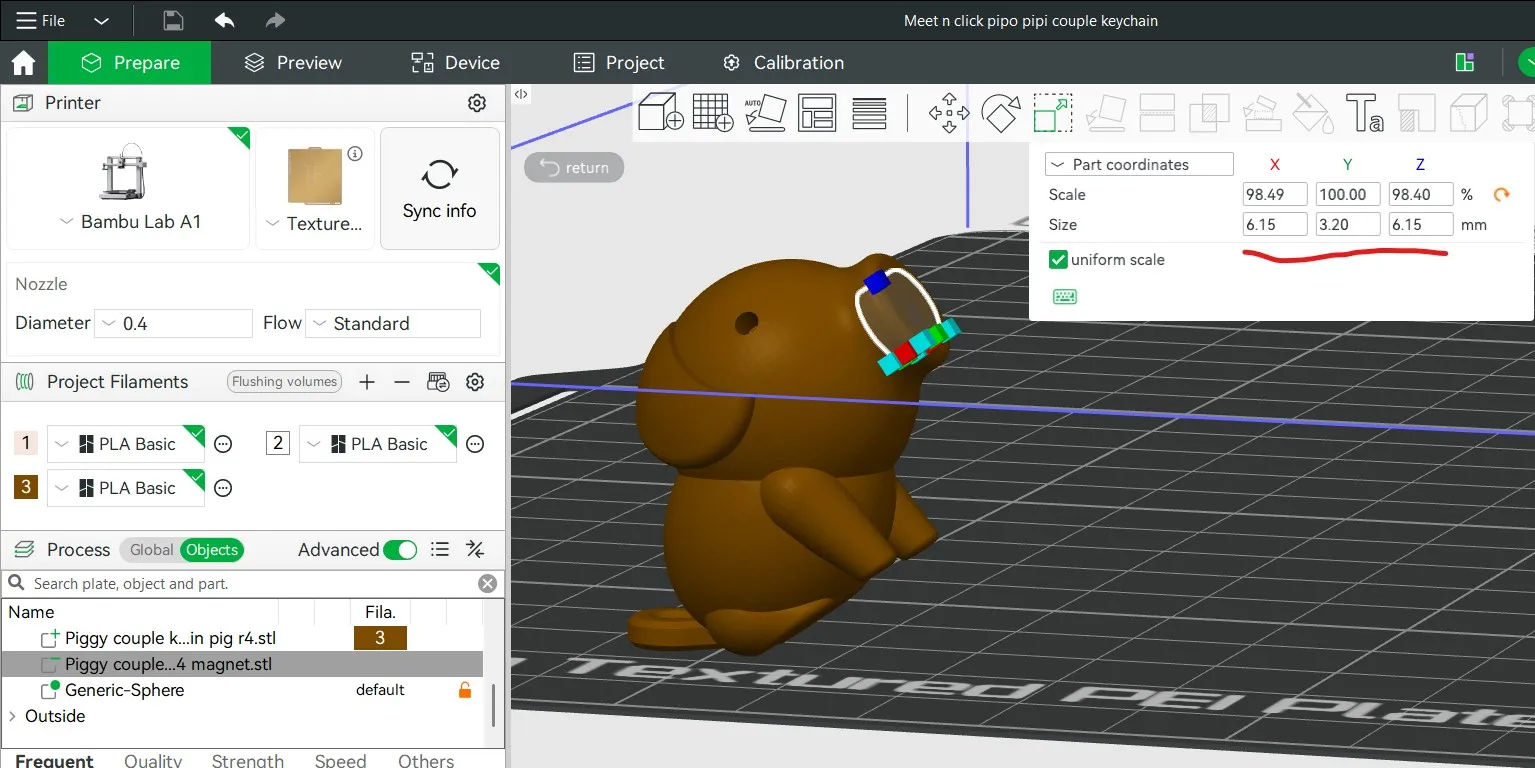
- Designed for 6 × 3 mm round magnets, placed inside the nose
- Magnet cavities are modeled as negative parts
If you don’t have 6 × 3 mm magnets, you can easily adjust the size directly in the slicer:
- Switch to Advanced Mode
- Select Object
- Locate the magnet (negative) part
- Use Scale to resize it to match your magnet
No remodeling required.
🔩 Assembly Notes
- Apply a small amount of glue and insert the magnet into the nose
- Make sure to check magnet polarity before gluing, so the pigs attract correctly
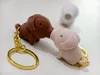
- Insert a standard keychain split ring (MA001) through the round hole at the tail to complete the keychain
Allow the glue to fully cure before use.
🧠 Design Intent
This keychain isn’t just decorative.
It’s designed to feel like two little pigs that don’t chase —
they simply move closer when they find the right one.
A small interaction, a soft moment,
and a gentle reminder that some things are meant to click.
⚙️ Slicer Settings & Design Considerations
The following settings were intentionally applied for both print quality and real-world usability:
- Adaptive Layer Height
Enabled to achieve smoother surface finishing, especially on the top curves of the head and body. - Outer Wall Thickness & Speed
Outer wall is set to 0.6 mm, and outer wall speed is reduced to improve overhang quality and edge definition, especially around the nose and head area. - Internal Weight Balancing (Modifier)
A thicker wall and higher infill modifier is applied inside the pig’s tummy area.
This acts as a counterweight so the pig can stand upright instead of tipping forward head-down when used as a keychain. Print Orientation (35° Tilt)
The model is tilted at 35 degrees so the keychain hole is printed in a flat direction, improving layer strength and durability when holding keys or chains.This orientation also:
- Reduces overhang severity
- Minimizes required support
- Improves surface quality around the hole
- Supports
Auto support is enabled to support the feet area and ensure stable printing during the tilted orientation.
🧠 Notes
These profiles are tuned not just for appearance,
but for balance, strength, and everyday use as a keychain.
License

You shall not share, sub-license, sell, rent, host, transfer, or distribute in any way the digital or 3D printed versions of this object, nor any other derivative work of this object in its digital or physical format (including - but not limited to - remixes of this object, and hosting on other digital platforms). The objects may not be used without permission in any way whatsoever in which you charge money, or collect fees.


Comment & Rating (5)