
AMS 2 Pro Feeder Covers - Lattice Pattern
Print Profile(2)
Description
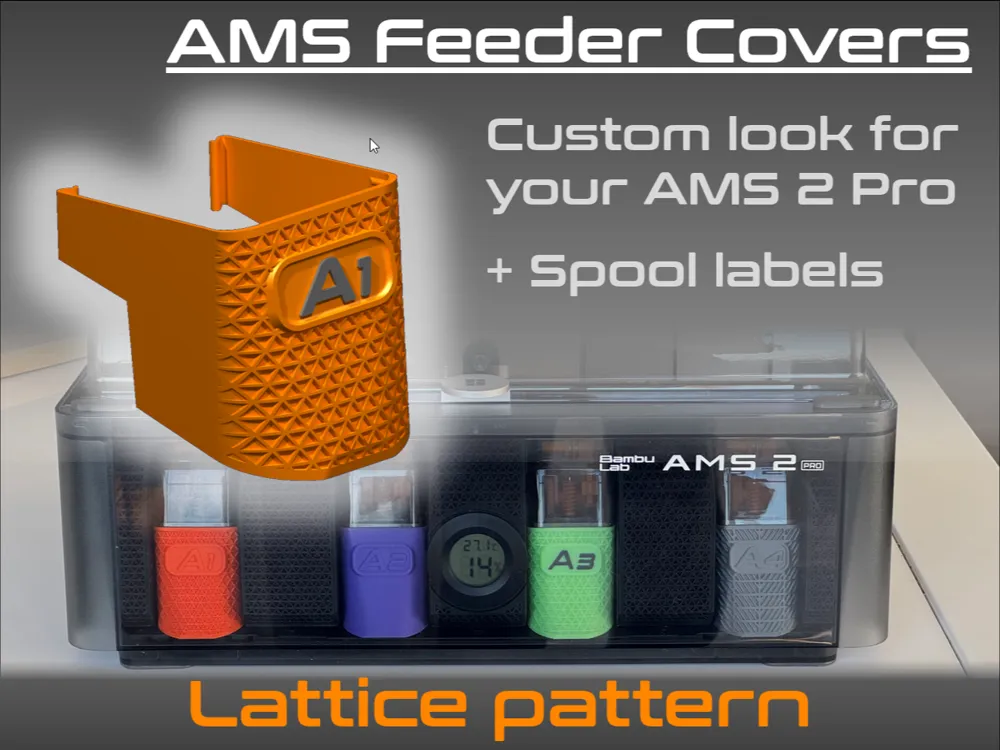
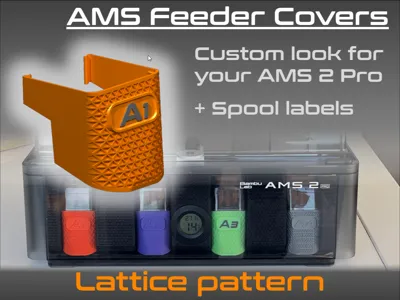
Want to customize the look of your AMS 2 Pro? Look no further!
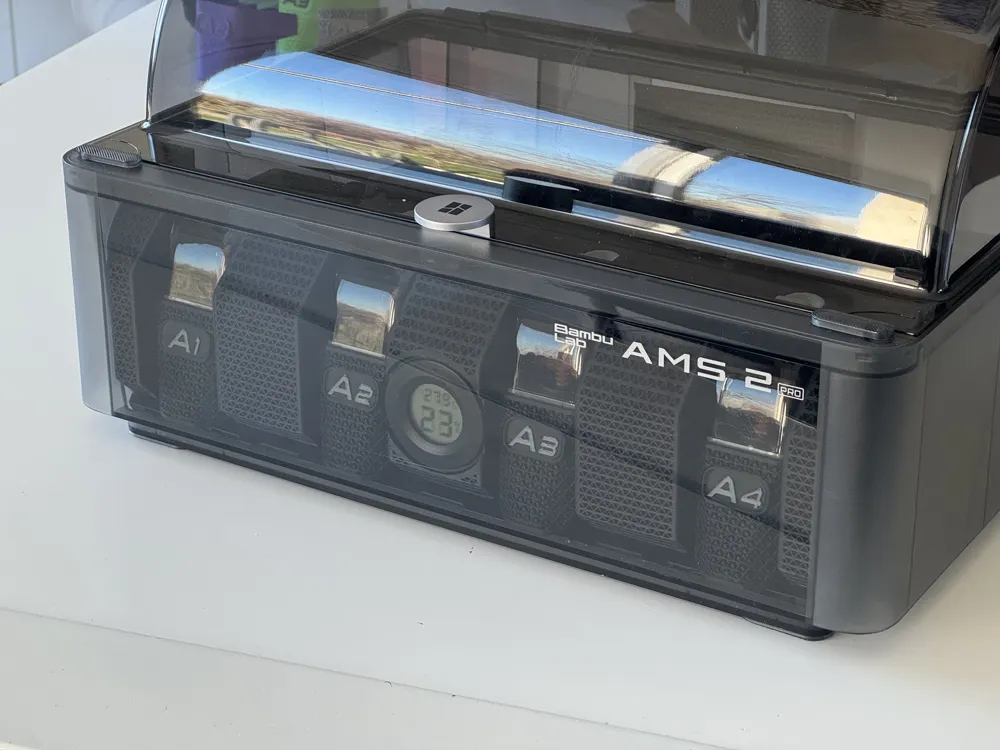
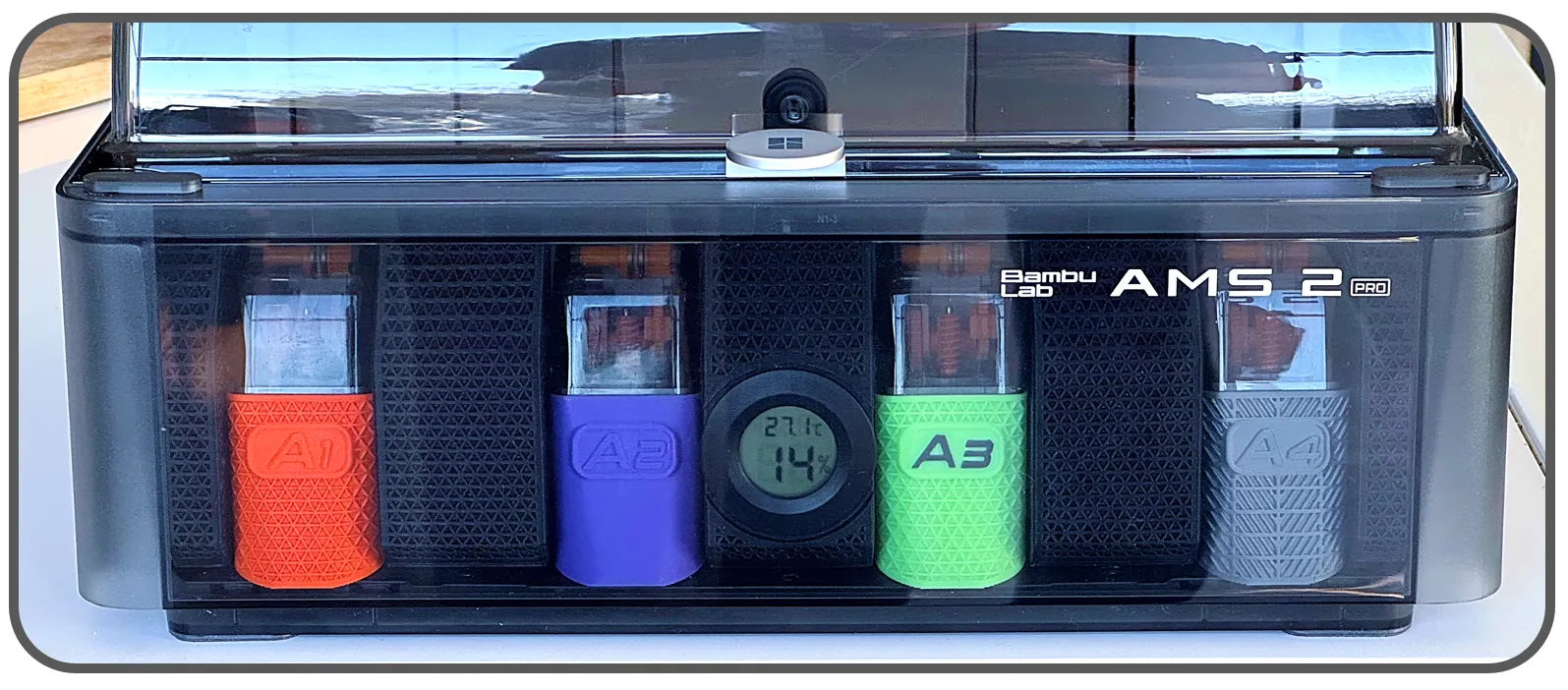
I was tired of the “grey” look of the AMS feeders, very functionnal but not so nice. I was also searching for a solution to identify each spools in a multi-AMS configuration.
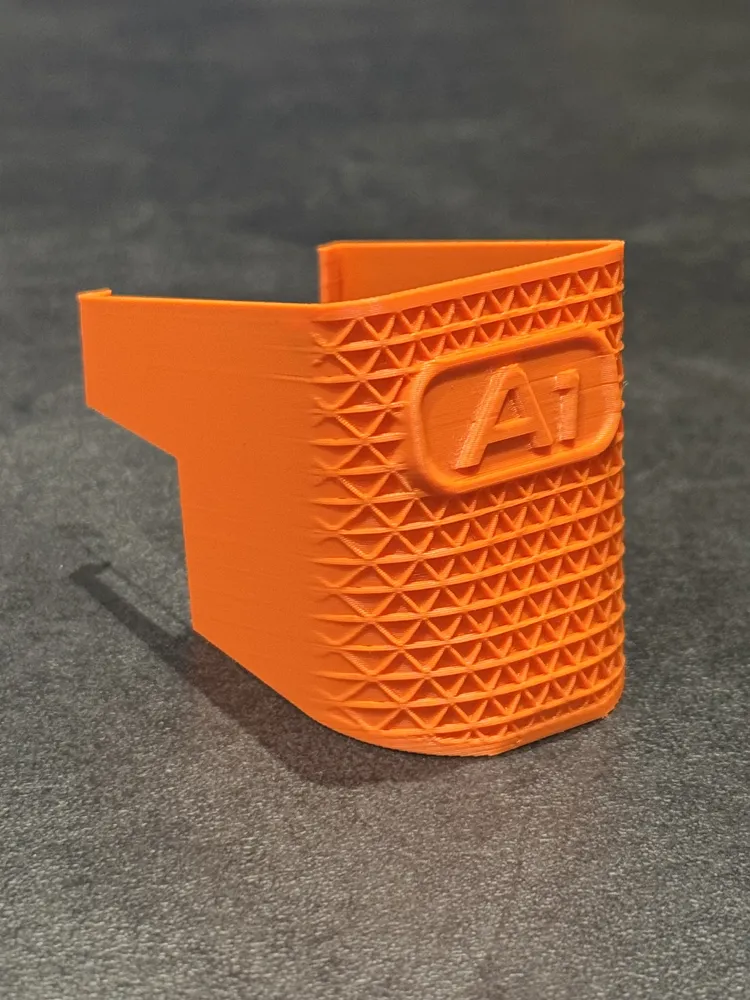
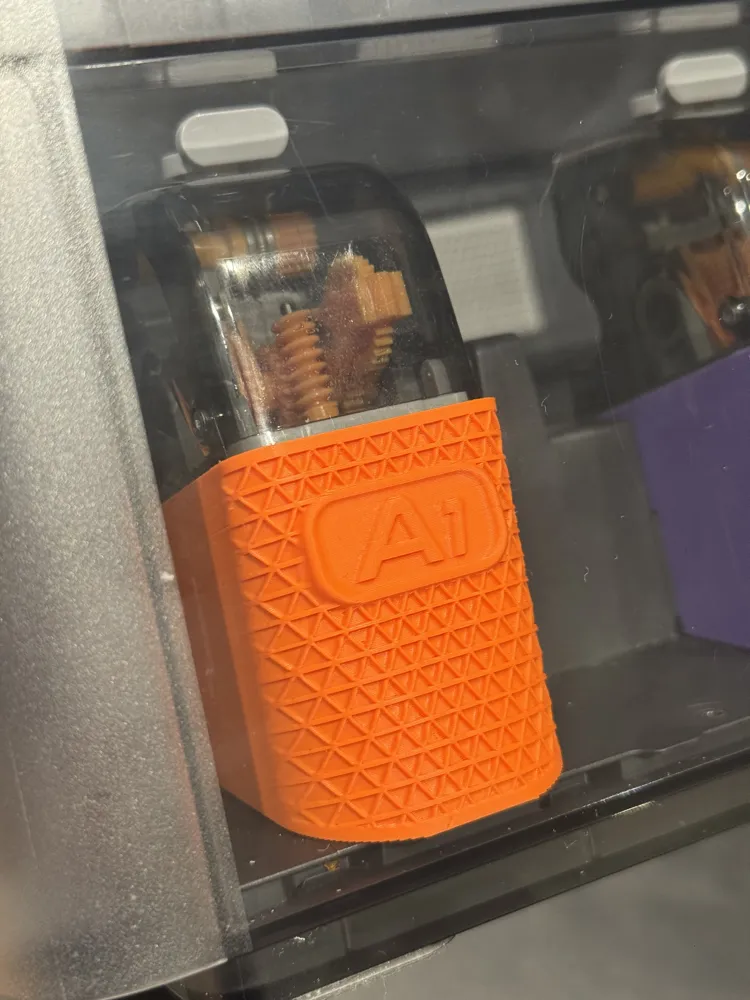
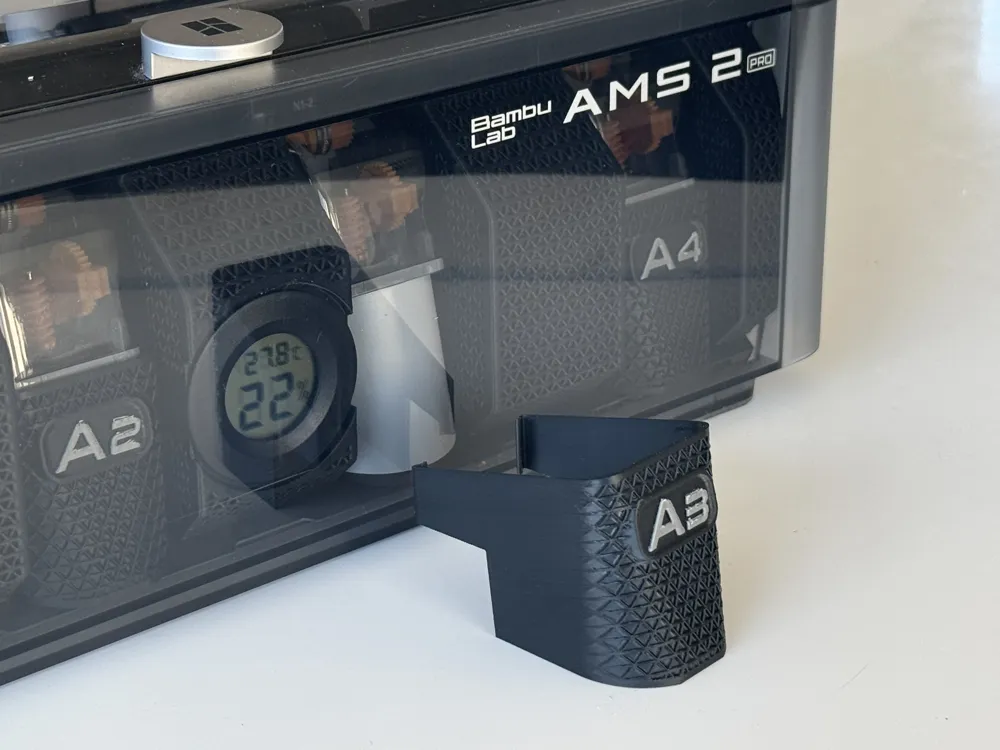
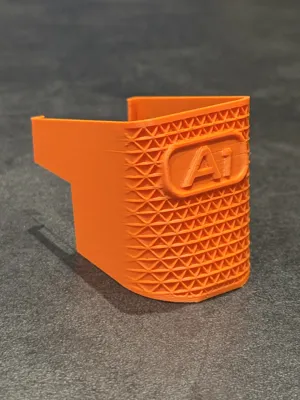
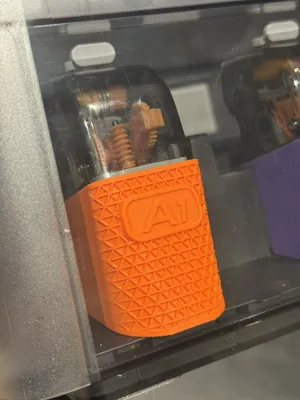
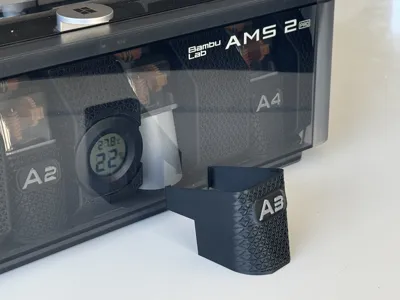
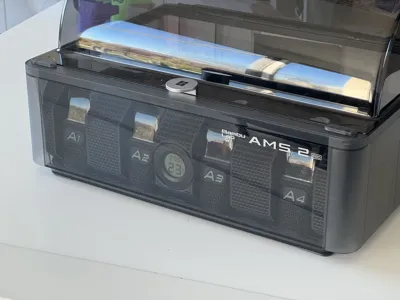
So I made those little covers that clips around each feeder, and shows their ID (A1, A2, A3, A4, B1, B2 etc…)
It is also a way to customize the look of your AMS and add a bit of color (or let you obtain a full black lool)
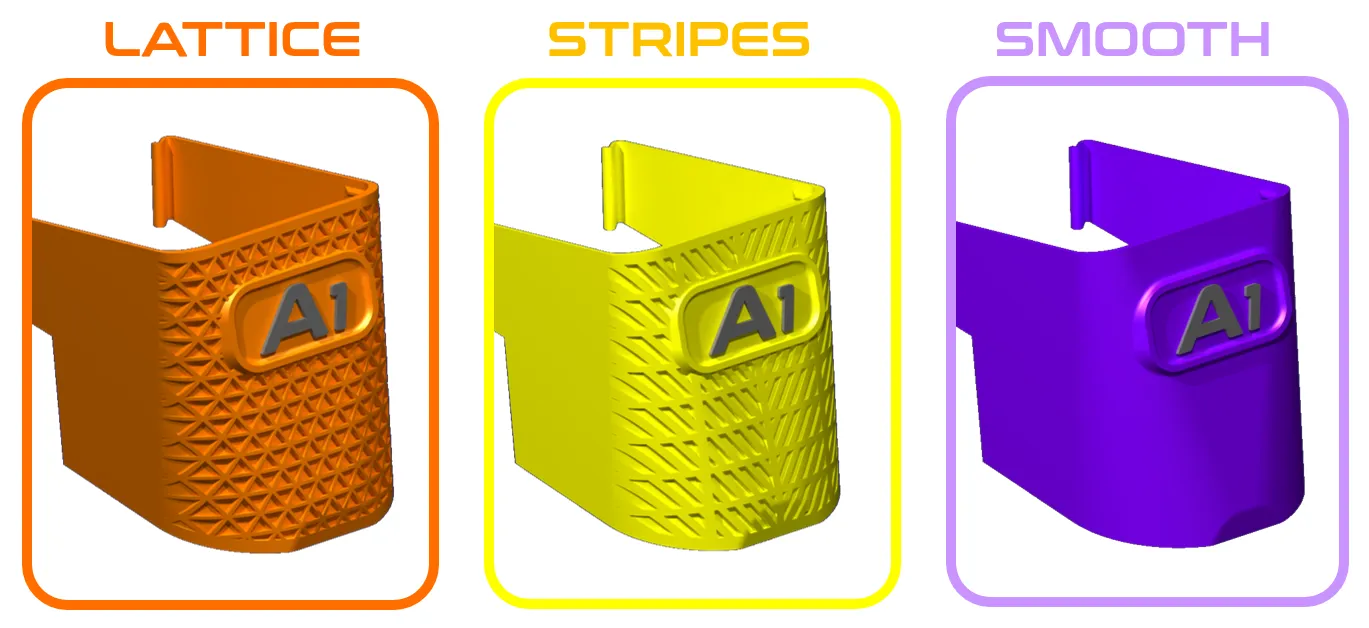
- There are several styles to chose from, for now there is a “LATTICE” version like my Dry Pods (this model), but check also the “STRIPES” version (click here) and the “SMOOTH” version without pattern (click here) :
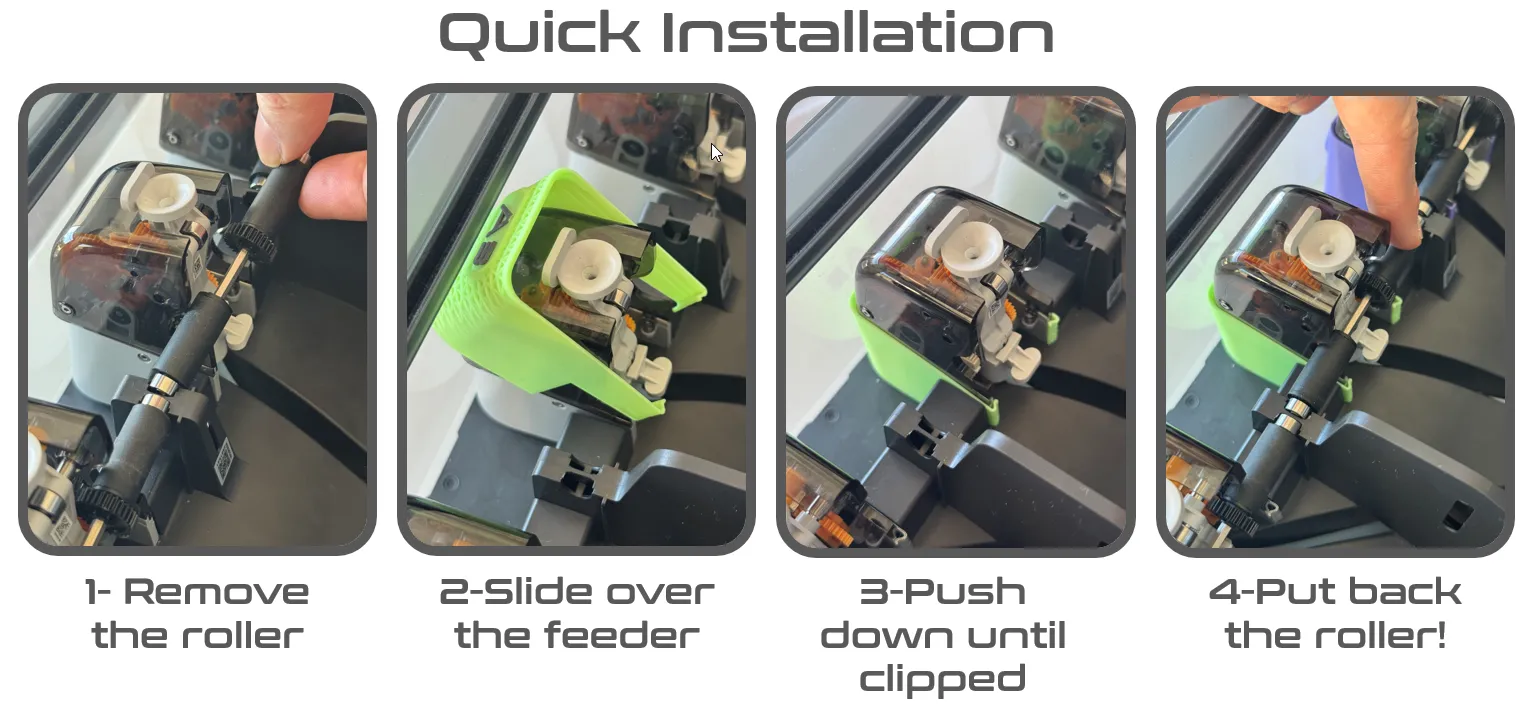
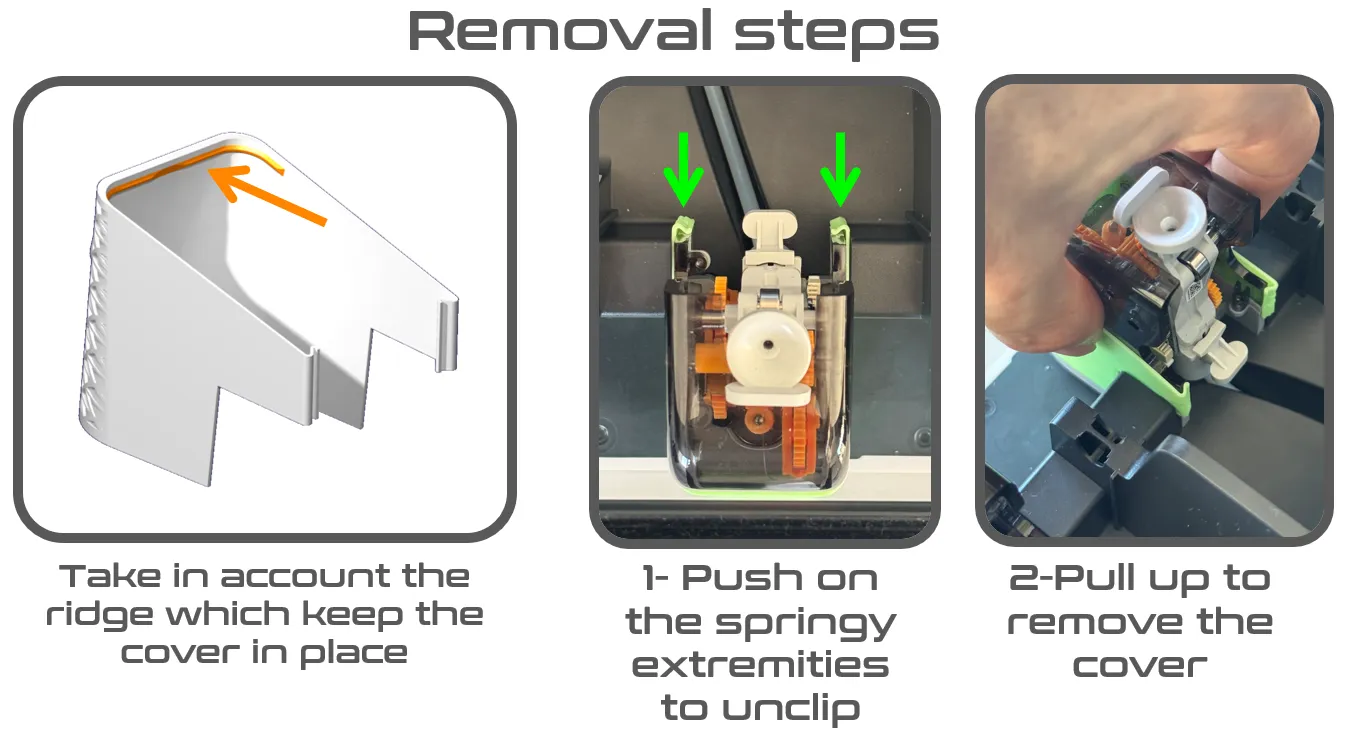
- Installation is easy, open your AMS and slide them in! They hold in place thanks to a ridge and a springy design of their extremities. They are thin enough to slide the dry pods in between.
- Removal is possible without any disassembly of the AMS :
IMPORTANT :
- They are very thin on their side to allow the insertion of your dry pods, so use a textured plate and optimize the bed adhesion : add glue if possible and be carefull about the auxiliary fan airflow which can detach your small parts from the bed (here is my model to cure the issue on the P2S, use the upstream version)
- Take in account that the inside temperature of your AMS can increase if you use the drying function. I suggest to use at least PETG, but PLA should also work as it is a cosmetic part only
28/02/2026 update : since MakerWorld does not allow to propose several print profiles with a material change only, I have kept only the PETG print profile which was the most used. Just chose the filament material you want to use in your Bambu Handy app or Bambu Studio slicer.
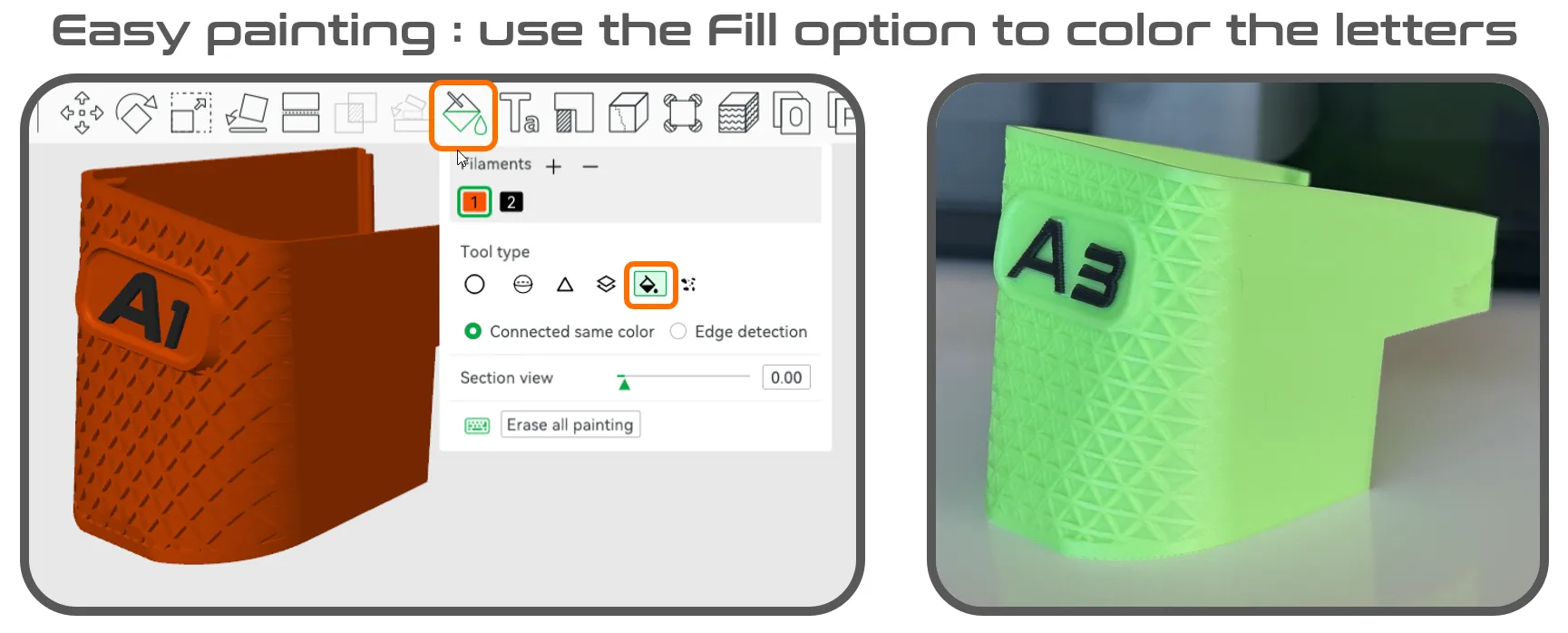
Although you could make it yourself in Bambu Studio, I have now added a new print profile with dual color models (letters and numbers in constrating color). You can now print in dual colors directly from Bambu Handy!
License

You shall not share, sub-license, sell, rent, host, transfer, or distribute in any way the digital or 3D printed versions of this object, nor any other derivative work of this object in its digital or physical format (including - but not limited to - remixes of this object, and hosting on other digital platforms). The objects may not be used without permission in any way whatsoever in which you charge money, or collect fees.


Comment & Rating (66)