
X/P Build Plate Guide




Print Profile(4)


Description
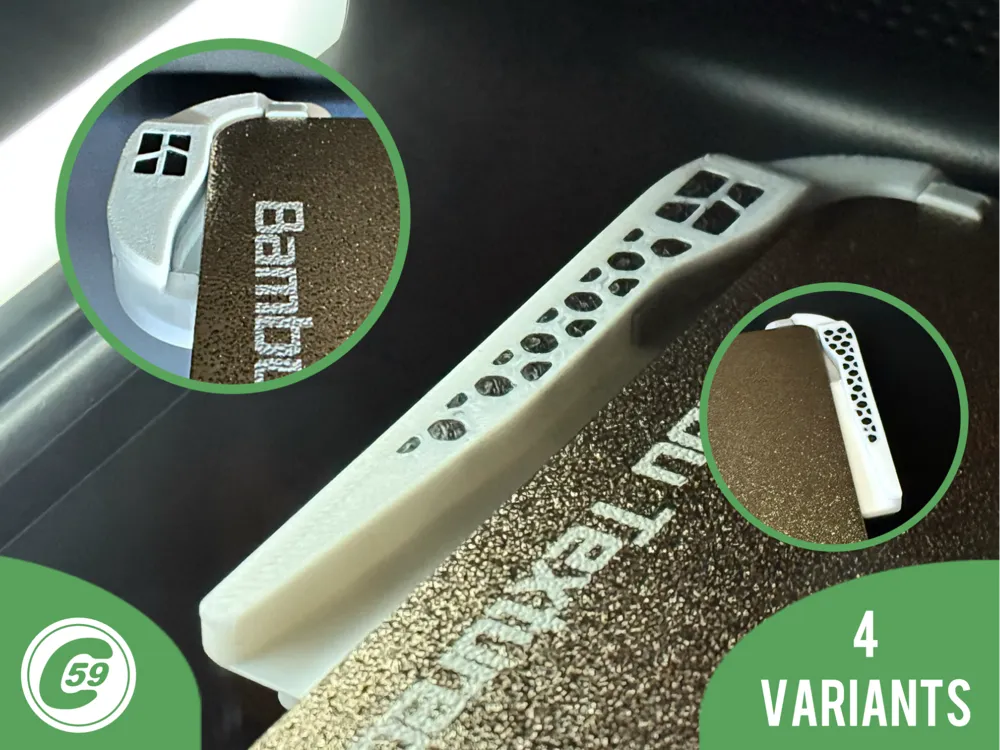
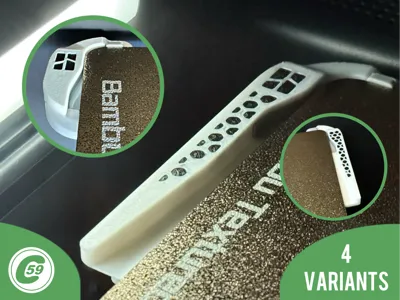
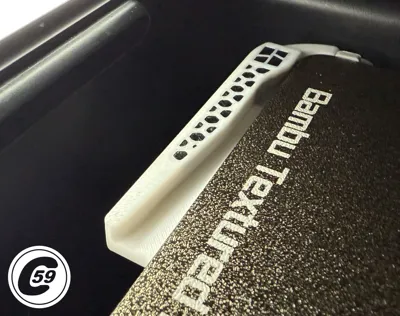
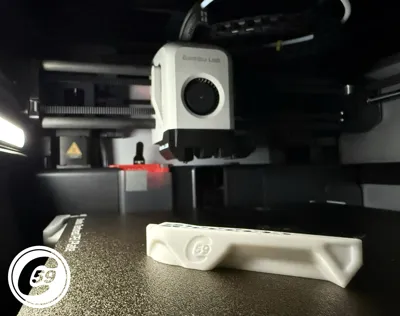
X/P Series Build Plate Alignment Guide XPAT
Fix Build Plate Misalignment
Tired of dealing with build plate misalignment? Upgrade to the next generation of precision with the XPAT ASX2 Dual AirStrip Guide V1.2. Say goodbye to wasted time, guesswork, and frustration. Streamline your workflow and get the job done right—effortlessly.
Design Overview
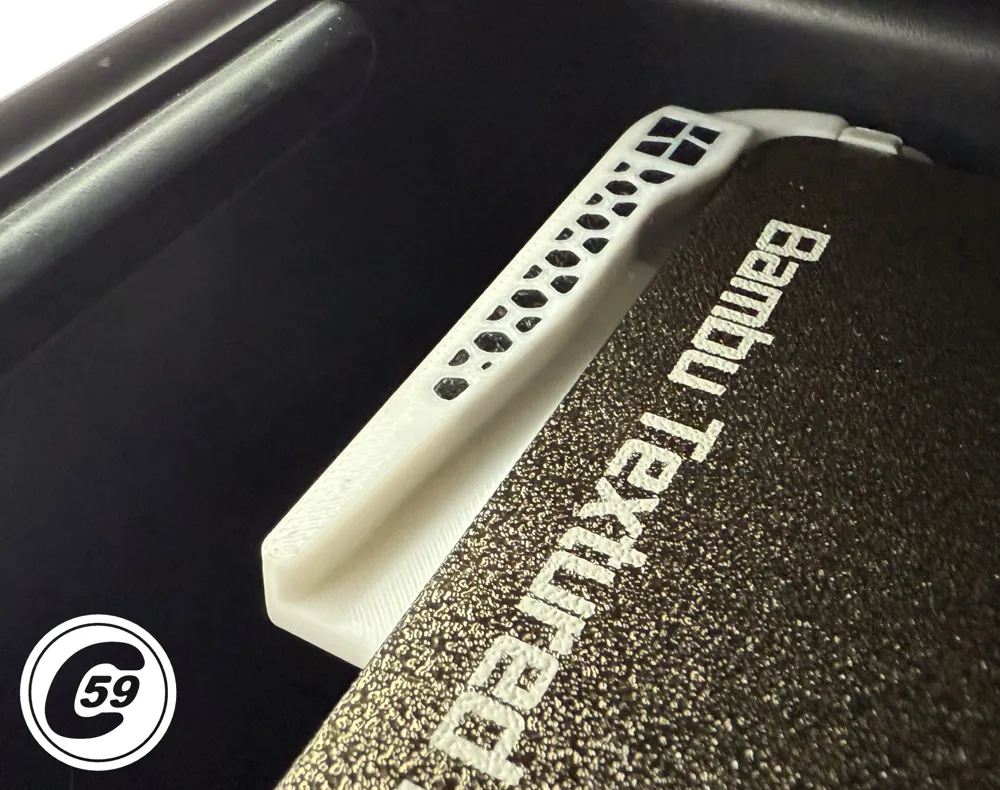
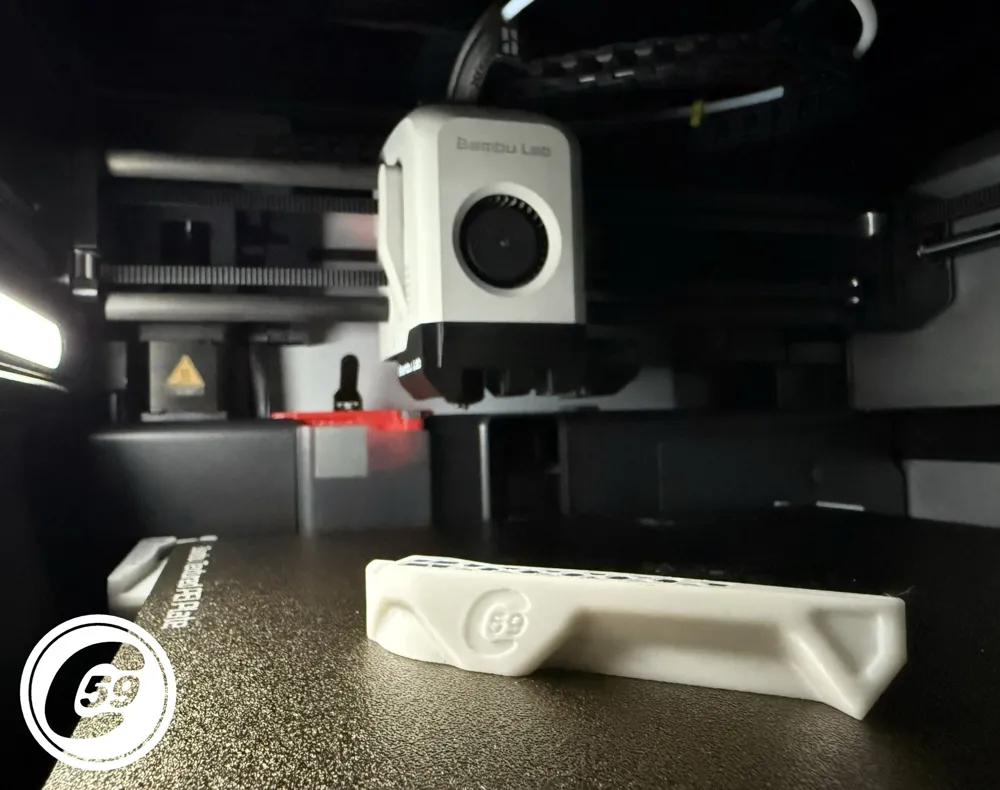
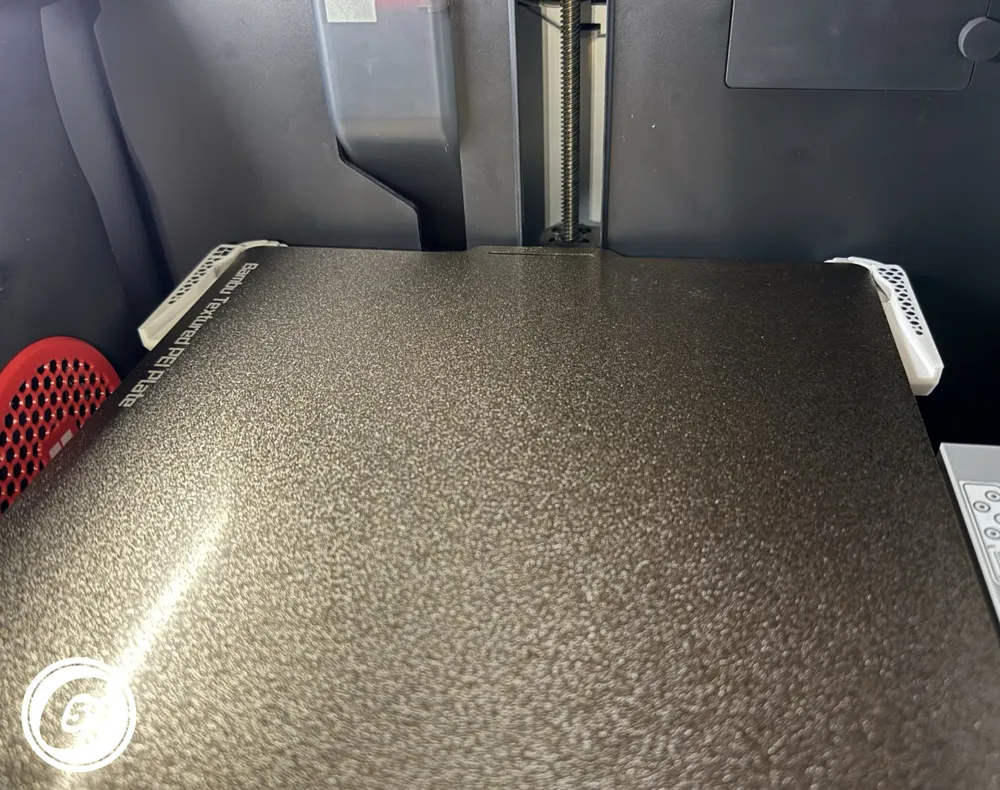
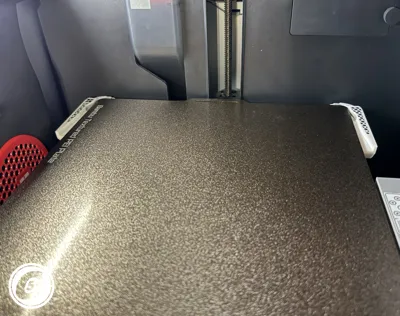
This part is designed to center the build plate while sliding it onto the bed. It’s taller than the original plate guide, helping ensure the plate aligns correctly with the bed.
✅ Compatible With
Printers: X/P Gen1 X1C, P1S, P1P
Installation Instructions
v1.0 Original (Right Profile coming soon for the Original no need to mirror anymore!)
- Position the XPAT:
Start by going underneath the bed to the back left corner.
Slide the groove with the C59© into the matching surface on the bed, inserting the back portion first, then clip in the front end. - Secure the XPAT:
Use your finger underneath the bed to help secure the clip in place.
Hold the bed securely while inserting the guide to avoid throwing off the bed leveling.
Take your time and don’t rush. It’s easier when you’re patient!
Airstrip v1.2 Single/ Dual Configuration (Left and Right)
If you've installed accessories on the bottom left or right of the printer while using the Dual Guide, make sure the guide clears those accessories.
- Position the XPAT:
Place the XPAT over the original guide.
Insert the underbed tab, aligning it with the U-shaped clip closer to you. - Secure the XPAT:
Gently lower the back (farther end) of the XPAT while slightly opening it to fit over the clip at the back of the bed.
Ensure the XPAT is securely clipped in place, as the clipping action helps it stay as straight as possible horizontally. Hold the bed securely while inserting the guide to avoid throwing off the bed leveling.
Take your time and don’t rush. It’s easier when you’re patient! - Installation Help:
A video tutorial for installing v1.2 is available on YouTube. You might find, like I did, that the right side is harder to install than the left. Though it’s just because I wasn’t used to it! You can check out the tutorial in the link below.
Note: If you print at full size (256x256) or place something near the top-left corner OR right of the build plate if using dual XPAT, there is a chance of nozzle interference with the guide. While I haven’t personally encountered this issue, a user brought it to my attention, so I wanted to let you know. Thank you!
Install Action HD Video:
v1.0 Original
v1.2 Airstrip
v1.0 Specifications (Estimated with PETG)
Material: PETG/ABS/ASA recommended
Logo: Colored Bambu logo
Printer Settings:
- Layer Height: 0.20 mm
- Infill: 100%
- Walls: 6
- Bottom Layers: 6
- Top Layers: 6
- Supports: Build plate only
Printing Details:
- Print Time: 33:25 (for colored version)
- Filament Usage: 0.36 oz
- Estimated Cost: ~$0.31 (based on a $26 PETG spool)
Boost Me (for free)
🚀 Boost Your Project! 🚀
If you love what I'm working on, hit the Boost button! Your support helps me continue to create, improve, and share even more exciting designs. Thank you for being part of this journey!
Enjoy your printing journey, and remember—keep your fingers away from the poop chute, she's angry!
"I’ll be sure to keep you updated with any future developments. If you come across any issues or need assistance, don’t hesitate to reach out—I’m here to help!"
You shall not share, sub-license, sell, rent, host, transfer, or distribute in any way the digital or 3D printed versions of this object, nor any other derivative work of this object in its digital or physical format (including - but not limited to - remixes of this object, and hosting on other digital platforms). The objects may not be used without permission in any way whatsoever in which you charge money, or collect fees.
Current ver.1.2_05/11/2026
© 2026 C59 Design Lab. All rights reserved.
License

You shall not share, sub-license, sell, rent, host, transfer, or distribute in any way the digital or 3D printed versions of this object, nor any other derivative work of this object in its digital or physical format (including - but not limited to - remixes of this object, and hosting on other digital platforms). The objects may not be used without permission in any way whatsoever in which you charge money, or collect fees.


Comment & Rating (1322)