
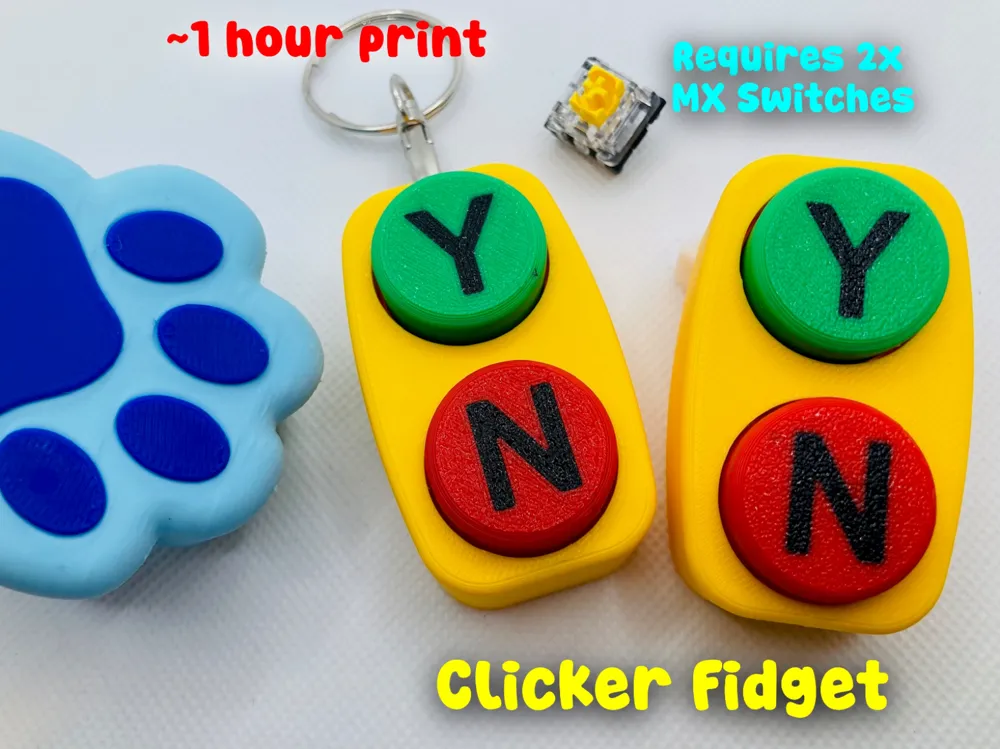
Bluey Yes No Clicker Button Fidget (~1 hour print)
Print Profile(5)




Description
Thank you for your support! If you like our family's designs - you can sell the physical prints through a paid Patreon membership:
https://www.patreon.com/c/SpacedOutStudio
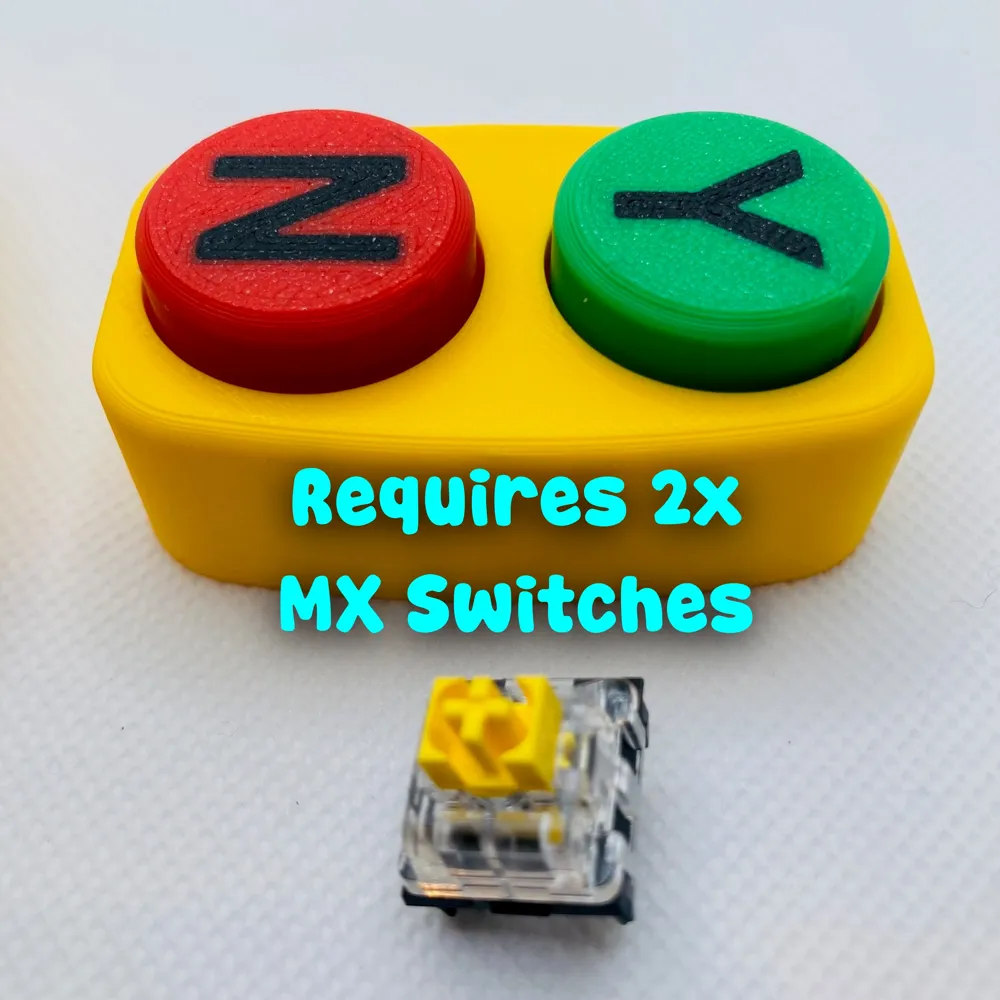
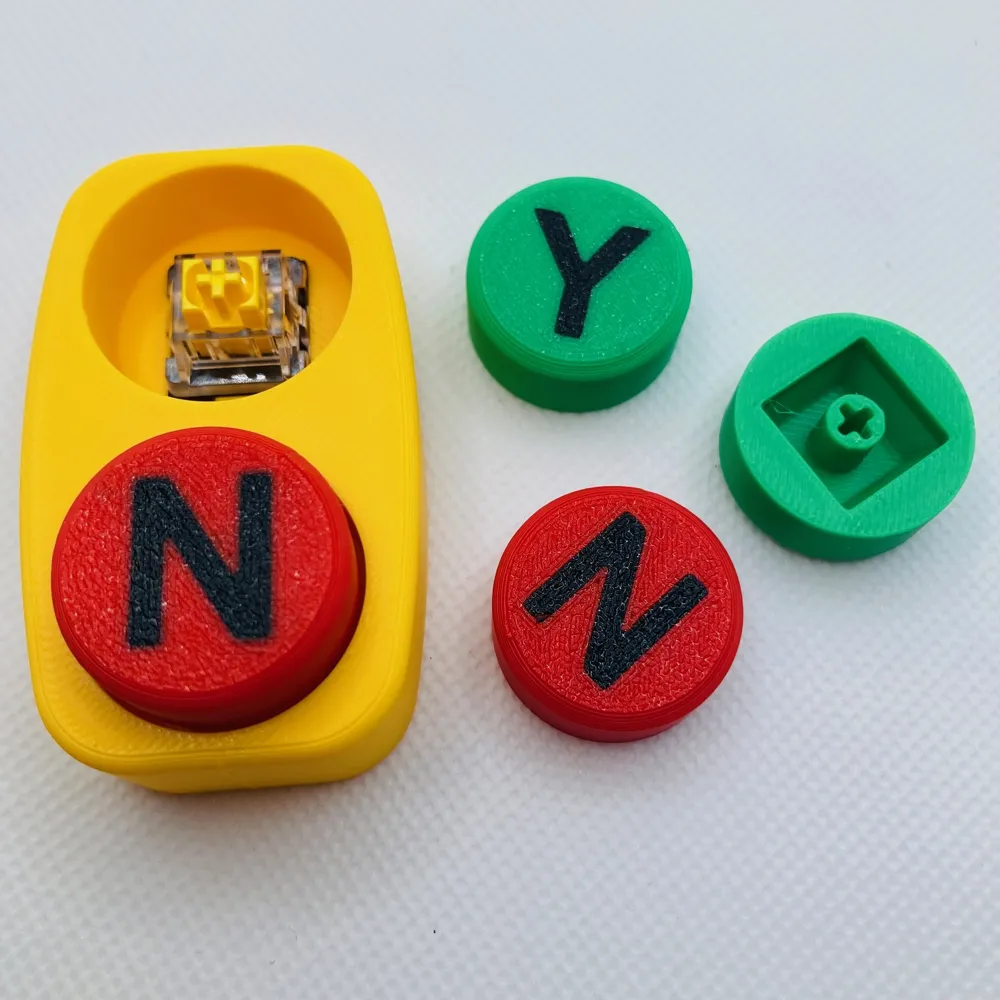
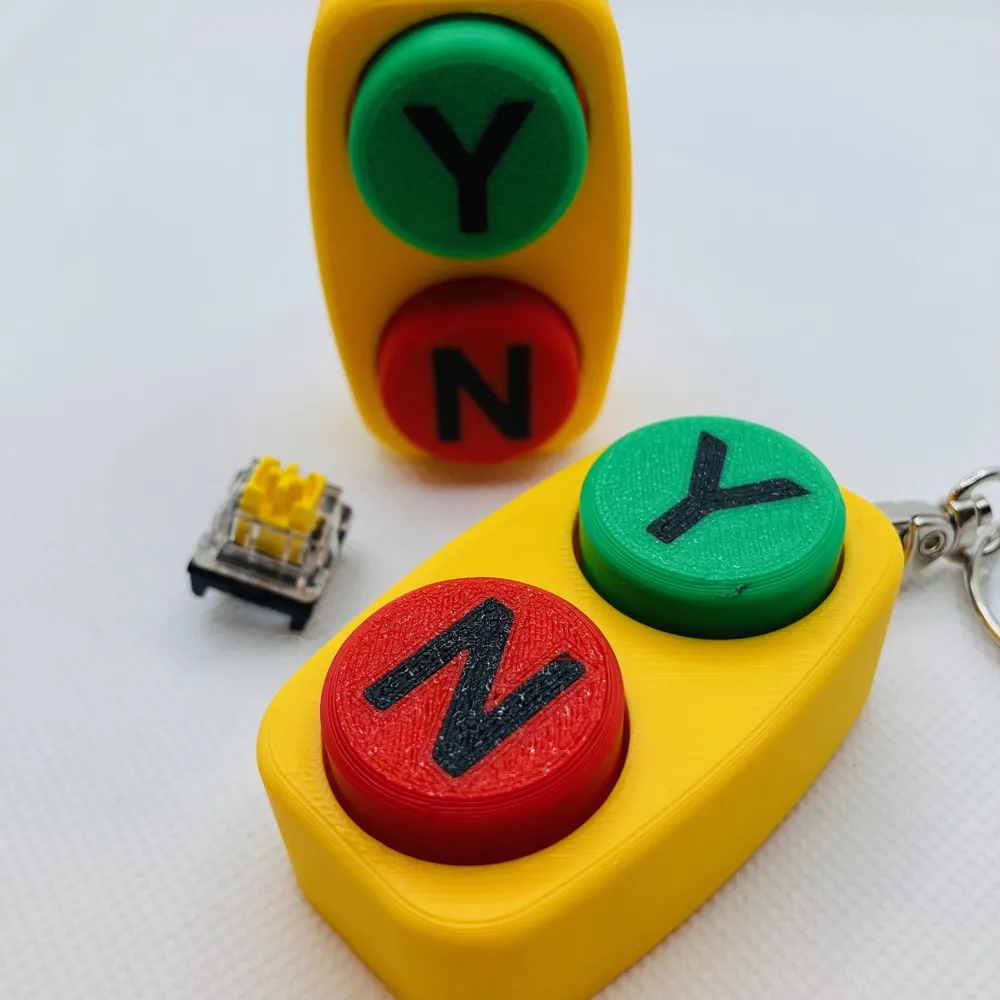
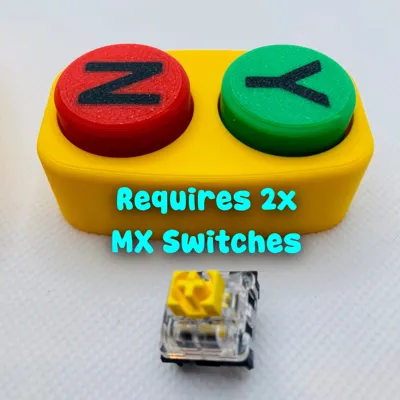
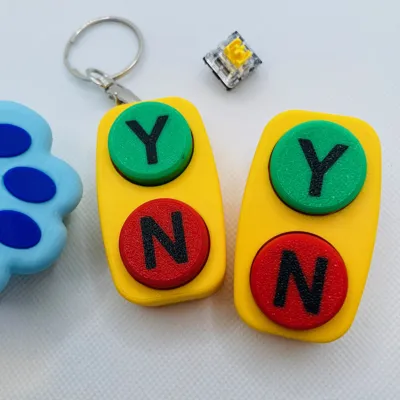
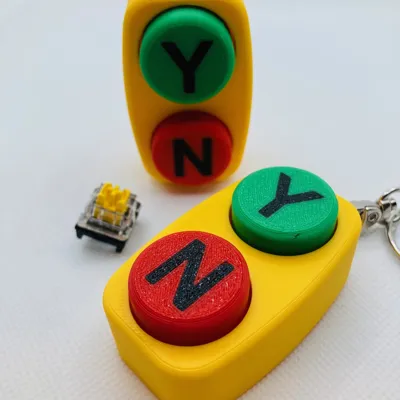
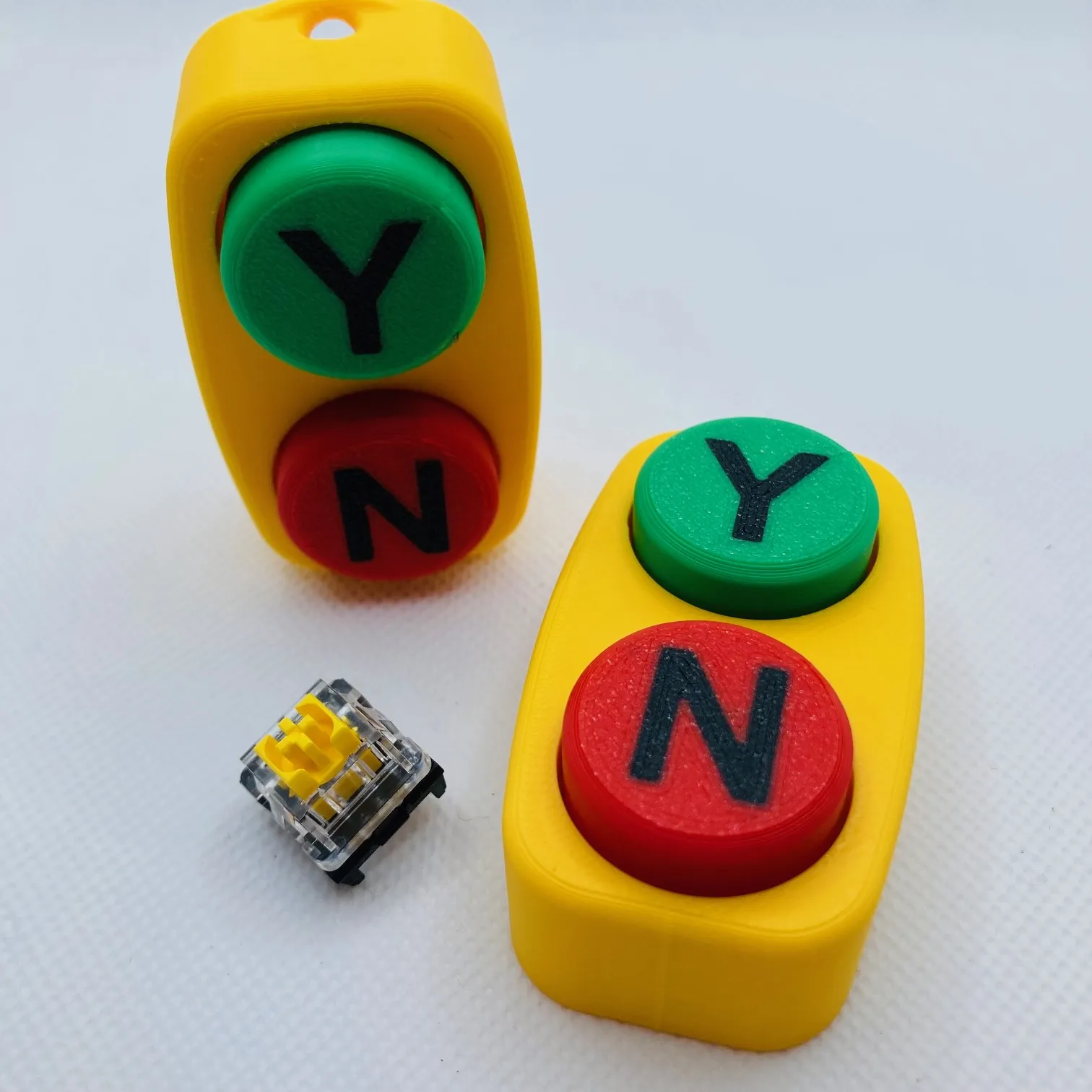
REQUIRES 3x (Three) MX cherry keyboard switches
Bluey “Yes / No” Clicker Button – Dance Mode Approved
“Dance Mode!” And now… you’re in charge of the Yes and No.


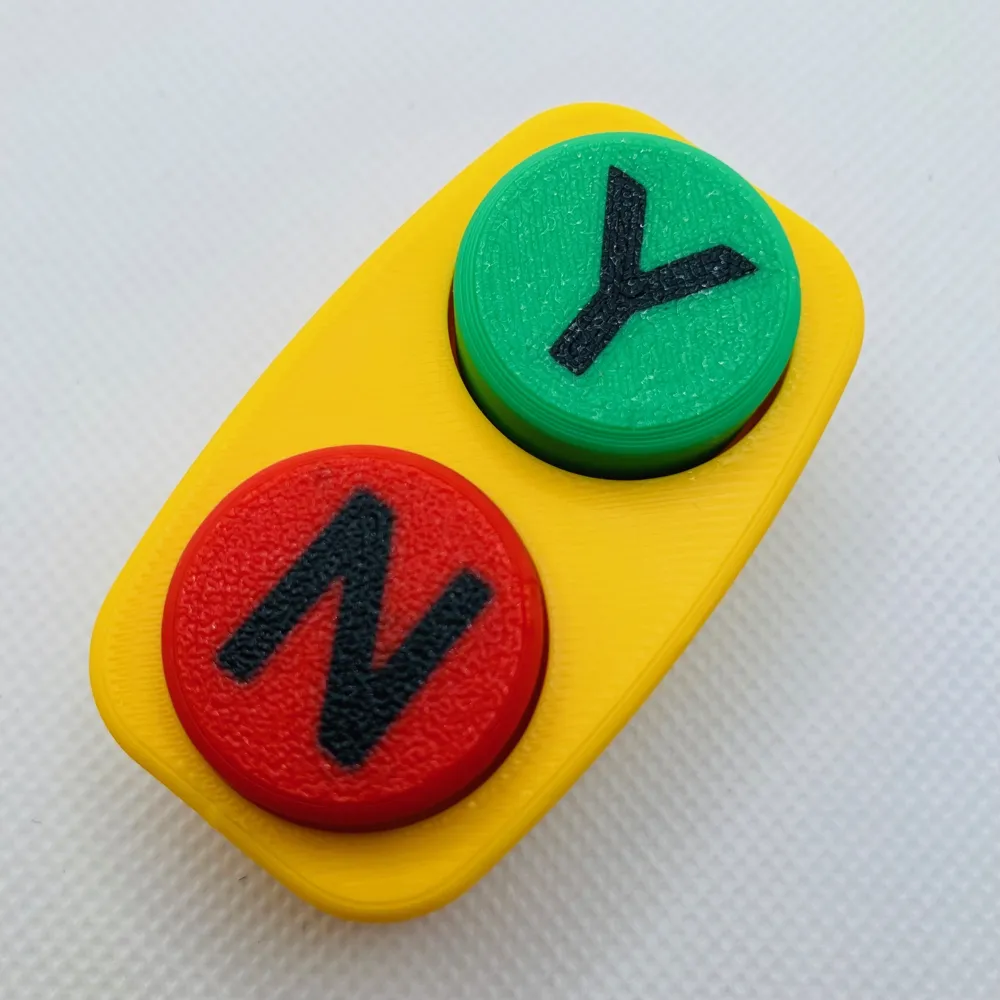
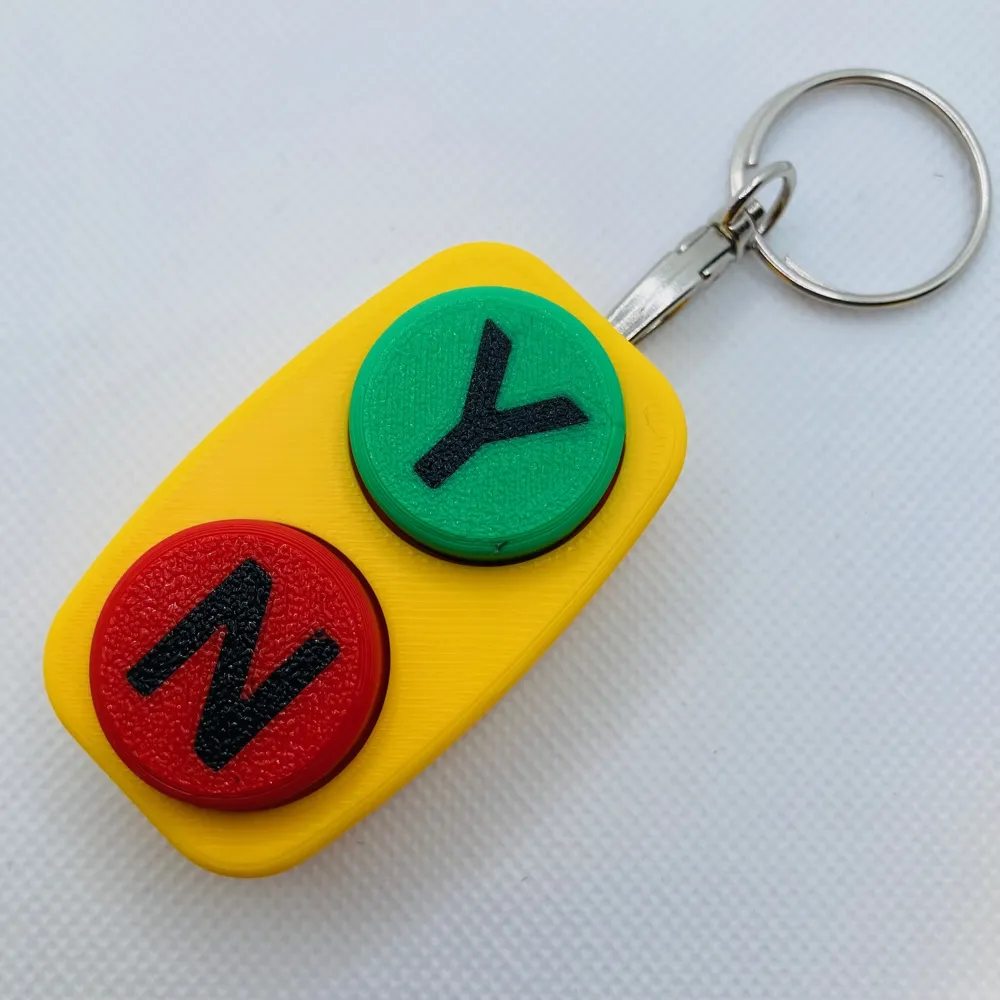
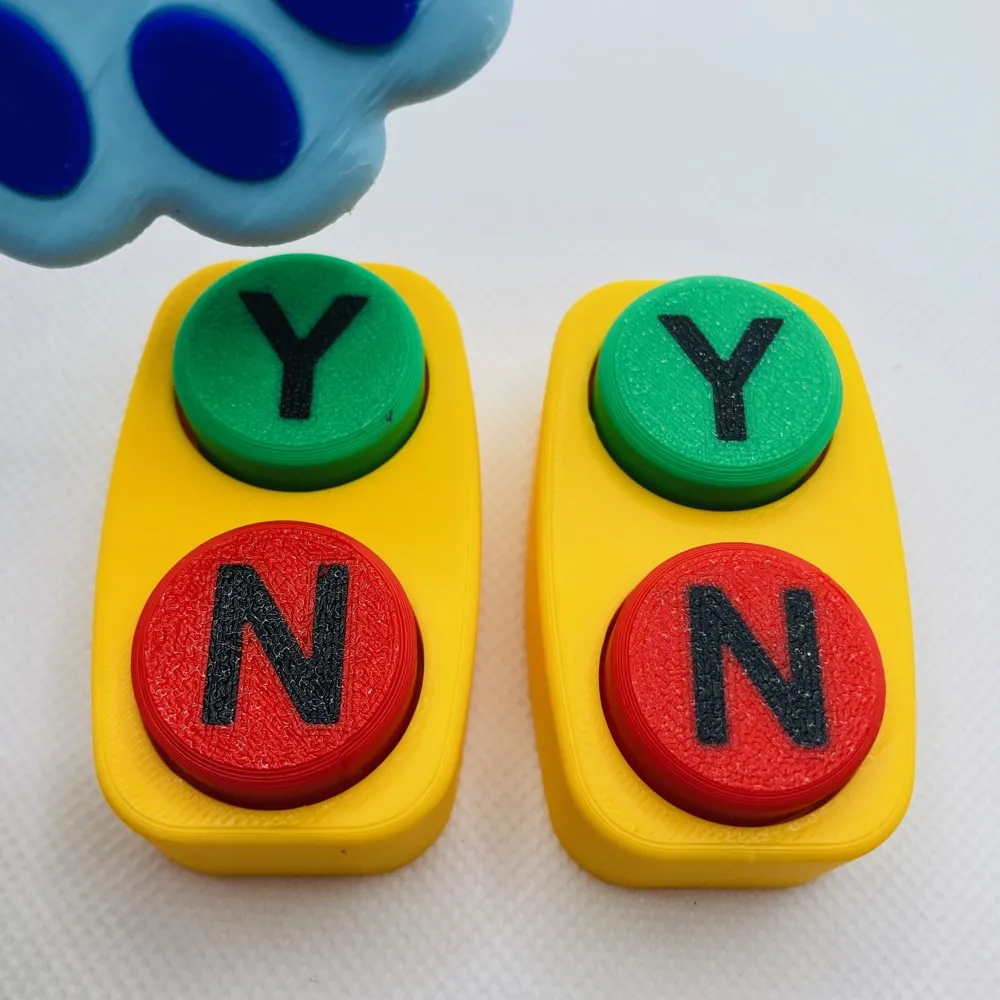
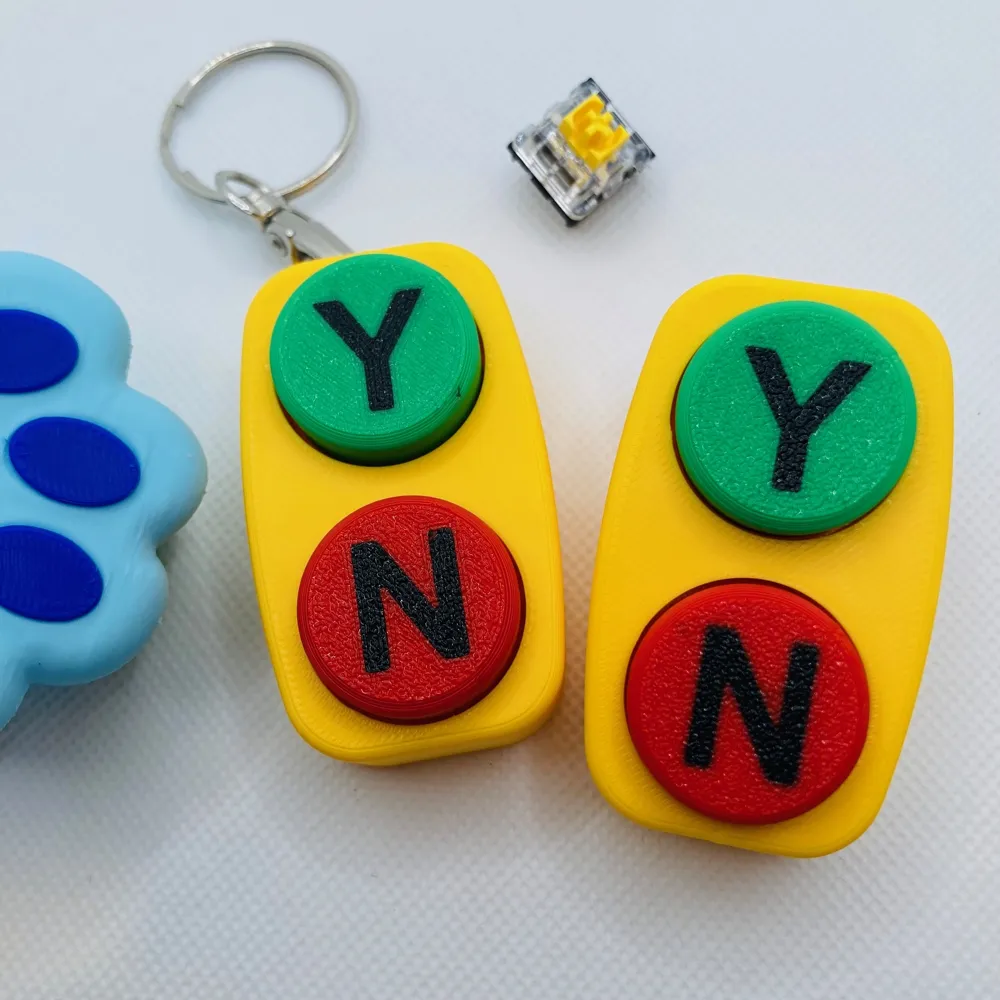
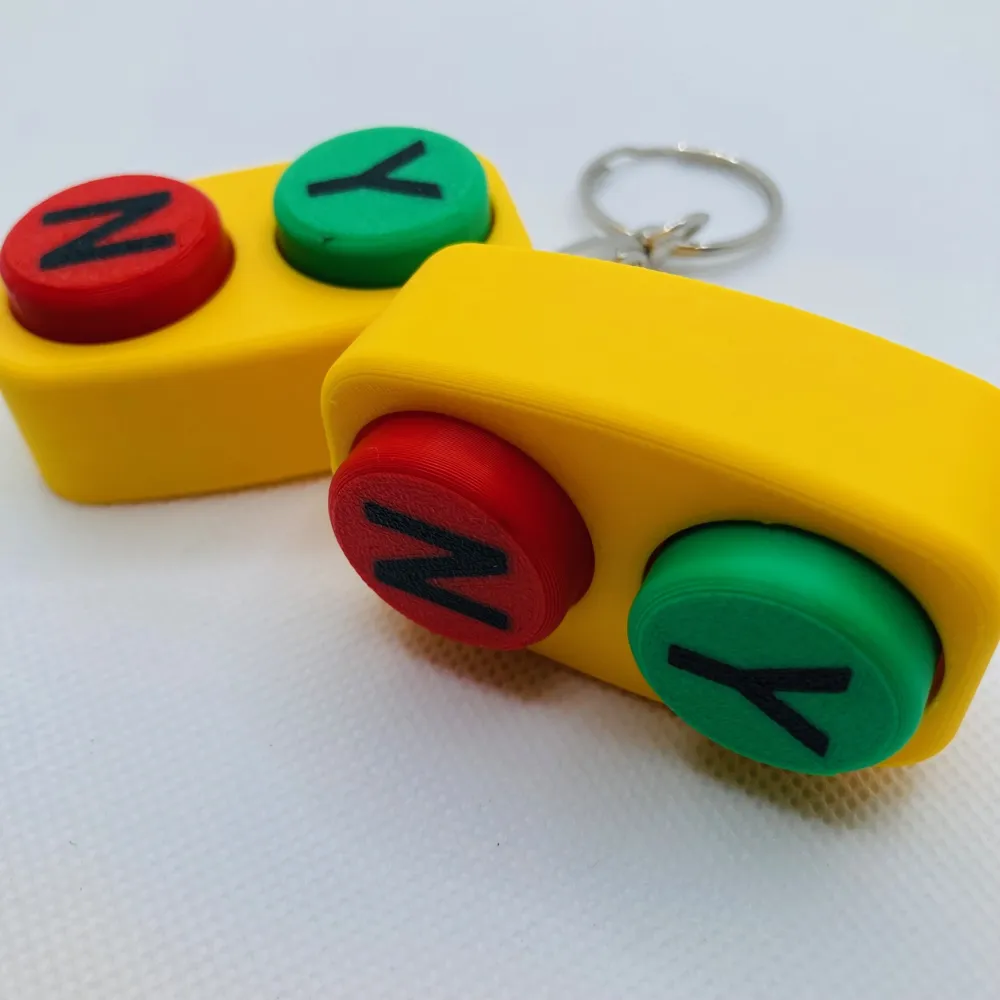
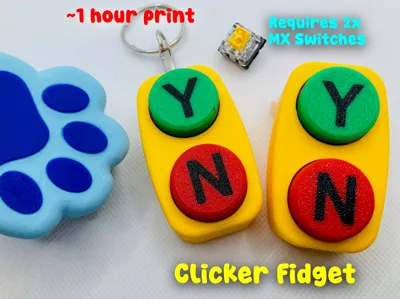
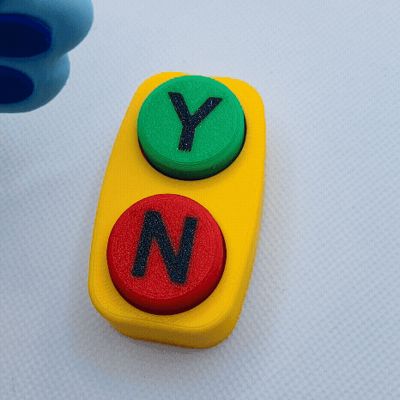
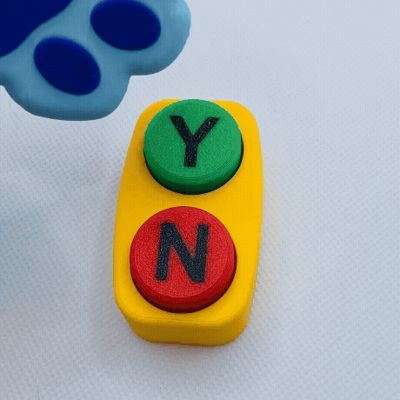
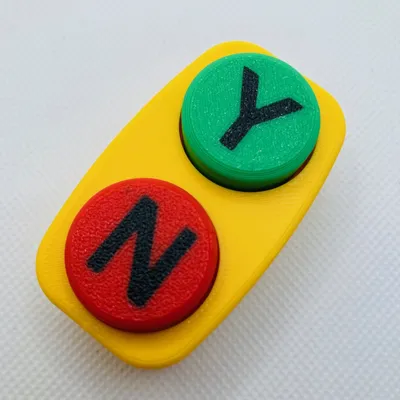
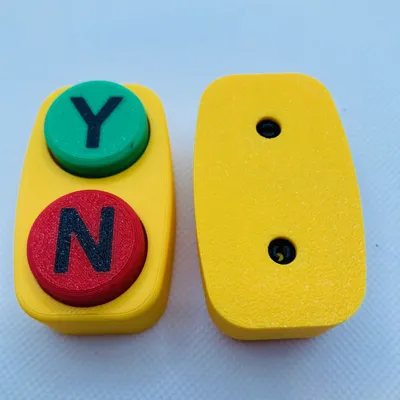
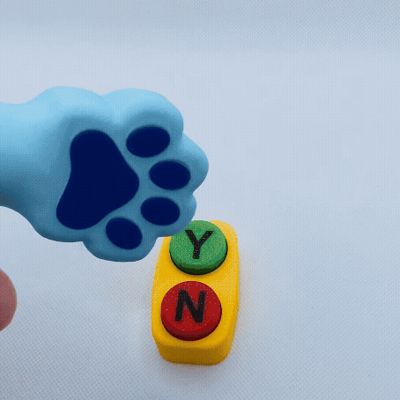
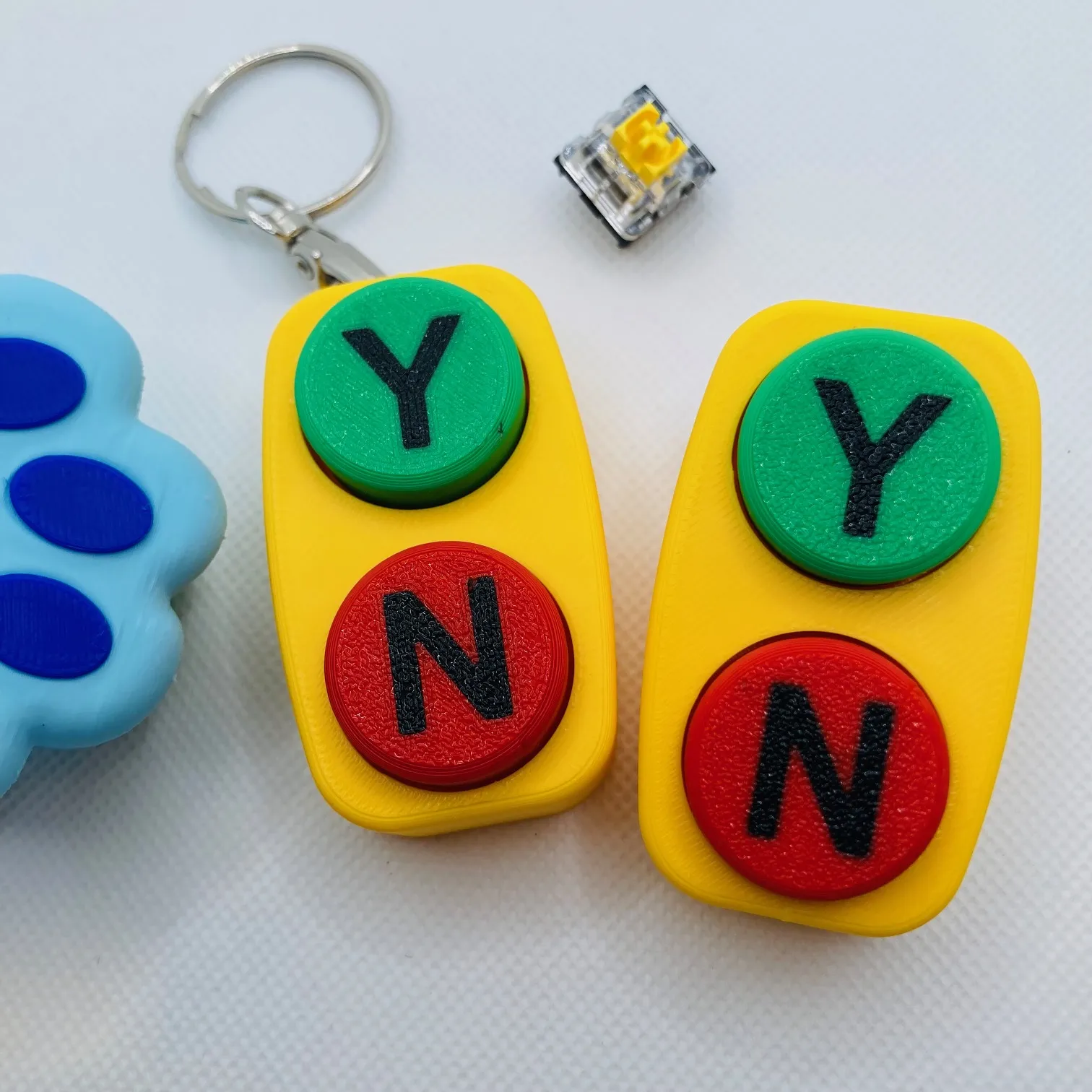
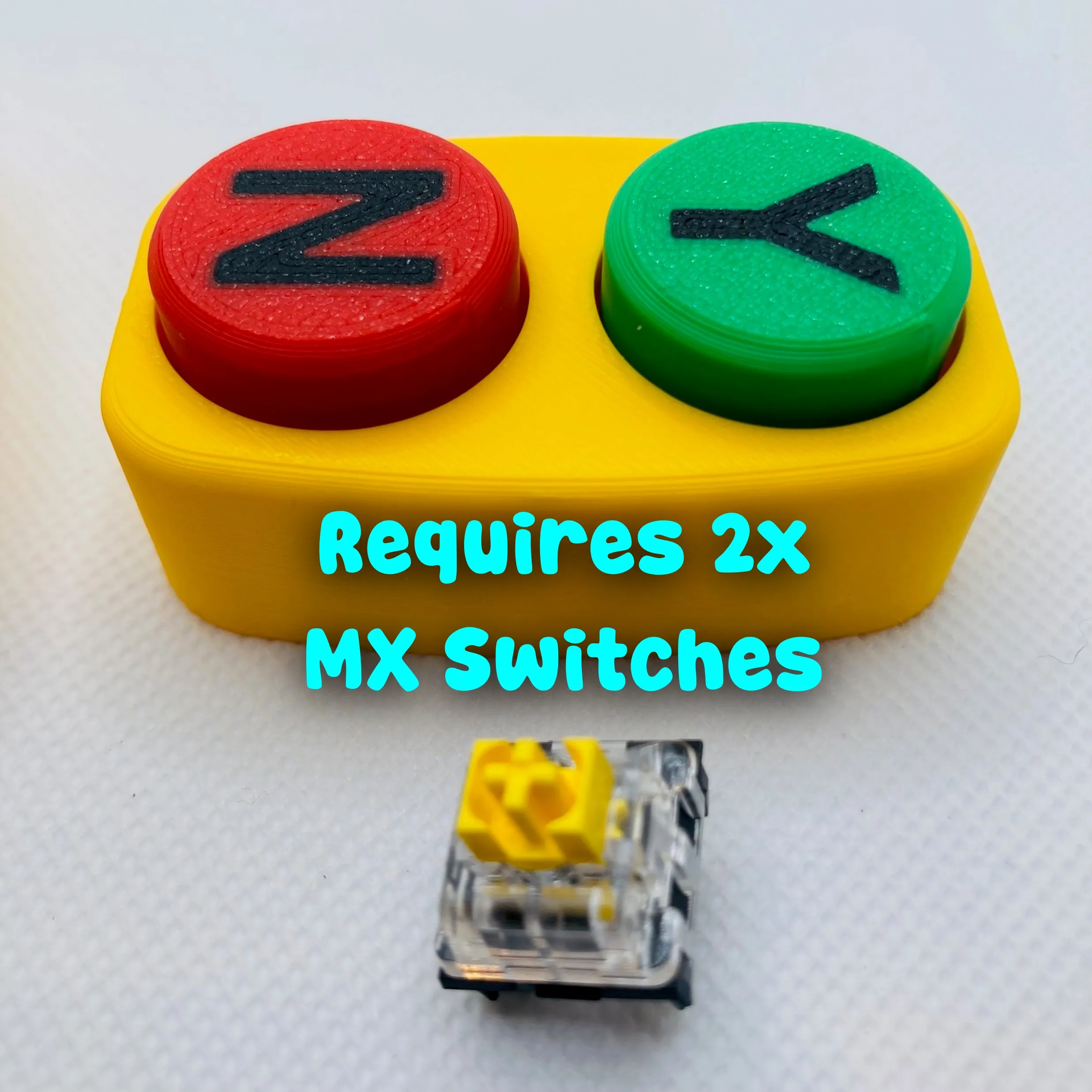
This palm-sized Bluey-inspired Yes No clicker button clicker fidget is based on the iconic buttons from Bluey & Bingo’s Dance Mode episode. One press and you’re the ultimate decision-maker. Will Dad have to dance in public? YES. Is he getting out of it? NO. Each unit uses 2x MX Cherry mechanical switches for that crisp, satisfying click-clack. It’s tactile, responsive, and dangerously fun to spam during family debates.

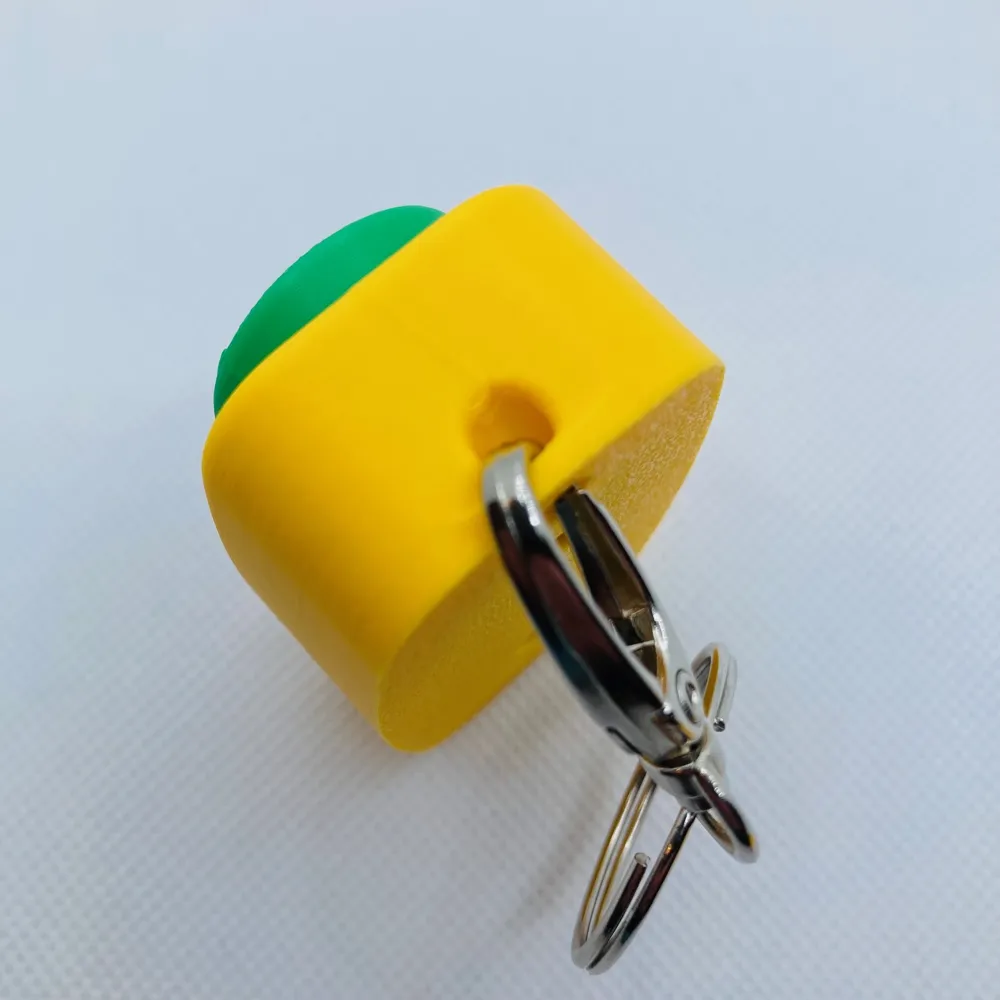
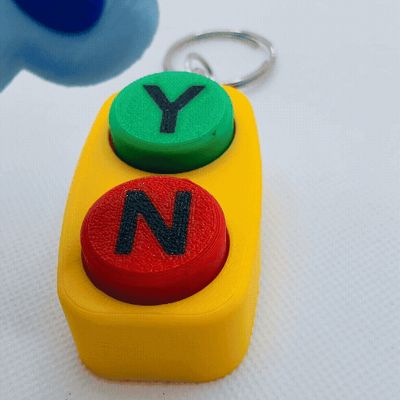
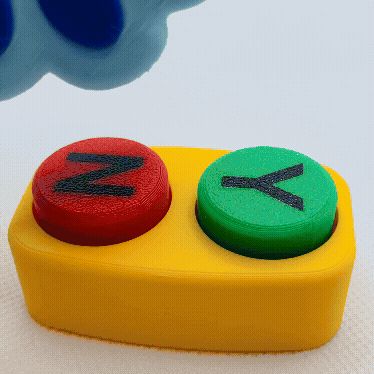
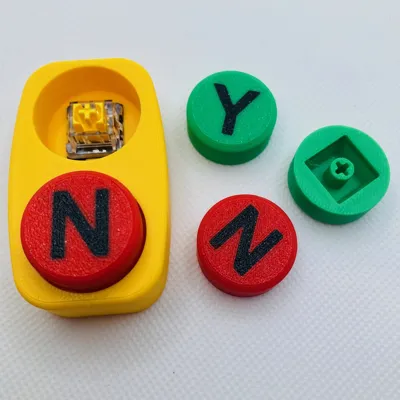
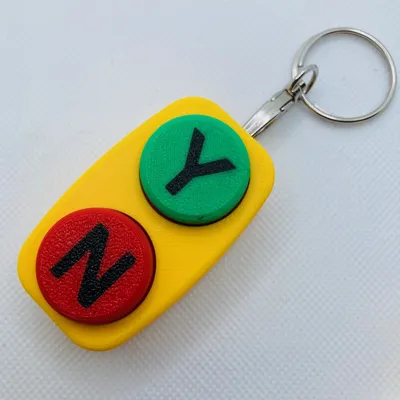
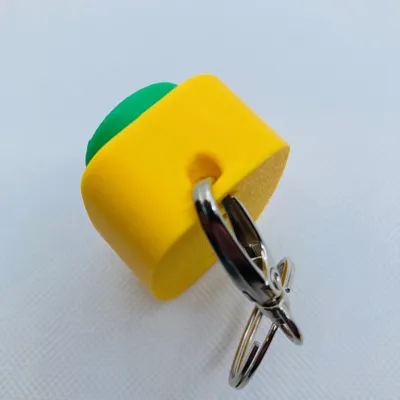
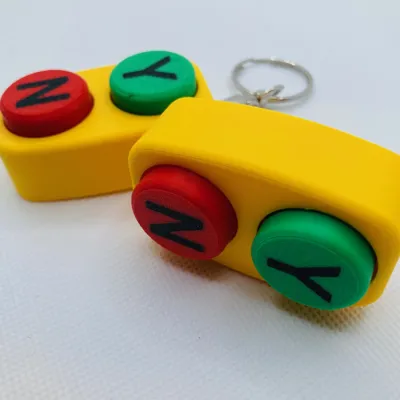
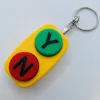
This design is inspired by the Dance Mode episode, uses two MX Cherry mechanical switches for an authentic mechanical click, and prints in four colors. It can be printed by object or by plate, fits comfortably in the palm of your hand, and comes in both a plain handheld version and a keychain version so you can bring the power of YES and NO wherever you go.


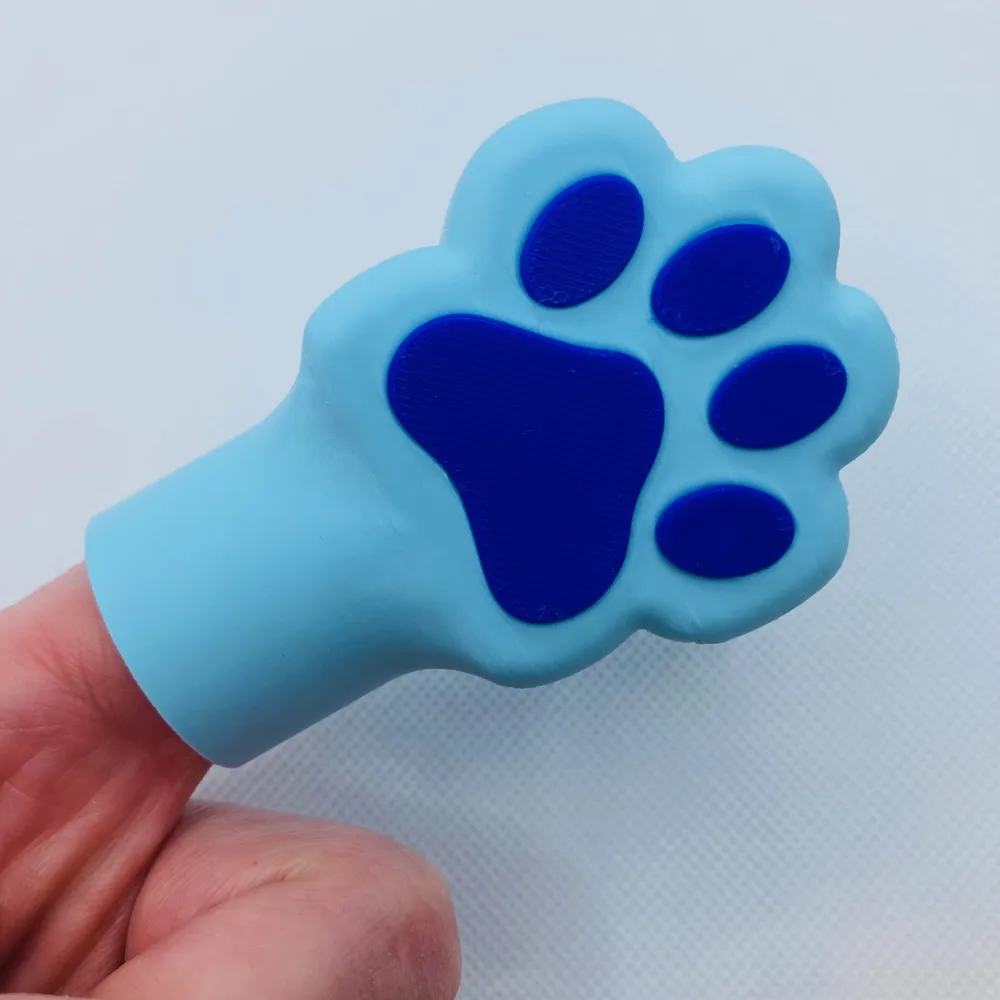
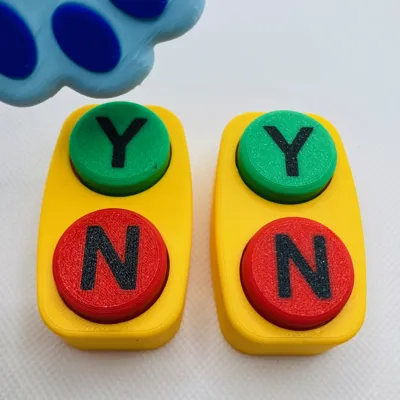
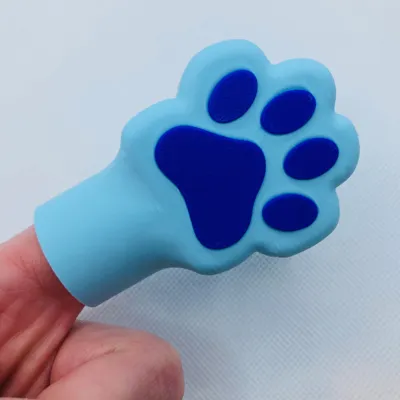
BONUS: I included the Bluey hand as a print profile from a request. This was really just a prop for the images. It fits on your finger and does not need AMS.
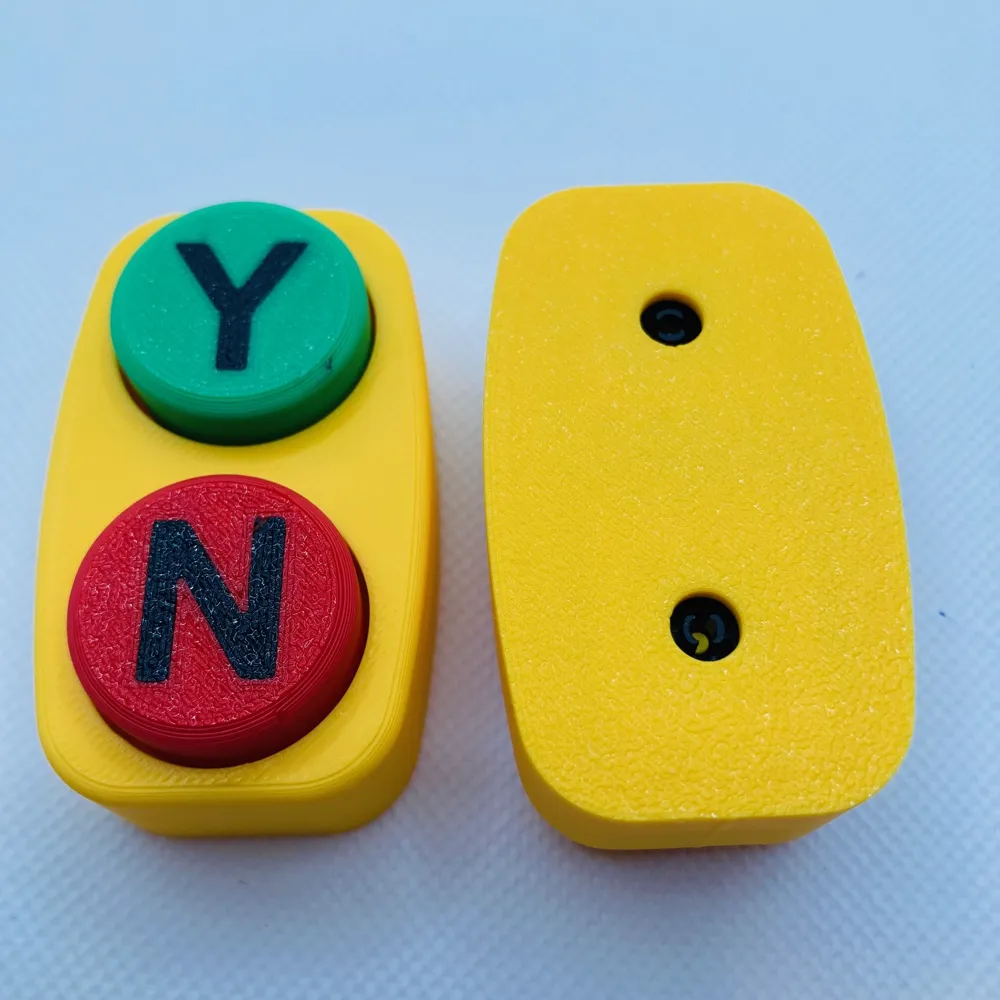
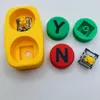
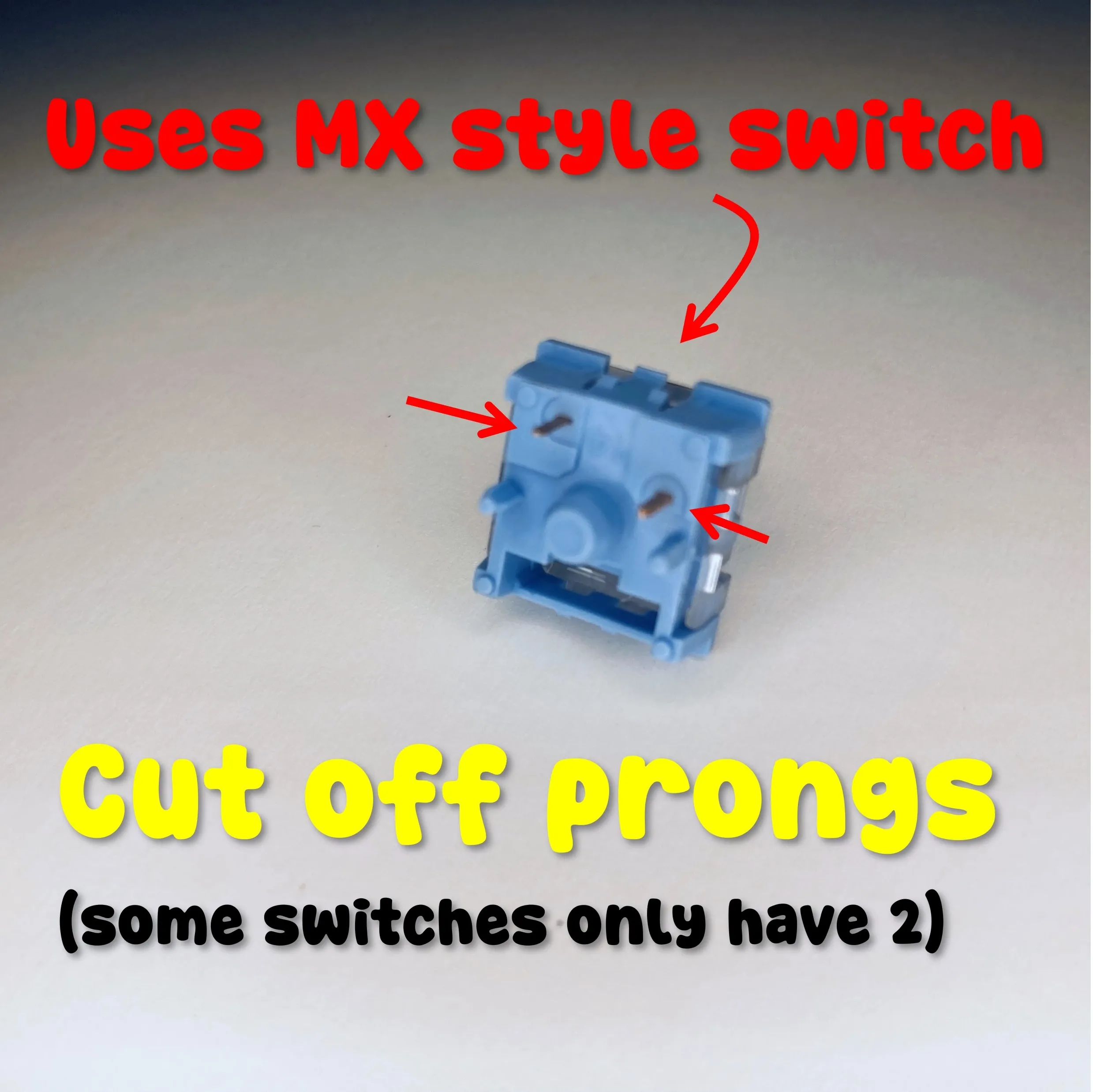
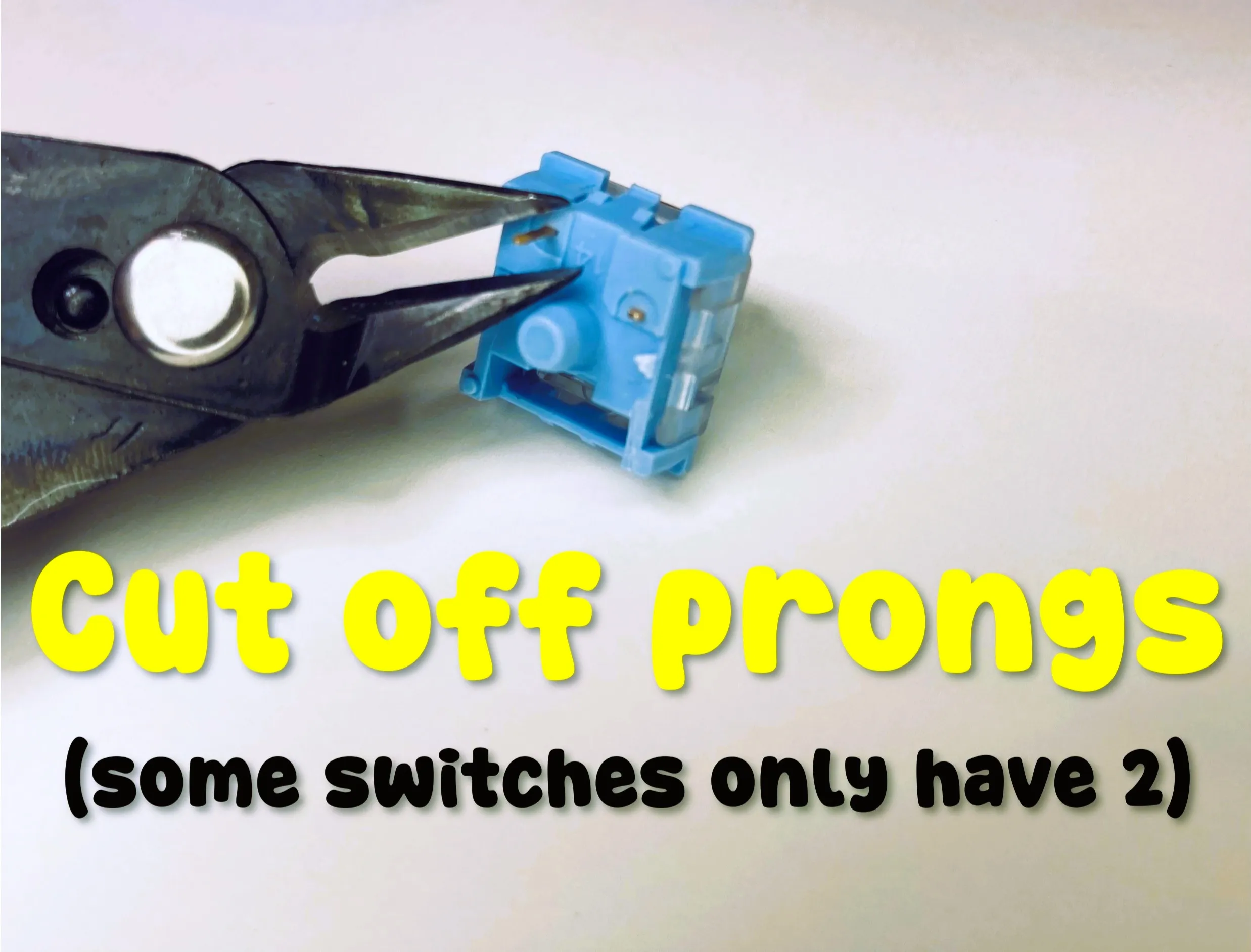
Installation: Remove the pins from the MX switches (See instructions below). Install the Yes and No Buttons onto the switches and then push the Buttons and switches into the base. Enjoy!
Instructions:
Boost Me (for free)
Our family designs and prints together and we would be honored if we can earn your boost!
License

You shall not share, sub-license, sell, rent, host, transfer, or distribute in any way the digital or 3D printed versions of this object, nor any other derivative work of this object in its digital or physical format (including - but not limited to - remixes of this object, and hosting on other digital platforms). The objects may not be used without permission in any way whatsoever in which you charge money, or collect fees.


Comment & Rating (45)