
Light Up Provo City Center Temple
Print Profile(1)
Bill of Materials


Description
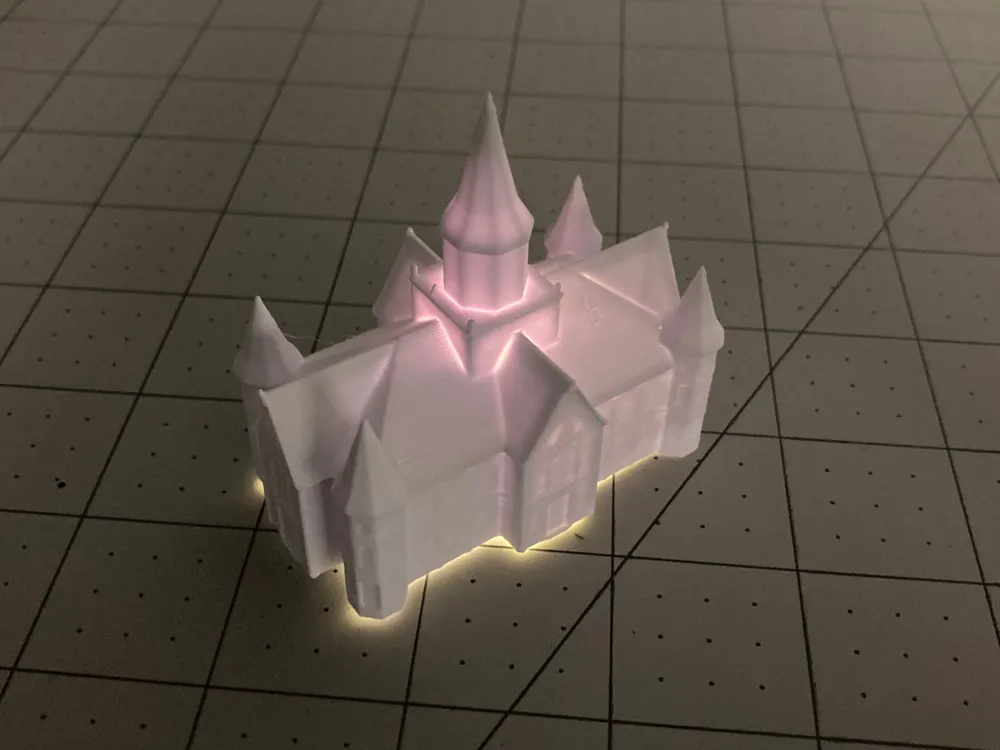
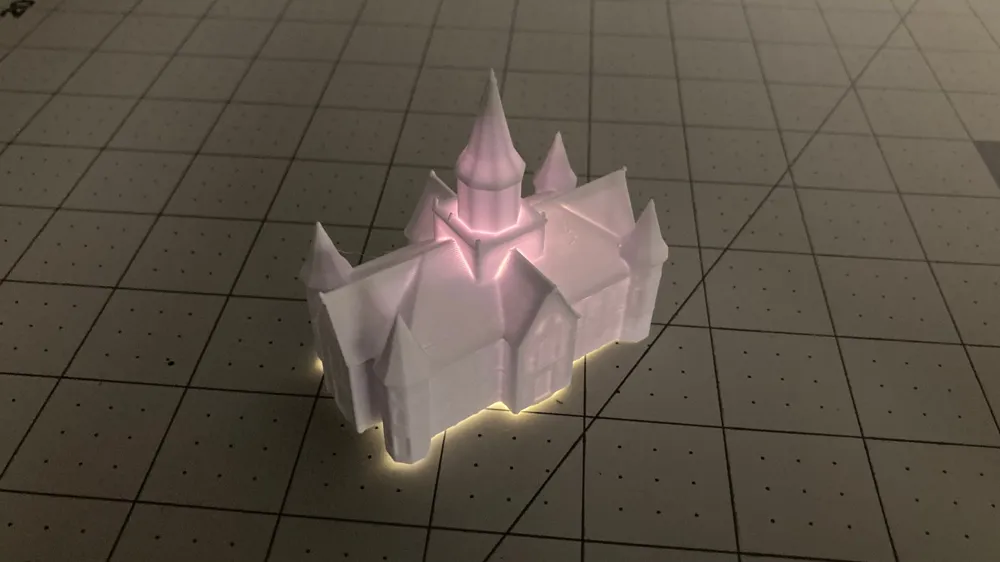
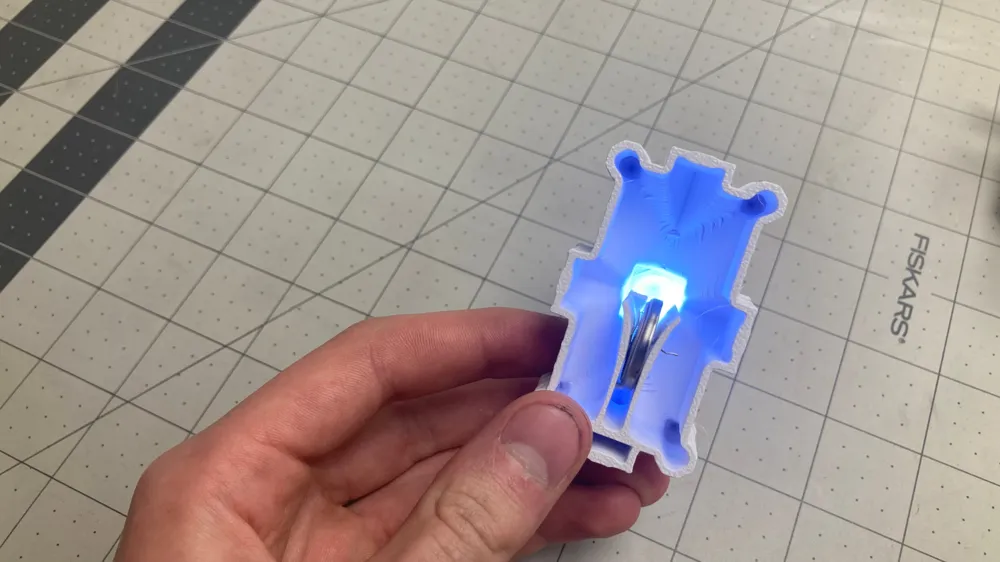
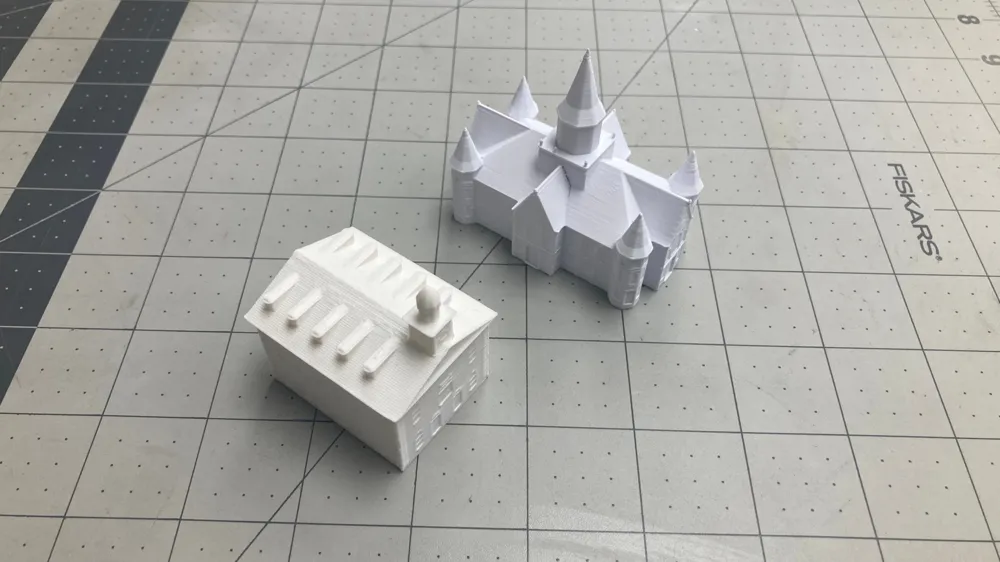
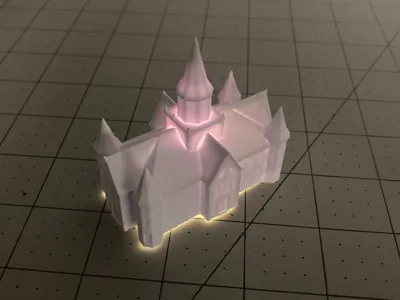
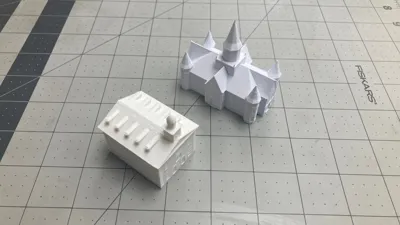
This is a modified model of the Provo City Center Temple by hlyman that I made for the BYU McKay School of Education Toolbox maker space. It is designed to light up using a small 3mm LED and coin cell battery.
Credit to hlyman for the original model of the Provo City Center Temple that I modified to make this model. You can find that model here: https://www.thingiverse.com/thing:3585875
I also included the Blender file I used to design it, as well as hollowed versions of the temple in case you would like to modify it for yourself.
Light up Temple Assembly Guide
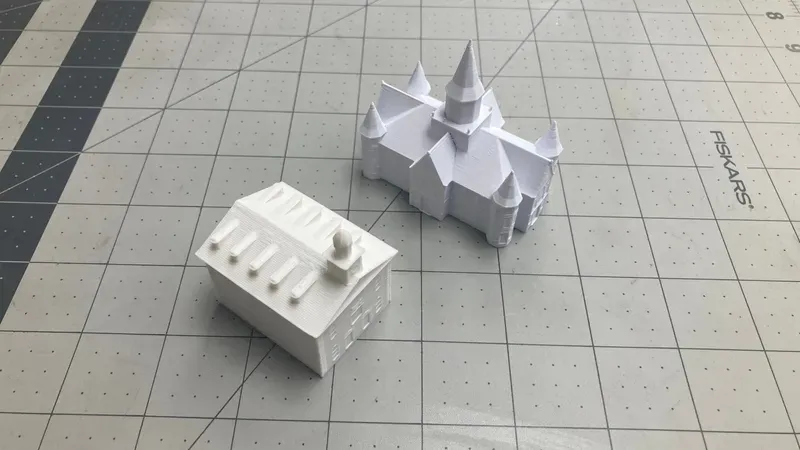
Materials
- 3D printed temple
- coin cell battery
- 3mm white LED
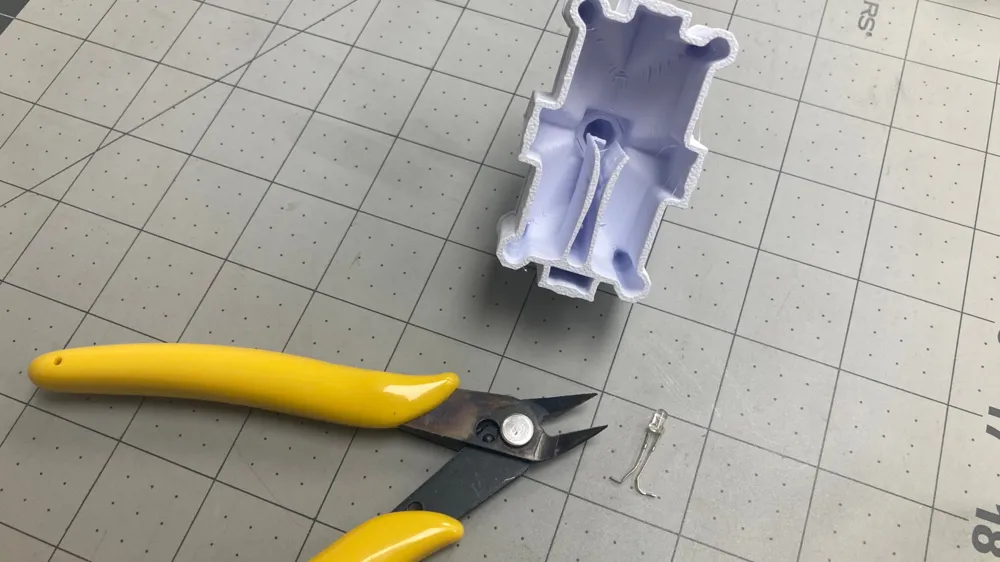
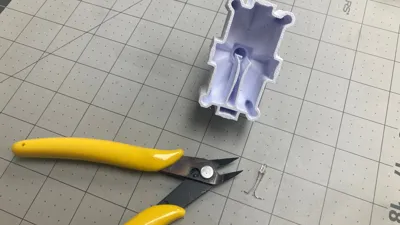
- Pliers or something to bend the LED legs
Assembly Instructions
1: Print the Temple
Choose any of the designs available for a light up temple, and print it.
2: Insert the LED
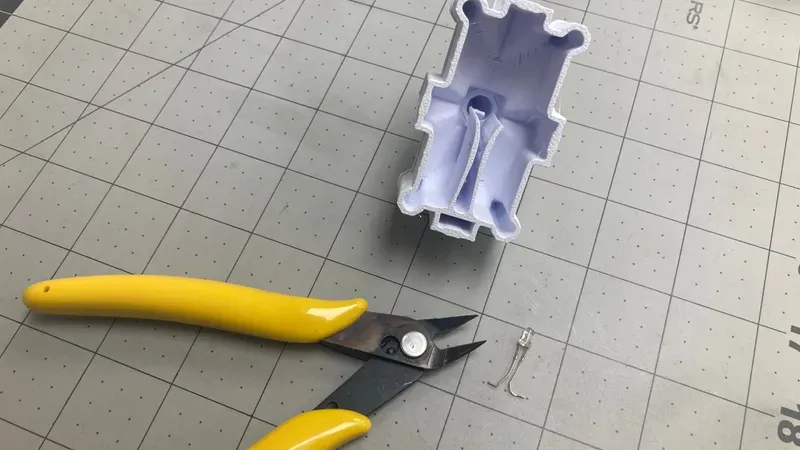
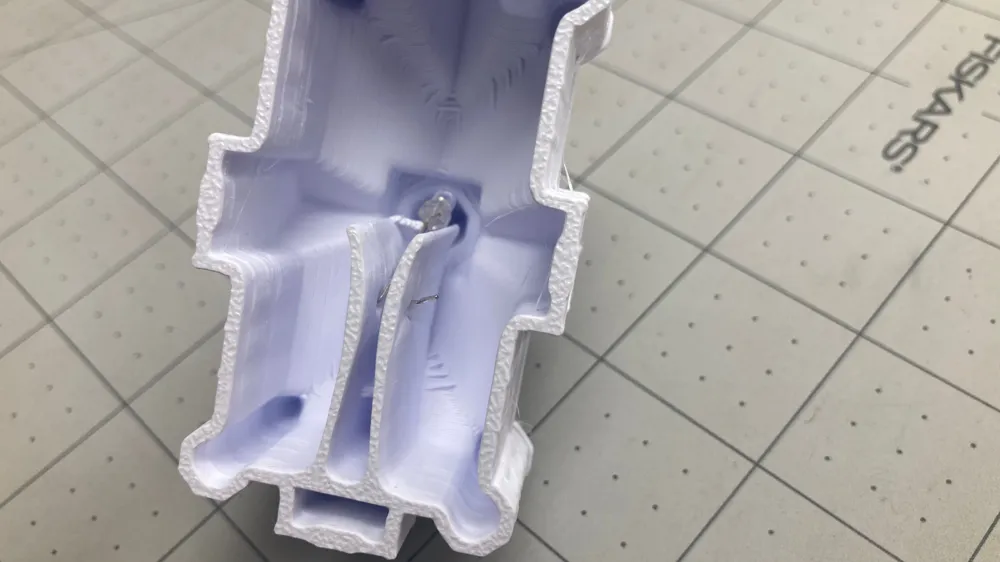
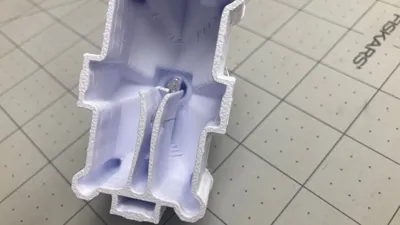
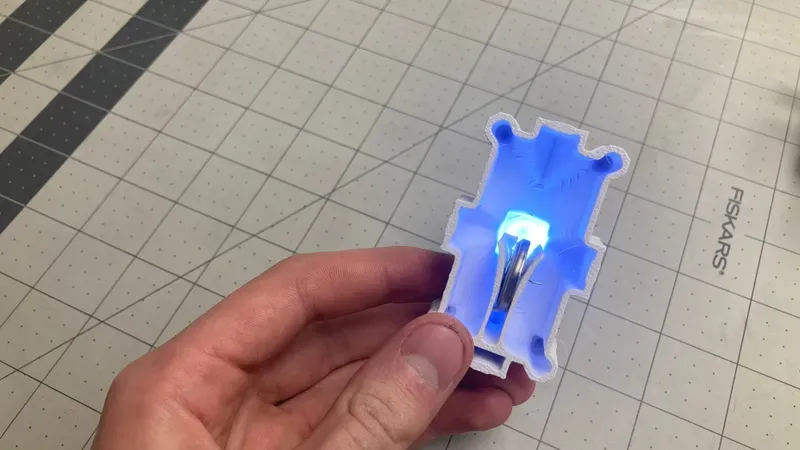
All of the temple models should have a clip to hold the LED and battery. On the sides of the clip, there is holes to feed the legs of the LED through. Use pliers or something similar to bend the legs of the LED into an L shape like shown above. Then, push the legs through the holes in the clip. Once they are through, try to bend the legs into a U shape like shown below.
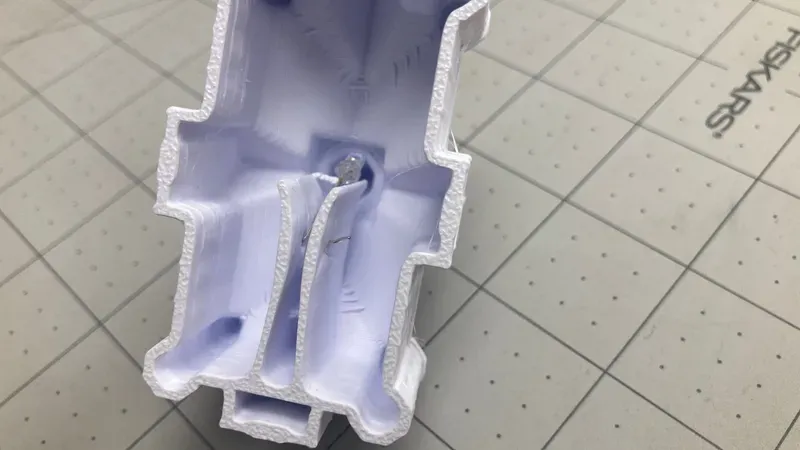
3: Insert the battery
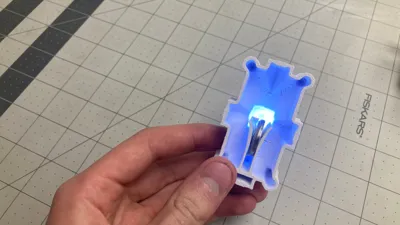
There is no power switch for the light. To turn on the temple light, insert the battery into the clip as shown below
This remix is based on

License



Comment & Rating (0)