Search models, users, collections, and posts

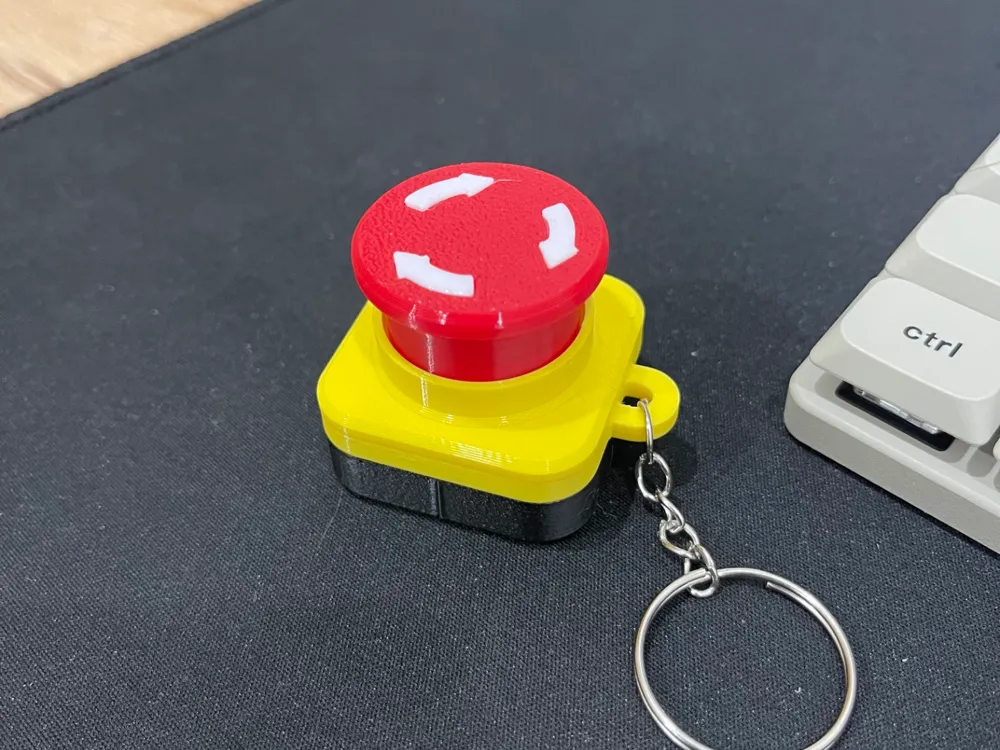
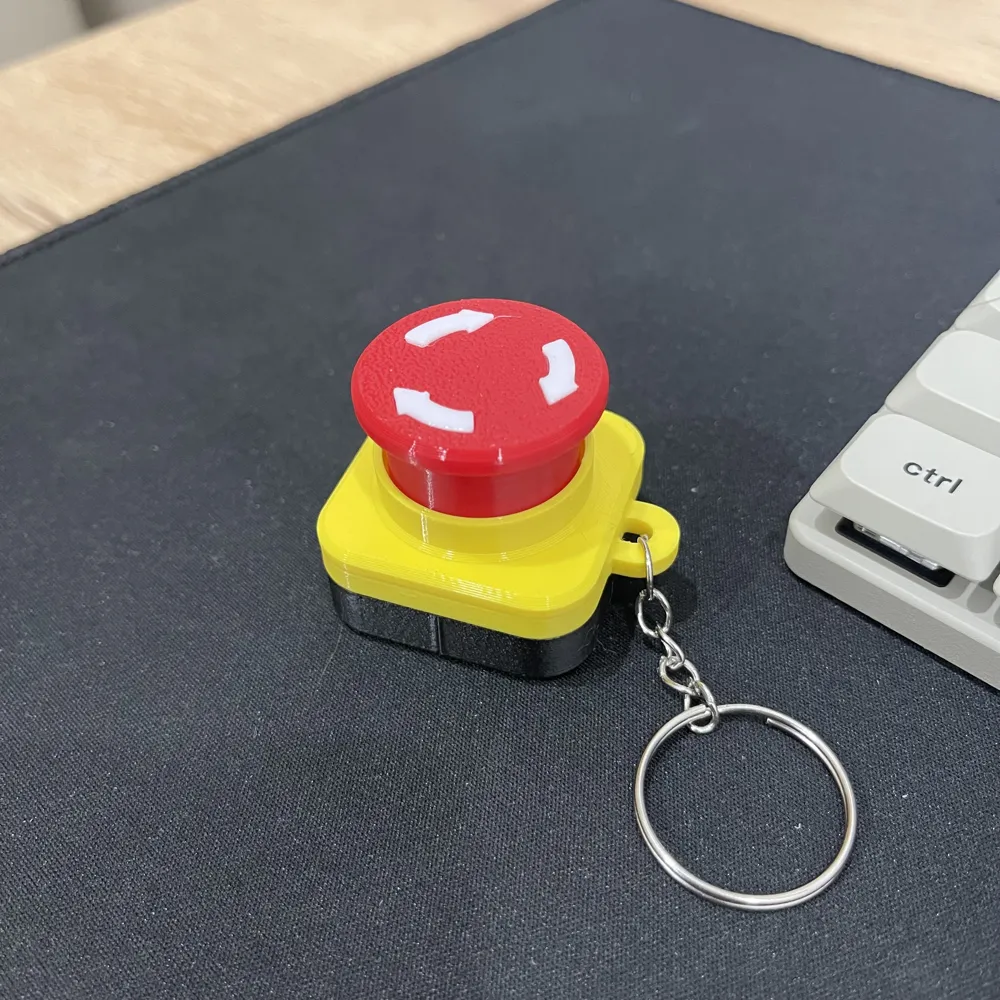
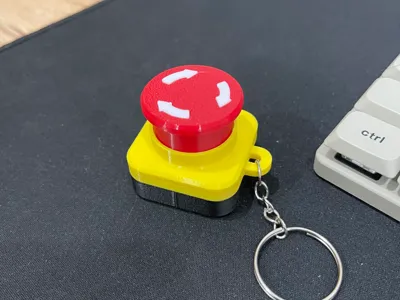
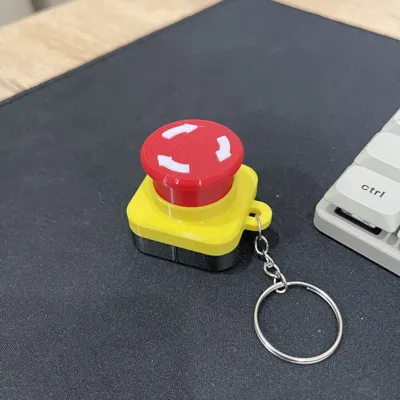
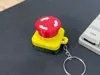
Clicky Switch Emergency Pusher
IP Report
GIF
Print Profile(1)
0.2mm layer, 2 walls, 15% infill
Designer
1.4 h
4 plates
Open in Bambu Studio
Boost
31
100
0
1
72
30
Released
Description

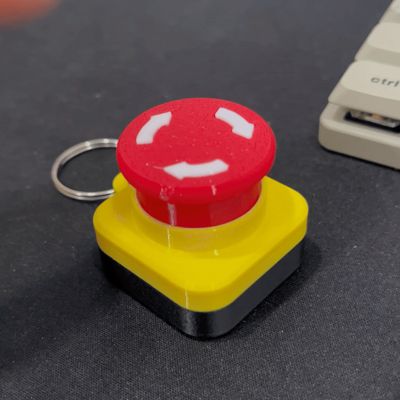
Satisfying Mechanical Emergency Button Fidget
This is a 4-plate, multi-color fidget toy designed to look like an industrial emergency stop button. It uses a standard mechanical keyboard switch for that perfect tactile click!
Hardware Required:
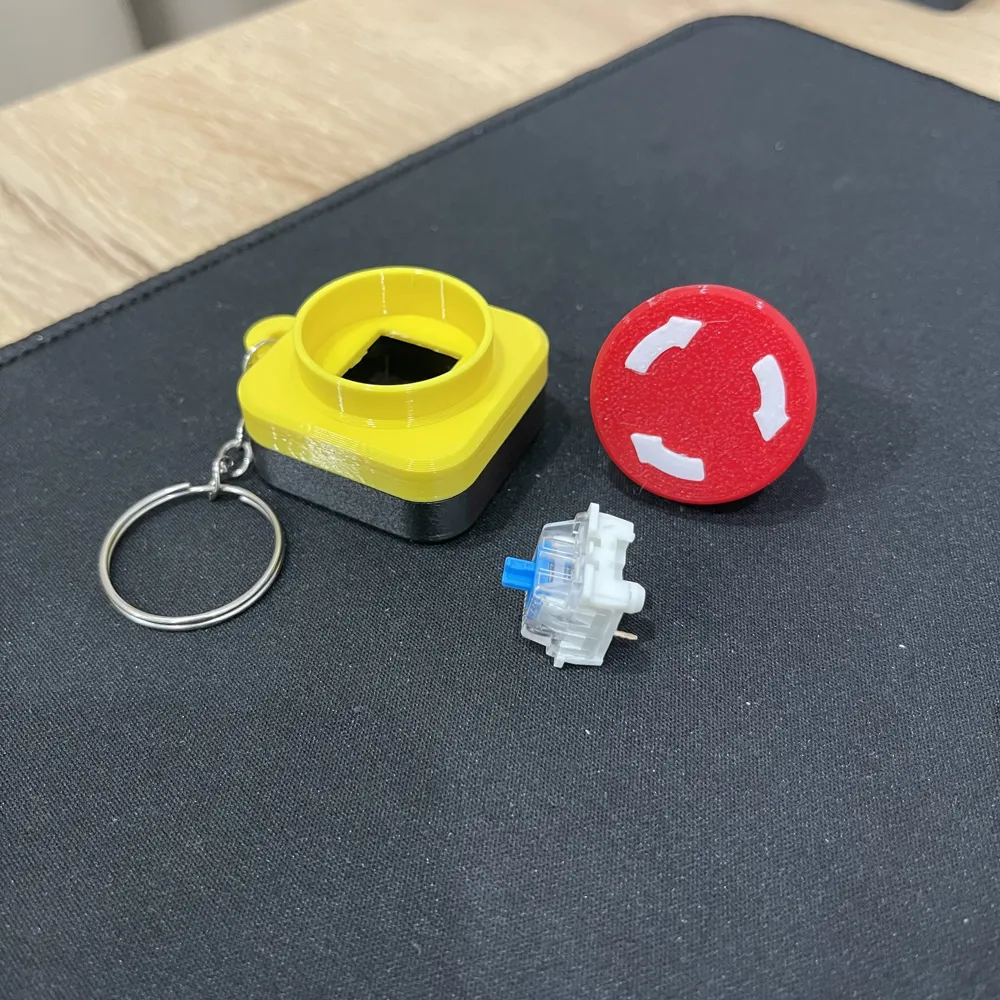
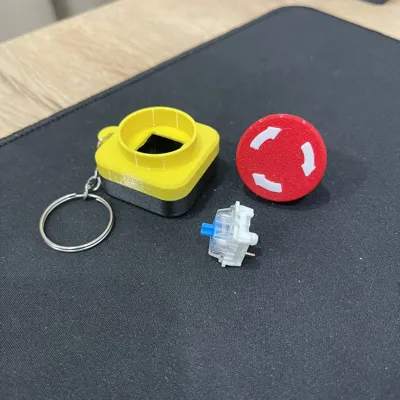
- 1x Mechanical Keyboard Switch (Blue switch recommended for maximum clickiness!)
Assembly:
- Body Assembly: Align the Yellow Upper Body with the Black Base and press them together until they lock (Snap-fit).
- Switch Installation: Snap your mechanical switch into the hole on the Yellow Upper Body.
- The Arrow: Use a small drop of super glue to attach the White Arrow into the recessed slot on the Red Button Cap.
- Final Step: Push the assembled Red Button Cap onto the switch stem.
Print Settings:
- Organized into 4 plates by color.
- Need supports for yellow parts.
License

This user content is licensed under a
Creative Commons Attribution-Noncommercial


Comment & Rating (0)