Search models, users, collections, and posts

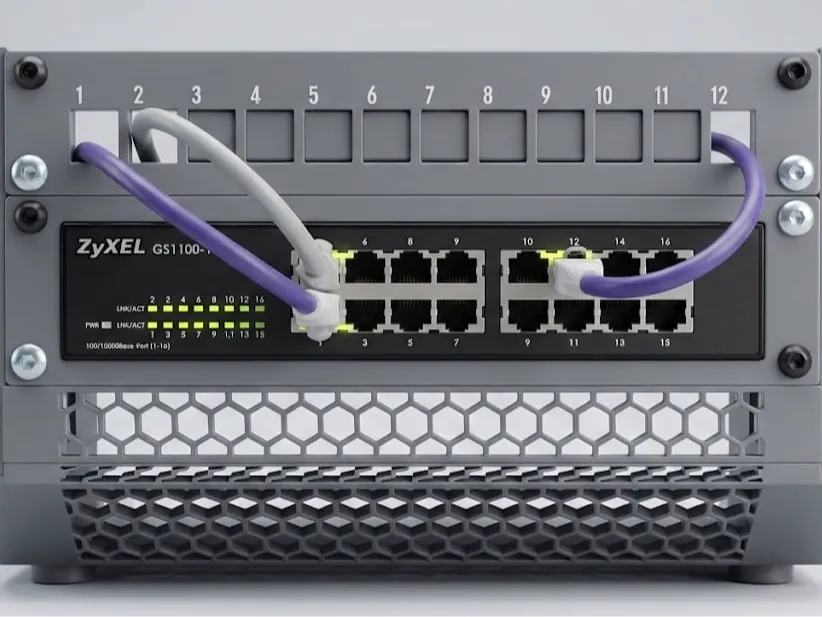
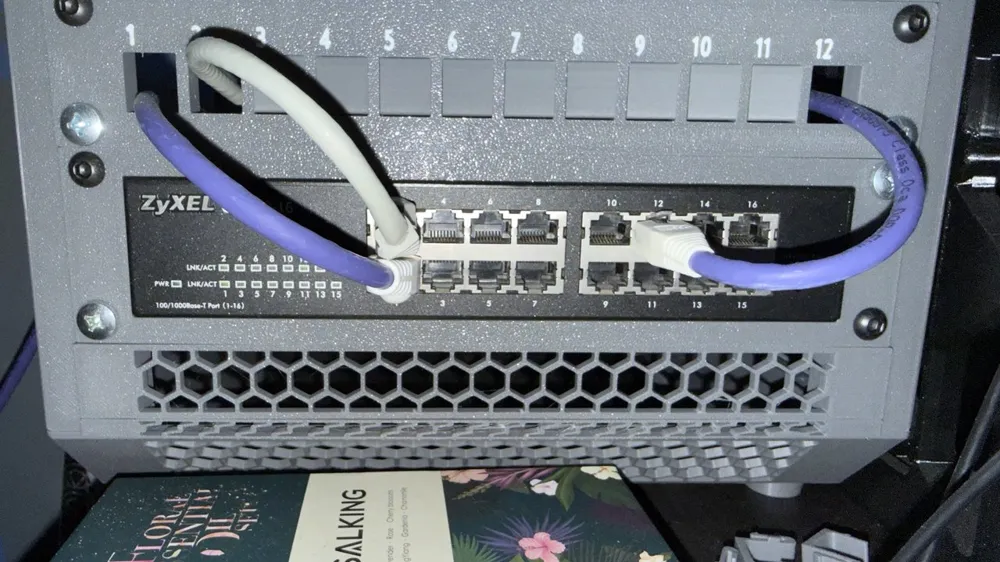
10" rack mount - Zyxel GS-1100-16
IP Report
Print Profile(1)
0.16mm layer, 2 walls, 15% infill
Designer
1.3 h
1 plate
Open in Bambu Studio
Boost
5
23
0
0
25
12
Released
Description
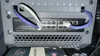
This is a custom-designed rack mount specifically engineered to house the Zyxel GS1100-16 switch. While it was designed with the RaxLab rack in mind, its dimensions follow the standard 10-inch form factor, making it compatible with any standard 10" rack.
Design Highlights
- Perfect Fit: Tailored specifically for the GS1100-16 chassis, ensuring a snug fit that keeps the device secure without the need for complex brackets.
- Full Visibility: The design ensures that all 16 ports remain easily accessible and the status LEDs (Power and Link/Activity) remain fully visible for quick troubleshooting.
Recommended Print Settings
- Material: PETG, ABS, or ASA are highly recommended. Network switches generate constant heat, and PLA may warp over time in an enclosed rack environment.
- Wall Count: 3 or 4 perimeters for structural integrity around the mounting ears.
- Infill: 20% - 25% (Gyroid or Grid pattern).
- Supports: Not needed at all
Installation Instructions
- Slide the Zyxel switch into the main housing.
- Using 2 M2 screws, secure the mount to the switch.
Mount the assembly to your RaxLab or standard 10" rack using standard M6 screws.
License

This user content is licensed under a
Creative Commons Attribution-Noncommercial-Share Alike


Comment & Rating (0)