Search models, users, collections, and posts

Golf StickAlign Pro V2
Print Profile(4)

All
A1 mini
H2S
X1
H2C
X1 Carbon
A1
P1S
H2D
P2S
X1E
P1P
H2D Pro
X2D
A2L

0.4 nozzle, 6 plates for different print options
Designer
10.9 h
6 plates
4.9(18)

ADDED DEGREE SYMBOL, A1 and P2S print size
Designer
7.9 h
2 plates
4.5(4)

0.2 nozzle, 6 plates for different print options
Designer
37.5 h
6 plates
4.7(3)

ADDED DEGREE SYMBOL, A1 mini print size
Designer
8.8 h
4 plates
5.0(2)

Open in Bambu Studio
Boost
201
813
43
21
841
563
Released 

Description

Added new printing profiles with the degree symbol included in the numbers !


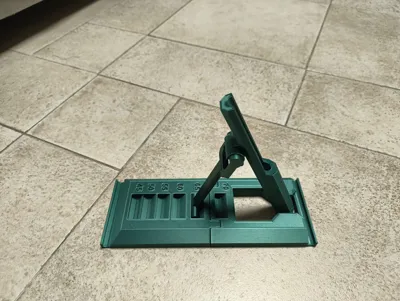
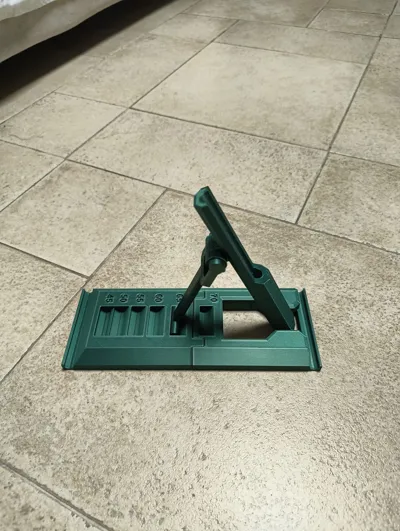
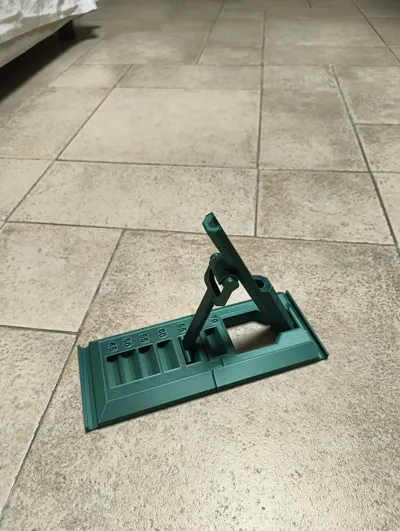
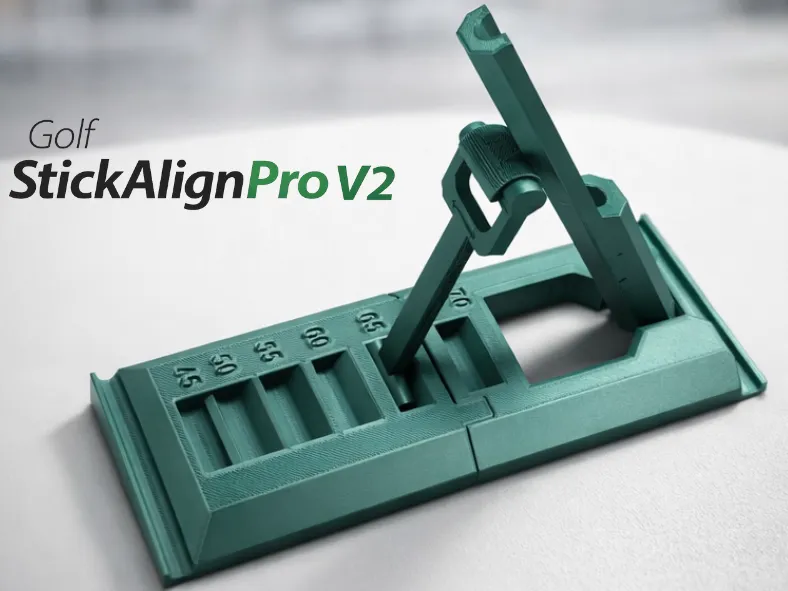
Golf StickAlign Pro V2 – Build a Natural, Repeatable Swing
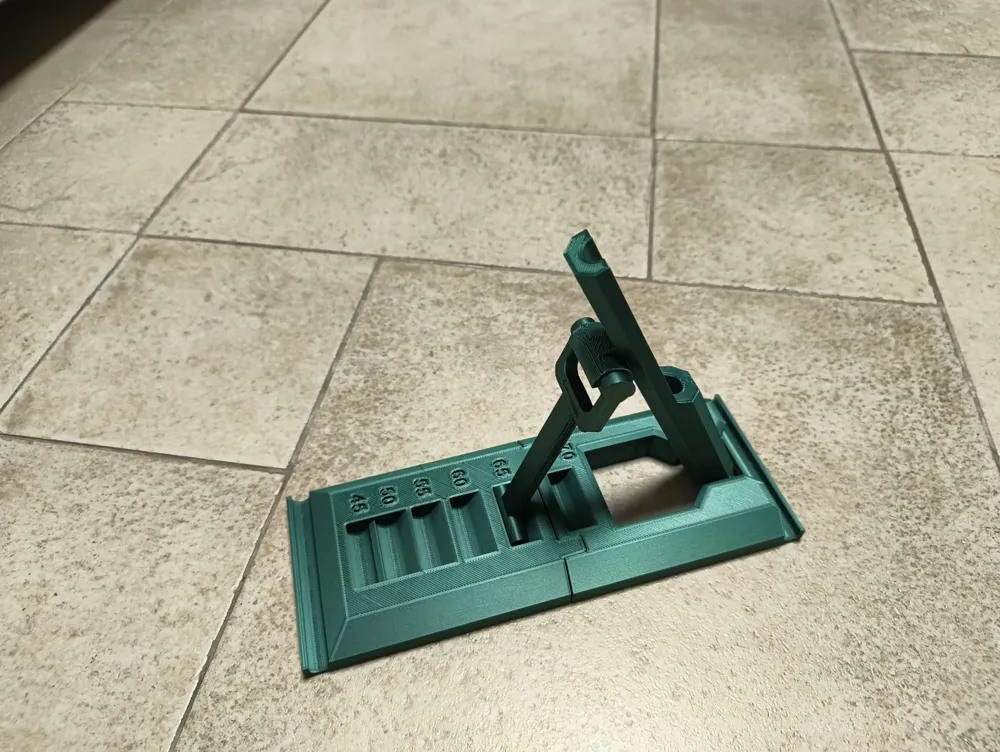
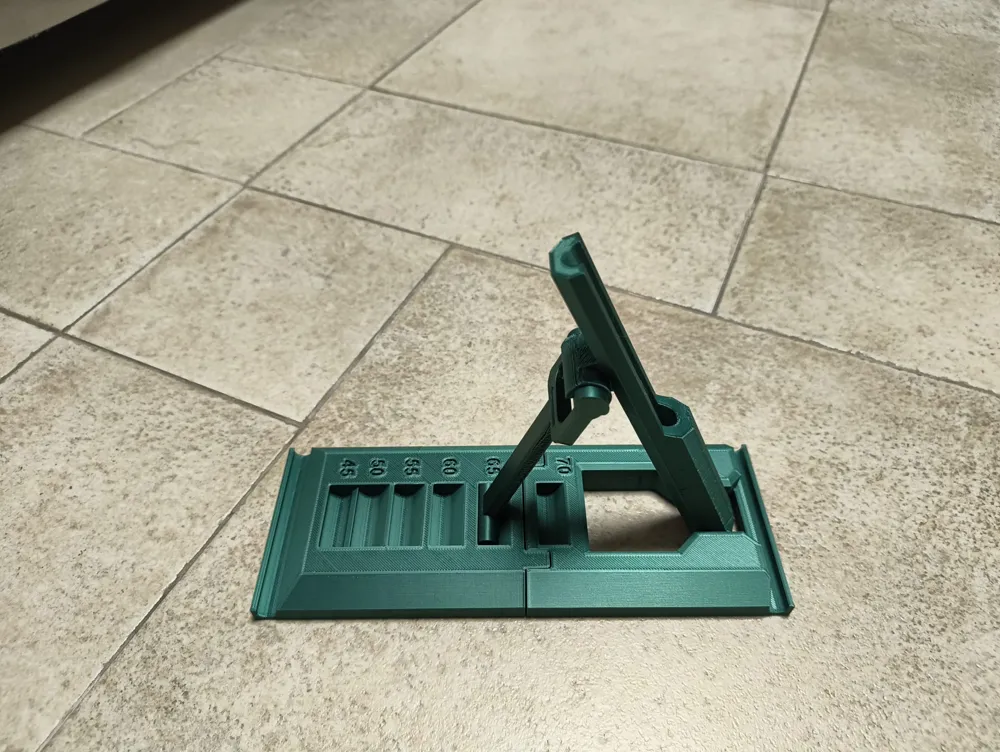
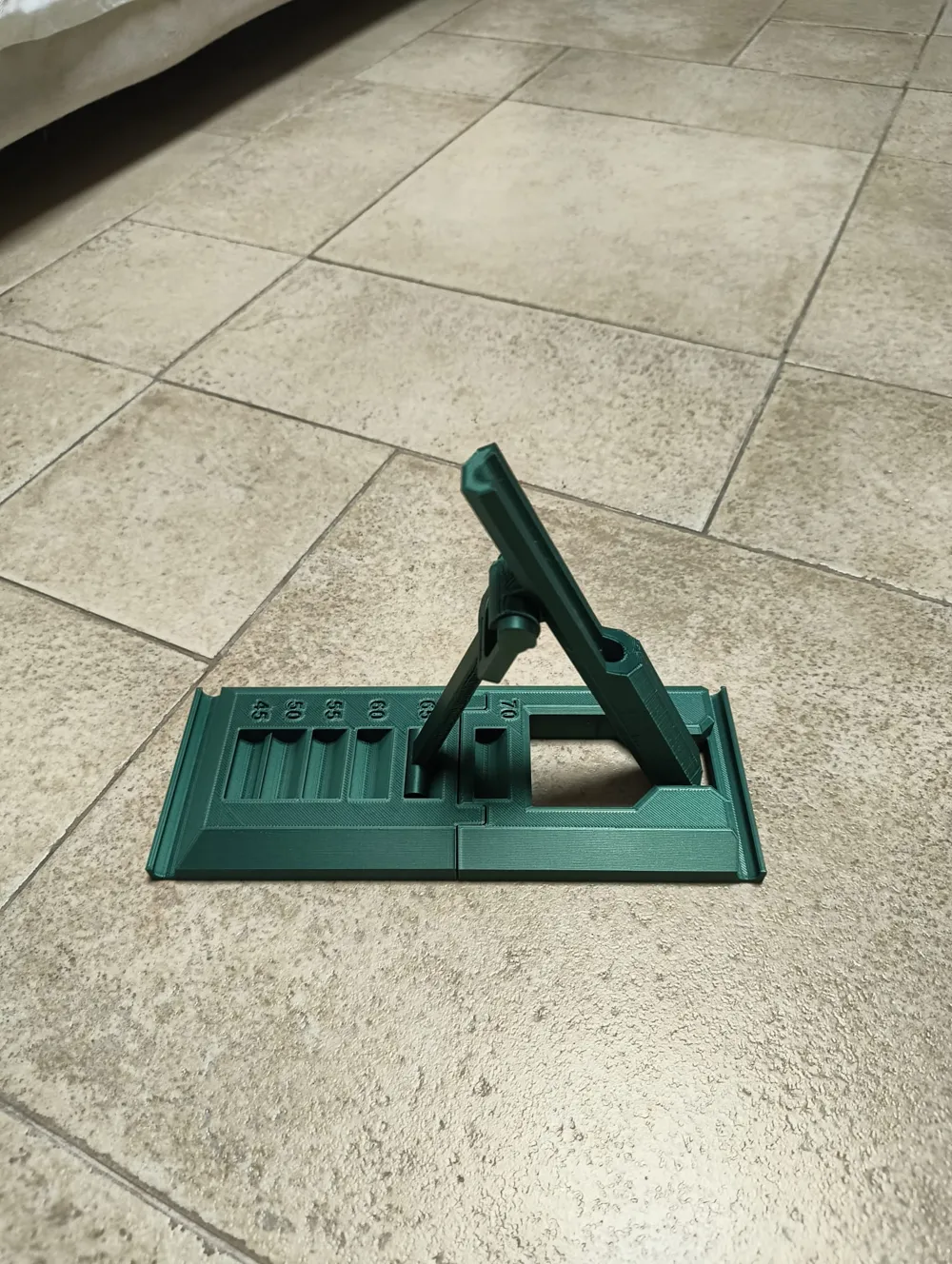
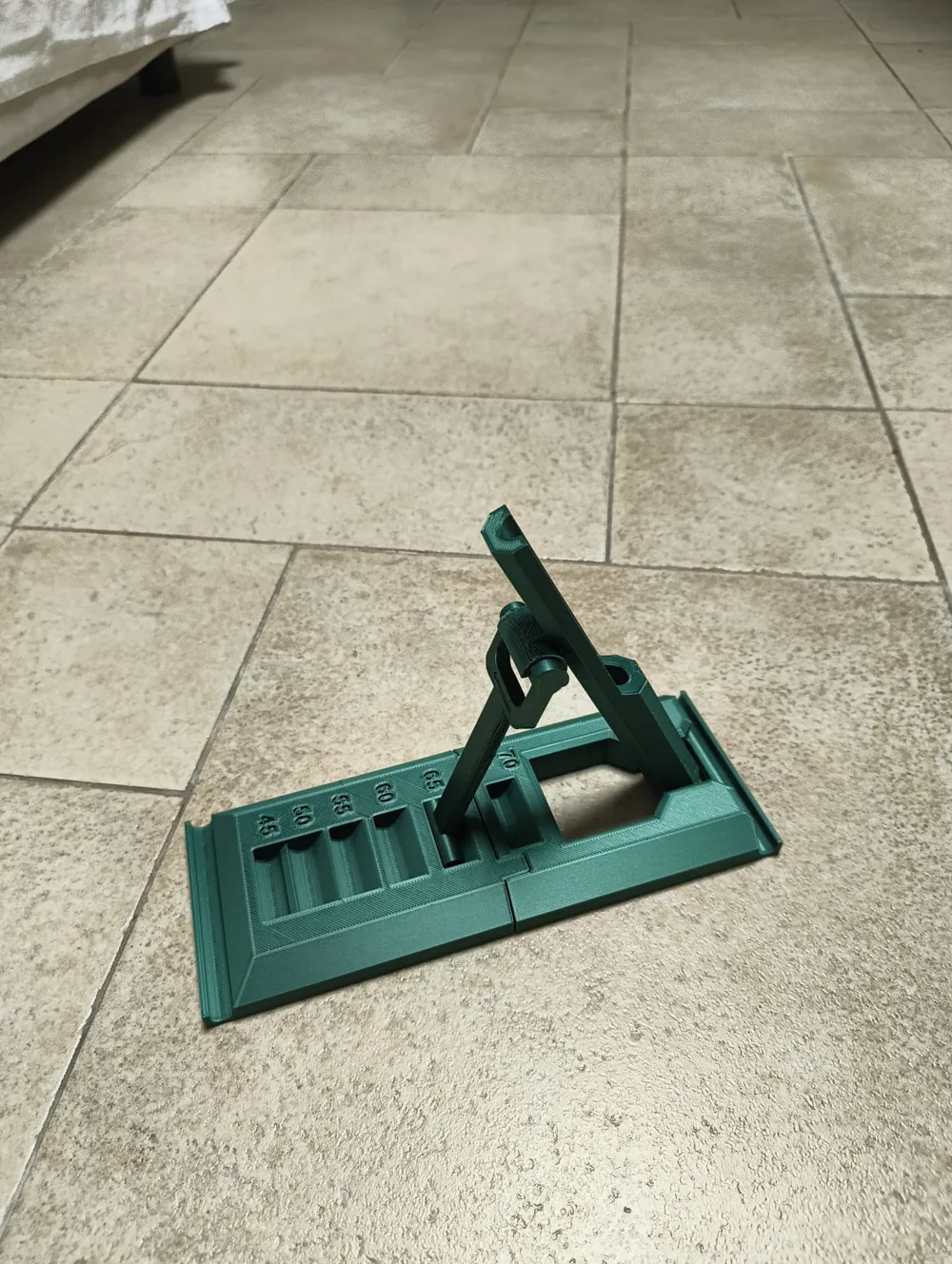
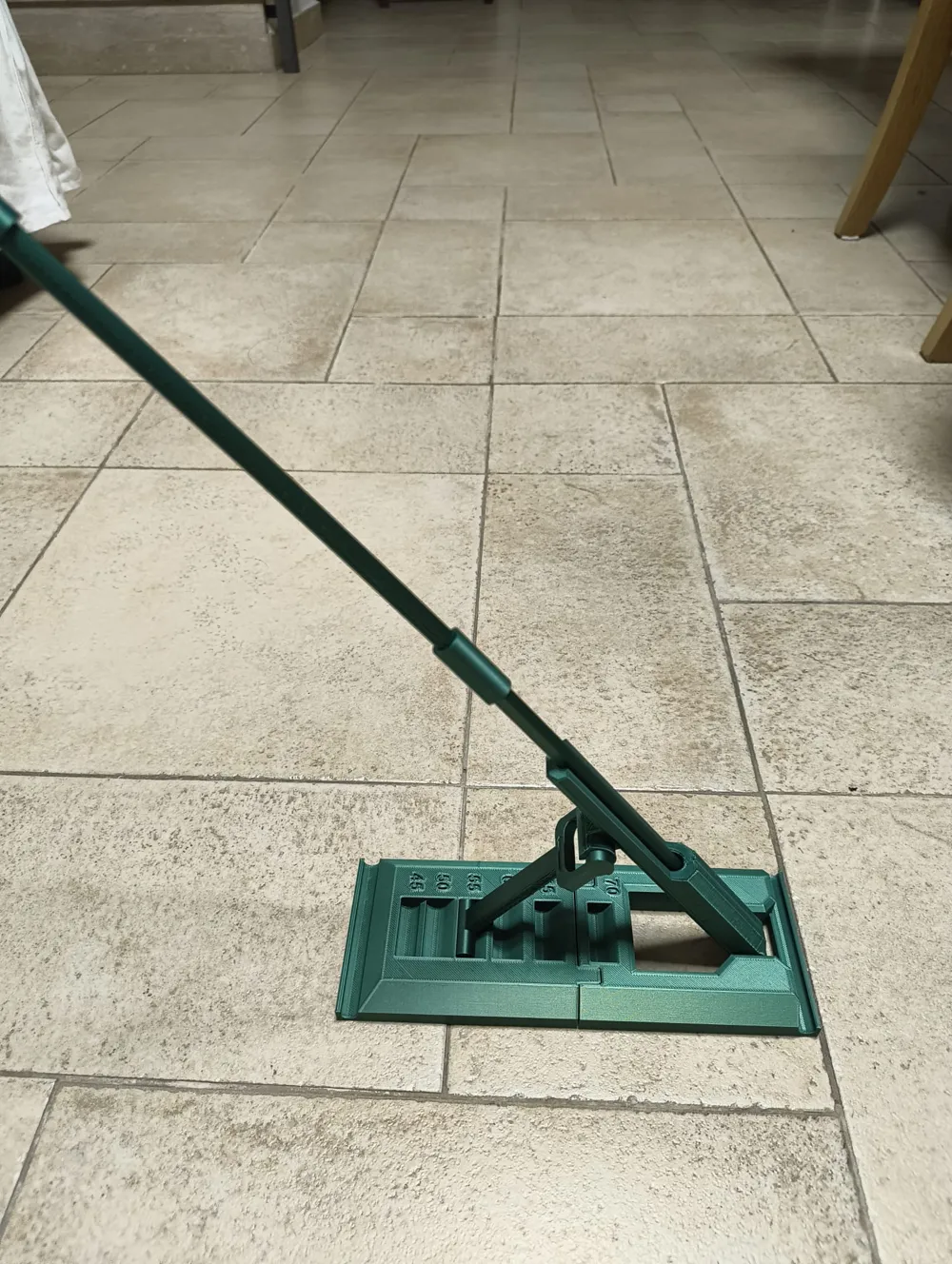
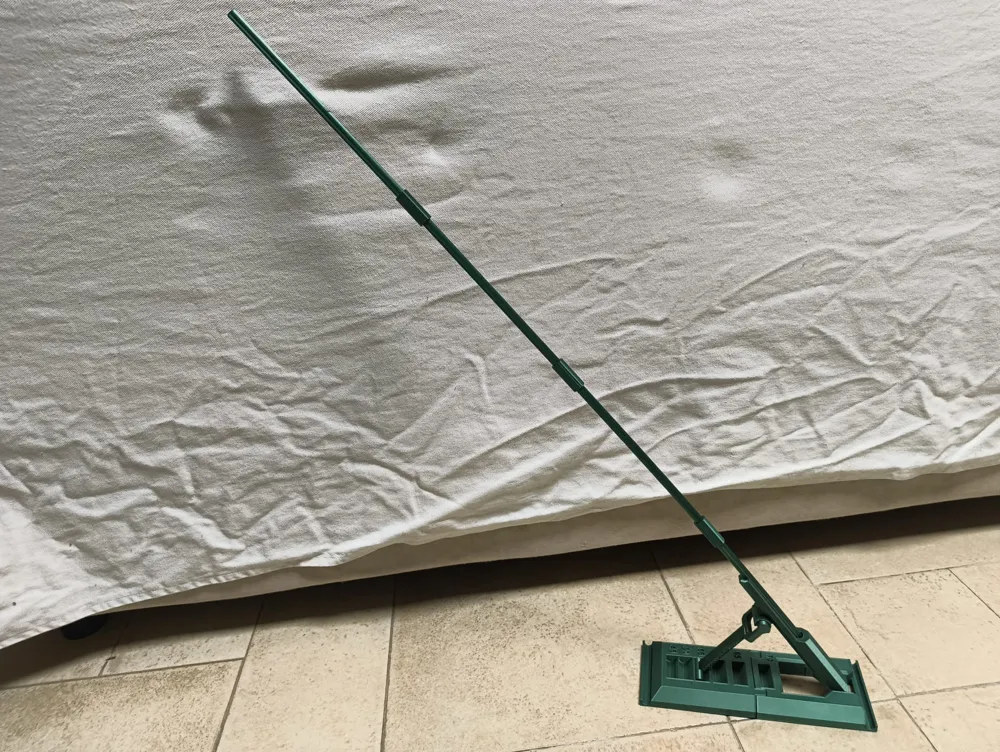
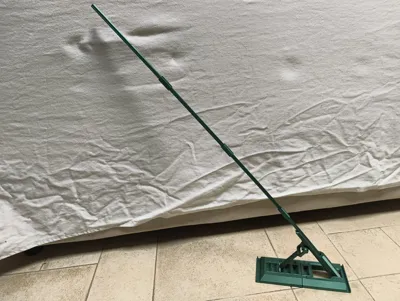
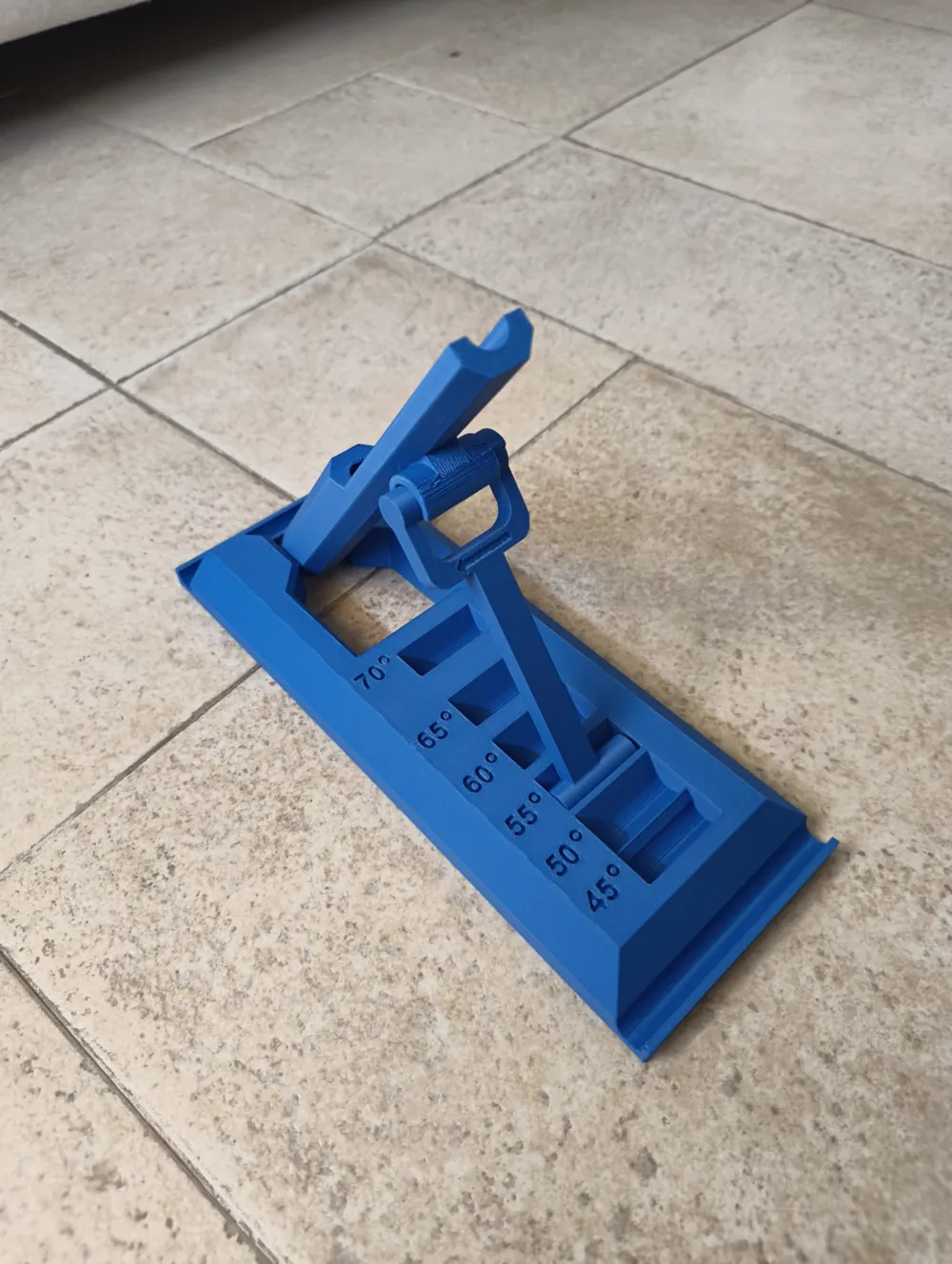
Golf StickAlign Pro is a precision-designed golf training aid created to guide your club through a natural inside-to-out swing path, helping you eliminate slices and develop a consistent, repeatable motion.

By providing a clear physical reference during your swing, StickAlign Pro keeps the club on the correct plane, promoting proper face control and improved ball striking. Whether you’re practicing indoors on a mat or outdoors at the range, this trainer helps turn correct mechanics into muscle memory.

Designed with adjustability and stability in mind, Golf StickAlign Pro adapts to different swing paths and training needs, making it suitable for golfers of all skill levels.

Key Benefits

  • Encourages a natural inside-to-out swing path
  • Helps eliminate slices and improve shot consistency
  • Builds repeatable swing mechanics
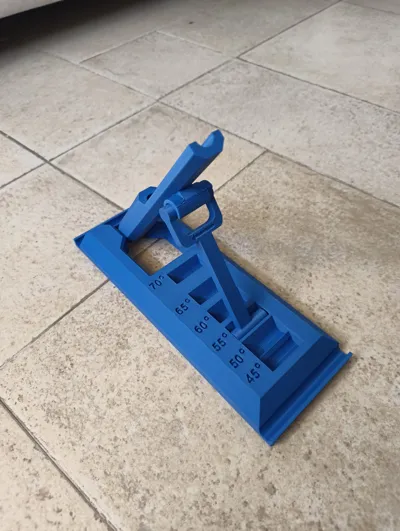
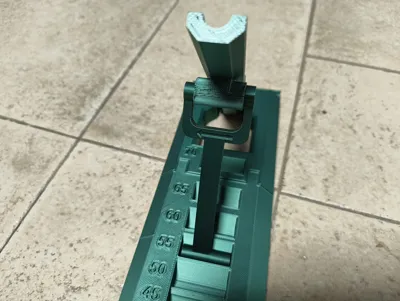
  • Adjustable angles for progressive training
  • Stable, compact, and optimized for 3D printing

Train smarter, groove the right motion, and bring consistency to your swing with Golf StickAlign Pro.

Improvements in Version 2

Compared to the previous version, the following upgrades have been introduced:

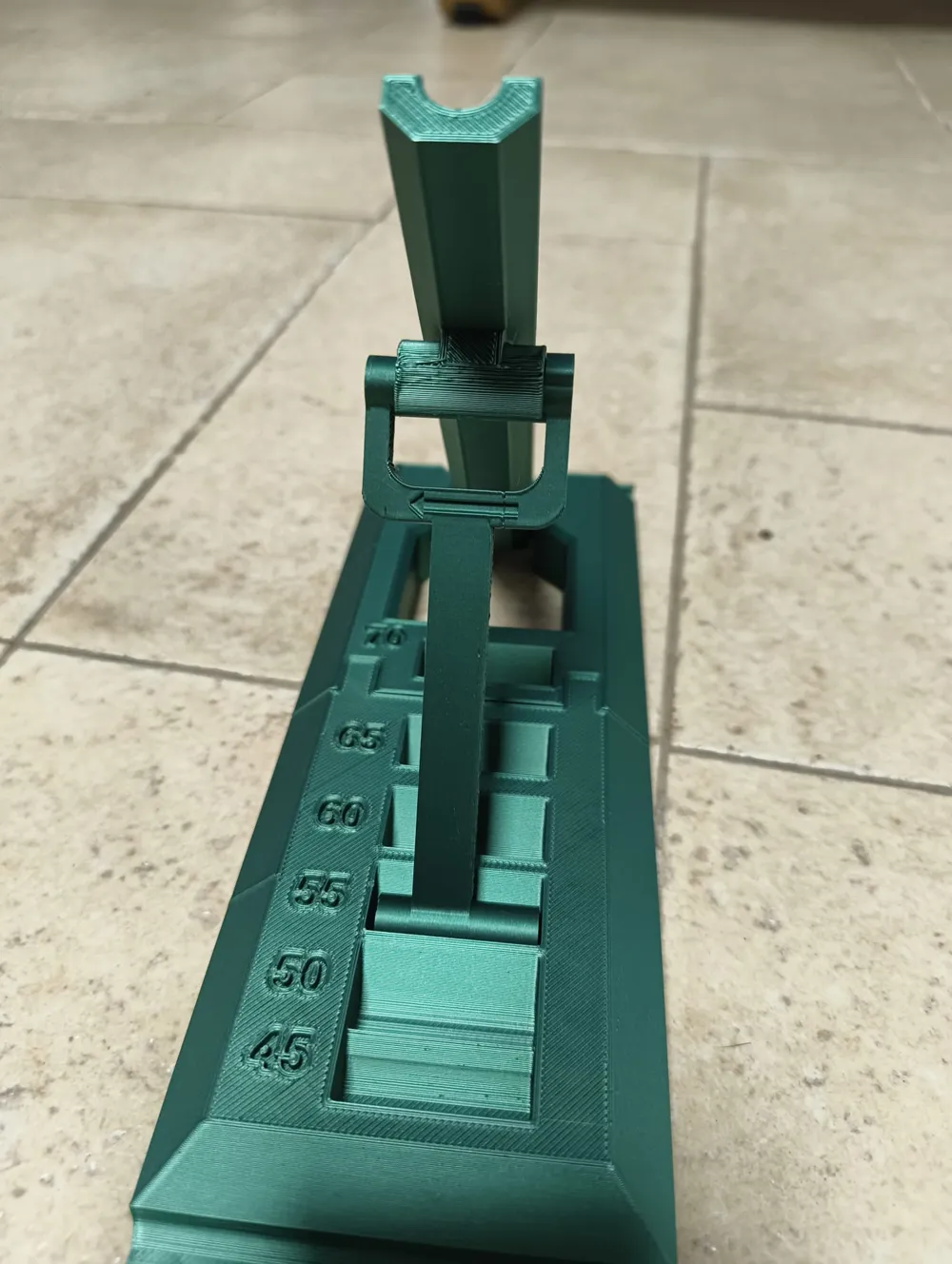
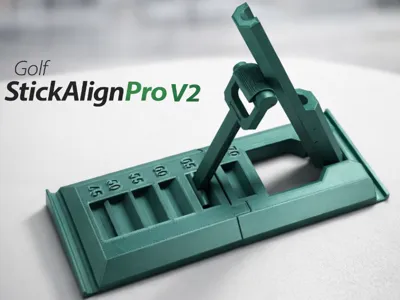
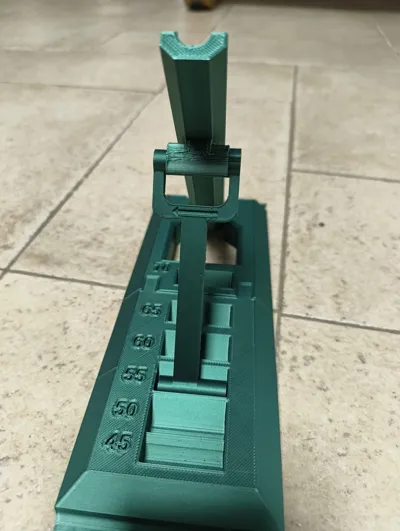
  • Added a front alignment slot for improved directional training
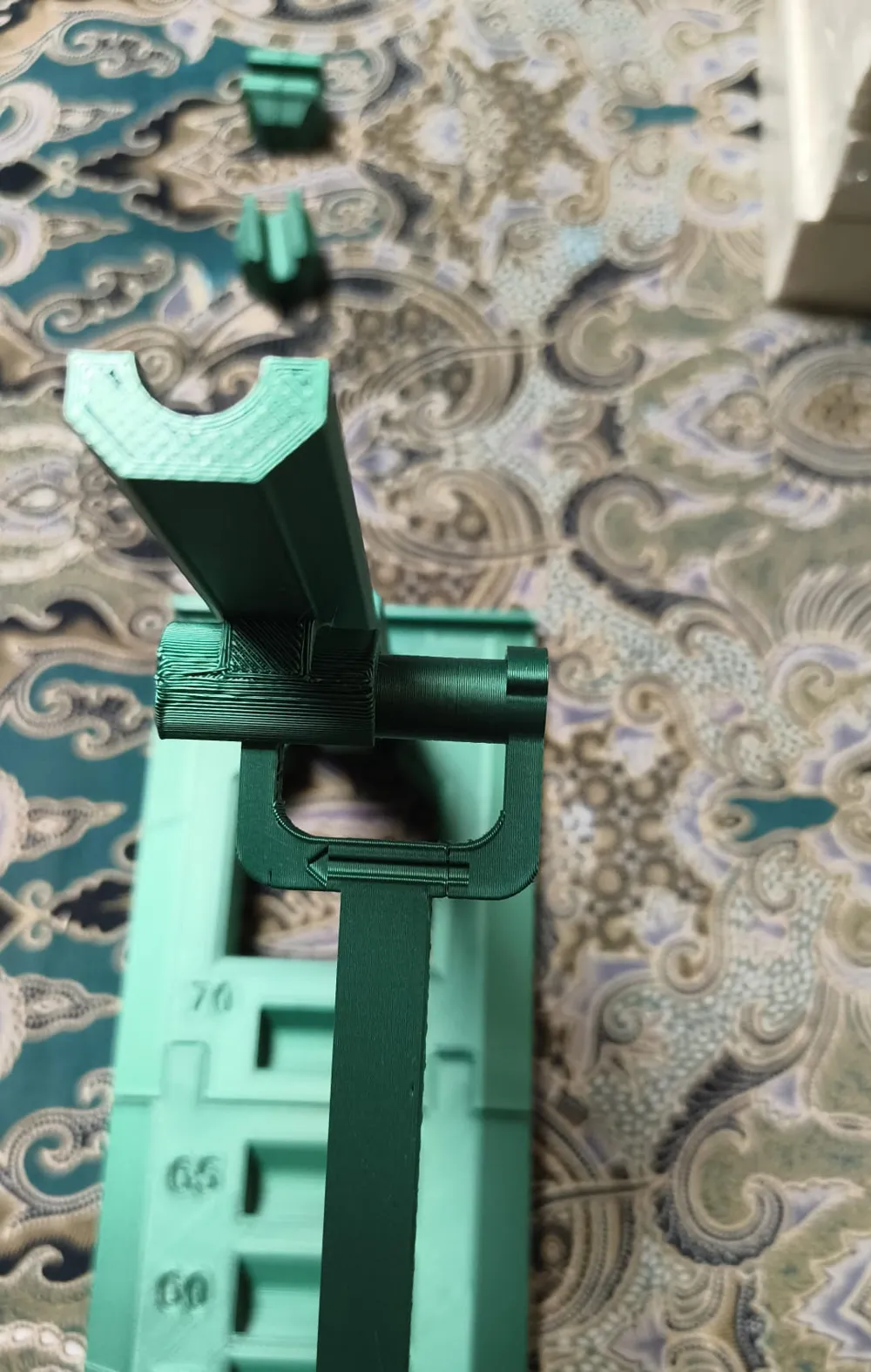
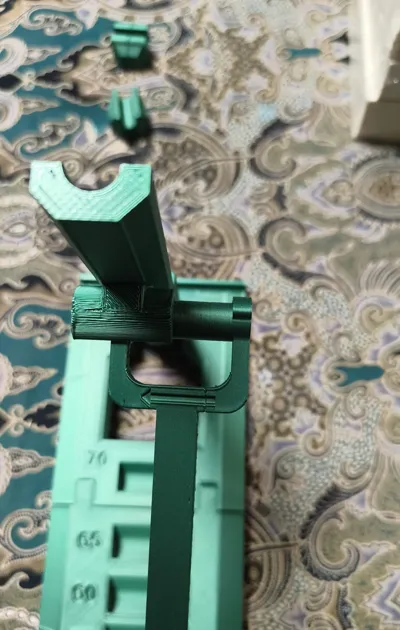
  • Redesigned stick holder with better rotational fit
  • Improved stability — no slipping even with heavier sticks in all configurations
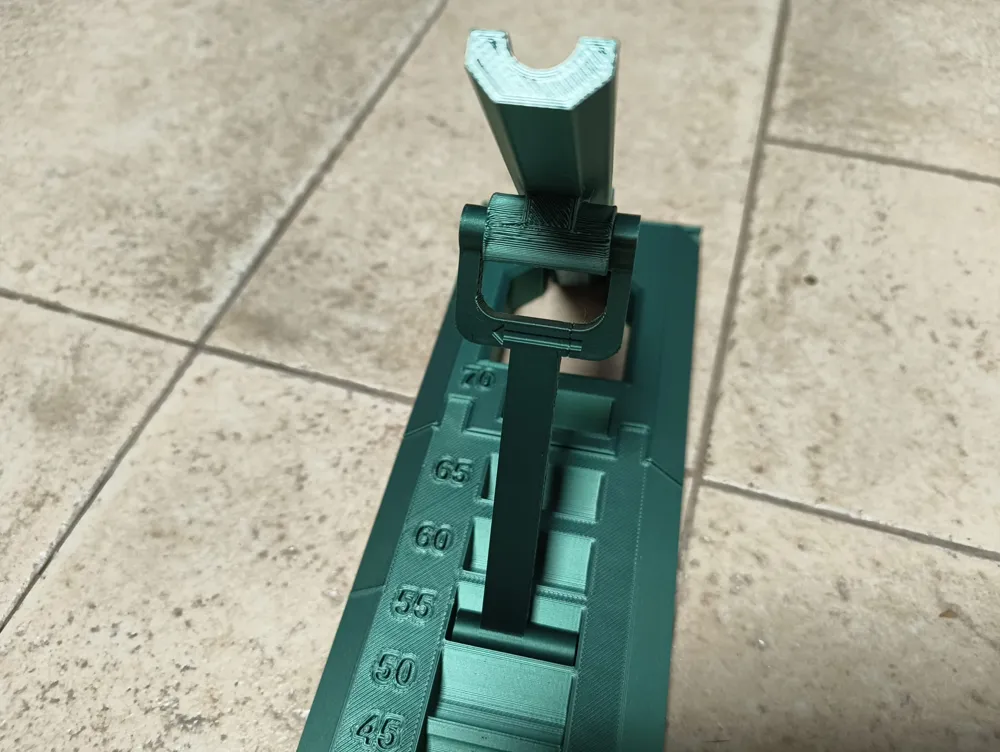
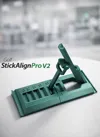
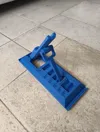
  • Asymmetrical holder for easier and cleaner 3D printing, featuring a directional arrow for proper insertion (see images)
  • Optimized infill in the split-base version to better counterbalance stick weight
    (You can increase rear base infill to 18–20% instead of 15% if needed)

Suggestions

In the printing profiles labeled ‘ADDED DEGREE SYMBOL’, the degree symbol is added to the numbers


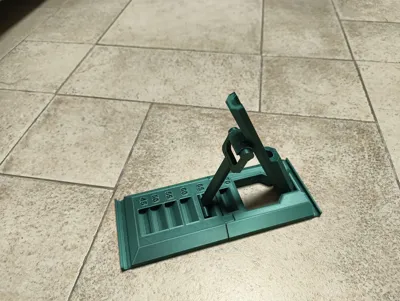
In the included .3mf file, you will find two base options:

  • A two-piece base
  • A solid one-piece base

Choose the version that best fits your printing preferences and training setup.

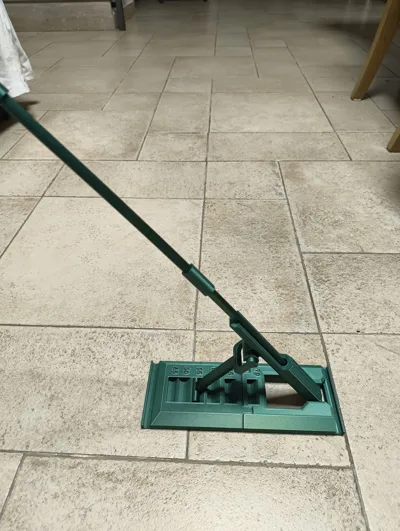
Golf StickAlign Pro is designed to work with standard/generic golf alignment sticks:

  • One or two sticks for front directional alignment
  • One stick for swing path training

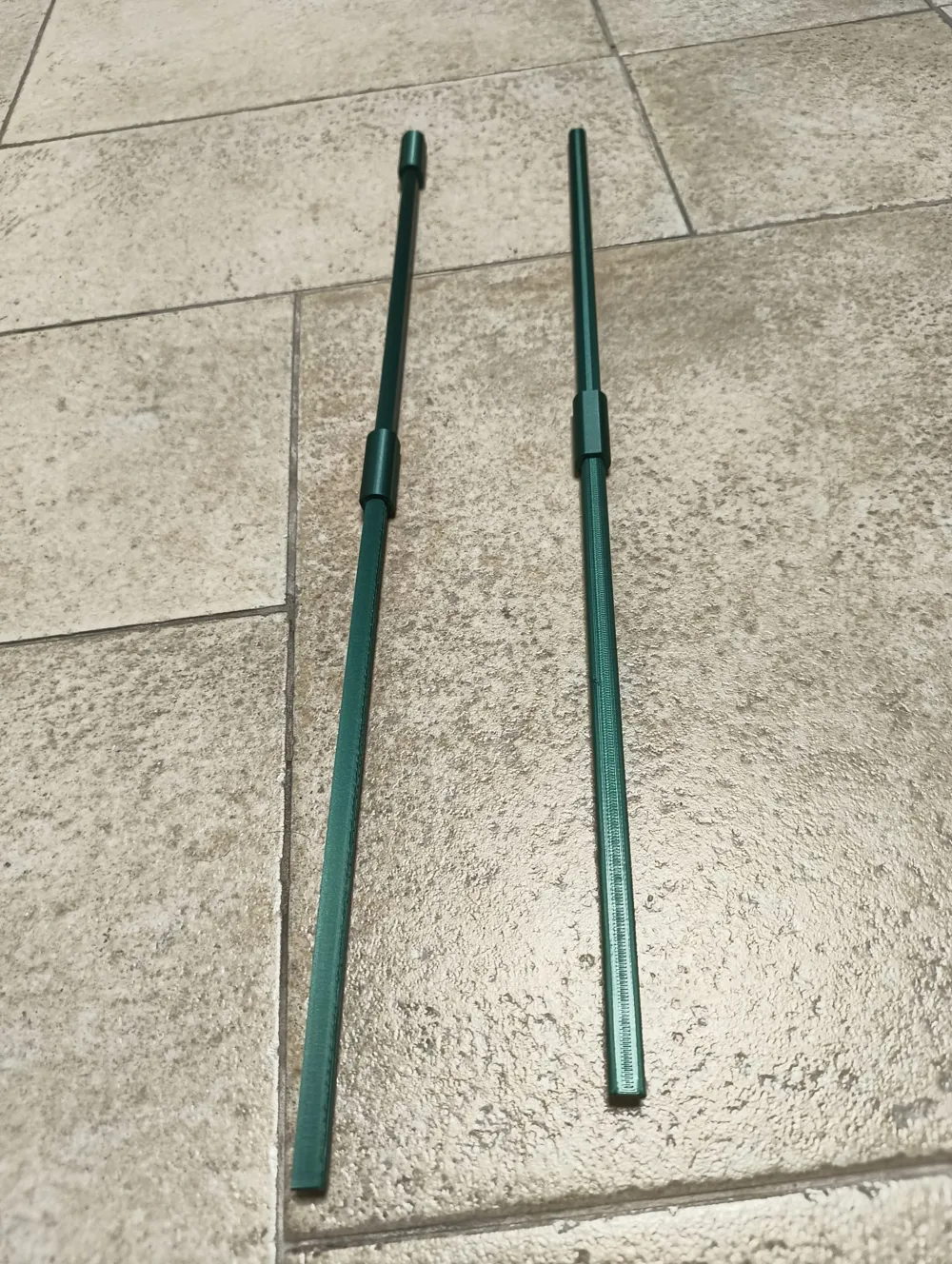
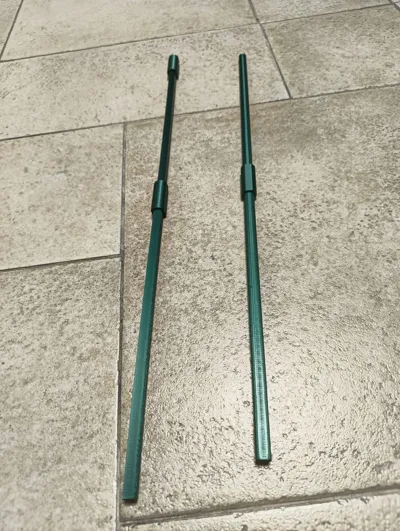
If you don’t have a golf alignment stick, you can 3D print a compatible one (see last images) here:
https://makerworld.com/it/models/1933320-golf-alignment-stick#profileId-2075646


I will soon upload gifs of the tool in use!!

If you have any questions or encounter any issues, feel free to reach out.

Comment & Rating (43)

(0/1000)

Print Profile
0.4 nozzle, 6 plates for different print options
nice print. could use a little more stability on the base. the weight of the alignment stick almost makes it fall forward, even with 2 alignment sticks on the base
The profile uploader has replied
0
Reply
thanks for the review! I recently found out not all alignment sticks have same weights so I will soon add a system to add weight to balance the print during training!
(Edited)
1
Reply
Boosted
Awesome model - really clean print, snap fit with the alignment sticks, just what my golf game needs. Thanks!
The designer has replied
0
Reply
I’m so happy to hear you like the print!! I hope your golf game likes it too 😄⛳
0
Reply
Print Profile
0.4 nozzle, 6 plates for different print options
printed as expected. thank you.
0
Reply
Print Profile
ADDED DEGREE SYMBOL, A1 and P2S print size
Love this print. Super Easy and the Degree addition is a good touch. Definitely is forward weight heavy, so you need a second alignment in the perpendicular slot stick to keep it from falling over. I'm almost wondering if printeing the back half in 100% infill would be heavy enough. Or leaving space in the bottom for actual weights.
(Edited)
0
Reply
great model. I found I needed to get hollow tubing because normal alignment sticks in the US are too heavy. but way better than the brick. Lighter, something I can keep in my bag.
The designer has replied
0
Reply
Sorry to hear that! I tested the model using the alignment sticks we commonly use here in Italy, so I assumed they were pretty similar everywhere. Thanks for pointing this out — I’ll look into it further and see how I can adjust the design to work well with US sticks too
1
Reply
Boosted
Is there any reason why this version uses a 0.2mm print nozzle when the previous one uses the standard 0.4mm? are you planning to release a 0.4mm compatible version?
The designer has replied
0
Reply
No particular reason for the nozzle difference — I just forgot I had only uploaded the 0.2 version. The 0.4 version is up now too. Thanks for catching that!
1
Reply
Boosted
Replying to @ervitto :
Awesome, thanks! Looking forward to printing this tomorrow :)
0
Reply
Are the angles solely for reference or are there certain angles to use for certain clubs?
The designer has replied
0
Reply
Hey! There isn’t a strict one-to-one correspondence between angles and specific clubs. Generally, smaller angles are used for longer irons, while larger angles are more suited to shorter irons. That said, it also depends on how much you want to challenge yourself in terms of swing correction.
0
Reply
Many thanks for the model What angle for what club ?
The designer has replied
0
Reply
There isn’t an exact correspondence — it mainly depends on how much you want to force the swing correction. Generally, the lower angles are used for the driver, hybrids, and woods, while the higher angles are intended for irons. Personally, I use the lowest setting only for the driver and the highest one only for pitching and sand wedges, while the intermediate settings are used for the remaining clubs.
0
Reply
Great print! Came out flawless using Sunlu PLA Meta with standard print settings. For sure easier to transport than the other training aids I have that use the angled slots. One thing that would be great to have would be a way to fold it flat for transport. As is, you can take the angled shaft arm off and fold up, but afraid that over time the PLA will relax and the fit will be loose. Haven't thought much about how, but if I think of a way, I'll follow up. Great job!!
1
Reply
why is the print time much longer than the previous version
The designer has replied
0
Reply
I explained in the description, there are many different plates, you don't have to print all the plates, you can choose your preferred printing configuration, the real printing time in almost the same as before
0
Reply

License

This user content is licensed under a Standard Digital File License.

You shall not share, sub-license, sell, rent, host, transfer, or distribute in any way the digital or 3D printed versions of this object, nor any other derivative work of this object in its digital or physical format (including - but not limited to - remixes of this object, and hosting on other digital platforms). The objects may not be used without permission in any way whatsoever in which you charge money, or collect fees.